On July 2, 2026, Zoom signed on to acquire Common Room, the company that gives revenue teams a person- and account-level read on buyer intent for customers like Atlassian, Anthropic, Autodesk, Notion, Okta, and Snowflake. Zoom hasn’t said what it’s paying, and it’s aiming to close within weeks.
On its own, that’s a headline. What makes it worth ten minutes of your time is everything sitting underneath it. This is the third independent GTM signal company folded into a bigger revenue platform in about a year, and Zoom itself has a documented, split track record on what happens next to a company it buys. One outcome, and the product you rely on keeps running exactly as it did the day before the announcement. The other, and it quietly stops existing within eighteen months.
If you run a DevTool GTM or content team, and especially if Common Room is already part of your stack, this is that story written for you specifically: what Zoom actually bought, what its own acquisition history predicts happens next, the part of this deal almost nobody covering it seems to have noticed, and a straight, non-salesy look at where Common Room and its alternatives stand today.
Not planning to read this top to bottom? Fair. Here’s where to jump:
The two-minute recap: what Common Room actually is, and why Zoom wants it
Zoom, déjà vu edition: two past acquisitions, two opposite endings, and what that predicts for Common Room
The angle most of them are skipping: what actually changes when your buyer writes code for a living
Should you be worried, and what to do either way: read this if you’re a Common Room customer
The lineup of Common Room alternatives:Reo.Dev, UnifyGTM, 6sense, and Clay
Frequently asked questions
What Common Room actually is
Common Room started in 2020 in Seattle, founded by Linda Lian, Tom Kleinpeter, Viraj Mody, and Francis Luu. It raised roughly $52.9M from Index Ventures, Greylock, and Madrona.
It started as a tool for tracking GitHub and Discord mentions. Over time, it grew into a full person-level and account-level read on buyer intent, pulling in community activity, product usage, and review-site signal. Building something Atlassian, Anthropic, and Snowflake all rely on is real work.
On July 2, 2026, Zoom signed a definitive agreement to buy it. In its own words, Zoom describes the deal as “a natural extension of Zoom Revenue Accelerator,” the product it built to listen in on and score sales conversations after a meeting gets booked. Bolt Common Room on, and the pitch is that a rep finds out who’s worth calling in the first place, before that meeting ever lands on a calendar.
Zoom’s track record: Two acquisitions, two different outcomes
That’s a clean-sounding thesis on paper, and whether it plays out that way is a separate question.
Zoom bought Workvivo in 2023. It kept its name, its team, its product, and later became Meta’s own migration partner when Workplace shut down, about the strongest outcome an acquired product can get.
Zoom bought Solvvy the year before that, and it went the other way entirely, folded into Zoom Contact Center as a feature until the standalone product stopped existing.
From what I noticed, the variable that seems to matter is buyer overlap.
Workvivo’s buyer (HR) barely touched Zoom’s core buyer, which is likely why it kept running its own way.
Solvvy’s buyer was a support leader who was already a Zoom Contact Center customer, and that overlap is likely why it got pulled inside.
Whoever signs off on Common Room tends to be the same person who already champions Revenue Accelerator, which leans toward the Solvvy path. Worth watching, not a verdict.
What’s the part nobody is writing about
Common Room is the third GTM signal shop in about twelve months to lose its independence to a bigger revenue platform.
Clari and Salesloft combined their forecasting and sales-engagement products in December 2025, calling it a unified “Predictive Revenue System.”
Apollo bought Pocus in March 2026 to build what it calls an “AI-native GTM operating system.”
A parallel version of the same story is playing out one lane over: Salesforce bought Qualified, then Fin, and HubSpot just picked up Warmly in June 2026.
Aimdoc, which has no stake in any of these deals, called it “the system of record buying the system of action.”
I’d put it more bluntly: everyone who owns the database is now buying the thing that watches what buyers actually do, because building that watching-layer from scratch takes years and buying it takes a term sheet.
Why every DevTool GTM team should be paying attention to the acquisition pattern
Buyer-intelligence platforms, Common Room included, are built to tell you who’s paying attention.
They were never built to explain why.
A star on a repo, a Slack mention, a pricing-page visit all tell you something lit up on a dashboard.
None of them tell you which blog post, which comparison page, which three-paragraph explainer in your docs actually moved that developer from curious to convinced.
That’s the layer we live in for a living, and it’s the layer this whole acquisition wave keeps skipping past.
It’s also a layer that’s changing shape faster than most GTM stacks can see. We wrote about this earlier in 2026: AI-referred sessions grew 527% year over year in the first half of 2025.
Our own 2026 developer marketing survey found 62% of dev marketing teams growing content budgets this year, with content ranking as the second-highest investment priority industry-wide.
Translate that into what actually happens on a Tuesday: a developer asks Cursor or Claude which auth library to use, or has an AI agent query your API reference through MCP before they’ve looked at it directly themselves.
That interaction can shape a buying decision completely, and it never shows up as a page view, a form fill, or, as far as we can tell today, a signal in Common Room or most of what’s competing with it.
Package installs, CLI activity, section-level documentation engagement, and AI agent evaluation through MCP are a genuinely different signal category from community and social monitoring, and it’s a category almost nothing in this acquisition wave has a dedicated answer for yet.
You can own every signal in the world and still be flying blind on the one question that actually matters, why anyone converted in the first place.
Should Common Room customers be worried?
Honestly, most shouldn’t be.
If your buyers live in general community engagement, review sites, and broad product usage, rather than package managers and terminals, Common Room’s breadth is a real strength, and that doesn’t change because Zoom now owns the cap table.
Whether Common Room keeps its Workvivo-shaped independence or its Solvvy-shaped absorption is genuinely unknown right now, and I’d be skeptical of anyone claiming certainty about it this early.
Where it’s worth a second look: if developer-native technical intent, installs, CLI activity, documentation engagement, AI agent evaluation, is the thing your funnel actually runs on, that layer was never Common Room’s specialty even before Zoom entered the picture.
What should you do if you’re using Common Room
Nothing about this deal forces a decision by Friday.
Integrations don’t get ripped out and roadmaps don’t get rewritten in the week after a press release goes out, whatever the urgency of some LinkedIn posts might suggest.
Still, doing a bit of homework now beats scrambling later once a feature you rely on quietly vanishes from a roadmap. A few things worth doing now:
Check what your analytics can actually see
If a developer’s AI assistant fetched your docs through MCP this week, does anything in your stack know that happened? For most teams right now, the honest answer is no.
Trace your best-performing content back to the signal it produced
A tutorial that drives installs and CLI activity is doing different, often more valuable, work than one that drives page views alone, and most content reporting can’t currently tell the two apart.
If you run Common Room today, be honest about which of its jobs you actually use:
Community monitoring, general account context, or something closer to developer-specific intent.
They’re not the same job, and they don’t need the same answer.
Ask whoever produces your technical content whether they’re thinking about the AI fetch layer at all
A lot of DevTool teams are still briefing content the way they did in 2022: for a keyword, for a human reader, measured by page rank.
That’s a real gap regardless of what happens to Common Room.
If that last audit point turns up a hole, that’s a conversation worth having either with us or with whoever owns your developer intent stack.
Common Room alternatives worth evaluating
Say an engineer at one of your target accounts has spent the last few weeks quietly evaluating you: pulled the package, had Cursor read your API reference twice while debugging an integration, and has your SDK running in staging right now.
None of that took a single website visit.
To UnifyGTM, 6sense, or Clay, that account doesn’t exist yet, not because any of them are bad at their jobs, but because none were pointed at this layer to begin with.
If your GTM stack has ever felt a step behind your best accounts, this layer is usually why, and Reo.Dev is the platform we’ve seen built specifically around it.
The case holds up in numbers, not adjectives: run a shared 35,000-contact list through a general-purpose identity engine and it resolves a GitHub profile for about 15 in 100 contacts.
Run it through an identity graph built around developer signals, GitHub handles, package registries, cloud sign-ups, and that climbs to roughly 4x, the difference between knowing who your engineers are and guessing at most of them.
It’s also the only platform here with a real answer for AI agents evaluating a product through MCP, a category most GTM platforms, Common Room included, don’t cover yet.
If your buyer sits in marketing ops, none of this should move your shortlist, and that’s a fine place to land.
But if you sell to technical buyers, and you’ve ever shipped genuinely good technical content with no real way of knowing which company’s engineers acted on it, then you should be looking at Reo.Dev.
Frequently asked questions
Is Common Room going away?
Nobody outside Zoom and Common Room can say for certain yet. Zoom’s own track record includes both outcomes: Workvivo stayed independent and became a real success story inside Zoom, while Solvvy got folded into Contact Center and stopped existing as its own product. We will have to wait and see how it unfolds in the coming quarters.
Does this acquisition affect how developers discover DevTool products?
Not directly, but it’s happening at the same time as a much bigger shift: a growing share of developer research now happens through AI assistants and agents rather than a human clicking through search results. That shift changes what content teams should measure and build, independent of who owns Common Room next quarter.
Should every Common Room customer look at alternatives?
No. If your buyer intelligence needs are mostly community and social monitoring, general account context, Common Room remains a legitimate, well-built option regardless of who owns it.
The teams worth prompting to look elsewhere are the ones whose funnel runs on developer-native technical intent specifically, something that was a gap in Common Room’s coverage before this deal too.
What is developer-native technical intent, and how is it different from what Common Room tracks?
Community and product-usage signals capture that someone clicked, starred, or mentioned something.
Developer-native signals, package installs, CLI and CI activity, section-level documentation engagement, AI agent queries through MCP, capture that an engineer is actually building with a product, often weeks before that same engineer ever posts in a community or fills out a form.
Why does a content agency have a take on a GTM software acquisition?
Because the two are more connected than most coverage of this deal treats them.
Buyer-intelligence platforms tell a GTM team who’s paying attention.
They don’t explain what got that person’s attention in the first place, and increasingly, a meaningful share of that attention is happening through AI agents reading content on a developer’s behalf, a layer that’s squarely inside what we watch for a living.
A lot of devtool companies are still writing content the way they did in 2022: optimized for a keyword, structured for a human reader, measured by page rank. That approach made sense when Google was the only discovery layer that mattered, but now AI search can intercept as much as 60% of search traffic from zero-click results.
When a developer asks ChatGPT, Perplexity, or Claude which observability tool to use, your content either surfaces as a cited source or it goes unread. Page rank tells you nothing about the likelihood of your content getting pulled into an AI response. The companies focused on citation authority today will be harder to overtake down the road as AI search becomes the default way devs discover new tools.
This guide gives devtool marketing teams a framework for producing and maintaining technical content that performs across traditional SEO, LLM-driven discovery, and GTM execution.
AT A GLANCE
AI-referred traffic grew 527% in 2025. Developer marketing budgets are following: 62% of teams are increasing investment in 2026, with content ranking as the second-highest priority channel. For devtool companies, citation share in LLM responses now matters more commercially than page rank. This guide explains what agent-ready content is, how to structure it, and how to let developer intent signals shape which topics you build first. This article was co-written by Draft.dev and Reo.Dev
LEARN
The three properties of agent-ready content, a four-part structural framework, and the GTM signal layer that tells you which topics to prioritize
FOR
Developer marketing managers, GTM leaders, and founders running early content programs at devtool companies
TIME
~10 minutes
Table of Contents
Why Does Technical Content Need to Change Now?
AI-referred sessions surged 527% yOy in the first half of ’25. A developer asking an AI assistant about which auth library to use is a buyer-intent signal. If your content doesn’t pop up as a cited source, leads can bypass your funnel entirely. LLMs cite an average of 2 to 7 domains per response, fewer than the ten or so blue links that Google returns. Citation share is now the metric that moves your pipeline.
Page-one rankings now deliver incomplete visibility. Google AI Overviews intercept 58–60% of search traffic through zero-click results, and informational queries see up to a 34.5% drop in click-through rate when AI Overviews appear, according to Draft.dev’s content marketing engine research. If a competitor’s content is cited consistently for queries in your category, the model has effectively pre-sold against you before a developer reaches your site.
Draft.dev’s 2026 Developer Marketing Survey found 62% of dev marketing teams are growing their budgets in 2026, with content ranking as the second-highest investment priority across the industry. And yet, 96% of those same teams have tried AI for content work, but only 7% rate it as ‘very useful.’ The teams winning on AI-referred traffic are winning on structure and strategy, not tooling.
What Does Agent-Ready Content Mean?
Agent-ready content is structured for AI systems to read, extract, and cite it accurately for developer queries. This includes LLMs acting as research agents, RAG pipelines, and AI search engines. It’s a set of structural and semantic best practices you weave into your existing pieces.
Three properties define if content is agent-ready:
Retrievability: The content must be technically accessible to AI crawlers in some way, and not exclusively behind a login or blocked in robots.txt. Provide the asset (or a variation of your gated content) in an available, indexable format.
Extractability: Information must be organized so a model can see it, understand it, and pull discrete facts, definitions, and answers. Short paragraphs, explicit question-format headings, and answer-first structure are the quickest revisions to make here.
Citability:Citability: The content needs to convey authority, both in its structure and in its attribution and specificity. Quantified claims, named sources, and original data are what LLMs love when grabbing results for users. A study of 10,000 real-world queries found that pages with structured lists and inline stats had 30–40% higher visibility in AI responses.
A keyword-stuffed tutorial that buries the example you want to rank for fails on all three of these. A clean, well-structured piece that answers one question per section, leads with the answer, and cites data sources will score well.
“If you are already producing high-quality technical content, the distance between your current content and agentic content is smaller than it looks.” – Karl Hughes, CEO and Co-owner, Draft.dev
How Is Developer Buyer Discovery Changing?
A few years ago, a developer would Google a problem, land on a tutorial, sign up, and leave a trail your team could measure. That model is breaking.
The majority of a developer’s buying journey now happens before any of it shows up in your pipeline, on surfaces a content team can’t measure with search console or pipeline reports: GitHub repos, package managers, docs, CLIs, and IDEs. Two shifts in 2026 are pulling more of the journey out of view.
The AI fetch layer
Developers now ask Cursor, Claude, or Copilot, and the AI fetches docs on their behalf, often through MCP. The answer renders inside the editor, and the developer never lands on the page. Your docs are being read more than ever, and your dashboard is telling you the opposite. SEO traffic and developer discovery used to be the same metric. They aren’t anymore.
The unmeasured developer journey
Most of what tells you a developer is serious never reaches your CRM. A star on your repo. An install of your package. Three engineers from the same company poking at the same docs in a week. A team running your tool in production. These are the moments evaluation actually happens, and almost none of them show up intraditional intent tools built for buyers who research with whitepapers and webinars. The developers most likely to buy are the ones leaving the clearest trail, just not in the places your stack is watching.
What Are the Structural Building Blocks of Agent-Ready Technical Content?
Agent-ready content rests on four structural elements: answer-first openings, question-format headings, high fact density, and schema markup. The GEO-SFE framework found these structural changes improve LLM citation rates by 17% on average across six generative engines.
Answer-first structure
Each H2 section should open with a direct 40–60 word answer capsule, and then elaborate. Research from the November 2025 ChatGPT citation study found that 72.4% of ChatGPT-cited blog posts contain answer capsules, making them the single strongest predictor of LLM citation across all industries. A tutorial that spends three paragraphs on context before answering the user’s query won’t be cited, even if the overall coverage of the content is excellent.
Question-format headings
Each h2 should map to one specific question a developer would actually type into search or an LLM chat. “Setting up authentication” is too broad to be extractable. “How do I implement JWT refresh tokens with rotating secrets?” gives a model something to dig for and to cite. If you can’t picture a dev asking a question that you are trying to answer in your article, rewrite the heading.
Fact density
Aim for at least one main data point, code example, or stat every 150-200 words. Vague prose or cliche-filled introductions won’t get cited. Technical specificity is what earns the reference for AI and devtool niches. A study of 10,000 real-world queries found that pages with structured lists, quantified claims, and inline statistics had 30-40% higher visibility in AI responses than pages without them.
Schema markup
FAQ schema on common developer questions, HowTo schema on tutorials, and Article schema with author credentials all improve retrieval likelihood in measurable ways. Use Google’s Rich Results Test to verify what your URL is doing correctly.
How Do You Structure Pages for Citation?
Content architecture at three levels determines whether LLMs cite your pages. Macro structure (pillar pages, glossaries, FAQs) establishes topic authority. Meso structure (paragraph length, numbered steps, comparison tables) makes content extractable. Micro structure (bold terms, tested code blocks) ensures definitions and syntax surface accurately.
Macro structure: document architecture
Pillar pages create citation authority by covering a topic in depth and linking out to supporting pages on your domain. Glossary pages earn citations by providing clean, authoritative definitions that LLMs can pull without disambiguation. FAQ sections earn citations because their format directly mirrors conversational question patterns.
Meso structure: information chunking
Short paragraphs of 2 to 3 sentences, numbered steps for sequential processes, and comparison tables can all make your writing easier for models to extract. The GEO-SFE research puts the citation rate improvement from structured content at 17% on average across six major LLMs. If a section of your content can’t stand alone as an answer to a specific question, restructure it rather than adding to it and diluting it.
Micro structure: visual emphasis
Bold key terms on first use. Put code in properly opened and closed code blocks with correct (and tested) syntax. LLMs show code examples that actually work, so deprecated practices or broken syntax will erode trust with both readers and AI systems over time. Every header should map to a searchable question. Decorative subheadings that exist only for visual rhythm give models nothing to work with, but use your judgment here to avoid alienating human readers.
How Should GTM Signals Shape Topic Selection?
Keyword-driven roadmaps assume developers still find content through search. They don’t do it anymore in 2026.
A developer evaluating your tool hits a question, asks an LLM, and expects a real answer in seconds. That answer either comes from your content or it doesn’t. Topic selection means mapping the questions developers ask at each evaluation stage and making sure your content is what the model cites.
IDE queries reveal feature-level intent
When a developer asks Cursor or Claude a question from their code editor, that query carries intent most content teams never see. MCP Intent Gateway captures those queries and shows you which features drive the most questions, which use cases need docs, and which pages developers visit before asking an AI for help. That’s your roadmap.
Community patterns surface content opportunities
Developer questions show up in Slack and Reddit long before they reach your support team. Monitoring those conversations surfaces which features drive questions, where competitors enter the evaluation, and which implementation steps generate discussion. When the same authentication question appears across five threads in a week, write a troubleshooting guide. When developers compare your tool to a competitor in comments, write comparison content. When confusion clusters around one step, write an explainer. Signals like these drive topic selection more accurately than keyword volume ever did.
High-performing Pages prove what resonates
Your best-performing pages already show you which questions matter most. Check which pages have the longest dwell time, which tutorials get revisited by engineers from the same company, and which guides precede signups. Those are the questions that move accounts through evaluation. When you write new content, replicate the question format and depth of those high-performers. The goal isn’t more docs. It’s answering the questions that convert.
What Are the Most Common Agent-Readiness Mistakes?
The four most common structural failures are: writing for the article rather than a specific question, refreshing content without restructuring it, treating docs and blog as separate channels, and misdiagnosing keyword overlap as a technical SEO problem rather than a scope problem.
Writing for the article, not the question
An 1,800 word tutorial that drifts across fifteen loosely related sub-questions makes it harder for an AI agent to know what to extract. Each piece should answer one specific developer question in depth, with sub-questions handled as H3s under a clear parent heading. The test here can be as simple as: “Can I name the primary question this article answers?” If you can’t, neither can an LLM.
Refreshing content without restructuring it
Adding a yearly update to your 2021 tutorial doesn’t make it agent-ready, but you can get there by adding answer capsules, a FAQ schema, and converting flat headings to a more question-friendly format. Google’s February 2026 Discover Core Update states that it rewards timely, in-depth content from sites with topic-specific authority.
Treating docs and blog content as separate channels
For devtools, documentation is marketing content. Developers evaluate your product through your docs before they evaluate your pricing page. Agent-ready principles apply to both.
Draft.dev’s 2026 Developer Marketing Survey found content creation is the most commonly outsourced marketing function at 41.9% of teams, which means most devtool companies are paying for volume without controlling for structure. Agent-ready formatting has to be part of the brief you give any external content partner.
Blaming keyword cannibalization for ranking drops
Topic overlap between a tutorial and a comparison page usually means the content scope was never clearly defined. This doesn’t always mean there is a technical SEO conflict to resolve. Map each piece to one specific extractable question before you publish. The cleaner the scope, the more citable the content.
Ready to Build Content That Gets Cited?
If your technical content is well-written but not showing up where developers are looking, the problem is usually structural, not strategic. Draft.dev builds content systems that earn citations and drive developer pipeline, backed by 300+ engineer-writers and a documented SEO and GEO research workflow. See how we work with devtool companies across the full content funnel.
Book a discovery call with Draft.dev to see how this applies to your content program.
Developer evaluation happens across surfaces most content teams can’t track like IDE queries, community discussions, docs engagement, GitHub activity. These signals reveal which accounts are actively evaluating and which topics your content should address first. Reo.Dev connects these signals across 30+ sources to give GTM teams the visibility they’ve been missing.
Book a demo with Reo.dev to see which developers are evaluating you right now.
TL;DR: This quickstart guide walks you through launching a conversion-focused X (Twitter) ad campaign for your SaaS product. The essential steps are:
Account setup – Get X Premium verified and add a payment method
Install the X pixel – Add tracking code to your website and create a signup event
Configure your campaign – Choose web traffic objective with conversion optimization
Set targeting – Use follower lookalikes and keywords to reach your audience
Create 3 ads – Test different copy and images with website cards
Budget at least $50-100/day to generate the 5-10 daily conversions X’s algorithm needs for optimization. Expect 1-2 weeks before performance stabilizes.
👋 Hello!
I’ve managed millions in ad spend over my career and one the most powerful moves I ever made was creating quickstart campaign guides for each ad network.
They helped me start campaigns without having to do much thinking and forced me to keep the base of my campaigns consistent, which made it easier to test campaign changes and new features.
I recently updated my X quickstart guide for 2026 and streamlined it to make it more beginner friendly.
The guide isn’t meant to get you set up with the best campaign possible. It’s meant to get you set up as quickly as possible (with a really solid campaign!).
It’s very opinionated and meant to reduce the amount of choices you have to make outside of your budget, ad copy, and targeting.
Questions about X ads?
If you have any questions about this guide or X ads in general, reach out to me on X.
This guide will help you set up and launch a X campaign for your SaaS product as quickly as possible.
The process in this guide will go faster and be more effective if you have any of the following ready:
A list of influential X users your audience follows
Existing messaging even if it’s just your product’s three strongest selling points
A list of keywords your audience is likely to mention or search for (these need to be more general and on the larger side to work for a X ad campaign)
Audience demographics
Teaching you the X ad interface is not one of my goals for this guide, so I’ve included links that will send you directly to a page or form instead of having you navigate around the interface to get there.
When you have some time after your campaign is launched, you should click around and get to know the interface.
>> Note: When I go through x.com/home to get to the ad interface, I often get distracted by my home feed. If you do too, I recommend adding a direct link to ads.x.com as a bookmark in your usual browser and doing the same for any other social networks you advertise on.
X Ad Basics
If you haven’t seen an X ad before, they are pretty similar to in-feed Facebook and Linkedin ads. Here are the basics to get familiar with:
Types – X allows you to run text, image, carousel (multi-image), and video ads.
Placements – You have the option to show your ads on home timelines, profiles, in search results, around replies, and around X’s media viewer.
Ad engagement – When your ad is liked, retweeted, replied to, or clicked on, X considers it an engagement. Clicks anywhere on the post count, including reposts, replies, follows, likes, post expansions, and clicks on links, cards, embedded media, your username, and your profile photo.
Account eligibility and verification
For your account to be eligible to run ads, you need profile and header photos that are not GIFs and “a functional, live URL in your bio that is not gated, and accurately represents your brand and product”.
You also need to be on a X Premium plan and verified to run ads. First you purchase a plan, then you go through X’s verification process, which can take a few days.
You can find the full list of ad eligibility details here.
>> Warning: Your account will go back through the verification process any time you change your name or profile photo, so nail them down before starting the ad campaign process.
Set up a payment method
We need a credit card set up to pay for ads. To set up your payment method, log into your X and go directly to the “Add a new credit card” form with this URL:
If you’re on the right page, you’ll see the section above towards the top left. Click on “View X pixel” to see your pixel code.
It will look like this:
<!-- X conversion tracking base code -->

<script>

!function(e,t,n,s,u,a){e.twq||(s=e.twq=function(){s.exe?s.exe.apply(s,arguments):s.queue.push(arguments);

},s.version='1.1',s.queue=[],u=t.createElement(n),u.async=!0,u.src='https://static.ads-twitter.com/uwt.js',

a=t.getElementsByTagName(n)[0],a.parentNode.insertBefore(u,a))}(window,document,'script');

twq('config','[insert your pixel id]');

</script>

<!-- End X conversion tracking base code -->
Paste it before the </head> HTML tag of any page you install it on.
I recommend installing it on all public pages on your website so you can capture a larger audience to use with future ad campaigns, but you may have different tracking preferences.
At the least, install it on your campaign landing page and the URL that immediately follows someone signing up for your SaaS product.
First, X has you fill out your event details. Name your event “Signup” and choose the “Start trial” Event type.
Sometimes a user will see an ad one day and sign up on a later day. Attribution window is the “time window for crediting X with conversions that happen after a person views or engages with your ads”.
We’re going with the attribution window defaults (30 days for post-engagement attribution and 1 day for post-view attribution) for this campaign.
We’ll also turn “website activity audience” on so that we can create an audience for a future ad campaign from our conversions once we have enough..
Setup Method
You can define your event with code or URL rules. Defining it with code gives us more options, so we’ll use that method for this campaign.
Just like with your pixel, you have the option of installing the event by adding code to your website, using a tag manager or using the conversion API.
We’ll add code to our website to stay consistent with how we installed the pixel.
It will look like this:
<!-- Twitter conversion tracking event code -->
<script type="text/javascript">
  // Insert Twitter Event ID
  twq('event', 'tw-[insert your pixel id]-[insert your event id]', {
  });
</script>
<!-- End Twitter conversion tracking event code -->
Campaign Setup
Now we’ll set up our campaign. This URL will take you to a screen where you choose what type of campaign to set up:
X offers two versions of its campaign creator; one for simple campaigns and one for advanced campaigns.
We’re going to set up an advanced campaign because the simple campaign builder doesn’t allow you to create conversion-based campaigns.
Choose your objective
X offers a number of different objective options. For this campaign, we’re going to choose the web traffic objective and pair it with a conversion event.
Campaign Details
Campaign name is optional, but I always add one to help keep things organized. Name your campaign Signup-1 or come up with your own.
Other campaign details options:
Funding source – This is the credit card you added earlier.
Campaign budget optimization – This for a campaign that has multiple ad groups and we’re only building one in this guide, so keep it off.
Advanced -> Campaign spend cap – I don’t want the campaign to stop if it ends up performing well, so I don’t set one.
If you have any questions about this guide, reach out to me on X.
Ad Group Setup
Ad group details
For ad group details, we’re going to add Signup-1 as the Ad group name and keep dynamic product ads off.
Budget & Schedule
Have a daily budget in mind? If not, consider that it can take a couple of weeks for X’s algorithm to settle, so you’ll want to run the campaign for at least that long to make sure you’re not stopping it too early.
The algorithm also needs a minimum level of conversions each day to get enough data and run properly.
X isn’t public with website traffic campaign numbers, but 10 conversions a day should work for most startups with 5 a day being the floor.
Other budget and schedule options:
Total spend – I don’t want the ad group to stop if it ends up working well, so I don’t set one.
Start – I try not to start campaigns on Fridays or the weekends because the first day is often a throwaway as the algorithm adjusts and the weekends tend to have worse performance than weekdays.
End – I run campaigns indefinitely because I don’t want to end it early if it’s working.
Delivery
This section looks intense, but it’s actually not that complicated. Here’s what what to do for each option:
Goal – Pick site visits (recommended).
Site visit event – Pick the Signup event you created.
Bid strategy – I usually start with autobid and then try out different maximum bids later on.
Pay by – Pick impression (recommended)
Pacing – Pacing is the speed your budget is spent. We’re going to go with standard pacing because we’ll get more efficient results with X spending our daily budget evenly over the day.
App conversions – This is for mobile apps, so we’ll ignore it.
Measurement options – Skip these settings.
Placements
Placements are the areas where your ads show up on X. Your ads can show up on home timelines, on profiles, in search results, around replies and around X’s media viewer.
To maximize conversions, we’ll select all optional placements.
I haven’t made any adjustments to the account brand safety controls for my campaigns in the past, but you may have more restrictions in mind and prefer the conservative setting.
Audience estimate
The audience estimate panel estimates the number of X users in your audience and adjusts up or down based on what options you choose in the demographics, devices, audiences, and targeting features panels.
I’d suggest you aim for a minimum of a 500k audience estimate, but 100k would be the absolute floor I’d recommend you launch with.
Demographics
Demographics will depend on your audience demographics.
Gender – I’ve never marketed a gender specific product, so I’ve always gone with any.
Age – It depends on your product, but for early-stage SaaS products, I typically start at 25 with my assumption being customers typically need a few years under their belt before being able to make tooling decisions.
Language – I’ve only marketed to english speaking audiences, so I don’t use this option.
Location – This one is important. The US is typically the best market for SaaS. Go with Country – United States of America if you’re marketing to the US. If the US alone doesn’t give you the audience estimate you need, I’ve found that people in Canada, the United Kingdom, Ireland, and Australia often act similarly to those in the US. If you aren’t marketing to the US, pick your best country. Location can make a big difference with audience size, so you may need to pick every country you market to stay above a 100k audience estimate. Any location more specific than country is unlikely to grow your audience estimate much.
Devices
We’re going to skip the options in this section. I’ve never used these options in a campaign, but you may have unique needs where you need to target by operating system in the future.
Audiences
Custom audiences and lookalikes built off them can be powerful, but, to keep things simple, we’ll skip these options for this campaign and focus on using targeting features to build our audience.
Targeting
There are several types of targeting to choose from. For our simple campaign, we’re going to focus on followers and keywords because the others offer very generic targeting and are better for consumer campaigns.
Followers
Follower targeting works by putting your ad in front of the followers (or people whose profiles match the followers aka lookalikes) of specific X users you select.
So if you’re advertising a data analysis SaaS product you’d likely target popular data analysis X accounts.
You want to find the influential users on X that your audience follows the most. The larger the follower count, the better.
Keywords
Keywords targeting works by putting your ad around conversations or searches that involve one of your keywords.
While the mechanics are similar, X keyword targeting requires much more popular keywords than Google Search ads do, which means that more specific keywords won’t have enough traffic.
For example, marketing research or customer research can work for a marketing research product, but targeting keywords for a specific survey method is unlikely to work.
Targeting strategy
Optimize targeting takes the profile of your audience and looks for similar profiles outside your targeting options. We’ll keep optimize targeting off for this campaign, but you may want to try it in the future if you have trouble building a large enough audience or just want to try an experiment.
Creating ads
We’ll create 3 ads and let X’s algorithm decide which works best. If you have existing messaging, this is where you’ll use it.
For each of your three ads:
Ad Name – Come up with an ad name (use a word or two that can describe the ad and add a 1 at the end for versioning).
Destination – This is website because you chose website traffic as a goal.
What’s happening – Add your copy to the What’s happening? box.
Reply options – Stick with Everyone can reply.
Media options – Choose single media and click add media to add your image.
Headline – This option will appear once your image has been added.
Website URL – This option will appear once your image has been added.
Writing ad copy
I find it’s much easier to establish a strong base of ad copy in Google Docs or Notion and then edit during the campaign creation process versus writing the whole ad in either spot.
You have 280 characters to work with, including spaces and line breaks.
The most ideal starting point for writing your first X ad is having ads on other platforms to pull copy from that you can then edit into an ad.
Other places to pull ad copy from:
Messaging
Positioning statement or unique value proposition
Top product selling points
Website copy, especially from your homepage and product page
Customer research, especially anything around pain points and goals
Competitor home and product pages for ideas to counter
A formula for ad copy:
Grab attention
With limited space, you have to grab someone’s attention in the first line
Limit it to 1 sentence
Include a hook, like important figures or an something related to the customer’s pain
Try to put important nouns early in the sentence
The details
Detail your offering
1-2 sentences
Keep it relevant to your audience
Describe benefits in terms of your customers’ goals
Send them to your landing page
Close the deal
1 sentence
A call to action like “sign up and get…”
X copywriting tips:
Include line breaks to break up text for mobile users
Use “you” and “your” to make it about the reader instead of “we” and “our”
Use impressive numbers if you have them
Include a quote from a customer or influencer to build trust
Ad image tips
We’re going to keep it simple and run single image ads instead of carousel or video ads. Since we’re running a web traffic campaign, the images for our ads will use website cards, which include a headline and a landing page link.
Images for your ads should have high contrast against the X user interface, be simple with text overlayed that doesn’t take up more than 25% of the image, and be relevant to the ad copy they are alongside.
Stock photos tend to be pretty obvious and will hurt your credibility, so don’t use them.
Here are X’s specific specs for images using website cards in ads:
PNG and JPEG are recommended, while GIFs uploaded will render as a static image. X does not accept BMP or TIFF files.
5MB is the max image size.
While both 1.91:1 aspect ratios and 1:1 aspect ratios are available, start with just 1:1 as that presents better on mobile.
800 x 800 pixels is recommended for 1:1 aspect ratios.
The headline max character length is 70 characters, but any more than 50 characters and there’s a chance your headline will truncate on certain mobile devices.
You’re very close to launching! Take a moment to review each option of your campaign and if everything looks right, hit the Launch campaign in the bottom right corner.
Once you do, your ads will be sent to X staff for review. The review process usually is done in 24 hours or less, but can take up to a couple days.
Wrapping Up
Congrats on getting your first SaaS ad campaign up on X. Let me know if you have any questions!
They say you’ll not be needed in the future. As a technical writer, I do not take any offence because I know how AI works and why it can’t replace me anytime soon. Only thing it’ll do is to make it easier on me.
It’s one of the most feared misconceptions across documentation teams and corporate workflows.
The panic comes from seeing content tools become smarter every year. But most of that fear isn’t grounded in the actual data.
Among writers specifically, adoption is also high. Surveys show that 61% of writing professionals already use AI tools regularly. With a significant portion incorporating them into their daily workflows.
In this article, we’ll see how AI supports, not replaces, technical writers in 2026. And how you can leverage this shift to become even more indispensable.
The misconception about AI replacing writers
The idea that AI will replace technical writers comes from a surface-level understanding of what AI and technical writing are.
People see AI generating paragraphs, documents, and even full manuals in seconds, and they assume the human role is no longer needed. But that assumption ignores how technical writing works in the real world.
Technical writing is not just about producing text. It’s about:
Understanding complex systems
Asking the right questions
Interpreting incomplete information and translating that into clear guidance for a specific audience.
AI does not understand a product, a system, or a user the way a human does. It predicts language based on patterns. That’s it.
For example, you go through a park every day. Out of 10 times, you saw a dog there around 9 times. So, if I ask you, what will you see there if you go through that park?
Your simple answer will be, “a dog.” That’s because you have data in favor of that.
Now see, AI has gone through that park hundreds of thousands of times. It has much more data available to answer that particular question.
Similarly, AI has data about products all over the world. So it writes quickly.
But it will not be able to find much data for a new product. Then a human writer will be needed again.
Simple as that!
How AI supports technical writers
Once you get the fear of replacement out of your mind, you see AI as an assistant.
It handles the repetitive, time-consuming parts of the job so writers can focus on accuracy, clarity, and decision-making.
1. Improving efficiency without sacrificing quality
Improving efficiency is one of the biggest ways AI supports technical writers.
Technical writing often involves:
Repetitive sections
Similar explanations
Release notes
Documentation updates that follow an existing structure.
Writing all of this from scratch every time is slow and mentally draining. This is where AI becomes useful, not as a replacement.
A sentence rewriter, like sentencerewriter.net, helps technical writers clean up rough drafts or existing documentation. So instead of rewriting the same explanation again and again, it helps restructure sentences and remove unnecessary repetition.
The key point here is intent. The writer already knows what needs to be communicated. The tool simply helps express it more clearly and faster.
And you can always check your writing quality with the Hemingway App. It helps writers identify long sentences, passive voice, and areas where clarity can be improved.
When used together, these tools help technical writers work smarter.
2. Improving consistency across documents
Let me tell you, as a technical writer, consistency is hard to keep, especially when documentation grows over time. Because of:
Multiple writers
Frequent updates
Product changes
Tight deadlines.
They often lead to small variations in your tone, terminology, and sentence structure. These issues seem nothing, but together they can make documentation feel confusing.
This is where an AI reworder, like rewording-tool.com, becomes genuinely useful. Instead of rewriting entire sections manually, writers can use it to standardize explanations across different documents.
Therefore, if the same feature is described in a user guide, a help article, and release notes, the tool helps align phrasing while keeping the meaning intact.
You still decide what is correct. The tool simply helps apply that decision consistently.
3. Assisting with research and technical references
Research is another area where we writers need AI, especially tools like ChatGPT.
You see, technical writing often starts with gathering scattered information from product notes, internal discussions, legacy documentation, or rough technical inputs. Turning all of that into a structured understanding is our job. That takes time. And this is where ChatGPT becomes useful.
It can:
Summarize large chunks of information
Suggest documentation structures
List possible edge cases
Help frame questions that need clarification from engineers or product teams.
So, instead of starting from a blank page, we get a working framework from the beginning. This speeds up the early stages of documentation.
It also helps when dealing with technical references. We can use ChatGPT to explain concepts in simpler terms or generate example scenarios.
This is especially helpful when a writer is documenting unfamiliar systems and needs a clearer mental model before validating details with subject-matter experts.
4. Supporting multilingual and global documentation
Global products need global documentation. Not everybody speaks English.
And this is another area where AI strongly supports technical writers. Creating the same documentation in multiple languages, tones, and formats is time-consuming when done manually.
A paragraph writer helps by creating content in different languages while adjusting tone and phrasing to match how people actually communicate in that region.
This matters because technical documentation is also about familiarity. The way instructions are given, or steps are explained can vary widely from one region to another.
The paragraph-generator.com helps technical writers adapt content for different audiences without rewriting everything from scratch.
But please use an AI detector at this point as well. It will help you maintain quality across languages. Because working with multilingual content, it’s easy for quality to slip without noticing.
An AI detector helps writers review structure, tone, and naturalness across different languages and formats.
Together, these tools allow technical writers to scale documentation globally without losing control. Your content stays accurate, localized, and readable.
5. Reducing writer’s fatigue and improving focus
Technical writing demands continuous focus. Over time, you can get fatigue, which affects clarity, decision-making, and overall quality.
This is where AI gives you mental relief.
An AI changer tool helps reduce this fatigue by offering alternative ways to express the same idea of yours. So, you don’t start at the same sentence and rewrite it multiple times. The writer can generate different versions instantly. Then you just have to choose the one that fits best.
This process is especially helpful during revisions. When a paragraph feels “almost right” but not quite, a word changer provides fresh phrasing. It breaks mental blocks and helps maintain momentum, which is critical in long-form technical documentation.
By making such small decisions, writers preserve their energy for what truly matters: accuracy, logic, and usability.
Conclusion
The fear that AI will replace technical writers happens to the people who do not understand the system.
Once you realize, you understand that it is not here to remove humans from the process.
When used correctly, AI helps technical writers work more efficiently. None of these tools decides what is correct, useful, or safe. That responsibility still belongs to the writer.
The future of technical writing is not human versus AI. It is human plus AI. And writers who learn to use these tools wisely will not become irrelevant.
TL;DR: Selecting the right content marketing agency requires evaluating 10 key criteria including industry specialization, service breadth, and ROI alignment. Top agencies for 2025 include:
Draft.dev – Best for technical teams and developer marketing
Siege Media – Best for AI search optimization
310 Creative – Best for B2B SaaS SEO
Most B2B brands see ROI within 12-36 months, with an industry average of 844% return. Use the 10-point comparison framework and 7-step selection process in this guide to evaluate agencies systematically.
Half of all companies eventually outsource their content marketing activities, which for many growing businesses, means hiring a content marketing agency. These third-party companies make it easier to get results, but only if you choose the right one.
Rather than suffering through agency selection on your own, this guide can help you make informed decisions about choosing the right content marketing agency for your business.
We cover the top agencies, the seven-step selection process, and some FAQs about agency pricing. We also explain how to work successfully with your chosen agency so you can enjoy a fruitful and long-lasting relationship.
What Services Do Content Marketing Agencies Provide?
A content marketing agency is a team of marketing professionals that can help your business design, executive, and optimize content marketing activities. They typically have specialized capabilities (such as a specialization in video or writing), and focuses on different industries (typically B2B or B2C).
The best content marketing agencies offer the following core services:
Strategy: Planning your content strategy for the highest possible return on investment, including processes such as social media marketing, search engine optimization (SEO), and more. Keep in mind content marketing strategies generate 3x more leads than traditional strategies, all of which are 62% cheaper on average.
Branding: The process of turning your business from a tangible asset into an intangible asset. Research shows that businesses with better branding can easily charge 13% more on average than their competitors, among other things.
Development: You can hand off routine tasks to a content marketing agency, freeing up in-house staff to focus on other tasks. Case in point: content agencies can save you up to 35 hours a week or more by handling social collateral, article production, video tutorials, and more on your behalf.
Analytics and reporting: Many content creation agencies provide clients with analytics, production metrics, and traffic growth to track the ROI of their investment. For Earthly, for example, Draft.dev demonstrated a 346% increase in monthly blog readers, with 1,500 visitors per workday under a 6% conversion rate.
Should You Hire an Agency or Build an In-House Team?
You know you need to improve your content marketing cycle, but is a content marketing agency really the best choice for your team?
That largely depends on your individual needs. However, you can always perform a cost-benefit analysis for a quick spot-check on revenue and affordability.
First, add all the costs of taking advantage of the opportunity. Let’s say $7,000 per month for three months.
Then, add all the monetary benefits you think you’ll receive from your agency investment. Let’s say a low ROI of 400% to be pessimistic (so $28,000 per month in conversions and new leads).
Now all you have to do is divide the number of expected benefits by the number costs to get the cost-benefit ratio. In this case, it would be four. For context, any number less than one is a clear sign not to proceed, and any number over two suggests you’ll have a fairly safe return.
Anything between them is up for interpretation.
Thankfully, you’ve got a few options if you’re in that predicament.
In-House Hires
At the end of the day, you might not need an agency. You could simply hire or delegate an in-house professional to manage content.
This might work well if your available agencies feel too expensive. But keep in mind in-house professionals require full-time salaries, benefits, and sick days.
Freelance
Freelancers can help you write and publish content on specific online platforms. They might even work with your in-house teams to develop content month-by-month.
But like anything else in life, you get what you pay for. And it might be difficult to find inexpensive subject matter experts in your specific industry, topic, or niche.
Hybrid Models
You might choose to keep some of your content planning in house, then delegate some other elements to a dedicated agency. This might give you the best of both worlds, plus additional cost savings depending on the agency.
Just keep in mind you’ll need to consider transition planning between models. That means clearly deciding who owns which element of the process, as well as what happens if one side doesn’t deliver on their responsibilities.
If you find that in-house, freelancer, and hybrid models don’t make sense for your brand, a content marketing agency may be the better option to consider.
How clear, transparent, and responsive is the communication?
1 = Poor communication; 5 = Proactive check-ins
7. Results and Performance Metrics
Does the agency consistently track results?
1 = No reporting provided; 5 = Regular reporting
8. Cost and Value Alignment
How well does pricing align with the value and ROI you’ll receive?
1 = Poor value; 5 = Excellent value
9. Client Retention & References
What’s the agency’s track record as per references and testimonials?
1 = Weak or nonexistent references; 5 = Multiple locations for testimonials and references
10. Cultural and Brand Fit
How well does the agency understand and align with your brand?
1 = Poor alignment; 5 = Strong alignment
Note: How to Use This Chart
You can use this table to rate content marketing agencies one through five across all 10 areas. The idea is that you (and at least one other decisionmaker) should perform the exercise separately and tally scores of each provider to compare options. Then, you can select the ‘highest scoring’ final agency.
You could also choose to add a weighted scoring model, such as giving more weight to strategic approach and cost versus cultural and brand fit. Keep in mind all criteria are equally weighted at 10% in this table.
To create a weighted scoring model, use the following formula:
Total weight of variables / total of all weights = weighted score
Now, we need to look at two more considerations that aren’t quite so cut-and-dry.
The first of these is agency size, including its impact on service delivery. The larger the agency, the more content they can deliver faster. But keep in mind they might also be less flexible than smaller or more lightweight businesses.
In contrast, smaller agencies might not charge as much and can quickly pivot to your individualized needs. But they might not have the same resources available, and it might take longer to accomplish similar tasks.
The second consideration is geographical location. Is the agency in your general area? Or are they outside the state? Even outside the country?
A nearby agency may be easier to work with in terms of pricing, convenience, and relationship building. However, a further-away agency may offer more resources and marketing experts. Just know you might have to contend with different time zones or steeper pricing.
What Are the Top Content Marketing Agencies in 2025?
Ideal Client: Developer Marketing, Product, and Developer Relations teams
Draft.dev is a technical content marketing agency for DevRel, product, and developer marketing teams. We’re proud to be one of the best-recognized content creation firms, having made the Inc Regionals list in 2025.
We’re well-known for technical tutorials here at Draft.dev, but we also specialize in ebooks, articles, and thought leadership pieces. Apart from the written word, we offer video tutorials as well, along with done-for-you social media collateral to improve the reach of each piece.
Core Strengths of Draft.dev
Written, video, and social media collateral
Network of technical subject matter experts
Free webinars and other resources available
Transparent pricing and pilot program
Team of experienced engineers and editors
Public testimonials and case studies available
TopRank Marketing: Best for Influencer Marketing
Pricing: Not posted
Minimum Commitment: Not posted
Ideal Client: B2B Brands
TopRank Marketing is a B2B marketing firm specializing in written content, video development, social media management, and search engine optimization. They also provide influencer marketing services: one through social media, and one through podcasts (via their podcast agency services).
If you need full-service marketing campaigns for your brand, TopRank will certainly deliver. But keep in mind you won’t find any pricing or minimum commitments online: you’ll need to connect with the sales team first.
Core Strengths of TopRank Marketing
Influencer marketing via podcasting and social media
Full-service content creation services
Influencer research
Experience with enterprise brands
LYFE Marketing: Best for Growth on Social Media
Pricing: Starts at $650 per month
Minimum Commitment: Month-to-month
Ideal Client: Ecommerce and local businesses
LYFE Marketing is a social media management agency that specializes in building and scaling inbound campaigns. They don’t offer traditional writing services like articles and blogs, but they do provide paid social advertising, organic social media management, email marketing, and short video production.
You should know LYFE Marketing doesn’t necessarily specialize in technical brands, although they’ve served some technical and IT companies over the years. They also don’t offer articles, tutorials, or blog posts; you’d need to chain them with another agency for a full-service experience.
Core Strengths of LYFE Marketing
Specializes in influencer-led campaigns and partnerships
Affordable entry-level pricing for smaller brands
Strong track record with fast-paced social growth across multiple platforms
Siege Media is a content marketing agency that focuses on SEO-first content for both traditional search and AI-driven results. They also offer more traditional services such as blog creation and design assets, coupled with enterprise friendly features such as link-building campaigns, design assets, and large-scale content localization features.
You should know Siege Media doesn’t list its commitment up-front, although it does state its pricing; which starts higher than many smaller firms. They’re also better suited for brands with existing traffic and resources, as smaller startups may find the pricing and pace less accessible.
Minimum Commitment: Month-to-month, no minimum commitment
Ideal Client: B2B SaaS
310 Creative is an account-based marketing firm that offers inbound strategy and account-based marketing services. These inbound marketing plans focus on all-in-one SEO services, including content creation, backlinking, on-page site health, and more.
You should know 310 Creative releases content more sparingly than other dedicated content firms. On the base tier, you get two blogs per month, and one ebook/guide and infographic per quarter. You should also know certain content types (including comparisons, checklists, and case studies) require the Enterprise plan at $15,000 per month.
Core Strengths of 310 Creative
Services outside of writing (including backlinking)
Can accommodate firms outside of B2B SEO (retail, ecommerce, etc)
Money isn’t everything when choosing a content marketing agency, but it certainly has an impact on how far you can stretch your dollar. Knowing what you’ll spend up-front can help you make more informed decisions about where to invest, as well as how long it will take to see a return on your investment in terms of leads, sales, and conversions.
Some industries see higher initial ROIs than others, as they’re typically sought products and easier to sell. Selling and marketing unsought products is often much more difficult and will take more time.
Speed is also a significant factor. The more content you write (and the better its quality) the more likely you are to outcompete AI-generated content.
To benchmark your progress: aim for a 500% ROI, or $5 per every $1 spent. The B2B industry average is around 844%.
Anything at or below 200% is likely operating at a loss. It may also be grounds to select a different (better) content marketing agency.
Again, this mostly depends on the agency in question. But you might want to keep your eyes peeled for unexpected fees like:
Advertising costs. You might have to foot the bill for sponsored or boosted posts, for example.
Revision fees. Some agencies, including Draft.dev, offer two revisions for free.
Communication bills. You might need to pay extra for additional meetings, Zoom conferences, and other communication touchpoints.
The 7-Step Agency Selection Process
Now that you’ve got a shortlist of partners, you just have to make that final choice.
The good news is, it’s probably easier than you’d think.
Here’s a step-by-step evaluation framework to help you pick a suitable agency.
💡 Note: Don’t proceed to this section until you’ve scored potential agencies first. Once you’ve completed the table comparing content marketing agencies, you can use the process below to whittle down your list.
Industry expertise: If you run a technical business, for example, you might want to partner with an agency familiar with B2B audiences and complex sales cycles. A generalized agency (or one unfamiliar with your industry) might be a dealbreaker for highly sensitive or specific brands.
Lead quality focus: This is particularly useful for content marketing initiatives where you’re sourcing, scoring, and qualifying prospects. It also doesn’t have to be a complex lead funnel system; even a commitment to producing high-quality, audience-centered content shows the agency clearly understands the value of a marketing or sales-qualified lead.
Transparent pricing: You should look for clear contract terms without hidden fees. If the agency can’t give you a straight answer up-front, or if there seems to be one too many fees tacked on, you might want to consider another content market agency.
Comprehensive reporting: This might be real-time dashboards, KPIs, and/or regular performance reviews. Not providing (or refusing to provide) performance data may point to other, more problematic concerns with the agency’s ability.
Multi-channel capabilities: Does the agency offer everything you need, without compromises you can’t afford? For example, if you need content creation and distribution expertise, but all the agency offers is technical implementation, that agency might not necessarily be the perfect fit for you.
Solid reviews: One major red flag of a content creation agency is low-quality, low-star, or flat out missing online reviews. If you can’t find any online, ask the agency for referrals. If they can’t or won’t, feel free to cross it off the list. You can learn more about this in our guide covering dealbreakers when working with an SaaS marketing agency.
Availability: Is there adequate space for your business on the client list? And if there is, how much time and attention will you receive? You might want an agency that’s not only open and available, but has enough bandwidth to accommodate 1:1 attention.
Working Successfully with Your Agency
So you’ve chosen a content marketing agency. Congratulations! But you’ve technically only completed the first step of the process.
The following best practices will help you avoid unnecessary conflict and ensure you get the best possible results from your investment.
The first piece of advice is with contract negotiation. This means reading over it yourself, with another stakeholder, and possibly with someone outside of your business (particularly a legal professional). If anything gives you pause, be sure to ask your agency and see if anything can be negotiated. The last thing you need is an unexpected month-end surprise.
The next piece of advice is establishing communication protocols and meeting cadences. Should you meet weekly? Biweekly? Once per quarter? Be sure to establish the medium as well, such as phone calls, Zoom meetings, in-person visits, or something else.
Next up is performance tracking and KPI alignment. If the agency hasn’t already explained how they’ll deliver monthly reports, you might want to express your expectations. This will allow you to get hand-delivered details in an email dashboard, BI tool, or another preferred medium.
Feedback loops and iteration processes are equally important here. Do you see a KPI you don’t like on your report? Be sure to bring it up as soon as possible. Need to point out a recurring issue in revisions? Overcommunicate with your account manager to make sure it gets better.
Remember: scaling the relationship between your business and your content marketing agency will take a great deal of work, effort, and communication. Think of it like a romantic relationship where both parties need to put in 110%.
The Bottom Line on Choosing a Content Marketing Agency
Content marketing agencies are a dime a dozen, but truly excellent agencies are few and far between. We hope you can use this guide to understand your options, compare the best of the best, and make the right decision for your team.
If your target audience happens to be DevRel teams and technical audiences, we’d love to chat at Draft.dev. Our content marketing team is one of the fastest-growing in the Midwest, and with hundreds of happy customers, we’d love to show you why.
TL;DR: B2B SEO agencies help businesses generate qualified leads through search optimization, focusing on:
Technical SEO audits to fix site issues and improve rankings
Content strategy targeting 5-7 decision-makers per deal
Lead generation requiring 6-12 months for significant results
Investment range of $5,000-$25,000 monthly
ROI potential of 3x to 120x through account-based marketing
B2B SEO differs from B2C by targeting longer sales cycles (40-374 days), multiple stakeholders, and technical content that drives pipeline influence rather than immediate purchases.
You’re likely already familiar with B2B SEO agencies (and their high price tags).
So perhaps you’re wondering, what do they actually do? And is the service provided worth the up-front costs?
Here, you’ll learn all about the services and responsibilities of B2B SEO agencies, including a breakdown of their most common services. You’ll see the process they use to boost demand generation, add SEO to less traditional content, and benchmark their progress with metrics and reporting dashboards.
B2B SEO agencies focus on longer sales cycles, multiple decision-makers, and technical content, typically requiring 6-12 months to show significant results with costs ranging from $5,000 to $25,000 monthly.
There are two acronyms in ‘B2B SEO’: B2B, which stands for ‘business to business,’ and SEO, which stands for ‘search engine optimization.’
A B2B SEO Agency refers to any marketing agency that helps B2B businesses get visibility and leads via demand generation.
A B2B SEO agency’s primary responsibility is to strategize, develop, and implement search engine optimization strategies for your brand. These can vary according to the agency in question, but typically follow an account-based strategy with specific targeting frameworks to generate potential leads for your company.
To do this, they deliver specific types of services to increase your web presence, boost visibility, and generate leads. We’ll get into those specific services later.
For now, you just need to know that B2B SEO agencies can:
Help capture leads. Revamping or rejuvenating your content strategy can help to drive more inbound leads without expensive ads or paid social media placements. Learn more about B2B demand generation services.
Scale your content marketing engine. Considering the average B2B buyer requires ~63 touchpoints across three or four channels, it’s worthwhile to find ways to scale up your content. Investing in an SEO agency can help you make the most of your services without pulling away from your internal resources.
Drive awareness of your brand. This may not necessarily generate leads right away, but it will certainly generate interest and awareness. Keep in mind that a nurtured prospect often spends 47% more than a lead who purchases from you outright.
What Makes B2B SEO Different From B2C Strategies?
Apart from differences in audience served, B2C and B2C agencies take very different approaches to optimizing your web presence.
One key difference is the focus on sales cycles. A B2B sales cycle can last anywhere from 40 days to 374 days, while B2C businesses can be as short as one or two weeks. This means most B2B SEO agencies use tactics that focus on long-term results rather than ‘quick fixes’ or short-term gains.
Another difference in B2B SEO vs B2C SEO is the type of customer targeted. B2C strategies usually target customers with a single decision-maker, such as a person who wants new shoes or a family purchasing new gutters for their home. B2B buyers typically work on behalf of a company, meaning there might be multiple stakeholders or decision-makers involved.
Ultimately, a B2B SEO campaign must target a specific decision-maker while accounting for audiences who may need to ‘raise awareness’ to the next level. This may require content for various levels of the funnel, or taking a unique approach to complex audiences such as developers or technical leads.
To summarize: B2C SEO agencies typically target short-term wins and only need to optimize your web presence for a single, independent decision-maker. On the other hand, B2B SEO agencies focus on much longer sales cycles and develop demand generation to funnel multiple dependent decision-makers.
How Do B2B SEO Agencies Drive Demand Generation?
As mentioned, B2B SEO agencies focus on driving visibility and leads for your business, which is often referred to as ‘B2B demand generation.’ This is a multi-step process that looks somewhat different depending on the agency and its industry specialization.
That said, most demand generation and lead generation processes look relatively similar from the ground floor.
Content Mapping
Content mapping is the process of creating specific content for various buyer journey stages. There are three:
Top of funnel content (TOFU): For readers who are unfamiliar with your brand
Middle of funnel content (MOFU): For readers who are familiar with you, but likely considering multiple options
Bottom of funnel content (BOFU): For readers who are ready to make a purchase decision
You’ll need a different ratio of TOFU, MOFU, and BOFU content depending on your industry, age, and market position.
Account-Based Marketing
Next, your B2B SEO agency identifies specific market segments they need to hear about your message. These are typically individual leads or groups of prospects, which are often referred to as ‘accounts.’
For example, your agency might identify a list of CEOs in large consulting firms who could benefit from a product in your SaaS platform. So it develops a messaging campaign that’s specific to said target.
This, according to some B2B agency sources, can yield a 3x to 120x ROI.
Aligning SEO with Sales Enablement
Next is connecting your SEO efforts with actions taken by your sales team.
One of the biggest pieces of this is identifying two types of leads:
Marketing qualified leads (MQLs): Anyone who has expressed interest in your brand, product, or solutions.
Sales qualified leads (SQLs): Anyone who showcases buying intent, meaning they’re interested in actually purchasing from your brand.
A solid B2B SEO agency can help with MQL to SQL conversion by identifying touchpoints where marketing prospects are most likely to convert into sales leads.
This includes working through lead scoring and qualification processes, as you’ll see in the section below.
Lead Scoring and Qualification
Some B2B SEO firms provide guidance on how to allocate points that ‘score’ leads for your team.
For example, you might assign more points to a lead that has interacted with one of your blog posts, or someone who’s downloaded a webinar or ebook from your website.
This is typically done through monitoring organic traffic and connecting with a third-party tool such as Google Analytics.
Some B2B SEO agencies will handle the entire process. More commonly, however, this is left to your internal team. The agency will simply provide you with content for lead scoring, which can help you make more informed decisions about when and where qualification takes place.
Of course, there are many different ways to accomplish these tasks, from AIO services to link building to digital PR and beyond.
The following section explores common services of a B2B SEO agency, including how they work and what you can generally expect.
5 Core Services B2B SEO Agencies Provide
Each B2B SEO agency approaches its work a little differently. That said, there are a few core services you can expect from every provider.
These include:
Technical SEO audits
Keyword research and strategy
Content strategy and creation
Link building and digital PR
Now, let’s explore what B2B SEO agencies do in greater detail.
Purpose: To benchmark website performance and develop positioning strategies
Timeframe: 1 to 3 months
Best For: Repositioning and optimization
Technical SEO audits are commonly referred to as ‘SEO inspections,’ which involve a careful inspection of your primary website(s). This allows your agency to get a better idea of where you’re at, what’s going right and wrong, and how to take advantage of future opportunities.
Most technical audits start with site architecture optimization, which can help determine headings for complex B2B sites. If you only have a single page of ‘features,’ for example, a B2B SEO firm can help to determine which ones deserve their own page.
Another important piece of technical auditing is checking the overall health of your website. Are there error codes that need fixing? Is the page speed low? This process can identify improvements to core web vitals that encourage new visitors to stick around.
This eventually flows into processes like schema markups, which can help search engines like Google better understand your business. There are five different types depending on what your business offers: organization, product, service, blog post, and FAQ. Getting these implemented on proper webpages can help boost clickthrough rates by 40%.
Keep in mind that technical SEO auditing is typically just the first step in a broader process. However, some SEO agencies offer auditing and site repair as a standalone service. If you just need a quick benchmarking of your website, especially if you’re an established brand and just want to get the ‘lay of the land,’ this may be a one-off service that makes sense.
That said, you can also integrate technical SEO audits with broader marketing efforts:
2. B2B Keyword Research and Strategy
Purpose: To increase website visibility by targeting what people are searching
Timeframe: 1 to 3 months
Best For: Increasing web traffic
B2B keyword research uncovers specific words or phrases that your target audience may be searching for. This is particularly important for B2B, which can involve five to seven different decision makers compared to B2C’s one to two. That means your keyword strategy must serve multiple personas with unique questions, priorities, and pain points.
A solid B2B keyword strategy usually begins with multi-persona keyword mapping. This helps to identify what each type of stakeholder is typing into Google. For example, a technical researcher gathering specs may be interested in niche keywords like “mobile-first payments API,” while a C-suite executive looking for ROI might search for broader terms (think “online payroll and HR solutions”).
Another essential step is intent analysis. This helps agencies understand where buyers are in your funnel. For example, are they looking for broad explanations (awareness), comparing options (consideration), or ready to choose a vendor (decision)? Each stage requires different keyword clusters and different types of content, which can help inform writers later in the process.
No keyword strategy is complete without a competitive gap analysis. Here, the agency evaluates which terms your competitors are ranking for, as well as opportunities you’re not targeting yet. The right keywords can help you capture market share, outrank competitors, and open up new growth opportunities as your company scales.
Keep in mind that keyword research and strategy isn’t a one-and-done task; your strategy should evolve alongside your business offerings, keywords, and potential services. That’s why many B2B SEO agencies revisit keyword strategies quarterly or biannually to keep your B2B brand on the cutting edge.
3. Content Strategy and Creation
Purpose: To develop top, middle, and bottom-of-funnel content that will attract inbound leads
Timeframe: 2 to 4 weeks per piece
Best For: Inbound lead generation
Content strategy and content creation is the number one way B2B SEO agencies drive demand generation. This involves high-quality content in a variety of forms to help reinforce your web presence with more value, visibility, and industry insights.
Most agencies begin with topic cluster development, which involves building interconnected sets of content around specific keywords. For example, a SaaS company offering a data analytics platform might create a hub page titled ‘business intelligence tools,’ followed by a blog post on ‘data visualization best practices’ and an ebook on ‘BI vs. analytics platforms.’
From there, agencies develop outlines and deliver them to content writers who are well-versed in B2B SEO strategy. Agencies like Draft.dev work with specialized writers who understand your specific technical industry, developer tool, or enterprise-level solution. Our internal team of subject matter experts and technical editors delivers your feedback directly to the writer.
The result is a high-quality piece of content structured with SEO best practices, optimized with high-opportunity keywords, and designed for specific (sometimes multiple) buyer personas.
Keep in mind, this can also integrate with video services.
4. Link Building and Digital PR
Purpose: To build website authority and rank higher on search engines
Timeframe: 6 to 12 months
Best For: Competitive market share
With keywords and content now in the hopper, most B2B SEO brands pivot to the link-building and digital PR process. This involves linking content to third-party websites to help build authority, which ultimately helps your business rank higher in search engine results (SERPs).
Most backlink strategies follow a similar pattern: outreach, placement, and perhaps a reciprocal relationship with the third-party website. However, there are also industry-specific link acquisition strategies depending on your business and the customers it attracts.
For example, your B2B SEO agency might help with guest blogging on other websites to build thought leadership and brand authority. In exchange, you might host a guest blog yourself. This can work wonders in building thought leadership, partnership, and co-marketing opportunities.
Another B2B strategy is broken link building. Exactly as it sounds, this is about finding broken website links and suggesting yours as a replacement. Keep in mind this requires high-quality content. Most website hosts won’t be interested in AI-generated content or anything that doesn’t provide overt value in the piece.
Your B2B SEO agency can run these processes in the background to help build authority and links for your site. Just be advised, it’s not always 100% automated. Depending on the agency, you might have to do some minor directing or placement hunting yourself.
You can determine the extent of your link-placement involvement by having a simple conversation with your agency of choice.
5. Video SEO Integration
Purpose: To build authority using multiple forms of content
Timeframe: 3 to 9 months
Best For: Developing multichannel touchpoints
Apart from traditional (i.e., written) B2B content, some SEO agencies also support video content.
Long-form videos might include technical tutorials helping developers use your project, project demos, explainer videos, and even webinars providing added value to prospects.
Short-form videos might focus more on case studies and testimonials, or short explainer-type videos answering short and specific questions. For example, this might be: “how to connect a fintech API” or “best AI tools for vibecoding.”
Keep in mind that some B2B content writers specialize in video scripts, which helps you maintain the same voice and tone while developing a video for your company. Your agency will develop the script hand-in-hand with specialized keywords, FAQs, and other topics of interest. That way, you don’t need to worry about editing or publication; you just make sure the script and visuals follow your brand guidelines.
Again, you want a B2B SEO agency that relies on trained writers to develop a clear voice and tone for your brand. The best agencies work with a team that commands experience in various tools and technologies, including editors and implementors who can help transpose the art of B2B writing.
How to Evaluate and Select from B2B SEO Companies
Just because some B2B SEO companies get results doesn’t mean they all do. And knowing how to choose the right B2B SEO agency for your business will help you maximize your impact while minimizing potential risks (such as a negative ROI).
Want more support in picking a great B2B SEO agency?
Once you’ve selected a B2B SEO agency, you’ll need to consider how to make the most of your investment. The hardest part, of course, is choosing an agency that ‘gets’ your business needs. The second part can be made easier by setting clear expectations.
First, get off on the right foot during onboarding. Communication is essential here, so be sure to bring any and all questions to your initial meeting. A great B2B SEO agency won’t have any issues answering any and all questions, so feel free to write up your thoughts and send them to your team before meeting.
You may also want to set an initial timeline for your team (say, a 30-60-90 day plan) so you have a better idea of what to expect during the first quarter. Remember: some agencies work on a month-to-month basis, while others require retainers or up-front pricing. It’s a good idea to bring both your timeline and budget to the table so you can brainstorm ways to maximize your investment together.
Before onboarding is complete, be sure to discuss communication protocols and meeting schedules. What communication channels would your business prefer? Email? Phone calls? Texts? Live chat?
Meeting schedules may be set by the B2B agency, although you may have a say in the frequency or medium. For example, if you’re reporting to stakeholders who need reports on a monthly basis, you might meet with the agency at least once per month to touch base on metrics or confirm numbers for your write-up.
Alternatively, you may find you don’t need to follow meeting schedules at all, particularly if you prefer self-service dashboards or asynchronous communications like email. Either way, it would behoove you to set these expectations up front, or at least get clarity before a miscommunication causes problems.
Speaking of dashboards and reporting, you also need to set performance review cycles. Will those be discussed at your regular meetings? Or are those self-service options (like digital dashboards) only?
The final piece of the puzzle is discussing scaling strategies as you grow. This might be adding more content, trialing different types of content, marketing new products, features, or services, or even reaching out to a different market. You might eventually reach a place where you can no longer handle the incoming leads. In that case, you may want to back off or scale down your agency agreement temporarily to avoid growing pains if you scale up too quickly.
Sidenote: How Do B2B SEO Agencies Measure and Report Success?
You’ve taken every precaution to choose a great B2B agency. Now it’s time to see how quickly it moves the needle. There’s certainly something to be said for testimonials and case studies, but when the rubber hits the road, you need to know if it will actually pay off.
One way to do this is to keep an eye on regular reports that speak to key performance indicators (KPIs). These are numerical benchmarks that can help you better understand how the agency’s activities are affecting your bottom line.
Some KPIs to watch that are specific to B2B SEO include:
Pipeline influence: For B2B content, pipeline influence refers to topics that are heavily in demand for blog or article readers who eventually turn into leads. For example, you might notice your technical tutorials show higher conversion rates than general posts. Or perhaps thought leadership pieces push readers down your pipeline further.
Deal velocity: Are your B2B SEO efforts actually speeding up your closing times? You can check this by comparing previous lead times to current lead times, then averaging the two. For example, if leads took 87 days to close between March and April last year, and 56 days between the same time frame this year, you can see that B2B SEO has increased your deal velocity by roughly 36%.
Year-over-year or month-over-month lead increase: This can help show you the number of leads you had in one time frame compared to a previous time frame (i.e., a 200% increase in qualified leads). Not sure if your number is directly related to agency activity? You can rely on attribution modeling strategies such as first-touch, last-touch, or linear to help determine the agency’s effectiveness in your B2B sales cycle.
Speaking of effectiveness, be sure to keep tabs on your return on investment for an unbiased view of how well the agency is reporting. There are a few different ROI calculation methodologies to try, depending on which services you’re receiving, although by far the easiest is:
Return on Investment (ROI) = Net Return ÷ Cost of Investment
Again, if you haven’t already set expectations for reporting, be sure to connect with your agency to create one. Should your numbers seem low, or if you’re not happy with your investment, be sure to openly communicate your feelings and concerns.
So is a B2B SEO Agency Worth the Price?
That’s up for you to decide.
But if you’re looking for a way to ‘skip the line’ for demand generation, and create a pipeline of leads you can slowly nurture over time, there’s no better option than a B2B SEO agency.
You just have to pick the right agency for the job.
If you’re marketing a technical or developer-facing project, Draft.dev may be able to help. We have decades of combined experience developing SEO content for developer marketing, product, and developer relations teams with a team of 300+ subject matter experts and reviewers.
TL;DR: B2B demand generation drives predictable revenue growth through systematic lead attraction and nurturing. Key takeaways:
ROI Leaders: Email marketing (3,600% ROI), content marketing (844% ROI), SEO (702% ROI)
Cost per Lead: Ranges from $31 (SEO) to $300 (qualified email leads)
Strategy Mix: Combine 3-5 channels based on your audience, budget, and sales cycle
Success Metrics: Track MQLs, SQLs, pipeline velocity, and channel-specific ROI
Future-Proofing: Invest in first-party data, AI automation, and account-based marketing
Ready to build a demand generation engine that scales? This guide shows you exactly how.
We started Draft.dev in 2020, and five years later, made the 2025 Inc Regionals list as one of the fastest-growing startups in the Midwest.
How did we do it? With demand generation.
And in this guide, we outline how you can do it, too.
This exhaustive guide explains everything you should know about B2B demand generation, including how to build a funnel, measure your progress, and track results. It also explains the different types of content and channels available so you can mix and match a strategy that works for your needs.
Demand generation is the process of driving interest in your product, service, and brand. It’s also what separates successful B2B brands from unsuccessful ones: it creates a pipeline of leads without retaining a dedicated sales department.
The B2B demand generation is also what gets customers into your B2B marketing funnel, as it’s often an introduction to your business as a whole. Remember the six stages:
Interest
Consideration
Intent
Evaluation
Purchase
Ambassadors
B2B demand generation is what initially brings prospects to the ‘interest’ stage.
This guide will explain how to build a B2B generation strategy that is scalable, repeatable, and most importantly, measurable. To do this, we’re building a campaign that you can address with key metrics and KPIs. We’ll address each of these measures in the following subsections.
Sidenote: B2B demand generation is not the same as lead generation, although they’re tied at the hip. Demand generation is simply one aspect of lead generation, but there are other things you can do to get prospects through the door. We’ll cover more of these in-depth at a later point.
First things first: building a strategy to get from point A to point B. This requires setting clear timelines, goals, and objectives, as well as allocating resources to properly fund your venture.
Here’s what you should know:
Setting clear objectives
Before breaking ground on a B2B demand generation system, you need to consider what your outcome should be.
Ask yourself: what’s your biggest goal for creating a B2B demand generation strategy? Is it more leads? Higher revenue? More qualified prospects for your sales team?
The outcome you choose should have a massive impact on the structure and design of your demand generation strategy. If you’re struggling to define clear objectives for yourself, one of the following suggestions may help:
Demand Gen Goal
Recommended Objective
Key Tactics to Prioritize
Generate more leads
Maximize visibility and inbound traffic
SEO, content marketing, lead magnets, paid social ads, newsletter CTAs
Generate higher quality leads
Attract better-fit prospects through positioning and trust
Thought leadership, high-authority guest posts, clear brand voice, case studies
Shorten the sales cycle
Educate and pre-qualify leads before hand-off to sales
SEO, LinkedIn, webinars, customer advocacy, product-led growth
Don’t worry: we’ll get into the specifics later in the guide.
Identifying target audience and personas
Next, let’s hone your targeting. Who are you looking to reach?
If you don’t know your audience (or who exactly is in your sales funnel), you could be leaving hundreds of potential sales on the table.
One of the easiest ways to identify your audience is to generate personas. These are fictional representations of real-life people who represent your ‘perfect’ client avatar.
There are a few different ways to create a persona based on how far along you are in your business:
Using real-life customers. If you’re already working with a ‘dream client’ or set of ‘dream clients’ you can turn them into an anonymous persona.
Use an AI-powered tool. Give a system like ChatGPT information about who you’re looking to serve, then let AI help flesh out the particulars.
Use a plug-and-play chart. You can use a simple persona chart to create avatars for each product or service (such as your enterprise-level service versus your startup package). Then, you can add demographics and psychographics to better understand their next steps and purchase intents.
You can use the following plug-and-play chart to help kick off the process:
Field
Description
Example Entry
Persona Name
Give your persona a memorable, relevant name
“Operations Olivia”
Job Title and Role
Common titles this persona holds
Director of Operations, Ops Manager
Industry or Company Type
What industry and company types they typically work in
SaaS, Logistics, Manufacturing
Company Size
Typical size of company (employees, revenue, etc.)
50–200 employees
Key Responsibilities
What they’re responsible for in their role
Process optimization, cost savings
Top Goals and Success Metrics
What defines success for them?
Reduced churn, increased efficiency
Biggest Challenges and Pains
What’s frustrating or holding them back?
Manual systems, data silos, unreliable vendors
What They Care About
Core values, priorities, and decision drivers
ROI, vendor reliability, integration ease
Buying Triggers
What events or changes make them start looking for a solution?
Company growth, team restructure, budget reset
Objections or Concerns
What reasons might they have to say no?
Too expensive, long onboarding, compliance risks
Where They Hang Out Online
LinkedIn groups? Newsletters? Podcasts?
LinkedIn, Ops Leaders Slack, “Operations Nation”
Preferred Content Format
What type of content do they consume?
Case studies, ROI calculators, how-to videos
Role in Buying Process
Are they a decision maker, influencer, or gatekeeper?
Influencer + Approver
How I Can Help
What solution or offer will resonate most?
Time-saving automation with proven ROI
Remember: the more details you add, the easier your personas will be to understand, and the simpler it will be to target your audience and map their purchasing journey.
Which leads to our next point…
Mapping the buyer’s journey
Every B2B buyer who works with your business will interact across different ‘touchpoints.’
For example, you might have an enterprise customer who found your business through a Google search (aka SEO), then read a few case studies before booking a call with your sales team. This entire process took a matter of weeks; far below the B2B standard of 84 days.
On the other hand, maybe you have a startup business owner who religiously reads your weekly newsletter. They eventually read blogs about how you create results for clients like them, and tune into a few webinars to get some free advice. It’s only after 10 months of touchpoints and multiple conversations that they finally decide to become a paying client.
Both of these prospects followed different buyer’s journeys according to their personality, position, and persona type. The good news is, you can customize these journeys to create pre-planned pathways for potential customers to follow.
First, start by identifying the different pathways customers can take. Don’t necessarily judge your process at this point. Instead, act as a passive observer and take notes based on what you find. You can even add surveys to contact forms or sales calls asking prospects where they heard about your brand.
Next, take your persona(s) into account. Where do they spend time? And what pathways make the most sense based on their unique avatar type?
You might want to consider priority pathways based on:
The lifetime value of the customer. A full-service startup client that grows into an SMB might end up being more valuable than a brand that stays on your free forever plan for example.
The cost-effectiveness of each channel. For your business, webinars and emails might offer the highest performance at the most effective cost. A good metric here is ‘cost per lead,’ essentially how much it costs to get a lead on each platform. You can compare and contrast to select the best options.
Your A/B testing. It’s a good idea to test various pathways and see which set of touchpoints offers the best lead volume, quality, flow, and price. We’ll chat more about this later in the guide.
Now that you’ve mapped out existing touchpoints (and identified what your audience members prefer), you can customize a journey path specifically catered to their needs.
For example, at Draft.dev, we lean heavily into written content. We couple this with social media, webinars, and email newsletters, which allows prospects to flow seamlessly from one touchpoint to the next. This eventually leads them further down the B2B funnel and gives our team a chance to learn about their needs.
But this becomes much easier to handle when you understand your budget, as we discuss in the section below.
Resource allocation and budgeting
It takes money to make money, as the saying goes. But as you’re creating your initial demand generation strategy, you need to keep an eye on your bandwidth (aka, how much money you have to spend up-front).
First, identify how much of your revenue you can put toward demand generation. The easiest way to do this is by working backwards from your revenue goals.
Here’s a quick and easy calculation you can use for identifying your demand gen budget:
Calculations
Sample Data
Total target revenue
$1,000,000
Percent of target revenue via demand gen
80% ($800,000
Average sales price per lead
$30,000
Total leads for target revenue via demand gen
~27
Close rate
20%
Total opportunities required to reach desired number of target leads
540
Average cost per opportunity for total demand gen strategy (aka cost per lead)
$250
Total budget required to meet demand gen revenue goal
$135,000 per year
Keep in mind these numbers are variable and can swing considerably depending on your revenue goals, close rate, and cost per lead.
And remember: some B2B channels cost much more than others. It might make sense to break down your strategy based on content type or channel used.
Written content marketing is exactly what it sounds like: creating valuable pieces of content to help buyers make informed decisions.
There are many different content types depending on your audience:
Thought leadership: Hot takes and opinions about recent happenings, events, or important topics in your industry.
Technical tutorials: You might write blog posts with technical tutorials, or create video tutorials to educate our audience. Learn more in our guide on how to write a technical tutorial.
Case studies: A roundup of customer success stories, typically featuring their challenges, solutions, ROI, and success metrics.
Blog posts: Researched articles, white papers, deep-dives, break downs, and more. You can learn more about B2B copywriting essentials here.
Search engine optimization is all about adjusting your web presence to rank at the top of engines like Google or Bing. You might use SEO in content writing, optimizing your website, or adjusting your social media presence (possibly all three).
The specifics of B2B SEO are a bit dense for the purposes of this piece, but rest assured you can learn it yourself, delegate it to a team member, or outsource it to an agency.
For example, we at Draft.dev look for keyword opportunities in developer marketing to target keywords with >100 monthly searches and <20 difficulty in Ahrefs. We can use this strategy to create topic clusters for technical content and ultimately rank higher in search engine results pages (SERPs).
B2B video is a quintessential part of building trust, value, and authority with prospects. You can also implement video for almost anything: product demos, walkthroughs, ads, landing pages, video tutorials, webinar recordings, and more.
You don’t necessarily need a videographer to get started. In fact, many businesses rely on simple screen capture tools like Zoom or Loom. You can also repurpose your content across a variety of use cases, like creating a video podcast, turning into an SEO blog post, advertising it via email marketing, and more.
Research shows only 5% of your audience is looking for solutions at any given time. The other 95% may not know you exist and don’t know how to solve your problem without education.
Ergo, the need for paid media and advertising.
You should know paid ads can be relatively expensive depending on the niche and topic involved. But they also play well with other demand generation strategies and may take less time to get up and running than other processes (i.e., events and webinars).
You can run paid ads in all sorts of online spaces, from LinkedIn and Facebook to Google, Bing, and ‘private’ websites. You might even consider partnerships with other businesses or vendors, which is commonly referred to as account-based marketing (we’ll cover this later in the guide).
There are three different types of events for B2B brands: in-person (like trade shows), virtual (like webinars), and hybrid (like workshops). You can use this strategy to attract leads near the bottom of your funnel and push qualified prospects into becoming qualified leads.
For example, Draft.dev’s webinars invite registrants to learn more about inbound content methods, plus tap into recordings to recall important details after the webinar is over. We also invite participants to register for discovery calls and learn more about how our methods can help their businesses grow.
As you can see from our roundup of the best developer newsletters, email is one of the best ways to reach highly technical B2B audiences. It’s not necessarily the best for cold outreach campaigns, or particularly effective top of funnel prospects. But it does offer one of the highest ROIs in demand generation, with a whopping $36 for every $1 spent.
You can look at the Draft.dev Newsletter to see an example of this: we send once-monthly emails with resources, tips, and case studies all about reaching developer audiences. This allows a warmer audience to keep in touch with our work and learn more about our services as their business needs evolve.
Measuring and Optimizing Demand Generation
There’s no way to manage what you cannot measure; and that’s particularly true of demand generation. If you can’t see what’s working, you can’t optimize or replicate it. And if you’re not optimizing your strategy, you’re likely leaving money on the table.
Here’s how to keep your demand generation efforts tangible, measurable, and effective:
Attribution Modeling
Attribution is the art and science of figuring out which touchpoints actually influenced a lead. Did someone convert after reading a blog post? Or was it that webinar they attended two weeks earlier?
There are many different attribution models to experiment with, but it may be best to start small with simple ones (think first-touch or last-touch attribution first). Then, you can graduate to more advanced options (think multi-touch or data-driven attribution as your funnel matures).
Analytics Setup and Tracking
Your analytics stack should give you a clear picture of traffic, engagement, and conversions. For example, you might want to keep tabs on:
MQLs, SQLs, and close rates
Channel-specific performance
Content and campaign ROI
User journeys across touchpoints
You can always use free tools like Google Analytics to get started, but eventually, you might need to upgrade to something like Mixpanel or Tableau to get a bit more granular and customize your setup for a demand gen strategy.
A/B Testing Framework
Now that you have hard numbers in hand, you can look at the systems that are working and identify any hiccups in between. For example, if your display ad conversion rates are low, you might look closer at the ones that did convert highly and play ‘spot the differences.’ Then, you can set up two different ads and prove if your theory was correct (and if it needs to be rolled out across other pieces of content.
You can use this A/B testing framework on everything and anything, from subject lines and CTAs to landing pages and email cadences. Just don’t forget to keep your tests focused. You should try to change just one variable at a time, let it run long enough to gather meaningful data, and avoid making impulsive decisions without carefully considering the long-term effects (i.e., unsubscription rates).
Continuous Improvement
Contrary to popular belief, demand generation isn’t a one-and-done process. It might take months (even years) to build a funnel that truly gets results.
Instead, try to set regular review cycles either monthly or quarterly to look at what’s working and flag what isn’t. You might also want to set times to brainstorm your next experiments and loop in both sales and marketing to get a full-funnel view.
By now we’ve covered practically everything you should know about creating a performant B2B demand generation strategy. All that’s left is to put it into practice.
But depending on your business, you might need to decide who is in charge of implementation.
You’ve got three options:
In-house
When to choose, how to pick the best one, and how to maintain good relationship
You might want to stick with in-house demand gen if you have:
Brand-critical channels like social, product marketing, or executive comms that should not or cannot be handled by anyone else
Long-term projects that are within a specific niche (i.e., it’s going to be difficult to find an industry niche enough to handle it)
Your audience requires a wealth of internal expertise because you market a complex product
That’s not to say you can’t find a way to outsource your project. Depending on your project, it might make more sense to pick up a…
Freelancer
Freelancers are a great fit when you need flexible support on a specific part of your demand generation strategy, but don’t want the price tag of an agency or the commitment of a full-time hire. They’re especially useful for hands-on work like writing, design, SEO, or paid ad management.
Outsourcing to freelancers makes sense when:
You already have a strategy but need help executing parts of it
You’re testing a channel and want to start small
You have a short-term project with a pretty clear scope
You’re trying to stay lean and save money wherever possible
You need niche expertise (e.g. HubSpot setup, B2B landing page design)
Just like with agencies, hiring the wrong freelancer can slow you down. So you should look for people with strong portfolios, relevant B2B experience, and solid communication skills.
Of course, freelancers typically focus on execution rather than strategy, and may need more direction from your internal team. You can always scale up with more freelancers as your needs evolve, or eventually make the switch to an agency if you need a better fit.
Which leads to our final option…
Agency
B2B demand agencies can help you quickly build a strategy without putting pressure on your internal team. They provide more skills and resources than a single freelance strategist, although keep in mind they’re rarely as cheap.
Outsourcing to a B2B demand generation agency makes the most sense when:
You don’t have the bandwidth or expertise to execute specific tactics (like paid media, SEO, or lifecycle email marketing)
You’re launching a new campaign or entering a new market
You need to move fast
You don’t have the budget or bandwidth to hire a full team
You want to experiment with new strategies before scaling them internally
Of course, you need to be careful who you choose and how you manage the relationship.
We covered everything you should know about getting started with B2B demand generation today. But what about the future of building a funnel tomorrow?
There are many other demand gen tools on the horizon that may be helpful as your business (and its technology) progresses.
Below are the ones to watch:
AI and Automation
You probably don’t need a reminder of just how powerful AI and automation can be. After all, its present in just about every LinkedIn feed these days.
But for B2B brands, the impact is becoming seismic. It’s also more and more accessible to small and growing brands.
For B2B demand generation, AI is being used to:
Predict buying behavior and score leads to hone in on the best possible demand channels
Auto-generate and provide solid recommendations for SEO blog posts, ads, and landing pages
Feed dynamic content to leads based on intent data and past behavior
We also know that automation is going far beyond ‘set it and forget it.’ Many businesses are experimenting with behavior-triggered journeys, real-time sales alerts, and auto-synced CRM updates that cut manual labor and leave room for more human tasks (like closing deals).
To summarize: if you’re not already exploring AI for demand gen, you might be slowly falling behind.
Privacy Changes
Between Apple’s iOS updates, Google’s ongoing phase-out, and stricter global privacy laws, B2B marketers are needing to rethink how they collect and use data.
The death of third-party cookies isn’t quite here (yet), but it won’t be long until most of the industry needs to pivot. So in the meantime, B2B marketers should be focusing on their first-party data strategies (think newsletters, webinars, gated tools) and contextual targeting instead of behavior-based retargeting.
This is also a wake-up call to get serious about consent-based marketing, like opt-ins for emails and compliant webinar registrations.
TL;DR, clean, ethical funnels will be the ones that last. And if you haven’t already, now is a great time to look for any gaps in your funneling process.
Account-Based Marketing
Account-based marketing (usually abbreviated to ABM) is the process of marketing 1:1 to high-value accounts. These could be existing clients of your business, or prospects offering a high potential lifetime value. Either way, it’s a more personalized way of building revenue and growth without necessarily spending thousands on cold accounts.
Thanks to smarter targeting tools and richer data sources, ABM in 2025 is more precise, more automated, and more profitable. For example, you can:
Set up AI-driven firmographic and technographic segmentation
Create personalized experiences for entire buying committees
Sync your CRM stages directly with ABM ad platforms
Build sales and marketing alignment tools for joint pipeline ownership (aka, more than one sales rep)
Short story long: if your business relies on whale accounts, AMB might be a strategy to explore.
The Bottom Line on B2B Demand Generation
Demand generation isn’t necessarily a ‘silver bullet’ for business growth. But it will be a differentiator that puts you well ahead of other competing B2Bs. If you can build, execute, and refine a process that drives awareness and interest to your brand, you’ll be able to scale your messaging (and business) to the next level.
The bad news is, B2B demand generation takes time. You can’t necessarily build a performant system overnight.
The good news is, you don’t have to manage everything on your own. It’s possible to hand-off various pieces of your developer marketing so you can focus more heavily on other tasks (such as taking sales calls, managing client fulfillment, or setting visionary goals for your business to reach).
Draft.dev is one of these avenues that can help with delegating written, social, and video content creation for technical audiences. We’ve helped hundreds of companies publish millions of words regarding technical tutorials, guides, ebooks, and beyond.
TL;DR: Developer tool discovery has shifted to AI-powered search, requiring new optimization strategies:
Topic-by-topic expertise now drives visibility – Google’s February 2026 Discover Core Update evaluates authority per subject area, not at the domain level
Content freshness beats domain age – AI models favor recently updated content over older authoritative pages
Brand mentions outweigh backlinks – LLMs weight positive mentions across platforms more than traditional link metrics
Structure drives visibility – FAQs, comparisons, tables, and clear formatting help AI extract and cite your content
Human expertise remains essential – AI-only content generates 5.4x less traffic than human-written content
If you’ve been creating quality technical content, you’re already positioned well. The February 2026 update reinforces that strategic adjustments for AI discovery can amplify your existing investment.
Over the past year, we’ve seen a pretty big shift in how developers discover, evaluate, and adopt new tools.
Traditional SEO still matters, but increasingly, devs are turning to AI-powered chat interfaces, code generation tools, and AI agents to help them decide which technologies to use and how to use them. Stack Overflow’s most recent data show nearly 65% of developers are using AI tools weekly or more frequently in their workflows, and with the preponderance of developer tools integrating AI features, that number is only growing in 2026.
This shift in developer behavior is giving rise to a new kind of content optimization: Answer Engine Optimization (AEO) or Generative Engine Optimization (GEO). If you want your developer tool to show up in AI-generated recommendations, you need to adapt your content strategy.
Google’s February 2026 Discover Core Update makes this even more urgent. For the first time, Google released a core update targeting Discover specifically, treating it as an independent ranking ecosystem. The update explicitly rewards in-depth, original, and timely content from sites with demonstrated topic-by-topic expertise, while penalizing sensational headlines and thin content. These priorities overlap heavily with what works for AEO/GEO.
If you’ve been producing high-quality, technical content already, you’re not starting from scratch. You just need to tweak your approach. The delta between how search engines view your content and how LLMs view your content is not that big. We’ve been helping clients at Draft.dev navigate this transition, so I wanted to share what we’ve learned. If you have anything to add or questions, feel free to reach out anytime: karl@draft.dev.
What is Answer Engine Optimization (AEO)? Answer Engine Optimization (AEO) is a content strategy that optimizes digital content for AI-powered search interfaces like ChatGPT, Perplexity, and Google’s AI Overviews. Unlike traditional SEO, which focuses on ranking in link-based search results, AEO prioritizes content structure, freshness, and brand mentions to increase visibility in AI-generated answers. Key components include structured formatting with FAQs and comparisons, regular content updates, and building brand presence across crawlable platforms. AEO applies to any content AI models might reference when answering user queries, not just traditional web pages. Draft.dev helps developer tool companies implement AEO strategies that complement existing SEO investments.
What Changed with Google’s February 2026 Discover Core Update?
On February 5, 2026, Google released its first-ever Discover-specific core update. This is big, because Google is now treating Discover as a separate ranking ecosystem with its own quality criteria, totally distinct from Search.
How does the February 2026 Google Discover Core Update affect developer content?
Google’s February 2026 Discover Core Update evaluates content expertise on a topic-by-topic basis instead of at the domain level. For developer tool companies, this means each content vertical (tutorials, comparisons, industry guides) must independently demonstrate depth and authority. A company blog with strong DevOps content won’t automatically rank for AI/ML topics without building separate expertise there. The update also penalizes sensational headlines and filler content while rewarding original analysis, quantified claims, and first-hand experience signals. Developer tool companies that have invested in SME-written technical content are well-positioned; those relying on generic or AI-generated content may see Discover traffic decline.
The update changes three things that matter for developer content teams:
Topic-by-topic expertise evaluation. Google’s systems now identify expertise per subject area, not as a blanket domain signal. Their own example is telling: a local news site with a dedicated gardening section could be recognized as having gardening expertise, while a movie review site that published a single gardening article would not. For developer tool companies, this means your content about Kubernetes won’t benefit from your authority in frontend frameworks unless you’ve built sustained depth in both.
Anti-sensationalism enforcement. Google’s updated Discover documentation now explicitly states: “Avoid sensationalism tactics that manipulate appeal by catering to morbid curiosity, titillation, or outrage.” Headlines must “capture the essence of the content.” This aligns with what we’ve seen LLMs favor as well: clear, substantive titles over clickbait.
Original, in-depth content prioritization. The update rewards content that provides “in-depth, original, and timely content from websites with expertise in a given area.” Aggregation and curation without added analysis face inherent limitations. Content backed by first-hand testing, proprietary frameworks, and quantified results outperforms generic overviews.
These priorities reinforce what we’ve already been seeing work for AEO/GEO. The convergence means optimizing for one system increasingly optimizes for all of them.
What Matters (and What Doesn’t) in GEO/AEO
What is Generative Engine Optimization (GEO)? Generative Engine Optimization (GEO) is the practice of optimizing content to appear in AI-generated recommendations and summaries produced by large language models. GEO focuses on how LLMs process, understand, and cite content when generating responses to user queries. The strategy involves creating content that AI can easily chunk and reference, including clear definitions, structured comparisons, and explicit category associations. For instance, a cloud security tool might create industry-specific guides so LLMs associate their product with healthcare compliance queries. GEO differs from AEO in its emphasis on training data influence rather than real-time search results. Both strategies complement traditional SEO rather than replacing it.
Many of the old rules of SEO still apply: create high quality content, target topics that users are searching (or asking) for, and make sure your content is getting shared organically as much as possible. All these things matter, but there are some new priorities worth paying attention to.
What matters most in GEO/AEO?
Topic-by-Topic Expertise This is the biggest shift in 2026. Both Google’s Discover update and LLM citation patterns reward sustained depth in specific subjects. A single comparison article about a tool category won’t establish authority the way a content cluster will. Developer tool companies should build out topic-specific content hubs covering tutorials, comparisons, use cases, and industry guides within each vertical they want to own. Draft.dev’s 2026 Developer Marketing Survey found that 51% of companies are increasing investment in content marketing and SEO this year, with smaller companies betting heavily on content as their most scalable growth lever.
Freshness of Content AI models tend to favor recently published or updated content. This is especially relevant in developer content where out-of-date content or deprecated code solutions are almost worse than no content at all, since it heavily erodes reader trust in your brand. We recommend technical content refreshes at least once a year. Google’s February 2026 update specifically calls out “timely content” as a ranking factor for Discover, reinforcing this point.
Article Structure Formatting is more important than ever. LLMs prefer pages that are structured for easy extraction, and Google’s topic-by-topic evaluation rewards self-contained sections that answer specific questions. AI tools seem to prefer pages that are:
Skimmable (high-level summaries or bullet points at the top)
Structured (use tables and matrixes for comparisons)
Self-explanatory sections (be aware of chunking). Each section should make sense independently
Conclusive (key takeaways or FAQs at the bottom)
Well linked (internally and externally)
Most of these structural points are good for readers and SEO as well, so this is just a win all-around.
Schema.org Metadata Structured data still plays a role, especially for helping machines understand your content. This requires some technical implementation, but ensuring your website includes a simple organization schema, along with FAQ and blog posting schemas, can help your content be better parsed by AI. The February 2026 update doesn’t introduce new schema requirements, but existing schemas continue to help both Discover and LLM systems understand what your content covers and whether it has topical authority.
External Brand Mentions In a world where LLMs train on massive datasets from across the web, brand mentions seem to weigh more heavily than backlinks. This means that content mentioning your brand positively across a variety of platforms is key to showing up more often in LLMs.
We’ve been helping clients focus on content that mentions them in:
This is a great opportunity for smaller brands to catch up with the established players who may have stronger backlink profiles, but less focus on external content today.
Comparisons and Roundups Around the Internet More than ever, your goal for content should be to guide LLMs towards the category your tool fits in, and the specific use cases where it’s superior. As developers interact with chat tools and ask progressively more specific questions, you want to make sure that your brand is present in those specific contexts to make sure LLMs have made those associations.
This is where direct comparisons (“Us vs. Them”) and roundups (“10 Best Tools for X”) come in. At Draft.dev, we’ve got dedicated engineers walking through your product and your competitor’s that then can write technical comparisons and roundups for you. While these have always been valuable SEO pieces, they’re also valuable GEO pieces as they can guide LLMs towards your tools’ strengths and make them aware of its limitations.
The key is substantiated evaluation, not just listing competitors. Include decision frameworks (“Choose X if you need… Choose Y if you need…”) and comparison tables with multiple criteria. Content that helps readers make a specific choice outperforms generic roundups.
Finally, if this kind of content only lives on your site, you’re missing out. Publishing derivative versions of these posts on third-party sites can help your product surface more often in AI-powered recommendations.
What doesn’t matter as much in GEO/AEO?
Domain Age or Rating Authority metrics like domain age or Moz DA don’t carry as much weight in LLM rankings. Google’s February 2026 update reinforces this by explicitly evaluating expertise per topic rather than relying on domain-level authority signals. A newer site with deep expertise in a specific developer tool category can outrank an established domain with shallow coverage across many topics.
Traditional Backlinking While still useful for SEO, the LLMs driving answer engines are not as focused on the quality and quantity of external backlinks at the moment. Positive brand mentions matter, but backlinks to specific content pieces less so.
High Volume, Low Quality, Pure AI-Generated Content Publishing mass-generated content with no human oversight isn’t going to cut it. Generative AI tools are useful for speeding up workflows, but SME-led technical content still wins when it comes to accuracy and usefulness. Human-written content generates 5.4x more traffic than AI-generated content, so while AI can create a lot of output, the quality of that output varies wildly. Draft.dev’s 2026 Developer Marketing Survey found that while 96% of developer marketing teams have tried AI, only 7% find it “very useful.” Most teams use AI primarily for content ideation and first drafts, not for finished publication. AI helps teams move faster, but competitive advantage still comes from people with practical knowledge.
Filler Content and Generic Openings This is a new addition based on what Google’s February 2026 update penalizes. Content that pads word count with filler transitions (“That said…”, “easier than you think”, “where the rubber meets the road”), cliched openings, or strawman arguments actively works against you. Google’s core update guidance asks: “Does content provide insightful analysis beyond obvious?” Every sentence should add information or insight.
Content Strategies That Are Changing With GEO/AEO
How does AI-powered search change developer tool discovery? AI-powered search transforms developer tool discovery by shifting from link-based ranking to context-aware recommendations. When developers query AI assistants about tool selection, LLMs synthesize information from their training data and crawled content to generate personalized answers. This process prioritizes content freshness, clear structure, and widespread brand mentions over traditional authority signals like domain age and backlink profiles. The shift means developer tools must appear in AI training sources, including newsletters, community platforms like Dev.to and Reddit, and comparison content across multiple sites. Stack Overflow data shows 65% of developers now use AI tools weekly, making GEO/AEO optimization essential for tool visibility.
The content strategies we’re building with clients are evolving. While no two developer content strategies are the same, there are some general trends worth highlighting.
Which content strategies work best for GEO/AEO?
Comparisons and Roundups As I mentioned above, these are gold. Create content that compares your product with others in the space honestly and accurately. Post one version on your site, and tailor different versions for other platforms (e.g., Dev.to, Medium, partners’ blogs, Reddit comments, etc.) to ensure LLMs associate your product with others being suggested.
Tutorials and Use Cases AI code generation tools are often guided by examples. Well-written, up-to-date, and accurate tutorials showing how to use your product (especially in real-world scenarios) are highly valuable to LLMs. This is also the case for refreshing your tutorials regularly to ensure they stay accurate. Google now rewards “timely content,” and developer tutorials with outdated syntax or deprecated API calls actively hurt your credibility with both readers and AI systems.
Industry-Specific Guides Chat-based AI tools heavily adapt their responses to the user’s industry, chat context, and previous questions. This means that content that showcases the strengths your product has in specific verticals (fintech, healthcare, dataops, etc.) can help capture niche questions like, “What Devops tools are often used in healthtech” or “what tools help financial tech companies manage security and regulations?” This maps directly to topic-by-topic expertise. Rather than one generic product overview, create vertical-specific guides that demonstrate a deep understanding of each industry’s requirements.
Amplify Your Brand Mentions and PR Finally, many of our clients are focusing on brand mentions through partnerships, paid placements, or influencer content. The goal is to produce content that gets people talking about your tool in places LLMs are likely to crawl.
Original Analysis and Proprietary Data This is a new emphasis for 2026. Content that includes first-hand testing, proprietary frameworks, or original survey data performs better with both Google’s updated systems and LLMs. A comparison article that says “we tested both tools across three deployment scenarios” carries more weight than one that aggregates information from other reviews. If your team has unique data, share it openly in ungated formats.
Which strategies should be avoided in GEO/AEO?
“What Is X?” Content These might still help your brand show up in AI-generated definitions, but they’re not likely to drive conversions. The click-through value is falling on this sort of high-level content as AI summaries get prioritized in Google searches and chat-based AI interfaces.
Gated Content Without an Indexable Version I’ve always been a believer in releasing a gated and an ungated version of every downloadable asset, and now that LLMs are indexing and using your content to respond to users, this is even more important. If you’re using gated content for lead gen, that’s fine, but make sure there’s also a crawlable, ungated version, especially for data-rich whitepapers. Otherwise, you’re invisible to answer engines.
Relying Entirely on AI-Generated Content We use AI to brainstorm, check multiple sources, find specific research, create summaries, and spin content for multiple platforms, but we still need expert humans involved. Real insight from exprienced developers is what separates truly valuable content from fluff.
Thin Hub Pages and Template-Driven Content Directory pages that function as tables of contents without standalone value are increasingly problematic. If your resource page says “click through for details” on every section without providing meaningful insights on the page itself, both Google and LLMs will treat it as low-value. Similarly, content where every section intro follows the same pattern signals template-driven production rather than genuine expertise.
How Can Teams Adapt to GEO/AEO without Starting from Scratch?
If you’ve already invested in content marketing and SEO, you’re ahead of the game. AEO/GEO isn’t about reinventing the wheel; it’s about optimizing your content strategy for the way developers are using AI tools and making decisions today.
So what should you do?
Keep creating high-quality, technically helpful content. The fundamentals haven’t changed. Expert-written content that solves real problems is the foundation for both SEO and AEO/GEO.
Update your content regularly, especially tutorials and documentation, to keep them fresh. Both Google’s Discover update and LLMs reward timeliness.
Optimize structure and metadata across your content. Add FAQs, comparison tables, and self-contained sections that can be extracted by AI systems.
Build topic-by-topic depth rather than surface-level breadth. Create content clusters around specific verticals and use cases.
Build brand awareness across multiple platforms. Get your community involved to spread brand mentions on Dev.to, Reddit, newsletters, and partner blogs.
Audit for filler and cliches. Review existing content for empty transitions, sensational openings, and generic filler. Cut anything that doesn’t add information or insight.
Separate your Discover and Search monitoring. Track Discover traffic independently in Google Search Console, especially during the February 2026 rollout period.
At Draft.dev, we can help you make this transition. Our team of software engineers, developer marketers, writers, and editors creates developer-focused content that can help you reach your marketing goals. Whether you’re focused on traditional search engines, answer engines, or simply product marketing for your existing users, we can help build the strategy and production support you need to get the most ROI from every piece.
Ready to start showing up where it counts?Let’s talk.
TL;DR: B2B copywriting requires a strategic approach to convert technical buyers:
Complex audience – Address 6-10 stakeholders with different priorities across 3+ month sales cycles
Balance technical depth with clarity – Demonstrate expertise while keeping content accessible to non-technical decision-makers
Value-first messaging – Translate features into quantifiable business outcomes (ROI, time savings, risk reduction)
Dual SEO optimization – Structure content for both traditional search and AI-powered discovery (appearing in 49% of searches)
Channel-specific approach – Landing pages convert at 2-5%, while white papers engage executives and documentation serves developers
Team structure matters – Freelancers work for startups ($2-5K/month), agencies scale for growth (8+ pieces/month), enterprises combine both
They say writing is an art, but that’s not entirely true. And when it comes to something like B2B copywriting, you’ll need equal parts craft and chemistry to generate demand.
On one hand, you need to create clear, distraction-free messaging. On the other hand, you need to spark emotion, earn trust, and create momentum within the first few lines.
That’s why the best B2B copy doesn’t just describe the value of your brand. It creates demand by meeting and exceeding the expectations of your readers.
This guide explains everything you should know about using B2B copywriting for demand generation, including how to craft your work, avoid common pitfalls, and find the perfect writers for the job.
What Makes B2B Copywriting Different from B2C Writing?
Business-to-consumer (B2C) brands follow a fairly standard pattern of writing. There’s a hook, body, and call to action. It’s pretty straightforward, since buyers can make decisions almost instantly.
Before diving into the how-to, let’s acknowledge what makes B2B copywriting uniquely challenging:
Technical complexity. If you’re selling a technical product, you probably want to write with technical phrases and jargon. But what about newer buyers or decision-makers? How do you rise to their level without leaving anyone behind?
Readability. For B2C writing, the threshold is typically an eighth-grade reading level. But for more complex industries that require more educated buyers, writing at a younger (read: oversimplified) level could potentially frustrate customers.
Multiple stakeholders and audiences. The average B2C customer is buying for one person: themselves. But the average B2B customer often purchases for an entire organization, or alongside multiple decision-makers who need to weigh in with their two cents. This means you need to write in such a way that every buyer is involved.
Longer sales cycles. A B2C sales cycle can be as fast as 24 hours. In contrast, a B2B sales cycle can take up to three months or longer. You’ll need a much longer funnel (as well as more content) to accommodate buyers as they trickle down the pipeline.
Value proposition articulation. Most writers find it easier to express the value of a B2C product than a B2B product, especially when it comes to sought versus unsought products. It’s one thing to say “these shoes make your feet hurt less,” and another to say, “this software can save your team time and money.”
TL;DR: B2B copywriting is very different from B2C. The good news is, it’s not impossible to get it right. Below, we explain how to address each of these obstacles and create meaningful copy that generates demand for your brand.
How to Write B2B Copy That Generates Qualified Leads
B2B writing is a lot like a conversation: you answer questions, provide value, and leave the door open for further questions. It doesn’t have to be stuffy or formal, and when done correctly, it brings in a steady stream of traffic to your website.
All you need are the right pieces in place.
You’ll need five steps to do this correctly:
Understanding Your B2B Audience
An obvious point, sure, but it must be said: if you’re writing for everyone, you’re writing for no one. You need a solid idea of who you’re writing for, what they’ll get out of it, and why they should even bother reading your materials in the first place.
So if you want to build content that ‘your people’ want to read, you know exactly who ‘your people’ are to begin with.
The easiest way to do this is to develop a persona, which is a figurative representation of what your best customers look like. You’ll want to include general demographics, like age, gender, and income level. However, you’ll also want to include psychographics, like the challenges they’re facing, their technical sophistication levels, and their decision-making processes for making purchasing decisions.
Here’s a quick template you can use to identify these:
Category
Details to Identify
Why It Matters
Your Notes
Job Title
What role does this person hold? (e.g., “IT Director” or “Procurement Manager”)
Helps you write to a real-world context with relevant language and use cases
Industry and Company
What industry are they in? What’s the company size? Are they a startup, mid-market, or enterprise?
Dictates tone, level of detail, and product complexity
Goals and Objectives
What do they want to accomplish in their role? What KPIs are they measured against?
Tells you how to align your offer with what they actually care about
Pain Points
What’s getting in their way? What’s frustrating them about their current process, system, or vendor?
Allows your copy to position your offer as the fix to their real-world problems
Decision-Making Power
Are they the final decision-maker, part of a buying committee, or a ‘gatekeeper?’
Shapes CTA language and determines whether you’re writing for persuasion or enablement
Technical Proficiency
Are they experts, novices, or somewhere in between? Are they looking for high-level summaries or deep technical specs?
Determine how complex or simplified your language and value props should be
Buying Triggers
What causes them to take action? Budget renewals? New regulations? Failed audits? A directive from above?
Helps you write urgency or timing-based copy that hits when they’re most receptive
Preferred Channels
Where do they spend time online? LinkedIn, email newsletters, niche communities, or podcasts?
Helps you distribute content effectively and adjust tone/format for where they’re most likely to engage
Objections and Concerns
What might hold them back from saying yes? Cost? Risk? Implementation time? Internal politics?
Guides you in writing objection-busting copy that builds trust
Psychographics
What do they value? What motivates or worries them? Are they driven by efficiency, recognition, innovation, compliance, or control?
This is where the rubber meets the road (eg, the pen meets the paper). You’ll either make or break your B2B funnel by the quality and readability of the content you produce.
So long as you’ve pinpointed your audience correctly, this might be easier than you think.
Here are four key pillars to keep in mind:
Headlines That Hook Technical Buyers
It’s a misconception that B2B writers don’t care about feelings and emotions. They do care about clever introductions, and they do want to be entertained by personal stories and puns. It’s possible to have a clear, succinct introduction that still offers an element of fun for your professional readers.
Don’t use an AI intro. For example, avoid phrases like “in the fast-paced world of…” or “when it comes to X, it’s important to Y.”
Don’t beat around the bush. Every sentence should drive the content forward in some way. If you could remove a sentence without affecting the readability or pacing of the piece, you should probably strike it.
Don’t rely on rhetorical questions. Opening with a question such as, “Are you struggling to manage your budget?” may not necessarily engage your audience.
Instead:
Paint a vivid picture. Speak directly to the buyer’s pain points if possible.
Try bold questions instead of rhetorical ones.
Use a surprising fact or statistic. Bonus points if these are primary research (aka, numbers developed or found out by your brand).
Value-First Messaging Framework
One of the most basic (and important) pillars of writing is writing for the reader, not necessarily yourself. That means constantly translating product features into business value: how does this actually help your reader make money, save time, reduce risk, or do their job better?
A few practical ways to focus on value:
Reframe features as outcomes. For example: instead of “real-time alerts,” you might say something like, “know the second something goes wrong.”
Connect messaging to goals. If your customer cares about compliance, uptime, or ROI, you might want to expressly highlight those outcomes.
Drop the jargon. If a benefit gets lost in tech-speak, your reader may struggle to see the value in clear terms.
Clarity Without Oversimplification
B2B buyers are often smart but busy. That’s why clear, concise writing is your biggest competitive edge. It’s less about ‘dumbing things down’ and more about conveying value quickly in an efficient first pass.
Some suggestions:
Write for an 8th-grade reading level. If you have to use more technical terms, explain them on the first pass.
Limit each paragraph to a single idea. This helps readers skim while providing the most important information up-front.
Cut qualifying words. If you write “somewhat helpful” or “a little more efficient,” consider tightening it up.
Technical Accuracy with Business Context
Technical businesses will always have some level of complexity, but that shouldn’t get in the way of clarity. Good B2B copy hits the sweet spot between precision and practicality: just enough technical detail to build credibility and just enough business context to make it meaningful.
Here are some suggestions for how to strike that balance:
Use analogies to explain complex systems. Think: “It works like a digital lockbox,” not “asymmetric cryptographic key exchange.
Separate the what from the why. Introduce the benefit first, then explain the mechanism behind it.
Layer your messaging. For example, you might want your headlines and subheads to speak to business impact. You can then use your body copy to provide the technical proof points for readers who want to dig deeper.
Write with all your personas in mind. If your readers are economic buyers and technical decision-makers, add enough details (or at least links to further reading) so you don’t undersell your capabilities without losing other readers in the weeds.
There are many different types of B2B writing beyond just weekly blog posts and tutorials. And while the basic tenets of writing stay the same, their presentation, approach, and research might look a little different.
Landing Pages That Convert
These are some of your biggest lead generation tools, and one of the first impressions leads will have about your business. Make sure your website clearly reflects your brand voice and tone, and make landing pages easy to navigate, fun to read, and most importantly, on-brand. Keep in mind that consistency is everything, and if your brand sounds different from your web copy versus your blog posts, you might want to make a brand bible or writing guide to help even things out.
Email Campaigns for Long Sales Cycles
This might be a weekly newsletter, notification, update, or even an upsell and cross-sell opportunity. Regardless of the purpose, make sure the tone stays the same. Load as much value up-front as possible, whether it’s links to resources or coupon codes. Plus, keeping your messaging quick, friendly, and concise may help prevent leads from unsubscribing out of frustration.
White Papers and Lead Magnets
Since whitepapers and ebooks might be a lead’s first touchpoint with your business, you want to make your writing as valuable and on-brand as possible. The first step is to gather information about your audience’s preferences, whether you collect feedback from a survey or try A/B testing different formats. Then, take some time to incorporate your brand voice throughout the piece.
Remember: you want readers to feel the content is unique to your business, which helps to distinguish you from competitors (and might help you gain the upper hand in a two-way tie).
Technical Documentation
Technical documentation refers to any type of writing that explains how to use a system, software, or product. Its goal is to assist with troubleshooting, maintenance, and understanding the way a system runs. Technical documentation should be written simply and pointedly, usually with a clearly navigable structure. You might avoid jargony language, write in an active voice, and use visuals, examples, and interactive imagery to simplify concepts further (like with charts and graphs, for example).
LinkedIn and Social Media
Facebook, LinkedIn, and X (formerly Twitter) are typically the most popular platforms for B2B brands. You’ll want to follow the conventions of each one in terms of crafting individual copy, like using static images for Facebook and adding a hook in three lines or less for LinkedIn. But the most important element here is writing within established norms. How do your customers expect you to show up? Are you writing posts and creating content that’s congruent with your other channels?
Video content
You’ll have two different types to choose from here: video tutorials and educational webinars. Both should have the same basic bones: good audio/visual quality, captions/subtitles, and chapter markers, but also have unique production elements depending on the audience you’re trying to reach. For example, your video tutorials might come with additional links that help your audience recreate a specific scenario. Alternatively, you might reuse educational webinars after a live stream event to create gated content and lead magnets for other B2B copywriting (such as landing pages, for example).
B2B SEO: Optimizing for Search and AI Discovery
It’s true that B2B writing is equal parts art and science. But it’s much easier to implement a creative approach once you’ve taken all SEO factors into consideration.
You can learn more about this in our guide to B2B SEO Strategy: Driving Demand Through Organic Search. But from a writing perspective, here are the highlights to keep in mind:
Strategic Keyword Integration
It’s easy to find low-density keywords like “best fire extinguisher Lancaster.” But it’s a lot harder to use them well in practice, and much harder to make them sound natural to human audiences.
Since your ultimate goal is to appease both humans and robots, look for keywords that match both expectations. Keep in mind that article words (like ‘the’ and ‘a’) as well as pluralizing (like ‘platform’ to ‘platforms’) are perfectly acceptable when iterating on keywords.
If you do need to include tricky keywords, try hiding them in FAQs or meta text. That way, you can still give context to search engine robots while also keeping your core content readable to buyers and other decision-makers.
While we’re on the subject of meta text…
Meta Optimization for Click-Through
Every page of B2B content should have a title and a meta description with an associated keyword. You may also want to include the keyword in your URL slug (think ‘best-podcast-microphones’) to send more credible signals to both readers and search engine robots.
A few other suggestions, depending on your industry:
Try to avoid as much unnecessary punctuation as possible, which makes both the title and description easier to read. Periods and apostrophes are, of course, acceptable, but try to stay away from things like hyphens, colons, semicolons, and unnecessary commas.
There’s a difference between page titles and page H1s. A title is what shows up in search engine results, while an H1 summarizes the content on a specific page.
Do your best to keep titles and meta descriptions within an accepted character range. This is typically 60 characters or less for titles, and 145-ish characters for meta descriptions. You can always check the length of your existing pages with a tool like SERP Simulator by Mangools.
Search Intent Alignment
Gone are the days of stuffing endless keywords to jump to first place in the rankings. These days, search engines care a lot more about search intent, which is what a customer intends to do with the information they’re searching for.
For example, a person searching “restaurants near me” is likely looking for a place to eat (i.e., transactional intent). But a person searching for something like “best Indian food in Dallas” is probably looking to compare options rather than make an immediate purchase (i.e., informational intent). Finally, a person searching directly for a name or business might have commercial intent (i.e., they want to learn more about a specific business, industry, or item).
AI Overview Optimization
Good SEO strategies incorporate the intent of a user’s search with the title, content, and keywords of a piece.To make your process simpler, you can rely on tools like Ahrefs and Semrush, which automatically categorize keywords by intent so you can match your copy and avoid distracting or confusing your readers.
B2B writing isn’t necessarily a one-and-done process (or at least, it shouldn’t be if you’re looking for the most impactful gains). Iteration and optimization are important parts of the process that allow you to A/B test various methodologies and determine which ones affect your audience more positively (i.e., have more clicks and conversions).
Some items for testing in B2B content:
Images. Does adding more or less affect content conversion?
Re-optimizing for SEO. Maybe you’ve noticed a different keyword is ranking, or maybe you want to use a tool like Ahrefs or SurferSEO to optimize older (outdated) content.
Tables and charts. Adding this value could help you rank higher in SERPs, but this isn’t a guarantee.
Emojis. If it fits your brand voice, see if it has an impact on conversion rates.
Length. Most B2B blog posts perform best at 2,000+ words, but you may find your business does better for 800 words or 5,000 words, depending on your strategy and industry.
Regardless of the factors you’re measuring, be sure to rely on proper A/B testing methodologies.
The easiest of these is control and variation, which allows you to show an existing page alongside an ‘updated’ page to various users. If you see more interaction with the updated page versus the control page, you’ll know it performs better and should be further iterated across boundaries.
Another option is relying on A/B testing platforms that allow you to run tests without setting up the infrastructure yourself. You’ll have access to bucket-testing software, interactive dashboards, and customizable goals, which can help you measure the impact of a specific piece of writing.
B2B Content Team Structure: In-House vs Freelance vs Agency
Almost any writer can put pretty words on a page, but not every writer has the skill to handle this in a B2B context. For one thing, it’s complicated. For another, it needs to match your voice and tone.
That’s why most B2B companies turn to one of three sources to meet their B2B writing needs:
In-house B2B writers
This is where you assign a member of your team to create B2B content. It might be a dedicated head of content or marketing lead, or a developer with writing chops (who can be trusted to turn out solid content).
In-house writers might work in a vacuum and produce content on their own, or they might work with a small team to perform research and develop outlines. This makes it a decent option for small startups and scaleups who want to start making content without the cost of hiring out help.
That said, it might be expensive to pay a full-time salary for content. Plus, your content cycle might be slower or prone to bottlenecks depending on your in-house responsibilities.
Freelance B2B writers
This is where you hire a 1099 contractor to create your B2B content. It might be on a per-project basis (like if you’re revamping or creating landing pages), or a monthly retainer basis (fairly popular with blog posts, white papers, and similar articles).
Freelancers may or may not have the depth of experience you need, but they are often less expensive than in-house employees or marketing agencies. That said, you might get what you pay for; the cost may be lower, but the quality may not be as strong, and they may not have a deep level of experience in your industry.
You also have to consider the bandwidth of the freelancer. Are they able to focus deeply on your business, or are they juggling multiple clients at once?
P.S., you can find and hire B2B writers in DevRel positions by visiting online resources like DevRel Careers.
Agency B2B writers
Agencies are dedicated marketing or content writing businesses that have specific experience in specific brands. They’re larger than a freelancer, who typically has solo bandwidth for completing projects, but more flexible than in-house teams, which may need to be focused on other tasks.
Just keep in mind it doesn’t always come cheap: agencies may be expensive compared to freelancers and in-house employees. But the quality, speed, and volume of work may significantly increase your ROI.
This, of course, is mostly just highlights. There’s a lot more to learn about the briefing, editing, and feedback process for each writing option.
We’ve broken them down in the comparison chart below.
Briefing Process
Editing and Revisions
Feedback Loop
Pricing
Speed
In-House
Often informal; may rely on verbal conversations or shared docs.
Usually handled internally. Revisions may go through multiple stakeholders, slowing the process.
Fast internal turnaround, but may suffer from internal bottlenecks or shifting priorities.
$$$ (Full-time salary + overhead)
Medium to slow (depends on workload & team bandwidth)
Freelancer
Typically requires a detailed written brief with examples, goals, and tone guidance.
Most freelancers include 1–2 rounds of revisions in their fee. Additional edits may cost extra.
Slower if they’re juggling clients. May need reminders or check-ins to stay on schedule.
$$ (Project or retainer rates)
Medium (faster if organized, slower with back-and-forth)
Agency
Structured onboarding process with discovery calls, templates, and clear briefing docs.
Includes professional editing and QA; multiple people may review before final delivery.
Streamlined via account/project manager; usually fewer touchpoints needed.
$$$$ (High cost, but often scalable)
Fast (more writers = more output = quicker turnaround)
So with all this in mind, how do you decide which option makes sense for you?
You may want to rely on in-house B2B content writingif you only require a very small output, have plenty of internal bandwidth, and/or run a niche company. It might be more difficult to find an experienced freelancer in your niche, and paying for a content marketing agency may be more expensive than what you need.
However, a freelancer makes sense if you’re growing your business and need an extra pair of hands to help write high-quality content. You can also outsource projects you don’t want your own team to handle, like keeping landing pages and white papers in-house, but outsourcing blogs, articles, and social media content to contractors.
Finally, B2B content marketing agencies are a fit for fast-growing businesses that have a heavy inbound strategy or market to a highly technical audience. If you need lots of high-quality content and don’t have the time or energy to manage writers alone, it may be wise to invest in an agency to help run your content in the background.
The Bottom Line on B2B Copywriting That Drives Demand
B2B copywriting lies at the heart of any lead generation strategy. If you can nail your messaging, content, voice, and tone, you’ll reap the rewards with a robust demand generation pipeline.
That said, copywriting is still just one piece of the demand generation puzzle. There are many other tactics to use in tandem that maximize your efforts and guide more buyers toward making a purchase.
Below are some additional ways to drive B2B demand generation alongside your content marketing efforts:
ércule – Building analytics software, intentionally small agency model
For early-stage startups (lower volume, budget-friendly):
Wizard on Demand – Small team, deep tech focus
Edify Content – Credit-based pricing, lead generation focus ($6.5K+/month)
Infrasity – Startup-specific services including Reddit marketing
Key insight: Most technical agencies are either solo consultants with limited capacity or early-stage teams. Draft.dev stands out with 300+ vetted writers and video production capabilities.
There are content marketing companies, and there are technical marketing firms. Rarely do you find a business that sits at the intersection of both.
But if you’re in an ultra-niche business and need to create blogs, technical docs, videos, and tutorials, or if you need to market to a tricky audience like developers or software engineers, you might find yourself hunting for a unicorn in a haystack.
Lucky for you, we did the heavy lifting already: below is a comprehensive list of the top technical marketing agencies for 2025. We include their key services, pricing, and relevant case studies so you can evaluate each option and make the best decision for your brand.
Technical content marketing agencies specialize in creating content for complex B2B products like developer tools, SaaS platforms, and cloud infrastructure. Unlike traditional agencies, they employ writers with engineering backgrounds who can accurately explain technical concepts.
Web3/Crypto: Coinbound (serves 30% of top 100 crypto companies)
Budget-Friendly: LYFE Marketing (social media management)
How to Choose the Right Technical Content Agency: 5 Key Criteria
Key selection criteria: Look for agencies with verified technical expertise, relevant case studies in your industry, transparent pricing, and service offerings that match your specific needs (tutorials, documentation, thought leadership, etc.).
Most technical content agencies now offer much more than just blog posts, including video tutorials, social media collateral, executive ghostwriting, and AI search optimization. Pricing typically ranges from a few hundred dollars for a few pieces of content to $20,000+/month for enterprise retainers.
The Best Technical Content Marketing Agencies
How do the best marketing agencies compare side by side?
We put together this roundup so you can evaluate them at a glance.
1. Draft.dev: Best for Developer Content Marketing
Established: 2020
Headquarters: Chicago, Illinois
X Factor: In-House Engineers for Writing, Technical Review, and Content Strategy
Draft.dev builds content-powered growth engines for Developer Tools & Platforms. We create blog posts and tutorials, comparison pages, landing pages and onboarding content, technical product guides and use case deep-dives, thought leadership pieces, lead magnets and gated assets, content refreshes and SEO-optimized pages, and more. We tailor content formats and tone based on your goals, audience, and funnel stage. Our 300+ vetted software engineers and journalists make sure your content resonates with developer marketing and DevRel teams.
Hundreds of brands trust Draft.dev to build technical content systems that compound and resonate with developers, search engines and LLMs. Our subject matter experts with deep vertical experience in technical fields ensure each blog, tutorial, video, and technical ebook builds trust and drives business results.
We’re proud to be regularly recognized for our work and have recently secured a spot on the 2025 Inc. Regionals list of fastest-growing companies in the Midwest. You’re welcome to explore some of our free resources for developer marketing to learn more about our approach to scaling technical brands.
Draft.dev’s retainers start at $8,000 per month, depending on the scope and volume of content produced. Most clients start with a 3-month pilot with ongoing retainer options after that.
2. Dev Spotlight: Best for Low-Volume Thought Leadership
Established: 2018
Headquarters: Indianapolis, IN
X Factor: Designed for enterprise-level thought leadership content
Dev Spotlight is a technical content writing agency for larger businesses requiring specific thought leadership work. They have served dozens of household names like Cisco, Twilio, and Circle with a variety of content types (think blogs, tutorials, case studies, and customer stories).
Unlike other agencies relying on AI, Dev Spotlight works with a small network of human subject matter experts. It also promises 100% happiness guaranteed so you don’t need to worry about back-and-forth rewrites.
If you need technical content on a small scale, Dev Spotlight is a solid option for enterprise-level production. Just keep in mind there’s no on-site pricing, so you’ll have to get in touch with the team for more specifics.
3. EveryDeveloper: Best for Developer Experience (DX)
Headquarters: Portland, OR
X Factor: Firsthand experience with DX
EveryDeveloper is a technical content marketing agency run by Adam Duvander, a former developer at household names such as Zapier and Sendgrid. Adam specializes heavily in developer experience (DX), which is the art and science of giving technical users the best possible experience with your brand.
With EveryDeveloper, you’ll get custom technical content designed to support traditionally skeptical audiences, as well as a website audit to understand your DX Index score. Adam can also provide specific recommendations for improving the 13 Elements of Developer Experience — which you can read more about in his book, Developer Marketing Does Not Exist.
Key Services of EveryDeveloper
Content strategy and production
Human writers and editors
Developer experience (DX)
Documentation
EveryDeveloper Pricing
EveryDeveloper doesn’t list pricing online. If you’re interested in getting a quote for your brand, you should choose a timeslot on the company’s calendar.
X Factor: Dedicated strategies and campaign managers
310 Creative is one of the oldest technical marketing agencies on this list, offering inbound marketing and SEO services for more than 20 years. Its biggest claim to fame is account-based marketing, which means assigning dedicated strategists who help develop a custom lead generation strategy to ultimately boost leads and revenue.
With 310 Creative, you get the best of both worlds: inbound and SEO, plus the help of outbound lead generation strategies. These include processes like paid search, traditional ads, and social media outreach (think direct messages and automation).
Keep in mind 310 Creative serves industries other than tech, but they have a long list of technical clients who have seen results with their work. One look at the online reviews shows its commitment to quality. In other words, you can feel confident contacting the team.
Key Services of 310 Creative
Inbound marketing
SEO
Paid media
Conversion optimization
Account-based marketing
Outbound lead generation
Website development
Sales enablement
310 Creative Pricing
310’s pricing depends on the type of plan and tier you want. Numbers begin at $4,000 per month for basic inbound marketing, and span up to $28,000 per month for enterprise account-based marketing.
5. Hackmamba: Best for Developer-tool and API-first SaaS companies
Established: 2020
Headquarters: Delaware, USA
X Factor: Engineering-background writers embedded directly into your product team
Hackmamba was started by William, a developer, in 2020. The agency works with SaaS and developer-tool companies on technical content marketing, with writers who have software engineering backgrounds. The approach centers on hub-and-spoke content strategy, keyword research tied to developer intent, and content structured for AI answer engines alongside traditional search.
Key Services of Hackmamba
Technical content strategy and SEO for developer tools
Tutorial, integration guide, and developer education content
AEO/GEO optimization for AI search visibility (Google AI Overviews, Perplexity, ChatGPT)
End-to-end technical content marketing engagements start at $6,000/month. Individual content pieces are scoped on actuals and typically run $600-$700 per article.
Wizard on Demand is a content writing agency designed for and by heavily technical brands. According to the website, it can reduce time spent on content marketing by up to 80% and improve the outcomes of content campaigns by up to 8x.
Oleksii Klochai and his small-but-mighty ‘cabal’ helps dozens of brands develop SEO-driven content, implement paid ads, and otherwise develop a branded online presence. You can even tap into its writing coaching services if you’re interested in becoming a ‘Wizard’ in your own right.
7. LYFE Marketing: Best for Social Media Marketing
Established: 2011
Headquarters: Atlanta, GA
X Factor: Social media monitoring
LYFE Marketing is a social media management company serving B2B and ecommerce brands (among others). With them, you can set up a management, advertising, and marketing campaign on platforms like Facebook, Instagram, Twitter, LinkedIn, Pinterest, and others.
LYFE Marketing’s specialty is helping brands build a consistent and professional presence on social platforms without needing to put out the fires that come with them. That includes audience targeting, analytics reporting, and ad optimization, so you don’t have to lift a finger to handle social media campaigns.
You may want to consider LYFE Marketing as a partner if your technical product needs brand polish, or your internal team is too small to handle social media in-house. Considering its prices were designed for brands of all sizes, you don’t need to wait until you ‘grow into’ its cost structure.
Key Services of LYFE Marketing
Social media advertising and management
Short video management and advertising
Search engine advertising
Email marketing
Display advertising
Google advertising
LYFE Marketing Pricing
The cost of LYFE Marketing depends on the type of service and tier you want. For example, you’ll pay a different amount for email marketing versus Google advertising, and you’ll pay more or less depending on whether you purchase the Good, Better, or Best plan.
On average, you’ll pay between $600 and $1,000 per month for social media management.
For other services, LYFE Marketing doesn’t publish exact pricing online (just a general range of what to expect). You should submit an inquiry to the sales team if you’re interested in a custom quote.
8. Catchy: Best for Developer Marketing Program Development
Established: 2010
Headquarters: Seattle, WA
X Factor: End-to-end technical marketing services
Catchy is a full-service marketing agency that helps create technical marketing programs with enterprise clients across the US and Europe. It offers a gamut of marketing services, from writing and video to social media and brand management, plus demand generation services for small and growing brands.
Just keep in mind Catchy doesn’t offer content only, so it’s not necessarily a dedicated technical content agency. But it does offer strategy, creative, and delivery services all in one place, which can be useful for brands wanting a one-stop shop for technical marketing support.
Key Services of Catchy
Go-to-market
Demand generation
Content and creative
Developer experience (DX)
ROI and business impact tracking
Catchy Pricing
There’s no public pricing available for Catchy, so you’ll have to get in touch with the team for a quote.
X Factor: Offers a SaaS app that identifies marketing opportunities
ércule is a technical marketing agency specifically focused on organic growth strategies for B2D companies (aka business-to-developer brands). To do this, it offers services for content strategy, SEO, analytics, and of course, technical writing to help grow your business.
Unlike other technical marketing agencies, ércule also offers an app to help track content performance. First, you download the CCC and connect your GA4 and Search Console accounts. Then, you can better identify content opportunities in a reformatted UI, or chat with ércule experts about recommendations moving forward.
ércule is a solid option for busy founders in technical niches, as much of the team is composed of ex-operators from GitHub, MongoDB, AWS, and Atlassian. They also offer free access to performance benchmarks via the ércule app so you get the greatest amount of value from their work.
💡Sidenote: ércule intends to stay small, so they don’t take on many clients at a time. It’s best to get in touch and ask about availability to see if you can fit into the company’s boutique schedule.
Key Services of ércule
Analytics and automation
Content strategy and systems
Content CRO
LLM optimization
Product marketing
Technical SEO and writing
ércule Pricing
There’s no public pricing available for ércule’s agency services, so you’ll need to contact sales for a quote.
But there is public pricing for the ércule app:
Free: $0 per month for instant analytics, one library with up to 25,000 web pages, 20 topic searches per month, and the ability to automatically detect high-performing and slowly declining content
Pro: $59 per month for unlimited libraries and topic searches, plus topic performance reporting
ércule Case Studies
ércule doesn’t list any case studies on its website, but the sales team would be more than happy to provide you with context.
10. Siege Media: Best for Generative Engine Optimization (GEO)
Established: 2012
Headquarters: Austin, TX
X Factor: AI search results marketing
Siege Media is an organic growth agency that focuses on technical GEO (or generative engine optimization). The ultimate goal is to get your brand features in generative AI such as Claude and ChatGPT, which gives you a better chance of driving traffic, leads, mentions, and links.
But Siege offers more than just GEO. With them, you’ll have access to product SEO and localization services, as well as PR, link building, and other full-service tools for organic growth.
There’s a lot to recommend this well-established firm. After all, it’s been listed on the PR. Inc. 5000 six years running. So if you’re curious about results and are curious about exploring your options, you can always contact the company for an introductory call.
11. HigherUp Digital: Best for Website Optimization
Established: 2016
Headquarters: München, Bayern (Germany)
X Factor: Replicable process for results
HigherUp Digital provides B2B tech marketing in a three-stage process: consulting, website optimization, and organic marketing campaigns. Each stage is customized to your specific needs based on your brand size, web traffic, product, and more.
Regardless of your marketing package, HigherUp Digital will provide a similar set of services. You’ll be walked through strategy creation, competitor benchmarking, and paid advertising, as well as website setup consults and sales optimization processes.
If you’re a European brand looking to expand your local reach or if you’re preparing to launch a startup and want support in the early days of branding and positioning, HigherUp Digital may be an excellent choice. Keep in mind there’s no need to commit right out of the gate; you can always sign up for their free strategy session.
12. Campfire Labs: Best for Technical Thought Leadership
Established: 2018
Headquarters: Boulder, CO
X Factor: Executive ghostwriting
Campfire Labs is a storytelling agency that helps B2B brands build trust and authority through thought leadership and long-form content. They specialize in creating authentic stories that resonate with technical buyers and executive audiences.
Whether you’re publishing bylined articles for your C-suite or launching in-depth reports to lead your category, Campfire Labs can help turn complex ideas into compelling narratives. For example, Campfire Lab’s executive thought leadership worked wonders for Bonusly, which drove more deals and online traffic and ultimately became a competitive advantage.
ReVerb is a marketing agency and global review platform designed to accelerate blockchain, crypto, and Web3 startups. Their biggest focus is helping launch Initial Coin Offerings (ICOs) and Security Token Offerings (STOs) with technical writing, SEO, and investor marketing services.
You should know ReVerb has nearly a decade of experience in the crypto space, so you can feel comfortable knowing it’s well-versed in compliant, meaningful technical writing. But it also knows its limitations: you’ll find a long list of trusted marketing partners on its website for other products and service providers that can help your business grow.
X Factor: Marketing for blockchain, crypto, NFTs, and more
Coinbound is a crypto marketing agency specifically designed to help Web3 companies go viral. The company has served more than 800 clients over the past six years, and currently represents 30% of the top 100 market cap crypto companies.
With Coinbound, you get access to crypto-specific marketing tools that are hard to access anywhere else. You can tap into its network of crypto influencers, for example, or connect with their tokenomics pros to create systems that scale.
It also offers advisory services. You might want to make sure you’ve crossed your Ts and dotted your Is with 1:1 consulting, or even bring on a Fractional CMO to help make sure you’re moving the needle in the right ways.
X Factor: Specializes in HealthTech, CleanTech, and EdTech
Responsify is a strategic content marketing and design agency that helps B2B companies define and scale their brand identity. They combine a number of services to create or refine said identity — think inbound marketing, UX design, and visual storytelling — that ultimately work hand-in-hand to create an inbound content strategy.
Beyond the branding, Responsify’s written content strategy starts with a content alignment process, followed by branding, responsive design, and SEO-driven writing services. This ensures every touchpoint maintains your new voice, tone, and positioning, whether you’re creating responsive emails or updating your UX design.
Sidenote: while Responsify targets ‘B2B businesses,’ many of its clients live in technical or SaaS spaces. No need to take our word for it, though. Below, you can explore its many case studies exploring innovative companies in healthtech, edtech, cleantech, and more.
Growth Plays is a B2B marketing agency that supports a variety of technical companies with content marketing services. This includes an emphasis on go-to-market product support, which includes getting your brand listed in LLMs to get the word out about your service.
You might rely on 4B Marketing if you’re a technical brand connected needing a more AI-driven approach to go-to-market strategies. It’s not necessarily tailor-made for IT, SaaS, or enterprise tech brands, but it can help you create unified go-to-market strategies with AI-driven content workflows.
Key Services of Growth Plays
Content strategy
Content creation
Attribution
Analytics
Growth Plays Pricing
There’s no online pricing information for working with Growth Plays. But you can always schedule a 1:1 meeting to request a custom quote for your brand.
Growth Plays Case Studies
Growth Plays hasn’t currently published any case studies. That said, you might get access to some documents by scheduling a 1:1 consultation.
17. Edify Content: Best for Landing Pages
Established: 2020
Headquarters: Mesa, Arizona
X Factor: Offers landing pages with lead flow and list management services
Edify Content is a technical content agency focused on attracting executive leads. The company writes SEO-driven content, case studies, and importantly, landing pages, which allow fast-growing brands to attract high-level technical decision makers.
You can also partner with Edify to tap into lead flow and list management services — just keep in mind you may need to upgrade your plan first. You can even set up email sequences to nurture existing lists, or set up LinkedIn or Google ads to create a well-rounded inbound and outbound strategy.
Key Services of Edify Content
SEO blogging
Case studies
Thought leadership
Landing pages
Running ads
Email sequences
Lead flow and list management
Edify Content Pricing
Edify uses a credit-based system to help you allocate content based on what you need in a month.
The Starter content package costs $6,500 per month and comes with 16 credits to allocate toward content production. For example:
Short-form blog articles (1,000 words or fewer) cost two to three credits
Long-form blog articles (1,000-4,000 words) cost three to six credits
Social media posts cost two credits for five posts
Email sequence cost four to eight credits
Landing pages cost four credits
If you’re a Hubspot-based B2B business, you’ll also have access to a Performance marketing package. This starts at $12,000 per month for access to:
X Factor: Services designed for early-stage startups (like Reddit marketing)
Infrasity is a tech marketing agency specializing in written content, video production, and webflow design. Its biggest claim to fame is driving growth for DevTools and B2B SaaS startups by creating, auditing, and optimizing SEO-friendly technical content.
Beyond traditional technical blogs, Infrasity can also help you write up use case libraries, onboarding docs, and SDK examples. Want a more visual funnel? Just ask for on-demand technical videos. These are made by and for engineers to better explain your product’s key features.
Key Services of Infrasity
Video production
Technical writing
Landing pages
Performance tracking
Reddit marketing
Webflow for DevTool, AI, and infra teams
Use case libraries, onboarding docs, and SDK examples
Infrasity Pricing
There are two different plans to choose from with Infrasity:
Starter Plan: Four technical guides per month, one SDK guide or integration walkthrough, SEO-backed topic ideation, developer persona mapping, support for founder-led POV content, seven to 10-day turnarounds, and up to two revisions per post
Scale Plan: Six to eight pieces of content per month, two video walkthroughs per month, landing page and feature content, a dedicated content strategies, performance tracking, and access to new content types (use case libraries, onboarding docs, and SDK examples)
FYI that there’s no public pricing for Infrasity online. But you can always kick off with the Starter Plan and get a 30-day POC to test in your startup.
Hoopy is a developer relations and marketing agency designed to help teams build deeper engagements with technical users. It’s led by Matthew Revell, former Director of Developer Advocacy at Couchbase and Lead Technical Evangelist at Basho Technologies. He’s also the mind behind DevRelCon, which has grown into an international series of DevRel events.
Beyond everything else you might expect from a technical marketing agency (think blogs, whitepapers, and case studies) you’ll also have access to DevRel strategy sessions. This allows your team to focus on execution rather than creating a strategy from the ground up. If you want to go further, you can also tap into its research services which can help you learn more about what your specific audience thinks about your product.
There are no Hoopy case studies available online. To read more about its results, pencil in a time to chat.
Selecting the Best Technical Content Marketing Agency for Your Business
There’s no such thing as the ‘best’ technical agency: only the agency that makes the most sense for your business. We hope this guide makes it easier to make a decision and zero in on the perfect fit for your business.
Looking for a few other ‘best ofs’ for your business? One of the following may be helpful to you:
In this month’s Draft.dev webinar, we explored strategies for differentiation with experts Andres Valero from SUSE and Trent Blakely from Console Connect. Here’s what we learned about positioning, reaching developers, and building trust in competitive landscapes.
Why “Developer-First” Claims No Longer Work
The days of simply claiming to be “developer-first” are over. As Andres Valero, Principal Technical Marketing Manager at SUSE, pointed out during our discussion:
What I notice is that no longer can you go and say, ‘this is developer-first’, or ‘developer-oriented’. I’m married to a developer, so I know what I’m talking about. And they are skeptical by nature.
Trent Blakely, Head of Product Marketing at Console Connect, highlighted another significant shift: the move from company-led branding to individual-led thought leadership. Developers tend to be guarded when brands approach them directly, but they’re more receptive to authentic voices from individuals within those companies. This explains why we’re seeing more founders and executives actively engaging in developer advocacy, even at larger organizations.
Critical Mistakes in Developer Differentiation
Overselling and Dishonesty: The Trust Killers
The most critical mistake companies make is overselling their products or being dishonest about what they can actually do for developers. Andres emphasized this point strongly:
All developers I’ve met, or most of them, are really, really smart people. So if you want them to trust you and to be different, don’t oversell. Secondly, make sure that you’re adding value or somehow saving them time on their process.
Skipping the Discovery Phase
Trent identified another major pitfall: failing to truly understand your audience at a granular level. ‘Developers’ is too broad a category. Who are you targeting?
Frontend developers?
Backend engineers?
What specific problems are they trying to solve?
Without this deep understanding, your messaging will miss the mark.
The Category Creation Trap
While being a category creator sounds appealing, both experts warned against this approach for most companies. Creating a new category is expensive, time-consuming, and risky. As Trent explained, you risk not getting found alongside your competitors, and there are more effective ways to differentiate.
Proven Methods for Understanding Developer Needs
For non-technical marketers entering the developer tools space, understanding your audience requires intentional effort. Our experts shared several approaches:
Win-Loss Analysis: Your Reality Check
Andres highlighted the value of win-loss analysis, where third-party companies interview customers after deals close (or don’t):
Why did you hire the product?
Why didn’t you hire the product?
What pain points is it solving for you?
What is not solving for you?
That can be really, really enlightening, and sometimes even hurtful, because you realize that you’re doing it wrong.
Direct Customer Interaction at Conferences
Both Andres and Trent emphasized the importance of conferences and in-person interactions. As Andres noted, you get “first-hand feedback from the people that are using the product” at events, including suggestions you never considered.
Observing Developer Workflows in Action
Trent recommended getting as close as possible to watching developers use your product in their natural environment. While you might not be able to sit in their homes like Intuit did with QuickBooks users, you can observe their experience from end to end, including what they did before using your software.
The Features vs. Benefits vs. Capabilities Framework
One of the most interesting discussions centered on whether to lead with features or benefits when marketing to developers. The consensus? It depends on your audience level.
Trent introduced the concept of focusing on capabilities:
The sweet spot, maybe just above features and benefits, would be capabilities. What does this product actually allow you to do that you couldn’t do without it?
Andres agreed that the message must adapt to the audience:
To a technical person, you can show features, and then explain the value. And they are able to link it in their head, because they do that every day. However, you cannot go to a CTO and tell him ‘hey, these are all the features.’
Finding Your Niche Without Going Too Small
The Validation Test
Karl suggested a practical validation method: If you can’t find 100 potential sales calls for your target market, it might be too small. This ensures you’re not over-niching while still maintaining focus.
Start Small, Think Big
Andres offered this advice:
Start small, but make sure that you’re starting in a niche or a market segment where you can grow. So go talk to people, either phone calls, sales calls, whatever, but you need to get the info from customers, real info.
Content Strategies That Build Trust
Never Disparage Competitors
Andres was adamant about maintaining professional integrity:
First of all, don’t start speaking ill of others. I’ve seen this in my market segment so many times. Second, don’t lie. Don’t lie about what you can achieve or what others do. That will destroy your credibility.
Acknowledge Market Reality
Pretending competitors don’t exist makes you appear naive or deceptive. Developers are researching multiple solutions, so:
Let your strengths speak for themselves
Acknowledge alternatives exist
Focus on your unique value proposition
Provide honest comparisons when asked
Focus on Customer Metrics, Not Yours
Trent shared a powerful principle from his product management background:
You should care more about your customers’ metrics than your own. If that’s your focal point, and you’re trying to help them move the metrics that they care about, you’ll naturally gravitate towards creating valuable content.
Building Developer Communities
Creating the Advocacy Flywheel
The ultimate goal of positioning and differentiation work is creating a self-sustaining community where customers become advocates. As Andres noted: “The best marketing ever is a customer speaking about you.“
This requires:
Consistent messaging across all touchpoints
Genuine value delivery in every interaction
Transparent communication about capabilities and limitations
Active community engagement beyond just support
Key Takeaways for Developer Marketing Success
Building differentiation in the saturated dev tool market requires:
Understanding developers’ actual workflows and pain points through direct interaction
Avoiding overselling and maintaining absolute honesty about capabilities
Focusing on capabilities rather than just features or benefits
Creating content that acknowledges market realities without disparaging competitors
Building trust through consistent messaging and genuine value delivery
The developer tools market will only become more competitive. Success belongs to those who take the time to truly understand their users, communicate honestly, and build products that genuinely improve developer workflows.
TL;DR: Codeship’s systematic content promotion approach generated 85,000 e-book leads and 1M+ annual blog readers with just 4 marketing team members. Key strategies include:
Orchestrated promotion waves – Strategic timing across channels using content calendars
Multiplicator leverage – Partner with newsletters, podcasts, and communities actively growing developer audiences
Funnel-aligned content – Monthly cycles moving prospects from awareness to sales-ready through strategic asset sequencing
Respectful frequency – Survey audiences and earn permission for higher-frequency communication through consistent value delivery
Implementation starts with content calendars, newsletter sponsorships ($1K-2K quarterly), and retargeting ads ($100-150 monthly).
Building great technical content is only half the battle. In an era where AI overviews are significantly impacting search traffic, proactively distributing and promoting content has become essential for reaching developer audiences. But how can companies maximize reach without damaging their brand reputation through spammy tactics?
In a recent Draft.dev webinar, Manuel Weiss shared the exact content distribution playbooks that helped his previous company, Codeship, achieve over 1 million unique blog readers per year, generate 85,000 e-book leads, and attract 15,000 webinar registrations—all with a marketing team of just four people. Here’s how they orchestrated sophisticated promotion waves that respected their audience while driving massive reach.
Watch the whole webinar here:
Why Proactive Distribution Matters More Than Ever
The content marketing landscape has fundamentally shifted. Companies can no longer rely solely on search engines to drive traffic to their valuable content, especially with AI overviews now appearing in 49% of search results.
Just because the blog post or the e-book is live doesn’t mean the work is done. Far from it. – Manuel Weiss
This makes proactive promotion critical. The key is casting the widest net possible while maintaining respect for your audience. With a technical audience especially, being spammy can backfire extremely quickly and permanently damage brand reputation.
Optimizing for Reach Through Multiplicators
The most effective distribution strategy leverages what Manuel calls “multiplicators”. Multiplicators are channels that grow their audience while you focus on building your product. These are platforms actively working to expand their subscriber base, creating ready-made audiences companies can tap into when the timing’s right.
The beauty of multiplicators is the symbiotic relationship. Newsletter curators and podcast hosts need quality content to grow their audiences, while companies need access to engaged developers. When brands provide genuine value to subscribers, everyone wins. Learn more about effective promotion strategies for technical audiences.
The Power of Content Calendars and Orchestrated Waves
At Codeship, the team didn’t blast all promotional content on day one. Instead, they created carefully orchestrated promotion waves using content calendars to coordinate timing across multiple channels.
Here’s how their monthly promotion cycle worked:
Week 1: Launch top-of-funnel e-book via newsletter and external sponsorships
Week 2: Promote middle-of-funnel content while referencing the previous week’s e-book
Week 3: Final reference to Week 1’s content while introducing new assets
Week 4: Host bottom-of-funnel webinar with product-specific content
In week one, we promote ebook number one, and then in week two, we promote another thing, but we also reference in a message eBook 1 from last week: ‘Hey, if you missed it last week, eBook 1’ – Manuel Weiss
This approach created natural promotion waves where audiences saw content across different channels at strategic intervals, maintaining top-of-mind awareness without overwhelming subscribers. Understanding how to effectively structure content across the marketing funnel is crucial for this strategy.
Strategic Funnel-Based Content Promotion
Codeship’s promotion strategy aligned with the marketing funnel to maximize lead quality and sales team effectiveness. The monthly cycle strategically moved prospects through different intent levels:
Who wants to see the same ad for one and a half years, right? Keep it fresh by rotating 2-3 ads every 30 days, and pay attention to which assets are actually helpful. – Manuel Weiss
Beginning of Month: Top-Funnel E-books These high-level, broadly appealing resources generated volume but with wide intent gaps. While not immediately sales-ready, they brought new audiences into the ecosystem and provided the sales team with fresh leads to nurture.
Mid-Month: Middle-Funnel Content After sales teams had 10-14 days to connect with top-funnel leads, middle-funnel e-books provided more specific, problem-focused content. These assets mentioned the product and addressed specific pain points, generating fewer but higher-intent leads.
End of Month: Bottom-Funnel Webinars Product-specific webinars like “How to do XYZ with Codeship” attracted the highest-quality leads. Attendees had just learned how to solve their problems with the specific product, making them prime candidates for immediate sales conversations.
Because this is ‘how to do XYZ’ with your product, the attendees to these webinars are the highest quality leads, because they just watched how to do something with your product, and they might be ready to try your product. – Manuel Weiss
Building Relationships With Newsletter Curators and Influencers
One of Codeship’s most effective strategies involved building genuine relationships with tech newsletter curators like Peter Cooper (Golang Weekly, Ruby Weekly, JavaScript Weekly). Rather than just purchasing sponsorships, the team focused on providing genuine value.
The relationship-building approach included:
Submitting high-quality, relevant content for potential feature inclusion
Providing feedback on newsletter content
Offering expertise when appropriate
Only reaching out with truly exceptional pieces that fit the audience
For newsletter curators, it’s important to have good content to grow their audience. And if it’s genuinely good content, they will feature it – Manuel Weiss
This strategy resulted in both organic placements and stronger relationships that enhanced paid sponsorship effectiveness. For companies looking to expand their reach, building authentic connections within developer ecosystems is essential.
The Codeship Content Distribution Engine
Manuel detailed how Codeship’s content programs worked together to create a comprehensive distribution engine:
Blog Content Program
Generated 80-90,000 unique readers monthly
Used primarily for awareness and community building
Created retargeting audiences for paid advertising
Drove newsletter subscriptions through clear calls-to-action
E-book Content Program
Gated content behind qualifying forms
Generated sales prospects through progressive profiling
Mixed top-of-funnel and middle-of-funnel content
Used form questions to automatically route leads to sales or marketing nurture
Webinar Program
Averaged 250 attendees per session (some exceeded 1,000)
Focused on middle and bottom-of-funnel content
Featured product-specific how-to presentations
Generated highest-quality leads for immediate sales follow-up
This comprehensive approach demonstrates the power of scaling developer content across multiple formats and distribution channels.
Strategic Newsletter Distribution: Quality Over Frequency
Perhaps most surprisingly, Codeship successfully sent two newsletters per week to over 120,000 subscribers. This worked because they surveyed their audience and received explicit permission to increase frequency.
Because we respected the audience and the content that we produced was genuinely helpful, they were okay with getting two emails per week from us. – Manuel Weiss
Their newsletter strategy balanced promotional content with value:
Tuesday newsletters: Mix of blog post links and e-book promotions
Thursday newsletters: Single high-value blog post links with minimal friction
PS sections: Gentle reminders about previous week’s gated content
This approach maintained engagement while providing multiple touchpoints for content discovery. Companies looking to replicate this success should develop a comprehensive content plan that balances promotional and educational content.
Newsletter Sponsorships: Best Bang for Your Buck
Tech newsletter sponsorships proved to be one of Codeship’s highest-ROI distribution channels, particularly effective for reaching software developers where they consume information regularly.
The advantages of newsletter sponsorships over other channels included:
Clear Attribution: Sponsors receive click-through reports, making cost-per-lead calculations straightforward compared to podcast sponsorships where attribution is difficult.
Ready-Made Audiences: Newsletter subscribers are pre-qualified and engaged with technical content, reducing the need to build audiences from scratch.
Measurable Results: Direct links to landing pages provide clear conversion tracking from sponsorship investment to lead generation.
If you sponsor an interesting e-book in these tech newsletters, that can work really well, and why I like this especially is that attribution is just so much simpler for tech newsletters – Manuel Weiss
Codeship’s approach to newsletter relationships went beyond just purchasing sponsorships. They built genuine relationships with curators by occasionally submitting high-quality content for organic inclusion, providing feedback, and being genuinely helpful rather than purely transactional. This approach aligns with best practices for syndicating developer content across external platforms.
Strategic Sales and Marketing Alignment
One critical aspect of Codeship’s success was ensuring marketing promotion waves didn’t interfere with sales outreach. Without proper coordination, prospects could receive multiple messages on the same day—one from marketing promoting an e-book and another from a sales rep sharing the same resource.
Misalignment between marketing and sales can be quite detrimental to your brand. – Manuel Weiss
The content calendar served as a shared visibility tool, allowing sales teams to see upcoming marketing activities and coordinate their outreach accordingly. This prevented message overlap and ensured a cohesive brand experience across all touchpoints.
Podcast Sponsorships: Brand Awareness Over Lead Generation
While Codeship used podcast sponsorships as part of their multichannel approach, Manuel emphasized treating them differently from newsletter sponsorships due to attribution challenges and wider intent gaps.
Podcast sponsorships worked best for:
Reinforcing brand messaging (“Codeship: continuous integration and delivery in the cloud”)
Building brand awareness through repeated exposure
Announcing major feature releases or company news
However, for companies with limited budgets, Manuel recommended prioritizing newsletter sponsorships and retargeting ads over podcast sponsorships due to clearer ROI measurement and attribution. Learn more about maximizing your content marketing ROI through strategic channel selection.
Paid Advertising: Systematic Asset Rotation
Codeship’s paid advertising strategy emphasized systematic asset rotation to keep content fresh across extended retargeting windows:
Monthly Rotation System
Two to three different assets per month on each platform
Monthly performance review with winner retention
Automatic rotation of underperforming content
Exclude audiences who had already converted
Platform-Specific Approaches
Twitter Ads: 2-3 rotating ads monthly
Google Retargeting: 3 ads per quarter with audience exclusions
Facebook Ads: Similar rotation (though effectiveness varied)
The key was avoiding ad fatigue while maximizing the value of retargeting audiences built from blog traffic. By segmenting audiences based on content topics (Ruby, Python, etc.), they could serve highly relevant content to specific developer segments.
Multi-Channel Social Media Strategy
Different social platforms received tailored treatment based on audience expectations:
Twitter/X: High-frequency news outlet approach
Promoted both owned and curated content from tech newsletters
Multiple daily posts during blog publication days
Pushed frequency limits based on audience feedback
Served as a news outlet sharing valuable industry content beyond just owned assets
Facebook: People-focused content
Highlighted team members and company culture
Lower frequency than Twitter
Emphasized the humans behind the technology
Surprisingly effective for lead generation despite being unexpected for a technical audience
LinkedIn: Business-focused announcements
Major company news and press releases
Fundraising announcements
Professional thought leadership
Underutilized channel that Manuel noted would receive more focus today
Alternative Channels: Reddit, Hacker News, and Slack Communities
Codeship experimented with various alternative distribution channels, each requiring different approaches:
Reddit and Hacker News
Effective for generating traffic spikes
Required understanding of platform etiquette
Never promoted gated content (major violation of community norms)
Best used for genuinely helpful blog posts without promotional intent
Slack Communities
Required consistent, long-term involvement
High effort for relatively low marketing return
Better suited for dev rel teams than marketing
Worked best for asking feedback rather than direct promotion
Budget Allocation for Maximum Impact
When asked about optimal budget distribution, Manuel recommended a prioritized approach:
Content engine development to drive consistent blog traffic
Retargeting ads on Google and LinkedIn (impressions are free, only clicks cost)
Tech newsletter sponsorships for clear attribution and qualified audiences
This approach can start with budgets as low as $100-150 monthly for retargeting ads, scaling up to $1,000-2,000 quarterly for newsletter sponsorships. The focus on retargeting ads makes particular sense because impressions cost nothing—only clicks are charged, and clicks indicate genuine interest in the content. For startups with limited resources, explore our guide to content marketing for bootstrapped startups.
Respecting Your Audience: The Foundation of Success
Throughout the presentation, Manuel emphasized that respecting audience preferences and maintaining brand reputation is especially critical with developer audiences, who are particularly sensitive to spam and promotional overreach.
Brand is every touchpoint somebody has with your company, and spamming is one of the most egregious things you can do to destroy your reputation. – Manuel Weiss
Key principles for respectful promotion include:
Surveying audiences about preferred communication frequency
Listening and acting on feedback when promotion feels excessive
Coordinating with sales teams to avoid message overlap
Providing genuine value in every communication
Excluding converted audiences from ongoing campaigns
Respecting individual team members’ comfort levels with sharing company content
The success of Codeship’s twice-weekly newsletter to 120,000+ subscribers demonstrates that high frequency is possible when you earn permission through consistent value delivery and audience respect. This approach exemplifies the product-led growth philosophy applied to content marketing.
Automation and Efficiency Tools
Codeship achieved their results with a small team by leveraging automation and smart tooling:
Content Calendar Management: Provided visibility across all marketing activities and enabled quick decision-making about asset rotation and channel coordination.
Social Media Scheduling: Tools like MeetEdgar allowed them to set up content categories and automated posting schedules, reducing manual work while maintaining consistent presence. For more comprehensive automation strategies, explore social media automation tools and techniques.
Browser Automation: Simple techniques like bookmark folders for opening multiple social media tabs simultaneously streamlined the posting process.
Progressive Profiling: Automated lead qualification through form questions that changed based on previous responses, gradually building detailed prospect profiles without overwhelming users.
Measuring Success and Attribution
Codeship’s approach to measurement focused on clear, actionable metrics rather than vanity numbers:
Newsletter Sponsorships: Direct cost-per-lead calculations based on click-through reports and landing page conversions.
Retargeting Ads: Cost-per-click and cost-per-conversion tracking with audience exclusions to prevent redundant spending.
Content Performance: Blog traffic quality and conversion rates to gated assets, rather than just pageview volume.
Sales Pipeline Impact: Tracking how marketing-generated leads progressed through the sales process and contributed to revenue.
The key was maintaining clear attribution chains from initial touchpoint through final conversion, enabling budget optimization based on actual performance rather than assumptions.
Conclusion
Effective content distribution requires systematic orchestration across multiple channels, strategic timing, and unwavering respect for audience preferences. The Codeship model demonstrates that with proper planning, content calendars, and disciplined execution, even small marketing teams can achieve remarkable reach and engagement.
The key lessons include:
Build sustainable promotion waves rather than one-time blasts
Leverage multiplicators who are already growing relevant audiences
Align marketing and sales activities to prevent message conflicts
Prioritize channels with clear attribution and measurement
Always ask for and respect audience feedback about communication preferences
Focus on providing genuine value in every touchpoint
People will tell you when you’re emailing too much. But when they tell you, listen and act on the feedback. Don’t ignore them. – Manuel Weiss
For companies looking to implement similar strategies, start with a solid content calendar, identify relevant multiplicators in your space, and remember that successful promotion is about building relationships and providing value, not just pushing messages into inboxes. The systematic approach that generated 85,000 e-book leads and over 1 million annual blog readers is achievable with discipline, respect for your audience, and consistent execution of proven distribution principles.
TL;DR: Finding qualified technical writers requires strategic sourcing beyond traditional job boards. Most successful hiring processes combine targeted outreach on platforms like Dev.to and Medium with clear evaluation criteria and competitive compensation structures.
Key steps to hire technical writers:
Define requirements: Create detailed briefs, hiring rubrics, and clear expectations before searching
Search strategically: Find writers on Dev.to, Medium, GitHub, and technical communities, not generic job boards
Personalize outreach: Reference specific work, be genuine, and offer clear value beyond just payment
Understand motivations: Technical writers value bylines, distribution, and editorial feedback as much as compensation
Build inbound interest: Create community writing programs and referral systems for sustainable hiring
In the past four years at Draft.dev, we’ve written over 3,800 technical blog posts and worked with over 300 technical writers. In the meantime, we’ve reviewed thousands of applications from technical content writers and reached out to hundreds of others to help us create content for our clients.
Needless to say, I’ve learned a lot about creating technical content at scale, and one of the most fundamental parts of the process is finding great technical writers for hire.
In this post, I’ll share the process we’ve used to find technical writers for hire at Draft.dev. It takes preparation and time but, hopefully, the insights here will help you find the right technical writer faster.
Note: If you get stuck looking for technical writers, set up a call. We’d be happy to help troubleshoot your issues or answer questions about how we work with clients.
How Not to Hire a Technical Writer
For the first three months, I wrote all the content for Draft.dev myself. Because we work exclusively with developer tools companies, finding qualified writers was a unique challenge. I knew I’d have to start bringing in other writers, but I had no idea where to find them.
So, I started by reaching out to people I had worked with in the past. This got us a couple of technical writers, but I quickly realized that I didn’t know that many software engineers who also wanted to write blog posts, technical documentation, and social collateral.
The next avenue I tried was Upwork. I’ve had fairly good results hiring other types of freelancers on Upwork, but in this case, I couldn’t find writers who were actually technical enough on the platform. Our clients run into the same problem with various other gig economy-style services. While they might work great for some roles, the best technical bloggers and writers just aren’t hanging out on Upwork to find work.
Another option that many of our clients have tried is asking their in-house engineers to write. While this can work, it’s really hard to get engineering time reserved for writing blog posts. You’re not likely to get consistent output unless you make technical writing a core part of someone’s job, but that’s usually quite a bit more expensive than hiring freelancers.
How We Find Technical Writers for Hire
Because we’ve been building a writer pool for over five years, we get hundreds of new applications organically every month. That said, in the early days, we did much more targeted outreach, so we were able to establish a repeatable process for bringing on new technical writers for hire.
Here’s how our process works, so you can adapt it to find your own freelance technical writing team:
1. Know What You Are Looking For
Many content managers lean too heavily on writers to pitch them topics for blog posts. This might work for huge companies with the domain authority to rank for nearly everything, but it’s not very strategic.
Instead, talk to customers, do keyword research, and create detailed briefs and outlines for each article before you start looking for a writer. This ensures that you can give your technical writer clear expectations from the moment they start working with you. Once they’ve proven themselves and understand more about your company, let them pitch ideas as well.
Next, use a hiring rubric for your technical writers. This sets clear standards and helps you objectively compare writers, rather than simply relying on gut feelings.
Some writers are good at tutorials, others at high-level guides; some technical writers can create sample applications, others cannot. By setting clear expectations up front, you can avoid reaching out to writers who don’t have the skills or experience you need.
2. Search Dev.to, Medium, and GitHub
Once you know what you’re looking for, use Medium, Dev.to, and Google to look for technical bloggers who are already writing about similar topics. Ideally, you’ll find a few who are strong writers, interested in the topics you need to cover, and have written about them in the past year.
If your product is open source, you can also look through your GitHub stargazers, watchers, or contributors. There’s a chance that a few have blogs linked from their GitHub profiles, so you can see what their writing is like before you reach out.
Add each writer who might be a good fit to your list and look for their contact information. I prefer to reach out only to writers who list an email address publicly, but tools like Clearbit, Hunter, and People Data Labs can all help you find contact information for just about anyone on the basis of very limited information.
3. Reach Out to Each Technical Writer
Armed with a list of potential writers and their contact information, you’re ready to start reaching out. Individualize each email, showing them that you read their work. Be genuine but complimentary.
Finally, be straightforward with your offer. Developers aren’t necessarily jazzed about cold email outreach, but we get a pretty good response rate by not being pushy. We also get straight to the point and respond quickly if they reply.
Here’s an email that got a reply recently:
Hey [NAME],
I ran across your piece on [TOPIC] and had to reach out. You’re a really solid writer, so I just wanted to see if you’d be interested in writing technical blog posts for pay?
I’m a former CTO now running a technical writing company called Draft.dev. We send out a list of writing opportunities to developers on our list each week so I wanted to see if this might be something you’d want to try.
Let me know what you think and keep up the good work!
I typically see a 5-20% response rate depending on how focused my outreach is and the topics we’re looking to find writers for.
4. Understand What Motivates Technical Writers
If you’re hoping to recruit experienced software engineers like we are, it’s really important to understand what motivates them.
For many—especially those with full-time jobs—money is not the biggest motivator. Sure, we pay our writers well, but most of them make more per hour at their day job.
What we can offer is a byline, editorial feedback, and wider distribution than most will get on their personal blog. Plus, the commitment is very casual—many of our writers just write once per month—which can be nice for generating some side income. All these things make writing for Draft.dev a rewarding experience for the right people.
PS: If you’re interested in becoming one of Draft.dev’s technical writers, apply here.
5. Build Inbound Interest
Finally, if you want to increase the amount of technical content you produce, you’ll eventually need to build inbound interest from writers. Here are a few ways to build awareness of your technical writing program and find more writers for hire:
You can set up a writer referral program to incentivize writers to recruit their friends
Add a call-to-action on each of your blog posts under the writer’s byline
Attend meetups for developers and mention that you hire technical writers
Create technical writer-focused content on your engineering blog
Place ads in newsletters aimed at software developers
All these channels work, but depending on the volume of content you need, they may not be necessary. Many new technical content programs just need one or two freelance writers to get things started.
Paying Freelance Technical Writers
When I first started paying technical writers, I had no idea how tricky it could be. I assumed Paypal would be fine, but quickly realized that they don’t service many countries and that they impose large fees on writers.
So, before you start hiring freelance technical writers, consider the following challenges:
Currency exchanges for international writers
Compliance steps for freelance status based on location (think of California and their AB5 bill)
International taxes or laws preventing certain payment methods
Identity theft or fraud (especially if sending physical checks)
It’s also important to do some research to ensure you’re aware of legal requirements inside and outside of the United States. Let’s take a closer look at how you can start paying your writers and some of the tradeoffs to each method.
ACH
Short for “automated clearing house,” ACH is a digital network for low-value direct payment processing. This program uses qualified banks and accounts to support both credit transfers and direct debits, making it easy to deposit money for your freelancer’s completed work.
ACH is a fully automatic payment system, meaning that it completely removes the need to manually handle deposits for individual invoices. This makes it an amazing option for businesses that plan on hiring multiple freelance writers. What’s more, it’s a much safer and more streamlined process than wire transfers, keeping better records of your money over time.
Advantages
Low cost: Unlike Upwork, ACH transfers are extremely cost-effective. The vast majority of ACH transactions do not have processing fees or large costs associated with labor.
Speedy deposits: Some payment systems take several weeks to successfully transfer funds from one account to the next. ACH deposits take roughly one or two days to process, and are sometimes even accessible on the same day.
Disadvantages
Location locked: ACH only works for US-based freelancers. If you are looking to hire a freelance technical writer living outside of the US, this system is simply not going to work for you.
Overdrafting: Because ACH transfers are completely hands-free, they can sometimes lead to overdrafts of accounts, miscommunication, and general concerns about billing. Other billing errors could force you to accumulate fees, or accidentally keep paying for services you are no longer receiving.
Wire Transfer
Wire transfers continue to be one of the most used payment systems for international billing. There are many reasons why they remain popular for technical writers, including ease of access and flat-out convenience. Unfortunately, wire transfers are also used in more nefarious transactions, including scams (remember the Nigerian Prince?). It’s best to know exactly where your money is going while using a wire transfer — or have a lot of good faith in the recipient.
Advantages
Works internationally: Wire transfers allow you to send funds to anyone in any location. If you are planning on hiring a freelance technical writer anywhere outside of the US, you can easily bypass ACH limitations with a simple wire transfer.
Online convenience: Funds can be wired from your bank, grocery store, or even your home office. Chances are you won’t take more than a few minutes to get the job done.
Disadvantages
Costs: Wire funds can quickly rack up additional costs, including transfers, international outbound, and domestic fees. These costs grow heftier the further away you plan to transfer money.
Legal issues: Unlike other types of freelancer payments, wire transfers won’t handle any legal or withholding concerns for you. This is up to your team to handle separately. What’s more, wire transfers are nonreversible. If something goes wrong, you’re on your own.
PayPal
Lots of freelance technical writers prefer getting their payments via PayPal thanks to an easy interface and rapid transfers. While the convenience is tempting, it might not be the best option for your team or current freelancer relationship.
Advantages
Easy to use: It doesn’t take a rocket scientist to figure out how PayPal works. Even if you do get a little tripped up, the company offers plenty of helpful content on how to send and receive funds.
Fast setup: Invoicing and payment plans are free to set up using an email and phone number, resulting in almost no paperwork or red tape.
Disadvantages
Business account fees: PayPal isn’t completely free, though. Business accounts are charged a whopping 2.9% to receive money and transfers, as well as business invoices.
Account suspension: PayPal has full authority to suspend your account for any reason at any time. All funds in your account may be frozen for an undetermined number of days, and it can be frustrating trying to contact support.
Finally, we use Plane at Draft.dev. Not only does it make paying freelancers around the world (we pay writers in 56 countries now) easy for employers, they don’t charge freelancers and make currency conversion seemless. Plane also handles compliance and legal concerns by giving you country-specific contracts and collecting W8/W9s from your freelancers.
Advantages
Works in any country: We’ve paid writers all over the world, so as long as it’s legal to pay people in that country, Plane should support it.
Compliance and legal documents: In addition to letting you run payroll, Plane collects legal documents like contracts and tax forms.
Customer support: If anything goes wrong or a payment ever goes missing, Plane’s support is quick to respond and help out. This saves a ton of time when you’re paying lots of people every month.
Disadvantages
Employer fees: While freelancers don’t pay to use Plane, the employer does pay a monthly fee per contractor or employee. For international contractors, this is currently $39 per month.
Drawbacks to Hiring Your Own Technical Writers
Now, even if you find a few great technical writers for hire, you still have a lot of work to do. You have to plan your topics, create due dates, and track each article as it’s assigned. You will also need to hire or work with an editor and technical reviewer.
While writing samples will help you avoid really bad technical writers, every article will need at least a light round of editing. You also have to watch out for plagiarism, AI-generated content, and the misuse of copyrighted images, as well as assess the technical quality of their work.
If you’re trying to find a technical writer for hire but you’re feeling stuck, reach out to us. At Draft.dev, we build content-powered growth engines for that compound and resonate with developers, search engines and LLMs. Proven AI workflows and 300+ subject matter experts ensure fast turnaround times (within weeks) and high quality.
With hundreds of active writers at Draft.dev, we’re able to cover a wide range of technical topics for tutorials, blog posts, ebooks, and more. We can provide consistently high-quality content that is professionally edited and technically sound without the management overhead required to assemble your own team of freelancers.
TL;DR: A content calendar is essential for consistent content marketing success. This guide covers:
Complete setup process – 11 steps from strategy to automation
Tool comparisons – Google Sheets, Trello, Asana, and Airtable
Free templates – Ready-to-use calendars for immediate implementation
Management best practices – Tips for team collaboration and workflow optimization
Perfect for marketing teams ready to scale their content production systematically.
What is a Content Calendar and Why You Need One
Content calendars play a key role in content marketing. They can build the foundation of a predictable and consistent content engine. In turn, a well-running content engine is what’s needed to transform the content strategy into action.
Content marketing focuses on creating and distributing valuable, relevant, and consistent content. The main goal is to attract, engage, and retain a clearly-defined target audience. Measure by increasing brand awareness and generating leads or sales.
When it comes to content creation predictability and consistency are key. That often requires managing a multitude of writers/content creators. Having an influx of content ideas. Staying on top of all the content pieces that are being written, edited, and promoted.
A content calendar is a great tool to uplevel the way you manage your content creation process.
A content calendar allows anyone working in the content marketing team to have full visible of all moving parts while planning, writing and publishing content.
Improved Organization and Planning: A content calendar provides a comprehensive overview of your content plan. It shows all the topics, formats, and publishing dates for all your content pieces. This clarity helps maintain a structured and proactive approach to content creation. It ensures that you cover all necessary themes and ideas relevant to your target audience.
Consistency and Predictability: Consistency is key to successful content marketing. A content calendar helps you maintain a steady flow of content across various platforms. That fosters familiarity and trust among your audience. A consistent publishing schedule allows you to establish yourself as a reliable source of information.
Better Time Management: A content calendar allows you to allocate tasks and set deadlines for your content team, ensuring efficient use of time and resources. By planning your content you go from reactive mode into proactive mode. You can avoid last-minute scrambles and ensure that your team has sufficient time to create high-quality content.
Enhanced Collaboration: Content calendars ease collaboration among team members. They provide a shared platform to view, update, and discuss content ideas and plans. This transparency helps prevent miscommunication and duplication of efforts. And keeps everyone accountable for their tasks and responsibilities.
Adaptability: A content calendar enables you to quickly adapt to changes in your industry, market trends, or customer preferences. A clear view of your content plan allows you to identify gaps and opportunities. That allows you to stay relevant and engaging.
Process Performance Visibility: It’s hard to improve what you can’t see. A content calendar models the process of content creation – it makes it visible. It allows you to monitor and retrospect what is working and what isn’t by making all the bits and pieces visible. This allows you to measure how well your content creation system works. It can help you surface bottlenecks and inefficiencies that can be improved upon.
Essential Elements of an Effective Content Calendar
Strategic context: Context around the content marketing strategy. Who is the target audience? What are key channels? What is the publishing cadence per channel? What’s the voice and tonality you want to use? Answering these questions should allow you to pick the right content to prioritize. Additionally, it provides the guardrails and important context for briefing writers.
Content Backlog: A library of content ideas that fit the content strategy. These can come from the team, customers, and stakeholders. Making it easy for stakeholders to contribute ideas can be a great way to keep content ideas flowing in.
Content creation process: A main strength of content calendars is that they allow you to make all the steps visible that are needed to create, publish, and promote content. That allows you to better coordinate and collaborate. You can proactively manage all the content pieces that are moving and being worked on.
Common content creation stages are:
Content Backlog: Here is where all the content ideas live.
Planning: This is where a content brief gets written and made ready for hand-off to writers
Writing: In this stage content gets researched and written.
Editing: The content piece gets finalized. That includes editing, proofreading, SEO optimizations, etc. In summary, anything that makes this ready for publishing.
Publishing: Content gets added to CMS, scheduled, and published.
Calendar view: A calendar view allows you to have an overview of when and what type of content is published. It enables you to identify opportunities for cross-promotion.
Due dates & Publishing dates: Adding content due dates and publishing dates will allow you to coordinate around key deadlines. It points the team to content pieces that need attention. And sets expectations for stakeholders of what is in the pipeline.
Ownership assignment: Being able to assign owners and writers makes it visible who is responsible for a content piece. This can be the owner within the content team, the writers, the marketers promoting the content, etc.
Overview of writer workload: When managing a lot of writers it can be helpful to visualize what each writer has on their plater. This allows you to stay on top of what is going on and intervene early if deadlines seem to slip.
Playbooks: Playbooks can be powerful to formalize and set expectations on how things should get done. Playbooks provide a step-by-step guide on how to perform certain tasks. This allows one to hand off certain tasks to different people while removing any uncertainty about what needs to happen.
How to Create a Content Calendar: Step-by-Step
Content calendars are an integral part of an effective content marketing strategy. Here’s a detailed guide on how to create a content calendar:
Strategy and Planning
Step 1: Set your content marketing goals and objectives
It’s crucial to define your content marketing goals, before creating your content calendar. These could include increasing brand awareness, generating leads, driving website traffic, or boosting audience engagement. Clear objectives guide your content planning and enable you to measure the success of your content marketing efforts.
Step 2: Conduct a content audit
Perform a content audit on your existing content. Aim to find gaps, opportunities, or areas for improvement. What topics are not or insufficiently covered? What content has worked well and what hasn’t? This will help you decide what type of content to include in your content calendar.
Step 3: Identify your target audience
Understanding your target audience is essential for creating relevant and engaging content. Identify your ideal customer personas. This includes their demographics, interests, pain points, and content consumption habits. Knowing for whom you write, will help you tailor your content to address their needs, preferences, and expectations.
Step 4: Establish content themes and content types
Create content themes and categories that align with your brand’s message and resonate with your target audience. This could include industry news, how-to guides, case studies, or thought leadership articles.
Pro Tip: Define your mix of content types and formats, such as blog posts, articles, infographics, videos, podcasts, or social media posts. Consider diversifying your content mix to appeal to different audience preferences.
Step 5: Determine the frequency and timing of content publishing
Define your publishing cadence and timing based on your audience’s preferences and your team’s capacity. Consider factors like industry news cycle, seasonal trends, or competitor activity. Maintain a balance between consistency and flexibility. Ensure that you can adapt to changes and opportunities as they arise.
Tool Selection and Setup
Step 6: Assign roles and responsibilities
Clearly define the roles and responsibilities of each team member. Who does what in the content creation process? From planning content, and preparing briefs, to content creation, editing, approval, and distribution. This ensures accountability and prevents miscommunication or duplication of efforts.
Step 7: Choose your content calendar tool
Decide on a tool for your content calendar, such as Google Sheets, Trello, Asana, Airtable, and others. The tool should at least support essential elements as mentioned above. Additionally, many tools provide automation features to further remove manual tasks and help to keep the team in the loop.
Step 8: Model your content creation workflow
Create the stages of your content creation process. Anything that needs to be done from the idea to the content being published and promoted. You can use “status” fields for that or many tools also provide some sort of Kanban view where stages are represented by a list. This allows you to see where each content piece sits. Also if there are any bottlenecks or delays within a certain stage. It gives you the visibility to manage the flow of your content production.
Implementation and Optimization
Step 9: Setup automation
Many tools offer automation features. Such as the automated creation of tasks/subtasks based on the content creation stage. Or automated digest emails, or Slack notifications triggered by changes on your content calendar. This can be helpful to codify playbooks directly into your content calendar process. For example: Automatically add a list of tasks when a content piece moves from writing to editing and assign owners.
Step 10: Populate the content calendar
Start populating your content calendar. If you start fresh consider starting with placeholders based on your defined publishing cadence. Then generate content ideas for your backlog and fill in the placeholders with the first content pieces you want to create. Doing a keyword audit to define topic clusters can be a great way to see the first ideas for your content calendar.
Content brief with title, keywords, URL, summary, target audience
Publishing date and content type
Assigned owner/writer
Plan your content several weeks or months in advance to ensure a steady flow of content and avoid last-minute scrambles.
Step 11: Review, adjust, and update the content calendar
A content calendar is a living document. It should be continually refined and adjusted based on your team’s performance, audience feedback, and market dynamics.
Maintain flexibility in your content calendar. Be open to rescheduling content pieces, adjusting your content mix, or incorporating new content ideas. Encourage your team to provide input and share ideas. Foster a collaborative and dynamic content planning process.
Tips for Managing Your Content Calendar
Effectively managing your content calendar is critical for maximizing the impact of your content marketing efforts.
Regularly review and update your content calendar. This is essential for ensuring alignment with your content marketing goals and strategy.
Assess how well the content creation process is working. Retrospect and see where there are bottlenecks and areas for improvement. Encourage your team to provide input and feedback on how the process is working.
Provide playbooks to codify how certain tasks should be done. This allows you to easily and quickly distribute tasks to the different team members. Here are some examples for playbooks:
Set reminders for deadlines and milestones to keep your team on track and ensure timely content creation. This could include deadlines for content drafts, editing, approval, and distribution.
Automate repetitive tasks as much as possible.
Content Calendar Management Best Practices
Your content strategy evolves. It is important to stay up-to-date with your target audience and keep your content plan up-to-date with new learnings.
Monitor the performance of your content and adjust your strategy accordingly. Regularly analyze the performance of your published content. Use metrics such as page views, social shares, conversion rates, or the number of leads.
Gather audience feedback. Collect feedback from your audience through comments, surveys, or social media interactions to understand their preferences, needs, and expectations. Use this feedback to tailor your content program to your audience.
Stay updated with industry trends. Keep an eye on industry trends, news, and competitor activity. This can help you identify emerging topics, content formats, or distribution channels. Incorporate these insights into your content calendar and content program. This ensures your content remains relevant and engaging for your audience.
Conduct regular content audits. Periodically perform content audits to assess your existing content inventory. Identify gaps or opportunities, and evaluate the overall effectiveness of your content strategy. This can inform what content or formats to focus on to drive desired results.
Foster a culture of continuous improvement. Encourage your team to provide input, share ideas, and collaborate on refining your content strategy. Create an open content planning process that embraces experimentation, learning, and adaptation.
Review your content marketing goals. As your business evolves, your content marketing goals may change. Ensure that your content strategy is in sync with your objectives.
A successful content calendar is in sync with the content strategy. As the content strategy evolves so does the content plan.
Best Content Calendar Tools Compared
There are various tools and templates available to help you create and manage your content calendar more efficiently. Here’s an overview of five popular content calendar tools:
Google Sheets or Microsoft Excel:
Versatile, but limited in your visualization options. These tools offer formatting options, such as color coding, filters, and conditional formatting. It can be used if something simple is needed until you grow out of it as a team.
Trello Content Calendar:
Trello is a project management tool that uses boards, lists, and cards to help you visually organize and manage your content calendar. Each card represents a content piece. You can move cards between lists to represent different stages of the content creation process. Trello also allows you to assign team members, set due dates, and add labels for easy categorization. Trello is easy to use, yet powerful for managing content calendars.
Asana Content Calendar:
Asana is another popular project management tool. Asana is great for content calendars. You can create tasks for each content piece, assign team members, set deadlines, and track progress. Asana offers various project views, including a list, board, and calendar view.
Airtable Content Calendar:
Airtable is a flexible and customizable tool that brings spreadsheets to a new level. It allows you to create content calendars with a variety of views, including grid, calendar, kanban, and gallery. It is likely the best tool if you are managing a lot of external writers. Airtable is an excellent choice for teams looking for a more advanced content calendar solution.
When selecting a content calendar tool or template, consider your team’s needs, preferences, and workflow. A tool is only as good as the processes you have defined in your team.
Marketing Tools to use alongside your content calendar
A successful content engine requires a handful of tools alongside a content calendar. Here are a couple of examples that together can build a high-performing content system.
Content Management Systems (CMS):
CMS platforms like WordPress or HubSpot make it easy to publish new content. From being able to add it directly to the CMS to previewing it and scheduling for publishing. They also assist you with adding all the necessary metadata required for SEO.
Social Media Management Tools:
Distribution of content is key. Social media management tools, like Buffer or Hootsuite, allow you to schedule posts in advance. This enables you to coordinate and sync up content publishing times with your social media promotions.
Analytics Tools:
Tools like Google Analytics are an essential part of the digital marketer’s toolbelt. It helps you understand how your content performs and resonates with your audience. Having data on content performance readily available can foster data-informed decision-making. This is especially helpful when discussing or reviewing content plans.
Collaboration Tools:
Many tools offer integration with collaboration tools, such as Slack or Microsoft Teams. These integrations allow adding automation rules that push updates to your collaboration tools.
Free Content Calendar Templates
Download these ready-to-use templates to get started on your content calendar right away:
In today’s competitive digital landscape, a well-managed content program is crucial for the success of your content marketing efforts. A content calendar is an essential tool to achieve this. A good content calendar fosters the creation of a consistent and engaging content mix. It streamlines the content creation process and helps with better collaboration and alignment within your team. Furthermore and provides a holistic view of how you plan to reach your marketing goals.
Regularly review and refine your content strategy. Incorporate audience feedback, industry trends, and data-driven insights. Foster a collaborative and dynamic content planning process within your team. And encourage continuous improvement and adaptation as a content team. These are the ingredients that make up a successful content program.
By leveraging the power of content calendars you can optimize your content marketing efforts, and achieve greater consistency and predictability in your content creation. This is what ultimately drives better results for your business. Embrace the content calendar as a key component of your content marketing strategy. It’s how you build a predictable and scalable content engine.
But as soon as you have many articles in your content creation process it can get messy quickly. It’s hard to keep the overview. Content pieces progress at different speeds. Deadlines might need adjusting. Many different tasks need to be coordinated.
Predictability comes from acting, not reacting. Content should be planned and created with intention. This is where editorial content calendars come into play.
A Trello content calendar uses Kanban boards and Butler automation to visualize every stage of content production from ideation through promotion.
A content calendar turns reactive publishing into a planned, repeatable system. It makes the entire content creation process visible so nothing falls through the cracks.
Trello handles this well because the Kanban format maps naturally to content stages. Each list represents a phase (Backlog, Writing, Editing, Published), and each card is a content piece moving left to right through the pipeline. Even on the free plan, you get Butler automation, the Calendar Power-Up, and team collaboration features. For teams that need more structure, consider Asana or Airtable as alternatives.
Draft.dev tip: After onboarding 100+ content teams, we find Trello works best when you limit your board to 10 or fewer workflow stages. More than that creates friction, and fewer than 5 leaves gaps where content stalls without visibility.
Key Advantages of Trello for Content Teams:
Visual Kanban boards that make workflow status instantly clear
Free plan includes Butler automation (250 command runs/month), Calendar Power-Up, and team collaboration
Smart Boards (new in 2026) with AI-powered card prioritization and task delegation suggestions
Four board views on Premium: Kanban, Calendar, Timeline, and Dashboard
Flexible customization without complex setup or coding requirements
Integrations with Slack, Google Drive, and 200+ Power-Ups
How to Set Up Your Trello Editorial Content Calendar
Setting up a Trello editorial calendar requires creating workflow lists, enabling the Calendar Power-Up, configuring cards, and building Butler automation rules.
The Kanban view: Visualize the end-to-end process of content creation
Make sure that you and your team have all the information at your fingertips for performing specific tasks as part of the content creation. That includes content goals, target audience, distribution strategy, etc. But also playbooks and tactics on how to move content from one stage to the next. For example, how to write a content brief, how to format and structure content on your CMS, or best practices for SEO.
The template below comes with a handful of tactics and playbooks. These should provide a good starting ground if you are starting from scratch.
Complete Workflow Lists to Track Content Status
Trello lists represent the status of each content piece as they move through the content creation flow.
10-Stage Content Creation Workflow:
Content Backlog: This list should include all your content ideas. There are multiple sources for content ideas – the team, customers, stakeholders, gap analysis of competitors’ content or your own, etc. Or you can use a keyword audit to identify topic clusters to write about. Classify content using labels, based on content type, channel, funnel stage, etc.
Output: A list of content ideas that are in line with your target audience and marketing goals.
Preparation: This is all about getting your content ready for writing. Be it internal or external. A well-written content brief is a great tool to do that. This brief includes the target audience, URL, h1 headline, keywords, links, etc. You also want to set a due date for the content piece. As soon as you set a due date it will also show up on the calendar view of the board.
Output: A writer is assigned and ready to start writing
Writing: Surprise – this is where the content gets written. This includes first drafts, draft reviews, and incorporating early feedback. Once the content is in a stage to be handed over for editing – proofreading, SEO optimization, etc.
Output: Content that is finalized from the writer’s perspective and ready for editing
Editing: The content is fairly finished. Now it is about polishing and ensuring we get the content to a state where it is ready to be published. Typically, this involves proofreading, copy editing, adding internal and external links, and SEO optimizations, …
Output: Content that is ready to be published
Scheduling: At this stage, you need to make the finished content ready for publishing. Content needs to be added to Content Management System, and formatted and structured correctly.
Output: Content that is scheduled for publishing
Scheduled: This column includes all content added to the CMS and waiting for the publish date.
Published: This column includes all published content pieces that are waiting to be promoted.
Promoting: In this phase, you are promoting the content. Social media promotions. Outreach to external partners for co-promotion. You can now also add backlinks to the newly published content.
Output: Content that is promoted through defined channels
Done.
Output: Party – Congrats, you published yet another content piece.
Add Calendar Power-Up: Show What Content Goes Live When
Activating the calendar Power-Up shows your cards on your calendar based on the due date. Giving each content piece a due date will give you a holistic view of your planned content.
This allows you to be proactive in identifying opportunities for cross-promotion.
Calendar View Benefits:
Publication timeline visualization for the entire team
Content clustering opportunities for SEO impact
Deadline management with visual due date tracking
Campaign coordination with product launches and events
Resource planning to prevent team overload
Configure Cards as Individual Content Pieces
Each card represents a content piece. Each card will live in a specific list which represents a stage in the content creation process.
Essential Card Information:
Content title and target keyword
Due date for publication
Assigned team members (writer, editor, reviewer)
Content brief and research links
Success metrics and performance goals
This allows you also to add important links and resources to a content piece. This can be a content brief, due date, an owner, and additional meta information like content type.
Setup Automation Rules for Automatic Task Creation
Trello Butler automation creates predefined checklists when cards move between workflow lists. The three most valuable automations trigger during Preparation (content brief checklist), Writing (draft review tasks), and Editing (SEO optimization checklist).
Based on the state of the content, you need to perform different tasks. Using checklists allows you to make this visible and clear for anyone involved. In Trello, you can use automation rules to automatically create predefined checklists.
Key Automation Rules to Implement
When a card is added to “Preparation”:
Create content brief with target audience and keywords
Research competitor content for the topic
Set publication deadline and assign writer
Gather supporting resources and expert quotes
When a card moves to “Writing”:
Create first draft following content brief
Internal review and feedback incorporation
Final writer review and approval
Handoff preparation for editing team
When a card moves to “Editing”:
Copy editing for clarity and flow
SEO optimization (title, meta, headers, links)
Fact-checking and source verification
Image sourcing and alt text creation
You can download a Trello content calendar template below that includes checklists for each content creation stage. Trello unfortunately does not allow to share automation rules, but you can easily set up your own using these predefined checklists.
Important Note: You can download a Trello content calendar template below that includes checklists for each content creation stage. Trello unfortunately does not allow you to share automation rules, but you can easily set up your own using these predefined checklists.
Labels to classify and filter content
Trello labels give you a visual tagging system for slicing your board by content type, channel, or funnel stage. Set up labels across three dimensions:
Content Type: Article, Ebook, Tutorial, Video, Newsletter, Social Post Funnel Stage: TOFU (awareness), MOFU (consideration), BOFU (decision) Channel: Blog, LinkedIn, Email, YouTube, Partner Site
This lets you filter the board to answer questions like “What MOFU content is in editing?” or “How many tutorials are scheduled this month?”
Draft.dev Recommendation: Keep your label count under 15. More than that and the color-coding becomes noise instead of signal. If you need more granularity, use Trello Custom Fields (available on Standard plan and above) for metadata like target keyword, word count, or assigned editor.
Integrations and Power-Ups Worth Adding
Slack integration for real-time card movement notifications in team channels
Google Drive for linking briefs, style guides, and research documents directly to cards
Google Calendar Sync to push Trello due dates into your team’s shared calendar
Email reports for stakeholders who need visibility without logging into Trello
Smart Boards (2026) for AI-suggested card prioritization based on due dates and workload
Draft.dev Tip: Avoid Power-Up bloat. Start with Slack + Google Drive + Calendar Sync. Add others only when your team identifies a specific gap in their workflow.
Download the Complete Trello Content Calendar Template
Trello’s free plan is ideal for content calendars, combining visual Kanban boards for instant status tracking, Butler automation for task creation, and calendar Power-Ups for publication timelines—best suited for teams publishing 5-50 monthly pieces.
Download the content calendar template above to get started quickly. It comes with predefined labels, automation rules, checklists, playbooks, and tactics.
Content calendar template features:
Predefined workflow
Predefined playbooks ready for you to use
Checklists for each content stage ready for setup in automation rules, including instructions
Easy to adapt the template to your needs
Add your target audience, content goals, distribution strategy
Add your own playbooks and tactics
Adjust the checklist template for each stage to fit your workflow
Update the labels to represent content categories most important to you
Adjust the status/lists to fit your teams’ workflows
When Trello Stops Working for Content Teams
Trello’s simplicity is its strength, but that same simplicity creates ceilings. Based on Draft.dev’s experience managing content operations across dozens of teams, here are the signals that you have outgrown Trello:
Volume ceiling. Publishing more than 50 pieces monthly makes Kanban boards visually overwhelming. Cards stack up in middle stages and the board loses its “instant status” advantage.
Reporting gaps. Trello’s Dashboard view (Premium only) covers basics, but it cannot track metrics like average time-in-stage, writer throughput, or content performance after publishing. Teams that need those analytics typically migrate to Notion, Monday.com, or Airtable.
Multi-board complexity. When you need separate boards for blog content, social media, email campaigns, and video production, cross-board visibility breaks down. Trello does not offer native portfolio views across boards without the Enterprise plan.
Permission granularity. The free plan limits you to 10 workspace members. Standard lifts that cap but still lacks fine-grained permissions for external writers or freelancers.
Transform Content Chaos into Predictable Publishing
Make the template your own. Have everything you need to publish great content at your fingertips. Have a healthy backlog of relevant content. Know the status of each content piece that moves through the creation process. Get a holistic view of when all your content will be published.
TL;DR: Asana’s default content calendar template is basic and lacks the structure needed for serious content operations. This guide provides a complete, battle-tested Asana content calendar setup with:
9-stage workflow from idea to promotion
Pre-built templates with subtasks for each content type
Automation rules to prevent bottlenecks (Starter plan and above)
Performance tracking with built-in reporting
Free CSV template that takes 15 minutes to implement
Asana’s content calendar template is good but quite simplistic. If you want something more opinionated our Asana template might be for you. Fast to get started. Easy to adapt.
An Asana content calendar uses board sections and automation rules to model a 9-stage publishing workflow, giving teams visual status tracking from content backlog through promotion.
A content calendar turns reactive publishing into a planned, repeatable system. It makes the entire content creation process visible so nothing falls through the cracks, and it gives the rest of your organization a clear view of what has shipped and what is coming next.
Using a content calendar consistently adds predictability. It sets the foundation for steady content production. With the right SEO optimizations in place, that consistency turns into predictable traffic and predictable leads. This is the cornerstone of a content marketing strategy. Read our high-level post on the benefits of content calendars here.
Draft.dev Insight: In our 2026 Developer Marketing Survey, 51% of developer marketing teams are increasing investment in content marketing and SEO this year. Yet 42% of teams using vendors outsource content creation because internal teams are capacity-constrained. A structured content calendar is how you manage that volume, whether the work happens in-house or with external writers.
Is Asana The Only Content Calendar Tool?
There are many tools for managing a content calendar. We wrote about how to set up a content calendar with Trello and how to set up a content calendar with Airtable. Asana is a project management platform with all the components for a strong content calendar, and its 2026 feature set makes it particularly suited to teams that need structured workflows with built-in approvals.
Choose Asana if your team needs approval gates, subtask dependencies, and reporting dashboards.
Choose Trello if your team prefers a simpler Kanban-only approach with minimal overhead.
Choose Airtable if you need database-style filtering and custom views across large content inventories.
Essential Asana Features for Content Teams (2026)
Board and list views with customizable sections to model your content creation process
Calendar and Timeline views for publication scheduling and deadline tracking
Collaboration tools including tasks, subtasks, task owners, due dates, comments, and @mentions
Task templates (Starter plan) for standardized content workflows across content types
Automation rules (Starter plan, unlimited on Starter+) to auto-assign subtasks, move tasks, and trigger notifications
Forms (Starter plan) to collect content ideas from stakeholders through publicly available intake forms
Dashboards and reporting to assess process performance and identify bottlenecks
AI features (Starter plan, 1,500 AI actions/month): smart task summaries, status updates, and workflow suggestions
AI Teammates (Advanced/Enterprise, launched early 2026): prebuilt collaborative agents for content production, campaign management, and intake triage
How to Set Up Your Asana Editorial Content Calendar
Setting up an Asana editorial calendar requires creating board sections for each workflow stage, configuring task templates with subtasks, and building automation rules for handoffs.
Step 1: Model Your Content Creation Workflow
Start from idea to content being written, published, and promoted. Set up “sections” on the “Board” view of your project. Each section is a content creation stage, e.g. content backlog, preparation, editing, promoting, etc. Each section shows the status of the card as it moves through the process.
Content Creation Workflow Stages:
Content Backlog – Prioritized content ideas with keyword research
Preparation – Content briefs, writer assignments, and resource gathering
Writing – First drafts through final revisions
Editing – Copy editing, SEO optimization, and fact-checking
Scheduling – CMS upload, meta data, and publication timing
Scheduled – Final review before automated publishing
Published – Live content ready for promotion
Promoting – Multi-channel distribution and amplification
Done – Performance tracking and optimization insights
Step 2: Configure Tasks and Subtasks for Each Content Piece
Each content piece is a task on the board. Each task will live in a section of your board. Each task will have all the necessary information to move it through the process.
Each content piece has sub-tasks to show what needs to be done. Be clear on what you expect to get done at each stage. Disassociate planning from execution. That aligns the team and removes any hesitation when it comes to doing the things.
Pro Tip: On the free Personal plan, create a task called “TEMPLATE” that includes all subtasks for each stage. Duplicate it for each new content piece. This workaround takes 30 seconds per piece and avoids the need for paid features.
On Starter ($10.99/user/month): Convert the task to a formal template or use automation rules to add subtasks when a task moves to a different section. This eliminates manual duplication entirely.
On Advanced ($24.99/user/month): Combine task templates with Asana AI to auto-generate smart summaries of each content piece and flag overdue subtasks. AI actions (1,500/month on Starter, more on Advanced) can auto-update project status and suggest next steps.
Step 3: Implement Strategic Content Tagging
Asana content tagging uses a three-dimension system of content type, funnel stage, and distribution channel to filter your board by any combination of categories.
Use tags to define content categories, content types, etc. Tags are great to define content types, content channels, and content funnel stages. For example:
This allows you to quickly see what articles or ebooks are being worked on or planned.
Step 4: Set Up Due Dates and Publishing Schedules
Who doesn’t love due dates? It enables your team to coordinate around the most urgent tasks. It ensures content keeps moving through the process efficiently.
Common Setup Mistake: Do not skip buffer time between stages. Content that moves from Writing to Editing on the same day almost always needs a second editing pass because writers have not had distance from their own draft. Build at least 24-48 hours of buffer between Writing completion and Editing start.
Step 5: Master Calendar View for Content Planning
Use the calendar view to see when content will be published. Seeing when content will be published is great for finding opportunities for co-promotion and distribution.
Calendar View Benefits:
Content clustering for maximum SEO impact
Launch coordination with product releases and campaigns
Competitive timing awareness to avoid conflicts
Seasonal planning for holidays and industry events
Starter and Advanced Features That Scale Content Operations
Approvals (Starter+)
Add approval gates at transition points in your workflow. For example, require content manager sign-off before a task moves from Editing to Scheduling. Approvals create a formal record of who reviewed what and when, which matters for teams with compliance requirements or external stakeholders.
Automation Rules (Starter+, unlimited)
Automate repetitive handoffs: auto-assign subtasks when a task moves to a new section, notify the editor when a draft enters Editing, or flag tasks that have been in one section for more than 5 business days. Asana’s Starter plan includes unlimited automation rules (previously capped on the old Premium plan).
Forms (Starter+)
Collect content ideas through publicly shareable intake forms that feed directly into your Content Backlog section. Each submission becomes a task with pre-filled fields, reducing manual data entry from stakeholders who do not use Asana daily.
Dashboards (Starter+)
Built-in dashboards visualize process performance: tasks completed per week, average time in each section, and bottleneck identification. Use these to spot stages where content consistently stalls.
Asana AI (Starter+, new in 2026)
Asana’s AI features include smart task summaries, automated status updates, and workflow optimization suggestions. On the Starter plan, teams get 1,500 AI actions per month. For content calendars, the most useful AI feature is auto-generated project status updates that pull from task activity across the board.
AI Teammates (Advanced/Enterprise, new in 2026)
Asana launched AI Teammates in early 2026: prebuilt collaborative agents that handle complex, multi-step workflows. For content teams, the most relevant prebuilt agents cover content production and campaign management. These agents can draft intake summaries, triage incoming content requests, and flag at-risk deadlines, all within the Asana interface with human checkpoints at each step.
Draft.dev Insight:Our 2026 Developer Marketing Survey found that 85% of developer marketing teams use AI for content ideation and drafting, but only 7% find it “very useful.” Asana’s AI features fill a different gap: they handle the project management overhead (status updates, bottleneck detection, intake triage) that content-focused AI tools do not touch. Automating these handoffs lets your team spend more time on the creative work that requires human judgment.
The content calendar template comes as a .csv that you can upload during project creation. This will prepopulate your board with the main content creation stages as outlined below.
Content creation process modeled in the template
Content Backlog: This is where all your content ideas go. It’s a prioritized list of content ideas. If you are using Asana Starter (formerly Premium), you can use the “Form” feature to collect content ideas from stakeholders.
Preparation: This is where you get your content ready to be worked on. Write a content brief. Assign a due date. Find and identify a writer. Hand it off to writers. Giving enough context to writers reduced revisions at a later stage.
Writing: This is where content gets written. From a first draft to feedback rounds to a finished article ready for editing.
Editing: At this stage, the content gets refined and made ready for publishing. From proofreading to copyediting to SEO optimizations to adding links and so on.
Scheduling: We have the final content piece. Now we need to get it ready for publishing. This includes creating design assets, adding them to the CMS, and scheduling for publishing.
Scheduled: Everything is prepared. The content is just waiting to be published.
Published: Content is published and ready to be promoted.
Promoting: Content is actively promoted via defined channels.
Done: Time to party and celebrate yet another content piece going live.
It also includes:
A how-to-get-started guide.
A template task for content pieces, ready for you to copy and adapt.
Predefined sub-tasks on the template task for easy adaptation.
Download the Asana Content Calendar Template
When Asana Stops Working for Content Teams
Asana handles structured content workflows well, but it has ceilings. Here are the signals that you may need a different tool or a more complex Asana setup:
Content-specific metadata. Asana tasks support custom fields (Starter+), but they are not built for content-specific metadata like target keyword, word count, SEO score, or CMS status. Teams that track 10+ data points per content piece often find Airtable’s database-style fields more natural.
Freelancer access friction. The free Personal plan supports up to 10 members. Starter adds unlimited guest access, but guests see the full project, not just their assigned tasks. Teams managing 5+ external writers sometimes prefer Trello’s simpler single-board guest permissions.
Cross-project visibility. If you run separate Asana projects for blog content, email campaigns, social media, and video production, seeing a unified content calendar across all four requires the Advanced plan’s Portfolio feature ($24.99/user/month). On Starter, each project is a silo.
Database-level reporting. Asana dashboards show task-level metrics (completed, overdue, by section). They do not natively report on content performance metrics (traffic, conversions, engagement). For performance tracking, you will need a separate analytics layer or an Airtable/Notion setup that connects to your analytics tools.
How to Customize Your Asana Content Calendar System
Add Context To Your Content Strategy
Include essential context in your project overview page:
Provide information about your target audience
Provide links to content goals, cadence, channels, etc.
Provide playbooks to align across your team on how to best get certain tasks done.
Modify the subtasks on the Template Task for your content types
Adjust timeline estimates based on your team’s capacity and quality standards
Make the template your own. Have everything you need to publish great content predictably. A well-prioritized backlog with excellent content ideas relevant to your audience. Know the status of each content piece as it moves through its creation process. Get full visibility of what content will be published and when. Identify opportunities for co-promotion and distribution.
Content calendars are a core tool for any content engine. They add predictability and consistency to content production, and they give every team member visibility into what has shipped and what is coming next.
We previously wrote about how to set up a Trello content calendar and an Asana content calendar. This guide covers Airtable, which is the strongest option when you need database-level flexibility: custom fields for every metadata point, relational links between content pieces and tasks, and filtered views that let different team members see exactly what matters to them.
Choose Airtable if you manage 10+ external writers, track content-specific metadata (target keyword, word count, SEO score), or need relational links between content, tasks, and promotion data.
Choose Trello if you want a simpler Kanban-only setup.
Choose Asana if you need built-in approval gates and subtask dependencies.
Draft.dev Insight: In our 2026 Developer Marketing Survey, 51% of developer marketing teams are increasing investment in content marketing and SEO this year. Yet 42% of teams using vendors outsource content creation because internal teams are capacity-constrained. A relational content calendar becomes essential when you are coordinating that outsourced work across multiple writers, editors, and publishing channels.
If you want to read up on the benefits and effectiveness of content calendars in general, check out our blog post about content calendars.
What is an Airtable Content Calendar?
An Airtable content calendar uses relational database tables with linked records to connect content pieces, tasks, and promotion tracking across Kanban, calendar, and grid views.
Unlike basic calendar tools, Airtable allows you to track content status, assign tasks, manage multiple writers, and automate workflows. All while maintaining a clear visual overview of your publishing schedule.
How to Set Up Your Airtable Content Calendar
Setting up an Airtable content calendar requires creating a content pipeline table with status fields, configuring Kanban and calendar views, and linking a task management table.
Step 1: Create Your Content Pipeline Table and Essential Fields
You will need to have at least one table where you can add all of your content. On this table, you also will want to manage your content pieces as they go through the process.
After you created the table, you need to add the needed fields. Think of these as what is the information you to best manage a content piece as it flows through the process.
Here is an example of fields that we used in the template you can download below. The list below includes the name of the field plus the type in parenthesis and a short description.
Title (Single line text) – Title of content
Status (Single choice) – What’s the stage the content piece is in, in the creation process
Summary (Long text) – A summary of the content
Keywords (Long text) – Keywords you want to focus on for SEO
Publishing Date (Date) – The publishing date once known
URL (Single line text) – The URL where it will be published
Headline (Single line text) – The headline
Subheadlines (Long text) – Multiple subheadlines
Owner and/or Writer (User or Single line text) – Owner and or Writer (can also be a separate field)
Tasks (Link to records in a “Task” table) – A reference to a task table to see what tasks need to be completed for the content piece to move forward.
Fields Worth Adding in 2026:
Target Keyword (Single line text) – The primary SEO keyword this piece targets. Filtering by this field helps you spot keyword cannibalization across your pipeline.
Content Type (Single select) – Article, Tutorial, Case Study, Video, Ebook. Enables filtered views by type.
Funnel Stage (Single select) – TOFU, MOFU, BOFU. Lets you check that your content mix covers the full funnel.
Word Count Target (Number) – Expected length. Helps editors and writers align on scope before writing begins.
AI Summary (Long text, AI-enabled) – On paid plans, Airtable’s AI features can auto-generate field summaries from other fields in the record. Useful for creating brief overviews of each content piece without manual entry.
Pro Tip: Use Single Line Text fields for external writers who aren’t part of your Airtable workspace. This allows you to track writer assignments without needing to add them as users.
This should give you and everyone on your team a good understanding of what to expect. This can also function as a brief for your writers.
With the table and the fields defined, each row that you add will represent a content piece. You now visualize your content pipeline in different ways based on the use case.
Step 2: Set Up Content Views
Kanban View: Visualize your content creation process
A Kanban view is a great way to visualize your content creation process. Add a Kanban view to your content pipeline table and group it by “Status” *(assuming you have added a status field). This will allow you to visualize where each content piece sits in the content creation process.
A typical process looks like this:
Content Backlog – This is where your content ideas go.
Planning – In that stage you are getting the content ready for your writers. A content brief is a great tool to share all the needed information with your writers.
Find a writer – Great when you work with external writers. Once the content brief is ready, you need to find and brief your writers
Writing – The content gets written, and reviewed. It is now mostly done.
Editing – Here the content gets finalized and made ready for publishing. This includes proofreading, SEO optimizations, adding internal links, etc.
Publishing – Once the article is finalized we need to prepare everything for publishing. This includes creating design assets, adding content to the CMS, checking HTML structure, adding meta descriptions, optimizing images, etc.
Published – Content is published and ready for promotion
Promoting – Content is getting actively promoted and pushed.
On hold – Something is blocking the content from moving forward
Done – Celebrate. You published and promoted yet another content piece.
Draft.dev Insight: Our 2026 Developer Marketing Survey found that content marketing was harder to win in 2025 than previous years due to higher competition, longer time to results, and zero-click AI summaries. A structured workflow with a dedicated “Find a writer” stage (between Planning and Writing) is how teams that outsource content maintain quality. That stage forces brief handoff and writer confirmation before a draft begins, reducing revision cycles downstream.
Calendar View: Track Publishing Schedules
Another critical view for content calendars is your calendar view. Add a calendar view to your table and visualize the content by publishing date. That gives you a holistic view of when new content will go live. It allows you to better coordinate and find opportunities for co-promotion of different content pieces.
Author view: Monitor Writer Workloads
Great when you are working with multiple writers. By adding a “Grid” view and grouping it by “Writer” you can quickly see which writer is working on what content pieces. Highly valuable to stay on top of everything.
Step 3: Create Supporting Tables for Complete Management
Airtable supporting tables use linked records to connect task checklists, promotion metrics, and playbook references back to each content piece in your pipeline.
Task Management Table Setup
Make the tasks visible that need to be done at each content stage. That helps with coordination and sets expectations for the team on what needs to be accomplished. It also ensures that nothing falls through the cracks and that you stay on target with your content publishing cadence.
Create another table and define the fields:
Task Name
Status
The content piece they belong to (This needs to link to the content pipeline table)
Owner
You can see how this is done in our template that you can download for free.
Content Promotion Tracking
Analyze and collect how your content performs. Add key performance metrics of your content promotion to this table. This allows you to stay on top of your content performance as a team and measure the ROI of your content efforts.
Track metrics like:
Page views and unique visitors
Social media shares and engagement
Lead generation and conversion rates
Backlinks and domain authority impact
Step 4: Build Team Interfaces and Automation
Create Shareable Interfaces
Use an interface to share what is in the content pipeline with people outside of your team. You can show the content that is being worked on. You can provide a form for people to add new content ideas to your backlog.
In our template, we include:
Content overview
Calendar view
Form to add new content ideas.
Automate Your Workflows
Remove manual interventions by using Airtable’s automation feature to:
Automatically create tasks when content moves from one stage to another
Send emails or Slack updates when a content piece reaches a certain stage
Notify writers of new assignments
Alert managers when content is ready for review
Automation Limits to Know:
The free plan includes 100 automation runs per month. For a team publishing 10 content pieces monthly with 3-4 automations per piece (task creation, notification, status update), you will hit that cap. The Team plan ($20/user/month) expands this to 25,000 runs, which is sufficient for most content operations. Business ($45/user/month) provides 100,000 runs for high-volume teams.
Draft.dev Insight: Airtable AI can also auto-summarize records and generate formula suggestions, saving time on the database-management side rather than the writing side.
Automation Example: When a content piece moves to “Planning” status, automatically create tasks for keyword research, content brief creation, and writer assignment.
When Airtable Stops Working for Content Teams
Airtable’s database flexibility is its strongest feature, but that same flexibility creates overhead that not every team needs. Here are the signals that Airtable may not be the right fit:
Overkill for simple workflows. If your team publishes fewer than 10 pieces per month and does not manage external writers, Airtable’s relational tables add complexity without proportional benefit. A Trello board with a single Kanban view covers the same ground with less setup.
Per-seat pricing stacks up fast. At $20/user/month (Team) or $45/user/month (Business), a 10-person content team pays $2,400-$5,400 annually before adding any external tools. Trello’s Standard plan runs $5/user/month, and Asana’s Starter is $10.99/user/month. If you do not need Airtable’s database features, the cost difference is significant.
Free plan editor cap. The free plan limits you to 5 editors. If your content team has 6 people, you must upgrade to Team immediately. Trello’s free plan supports 10 workspace members, and Asana’s free Personal plan supports 10 members.
1,000 record limit on free. Each base on the free plan holds 1,000 records. A content team publishing 20 pieces monthly with linked task records will fill this within a few months. Plan to upgrade or archive aggressively.
No native approval workflows. Unlike Asana, Airtable does not have built-in approval gates. You can approximate them with automations (send notification when status changes to “Ready for Review”), but there is no formal approval trail. Teams with compliance requirements may find Asana’s Approvals feature more appropriate.
Free Airtable Content Calendar Template
An Airtable content calendar template provides pre-built pipeline tables, linked task management, promotion tracking, and shareable interfaces as a ready-to-import base.
What it includes:
Content Pipeline Table
A Table that stores all the content pieces, all information and their stage in the content pipeline.
Views:
Content Pipeline (Kanban View)
Content Calendar (Calendar View by publishing date)
Content Overview (List view of all content being worked on)
Author’s Workload (List view showing content by writer)
These are your main views to manage your content.
Task Table
A table that allows you to capture and link tasks to content pieces.
Views:
“All tasks”
“Tasks by owner”.
The tasks in this table are linked to the content in the Content Pipeline table. When viewing a content piece in the Content Pipeline table you will also see the tasks that are associated with it.
Promotions Table
Analyze and collect how your content performs. Add key performance metrics of your content promotion to this table. This allows you to stay on top of your content performance as a team. (Copied from the official Airtable content template.)
Playbooks Table
A set of playbooks to provide instructions on how to perform certain tasks. This includes how to optimize images, a technical SEO audit, and a promotion checklist.
Upcoming content – Shows all content pieces that are being worked on.
Content Calendar – Provides a calendar view of publishing dates for upcoming content
New content ideas – A form allowing others to add content ideas to the content backlog
Make Draft.dev’s Airtable Template Your Own
Make the template yours. Adapt it to your workflows and everything you need to publish great content. Have a backlog of new content ideas. Know the status of each content piece. Get a holistic view of when all your content will be published. Make it easy for stakeholders to contribute and get insights into the content program.
TL;DR: Video marketing significantly improves SEO performance in 2026. Our real-world experiments showed:
300% increase in search impressions within 30 days
Top 5 rankings achieved for new content with embedded video
YouTube integration provides the strongest SEO benefits
Interview and tutorial formats perform best for technical content
Video content improves engagement metrics, time on site, and search engine perception of page quality.
Why Video Marketing Matters for SEO in 2026
When I started Draft.dev a few years ago, search engine optimization (SEO) teams weren’t really spending much time worrying about video marketing. Video was expensive, and it wasn’t clear that search engines even indexed that content well, so most SEOs put their budgets into written and image-based content.
Because questions about the role video content plays in marketing and search engine optimization are so common, I decided to do a little experiment on one of our sites to see what impact adding videos to existing written content would have on SEO. Today, I’d like to share those results and some of the lessons we learned from this experiment.
Does Adding Video to Existing Content Improve SEO Rankings?
The theory that many in SEO have put forward is that adding video content to a page helps SEO by improving engagement, time on site, and the perception of the page’s quality.
Here’s what makes video particularly powerful for SEO in 2026:
Increased Dwell Time: Pages with embedded videos see average session durations 2.6x longer than text-only pages
Rich Snippets Opportunities: Video content creates additional opportunities for featured snippets and rich results
Multi-format Search Results: Google now displays video thumbnails directly in search results for relevant queries
AI Overview Integration: Video content is frequently referenced in Google’s AI-powered answer boxes
Presumably, the embedded video needs to be relevant, and since we’re (mostly) optimizing for Google, we also assumed that embedding a YouTube video would be more helpful than some kind of on-site player.
So, we nominated a few articles where our search engine traffic had been slowly declining, and made a plan to record, edit, publish, and embed YouTube videos on each page. All of these examples were done on the same domain, so while the total traffic numbers varied depending on the queries each page captured, the baseline authority should be about the same.
Video Marketing SEO Case Study: 3 Real-World Experiments
Experiment 1: Embedding Video in Evergreen Listicle Content
Baseline Performance: 150 daily impressions, 1-2 clicks per day
Video Format: 20-minute “talking head” style walkthrough
The first article was an evergreen, 4-year-old listicle with about 150 impressions and 1-2 clicks per day. While the traffic had been higher in previous years, search traffic had declined to the point where it was effectively a dead post.
The video we created for it was a “talking head” style video walking through each item on the listicle and essentially discussing it for 1-2 minutes. The final video was about 20 minutes long and to be honest, not all that fancy. Besides being branded, we didn’t do a ton of effects, have multiple camera angles, or quick cut a bunch of snappy footage in.
Despite the relatively low lift, the video had its desired effect. We updated the post of February 7 and within a month, impressions and clickthroughs were starting to accelerate.
While growth has slowed a bit over the past few months, it seems that the piece is continuing to pick up more traffic and impressions as its average position improves and new backlinks are added.
This was an encouraging first result, so we continued with another test.
Experiment 2: Interview-Style Video for Technical Topics
The next piece we decided to tackle was a high-level topic with many long-tail keywords. It had been pretty stagnant for over a year, sporadically getting a few clicks from search, but the impressions were pretty low (<100 per day).
So, we recorded a 45-minute interview with an expert on the topic and embedded it into the blog post. Again, this was a relatively low-effort video, but it was relevant and fit nicely with the narrative of the post.
The piece was updated on April 15th, and pretty quickly, impressions in search started to pick up. Unfortunately, clicks through to the article never caught up, so my suspicion is that this piece got caught in Google’s AI summary arbitrage. In other words, the post is being referenced in AI summaries more often, leading to more impressions, but people don’t click through on AI summary citations.
Still, impressions are good for branding, and with some further generative engine optimization (GEO), we might be able to get this piece more clicks.
Video Format: Multi-expert interview with ChatGPT-assisted transcription
Target Keywords: Niche topic with 100-200 monthly searches
One obvious question I had next was, “will embedding a video from day 1 help a blog post rank faster or perform better?”
In this case, I actually recorded the video first. The video was an in-depth interview with multiple relevant experts on the topic. We then took the recorded video and had ChatGPT create an outline and fill in most of the high-level topics. It pulled quotes from the speakers and gave us a pretty good starting point for the article.
The topic was very niche with an estimated search volume of 100-200 monthly searches, so we knew this was never going to be a huge traffic driver, but it was a high-value topic, so it was worth tackling.
From month 1, the article was in the top five search results for two of the keywords we were targeting, and within 3 months, it hit the top 3 for those topics.
This example is tougher to benchmark since we published it with the video from day 1, but I do think it supports the argument that video content embedded in high-quality, SEO-focused marketing content does improve search performance.
Video Marketing for SEO Takeaways
It’s nearly impossible to control all the variables in a test like this, but based on this experiment and some of the others we’ve been doing for clients at Draft.dev, I can say that there’s something to the theory that having embedded video on marketing content generally improves SEO.
Certain content types seem to benefit more from videos, though. In general, roundups or listicles, technical tutorials, and thought leadership content can all be more impactful with an embedded video, but having a strong SEO foundation matters. You can’t just write an article on any random topic, embed a video, and expect to hit the top 5 search results for a topic. Video podcasts are a great source for punchy video content that can be used on your website, blog, and social media accounts.
Content and SEO strategy matter a lot, especially in the age of AI. If you’re interested in talking about how video can improve your SEO-focused marketing content this year, reach out to us. At Draft.dev, we work with some of the top developer tools companies to ensure their content is relevant, technically accurate, and effective at producing business results.
There’s content marketing, and then there’s thought leadership. Thought leadership is arguably one of the easiest ways to build trust with B2B audiences. Do this well, and you might drive hundreds of leads to your business. Do this poorly, and it might have the opposite effect.
Thankfully, B2B thought leadership isn’t as tough as it sounds (confusing and vague as the term might be). You can use this guide to learn the right approach for your B2B brand, plus tools, tricks, and examples to help you create your own campaign.
Let’s get started.
TL;DR: B2B thought leadership is content created by subject matter experts that combines unique perspectives with data-backed insights to predict industry trends and share valuable knowledge. Unlike basic content marketing or hot takes, it requires deep expertise and statistical support. With 90% of executives more receptive to sales from thought leaders and potential ROI of 156%, it’s a powerful demand generation tool. Success requires identifying unique perspectives, incorporating data, finding subject matter experts, and distributing content across multiple formats (articles, research, speaking engagements, podcasts).
So what exactly is thought leadership? Frankly, it depends on who you ask. There are many different ways of defining this term, especially for B2B brands compared to B2C.
So it may help to begin with what thought leadership is not:
Content marketing. Thought leadership could be a part of a content marketing strategy, but not all content marketing can be classified as thought leadership.
Hot takes. This is certainly part of the equation, but a contrarian opinion on its own isn’t thought leadership; it’s just surprising or countercultural.
Pure conjecture. Opinions without data are just that: opinions. They’re also unlikely to resonate with somewhat more sceptical B2B buyers.
Now with these common misconceptions out of the way, we can talk about what B2B thought leadership really is:
Ideas shared by people who have deep experience in a given topic. Case in point, you’re much more likely to read an article about the future of edge hosting from someone who works with them all the time (and not necessarily the average freelancer).
A sentiment backed by statistics. In other words, thoughts and musings with numbers to back them up. You can think of this like economists predicting the stock market. They look at the data and research available, then lay out their thoughts with numbers and percentages to back them up.
Sharing what’s in your ‘crystal ball.’ Maybe you believe that developers will go extinct, or maybe you believe that AI isn’t capable of improving coding workflows. On either side of the equation, there will certainly be strong opinions. Sharing your thoughts about the future (and how to fix, avoid, or resolve problems) gives readers an idea about where your core values lie.
So how does thought leadership connect to demand generation? Possibly more than you realize.
In fact, more than 90% of executive decision makers are more receptive to sales outreach from companies with a history of thought leadership. Plus, studies show that 70% of C-suite leaders say they’ve questioned a partnership based on a piece of thought leadership they’ve read.
This could lead to significant financial gains. According to The ROI of Thought Leadership: Calculating the Value that Sets Organizations Apart, this could lead to an ROI of 156% (16 times more than the average marketing campaign).
TL;DR: if you’re not engaging in thought leadership (or not executing it correctly), you may want to consider ways to better integrate with demand generation.
How to Develop a B2B Thought Leadership Strategy
Every successful B2B thought leadership strategy should include three elements:
A unique perspective
Subject matter experts
Numbers, statistics, and figures/data
Let’s take a closer look at how these work in practice.
Identify Your Unique Perspectives
What’s something you do, know, or see that other people may find value in? You can answer this question by looking at your audience, then identifying gaps in what perspectives they might like to hear.
For example, maybe your customers are newer software developers wondering how much AI will affect their careers. Or maybe incoming prospects want to know more about the state of the commercial real estate industry. Either way, you can compile a list of company insights, values, and data that may draw their interest to your thought leadership campaigns.
Speaking of data…
Fold in the Right Numbers
Everyone has an opinion to share — but what makes thought leadership valuable is that it has data to back it up. This could be tables, charts, figures, or survey data, which reinforces your claims and helps underline the story you’re telling.
This doesn’t necessarily have to be first-party data, but any information you source yourself will have a much greater impact on your audience and SEO.
And keep in mind you don’t have to stick with numbers here: you can also source data like expert quotes and subject matter experts.
Which leads into our final point:
Find Subject Matter Experts
Subject matter experts (or SMEs) are typically practicing professionals with hands-on experience in a particular field. They can speak with authority from multiple years (if not decades) of engaging with a topic, and likely have up-to-date knowledge within an area of focus.
In other words, they haven’t been ‘out of the game’ long. They can also help back up your claims with a quote, much like hard data and numbers.
You can find SMEs in all sorts of places, including public databases, social media, sites like HARO, and even your own business. If you’re a founder or CEO, you likely want to position yourself as a thought leader. Just keep in mind you shouldn’t use your own quote to back up your own thought leadership content.
Content Formats for Effective Thought Leadership
Thought leadership can take many different forms, from speaking engagements to published content to videos, whitepapers, and podcast episodes.
Some of the most effective content types for thought leadership may include:
Long-form articles and whitepapers: These are more than just blogs — think research pieces, roundups, comparisons, and reviews. Whitepapers offer a more technical perspective and typically accompany longer pieces of primary research or actionable strategies readers can’t find anywhere else.
Industry studies and original research: Surveys and studies position you as an authority in a certain subject, such as VoIP technology or AI adoption. Pieces like this can also serve as a ‘backlink magnet’ and boost your SEO for demand generation.
Speaking engagements and panels: Keynotes, panels, conferences, and webinars are all excellent options to share expert opinions in your industry. It’s also an opportunity to network with others and build strong connections that may result in a sale.
Video and podcast content: You could try hosting or speaking on business-related podcasts, or publishing video content on platforms like LinkedIn or YouTube. This is one of the easiest ways to develop a network of listeners who are engaged with your content. If you’re in tech B2B and not sure where to start networking, check out our ultimate list of developer podcasts.
Keep in mind you can often create evergreen content by recycling your thought leadership into different content types. For example, you could turn a podcast episode into social media posts or a long-form article. You could also host a keynote or webinar covering original research more in depth.
Follow a Content Planning Framework
Good thought leadership follows a three-point format, but great thought leadership has both consistency and commitment. Planning a steady drip of content will make it easier to plan for the future, plus help to build an audience who now expects high-quality content from your brand.
You may wish to create a content planning framework by:
Create a document where you write down personal experiences and stories. Then, you can draw them back to opinions, perspectives, and data that best suit your audience.
Set up content buckets in a content calendar. This will make it easier to plan several weeks (if not months) in advance.
Use tools like Google Trends, Reddit, and Answer to Public to look at trending events and think of ways to get involved in the conversation.
How to Distribute and Amplify Your Thought Leadership
Nearly three in four decision-makers believe a company’s thought leadership content is more trustworthy for assessing competency than marketing materials and product sheets.
But this only works if they can actually find your content. You need ways of reaching more audience members so you can level the playing field with competitors.
Below are some options for displaying and amplifying your thought leadership:
Platform Type
Example Platforms
Cost
Time Commitment
Best For
Best Practices
Measurement Tactics
Publishing
Medium, LinkedIn Articles, Substack, company blog
$
2 – 4 hours per article
SEO and organic reach
Write with a clear POV; optimize for search; include CTAs
Views, time on page, backlinks, and conversions
Social Media
LinkedIn, Twitter/X, Instagram (Threads), YouTube
$ – $$
3 – 6 hours per week
Visibility and audience growth
Post consistently; use hooks/headlines; engage in comments; repurpose content across platforms
It’s no secret that thought leadership is difficult to measure. The good news is, you have several options available.
Let’s break it down by quantitative and qualitative metrics:
Quantitative Thought Leadership Metrics
Content engagement metrics. Audience engagement is one of the most common thought leadership tools. To measure this, you can track views, average time on page, scroll depth, and click-through rates for your articles, videos, or podcasts. Hosting an in-person event, podcast, or webinar? You might look at attendance numbers, ratings and reviews, or even conversion rates (if there’s a link or newsletter opportunity involved).
Backlink growth and domain authority. If other websites start referencing or linking to your thought leadership, you can safely assume your credibility is rising, too. You can keep tabs on this number by monitoring backlink quantity, referring domains, and your Moz or Ahrefs Domain Rating/Authority score.
Lead generation and assisted conversions. Not all thought leadership content is meant to drive direct conversions, but you can still track how often it contributes to lead forms, demo requests, or contact page visits. For example, you might use UTM parameters or attribution software (like HubSpot or Dreamdata) to connect the dots between content exposure and pipeline movement.
Qualitative Thought Leadership Metrics
Brand perception studies. These are designed to measure customer sentiment about your business. For example, they might respond to multiple-choice questions regarding their feelings around your logo, or answer open questions with freeform typing. Findings might be presented in a CSAT or net promoter score, or something akin to a world cloud (which expresses common themes and ideas in terms of frequency or size).
Sales team feedback loops. Your sales reps are on the front lines with prospects, which means they hear what people really think about your brand and expertise. Gather anecdotal feedback about how often your thought leadership content is referenced in calls, or whether it’s improving trust during early-stage conversations.
Social proof and direct messages. Unsolicited feedback like DMs, email replies, or positive social comments can prove deeper engagement than hard numbers alone. You can also use screenshots, ratings, and comments as compelling qualitative evidence to show a direct impact between your content and your brand’s performance.
Like many other aspects of demand generation, great content marketing doesn’t depend on luck. It’s easy to get lost in the forest with B2B marketing, so if you’re not familiar with thought leadership, you might find yourself sliding into common faux pas that ultimately weaken the impact of your work.
With this in mind, here are three of the most common pitfalls for thought leadership, including how to identify them quickly and course correct for your audience.
Promotional Versus Valuable Content
Maybe you’ve just finished writing a long-form article, or you’re preparing for an interview on a podcast or keynote. Either way, you need to ask yourself: does this article serve others, or just my business?
It’s not hard for technical audiences to spot superficial promotional content — and if you create a marketing spiel, you might wind up creating less effective content (or unintentionally turn your audience away).
You can typically spot the unwanted shift from ‘valuable’ to ‘promotional’ content by:
Its concreteness. How much will the reader take away from your leadership experience? Are they learning something new, tangible, and practical? Or is it dangerously close to ‘word salad’ with mostly theoretical opinions?
How much ‘talking’ there is. If you’re writing or talking a lot about something, but not necessarily getting to the point (or offering real insight), you might inadvertently leave a bad impression of your brand.
The thickness. Are you letting your experience and unique insights shine? Or are you mostly adding information other people can find online?
The fix is simply adding more depth and character to your thought leadership. What are some ideas, examples, or templates that audience members can’t find anywhere else? For example, you might add more statistics and personal stories, or offer resources they can use at a later time.
Remember: you don’t have to end every blog, post, or podcast with a call to action. Sometimes you might end your thought leadership with a musing takeaway, or ask audience members for their opinions with a poll, question, or suggestion.
Inconsistent Opinions and Abandonment
Nobody likes a hypocrite in business, and an inconsistent opinion isn’t likely to net you any favors. This issue is compounded by slow or inconsistent publishing schedules, which could make your business look less reliable than more consistent competitors.
These issues might be hard to identify if you’re creating content on your own. If you’re handing off content production to a third-party (think a freelancer or a ghostwriter), you may need to establish some guardrails for safekeeping.
Keep an eye out for problems like:
Confusing verbiage
Extremely inconsistent scheduling (one post one month, none the next, etc)
Changing a stance or opinion without explaining the reasoning
So that you can prevent or fix them with:
A brand guidebook explaining the ‘Dos’ and ‘Don’ts’ of your thought leadership positions
An Excel sheet detailing publication timelines and assignments (aka, who’s doing what)
A trained editor who can look for context errors or continuity problems in a piece
Echo Chamber Content
By ‘echo chamber,’ we mean any type of thought leadership that immediately denounces other viewpoints and only champions a single perspective as the ‘right’ way to go about things. You’re probably most familiar with the term on social media platforms like LinkedIn or Facebook, where the algorithm customizes content so people only see what they engage in most.
You can avoid echo chamber content by exploring new ideas or expressing contrary opinions whenever it makes sense. Another option is to branch out into different types of content distribution platforms like:
Threads
Conferences
Whitepapers
Landing pages
This can help you avoid ‘echoing’ content to an audience that’s already engaged, or inadvertently repeating yourself without providing additional value.
Where to Find Examples of B2B Thought Leadership
B2B thought leadership is essential for businesses looking to build engaged audiences, reach new prospects, and expand their lead generation activities.
All that’s left is to build some content for yourself.
TL;DR: B2B SEO remains a powerful demand generation strategy despite AI challenges, delivering exceptional ROI and generating the majority of B2B traffic. Success requires strategic keyword research, quality content clusters, technical optimization, AI search positioning, and proper performance measurement—not outdated tactics.
No, B2B SEO isn’t dead, but it sure looks a lot different these days. Between AI models and algorithm updates, it’s not enough to push out keyword-bait or generic FAQs and hope your website sees a traffic boost.
The good news is that B2B SEO is still a viable demand generation strategy, so long as you’re following all best practices, of course.
We took the liberty of creating a comprehensive guide covering everything you need to know about B2B SEO in 2025, including keyword research, technical essentials, content strategies (such as B2B podcasting), and appearing in AI search results.
The rise of AI has made SEO trickier for newer B2B brands, especially in the technology industry. This is due to three major reasons: AI platforms, AI-generated search results, and AI-generated SEO articles.
First, more and more people are using AI to answer questions than simply relying on search engines alone. Think about a B2B buyer wondering about fintech platforms for global payouts. Instead of searching Google for a possible fit, they might ask ChatGPT to give them a list of potential companies — potentially cutting your brand out of the running completely.
There are also AI-generated search results on major search engines, which can significantly limit user access to your content. You might have a great article covering marketplace payment processing and APIs, but with an AI overview summarizing the content, they may not have to click through to your website’s page.
These factors certainly make SEO more challenging, but they have not (and will not) eliminate organic B2B SEO. The numbers, frankly, speak for themselves:
According to Datos and Sonata Insights, 99% of AI users still rely on search engines. In fact, in this report by eMarketer, 58% still prefer tools like Google over ChatGPT when they need a factual answer.
B2B SaaS (like technology brands) have an SEO return on ad spend (ROAS) of $8.75. This comes out to an ROI of 702%, with a break-even point after seven months.
Organic search generates 53.3% of traffic for B2B brands, plus two times more revenue than any other channel. That number is higher for B2B technology brands — 58.8% share of revenue, which is higher than paid search and organic social media.
TL;DR — you can still use B2B SEO for demand generation by working with obstacles, not against them.
Let’s take a closer look at how this works with a brief crash course in B2B SEO fundamentals.
What Are the Core B2B SEO Fundamentals?
As you’ve seen, B2B SEO is a critical pillar of any demand generation strategy. But it’s important to note that it’s different from B2C SEO, and the two strategies cannot be used interchangeably.
The first reason is a longer sales cycle. B2C brands typically sell in six months or less, while B2B brands can take six months or longer, which means you’ll need to create more content for different stages of the B2B funnel.
It currently takes around six months to one year to see results for B2B SEO, with the highest ROI after two or three years. This means the journey you’ll embark on here is not for the faint of heart. And while you may not necessarily see instant ROI, you will certainly see changes in lead quality, traffic, and volume.
The second consideration is SEO execution, meaning the way you perform keyword research, technical SEO, content, AI results, and analytics or benchmarking. This, of course, is too much to fit into in a few paragraphs.
So let’sbreak it down into five different sections:
1. Keyword Research for B2B Companies
You likely already know what keyword research is: finding the words or phrases your prospects are searching for online. The goal is to identify high-intent keywords that denote a prospect is ready to buy (or at least moving toward a selection decision).
You need a few tools and resources before getting started:
A way to see what your audience is searching for. Google Analytics might be a good tool here, although you can also use tools like Seed Keywords Engine. With Seed, you can generate a scenario and send an email to contacts asking what they might search to solve the problem (think ‘what would you type into Google to find a tutorial estimating development effort for APIs?’). After your contacts respond, Seed condenses their responses into an easy-to-read spreadsheet with keyword ideas you might not have considered.
A way to search for and evaluate keywords. You can use free tools like Answer the Public or Google’s People Also Ask segment (found when searching any popular keyphrase in the search engine). You can also get browser extensions like Keywords Everywhere or a dedicated platform like Ahrefs or Semresh.
A way to compare competitors’ keywords. Spyfu and BuzzSumo are two popular options, although you could also use all-in-one platforms like Semresh and Ahrefs.
Now that you have the tools of the trade, you can start narrowing down the best keywords for your SEO strategy. There are five things to remember when gathering up great keywords: content/campaign type, funnel placement, traffic, difficulty, and cost per click.
First, think about the SEO campaign you’re running. Are you rehashing your website? Optimizing old blog posts? Creating new technical tutorials? You need to know the intent of your audience so you can search keywords that match the right stage of the funnel.
Speaking of funnel, what is your lead going to be doing once they reach your piece of content? If you’re just getting introduced (top of funnel or informational), they might click into an About Us page. If they’ve heard of you but are comparing their options (middle of funnel or commercial), they might search through a blog post you have about pricing. If they’re ready to buy (bottom of funnel or transactional), they might click from your blog post into a demo request or sales call.
Ultimately, you should try to pick a keyword or set of keywords that meet your customer’s needs. If you’re struggling to differentiate or worried you’re not picking correctly, you can use a tool like Ahrefs to distinguish between informational, commercial, and transactional intent.
Now that you have a general heading, it’s time to evaluate keywords based on traffic, difficulty, and cost per click.
Traffic refers to how many people are searching for a specific phrase. The more traffic there is, the more likely you are to have more visitors to related pieces.
Difficulty refers to how many other businesses have targeted a keyword, including how strong their web presence is. The higher the number, the higher the competition. For example, you might need a heavier web presence or backlink portfolio to rank for something like ‘Kubernetes cluster.’
Cost per click is the estimated average cost to use a keyword in a paid campaign. You won’t necessarily need to pay this in an organic campaign, but it could clue you in to potentially high-value keywords attracting leads that are ready to buy.
This will give you everything you need to identify, sort, and select the best keywords for your campaign. It will also help you build topic clusters, which you can use in your content strategy, as you’ll see below.
Sidenote: you don’t need to add a million keywords to one page (or meet some arbitrary keyword density) to reach the top page of Google. Case in point, pages that occupy the top 10 in Google’s SERPs have a 50% lower keyword density than the ones that ranked two years ago.
2. Content Strategy for B2B SEO
You’ve probably heard that content is king — and it still rings true in the age of AI. The key nowadays is creating high-quality content that offers value, answers questions, and perfectly answers the searcher’s intent.
Let’s break down how you can make this happen:
Topic Clusters Approach
Once you’ve identified high-quality keywords, you can group them together into similar categories called ‘clusters.’ The idea is to lump related keywords and topic ideas together that act as ‘supports’ for a single ‘pillar’ article, which is usually a higher-difficulty topic.
At the end of the day, it might look like this:
This will work wonders in boosting domain authority, generating traffic, and pushing pillar pages to the top of Google results.
You don’t have to store everything in a spreadsheet, though. If you prefer Google Docs or third-party organization software, that will work too.
Now that you know your keywords and topics, let’s look a little closer at the content types available.
Topic clusters work well for technical tutorials and blog posts, but they’re not necessarily a fit for other types of content. There are other high-performance options that could help you move the needle.
We’ve collected a few for your consideration below:
Content Type
Description
Best for
Roundups, reviews, and comparisons
Long-form written content that addresses your audience’s questions, pain points, and interests
Organic traffic, lead generation, and SEO authority
Video tutorials
Step-by-step visual guides or explanations of a process, tool, or concept
Engagement, brand authority, and search rankings in video platforms (like YouTube SEO)
Webinars
Live or recorded online events with real-time audience participation
Nurturing leads, building authority, and showcasing thought leadership
Podcasts
Audio-first interviews, discussions, or solo episodes
Expanding reach, building trust, and connecting with niche audiences
Social Media Content
Posts shared across LinkedIn, Twitter, or other channels
High brand visibility, plus driving targeted traffic to your main site.
You know your topics, clusters, and content types. Now it’s time to build a content calendar so you know exactly where your content is and when it should go live. This can also help you track development processes and ensure the right people are working on the right projects. That way, you can easily stay consistent with publishing — yet another signal for SEO.
Some pointers:
Build in an accessible doc or use a cloud-based third-party tool. This will make it easier to collaborate with decision-makers and hold contributors accountable (whether or not they’re on your payroll).
Pick a schedule you can stick to. Even if it’s just once or twice per month, it’s better to be consistent then scattered and frustrated.
Store more than just ideas on your calendar. This could be URL slugs, meta information, keyword details, and more. You can also add more than just brand-new content. For example, you might earmark times for content optimization, converting podcasts into social media posts and blogs, and other tasks.
3. Technical SEO Essentials for B2B Websites
Technical SEO might sound intimidating at first glance. Thankfully for business owners, it’s not always as difficult as it sounds.
These four tips can help you get started:
Site Structure and Navigation
The first step is ensuring your website is easy to navigate and follows accepted logic for both people and robots. That means building a flat architecture, which translated from jargonese, means creating a simple hierarchy where users can reach key pages in three clicks or less.
Make sure this architecture is optimized for mobile too, as 60% of B2B buyers say they use their phones at some point during a buying journey. To do this, you might:
Create ‘hamburger’ menus
Set up ‘breadcrumb’ links
Remove desktop-only features to avoid confusing mobile visitors
Next, look for ways to remove orphan pages, which are portions of your site that don’t have any internal (incoming) links. This makes it more difficult for search engines to discover them, which could dramatically affect its ranking and authority.
Finally, do your best to optimize pages with proper titles, meta descriptions, and URL slugs. Make sure that each category has your main page keyword, as well as follows best practices for size and length.
The speed of your website (i.e., how fast it loads) will have a significant impact on your SEO signals. It might worsen your bounce rate, lower visitor satisfaction, and ultimately send poor user signals that push your website lower in the rankings.
A few quick suggestions for speeding up your website:
Compress large images and use modern formats (like WebP)
Minimize any render-blocking JavaScript.
Use a reliable content delivery network (CDN)
Choose a lightweight or performance-focused website theme.
Implement lazy loading for images and videos
Schema Markup for B2B
Schema markup, also called structured data, can help search engines understand your content better. For B2B websites, this can improve how your content appears in search results (like rich snippets), which pushes your brand to the top of the page.
Common types of schema to consider for B2B SEO include:
Product schema for service pages
Organization schema to showcase brand details
FAQ schema to highlight common questions and answers
Event schema for webinars or workshops
Keep in mind schema can also indirectly boost SEO by increasing click-through rates and making your site easier to find.
4. Appearing in AI Search Results
AI may not be eclipsing traditional search engines yet, but it still offers an opportunity to rank in a whole new way. This involves getting your business name picked up by AI systems so they can display your information after relevant searches (such as ‘best mobile development platforms’).
Search for keyphrases that have a strong opportunity for your brand. For this example, let’s do ‘transactional email service.’
Next, create content that includes your business’s name directly next to the key phrase. For example, if your business name was SendGrid, you might include words like, ‘SendGrid’s transactional email service is…’
Finally, look for ways to include your business name and keyword phrase in new articles or press releases as they appear. For example, you might include these in podcast bios, press releases, and other article roundups. It’s also good for backlinks, even apart from AI, since you’re getting your brand noticed across high-authority websites.
Why does this work? Because AI is a predictive model. It’s trained to ‘write’ by predicting words that typically occur after other phrases.
So if a model like ChatGPT notices a pattern of articles saying ‘SendGrid’s transactional email service,’ it’s much more likely to provide SendGrid as an answer to ‘what are some top transactional email services?’
Like this:
5. Measuring SEO Performance for B2B
Doing SEO is just one step in the process. You also have to consider how to measure your progress. Otherwise, you won’t have the knowledge to benchmark your performance, improve your approach, or calculate an accurate ROI.
First, you need to define key performance indicators (or KPIs), which will help you determine if your SEO work is meeting expectations. Website and page traffic are, of course, some of the most common metrics, but there are a few other options depending on your approach:
KPI Name
Description
Best For
How to Track or Calculate
Organic Traffic
Visitors who find your website through unpaid search results
Gauging effectiveness for driving new visitors
Use Google Analytics or third-party platforms
Keyword Rankings
Tracks your website’s position for target keywords
Evaluating how well your content aligns with target search terms and improving topic authority.
Use rank tracking tools like Semresh or Ahrefs
Backlink Profile
Number and quality of external websites linking to your content
Building domain authority and credibility
Use SEO tools like Link Explorer
Conversion Rate
Percent of website visitors who take an action (i.e., convert)
Connecting SEO efforts to demand generation goals
Conversion Rate (%) = (Total Conversions / Total Visitors) x 100
Bounce Rate
Percent of visitors who leave your site after viewing one page
Assessing content relevance and user experience
Bounce Rate (%) = (Single Page Visits / Total Visits) x 100
Lead Quality
Measures the relevancy and quality of leads
Connecting SEO to pipeline quality and sales-readiness
Assigned by sales team or marketing automation tools (based on lead scoring frameworks)
Domain Authority (DA)
Predicts how well a website will rank
Benchmarking your overall authority and competitive position
Use a tool like Moz, Ahrefs, or Semrush
Customer Acquisition Cost (CAC)
Estimated cost of acquiring one customer through SEO
Assessing how cost-effective your SEO efforts are
CAC = Total Sales & Marketing Costs / Number of New Customers
Customer Lifetime Value (LTV)
Estimated revenue a customer will generate
Connecting SEO efforts to long-term revenue potential
LTV = (Average Purchase Value) x (Number of Purchases per Year) x (Average Customer Lifespan)
SEO ROI
Compares the revenue versus cost of SEO
Measuring direct financial return
SEO ROI (%) = ((SEO Revenue – SEO Costs) / SEO Costs) x 100
Next, you need an attribution model, which can help you match SEO activities to specific sales or conversions. For example, if a prospect signs up for a demo after reading an article on your blog, you’ll want to have some way to record this so you can make more content like that in the future.
Attribution models measure the number of ‘touches’ a person has with your SEO content along their buyer’s journey. That way, you can give more or less credit to specific types of content and get a better idea of what’s working best for your brand.
You can use Google Analytics, another third-party attribution tool, or a custom Python program to track where buyers go on your website. Then, you can use one of five different types of attribution models:
First touch: You give all the credit to the buyer’s first touchpoint.
Last touch: You give all the credit to the buyer’s last touchpoint.
Linear: You give all touchpoints in the buyer’s journey the same amount of credit.
Time decay: The touchpoint that happened the closest in time to conversion is the one that gets the credit.
Multi-touch: You can use the ‘U’ shaped model, which means you give credit to the first and last touchpoints, or the ‘W’ shaped model, which gives credit to the first, last, and midpoint (lead conversion) in a journey.
Finally, to keep track of all these analytics and attributions, you’ll need to set up a reporting framework. You can use this to track progress and report changes either internally (with stakeholders) or externally (with investors, agencies, or clients of your own).
You have quite a few options depending on your setup:
Use software like HubSpot, Ahrefs, or Semresh to collect SEO metrics and send them to clients. You can generate a PDF or automate weekly emails so you don’t need to worry about putting together the information yourself.
Create a dedicated dashboard that keeps track of business intelligence. This might be a custom report on Google Analytics, or a business intelligence visualizer like Tableau, Looker, or Power BI. You could also give certain users view access to your dashboard so they can check your analytics anytime they want or need.
Curate specific numbers and put them into a custom report (such as a Word document or Excel spreadsheet). That way, you can mix and match data from different reporting sources while keeping sensitive info out of the public eye.
Managing B2B SEO internally is certainly possible — but as you’ve seen, it’s not necessarily easy (or fast). There may come a point where it no longer makes sense to continue, either from a work output, financial expenditure, or timeline perspective.
You might start considering outsourcing B2B SEO when:
You realize you’re the bottleneck. Sure, you might save money with DIY, but you certainly won’t save time. This might not be a great option if you’re launching a time-sensitive product or looking for a faster return on investment (ROI).
You want higher-quality content. Anyone can click ‘Submit’ on ChatGPT, but not everyone knows how to create quality content. Considering businesses that spend more on SEO articles tend to be more successful, hiring an expert for content marketing (or an agency with multiple experts) could help maximize your budget with quality graphics, images, content, and publishing strategies.
You need higher volume SEO. You might have been able to handle one or two pieces in the beginning, but now that your business is scaling up, you don’t have the resources (or the head of content) to keep going. You need a dedicated SEO support system that gets more work done without the full-time employee paycheck.
So, how do you manage outsourced SEO relationships successfully? It mostly depends on what you need from a provider. That said, be sure to communicate your needs, provide dense feedback on the first few drafts or campaigns, and express how frequently you expect to meet and receive updates and results.
Implementing a Winning SEO Strategy
B2B SEO is one of the easiest ways to capture more leads without cold prospecting. But that doesn’t mean you can set it and forget it — you’ll need a full system for keyword research and implementation, content writing, technical SEO, and showing up on AI search results.
If you can’t (or don’t want to) spare the time, patience, or human resources to do this, you can always lean on experts like Draft.dev. We have decades of combined experience in generating SEO results for B2B brands through technical tutorials, ebooks, social media collateral, and videos tutorials designed to convert readers into leads.
TL;DR: Developer marketing is shifting toward ROI-focused strategies in 2025. Teams face pressure to prove business value beyond awareness, with content remaining foundational despite lower SEO click-through rates. In-person events are back but changing, while AI tools reshape content creation. Video marketing is essential but challenging, and generic content is being cut in favor of unique, technical depth.
The past two years have been very interesting ones for DevRel and Developer Marketing. High interest rates have slowed startup investing, the emergence of LLMs has changed marketing forever, the receding pandemic has allowed in-person events to return, and economic uncertainty has made organizations of all sizes more cautious in investing in growth.
Naturally, I was curious to understand what this meant for the companies we work with at Draft.dev, so over the past two months, I’ve had dozens of conversations with DevRel and Developer Marketing leaders at software companies. I wanted to talk with the people who are navigating these challenges and evolving their strategies in response to the shifting landscape we’re all living in.
While their input was shared anonymously, in this piece, I’ll share my notes from these conversations. I’ll share a high-level overview of what’s working, what’s not, and where DevRel and b2b tech marketing are heading in the rest of 2025 and beyond. Whether you’re doubling down on content or rethinking your event strategy, these insights will help you recalibrate for maximum impact.
NOTE: If you’re looking for help with your developer marketing strategy or content production, be sure to set up a call. We’re happy to share advice based on your situation or offer specific examples beyond this high-level overview.
1. A Renewed Focus on Business Value
One theme that came up again and again in my calls was that developer marketing teams are facing greater pressure to prove value than ever before. Awareness isn’t enough. Budget holders are asking, “How does this help us close deals or drive user adoption?“
As a result, teams are sharpening their focus on:
ROI > Awareness – Campaigns that can’t show a measurable outcome are getting cut. DevRel and DevMarketing functions must tie initiatives to product adoption, pipeline influence, or revenue.
Sales Enablement – Content is moving further down the funnel. Companies are equipping sales teams with case studies, demo environments, comparison content, and technical validation.
Top-Down Meets Bottom-Up – Rather than choosing between C-level buyers and practitioner users, successful teams are doing both. They target leadership with ROI-driven messaging while enabling developers with technical depth.
This focus on ROI is also driving leaner DevRel teams that are more reliant on fractional resources or multi-disciplinary team members. In other words, it’s harder to find a DevRel role that focuses on just content or just speaking at events, but companies want to hire DevRels who can do it all.
Speaking of events…
2. Events Are Back—But They’re Changing
The 2020 pandemic is firmly in the rearview mirror, and companies are bringing tech workers back to the office and subsequently back to in-person events.
But, events are not the same as they were 6 years ago:
Small regional events are hard to justify – Attendance is down because companies don’t have the budget to send employees off to learn things that they could easily pick up on a webinar. So, smaller regional events aren’t as worthwhile to sponsors as they used to be.
Oversaturation is real – Because there’s been such a strong swing back to large in-person events, it’s getting harder for sponsors and brands to stand out. Many teams reported lackluster ROI from traditional booths, but they do find value in one-on-one meetings that they can only set up at these mass gatherings.
DIY events are on the rise – Instead of relying solely on third-party events, more developer tools companies are spinning up small, private meetups, workshops, and virtual user groups. This gives them better control over attendee quality and follow-up, plus it encourages stronger intracustomer relationships.
Finally, companies are universally skeptical of the value of virtual events. With the exception of owned webinars, I didn’t hear a singlecompany mention that they’re interested in sponsoring virtual conferences or meetups in 2025.
3. Channels That Still Work (When Done Right)
Some fundamentals in DevRel and DevMarketing don’t seem to be going anywhere, so it’s worth noting these as they came up in just about every call:
Content remains foundational. Whether it’s for SEO, LLM indexing, or sales support, high-quality technical content is non-negotiable. But the bar is higher: Google and your audience are both rejecting surface-level fluff.
Video (which I’ll get to in the next section) is coming up more often than in prior years, but written content still seems to be a core component of most DevRel/DevMarketing teams’ strategy.
Finally, click-through rates are universally down from SEO as Google emphasizes its AI Summaries, but having accurate, high-quality content to feed the LLMs is increasingly important. So, more emphasis is being placed on documentation, tutorials, product-focused content, and comparing your product to competitors. This kind of written content helps ensure the LLMs can write code that uses your product correctly or recommend your solution in the right situations.
Paid Ads are being used successfully by all the major players with established categories. Retargeting works great in conjunction with content, and many of the teams I spoke to are using ads to drive traffic to high-value gated assets and webinars successfully. Several leaders have mentioned that Google ads are getting less profitable, but that there seems to be more room on LinkedIn to get a positive ROI. I’m sure it depends on the product and your target audience, though.
Events are back (see above) as people are hungrier than ever for in-person connections.
4. Experimentation & Emerging Trends
Meanwhile, almost everyone is figuring out where AI will fit into their developer marketing strategy in 2025 and beyond.
AI content tooling is becoming increasingly ubiquitous for parts of the content creation and promotion process. Ideation, summarization, and light editing are common use cases, but nobody I spoke with has figured out how to use AI to fully generate high-quality technical content without a human in the loop.
The kind of content that AI can generate consistently well is high-level, low-depth content that is easily replaced by AI Summaries, so there’s very little incentive to write this sort of content, and it’s increasingly difficult to rank for anyway. Google also seems to be penalizing low-quality, AI-generated bulk content, so while using AI tools to generate content isn’t bad on its face, it’s not going to get you far without a subject matter expert in the loop.
That said, a lot of teams are relying heavily on AI for short-form copy (ads, subject lines, titles, etc.). They still use a human to review and finalize it, but it saves a lot of time iterating on ideas and testing.
LLM visibility is the new SEO frontier. Everyone I talked to is thinking about how they can ensure their tools are recommended by ChatGPT or Perplexity, but given that these tools index and rank content in much the same way as traditional search engines, it’s hard to tell if there are fundamental differences in how you should create content for LLMs yet. That said, having the right metadata can help.
And of course, the hard part about LLM visibility is tracking. Because the user interaction happens outside your website, it’s nearly impossible to tell how the content you have on your site impacted your traffic or adoption.
Video is hard to do well, but it’s becoming necessary. The next generation of developers will be video-first, and everyone is trying to figure out what this means for their marketing efforts. That said, there are a lot of challenges when implementing a video marketing strategy:
Short-form video is great for reach, but poor at relevance and attribution
Long-form technical video is expensive and resource-heavy
Video makes a huge impact on SEO and YouTube visibility, but attribution from third-party players is imperfect
Finding talent who understands the technology and video as a medium is very hard
Related to video, influencer collaborations are gaining traction. Some companies I heard from are building internal communities of influencers, while others are leaning on influencers with existing audiences, simply paying for exposure.
Developer Influencer Marketing works best when your product is excellent and serves a unique need better than anything else on the market, so I don’t think this is the best channel for most early-stage companies. It also doesn’t make sense if you’re pursuing a more top-down approach, but if you have a lot of individual users already talking about your product online, make the most of it by engaging them and amplifying their voices.
5. What’s Getting Cut
As I mentioned at the top, there’s increasing pressure on developer marketing teams to focus on results, staying lean, and being flexible.
The leaders I spoke to who are re-evaluating their budgets mentioned a few things worth highlighting:
Generic SEO content with no original perspective is dead. It’s super important to provide unique value with each piece.
Cold outreach is oversaturated and has never worked that well for a developer audience. Nobody I spoke to mentioned that cold email/LinkedIn is a significant driver for growth.
Brand marketing and old-school PR are not targeted and hard to justify when budgets get tight.
Finally, agency engagements are down right now.
While we’ve done okay because we have such a specific niche in technical content, more of the leaders I spoke with are cutting or downsizing their reliance on outside providers and “general purpose” marketing agencies.
We’ve also seen several of our direct competitors shut down over the past two years because they couldn’t right-size their teams and offerings fast enough to respond to this shift, and I suspect many developer marketing agencies will continue to see pricing pressure as long as economic uncertainty remains high.
6. Final Takeaways
If there’s one thing I took away from all these conversations, it’s this: developer marketing is in a new world.
The definition of who is a developer is changing again as AI tools provide higher-level abstractions and increased productivity to product teams. Companies are getting pickier, core categories in developer tools are maturing, and developer relations and marketing is getting more focused and accountable than ever before.
Many teams are wrestling with the same core frustrations:
Time-consuming internal alignment – Too many stakeholders, not enough clarity on goals
Attribution is hard and getting harder, Especially with AI search in the mix
Doing more with less – Teams are leaner than ever
Uncertainty everywhere – From global politics to hiring freezes, risk-aversion is growing
But the high-performing organizations seem to be aligning on a few key things:
They measure impact, even if it’s not perfect.
They blend top-down and bottom-up motions.
They don’t waste content budget on filler or branding.
They’re experimenting with video and AI, but not blindly.
And most of all, they’re staying close to their audience, even as the playbook evolves.
Where Can We Help?
I’m excited to enter into this new age of developer relations and marketing, but I realize it can also be scary. There are a lot of teams that are treading water or struggling to justify their efforts right now. That said, with the right expertise and guidance, content is still a fundamental strength of all the high-performing DevRel and Dev Marketing teams I spoke to.
If you’re reevaluating your content strategy or production needs in 2025, we’d love to help. My team at Draft.dev specializes in content that supports technical decision-making across the funnel. Grab time with us here or email me at karl@draft.dev if you have any questions.
TL;DR: Interactive content strategies for developers in 2025:
Game Days – Competitive learning environments with real scenarios and zero documentation
Community Challenges – Low-friction hackathon-style missions that encourage regular engagement
Hands-on Workshops – Browser-only environments with pre-configured tools and minimal setup
Success metrics focus on monthly active developers rather than traditional engagement. Start with your top 3 support questions and remove all setup friction for maximum participation.
In this Draft.dev webinar, we explored how developer-focused organizations can move beyond traditional static content to create more engaging, interactive experiences. Our discussion with Leon Adato, Principal Technical Advocate at Catchpoint, and Spence Taylor, Lead Developer Relations Engineer at New Relic, revealed practical strategies for capturing developer attention in an increasingly competitive landscape.
Whether you’re running a solo DevRel operation or leading a larger team, this recap will help you understand when and how to implement interactive content strategies that drive real engagement and measurable results.
Watch the entire webinar here:
Why Static Content Alone Isn’t Enough Anymore
The pandemic fundamentally changed how developers consume and engage with technical content. While documentation and traditional blog posts remain essential, they now compete with countless other distractions for developer attention.
Spence highlighted this shift in developer behavior:
I think you know, it’s 2025. We’ve survived a pandemic. And if anybody walks around and says that that didn’t change how they view the world or how they interact with the world, they’re lying…attention spans are not as solid as they were before. – Spence Taylor
Leon added important context about the role of both content types:
It’s not failing to engage today’s developers. It’s just got competition…It’s really just a matter of having more options, and therefore, people whose learning style is drawn to “Talk to me, work with me, make me think about it, keep me focused on it.” Now they have an avenue to do that where they didn’t before. – Leon Adato
The key insight here isn’t that static content is obsolete—it’s that developers now expect choice in how they learn and interact with your platform.
Mapping Content Types to the Developer Journey
Different content formats serve different purposes throughout the developer journey. Understanding when to use passive versus active content can significantly impact your success rates.
When Static Content Works Best
Static content excels for:
API documentation and reference materials
Foundational concepts that developers can study at their own pace
Comprehensive guides that developers reference repeatedly
When Interactive Content Shines
Interactive formats become powerful when you need focused attention on specific skills or features. Spence explained his approach:
I am creating content specifically to focus on that need or that want of solving this issue of ‘I don’t understand how to use this feature on your platform to solve this problem.’ And then that’s where the interactive piece comes in. – Spence Taylor
Interactive content works best for:
Teaching new features or complex concepts
Onboarding new users to your platform
Scenarios requiring hands-on practice to understand
Successful Interactive Content Formats
Game Days: Competitive Learning Environments
Spence shared his experience adapting AWS’s “game day” format for New Relic:
I create a scenario. I create an application for that scenario. I break it down in ways that are relevant to the topic. And then I just release it on unsuspecting attendees. I don’t give them any documentation. I don’t tell them anything about the platform, and I just let them run free. – Spence Taylor
This format works because it combines:
Competitive elements that drive engagement
Real-world scenarios that feel relevant
Discovery-based learning that sticks
Community-Driven Challenges
Leon suggested lower-effort interactive formats that can work for smaller teams:
Normally, the point of a Hackathon is that you learn as you go—the discovery and the ‘Aha’ moments are what does it. – Leon Adato
These community missions provide:
Regular touchpoints with your product
Low-friction engagement opportunities
Gamification elements that encourage participation
Removing Barriers to Engagement
Both experts emphasized that successful interactive content requires minimal setup from participants. Leon stressed this point:
You should be able to hand it to the person who’s consuming it with incredibly minimal friction…You create an environment that has everything. The user needs all the sample files, and they just step into it, and they start with step one. – Leon Adato
Key principles include:
Browser-only requirements when possible
Pre-configured environments with all necessary tools
Single sign-on or minimal credential requirements
Clear backup plans for technical difficulties
Measuring Interactive Content Success
Traditional DevRel metrics often fall short for interactive content. Leon referenced a valuable framework:
The only measurement that matters on the right-hand side is monthly active developers. How many people interacted with your thing? – Leon Adato
While measuring direct impact remains challenging, both experts found ways to demonstrate value:
Direct Sales Integration
Spence discovered an innovative approach by aligning with sales teams:
I’m doing a lot of work with our sales org to determine what are the most important features or what are the features that you’re talking about? So that way, I can build content around that. And then we can teach people the skills they need to like solve their problems. – Spence Taylor
Tracking Engagement Indicators
Focus on measurable behaviors that indicate genuine engagement:
Feature adoption rates following interactive sessions
Community participation levels
Support ticket reduction in areas covered by interactive content
User progression through your platform’s capabilities
Managing Different Skill Levels
Interactive content must accommodate diverse experience levels without overwhelming beginners or boring experts.
Leon emphasized the importance of proper scaffolding:
Build cheat codes. Build functions that say ‘if you’ve missed the last three steps, or it’s still not working, type this, and it will automatically fix it up to this step.’ – Leon Adato
Getting Started With Interactive Content
For solo DevRel practitioners or small teams, Leon and Spence offered practical first steps:
Maximize Content Reuse
Spence emphasized efficiency:
Understanding how to make my work work for me. I’ve created a content piece—how can I take this content piece and make more content pieces about it…make your work work for you. – Spence Taylor
Start with these approaches:
Transform popular blog posts into interactive workshops
Convert video tutorials into hands-on challenges
Build demo applications around your most-requested features
Create progressive learning paths from basic to advanced topics
Conclusion
Interactive content isn’t about replacing traditional documentation and tutorials—it’s about expanding your toolkit to meet developers where they are in their learning journey. The most successful approach combines both passive and active content strategically.
As Leon noted, not everything needs to be interactive, but when you do invest in interactive formats, focus on removing friction, enabling discovery, and creating genuine value for your developer community.
The key is starting small, measuring what matters, and building on what works. Whether through competitive game days, community challenges, or hands-on workshops, interactive content can significantly boost developer engagement when implemented thoughtfully.
For teams looking to build stronger developer ecosystems through engaging content strategies, interactive formats offer a powerful way to demonstrate value while building lasting relationships with your technical audience.
TL;DR: 87% of B2B marketers report video drives more sales and leads. Video content is preferred by 90% of B2B buyers and can increase conversion rates from 2.9% to 4.8%. Five key video types drive demand: product demos, thought leadership interviews, webinars, testimonials, and technical tutorials. Success requires clear objectives, proper distribution across LinkedIn/YouTube, and multi-touch attribution tracking.
Want more customers? You need more videos. A whopping 87% of B2B marketers say video drives more sales and leads to their brands.
And with more than three in four B2Bs using video in the past 12 months, if your company’s not on the bandwagon, you’re already falling behind.
The good news is that B2B video for demand generation is significantly easier with the help of modern tools. This guide explains everything you should know about getting started, plus how to plan effective content, acquire equipment or production tools, and measure video performance and distribution strategies.
You’ve probably heard that content is king — which for B2Bs, is only partially true. It’s more accurate to say that video content reigns supreme, which is the preferred form of content for 90% of b2B buyers.
This isn’t necessarily all that surprising. Think about the reasons why you watch videos: they simplify complex information, offer visuals, and summarize details in less time.
We’ll let the stats speak for themselves:
Video is preferable. Around 59% of B2B decision-makers prefer watching a video over reading a blog to learn about a product or service. Think about it: decision-makers are busy, tired, and likely overwhelmed by all their options. They’re just looking for a video to explain complex topics quickly. Which leads to our next point:
Video is simple. At least, compared to complex articles, whitepapers, or blog posts. Research shows that people remember around 95% of a video message compared to just 10% when converted into text. Remember: you’re not always chatting directly with developers, and not all decision-makers will have the technical know-how to explain your product. But they can share a comprehensive tutorial video with their CTO, DevOps team, and other stakeholders in the boardroom.
Video lowers friction. By ‘friction,’ we mean anything that prevents a lead from requesting more information. Because it’s a lot easier to watch a 15-minute video than fill out a Research shows that B2B websites with videos have a conversion rate of 4.8% (compared to 2.9% for those without video).
Of course, B2B video marketing might sound intimidating at first blush — you need equipment, talent, and editing chops, after all. But getting started is a lot less difficult than you’d think. It could also give you a massive competitive advantage: as much as 49% faster revenue growth, which easily offsets the barrier to entry.
But How Does B2B Video Generate Leads?
Great question. And it mostly boils down to the B2B funnel compared to B2C (business-to-consumer).
In B2C, there are fewer lead generation stages (think Awareness, Interest, Desire, and Action). They likely don’t need to report to anyone else to make purchasing decisions. This is one of the reasons why the average B2C cycle is around 19 days long.
This looks quite different for B2B brands, which have around 84 days on average per cycle. That’s nearly 4.5x longer than the average B2C funnel and requires far more meetings, introductions, and organizational buy-in.
So, how does this relate to B2B video? Because most B2Bs are more complex than B2Cs. Video cuts to the quick by creating fewer hoops for prospects to jump through, simplifies complex topics quickly, and quickly reaches decision-makers who are short on time (and who just want to know how something works).
FAQ: How does B2B video marketing differ from B2C? B2B video marketing focuses on educating multiple stakeholders, explaining complex technical solutions, and supporting longer decision-making processes. Content tends to be more educational and less emotionally driven than B2C videos.
Of course, that’s not to say all B2B videos look alike. Many of them serve different purposes and end goals.
Bearing in mind that we’re looking at demand generation here, let’s quickly evaluate the different formats below.
FAQ: What is Demand Generation? Demand generation is the process of creating awareness and interest in a company’s products or services to build a reliable pipeline of qualified leads and accelerate the buyer’s journey.
B2B Video Types and Their Applications
There are five common video content types you can use for B2B demand generation: product demos, thought leadership interviews, webinars, testimonials, and tutorials.
Here’s a closer look:
Product Demonstrations
Average length: Up to 47 minutes
Time to create: 14 days
Best stage: Bottom of the funnel
Product demos give buyers a hands-on look at what your product actually does. Whether it’s a screen share walkthrough, narrated video, or live presentation, the goal is to showcase features, address objections, and guide the viewer toward making a purchase decision (hence, why it’s a
Don’t forget to:
Include callouts, chapters, or timestamps. This helps viewers skip to what matters most to them.
Pair your demo with a one-pager or ROI calculator. This can help you drive more conversions directly from the video.
Focus on real-world use cases, not just a list of features. Show how your product solves actual problems so viewers can put your solutions into practice.
Thought Leadership Interviews
Average length: Up to 90 minutes
Time to create: 14 to 28 days
Best stage: Top of funnel
Thought leadership interviews position your brand as a credible voice in the industry. Whether you’re talking to a partner, client, or internal expert, these videos offer original insights that can educate and inspire your audience (without necessarily coming across as a hard sell).
The best thought leadership B2B videos are usually:
Recycled and promoted on LinkedIn. This is especially true if your guest has a strong network.
Created with consistent branding. This includes a regular host (or hosts) who know the subject matter well.
Summarize key takeaways in a downloadable guide. You could also create a blog post for added SEO value.
Webinars and Educational Content
Average length: Up to 47 minutes
Time to create: 14 days
Best stage: Top to middle of funnel
Webinars and educational content offer a structured way to engage leads while offering value-packed content for viewers at multiple levels of the funnel (both top and middle). They’re great for walking through trends, teaching frameworks, or answering common questions in real time. And as a bonus, they double as both lead gen and nurture assets.
Some suggestions for making the most of your webinars:
Gate the on-demand version with a short form. This can help you capture interest even after the event, but keep in mind it needs to be highly valuable to convert.
Bring in guest speakers to expand your reach and credibility. Existing customers or clients are a great opportunity here.
Use polls or Q&A features to drive interaction during the live session. Just try not to make this cheesy: decision-makers might not be impressed by ‘cute’ questions (like ‘what’s the name of your fintech startup?’) and more interested in crowd-sourced insights (like ‘what was your solution for building a payment gateway in your app?’).
Customer Testimonials and Case Studies
Average length: Up to 2 minutes
Time to create: 5 days
Best stage: Middle of funnel
It’s no surprise that short, story-driven videos can be highly persuasive — which is why testimonial videos can help build trust quickly. When real customers share what they achieved with your product, the social proof is more convincing than any brochure or social media post.
Some suggestions for pulling this off:
Focus on emotion and outcomes. For example, what was life like before and after? What are your favorite features? How are you putting them into practice?
Keep the script light. Natural delivery is more believable than a memorized pitch. If your video subject does want notes, encourage them to leave bullet points.
Add testimonial videos to landing pages or newsletters. Another idea is sales decks: let reps counter objections using real-life stories.
Technical Tutorials
Average length: Up to 30 minutes
Time to create: 14 days
Best stage: Bottom of funnel
Technical tutorials are exactly what they sound like: a play-by-play guide covering how to use a product, feature, service, or platform. The goal is to support viewers with practical guidance and provide comprehensive descriptions, clarifications, and links to all resources mentioned.
A few best practices to consider:
Add graphics and captions where necessary. This is especially useful for users with accessibility concerns.
Turn especially juicy tidbits into social media micro-clips. This process becomes significantly easier with a flexible video editor that allows quick trimming, captioning, and formatting for multiple platforms.
Create a written version for people who prefer technical written tutorials. This will be easy to do with transcription software and a blog post or GitHub repository.
Setting clear objectives and goals. This means establishing expectations for what your video should accomplish and why. A great option here is implementing SMART goals: things that are Strategic, Measurable, Achievable, Relevant, and Time-Bound. For example, you might want to create 10 testimonial videos in the next six months that measurably improves conversion rates by at least 5% by the end of Q4.
Understanding your audience needs. Vanity content has no place in B2B. What does your audience want to see from you, and why? You can check this with focus groups, polls, or direct asks on social media. And don’t neglect the power of analyzing your data, either. If you see lots of activity around tutorials, for example, you may want to prioritize them more than lower-performing content.
Developing a content calendar. How often should you release content? Is there a sustainable pace you want (or need) to follow? It may be wise to start with a cadence of two per month or one every other week, even if you don’t necessarily need the lead time.
Budgeting considerations. B2B video certainly isn’t free, but that’s not to say it should cost thousands of dollars. You could do everything in-house to save money, but it may cost time and resources. Outsourcing may cost extra up front, but it will certainly be faster and less resource-intensive for your team.
On that note, let’s dive into your options for equipment, editing, and production.
1. Production Essentials for B2B Videos
No matter what type of videos you’re creating, you’re going to need some way of producing them. You have two major options: in-house, or outsourcing.
If you have a small team and/or tight turnaround windows, outsourcing to a third party can fast-track quality while saving time. You could opt for a freelancer to save extra money, but remember you may get what you pay for. Agencies are often a suitable fit if you have plenty of budget but limited time.
For teams with internal bandwidth, however, DIY is doable. Just keep your gear and software up to par. If you don’t feel comfortable with post-production, don’t hesitate to contact an expert.
At a minimum, you’ll need the following equipment:
Keep in mind good lighting and clear audio go a long way in making your video feel professional, even if it’s shot via Zoom or your cell phone. If you can go for clear framing, good lighting, and crisp sound, you’ll naturally rise above the bottom 50% of your competition.
Not sure how you want to structure your videos? Check out our Video Tutorials for some examples of agency work, plus possible templates for DIY.
2. Distribution Strategies for B2B Video
Now that you have your B2B video in hand, let’s talk about actually putting it out into the world.
You’ve got several different strategies — think YouTube, social media, and embedding videos in other content like your website(s) — although there are several key best practices that stay the same between all options.
First up is organic optimization (aka SEO), which is often platform-specific depending on the route you want to go. With YouTube, for example, adding a description with keywords, resources, and relevant links will be key. On platforms like social media, captions and subtitles are pretty much non-negotiable.
Here’s a quick breakdown of optimizations by platform type:
Platform
Best Practices for Organic Video SEO
Suggested Video Types
LinkedIn
– Add native video with captions- Use strong hooks in first 3 seconds- Post from personal + company pages
Thought leadership, testimonials
YouTube
– Optimize titles/descriptions with keywords- Add chapters & closed captions- Use keyword-rich tags & thumbnails
Tutorials, product demos, webinars
Facebook
– Upload native video (not YouTube links)- Use short, engaging intros- Add subtitles for silent autoplay
Testimonials, case studies, thought leadership
Instagram
– Post Reels with trends/audio- Use hashtags for discoverability- Add captions and brief CTAs
Micro-tutorials, thought leadership, testimonials
TikTok
– Hook viewers in first 1–2 seconds- Keep under 60s- Use on-screen text & trending audio
Product walkthroughs, thought leadership
Next up are paid promotion options, commonly referred to as advertising or digital ads. These also vary between platforms and depend on the audience you’re trying to reach. Although FYI, they definitely aren’t free.
Here are some video paid promotion options (plus best practices) to get you started:
Platform
Best Practices
Use Cases
LinkedIn Ads
– Target by job title, industry, company size- Keep under 30s seconds- Add lead-gen forms
Webinars, case studies
YouTube Ads
– Use skippable in-stream ads- Hook in first 5 seconds- Retarget viewers
Product demos
Google Ads
– Use video in Display Network or Discovery campaigns- Optimize landing pages
Tutorials, thought leadership
Meta Ads (Facebook/Instagram)
– Use vertical format- Add text overlays- A/B test with/without audio
Testimonials, webinars
Twitter/X Ads
– Keep under 15 seconds- Pair with a strong CTA- Use captions
Webinars, tutorials
At the end of the day, remember that videos don’t have to live on digital media alone. Physical events or trade shows may be options. It all boils down to your specific audience, business goals, brand, and overall use case.
“It might be the best case scenario to showcase a specific portion of a video or a demo at a physical event…Not everything is just YouTube.”– Kevin Blanco, Senior DevRel Advocate at Appsmith
3. Measuring Video Performance for Demand Generation
It’s one thing to have a great-looking video, but quite another to have one that actually drives results. But there’s no way to know unless you set performance benchmarks. You need to choose KPIs that track lead conversions and ultimately guide your decisions for making content in the future.
To measure performance, start with core metrics:
View count
Watch time
Click-through rate (CTR)
Conversion rate
Of course, your measurement methods (and expectations) should depend on the type of video in question.
For top-of-funnel content like interviews or webinars, engagement metrics (think average watch duration or social shares) can tell you how compelling your content is. Bottom-of-funnel videos like demos or testimonials might prioritize actions taken after the video (clicks, signups, or form fills).
That all sounds well and good, but we should address the elephant in the room: attribution for B2B videos is notoriously challenging. For example, a prospect may watch a webinar, read a whitepaper, and then request a demo days later. Which asset should get the credit, and how can you tell from a long B2B cycle?
One way to do this is to install multi-touch attribution models, which you can build with tools Google Analytics, Cometly, and/or Attribution. You could also use UTM-tagged video links to better understand where video fits in the buyer journey (like when someone clicks a video from what specific piece).
FAQ: Multi-touch attribution is a marketing measurement approach that tracks and assigns credit to all touchpoints in a customer’s journey, helping businesses understand how different content pieces (including videos) contribute to conversions.
At the end of the day, look at the general performance of your video content piece. If you’re A/B testing (which you should), you should see what types of content get a lead into your funnel.
You can also use your insights to guide iterative improvements and decide which forms of content are best performing for your brand. Video content is iterative, even if it’s not as easy as editing a technical tutorial.
Answering Your Questions
What’s the minimum viable equipment for professional-looking B2B videos?
You will need: a 1080p camera (a smartphone will work), an external microphone (costing $50-200), a basic lighting setup ($100-300), and editing software (free options like DaVinci Resolve work well). Total investment: $200-800 for decent quality. Here is a comprehensive overview of audio and video equipment.
How do I measure ROI from B2B video marketing with long sales cycles?
Use multi-touch attribution to track video engagement alongside other touchpoints. Set up UTM parameters for video links, track video-to-lead conversion rates, and measure assisted conversions rather than last-click attribution. Focus on engagement metrics (watch time, completion rates) as leading indicators.
Should I create videos in-house or outsource production?
In-house works best when you have: dedicated team member time, consistent content needs, and technical expertise. Outsource when you need: faster turnaround, higher production quality, or lack internal bandwidth. Many companies start with outsourced flagship videos, then bring simpler formats in-house.
How often should I publish B2B video content?
Start with 2 videos per month to establish consistency without overwhelming your team. High-performing companies often publish weekly, but establishing a consistent rhythm is the primary focus.
What’s the biggest mistake B2B companies make with video marketing?
Creating videos without clear objectives or audience understanding. Many companies produce “vanity content” that looks good but doesn’t address specific buyer needs or pain points. Always start with: who is this for, what problem does it solve, and what action should viewers take?
The Easiest Way to Build Your First B2B Video
B2B videos could transform your lead generation strategy — but only if you know how to do it right. Highly technical audiences don’t need extra distractions or cute social clips, but they do want videos that are useful, educational, and help themselves and their developers solve real-world problems.
That’s second nature to Draft.dev: We’ve worked with hundreds of developer-focused companies on thousands of articles, offering demand generation services and video tutorials that move the needle for fast-growing technical brands.
AI overviews eliminated 75% of generic top-funnel traffic. Success requires deeper, long-tail content with systematic retargeting to convert readers into qualified leads.
In the second webinar in our “How to Set Up a Content Marketing Engine” series, Manuel Weiss shared proven frameworks for orchestrating technical content that directly drives business revenue. As the co-founder of a tech startup that scaled to millions in ARR through strategic content marketing, Manuel revealed how companies can move beyond inspiration-driven content to systematic, revenue-focused strategies.
This session covered the essential elements for transforming content marketing from a cost center into a predictable revenue engine, particularly in the age of AI overviews and zero-click content.
The foundation of strategic content orchestration starts with understanding where your readers are in their journey and adapting to new realities. Manuel explained how AI overviews have fundamentally changed top-of-funnel content strategy.
About 75% of extremely generic top funnel content is answered in such a satisfying way and in such a good enough way by the AI overviews that people don’t even click through to the website where that original information came from. – Manuel Weiss
The content funnel remains crucial for understanding reader intent, but companies must now start deeper in the funnel. Rather than competing with AI for generic “what is” content, successful technical content marketing requires more specific, long-tail approaches that provide value beyond what AI can summarize.
Manuel emphasized that different business goals require different funnel focus. Early-stage companies might concentrate on awareness (top-of-funnel), while established products need middle-of-funnel content to bridge the gap between awareness and product consideration. This strategic approach to breaking down the marketing funnel in B2B ensures content aligns with business objectives.
Content Funnel Strategy
What is a content funnel? A content funnel is a framework that tracks how readers move from initial awareness to product consideration and conversion. It consists of three main stages: top-of-funnel (awareness), middle-of-funnel (consideration), and bottom-of-funnel (decision). Each stage requires different content types that match reader intent and readiness to buy.
Why is AI taking away from the top of the funnel? AI overviews now answer about 75% of generic, basic questions directly in search results without requiring clicks to websites. When someone searches “What is continuous integration?” they get a satisfactory answer from AI without visiting your site. This forces marketers to create more specific, valuable content that goes beyond basic definitions.
Should I avoid top-funnel content because of AI overviews? No, but go deeper. Instead of “What is continuous integration?” target “Different types and benefits of data integrations for enterprise teams.”
What’s the biggest mistake companies make with content funnels? Creating large content gaps between funnel stages. Most companies struggle with middle-of-funnel content that bridges awareness and product consideration, leaving readers without a clear path to conversion.
How to Build Evergreen Content as Your Traffic Foundation
Evergreen content serves as the heartbeat of sustainable content marketing, providing the guaranteed traffic base that companies can systematically convert into leads and revenue.
This compounds over time. And the really important thing here is, we are very strategic about how we think about which topics to utilize that we can use for evergreen content. Content discovery here is a science, not an art. – Manuel Weiss
The key to successful evergreen content lies in strategic topic discovery based on keyword research, competitive analysis, and understanding your capacity to produce quality content. Manuel shared how one Draft.dev blog post consistently generates 1,000 page views per month, demonstrating how 20 such articles can create a guaranteed base of 16,000 unique visitors monthly.
This approach requires patience, as evergreen content typically builds momentum over 2-3 months rather than generating immediate traffic spikes. However, the compound effect creates a reliable foundation for lead generation and business growth. Our guide on generating content ideas that resonate with software developers provides additional frameworks for systematic topic discovery.
Evergreen Content Strategy
What is Evergreen Content? Evergreen content is timeless, search-optimized content that maintains consistent traffic over months or years. Unlike news or trending topics, evergreen content addresses fundamental problems and concepts that remain relevant over time.
How long does it take for evergreen content to start working? Typically 2-3 months to reach base traffic levels. Manuel’s example showed a post taking about 2 months to reach its consistent 1,000 monthly page views.
What’s the minimum publishing frequency for evergreen content? At least twice per month to establish momentum and signal search engines about consistent, fresh content. This creates accountability and builds topical authority over time.
How to Create Strategic Content Clusters
Manuel introduced the concept of content clusters—organized groups of related articles that work together to establish topical authority and guide readers through the customer journey.
The framework involves creating umbrella articles (covering broad, high-volume keywords) supported by sub-articles (targeting specific, lower-competition keywords). This structure enables natural internal linking opportunities and helps search engines and AI platforms understand your domain’s expertise.
If you have the topics that belong together, and then you start interlinking them, this makes search engines, but also AI platforms understand what topics on your domain are about. So it gives you topical authority. – Manuel Weiss
Each content cluster can also generate lead magnets, with umbrella articles serving as the foundation for downloadable assets that capture qualified leads through gated forms. This systematic approach to topic clusters ensures content works together strategically rather than competing for attention.
The power of this approach extends beyond SEO benefits. Content clusters create multiple touchpoints for readers to engage with your brand, increasing the likelihood of conversion through repeated exposure and deepening expertise demonstration.
Content Clusters
What are content clusters? Content clusters are groups of related articles that work together to establish topical authority. They consist of one “umbrella” article targeting a broad, high-volume keyword, supported by multiple “sub-articles” targeting specific, related keywords. All articles interlink strategically to signal expertise to search engines and AI platforms.
How do I turn a content cluster into a lead magnet? Use the umbrella article as a foundation for a comprehensive PDF guide. Since it already covers all sub-topics at a high level, it naturally becomes valuable gated content.
How to Leverage Spiky Content for Brand Awareness
While evergreen content builds consistent traffic, spiky content creates opportunities for massive exposure and retargeting audience building. This type of content aims to get picked up by “multiplicators”—platforms like Hacker News, tech newsletters, and industry publications that actively work to grow their audiences.
Manuel recommended a strategic approach: for every three evergreen articles, attempt one piece of spiky content. This content should be timely, opinionated, or take contrarian stances that spark discussion and sharing.
You want to basically get picked up in what I call multiplicators, and multiplicators are basically places platforms that work hard on getting more eyes onto their platform. – Manuel Weiss
The real power of spiky content isn’t the immediate traffic—it’s building retargeting audiences. When an article generates 20,000 visitors in one day, those visitors can be retargeted for 90 days with brand awareness messages and relevant lead magnets.
What is spiky content? Spiky content is designed to generate high traffic in a short period by being widely shared or going viral. Unlike evergreen content, it focuses on timely topics, controversial takes, or strong opinions that spark discussion. The goal isn’t long-term traffic but building large retargeting audiences quickly.
What topics work best for spiky content? Timely content (new product releases, beta reviews), controversial takes, or strong opinions about industry trends. Avoid jumping on competitors’ outages unless it aligns with your values.
How often should I attempt spiky content? Once per month if publishing weekly, or once per quarter if publishing bi-weekly. The key is consistency in attempting, not in succeeding.
What if my spiky content doesn’t get picked up? That’s normal. Even a 1-in-6 success rate can fill your retargeting audience for months. Focus on creating genuinely valuable, shareable content rather than chasing virality.
Strategic Content Planning and Execution
Success requires moving from reactive, inspiration-driven content creation to strategic, systematic planning. Manuel emphasized the importance of content calendars and consistent publishing schedules.
Companies should aim to publish at least twice per month to establish momentum and signal search engines about consistent, fresh content. The content mix should align with business goals—early-stage companies focusing on awareness, growth-stage companies emphasizing consideration and conversion content.
We want to be able to act and not react. We want to strategically plan what type of content we can put out there right? – Manuel Weiss
This systematic approach enabled Manuel’s previous company to generate 1,500 marketing qualified leads per month from content marketing, with a base level of 85,000 unique readers monthly—all managed by a three-person team.
The planning process involves understanding your target audience deeply, conducting thorough keyword research, analyzing competitive gaps, and creating content that fits strategically within your funnel framework. Our comprehensive guide on how to create a technical content plan provides additional frameworks for systematic content strategy.
Maximizing Content ROI Through Retargeting
The webinar emphasized that content marketing success depends heavily on what happens after publication. Retargeting allows companies to stay connected with readers who visit once and leave, turning single interactions into ongoing brand awareness opportunities.
Manuel recommended setting up retargeting audiences with exclude lists to avoid spamming users who have already converted. For example, visitors who download a lead magnet should be excluded from ads promoting that same asset, ensuring respectful and strategic audience engagement.
The most powerful aspect of retargeting is its cost structure—impressions are free, and you only pay when someone clicks. This means you can maintain brand awareness with thousands of visitors for months without additional cost, unless they actively engage.
Retargeting Strategy
What is ad retargeting? Ad retargeting shows targeted ads to people who have previously visited your website. Using tracking pixels, you can create audiences of past visitors and display relevant ads to them across platforms like Google, Facebook, and LinkedIn. This keeps your brand visible to potential customers who didn’t convert on their first visit.
What should my retargeting ads promote? Start with simple brand awareness (logo + tagline), then promote relevant lead magnets that match the original content topic. Always use exclude audiences to avoid showing ads to people who’ve already converted.
How do I set up exclude audiences effectively? Create conversion events on thank-you pages after form submissions. Then, exclude visitors to these pages from seeing ads for the same offers, ensuring you don’t spam converted prospects.
Conclusion
Orchestrating technical content to drive business requires a systematic approach that combines strategic planning, consistent execution, and smart amplification tactics. By understanding the content funnel, building evergreen traffic foundations, creating strategic content clusters, and leveraging both spiky content and retargeting, technical companies can create predictable revenue engines from their content marketing efforts.
The key is moving beyond ad-hoc content creation to disciplined, data-driven strategies that compound over time. As Manuel demonstrated through his own experience and client successes, this approach can generate millions in revenue when implemented with consistency and strategic focus.
Ready to implement these strategies for your technical content marketing?
Get personalized guidance:Schedule a discovery call to discuss your specific content marketing goals and challenges
Want expert help building your content engine? Draft.dev specializes in creating strategic technical content that drives business results. Our team of practicing software engineers helps companies build systematic content marketing engines that generate predictable leads and revenue.
TL;DR: DevRel teams can drive measurable business results by adopting shared metrics and processes with marketing and sales while maintaining developer trust. Success requires moving from opposition to partnership, focusing on strategic engagement, and proving business value using language stakeholders understand.
Key strategies for DevRel alignment:
Mature through three phases: Move from opposition to understanding to true partnership with shared systems
Deliver high-value work: Focus on internal enablement and product feedback loops that multiply impact
Maintain authenticity: Use strategic engagement, content delegation, and question-first conversations
Communicate business impact: Adopt existing business metrics rather than creating new ones
Drive growth initiatives: Position DevRel to own the entire developer function with other teams as stakeholders
In our webinar entitled “How DevRel, Marketing, and Sales Can (and should) Work Together”, we explored one of the most critical challenges facing technical organizations today: creating effective alignment between developer relations, marketing, and sales teams. Our conversation with Dave Neary (Ampere Computing) and Kurtis Kemple (Slack) revealed practical strategies for breaking down silos and building collaborative relationships that drive business results.
Why Do DevRel, Marketing, and Sales Teams Struggle to Align?
While DevRel, marketing, and sales teams often share similar goals, they traditionally approach them from different angles. This creates natural friction points that can hinder organizational effectiveness.
Dave emphasized that the key difference lies in what each team is ultimately selling. While marketing and sales focus on the product itself, DevRel teams are asking developers to invest their time in building something on top of that product. This fundamental difference requires a relationship-building approach that prioritizes trust and credibility over traditional sales tactics.
How Does DevRel Team Maturity Evolve Over Time?
Understanding how DevRel teams mature in their relationships with other departments can help organizations avoid common pitfalls and accelerate alignment.
Kurtis outlined three distinct phases of DevRel maturity:
Opposition Phase: Teams define themselves in opposition to marketing and sales, creating parallel processes and metrics instead of collaborating.
Understanding Phase: Teams begin to recognize they’re doing similar work—content calendars, event strategies, sales enablement—and start adopting similar metrics and processes while still working independently.
Partnership Phase: Teams move beyond parallel work to genuine collaboration, contributing to shared systems and gaining early visibility into company-wide campaigns and strategies.
If they already have a content calendar, how can DevRel actually just contribute to that existing system instead of having one of our own as well, even if they’re in perfect alignment. —Kurtis Kemple
FAQ: What are the three phases of DevRel maturity?
Opposition Phase: Defining DevRel in opposition to marketing/sales, creating parallel processes
Understanding Phase: Recognizing similarities and adopting shared metrics while working independently
Partnership Phase: True collaboration through shared systems and early involvement in planning
What High-Value DevRel Areas Do Marketing and Sales Teams Miss?
Marketing and sales teams frequently underestimate the strategic value DevRel brings beyond external community engagement. Two areas consistently demonstrate high impact:
Internal Enablement
DevRel teams are uniquely positioned to train solution architects, technical account managers, and even account executives on how platforms and tools actually work. This meta-enablement creates a multiplier effect across the organization.
As Kurtis noted: “You can literally help everyone better understand how your platform works, how your tools work, where to find those best practices, where to get answers.”
Product Feedback Loops
Developer advocates gather grassroots feedback from developers actually using products in real-world scenarios. This creates opportunities for product improvement that traditional market research might miss.
You get the grassroots feedback from developers who are trying to do things with your product… that’s an opportunity for you to help make the product better. —Dave Neary
How Can DevRel Teams Integrate Without Losing Authenticity?
One of the biggest concerns DevRel professionals have about aligning with marketing and sales is maintaining the authentic, education-first approach that makes them effective with developer audiences.
The key is adopting practices that improve effectiveness without compromising core values. Kurtis shared several strategies his team has implemented:
Strategic Engagement: Being more intentional about when and where to engage rather than trying to be everywhere at once. With millions of developers using platforms at any given time, strategic focus becomes essential.
Content Delegation: Not every piece of content needs to be written by senior developer advocates. Basic 100-200 level content can often be delegated or outsourced, allowing experts to focus on content that only their expertise can produce.
Question-First Conversations: Adopting the sales practice of starting conversations with questions rather than explanations helps build better relationships and understand real needs.
Good salespeople just listen to you for a long time, then they talk to you. —Kurtis Kemple
Dave emphasized maintaining transparency as the foundation of trust:
My responsibility as developer relations is: I want to ensure that you have awareness of what our product or project can do for you so that you are happy using it. —Dave Neary [39:53]
FAQ: How can DevRel teams prove business value without compromising authenticity?
By adopting existing business metrics that align with DevRel activities (like sales opportunities influenced) while maintaining transparent, developer-first communication. Focus on making developers successful rather than pushing products.
How Should DevRel Teams Communicate Business Value?
Successful DevRel leaders learn to communicate impact using metrics and language that other departments already understand and trust.
Rather than inventing new metrics, Kurtis advocates for tying DevRel activities directly to existing business objectives:
I adopt the metrics that make the most sense for whatever audience that that is. But I make sure that I can very clearly articulate the actual tactics that we do that affect that part of the business. —Kurtis Kemple
This approach includes proving concrete business impact—like demonstrating how DevRel contributed to over $30 million in sales opportunities—using data that sales leadership already tracks and values.
Building Growth-Oriented DevRel Programs
As DevRel teams mature, they can move from following other departments’ lead to actually driving cross-functional initiatives. Kurtis draws parallels between DevRel and growth teams, noting that both functions affect many areas they don’t directly own.
This evolution positions DevRel leaders to own the entire developer function within organizations, with marketing and sales becoming stakeholders rather than the other way around.
What’s the Future of Cross-Functional DevRel?
Both experts predict that DevRel will continue evolving into its own distinct function, similar to how marketing developed over the past 25 years. Dave anticipates seeing more Chief Developer Officers as organizations recognize developers as a critical audience requiring dedicated expertise.
The rise of AI will likely accelerate this trend, as it erases traditional product differentiation and makes community and developer experience even more crucial competitive advantages.
AI is about to like erase differentiation in a lot of ways… only the people who are either extremely novel, and how they use it or build really strong communities and platforms around the thing that’s relatively novel that they build will succeed. —Kurtis Kemple
Conclusion
Building effective alignment between DevRel, marketing, and sales requires moving beyond artificial barriers to embrace collaborative approaches that leverage each team’s unique strengths. The most successful organizations treat these functions as complementary rather than competitive, creating systems where developer trust and business results reinforce each other.
Success comes from adopting shared processes and metrics while maintaining the authentic, developer-first approach that makes DevRel effective. As the technical landscape continues evolving, organizations that master this balance will have significant advantages in attracting and retaining developer communities.
For companies looking to improve their cross-functional effectiveness, the path forward is clear: start with building trust, embrace shared systems, and focus on proving business value using language all stakeholders understand.
Ready to enhance your developer content strategy?Schedule a call to discuss how we can help align your technical content with your broader business goals.
TL;DR: Open source and product advocacy should complement rather than compete with each other. Success depends on transparency, maintaining engagement in both communities, involving engineers (not just marketing) in open source efforts, and understanding that product marketing drives short-term goals while open source builds long-term credibility.
Key principles for balancing open source and product advocacy:
Maintain transparency: Never neglect your open source project as enterprise business grows
Evolve both offerings: Develop open source and enterprise products in parallel but different directions
Engineer-led engagement: Engineers, not just marketing, should interact with open source communities
Track meaningful metrics: Focus on engagement, contributions, and MAU/MAD rather than vanity metrics
Think long-term: Enterprise customers often start as open source users who mature into paying accounts
In this Draft.dev webinar, we explored the delicate balance between open source advocacy and product marketing with two industry veterans: Matt McClintock, Head of Content at Revelo, and Dewan Ishtiaque Ahmed, Principal Developer Advocate at Harness.
You can watch the entire webinar here:
Open-Source Advocacy Vs. Product Advocacy
When discussing open-source advocacy versus product advocacy, our experts emphasized that these approaches should complement each other rather than compete.
“The key difference here is the ownership. In open-source projects, everyone is the owner; we all have stakes in this. With product advocacy, it’s you versus me. You trying to sell me something, which is not bad, it’s just the fact.” – Dewan Ishtiaque Ahmed [04:09]
Maintaining Authenticity and Credibility
Transparency emerged as the cornerstone of successful advocacy strategies across both domains. Matt emphasized the importance of not neglecting your open-source product as your enterprise business grows:
“You shouldn’t just say, ‘Okay, we have millions of downloads on our open source project. Now we’re just gonna leave GitHub and solely focus on building out the enterprise business.’ Developers will very much not respond well to that.” – Matt McClintock [14:50]
A common pitfall that both experts warned against is removing features from the open-source version to drive enterprise adoption. Instead, they recommended evolving both offerings in parallel but in different directions.
Dewan reinforced this perspective by highlighting the importance of maintaining multiple feedback channels:
“Your mechanism of getting feedback and tracking could be different, but you don’t shut down the open source path and just focus on enterprise because they’re paying customers. Your open source community might be your customers – not yet, they might be customers later.” – Dewan Ishtiaque Ahmed [15:43]
Measuring Success and Community Health
When it comes to measuring the effectiveness of open source initiatives, our experts identified several key metrics:
Engagement and contributions: Are community members actively participating?
Downloads and adoption: How many people are using your open source project?
Monthly active users/developers (MAU/MAD): The “North Star” metrics for tracking community health
Quality feedback: Valuable input that can inform both open source and enterprise roadmaps
Matt cautioned against relying solely on vanity metrics like GitHub stars, emphasizing instead the importance of genuine engagement. He also shared a crucial insight about who should be interacting with your open source community:
“That is a common mistake or missed opportunity… Sometimes it’s marketing that’s sort of engaging with the open-source community, and it really should be your engineers.” – Matt McClintock [19:11]
Setting Realistic Expectations
While product advocacy efforts might yield immediate, trackable results, open source community building requires a longer-term perspective.
Matt recommended regularly sharing success stories with leadership about enterprise customers who started as open source users:
“A lot of our longer-term customers started off with our open-source offering… built a bunch of processes that they run their organization off of, and then got to a point where, ‘All right, we’re using this product so much, it’s so critical to our business that it would probably be a good idea to get the Enterprise version.’” – Matt McClintock [24:33]
Practical First Steps for Organizations
For companies just beginning to balance open source and product advocacy, our experts offered these practical recommendations:
Understand your audience: Start by analyzing why your open source community grew in the first place
Recognize developers as kingmakers: Remember that individual engineers often influence tool adoption across organizations
Create gathering opportunities: Consider user conferences (even virtual ones) to learn from and engage with your community
Leverage existing events: You don’t need to create your own events – participate in established meetups and conferences where your audience already gathers
“You can even engage with existing events or meetups because you all share the same audience… You can sponsor one of the DevOps days. You can have a booth. You can just have your engineers attend those events.” – Dewan Ishtiaque Ahmed [30:39]
Conclusion
The relationship between open-source advocacy and product marketing continues to evolve, but the fundamental principles remain consistent: transparency, community engagement, and authentic communication. By understanding your audience, empowering your power users, and maintaining a long-term perspective, organizations can successfully navigate this balancing act.
Draft.dev’s webinars are a great way to learn more about similar DevRel and technical marketing topics.
In the first session of our latest Draft.dev webinar series, Manuel Weiss, co-owner of Draft.dev, shared his proven framework for building effective content marketing engines that drive measurable revenue – even as AI overviews and zero-click content reshape the search landscape. Drawing from over a decade of experience scaling content operations from startups to enterprise companies, Manuel outlined the essential systems and processes needed to succeed with technical audiences.
TL;DR: Build a content marketing engine that drives predictable revenue with these 5 systems:
Why Do Content Marketing Engines Matter More Than Ever?
Content marketing success isn’t about inspiration striking or publishing the occasional perfect article. As Manuel emphasized throughout the session, it requires disciplined execution of proven systems and processes.
Content marketing needs to be a consistent, predictable growth channel. We want to avoid the “when inspiration strikes” approach… Really, marketers that fail to succeed at content marketing just lack the processes and systems and frameworks and the discipline. – Manuel Weiss
The stakes are higher now with AI overviews affecting click-through rates for technical content. Manuel shared data showing clear drops in organic traffic, making structured, long-term approaches more critical than establishing a reliable foundation that can weather these changes. For deeper insights into how AI is changing search behavior, Growth Memo’s UX study of Google’s AI overviews provides valuable data on user interaction patterns.
What Are the Five Essential Components of a Content Marketing Engine?
Manuel outlined five core systems that work together to create predictable content marketing results: content management systems, analytics setup, lead collection, retargeting strategy, and content calendars. Each component serves a specific purpose in the overall engine, but they must work in harmony to drive revenue.
How Do You Choose the Right Content Management System?
A proper CMS setup eliminates dependencies on technical resources and ensures non-technical team members can publish content following SEO best practices. Draft.dev recommends using static site generators like Next.js, paired with headless CMS solutions like Netlify.
What’s the difference between a headless CMS and a traditional CMS? A headless CMS separates content management from presentation, allowing faster loading times and better technical flexibility, which is crucial for developer audiences who expect fast, well-structured sites.
For modern technical content publishing, consider these recommended platforms:
Jamstack site generators: Explore options at Jamstack.org for fast, secure publishing
Core Web Vitals compliance for preferential search rankings
Subdirectory publishing to consolidate domain authority
It’s really important that non-technical people can preview, schedule and publish content in the way the best practices require us to publish the content. – Manuel Weiss
The CMS should enable publishing that builds domain authority over time. For companies already using platforms like HubSpot, Manuel warns about JavaScript bloat affecting page load speeds and Core Web Vitals scores, which impact search rankings.
What are Core Web Vitals and why do they matter for content marketing? Core Web Vitals are Google’s metrics measuring page loading speed, visual stability, and interactivity. They directly impact search rankings because they indicate user experience quality.
Third-party platforms like Dev.to can supplement your content strategy but shouldn’t replace owned media. Use these communities for teaser content that links back to full articles on your domain, ensuring proper canonical URL attribution.
What Should You Measure and Track in the AI Era?
Traditional metrics remain important, but the AI era requires new measurement approaches. Essential metrics include:
Unique visitors per month
Average time on page
Search impressions via Google Search Console
Traffic from AI search engines (Perplexity, Claude, ChatGPT)
Placement in AI overviews
Manuel cautioned against setting unrealistic goals initially, recommending at least six months of consistent publishing to establish meaningful benchmarks. The key is learning what content types resonate with your audience and doubling down on successful approaches.
To better understand how AI affects your content performance, Ahrefs provides a comprehensive guide to tracking AI traffic that helps measure visits from AI search engines like Perplexity and ChatGPT.
Understanding developer marketing fundamentals helps refine which metrics matter most for your specific technical audience.
How Do You Convert Traffic into Known Leads?
Converting anonymous traffic into known contacts enables relationship building with technical audiences. The key is providing genuine value through gated assets like benchmarking tools, security checklists, or interactive sandboxes.
It’s all about building relationship and providing value over time. We don’t want to be spammy… We want to create leads. – Manuel Weiss
Manuel recommends starting with simple tools like Mailchimp or Kit for budget-conscious teams, focusing on collecting first name and email address while maintaining a strong value-to-friction ratio. The goal isn’t immediate sales but building trust over time until prospects reach the right intent stage.
Recommended platforms for lead collection:
MailChimp: Affordable option for email marketing and automation
Kit: Creator-focused platform with strong automation features
HubSpot: Comprehensive CRM solution for larger teams with bigger budgets
For technical audiences specifically, consider gating valuable resources that solve real problems developers face in their daily work.
What Makes Retargeting Strategy Effective for Developers?
Retargeting allows for sophisticated audience segmentation based on content consumption patterns. Manuel shared creative approaches like:
URL-based audience building (capturing visitors to Python vs Ruby content)
Exclude audiences to avoid serving ads to converted leads
Brand awareness campaigns using logo and tagline impressions
One powerful example: capturing traffic spikes from platforms like Hacker News, then serving brand awareness ads to build recognition among developers who may not have noticed the company during their initial visit.
The impressions of the retargeting ads are free. So all of this brand awareness is completely free. Only when people click on the banner do we have to pay for it. – Manuel Weiss
This approach respects the audience by serving relevant content based on their demonstrated interests while avoiding spam-like behavior.
When implementing retargeting, ensure compliance with privacy regulations through proper consent management. Google’s Consent Mode implementation guide provides approved partners for GDPR and CCPA compliance. For advanced campaigns, explore dynamic remarketing best practices to personalize ads based on specific content consumed.
Why Are Content Calendars Critical for Success?
Content calendars enable planning and accountability while reducing reactive publishing. Manuel emphasizes building content buffers – having articles scheduled weeks or months in advance.
This is why this is so powerful… it opens up so many things because the friction is gone. You can act and not react. – Manuel Weiss
Benefits include:
Predictable publishing schedules
Advanced social media and newsletter planning
Data-driven content strategy refinement
Clear ROI reporting to leadership
The calendar approach allows teams to reverse engineer their capacity and commit to realistic publishing schedules. Manuel recommends starting with every-other-week publishing as a minimum viable rhythm.
For content calendar management, Trello’s Calendar Power-up provides excellent visualization and team coordination features. Alternative tools include Airtable, Asana, or simple spreadsheets – the key is consistency, not complexity.
For insights on maintaining consistency with technical content creation, consider working with subject matter experts who understand developer workflows.
How Do You Prove ROI and Scale Your Content Program?
Manuel outlined a clear attribution model for demonstrating content marketing impact:
This reverse engineering approach helps justify budget increases and resource allocation by connecting content directly to revenue generation. Once you establish baseline metrics, you can predict how doubling content output should impact lead generation and revenue.
The key is having systems in place to track leads from first touch through closed deals, even using simple attribution rather than complex models.
What’s Different About Content Marketing in the AI Era?
While AI overviews present challenges, we see opportunities for marketers who adapt their strategies. Key adaptations include:
Enhanced schema markup for AI citation eligibility
Focus on domain and topical authority building
Longer-term, consistent publishing approaches
Advanced audience segmentation and retargeting
The fundamental approach remains the same – provide consistent value to technical audiences – but the tactics must evolve to ensure content gets discovered and credited in AI-powered search results.
Key developer communities for building brand awareness include Hacker News and Lobsters, where quality technical content can generate significant traffic spikes that feed into your retargeting audiences.
Companies investing in developer relations strategies alongside content marketing will be best positioned for this transition.
How Should You Get Started with Content Marketing?
For teams beginning their content marketing journey, Manuel recommends:
Establish publishing rhythm – Commit to every-other-week publishing minimum
Use placeholders – Schedule publication dates before finalizing topics
Focus on consistency over perfection – Maintain publishing momentum
Implement measurement – Set up analytics and lead tracking from day one
At the beginning, publishing and creating a pulse, and an expectation is more important than the perfect article. – Manuel Weiss
The emphasis should be on building internal muscles for consistent execution rather than perfecting individual pieces of content.
Answering Your Questions
What Are Some Creative Retargeting Ideas for Technical Audiences?
Documentation-Based Segmentation: For product-led growth companies, create audiences based on which documentation sections visitors accessed. Serve different ads to users who viewed implementation guides versus those who only browsed overview pages.
Intent-Level Targeting: Track visitors who reached sign-up pages but didn’t convert. These users showed purchase intent but encountered friction – serve them content addressing common objections rather than generic product awareness ads.
Tech Stack Segmentation: Beyond Python vs Ruby URL targeting, create audiences based on specific technology combinations. If someone visited articles about Docker and Kubernetes, serve ads for container orchestration guides rather than generic DevOps content.
How Do You Actually Prove ROI of Content Marketing to Business Leadership?
Manuel outlined a clear attribution framework that doesn’t require complex tools:
Revenue Attribution: Track leads from first touch through closed deals using basic qualification criteria. For example, companies with 200+ engineers qualify for sales conversations, while smaller teams enter nurture campaigns.
Reverse Engineering Growth: Once you establish baseline metrics (like 50 MQLs from 8,000 visitors), you can predict that doubling content output should roughly double lead generation, providing clear budget justification.
The key is consistency over complexity – track the essential metrics religiously rather than implementing sophisticated attribution models that may not provide actionable insights.
Conclusion
This webinar represents the first in a multi-part series exploring modern content marketing strategies. The foundation outlined here – from CMS selection to content calendars – enables the advanced tactics covered in subsequent sessions, including optimizing developer content for success and funnel optimization strategies.
As the digital landscape continues evolving with AI integration, the companies that invest in robust, systematic content marketing engines will be best positioned to maintain competitive advantages and drive predictable revenue growth. Success comes not from perfect content, but from disciplined execution of proven systems over time.
TL;DR: Technical audiences aren’t a monolith. They vary by role, seniority, company size, industry, and technology preferences. Unlike traditional marketing that relies on job titles, successful technical marketing focuses on understanding motivations, responsibilities, and decision-making processes across diverse technical personas.
Essential strategies for diverse technical audience marketing:
Motivation-driven segmentation: Focus on underlying drivers and responsibilities rather than job titles
Context-aware approach: Consider company size, seniority level, and industry vertical impacts
Continuous refinement: Test assumptions regularly and avoid static persona development
Journey-stage mapping: Align content types with discovery, evaluation, and implementation phases
Persona-specific metrics: Tailor success measurements to each audience’s engagement patterns
In this month’s Draft.dev webinar, we explored the complexities of marketing to diverse technical audiences with experts Tom Williams, Partner at Catchy, and Ryan Paul Gibson, Founder of Content Lift.
Read on to discover insights about understanding various technical personas, their motivations, and strategies for effectively reaching them regardless of their role or seniority.
What Defines Technical Audiences in B2B Marketing?
When discussing technical marketing or developer relations, we often lump many different roles under simplified banners. However, this approach doesn’t do justice to the diversity that exists within technical audiences.
As our experts discussed, technical audiences can be segmented in numerous ways:
Role (developers, data scientists, DevOps, security professionals)
Seniority (individual contributors through to C-suite)
Company size (startups vs. enterprises)
Industry vertical
Technology stack preferences
Geography
Tom Williams highlighted that at Catchy, they typically approach audience segmentation through the lens of roles and decision-making authority:
“We tend to see a three-role technical audience model of developer, technical decision maker, and business decision maker. I like to go a little bit deeper because there are idiosyncrasies to audiences like DevOps or Engineering Managers that are important to pay attention to.”
Ryan Gibson emphasized that job titles alone can be misleading:
“Titles are often not a good representation of what people’s tasks are or their motivations. A title can be just made up in a business.”
Why Are Motivations More Important Than Job Titles?
Rather than focusing solely on job titles, our experts suggested understanding the motivations driving different technical audiences. These motivations vary widely across organizational roles and levels.
Tom explained that motivations range across a spectrum: “At the developer end, what you want is something that’s well documented and easy to integrate.”
Ryan emphasized the importance of understanding how solutions fit within business processes: “GitHub is not the process of development. It is one tool to aid the process of development. I like to try and understand how does this all fit into the mix.” This perspective aligns with our exploration of B2B marketing funnels and how technical solutions fit into larger business processes.
How Do Seniority and Company Size Affect Technical Marketing?
Approaching technical audiences requires understanding both their position within an organization and the size of the organization itself. A CTO at a startup may be hands-on with code, while a CTO at an enterprise might be focused entirely on strategy.
Ryan described how company go-to-market strategies must account for these differences:
“I’ve seen it over two decades. I don’t think either approach [top-down or bottom-up] is wrong. I think what happens is either we get myopic into thinking one is the only way, or we discount how we don’t often spread our thought process on what can be.”
He highlighted Snyk’s approach as an example: “Part of their go-to-market strategy was a product-led approach. We’re going to get developers to start using our product, and after we hit a certain critical mass, we will then reach out to the executive function.” This exemplifies the product-led growth strategy that many developer tools companies employ, as well as bottom-up marketing approaches.
What Are the Biggest Mistakes in Technical Audience Segmentation?
Our experts identified common mistakes marketers make when segmenting technical audiences:
False Assumptions
Ryan pointed out how marketers often mistakenly project their own experiences:
“People thinking that their lived experience is representation of the whole… we often think the way that we look at and evaluate and buy things will lead to how we should market and talk about things, and I don’t think that’s the case.”
Stagnant Personas
Tom emphasized that audience understanding should evolve:
“Nothing is ever done and dusted, or should be printed and put in a frame. We need to be continually testing those assumptions, iterating them.”
How Do You Research and Understand Your Technical Audience?
So how do you actually determine which technical audiences to target? Our experts shared their methodological approaches.
Ryan starts with the person responsible for building the business case:
“I always like to start with the person who has to build the business case. Who has the motivation? Who has the need? Who’s seen that X process needs to be improved?”
He suggests using this framework:
Understand their role and responsibilities
Learn about the firmographics of the business
Understand the process they’re trying to improve
Identify how challenges manifest in that process
Recognize buying triggers
Determine how they build and evaluate their consideration set
Map the dynamics of the buying group
Tom shared a three-phase approach:
Phase 1: Data Collection
Stakeholder interviews across departments
User interviews or surveys
Social listening data from GitHub, Stack Overflow, LinkedIn
How Do You Measure Success Across Different Technical Personas?
Understanding when to reevaluate your technical audience segments is crucial. Our experts suggested focusing on a few key areas:
For new or resource-constrained companies, Ryan recommended simplicity:
“If you’re a challenger brand trying to get into a market, really all you need to understand is: Are people becoming aware of you? Are they adding you to a consideration set? And out of that consideration set, how many of your deals are you winning?”
Tom encouraged using the language of hypotheses:
“We at Catchy use the language and culture of hypotheses a lot in our work. People are a lot more comfortable with changes of direction when it doesn’t feel like we’re throwing out the entire strategy and starting again.”
Both experts stressed that different personas require different success metrics. As Tom put it:
“Success for a developer audience might be engagement with documentation, or your blog, or API calls, or forum participation. Versus a tech lead—it might be downloads of a particular case study or an ROI calculator usage.”
Do Content Channels Vary Significantly Across Technical Personas?
When it comes to where different technical personas consume content, our experts cautioned against overgeneralizing. Ryan noted:
“I’ve seen surveys of technical audiences that tried to understand this, and the discrepancies between the two were like 2-3%. Humans are diverse in how they approach these things and how they consume information.”
Rather than focusing narrowly on specific channels, Tom suggested mapping content types to buyer journey stages:
“I find a more useful mapping of content types is when you start mapping different types of content along a buyer journey or a developer journey. Understanding the difference between discovery, awareness-level content and the deep core documentation or code samples that are fundamental.”
The key takeaway from our discussion is that technical audiences are diverse, complex, and constantly evolving. Rather than approaching them with rigid, one-size-fits-all personas, successful technical marketing requires:
Understanding motivations rather than just titles
Recognizing the impact of company size and industry
Avoiding overgeneralizations and assumptions
Continuously testing and refining your audience understanding
Tailoring metrics to specific personas and journey stages
As Ryan reminded us, “Markets aren’t static.” Technical audiences and their needs evolve rapidly, especially in today’s AI-driven landscape. The most effective technical marketers are those who remain flexible, continuously engage with their audiences, and avoid the trap of viewing technical buyers as a monolith.
Draft.dev’s monthly webinars are a great way to learn more about similar DevRel and technical marketing topics. Join us next month for another insightful discussion with industry experts.
div style=”border-left: 4px solid #544B84; padding: 1em; background-color: #f9f9f9;”>
TL;DR: B2B demand generation services help businesses attract and nurture prospects through specialized expertise in outbound (push) and inbound (pull) marketing strategies. Unlike generic marketing agencies, quality demand gen providers offer deep industry experience, lead quality standards, and comprehensive technical implementation capabilities.
Essential evaluation criteria for demand generation services:
Industry expertise: Proven experience with technical B2B audiences and complex sales cycles
Lead quality focus: Clear standards for sourcing, scoring, and qualifying prospects
Transparent pricing: Clear contract terms, ROI projections, and no hidden fees
Comprehensive reporting: Real-time dashboards, KPIs, and regular performance reviews
Multi-channel capabilities: Content creation, distribution expertise, and technical implementation
There are two ways to generate interest in your business: doing it yourself, or partnering with a B2B demand generation service. The right third-party agency is worth its weight in gold. Butwhile there are dozens on the market, only a few are any good.
This guide covers everything you should know about selecting and assessing B2B generation services. It also walks you through a checklist of features, warning signs, and red flags.
Already have a service in mind? We explain options to improve your vendor relationships. We also link out to resources and strategies so you feel fully in control of your final decision.
As mentioned earlier, B2B demand generation services are strategies designed to attract interest in your offering (and ultimately increase your revenue). The specific approach depends on your niche, but generally speaking, there are two main types.
The first is outbound demand generation, also referred to as ‘push’ or ‘drive’ marketing. This is any type of demand generation that ‘pushes’ people toward your brand — think cold calling, cold email, advertising, and similar tactics.
The second option is inbound demand generation, which ‘pulls’ or ‘attracts’ customers to learn more about your business. Content and SEO are two of the most popular strategies, followed by warm-market newsletters, social media, and more.
The best B2B demand agencies have deep experience in their verticals so you can easily move the needle forward. Just keep in mind the results you get will depend on the agencies, professionals, or freelancer you choose.
Let’s take a closer look.
Who Offers Demand Generation Services?
You typically have three different options for service providers:
In-house: These are people on your payroll dedicated to demand generation. This could be a head of marketing, developer relations, a head of growth, and more. The upside is, they work all day on your business. The downside is, they may be expensive or resource strapped depending on the resources available to your team.
Freelance: Contract workers implement lead generation strategies on an ad-hoc basis for brands. They don’t have all day to focus on your brand, but they might have more bandwidth than your busy in-house team. They’re also substantially cheaper than full-time employees plus benefits. Just keep in mind you sometimes get what you pay for.
Agency: There are two different types to consider: speciality, and full-service. A full-service demand generation agency can help with marketing, advertising, fulfillment, and other must-have elements. On the other hand, a specialty agency usually focuses on just one or two aspects of demand generation (think writing inbound copy or SEO).
So which option do you choose for your growing business?
Freelancers make sense if you’re a bootstrapped startup and can’t afford new employees (or don’t have employees with that level of skill on your team). Although they can’t focus their attention completely on your brand, that may not be a problem at the beginning of your business journey.
In contrast, you might want to consider a third-party agency if you want to outsource to professionals with more resources than your average contractor.They usually have a higher budget for specific tools and platforms — although keep in mind this might be reflected in the price.
Finally, in-house professionals make sense for mature brands who need a highly-specific B2B demand generation process. You might spend more than you would with third-parties, but you will have a full-time resource that’s completely dedicated to your business and has a strong understanding of your demand gen goals.
Want more details around each option?
Core Demand Generation Services to Look For
Each demand generation service is a little bit different. But that doesn’t mean they shouldn’t offer similar solutions.
The most effective B2B demand generation systems offer:
Content Creation Capabilities
Most B2B businesses invest one third of their marketing budget into content — and it’s not hard to see why. The right content speaks directly to your audience, addresses pain points, and moves leads closer to conversion, even years after publication.
The best content creation agencies offer subject-matter experts, well-researched pieces, professional editing, and assets like blog posts and tutorials designed to convert your specific audience.
Distribution Channels Expertise
You’ll need a demand gen partner that knows more than just email (unless that’s a key strategy for your brand). You should also be able to ask questions about where content should go after publication — so you’re never stuck with assets that can’t be reused to maximize ROI.
Analytics and Reporting
Any demand gen agency worth its salt should offer detailed reporting with clear metrics, not just vanity numbers. You should expect regular updates showing performance benchmarks, lead tracking, attribution modeling, and/or ROI analysis.
Technical Implementation
A gooddemand gen service can give you a step-by-step startup guide. But a great demand gen agency can handle both the strategy and the setup.
This means they can build or connect the tech you need to support your funnel without requiring extra resources or pulling your team’s attention away from everyday tasks.
Evaluating B2B Demand Generation Service Providers
How do you pick the best B2B demand generation agency?
Here’s a quick checklist you can use to get started:
What to Look For
Has worked with tech B2B or adjacent sectors
☐
Clearly defines how leads are sourced, scored, and qualified
☐
No hidden fees, clear contract terms, and ROI projections
☐
Provides dashboards, KPIs, and regular performance reviews
☐
Offers a dedicated contact and consistent communication
☐
Customizes campaigns to match your brand voice and offer
☐
Can push campaigns through multiple channels (i.e., blogs, tutorials, landing pages, social media)
☐
Can share proven success stories with similar businesses
☐
Now, let’s take a closer look at your assessment criteria:
1. Industry Experience
This is a no-brainer, but worth discussing anyway. Because if a B2B gen provider doesn’t have experience in your niche, it probably shouldn’t be a provider to trust your brand with.
That’s especially relevant for technical brands, particularly those with a nuanced target market such as developers or CTOs. Your average demand gen approach won’t work on more sophisticated leads, and if that’s not something your B2B partner understands, you may want to search for an alternative.
2. Lead Quality Standards
A lead is a lead is a lead, sure — but not when you’re paying hundreds of dollars for demand generation. You should expect high-quality results in exchange for your investment. In other words, not just high numbers of leads who don’t end up converting to your brand.
Look for a B2B demand gen service offering ways to vet your leads for quality, whether that’s by checking them on the back-end or by generating quality content that attracts only a very specific segment of the market. It might help to discuss this directly with prospective services. For example, you might ask each sales rep about their lead quality standards, or if they have safeguards in place to prevent watering down quality for numbers.
3. Pricing Models and Budget Planning
B2B demand generation services usually follow one of three pricing structures: pay per lead, pay per project, or a monthly retainer.
Pay per lead is exactly what it sounds like: you pay a fee for each lead that shows up in your inbox. Per project is usually a payment by article, campaign, outcome goal (like a three-month advertising push). Finally, monthly retainers cost a set fee each month so you can receive specific services depending on your contract.
The best pricing structure on this list is the one that fits your ROI goals. For example, you may get a better return on per-lead pricing, or it may be cheaper to pay a flat rate per article and receive a consistent inbound funnel of leads.
You should also keep your eyes peeled for hidden fees. Case in point, some providers charge a finder’s fee for successful leads, or hourly costs on top of per-word pricing for B2B content.
This can make ROI fairly tricky to calculate — something 32% of B2Bs say is one of their biggest barriers to scaling.
That’s why the trick is to receive everything in writing first. If you can skim over a contract with your lawyer or a business partner, you can quickly suss out any mismatching pricing structures or expensive fees.
You can’t manage what you can’t measure, as the saying goes. That’s where detailed reporting makes all the difference. A reputable demand gen service should offer clear performance metrics and not just vanity stats, such as tracking lead sources, conversion rates, cost per acquisition, and more.
You might want to ask the provider(s) in question about how they report on success and how often you’ll receive updates. Bonus points if they offer dashboards or tools you can access in real-time.
If their reports are vague or overly complicated, it could be a red flag (which we’ll cover later on).
5. Account Management
You shouldn’t have to navigate B2B gen on your own. And if you’re investing in an agency, you should have access to a dedicated account manager. This person should proactively send updates, respond quickly to emails, and become a true partner in optimizing your campaigns over time.
Not having an account manager isn’t necessarily a dealbreaker, but it could certainly be frustrating if you’re working with a larger agency. Be sure you understand what’s expected of you (and the agency) long before signing on the dotted line.
6. Content & Messaging Quality
For demand generation, how you write something is just as important as what you write. Poorly written copy, even if it seems to carry your message up front, could still tank performance if it isn’t perceived well by your audience.
To combat this, ask for samples showcasing past content and ask how the agency approaches brand voice and messaging. Especially in regulated or complex industries like finance or SaaS, you’ll want a team that understands how to balance clarity, compliance, and conversion.
7. Multi-Channel Reach
Single-channel campaigns rarely move the needle anymore. Your ideal agency should offer support across multiple platforms (like content writing and tutorials with social media collateral) to meet leads wherever they’re most active.
You should also hunt for providers who know how to use each channel effectively. It’s not just about volume, after all — it’s also about strategy and depth of experience. Make sure your provider can connect the dots between the channels you need to deliver a cohesive experience for prospects.
8. Client References or Case Studies
A great demand gen provider should be proud of their work, so it shouldn’t be difficult to find evidence of measurable outcomes, client testimonials, and industry-specific wins.
But if the company doesn’t offer any case studies, or if they’re not willing to share hard numbers, it might be a red flag you can’t afford to miss.
Which leads directly to our next point.
How to Spot Red Flags in B2B Demand Generation Agencies
Struggling to pick between two or more services? It may be easier to narrow your list for checking any ‘warning lights’ up front.
With this in mind, here are some red flags to look for in potential demand gen partners:
Vague metrics. If a service waxes eloquent about ‘engagement’ or ‘impressions’ without tying them to actual leads or conversions, proceed with caution.
No transparency in pricing. Hidden fees, unclear billing structures, or reluctance to send a detailed proposal can spell trouble for your ROI.
Limited communication or slow response times. If it takes days to hear back before you’ve even signed a contract, expect even worse after the deal is closed.
No performance guarantees or goal alignment. If the agency can’t commit to benchmarks or isn’t interested in your KPIs, that’s a misalignment from the start.
Missing or outdated case studies. No track record? No thanks. A good agency should have current, relevant success stories ready to share. You can get around this by chatting with a past customer of the business. If they don’t have anything good to share, move on to another competitor.
These pointers, of course, are just the tip of the iceberg.
Even after you’ve selected a B2B demand generation agency, you’ll want to put in the work to maintain a good rapport. Like any other relationship, you want to avoid resentment as much as possible. Just keep in mind it takes work, intentionality, and time.
Here are some tips for maintaining vendor relationship(s) from the get-go:
Set clear expectations. Define what success looks like in terms of deliverables, ROI, communication cadence, and billing. Be upfront about your goals, and encourage the same transparency from your vendor.
Communication protocols. Ask your agency how often you can expect to hear from the team. You should also set your own expectations for meeting frequency and updates. Remember that communication is a two-way street — set the standard for responsiveness by getting back in touch frequently.
Schedule regular performance reviews. Whether it’s weekly check-ins, monthly reports, or quarterly reviews, agree on how often you want updates and how detailed they should be. Your agency can’t fix what they don’t know, so speak up early and often.
The Right B2B Demand Generation Service
There’s no such thing as a ‘perfect’ B2B demand generation service — only a provider that best suits your needs. But there are a few agencies that stand out from the rest.
And for hundreds of companies, that’s Draft.dev.
Draft.dev has served hundreds of technical B2B brands with full-funnel technical content with demos, code samples, and social collateral. Our comprehensive campaign strategy allows us to dive deep into competitor research, carefully explore existing content, and then create downloadable assets with optimized landing page copy.
We make B2B demand generation easier to manage with a hands-off approach so you can scale without compromise. We also provide monthly analytics and reviews of our content effectiveness and average cost per lead. If you’re not 100% satisfied with your content, you don’t pay. Learn more about how Draft.dev works with clients.
In this Draft.dev webinar, we explore how to create technical marketing content that resonates with developer audiences and spreads organically. Host Clayton Kast was joined by Adam Gordon Bell, podcast host at CoRecursive, and Richard Rodger, CEO of VoxGig, a developer relations agency.
This blog post recaps their conversation about defining organic content, effective distribution channels, common misconceptions, and strategic approaches to creating content that developers actually want to share.
TL;DR: Organic developer content spreads through genuine value and community engagement rather than aggressive promotion or viral tactics. Unlike traditional marketing that pushes messages outward, organic developer content gets voluntarily shared because it solves real problems and provides exceptional quality information.
Essential strategies for organic developer content success:
Zoom out perspective: Address broader industry topics beyond your specific product focus
Quality over promotion: Invest in exceptional content quality rather than aggressive distribution
Community engagement: Be present and responsive on platforms like Reddit, Hacker News, and Slack
Consistency first: Regular publishing trumps perfection in individual pieces
Authentic distribution: Leverage internal experts and community champions for credible sharing
Success requires understanding that developers share content that helps them solve real problems, builds their expertise, or introduces genuinely useful tools – not content that merely promotes products or services.
Organic Developer Content
When discussing content that spreads organically, our panelists had complementary views on what success looks like.
For Adam, organic spread happens when “you hear about [your content] even after you post it.” He describes the ideal scenario:
I shared something on Reddit, and then it went on Hacker News, and then from there maybe it goes dark a little bit. And then somebody tells me that it was in their Slack channel at work.
Richard emphasized the sustainability aspect:
I’d emphasize the more sustainable side a little bit more… It’s nice if you have a kind of a group of content creators where the audience or community is kind of excited every time they produce something.
Both perspectives highlight that organic spread isn’t just about viral hits—it’s about creating content that resonates deeply enough that people voluntarily share it beyond your initial distribution.
Where Do Developers Discover Content?
Understanding where developers find content is critical for any organic distribution strategy. Our experts shared their experiences with different channels.
Reddit: The Community Hub
Adam emphasized the power of Reddit, despite its reputation for sometimes harsh feedback:
Reddit is divided into like a thousand little subreddits, and oftentimes there is one where people are interested in what you’re doing.
He also noted that Reddit serves as an excellent research tool to understand what types of content perform well in specific communities:
You can just go to Reddit and switch to top and see what’s the top thing in the year… It can be a good indicator of the type of content that’s organic and spreads.
Social Media: Fragmented but Essential
Richard pointed out that while Twitter (now X) was once the primary channel for developers, the landscape has fragmented:
It used to be okay, it’s still Twitter/X, and that’s still where the main dev communities are… But now Twitter is also fragmented… Now you’ve got to have a strategy around all these smaller communities, Mastodon, Bluesky, all the reddits, Twitch, whatever.
Other Effective Channels
The panel also mentioned several other channels worth considering:
LinkedIn for professional networking
Email newsletters for direct engagement
Slack communities for focused discussions
In-person and virtual conferences for relationship building
Common Misconceptions About Organic Content
One of the most valuable segments of the discussion covered misconceptions that companies often have about creating developer content that spreads.
Misconception #1: Your Product Is All That Matters
Adam highlighted how companies often focus too narrowly on their specific product offering rather than addressing broader industry topics:
Your product is this little thing, and your whole world is about the product, right? But if you zoom out and look at the larger context, that’s the number one thing I think people miss.
He shared an example of a company specializing in advanced Kafka implementations who only created content for the tiny subset of developers who had outscaled Kafka. His advice was to “zoom way back out” and create content about why Kafka is a great solution in the first place, addressing a much larger audience.
Misconception #2: How-to Guides Will Drive Organic Traffic
Richard cautioned against relying solely on product-specific how-to guides for organic spread:
One of the misconceptions that we see a good bit is people take their how-to guides and try to turn that into organic content. And that’s way too focused on the product… It’s not helping you with the bigger picture.
He cited Intercom’s early content strategy as a counter-example, where one founder “literally spent 90% of his time writing articles about how to do Internet marketing” rather than focusing narrowly on their chat product.
Misconception #3: Perfection Over Consistency
Clayton emphasized that many organizations get caught up in details while neglecting the fundamentals:
People get so caught up in the minutia that they’re just publishing something like once a quarter instead of as frequently as they should.
He compared content strategy to dieting—rather than obsessing over specific foods, the most important factor is consistently maintaining a caloric deficit. Similarly, with content, consistency in publishing trumps perfection. This aligns with successful developer content strategies that work and scale.
Examples of Content That Spread Organically
The speakers shared examples from their experience of content that gained significant organic traction.
Adam described an in-depth tutorial on AWK (a Unix text-processing tool) that he created while at Earthly, a build tool company:
I spent a long time just writing a really in-depth tutorial for how to use AWK… I shared it on the programming Reddit—people there love old school command line tools. And then from there it went on Hacker News… We got like probably 60,000 visitors from Hacker News.
What made this content successful was that it:
Addressed problems their users actually had
Provided exceptionally high-quality information on a topic that lacked good resources
Connected indirectly to their product’s value proposition
Richard shared two contrasting examples:
Ryan Dahl’s original Node.js introduction talk, which went viral because it introduced fundamentally important technology
A “weird and cute” project called startupdeathclock.com that briefly went viral but provided limited lasting value
The key takeaway was that chasing viral content for its own sake rarely yields sustainable results. Instead, focus on creating genuinely helpful, high-quality content that addresses real developer needs.
Distribution Strategies That Work
When it comes to distributing content effectively, our panelists emphasized authenticity and engagement over aggressive promotion. For technical audiences, distribution and syndication strategies require a thoughtful approach.
Be Present and Responsive
Adam stressed the importance of being available to interact with people who engage with your content: “I will try to interact with people who have questions about it… I will just set aside some time to interact with people.”
This personal engagement often leads to further organic sharing. Adam noted that he rarely submits his content directly to platforms like Hacker News—instead, his engagement with readers often leads them to share it themselves.
Leverage Internal Experts
Richard suggested identifying technical team members who can effectively communicate with developer communities:
You’ve got to create space in your technical organization for people who are good at communicating to have time to get out there and do stuff.
This approach creates “micro distributions” by accessing the trusted audiences that internal engineers have built.
Adam added that interviewing internal subject matter experts can be an efficient way to create authentic content when engineering teams are busy:
I’m almost in an editor role or a journalist just interviewing them, and that can have a very small time commitment from their perspective.
Use Podcasts as a Relationship Tool
Both panelists highlighted the value of podcasts for connecting with technical audiences and industry leaders. Richard called podcast content “super cheap to create” yet “really effective, totally authentic.”
Clayton added that podcasts also provide an opportunity to talk directly with potential clients:
In those 2 years [building an audience] you’re gonna be talking to all the people you want to sell your product to.
Clayton emphasized the importance of identifying and building relationships with community members who are already promoting your product:
Whether you’re enterprise focused… there’s that one client that always has that problem that is in your customer service inbox every single day—build a relationship with that person. Or if it’s the community users, they’re already cranking on YouTube videos on how to use your product, engage with that individual.
Richard added that inviting these community champions to speak at your conferences or events can turn them into lifelong advocates.
Balancing SEO and Community Engagement
The conversation also touched on how to balance data-driven SEO approaches with community-focused content strategies.
Adam suggested these approaches should complement each other:
If you want to do things that spread through community, it’s going to take some effort… But that just led to a lot of people to link to us, and that just meant that when we wrote very specific, keyword focused content, it did very well.
Clayton noted that Google’s evolving approach to SEO is increasingly rewarding content that genuinely informs readers:
If you focus on creating good, engaging content for your community, you’re going to end up winning the SEO battle anyway.
For organizations just beginning to build their developer content strategy, our panelists offered these key recommendations:
Focus on consistency through a disciplined content plan
Understand your audience deeply before creating content
Look beyond your product to address broader industry topics
Raise the quality bar by studying the best content in your industry
Engage authentically with community platforms like Reddit and Slack
Leverage community experts rather than solely promoting your brand voice
Conclusion
Creating developer content that spreads organically isn’t about chasing viral hits or gaming algorithms. It’s about consistently producing high-quality, genuinely helpful content that addresses the real needs of your audience.
As Adam summarized, there’s no big secret—it comes down to quality.
By focusing on understanding your audience, zooming out to address broader topics, maintaining consistency, and engaging authentically with communities, you can create technical content that developers actually want to share.
Draft.dev’s blog and monthly webinars are a great way to learn more about similar DevRel and technical marketing topics.
TL;DR: A developer journey tracks how developers interact with your product from initial discovery through adoption and scaling.
Essential elements for optimized developer journeys:
Know your personas: Understand what developers are building, their needs, and specific use cases
Map the journey: Track interactions through discover, evaluate, learn, build, and scale phases
Reduce friction: Make information easy to find with clear documentation and quick-start guides
Enable quick demos: Help developers prototype in hours, not days or weeks
Measure continuously: Track traffic, time on page, conversions, and conduct friction audits
In this month’s Draft.dev webinar, we explored the fundamental elements of designing and optimizing developer journeys with experts Caroline Lewko, founder of Devrel.agency, and Morris Novello, head of developer marketing at Qualcomm.
Read on to discover insights on understanding your developers, mapping their journey, optimizing touchpoints, and measuring success.
If you want to dive deeper into the conversation, you can watch the full webinar here:
What Is a Developer Journey?
A developer journey is essentially a roadmap that tracks how developers interact with your product – from initial discovery through adoption and scaling. As Caroline explained:
In terms of the developer journey, it’s being able to understand and track your customer, your user – in our case, the developer.
Morris added a practical perspective, emphasizing that a developer journey should contain:
Awareness – Making sure developers know about your product
Reach – Going where developers are
Adoption – Driving consumption by demonstrating value
The ultimate goal is clear: reducing friction and time-to-market for developers who want to build with your technology. This approach is crucial for any company focused on developer marketing.
Why Developer Journeys Matter
While the importance might seem obvious for dev tool companies, both experts emphasized that all organizations with technical elements should invest in optimizing developer journeys.
Morris explained that the end goal is adoption, and a well-structured journey provides a framework where developers can find everything they need in one place:
Developers—we’ll have an idea in the morning, and then we want to put together a small prototype in the afternoon. We need to have all the elements that we require in one place.
Caroline added that developer journeys become a shared plan for multiple teams, allowing for better alignment between strategies and activities throughout the organization. It enables proper signposting between touchpoints and facilitates tracking and reporting.
Starting Your Developer Journey: Know Your Audience
When building a productive developer journey, our experts agreed that understanding your personas is critical. As Morris emphasized:
It’s about persona, persona, persona. We need to understand what you are building. What is your need? What are your use cases?
Caroline noted the importance of recognizing the diversity among developers:
You might think, ‘Oh, it’s just developers,’ but there’s so many different types of developers in terms of the technologies that they use and the pain points that they need to solve.
Research is essential for identifying these personas. Morris shared that Qualcomm uses various approaches:
Industry data and research
Working backwards from use cases
Internal “dog fooding” with their teams
External developer advocacy boards
Mapping the Developer Journey
Once you understand your audience, you can map out their journey. Morris outlined his approach:
Align with business units to understand goals
Define the strategy based on objectives
Map the developer journey through discover, evaluate, learn, build, and scale phases
Implement the journey in a digital representation (developer portal)
Caroline shared a developer journey map that illustrates different touchpoints across these stages. She emphasized that the journey isn’t static: it should evolve based on developer needs and feedback.
Our experts identified several common mistakes to avoid:
Taking the developer journey for granted
Assuming developers already understand your technology
Forgetting developers use multiple tools
Lack of coordination across teams
Caroline reminded us:
Developers use between 10 and 20 tools to create what they need to do. You’re only part of a developer’s day, so make it easy for them.
Multiple departments often interact with developers, making internal alignment critical. As Caroline noted, someone needs to own the developer journey to ensure proper coordination.
Optimizing Your Developer Journey
After establishing your journey, optimization becomes key. Morris described this as a “continuous improvement, continuous development” approach:
We use data to optimize. We track using this kind of top of the funnel, middle of the funnel, bottom of the funnel approach.
Caroline recommended “friction audits” where developers try to build something using your journey while documenting pain points. Common friction areas include:
Difficulty finding information
Missing documentation
Lack of support
Overly complex processes
Looking Ahead: Future Trends
When asked about future trends, Morris highlighted the importance of developer advocacy and product-led growth:
Embedding the product-led growth type of approach, I call it a developer-led growth approach… capturing the feedback from software contests, from forums, from all these kinds of advocacy mechanisms and embedding this feedback into the developer go-to-market.
Caroline mentioned the value of changing internal metrics to prioritize developer experience:
They started to change the metrics for the engineering and product teams around the developer journey. It’s not just about pushing out ‘I’ve got my JIRA tickets done for the day.
Resource-Constrained Companies
For startups or companies with limited resources, our experts recommend:
Focus on enabling quick demos – Help developers get up and running fast
Understand your specific personas – Know exactly who you’re targeting
Ensure your product is ready for developers – Create basic documentation and quick-start guides before investing in marketing
Hire senior developer relations talent – Get strategic guidance before focusing solely on advocacy
Balancing Comprehensive Resources
To provide thorough resources without overwhelming developers:
Use clear signposting – Make the journey steps obvious
Focus on “how to get started” – Prioritize practical implementation
Create community support channels – Qualcomm uses Discord to connect developers with subject matter experts
Develop a strong content architecture – Organize information logically
Offer multiple content formats – Accommodate different learning preferences with text, diagrams, and videos
Create workflow-based guides – Help developers follow the right path for their specific needs
Conclusion
Building an optimized developer journey is essential for technical product adoption. By understanding your developers, mapping their journey, avoiding common pitfalls, and continuously optimizing, you can create experiences that reduce friction and accelerate time-to-market.
As our experts made clear, success requires cross-functional alignment, continuous improvement, and a relentless focus on the developer’s perspective. Remember that you’re only part of a developer’s day – make your portion as frictionless as possible.
When Karl Hughes founded Draft.dev in 2020, he identified a universal challenge in the tech industry: companies with innovative products consistently struggled to create technical content that genuinely resonated with developers. Marketing teams lacked the technical expertise to write convincingly for this audience, while engineering teams focused on building products, not content.
Draft.dev’s solution? Build a specialized agency bridging this gap with a network of practicing technical professionals who could create authentic, valuable content specifically for developer audiences.
Expanded our network from a handful of writers to more than 300+ technical subject matter experts
Worked with more than 150+ technical companies, ranging from early-stage startups to enterprise companies
Delivered more than 4000+ pieces of technical content to clients
Maintained a consistent focus on serving technical audiences
Why Technical Content Drives Business Growth
Our inclusion to the Inc. Regionals list validates what we’ve believed from day one: high-quality technical content is a critical business driver for technology companies. Through our work with clients ranging from startups to enterprises, we’ve proven that technical content can:
Drive awareness by creating a consistent cadence of valuable information that attracts the right audience
Capture leads through strategic content that converts passive readers into engaged prospects
Build trust by demonstrating deep subject matter expertise that technical decision-makers respect
The Draft.dev Difference: What Sets Us Apart
What has fueled our growth—and earned us a spot on the Inc. Regionals list—is our unique approach to technical content creation:
Subject Matter Experts Writing for Their Peers
We don’t believe in generic content. Our network consists exclusively of practicing technical professionals with hands-on experience in the technologies they write about.
Consistent Quality Through Professional Editing
If you’ve worked with freelancers before, you know quality and reliability can vary. Our team of editors and technical specialists ensures that every piece is technically accurate and meets our rigorous quality standards.
Content You Can Count On
Our structured process ensures predictable, high-quality delivery you can build your marketing strategy around.
Focus on Measurable Results
We partner with clients to establish clear metrics for content performance and optimize based on data. Our Lead Generation Package provides comprehensive campaign strategies with analytics reviews to track content effectiveness.
Thank You to Our Community
This recognition wouldn’t be possible without our dedicated team of writers, editors, technical specialists, content strategists and the visionary clients who trust us with their technical stories. We’re grateful for the opportunity to continue creating the highest quality content for technical audiences.
As we celebrate this exciting milestone, we remain committed to our mission: helping tech companies create successful content programs that drive awareness, capture leads, and build trust with technical audiences.
TL;DR: Choosing the right blogging platform depends on your technical needs and content strategy:
For non-technical teams: WordPress (41% of all websites) offers the most extensive plugin ecosystem and user-friendly interface
For developer blogs: Static site generators like Gatsby, Hugo, and Jekyll provide speed, version control, and customization
For modern publishing: Ghost combines clean editing experience with headless CMS capabilities for flexible content distribution
This page provides comprehensive reviews, platform comparisons, and setup guides to help you choose and implement the best blogging solution for your technical content strategy.
There are dozens of blogging platforms you can choose from. On this page you’ll find reviews, comparisons, and tips for setting up some of the most popular blogging platforms. While some are aimed at technical blogs, most would work for any subject matter. Find even more technical content at Draft.dev and the Draft.dev Blog
Choosing the Best Blogging Platform for Technical Content
Choosing the right blogging platform is one of the first decisions any dev marketing team needs to make. This impacts site performance, content workflow, SEO capabilities, and long-term scalability. This guide covers popular blogging platforms, from traditional content management systems to modern static site generators.
Key Factors When Choosing a Blogging Platform
Consider these essential criteria before committing to a platform long-term:
Technical requirements: Developer-friendly features like markdown support, version control integration, and API access
Performance needs: Page load speed, Core Web Vitals scores, and ability to handle traffic spikes
Content workflow: Editing experience, collaboration features, and publishing automation
Customization level: Theme flexibility, plugin ecosystem, and ability to modify core functionality
Hosting and maintenance: Self-hosted vs. managed solutions, ongoing technical requirements
SEO capabilities: Built-in optimization features, schema markup support, and mobile responsiveness
There are many good reasons to start a blog for your startup: to update your…read more.
Additional Resources
Looking for expert help with your technical content strategy? Draft.dev specializes in creating high-quality technical content for developer tools and B2B SaaS companies. Our network of experienced technical writers can help you scale your content production while maintaining technical accuracy and SEO best practices.
TL;DR: Comprehensive collection of technical writing resources covering:
Style and editing – Style guides, editing techniques, and B2B writing strategies
Documentation – Best practices and real-world examples from top developer tools
Career development – Resume tips, cover letter examples, and entry-level opportunities
Content formats – Tutorials, comparisons, roundups, and persuasive technical content
Written by practicing technical writers and editors with real-world experience.
What Are the Best Technical Writing Resources?
Technical blogging is our specialty at Draft.dev, so we invited our best authors to compile their tips for technical writing here. Whether you’re writing for your personal blog or your company’s engineering blog, these resources can help you hone your skills as a writer.
Team Building: Hiring technical writers, finding DevRel professionals
Growth Tactics: SEO optimization, conversion strategies, ROI maximization
Perfect for startup founders, marketing managers, and agencies looking to build effective technical content programs.
Here we’ve collected Draft.dev’s favorite resources for content marketing teams. Whether you’re looking to learn about content marketing for tech companies, recruiting writers, or writing technical blog posts, you’ve come to the right place.
Our team at Draft.dev has worked with hundreds of B2B tech and dev tools companies, from early-stage startups to enterprise software vendors. These resources distill our experience into actionable strategies you can implement immediately.
Content marketing success requires disciplined systems, not perfect articles. Build with proper CMS, analytics, lead capture, retargeting, and…read more.
The foundation of strategic content orchestration starts with understanding where your readers are in their journey and adapting to new realities…read more.
TL;DR: This directory covers 500+ technical blogs across 16 specialized categories, every one vetted by a Draft.dev subject matter expert active in that field. Blogs are scored on five criteria: writing quality, publishing consistency, longevity, technical depth, and broad usefulness. Fewer than 35% of candidates make the final cut in any category.
Software Development Blogs (24 blogs) — Architecture, testing, and engineering culture
JavaScript Blogs (20 blogs) — Frontend frameworks, Node.js, and modern web development
Python Blogs (20 blogs) — Web development, data science, and machine learning
DevOps Blogs (27 blogs) — CI/CD, Kubernetes, and cloud infrastructure
Engineering Blogs (30 blogs) — How Netflix, Uber, and tech giants solve problems at scale
New entries are added and inactive blogs are removed on a yearly review cycle. If you find an exceptional blog not listed here, contact us to suggest it for the next update.
What Are the Best Technical Blogs for Developers?
A technical blog is an online publication that delivers programming tutorials, software engineering insights, and development best practices through expert-authored posts with working code examples. The best ones publish on a consistent schedule, go beyond surface-level overviews, and target a specific developer audience rather than general tech readers.
Finding high-quality technical content requires sifting through countless articles, many of which publish inconsistently, lack technical depth, or are outdated. This comprehensive directory solves that problem by curating 500+ technical blogs across 16 specialized categories, each vetted by subject matter experts in that field.
At Draft.dev, welive and breathe technical content and growth marketing. We write it, read it, edit it, research it, and obsess over it. Along the way, we’ve stumbled on gold: tech blogs that consistently teach, inspire, and don’t waste your time.
Whether you’re searching for cutting-edge technical blogs covering the latest frameworks or in-depth technical documentation that dive into system architecture, we’ve got you covered. This isn’t just another list of tech blogs thrown together for SEO. These are the resources we bookmark, share with our team, and reference in our own writing.
How Were These Technical Blogs Evaluated?
Draft.dev evaluates technical blogs on five criteria: writing quality, publishing consistency, longevity, technical depth, and broad usefulness. Each category list is written by a subject matter expert active in that field, covering 20 to 50 individually reviewed blogs. Over 500 candidates were assessed across all 16 categories.
In our experience producing technical content for 200+ developer tool brands, the blogs developers trust most share two traits: subject matter experts as authors and publishing schedules that hold even during slow news periods.
Our team personally vetted 500+ blogs against five criteria. Fewer than 35% of candidates made the final cut inany category, ensuring each list reflects genuine quality rather than volume.
Succeeding as a software developer involves a lot more than just writing code. It’s about continuously learning and adapting to the changing digital space. Staying up-to-date with the latest trends, tools, and best practices is inevitable if you want to build great software and stay ahead in your career. And one of the best ways to do this is by regularly reading software development blogs.
The term “DevOps” seems to be everywhere these days, but I’ve found that understanding what it truly means and how it’s applied in practice can be surprisingly tricky. It’s a broad term that touches on everything from cultural philosophies and automation tools to specific practices like continuous integration and infrastructure as code. It can mean different things to different teams and organizations.
The world of tech and software development evolves fast, with new frameworks and libraries advancing all the time. It’s important to stay tuned in, or you could be left behind. To make that less of a challenge, I’ve handpicked thirty engineering blogs that you should follow or at least bookmark for future reference.
As software-as-a-service (SaaS) businesses grow, so does the number of dedicated SaaS bloggers. The question is, which ones are worth following? The good news is, we’ve done the heavy lifting for you.
Technical writing is the art of explaining complex technical topics in simple language for readers at different experience levels. Technical writers can create anything from manuals, articles, and tutorials to whitepapers, ebooks, and product descriptions for various organizations. Before I became a technical writer, I studied a number of tech blogs and learned about various writing opportunities in the tech industry so that I could better understand how to do it.
As the amount of data that companies create and use continues to grow, cybersecurity measures have to grow, too. Malicious attacks such as phishing, denial of service (DoS), and malware, cybersecurity risks can come from within an organization or from outside actors.
Data science, machine learning, and artificial intelligence are frequently used interchangeably, but there are significant distinctions between these three concepts: Artificial Intelligence, Machine Learning, Data Science.
Cryptocurrency, often called crypto, is a decentralized digital currency that runs on blockchain technology and is a medium of exchange over the internet. Under the hood, it uses cryptography to transact anonymously and securely.
Ruby is a popular language used for building full-stack and backend web applications, so I set out to find the 22 best Ruby blogs publishing today. Developers who want to keep up with Ruby’s new features, frameworks, and best practices should keep up with the content they find most helpful.
JavaScript is used by almost every website on the internet, so I embarked on a quest to find the best active JavaScript blogs for programmers. Each of these sites demonstrates technical expertise, is relatively easy to comprehend, publishes content consistently, and has stood the test of time.
PHP is one of the most commonly used programming languages for web development, so I set out to find the best PHP blogs actively publishing content today. Each of these sites demonstrates technical expertise, is relatively easy to comprehend, publishes content consistently, and has stood the test of time.
Python is one of the most popular programming languages in use today. It’s become a favorite for both experienced developers and those just starting out, thanks to its winning combination of power and user-friendliness. Since Python is a core technology in booming fields like data science, machine learning, and AI, its usage will likely continue to rise.
Go recently turned eleven, so you can imagine how much the language and its ecosystem have evolved through the years. A strongly typed language, it’s become increasingly popular with its garbage collection and concurrency support. It’s massively performant, scalable, and resource-use efficient. Small wonder that Go is applied across a multitude of areas these days, including web applications, microservices, cloud computing, web servers, and other systems/tools.
C# is a language loved by its users for being versatile, productive, and keeping up with the current problems programmers need to solve. For example, maintainers have added functional programming concepts to the primarily imperative C# language, adding the powerful query-functionality in LINQ, and smoother handling of asynchronous programming with the async/await-syntax.
Computer science is an amazing field of study, formalizing as a college discipline in the ’60s and evolving through the decades since to become part of daily life around the world. And, for some of us, it’s also turned into a passion.
In project management, teams use specific skills, processes, tools, and methods to successfully steer a project from beginning to completion. The main objective is to deliver a high-quality product to the end user while staying within time and budget constraints.
Answer: Draft.dev updates this directory between a quarterly or yearly cycle, removing blogs that have gone inactive and adding high-quality new discoveries identified by subject matter experts. Readers can suggest additions via the contact page for consideration in the next review.
This directory receives yearly updates to remove inactive blogs and add new high-quality discoveries. This ensures the directory remains a high-quality resource for developers.
If you discover exceptional technical blogs not included in these lists, contact us to suggest additions for future updates.
How Can You Create Technical Content Like These Blogs?
Building a technical blog that earns a place in directories like this requires consistent publication of high-quality, technically accurate content. Key success factors include:
Technical depth: Go beyond surface-level tutorials to address real implementation challenges
Regular publishing: Maintain a consistent schedule to build audience trust
Expert authors: Work with developers who have hands-on experience with the technologies they write about
Clear writing: Balance technical accuracy with accessibility for your target audience
Practical examples: Include working code samples and real-world applications
Looking to create standout technical content like the blogs featured here? Book a discovery call to discuss how Draft.dev helps leading tech brands create content that developers actually read. Learn how we work with DevRel teams and marketing leaders.
TL;DR: Developer ecosystems drive business growth by making products stickier and more integral to technical workflows:
Right content matters – Practical documentation, code examples, and transparent product capabilities
Six core pillars – Developer portal, marketing content, technical resources, media mix, community, and events
Engagement strategies – Leverage multiple channels, empower power users, and maintain consistent momentum
Long-term approach – Build foundational blocks sequentially with 2-3 year plans and focus on core metrics
Based on insights from Gary Gonzalez (Catchy) and Ryan Paul Gibson (Content Lift).
Developer ecosystems, the networks of developers and resources around a product, are a key factor for business growth in an increasingly technical world. But what exactly does a healthy ecosystem look like, and how can businesses build one?
In this blog post, I’ll recap our recent webinar where we explored these questions with experts Gary Gonzalez, Managing Partner at Catchy and Ryan Paul Gibson, Founder of Content Lift.
We’ll dive into the benefits of developer ecosystems, the types of content that resonate with technical audiences, and strategies for driving engagement and measuring ROI. Whether you’re working on implementing a developer ecosystem in your organization or looking to optimize an existing program, this recap will give you some insight on key areas to focus on.
What Are Developer Ecosystems and Why Do They Matter?
Gary kicked off the webinar by explaining why these ecosystems have become essential in the tech world. It all started, he noted, with the “cloud wars” of the mid-2000s, where major players like AWS, Azure, and Google recognized the power of a developer-first approach. These companies opened up their technology ecosystems, allowing developers to work with their platforms directly.
This approach was then refined by startups in the 2010s, like Twilio and Stripe, who built their entire business models around developer-centric, open ecosystems. These companies made it easy for technologists to build with their services and products, resulting in rapid growth and market dominance.
As Gary pointed out, building a strong developer ecosystem is now almost a necessity. It’s about acknowledging that technology is no longer just a product; it’s an experience, and developers need to be empowered within that experience.
Open developer ecosystems are a necessity for any organization that wants to engage technical services and build technical products. –Gary Gonzalez, Managing Partner at Catchy
Ryan highlighted the business value of these ecosystems. He emphasized that a strong developer ecosystem provides a competitive advantage, making products “stickier” and more integral to the workflows of technical users. When you give technical buyers more control and more access, they take ownership of your product and rely on it more heavily, embedding it into their critical business flows.
What Content Do Developer Ecosystems Need?
Having established the importance of developer ecosystems, let’s consider the content that actually fuels them. What kind of information are developers looking for?
Both Ryan and Gary emphasized that technical audiences have different needs and expectations than other types of buyers. They’re not looking for marketing fluff; they’re looking for practical, actionable information that helps them solve specific technical problems.
Ryan noted that developers want to know how they can use your product to achieve their desired outcomes. They need clear, concise instructions, code examples, and comprehensive documentation that allows them to get hands-on quickly. He stressed that marketers often miss the mark by not understanding how technical buyers process information and build credibility.
You have to give them (developers) all the tools they need to make things easy and simple to do, otherwise they’re gonna spend a lot of time trying to figure it out. That’s a wasted time. –Ryan Paul Gibson, Founder of Content Lift
Gary agreed, highlighting the importance of mapping content to the developer journey. He explained that while developer marketing focuses on awareness and consideration, technical content is vital for the “learn, build, and scale” phases. Technical content is not just about documentation, he explained. It is about giving developers the resources they need to get into the ecosystem and get things done. It’s about providing a frictionless entry into using your products and services. This approach can ultimately lead to creating happy, life-long customers.
How Do Developers Make Build vs. Buy Decisions?
The “build vs. buy” question is a common one for technical professionals. They are constantly evaluating whether they can execute a project internally, using their own time and resources, or if they need to bring in an external solution. This is why, as Gary and Ryan discussed, it’s important to be upfront about what your product does and, equally importantly, what it doesn’t do.
Gary stressed the importance of enabling developers to quickly evaluate your product, build proofs of concept, and get hands-on experience. He mentioned the importance of a “speed to hello world” approach. Developers need to quickly understand if they can build a solution themselves, or if they should buy an existing one, and be able to make that decision quickly.
How quickly can I evaluate if I can build this? Or should I buy it? –Gary Gonzalez, Managing Partner at Catchy
Beyond the technical evaluation, Gary also highlighted the need for content that speaks to all stakeholders involved in the decision-making process, from the developers themselves to technical decision-makers and non-technical business leaders. This includes use cases, success stories, and other content that demonstrates the value proposition of your product at different levels.
Ryan added that transparency is key. He emphasized that companies should be upfront about their products’ capabilities, and what they do not have. He advised against making overblown claims, as developers will often find out the truth, and share their opinions with others online.
You want to be really transparent about what your product does and what it cannot do… because people will find it out, and they will share that online. –Ryan Paul Gibson, Founder of Content Lift
How Do You Drive Engagement in Developer Ecosystems?
Once a developer ecosystem has been built you also need to drive engagement and keep your community active. Ryan and Gary discussed several strategies:
Leverage Multiple Channels
Ryan emphasized the need to go beyond your website and instead, use various channels to reach your audience. These include:
Social media platforms can be valuable for engaging with developers and sharing content.
Use community platforms like Stack Overflow and other relevant forums for engaging in discussions.
Events (both in-person and virtual) provide opportunities for interaction.
He also noted the importance of joining existing community conversations. Instead of just pushing content, engage with conversations, and find out how people are using your tool or what are their current challenges.
Focus on the Six Pillars of a Developer Program
Gary pointed out that developer programs should be built around six pillars, including the technical content and resources, as well as a media mix to get this content to your users. These pillars include:
Developer Portal: A central hub for all things related to your developer ecosystem.
Marketing Content: Content focused on building awareness and driving consideration.
Technical Content: Educational resources and documentation to help developers learn and build.
Media Mix: Utilizing various channels to distribute your content and reach your target audience.
Community: Creating a space for developers to connect, collaborate, and share their experiences.
Events: Hosting or participating in both online and in-person events to foster engagement.
Empower Your Power Users
One of the often-missed opportunity is empowering power users. These developers can serve as “free” advocates for your product, contributing to content creation, product growth, and community engagement. They are valuable because they speak with an authentic voice, building trust and credibility within the community.
Prioritize Your Resources
Ryan added the importance of being realistic about resourcing, noting that starting a community or utilizing specific channels takes time and effort. He advised prioritizing channels that are most likely to resonate with your target audience, rather than trying to do everything at once.
Maintain Momentum
Gary stressed the idea of developer marketing as a practice. He explained that the tech world is always changing, with products, use cases, and technologies. This means that content, documentation, and tools require constant upkeep. He noted that, once you create a piece of content, you’re not “done”. It’s a living and breathing thing.
Ryan agreed, explaining the importance of continually understanding how things are shifting in the markets. He suggested looking outside your organization to identify new trends, problems, and use cases for your product. He also noted that it’s important to listen to your user base and reshare new ideas and content that resonates with them.
How Do You Measure Developer Ecosystem ROI?
Proving the return on investment (ROI) for developer-focused initiatives can be challenging, as the impact isn’t always immediate or easily quantifiable.
Ryan noted that in B2B marketing, it could take years for a free user to become a paying customer. He suggested focusing on whether you have influenced more people than in previous years. Some of the key metrics to show this are:
Organic site traffic: Measure how many people are visiting your site and engaging with your content.
Share of voice: Determine how many people in your market know about your product.
Conversion rates: Analyze the success of your content in moving people through the sales funnel.
He also noted that your goal should be to create the conditions for a sale to happen, and not just focusing on closing deals immediately.
Gary added that while there are many touchpoints to track in the developer journey, it’s important to focus on the core metrics. He recommended that enterprise companies focus on how they are:
Driving more revenue: Tying developer initiatives to product acquisition and sales growth.
Building longer-lasting customer relationships: Measuring customer satisfaction and retention.
Supporting product growth and innovation: Tracking product usage metrics like daily active users and monthly active users.
He also recommended using a developer marketing flywheel as a way to see the entire developer marketing process and the key metrics to analyze for each area.
How Do You Build Your First Developer Program?
The webinar ended with Gary and Ryan offering some advice to those companies that are just starting to take their first steps of implementing a developer program.
Gary emphasized the importance of long-term planning and consistency. He noted that building a developer program is a long-term play, and that you should make a plan and stick to it. Focus on building strong foundational blocks sequentially, have a 2-3 year plan, and stick to it while also being open to adjustments as needed.
Ryan stressed the importance of understanding your target audience. He explained that you should conduct thorough research to understand your customers, what they need, and how you can build trust and credibility with them.
Both speakers advised against being reactionary, or trying to do everything at once. They explained that it’s very easy to get distracted by what your competitors are doing, or what you are hearing in the market.
Conclusion
My takeaway from this discussion is that building a strong developer ecosystem is a necessity for both startups and established enterprises dealing with technical products. A thriving developer ecosystem around your product can help technical buyers embed it into their critical business flows, eventually resulting in increased business growth.
At Draft.dev, we see this firsthand, working with many enterprise companies that are investing heavily in technical content to help their developer ecosystems flourish, which shows that nourishing and maintaining your developer ecosystem and audience is key to driving both product adoption and long-term business success.
Direct feedback at events informs product development
Practical AI applications matter more than hype
Cost optimization is a top developer priority
In-person events create irreplaceable relationship value
These strategies come from interviews with technical marketing leaders at Snyk, Slack, Retool, ConsoleConnect, and Kentik.
As one of the largest cloud computing conferences globally, AWS re:Invent 2024 draws tens of thousands of professionals eager to explore the latest innovations or showcase their companies. This time, Clayton Kast, Draft.dev‘s Account Director and I had a chance to experience the event in person and interview our clients and friends in the DevRel and technical marketing space.
Note: If you’d like to dive deeper into the conversations we had at re:Invent, you can watch the full interview series here, but if you prefer reading our summary, you can do so below the video:
In this post, I’ll share the takeaways from our conversations, focusing on the key themes that came up in our conversations.
Content Marketing Remains Essential
Content marketing continues to be the foundation of successful DevRel and technical marketing strategies for most companies that we interviewed. Creating valuable, educational content that addresses developers’ pain points and helps them solve technical problems is essential for building trust and driving organic growth. Although product-centric marketing campaigns have their place, a consistent flow of helpful content is the best way to drive product adoption.
Blogs, in particular, were highlighted as the main channel for delivering this valuable content and driving traffic to company websites.
If you really want to do a good job of getting developers to adopt your services, the main thing is just helping them do their jobs better. –Randall Degges, Head of Developer Relations and Community, Snyk
Community Engagement Drives Organic Growth
Engaging and nurturing your developer community was another recurring theme at re:Invent. Open-source initiatives, in particular, can be a powerful way to connect with developers and demonstrate a commitment to the broader ecosystem you operate in.
For example, Spacelift’s sponsorship of OpenTofu, an open-source infrastructure project, showcases their support for the community.
Another example is ConsoleConnect, which found success by fostering a community around their open-source API mapping project, Kraken. They’ve nurtured a community around the project, and it has become a core part of their developer relations strategy.
Human Connection Drives DevRel Success
Developers value genuine, sincere communication and are often turned off by overly transactional or marketing-heavy tactics. Taking a human approach, understanding their struggles, and offering practical advice goes a lot further. Sharing relatable stories and real-world experiences is a great way to build that connection.
Sincerity is the key. When you are telling a story about a problem and the person has a visceral reaction of ‘oh my God that was me last week how did you know,’ that’s really what matters. –Leon Adato, Principal Technical Evangelist, Kentik
Developer Enablement Drives Adoption
Providing developers with the resources they need to be successful–things like enablement programs, workshops, and educational materials–is a key driver of product adoption. This demonstrates a commitment to developer success and helps them to effectively use your products and services. This is particularly valuable for enterprise companies, where developer readiness is essential for a smooth integration. Slack, for example, recognizes this and makes enablement a core component of their developer relations strategy.
We’re really pushing a lot into enablement, things that are taking people from idea to value. –Kurtis Kemple, Sr. Director of Developer Relations, Slack
Direct Feedback Is Invaluable
In-person events like AWS re:Invent provide a great opportunity to gather direct feedback from developers. These interactions allow companies to gain a deeper understanding of user needs, identify pain points, and validate product direction. This real-time feedback loop can significantly inform product development and improve the overall developer experience.
We’re getting a lot of people coming up saying that I’ve been using Retool for years and here are the two or three things that I feel like you guys can improve. It’s great for us to be able to get that feedback in person. –Keanan Koppenhaver, Technical Product Marketing Manager, Retool
Developers Find Practical Uses for AI
While the hype around AI remains strong, the focus is shifting towards practical applications and tangible use cases. Developers are interested in how AI can be integrated into existing workflows and tools to enhance productivity and solve real-world problems. The emphasis is on leveraging AI as a tool within existing products and services, rather than building entirely new AI-centric solutions.
Cost Optimization Is a Priority
Cost optimization continues to be a top priority for developers and businesses. Managing cloud infrastructure expenses, reducing egress fees, and finding efficient ways to utilize resources are key concerns. Solutions that address these cost challenges are highly sought after.
Egress fees are often a real problem for a lot of companies…we’ve been able to help a lot of people lower their egress fees. –Trent Blakely, AVP Product Marketing, ConsoleConnect
In-Person Events Matter
While the majority of our communication today is done online, in-person events offer unique benefits in the technical marketing space. Face-to-face interaction helps to get real-time feedback and build relationships, which are important for long-term product success. For example, Retool leverages re:Invent to gather direct user feedback, gaining insights that are difficult to capture online. Slack, while embracing online engagement, also recognizes the importance of in-person events for hands-on experiences and connection. The networking opportunities at these events help build genuine relationships with technical leaders in your space, and fostering trust within that community is essential for long-term success.
Final Thoughts
Overall, AWS re:Invent 2024 was a great opportunity to learn more about what’s happening in the cloud computing world and it was inspiring to see so many talented people building impressive solutions. One of the biggest takeaways for me was the importance of genuine human connection in technical marketing. Whether it’s getting feedback or building a community, those relationships and the trust you build are essential.
I also noticed how much the way technical professionals consume content is changing. From blog posts and webinars to podcasts and videos, they use different formats for different purposes. Understanding these preferences–whether it is for learning, troubleshooting, or entertainment–and adapting your content for that purpose is key.
TL;DR: KubeCon North America 2024 revealed 6 major shifts in Kubernetes DevRel and marketing:
Ecosystem maturity: Market shifting from “getting started” to “using effectively”
AI practicality: Focus moves from hype to workflow automation and data analysis
Community-first approach: Slack/Discord communities outperform traditional marketing
Marketing evolution: Paid ads and podcasts gaining traction in developer space
Multicloud accessibility: Smaller companies now achieving cost-effective redundancy
Strategic specialization: Companies picking lanes and acquiring to fill gaps
These insights come from conversations with DevRel leaders at KubeCon, indicating fundamental changes in how companies approach developer marketing in the Kubernetes space.
KubeCon North America 2024 recently wrapped up, and our CEO, Karl Hughes, and Account Director, Clayton Kast, were on the ground connecting with leaders in DevRel and developer marketing.
The insights and connections made at KubeCon are always a great indicator of the future of technical marketing in the Kubernetes space, so in this post, I’ll share the key takeaways from their conversations with DevRel and Marketing leaders.
The Kubernetes Ecosystem Is Maturing
One of the main takeaways from KubeCon was the clear sense that the Kubernetes ecosystem is maturing. Karl observed that the Kubernetes space has become quite robust, with a wide array of tools and providers now available. This abundance of options, while beneficial for developers, also presents a challenge for companies trying to differentiate themselves in an increasingly crowded market.
This maturity also means that companies are now shifting their focus from simply getting started with Kubernetes to using it effectively.
“Previously, you saw a bunch of new faces popping up, but they were focused on new iterations and how to use the existing Kubernetes ecosystem.”–Clayton Kast, Account Director at Draft.dev
Now, we’re seeing a lot of similar iterations that are competing against each other, highlighting the need for companies to clearly define their unique value proposition.
AI Is Shifting to Practical Applications
While there was a lot of talk about artificial intelligence (AI) at KubeCon, the conversations were notably different from previous years. Instead of focusing on the hype and potential of AI, the discussions centered on its practical applications and how it can be used to solve real-world problems for developers. Essentially, the focus has shifted from “what could AI do?” to “how can AI help us right now?”.
As Karl mentioned, the primary focus of AI integration seems to be on workflow improvement and enhancing user interfaces. The main tasks companies are actively exploring AI for include:
Analyzing Observability and Other Data: Processing large volumes of observability data and other types of data to help developers identify patterns, anomalies, and potential issues more quickly and efficiently.
Automating Routine Developer Tasks: Automating tasks that junior developers often handle, such as creating manifest files and other Kubernetes configuration files.
Data Processing and Pipelining: Providing tools for managing high volumes of data, including data pipelining and other data-related activities.
These examples show that AI is rapidly becoming a practical tool for developers, rather than just a buzzword. The focus is now on how AI can be used to make developers’ lives easier and more productive.
Community Engagement Remains a Key Focus
Community engagement remains a key focus for companies in the developer space. There’s a growing desire to build strong communities around products within platforms like Slack and Discord, and to understand the “secrets” of successful communities.
This suggests that companies are increasingly recognizing the importance of building strong relationships with their developer communities, rather than just focusing on marketing and sales, and I couldn’t agree more on this point.
At Draft.dev, we’ve seen firsthand, through our work with over 100 devtool companies, that focusing on building long-term engagement within a community is the most effective way to build trust around a product. It’s a time-consuming process, but in the developer space, where traditional sales and marketing tactics often fall flat, building trust is the only way to truly encourage developers to adopt your product.
Marketing Tactics Are Evolving
On the sales and marketing front, companies seem to be increasingly exploring different tactics to differentiate themselves. One notable trend is the rise of paid advertising in the developer space. This could be driven by the increasing difficulty of reaching developers organically, as well as the growing sophistication of paid advertising platforms.
“I’ve also heard more talk of paid ads in the developer space in the last year or two.” – Karl Hughes, CEO of Draft.dev
In addition to paid advertising, another trend that’s gaining momentum is the growing popularity of podcasts. Podcasts offer an opportunity to engage with developers on a deeper level, providing a platform for in-depth discussions, technical insights, and personal stories.
“Companies are focusing on podcasts a lot more than they usually do.”–Clayton Kast, Account Director at Draft.dev
This shows that companies are exploring and trying out different content formats to reach their target audience.
Multicloud Accessibility Gains Momentum
Multicloud accessibility is becoming easier, even for smaller companies. This is driven by the desire to take advantage of the best features of each platform and achieve cost savings.
“In the last few years it’s become easier and easier for smaller companies to have redundancy multicloud setups.”– Karl Hughes, CEO at Draft.dev
This indicates that companies are becoming more strategic about their cloud infrastructure, choosing the best platform for each specific task.
Kubernetes Specialization Is Becoming a Clear Trend
As the Kubernetes ecosystem matures, companies are not only starting to “pick a lane” and specialize in a particular area, but they’re also strategically considering acquisitions to fill functional gaps in their offerings. This trend shows that being a generalist in the Kubernetes space is becoming increasingly challenging and that companies are looking to either specialize or acquire the expertise they lack.
Seeing more and more acquisitions in the Kubernetes space, it seems like a clear indicator that companies are recognizing the need to focus on their core competencies, specialize in a particular area of the Kubernetes ecosystem, and strategically acquire companies to fill any functional gaps.
Final Thoughts
As we look ahead, it will be fascinating to see which AI implementations gain traction and become widely adopted, and which ones fade away over time. The Kubernetes ecosystem is still evolving, and the practical applications of AI are just beginning to emerge. It will also be interesting to see how companies leverage their multicloud setups to optimize their configurations and cost savings for greater efficiency.
I hope this blog post has given you some valuable insights and ideas from the event. If you want to hear more about DevRel and Developer Marketing, join our upcoming live webinars with Q&A sessions, where we explore similar topics and feature insights from industry leaders.
Focus on solutions over promotion addressing specific developer challenges rather than pushing product features
Optimize metadata and freshness with unique title tags, compelling descriptions, and regular updates for outdated content
Align CTAs with buyer journey stages offering valuable resources like downloadables and webinars instead of immediate product trials
Distribute through targeted channels authentically engaging in developer communities, forums, and platforms where your audience spends time
Developers are solution-focused problem solvers constantly using search to find answers, making optimized technical content a powerful channel for organic traffic and lead generation over time.
Optimizing your developer content is a powerful way to drive organic traffic and generate leads for your product. If you’re creating content to serve specific keywords, organic search can become a fantastic distribution channel for growth marketing. But you’ll want to take steps to optimize your content for its best chances of ranking.
In this blog post, I’ll recap our recent webinar, “Optimizing Developer Content for Success,” where product marketing expert Ashley McClelland and Draft.dev CEO Karl Hughes shared their insights on how to optimize developer content creation efforts, and how to effectively distribute and promote that content to reach a wider audience.
Understanding the Developer Audience Mindset
Developers aren’t typical consumers. They’re highly technical, solution-oriented, and often averse to traditional marketing tactics. They use ad blockers, are tech-savvy, and can spot marketing ploys a mile away. So, it’s not surprising that content aimed at developers needs to be different. It must focus on providing practical solutions to their problems rather than simply promoting a product. Ashley explained this well:
I try to think of developers as very solution-focused. They’re problem solvers. They’re looking for solutions. –Ashley McClelland, Partner at ércule
Karl agreed, adding that developers frequently use search engines to find answers to their coding questions:
As a software developer, my day-to-day involved constantly using Google to find solutions. Whether it was a high-level question or a complex, long-tail query, it was always about solving the problem in front of me. –Karl Hughes, CEO at Draft.dev
This solution-focused mindset has significant implications for your content strategy. Instead of pushing product features, your content should address the specific challenges developers face and demonstrate how your product can help them overcome those challenges.
Common Challenges in Developer Content Optimization
When you begin optimizing your developer content, you’ll likely encounter some specific challenges. Knowing these in advance will help you overcome them.
Product Differentiation
One common hurdle is differentiating your product from the competition. As Karl pointed out, developers already have solutions to their problems, even if they are outdated or less efficient. Your content needs to clearly demonstrate why your product is the better choice.
You’re almost always in today’s environment of development marketing…trying to offset an existing solution. –Karl Hughes, CEO at Draft.dev
Keyword Research
Another challenge can be keyword research. Traditional keyword tools often fall short when it comes to emerging technologies. Ashley highlighted this difficulty:
Keyword research for emerging technologies, especially in the developer, DevOps, and AI spaces, often lags behind and isn’t well-represented in standard keyword tools. –Ashley McClelland, Partner at ércule
This makes it essential to supplement keyword research with direct communication with your target audience. Engage with developers in relevant communities and forums to understand their language and the specific terms they use when searching for solutions.
Stakeholder Buy-in
Lastly, getting buy-in from technical stakeholders like CTOs is another potential obstacle. Technical stakeholders may not fully understand marketing strategies, leading to disagreements about content direction. Karl emphasized the importance of involving technical stakeholders early in the planning and strategy process to avoid conflicts later on.
Effective Strategies for Optimizing Existing Content
If you already have a body of developer content, optimizing it can yield significant returns. Here are some key areas to focus on:
Unique and Compelling Metadata
Ensure that every page has unique and descriptive title tags and meta descriptions. These are important for attracting clicks in search results. Think of them as your content’s headline and subheading in search engine results pages (SERPs). Ashley emphasized this often-overlooked aspect of optimization:
Remind yourself that when you search you get a list of articles, and it does matter what those things are titled in terms of how compelling it is to actually click through. –Ashley McClelland, Partner at ércule
Content Freshness and Relevance
Regularly review and update your existing content. Outdated information can damage your credibility and negatively impact your search rankings. Prioritize updating content that covers rapidly changing technologies or content that was once high-performing but has seen a decline in traffic.
Do you have pages that haven’t been updated since 2021? And, do you have content that used to get a lot of clicks and impressions, and now it’s slowly declining? –Ashley McClelland, Partner at ércule
Another smart strategy for content refreshes is to look at your older competitors. Find their blog posts that are outdated but cover topics relevant to your audience. These older articles may have attracted significant search traffic in the past. By creating a fresh, updated version of that content, you can capitalize on existing search demand and potentially outrank your competitors. As Karl suggested:
Look at your competitors, who have been around for 10 years or more, and see their list of articles that are 5 years old and figure out if there is a way you could do a better or more up to date version. –Karl Hughes, CEO at Draft.dev
Appropriate CTAs
Aligning your CTAs with the reader’s stage in the buyer’s journey is another great way of optimizing your blog content. A top-of-funnel blog post explaining a basic concept shouldn’t have the same CTA as a bottom-of-funnel case study. Karl recommended offering valuable resources, such as downloadable assets or webinars, rather than simply pushing product trials:
A better CTA would be having some kind of asset that either is a downloadable–a webinar, a newsletter–that actually tells people how to get better. There’s a million things you could do there that are better than just ‘try our product.’ –Karl Hughes, CEO at Draft.dev
Ashley added that CTAs should guide the reader to the next logical step in their learning process:
The blog post CTA, as you’re done finishing that piece of content, should be the next most logical step. –Ashley McClelland, Partner at ércule
Sales Enablement
Lastly, don’t overlook the power of sales enablement content. Sometimes companies forget that marketing isn’t just about TOFU. Creating bottom-funnel content that directly supports your sales team is often times the easiest win. Address common sales objections, provide in-depth product information, and showcase specific use cases. This type of content can be invaluable for closing deals.
What content would help your sales team actually close deals in the next 3 months? –Karl Hughes, CEO at Draft.dev
Content Promotion and Distribution Strategies
Once you’ve put in all the effort to create valuable content, you also need to actively promote and distribute it to reach and grow your target audience. And this ties back to getting to know your target audience.
Targeted Distribution
Identify the online communities and platforms where your target developers hang out. This might include specialized forums, subreddits, Slack channels, or social media groups. Don’t just drop links but engage authentically in these communities and share your content when it’s relevant to the conversation.
You want to kind of merge your distribution strategy with your engagement strategy. You’re not just dropping links in communities but authentically engaging in those spaces. – Ashley McClelland, Partner at ércule
Leverage Existing Platforms
Promote your content through various channels, including:
Newsletters: Share your latest articles in your own newsletter and consider sponsoring relevant industry newsletters.
Social Media: Promote your content on platforms like LinkedIn, Twitter, and relevant developer communities.
Content Syndication: Republish your content on platforms like Dev.to, Medium, and Hacker News to reach a wider audience.
Guest Posting: Contribute high-quality articles to other relevant blogs and publications.
Karl suggested a hybrid approach for newsletters:
Sponsor a newsletter every 6 months, and then send them just organic content every month or two, and see if they accept and push it out for free for you. –Karl Hughes, CEO at Draft.dev
Re-promotion
Don’t just promote your content once and forget about it. Evergreen content can and should be re-promoted regularly. Share it on different platforms, update the messaging, and find new angles to keep the conversation going. Both speakers stressed the value of re-promotion and getting your word out there.
Measuring and Auditing Content Performance
To optimize your content effectively, you need to understand what’s working and what’s not. That means, regularly measuring and auditing your content performance to identify areas for improvement.
Key Metrics
Start by focusing on organic search data: clicks, impressions, and engagement (time on page, bounce rate). These metrics provide insights into how your content is performing in search and how users are interacting with it.
Replicating Success
Secondly, identify your top-performing content and analyze what makes it successful. Are there common themes, formats, or topics? Can you replicate those elements in other pieces of content? Karl suggested looking for these patterns:
When we’re coming into a new relationship with a client we look for articles that have either spiked or are still the top 5% and think how we can replicate what those articles do well. –Karl Hughes, CEO at Draft.dev
Organic Search Data
Thirdly, use organic search data to inform your content strategy. Analyze the keywords that are driving traffic to your site and identify opportunities to create new content around those topics. For example, long-tail keywords and specific questions that users are searching for are a great source for that.
How you can unravel some of those really long tail keywords and things that people are searching for, that are bringing them to your content. –Ashley McClelland, Partner at ércule
Karl added that you should also consider what content did well on a specific platform and use that for a whole series of similar topics, assuming it’s the audience type you want to attract.
Did certain article or type of article do well on the Reddit? Why not do a whole series like that? –Karl Hughes, CEO at Draft.dev
Technical Performance and Site Optimization Best Practices
Although technical performance of a blog is becoming less of an issue with modern CMSs catchnig up to the latest requirements and best practices, it’s still an important aspect of your website that can significantly impact both user experience and search engine rankings. Here are some best practices to keep in mind for technical optimization:
Site Speed: Developers are particularly sensitive to slow loading times, so ptimize your site for speed. An interesting point Ashley McClelland brought up regarding site speed was the impact of video embeds. She suggested using a placeholder or thumbnail image that loads first instead of the full YouTube player, which can significantly slow down page load times.
We often tell people to load a facade instead of loading the YouTube videos just straight out when you load a page. –Ashley McClelland, Partner at ércule
Site Navigation: Ensure your site is easy to navigate. Developers should be able to quickly find the information they need, including guides, docs, and quick start guides. A well-organized site structure and clear navigation menu are essential.
Formatting and Readability: Make sure your content is well-formatted and easy to read. Use clear headings, subheadings, bullet points, and code snippets to break up large blocks of text.
Ultimately, prioritize user experience. Optimize for humans, and you’ll naturally optimize for search engines. As Karl put it:
Make your site fast. Make it easy to read. If it’s readable and navigable for humans, then likely Google knows how to crawl it. –Karl Hughes, CEO at Draft.dev
Content Strategy for New Organizations
If you’re just starting out with developer content, prioritize the essentials.
Step 1: Begin with documentation and easy-to-follow quick-start guides. Developers need to quickly understand how to use your product or integrate it into their workflows.
Step 2: Focus on clear product marketing. Explain what your product does, who it’s for, and why it’s valuable.
Step 3: Once your documentation and product marketing are in place, you can start creating and scaling technical content that addresses specific developer needs and challenges.
Another important consideration that many companies struggle with is figuring out you target audience and product-market fit before scaling your content efforts.
Defining and figuring out who your target market is and how to reach them is a big problem. Make sure you feel pretty confident about the direction you’re facing before you go spend $100,000 on marketing hires and content. – Karl Hughes, CEO at Draft.dev
Adapting to Evolving Developer Content Landscape
While the core principles of creating high-quality, relevant content remain constant, the methods developers use to discover and consume that content are in constant flux. The rise of AI-generated content and search tools like PerplexityAI is transforming the research landscape, creating an interesting challenge: how to distinguish high-quality content from the flood of low-quality, AI-generated material. As Karl Hughes pointed out:
We’re in this really interesting point in time where search engines are gonna have to figure out how to index the best quality content. And at the end of the day, the super low quality, high volume content, is just going to get devalued. –Karl Hughes, CEO at Draft.dev
Both speakers agreed on the growing popularity of video content, particularly among younger developers. Similarly, incorporating visual elements like diagrams, screenshots, and interactive components can significantly enhance the learning experience.
Ultimately, regardless of platform, format, or medium, successful developer content boils down to helping developers solve their problems. Focus on optimizing your web and content with that in mind, and you’ll build trust and establish a strong foundation for your developer audience.
So, how do you create video content that resonates with your technical audience?
In our recent webinar, we spoke with Jake Ward, Co-founder of Data Protocol, and Kevin Blanco, Senior DevRel Advocate at Appsmith, to explore the unique challenges and best practices of creating developer-focused videos.
From audience insights to production tips and distribution strategies, this post will cover the main insights from the webinar to help you or your DevRel teams create video content that drives results, from increased engagement to higher conversion rates.
What Makes Developer Video Content Unique?
Both Kevin and Jake emphasized that developers are a unique audience, and similarly to written content, video content needs to be tailored to their specific needs and preferences.
More specifically, they’re smart, skeptical, and have very little patience for marketing fluff. They’re not going to be impressed by flashy visuals or empty phrases.
So, what does resonate with developers?
Accuracy and Technical Depth: Developers want to learn from experts who know their stuff. They’re looking for videos that provide accurate information and dig into technical details.
Practicality: Don’t just tell developers about a concept—show them how to apply it. Provide practical examples, code snippets, and clear explanations that they can use in their own work.
Problem-Solving, Not Product Promotion: Developers are looking for solutions to their problems, not sales pitches. Focus on educating them and helping them overcome challenges, not pushing your product.
Concise Delivery: Developers have a short attention span. Keep your videos concise, and get to the point quickly.
The bottom line is that your video content needs to provide real value, or they’ll quickly move on.
Categorizing Developer Audiences for Targeted Videos
Creating effective video content starts with understanding your audience. Developers have different needs, interests, and levels of experience.
Use The Developer Journey as a Guide
One way to categorize your target audience is by using the developer journey, i.e the stage your audience is currently at.
The most important thing is to tailor your videos to the developer journey. For me, the developer journey is like my Bible, and it’s always the reference when I have to do a video. – Kevin Blanco, Senior DevRel Advocate at Appsmith
To use the developer journey, consider where your target audience falls within their journey with your product or technology:
Discovery: Are they just becoming aware of your product and need a high-level overview?
Evaluation: Are they actively comparing your product to competitors and need detailed feature comparisons or demos?
Learning: Are they ready to start using your product and need tutorials and how-to guides?
Building: Are they actively building applications with your product and need advanced guides and advice?
Scaling: Are they using your product in production and need help with scaling, optimization, or enterprise-level features?
Experience Level
Beyond the developer journey, consider your audience’s experience level. Beginners will appreciate clear explanations and foundational concepts, while seasoned experts will be more engaged by advanced topics and complex use cases.
Technical Focus
It’s also essential to consider your audience’s technical focus. Are they primarily frontend or backend developers? Do they specialize in DevOps, data science, or a specific programming language? Tailoring your content to their area of expertise will make it more relevant and engaging.
Consumption Style
Understanding how developers engage with your community and consume content can also inform your video strategy. For example, Kevin mentioned that some developers are continuous learners who prefer content broken down into multiple parts, while others are more task-oriented and want quick, straightforward solutions.
How to Identify the Right Topics?
Once you’ve decided to invest in video content for developers, how do you choose the right topics and formats to ensure the videos resonate with your audience?
While Data Protocol’s approach is driven by the specific needs of their clients who refer developers to their platform, Appsmith and other developer-focused companies can benefit from a data-driven approach, relying on a combination of analytics, community feedback, and business goals to guide their video content strategy.
Analyze User Behavior and Engagement: Track key metrics like video views, watch time, and completion rates to understand what types of content are performing well. Use this data to inform future video topics and formats.
Listen to Your Community: Engage with developers on forums, social media, and at events to understand their challenges and what content they’re craving.
Align with Business Goals: Ensure your video content supports your overall business objectives, whether it’s increasing product adoption, driving leads, or building brand awareness.
What Types of Developer-Focused Videos Are There?
Jake outlined three main categories of developer-focused videos: product, skill-based, and engagement. Each category can target different stages of the marketing funnel, helping you reach developers at every step of their journey.
Product Videos: Primarily marketing-focused, designed to showcase your product’s features, benefits, and use cases. Think product demos, feature explainers, and customer testimonials.
Skill-Based Videos: Focused on education and empowerment, helping developers learn new skills or improve existing ones. Tutorials, code walkthroughs, and best practice guides fall into this category.
Engagement Videos: Aim to build community and foster relationships with developers. Live streams, community spotlights, and event recaps are all great examples.
Video Production Process: From Pre-Production to Editing
Once your research and planning phase is done, it’s time for production. Both Jake and Kevin shared their approaches to video production, highlighting the strategies that have led to their success.
Jake shared how Data Protocol has achieved an impressive 78% completion rate on their enterprise videos, significantly higher than the industry average of 6%. He attributes this success to their distinct approach, which prioritizes engagement:
Concise, Graphic-Heavy Videos: They keep their videos short and to the point, relying heavily on visuals to convey information and maintain viewer interest.
Interactive Elements: They incorporate interactive elements like knowledge checks, fly-ins, and notes to keep viewers actively involved and prevent passive viewing.
Instructional Design Principles: Their Head of Content is an instructional designer, ensuring that scripts are carefully crafted to facilitate learning and comprehension.
A User-Friendly Platform: Their platform itself is designed to enhance engagement, providing prompts, cues, and a clear structure to guide viewers through the content.
Kevin is a firm believer in strong pre-production planning. He emphasized that the more time and effort you invest upfront, the smoother and more efficient your production process will be.
His typical production process involves:
Meticulous Pre-Production: This includes defining goals, identifying the target audience, crafting a compelling narrative, and creating a detailed shot list. This pre-production work informs every subsequent step of the process.
Scripting: Kevin uses the script to determine the types of shots he needs, the steps to demonstrate, and the overall flow of the video.
Filming: He sets up his lighting, equipment, and different camera angles based on his script and shot list, then records all the necessary footage.
Editing: Kevin edits his videos himself, but he acknowledges that others might have a dedicated editor on their team. He emphasizes that the pre-production work is crucial for the editor to understand the intended message, tone, target audience, and appropriate pacing for the video.
Balancing Entertainment and Education in Developer Videos
Entertainment can be one of the most powerful ways of reaching new audiences or increasing engagement.
Kevin acknowledged the need to use entertainment for awareness purposes. He shared how Appsmith uses entertainment elements to attract new users who might have negative preconceptions about low-code platforms. By incorporating humor and relatable scenarios into their videos, they aim to break down those barriers and spark curiosity about Appsmith’s capabilities.
However, both Kevin and Jake emphasized that entertainment should never come at the expense of educational value. Entertainment should never feel distracting but engaging.
You need to NOT make it distracting, and you’re good to go. – Jake Ward, Co-founder of Data Protocol
Distribution and Repurposing Strategies for Maximum Impact
Distribution and promotion can make a huge difference in the success of your videos, and it all comes back to understanding your audience and knowing where they spend their time.
While distribution channels are less relevant for Data Protocol, as they primarily work with clients who refer developers to their platform, Kevin emphasized the importance of a multi-channel approach for developer-focused companies. He suggested considering distribution during the planning phase, and exploring options beyond just YouTube.Think social media platforms, online communities, and even physical events.
It might be the best case scenario to showcase a specific portion of a video or a demo at a physical event…Not everything is just YouTube. – Kevin Blanco, Senior DevRel Advocate at Appsmith
Kevin also recommended repurposing video content to maximize engagement and drive views.
For example:
Create shorter, vertical videos for social media: These are more likely to grab attention in a fast-scrolling feed and can be used to drive traffic to your longer-form content.
Add subtitles to all videos: Given that 80% of videos are watched on mute, subtitles are important for accessibility and engagement.
Use eye-catching visuals and fast transitions: Incorporate B-roll footage, animations, and other visual elements to keep viewers engaged.
The most important factor when deciding on your distribution channels is knowing where your audience spends their time.
If your user persona is a CTO, I don’t think it’s gonna be on TikTok. It’s probably going to be more on LinkedIn, looking for use cases that reduce costs or align with their goals. – Kevin Blanco, Senior DevRel Advocate at Appsmith
Final Thoughts
As someone who works with developer-focused companies every day, I’m constantly reminded of the differences between creating content for technical and non-technical audiences. The only way to achieve success with video and other content types is to make it useful, educational, and help developers solve real-world problems.
One thing to keep in mind about video content is that it’s more challenging to refresh in the future. That’s why I wholeheartedly agree with the speakers’ emphasis on investing ample time in the pre-production phase, conducting thorough research, and deeply understanding your audience and their needs.
Another interesting piece of advice from our speakers was to give your video audience a sneak peek or a “tease” of what they’ll get right at the beginning of the video, especially for long-form content. This can significantly increase the likelihood that viewers will stick around for the entire tutorial.
Finally, in a world where advanced video editing has become more and more accessible to users, it’s important not to forget that the most successful developer videos are those that provide genuine value.
Nobody’s watching our videos for entertainment value. They’re trying to get the information they need. – Jake Ward, Co-founder of Data Protocol
I hope this blog post has given you some insights into creating effective video content for technical audiences. If you want to learn more about DevRel and Developer Marketing with Draft.dev, join our upcoming live webinars with Q&A sessions, where we explore similar topics and feature insights from industry leaders.
TL;DR: Architecture diagrams help explain technical ideas in blog posts and documentation. Here are the key points:
Best Free Tools: Draw.io, ExcaliDraw, Google Drawings
Core Design Principles: Keep it clear, use consistent styles, and think about your audience
Success Formula: Practice often, use white space, align elements well, and maintain visual order
In summary, architecture diagrams are important for visualizing and explaining the details of systems and applications.
Writing technical articles or documentation is a complex process consisting of different components. You have to:
Research the topic
Create demo applications
Troubleshoot any issues
Write the final article
For some articles, including an architectural diagram can be helpful. It allows readers to understand the system structure, data flow, and interactions between different systems or services more clearly.
In this article, we’ll define what an architecture diagram is, explore different tools you can use to create them, and provide a few tips to help you get started.
An architecture diagram is a visual representation that shows how different parts of a system interact. It serves as a blueprint, mapping out connections between components like databases, servers, APIs, and user interfaces.
While it would be possible to communicate the complexity of this architecture with words, the diagram communicates more clearly and efficiently.
A good architecture diagram clearly shows the design and structure of a system. It typically focuses on the following points:
Clarity: Use clear, straightforward symbols and labels to represent components. Additionally, make sure you use descriptive labels and annotations to clarify the function and purpose of each component.
Consistency: Arrange elements logically, with a consistent style and structure to make the diagram easy to follow.
Key components: Show all important parts, including how they relate and work with each other.
These elements ensure that the diagram is both informative and accessible, helping readers easily visualize complex concepts.
What Tools Are Used for Creating Architecture Diagrams?
When you have a good idea of what makes a diagram effective, it is time to explore the tools available for creating them. Each tool has its unique features and benefits, so consider your specific needs.
Google Drawings
Like many tools in the Google ecosystem, Google Drawings is simple to use. While it may not offer advanced features, its clear interface helps you to create basic and effective diagrams.
Google Drawings works in every browser, but if you’re using a Chromium-based browser like Chrome or Edge, you can type drawing.new directly into the address bar to open a new drawing.
ExcaliDraw
Sometimes you want something a bit different that resembles a quick sketch. This is where you may want to try out ExcaliDraw. It lets you create illustrations that looks like what you’d draw on a whiteboard.
Whether you use Google Drawings or ExcaliDraw mainly comes down to preference.
Draw.io
Draw.io is a free and easy-to-use tool that offers a more extensive set of features than Google Drawings and is designed specifically for diagramming.
It integrates well with cloud storage services like Google Drive and Dropbox and supports real-time collaboration.
Inkscape
If you’re interested in making more complex diagrams, Inkscape offers precise control over vector graphics, enabling detailed and accurate illustrations. It supports a wide range of file formats and includes advanced features like layers, object grouping, and path manipulation.
It’s also free, open source, and available on Windows, Linux and Mac
Tips for Creating Effective Diagrams
Now that you know about the tools, let us discuss some tips for creating effective diagrams. These tips will help you enhance your diagrams and make them more engaging.
Practice
As with most things, creating architectural diagrams takes practice. At first, it may seem like making these diagrams is just about knowing the basics, but it actually requires skill. If you have not made diagrams before, do not get discouraged if your first few do not look great. Keep trying and you will be creating clear diagrams in no time.
Keep It Simple
Use consistent colors and fonts: Stick to a limited color palette and uniform fonts for a clean look. Also, make sure your color choices enhance readability.
Keep it simple: Avoid clutter by focusing on key elements and removing unnecessary details.
Utilize white space: Give elements room to breathe to prevent the diagram from feeling crowded. Along with that, don’t try to cram everything into the diagram, the content that goes along with the diagram can help fill in the gaps.
Align elements (when possible): Ensure that shapes and lines are neatly aligned for a clean, organized appearance. Don’t forget to think about the position of elements and texts. Make sure that the text accompanying an element is close to it, and is not ambiguously placed.
Use shapes: Standard shapes and symbols such as arrows and squares can help provide clarity.
Use visual hierarchy: Highlight important components with size, color, or placement to guide the viewer’s attention.
Maintain proportions: Keep element sizes proportional to their importance or relationship to avoid misleading representations.
Think About the Reader
Of all the tips in this article, this is probably the most important one: Do not forget who you are creating your diagram for. Consider your audience’s experience level. If your reader is a beginner, ensure your content is straightforward and easy to understand. For readers with more experience, you can incorporate more complex terminology and visuals.
To enhance your diagrams, take a moment to reflect on the specific needs of your audience. Ask yourself what information they require and how they prefer to receive it. This approach will help you create diagrams that are not only informative but also engaging.
Additionally, it may be helpful to gather feedback from a sample of your target audience. This feedback can guide you in refining your diagrams to better meet their expectations. By focusing on these aspects, you can create diagrams that truly resonate with your readers.
Conclusion
Creating an architecture diagram is not very hard, but it does need practice and careful planning. A poorly made diagram can confuse readers instead of making your points clear. To prevent this, always think about how your diagram fits with the content you are presenting. Good design can change a decent architectural diagram into an excellent one.
Need additional support for creating technical posts? At Draft.dev, we have 150+ articles for technical content creators—visit our blog here.
TL;DR: The best technical writing style guides for documentation teams in 2026 are:
Google Developer Documentation Style Guide (5.0/5.0) – Most comprehensive with enhanced AI translation support and updated accessibility standards
Microsoft Writing Style Guide (4.9/5.0) – Industry standard with continuous web updates and defined voice attributes
GitLab Documentation Style Guide (4.8/5.0) – Living document approach optimized for AI tools like GitLab Duo
Apple Style Guide (4.7/5.0) – Comprehensive product-specific guidance updated June 2025
DigitalOcean Guidelines (4.6/5.0) – Best tutorial framework with ready-to-use templates
These guides share three universal principles: know your audience, establish a distinctive voice, and prioritize clarity. Each provides unique frameworks for creating consistent, professional technical documentation in an AI-assisted writing era.
In technical writing, consistency builds confidence and creates opportunities to develop communities around documentation. As AI tools become integral to documentation workflows in 2026, following established style guides has become even more critical for maintaining quality and human expertise.
How do you make your technical documentation more consistent? Adhering to a technical writing style guide is essential. A style guide defines communication standards for all technical documents your business produces, covering voice, structure, and technical conventions for text, audio, and images.
Since style guides are comprehensive, they can be challenging to create from scratch. Fortunately, many companies have made their technical writing style guides publicly available and continuously update them for modern documentation needs, including AI integration and translation optimization.
Draft.dev Style Guide
The Draft.dev Technical Blogging Style Guide is a good place to start. It’s used by several technical writers who cover a variety of topics, mainly because it sets down the basics of style decoupled from any context that’s too specific. This guide breaks style into the following four sections:
Voice: It recommends using the second person (you, yours) to engage the reader and establish a clear point of view.
Content: The guide recommends a certain structure for blog posts and demonstrates how to support claims with evidence while avoiding plagiarism.
Conventions: This section sets standards for formatting, such as using Markdown and how to add images to a post.
Communication: This section emphasizes the importance of keeping in communication with the editor or publisher you’re working with and letting them know of any roadblocks as you write.
As you can see, it’s a technical blog post about how to write a technical blog post—a nice meta style guide.
A List Apart
The style guide from A List Apart is an example of a valuable, reader-centric, but more informal style guide. It offers advice about text formatting, assets like images and author bios, and some notes about how to refine the content itself.
One of the more unique features of this style guide is its discussion of the use of metaphors. A List Apart advocates clarity first. It also suggests following The Chicago Manual of Style and Fowler’s Dictionary of Modern English Usage as principal references for proper language usage.
As of 2026, DigitalOcean’s Write for DOnations program is reviewing its backlog and was paused for new topic submissions until 2025. The core technical writing guidelines remain available and continue to be referenced, though the community tutorial submission process has been restructured. The guidelines last received major updates in 2022 and remain relevant for tutorial-style technical documentation.
The four sections of the guide are:
Style: This is further split into four sections that cover clarity, level of detail, completeness, and tone. It encourages you to write for all technical levels by avoiding assumptions of previous knowledge, giving context for code, and writing “friendly but formal” pieces that show respect for cultural differences.
Structure: DigitalOcean’s guide is very specific about the desired structure for its articles. This section includes examples for various article types and includes some ready-to-use templates.
Formatting: This section outlines how writers are expected to format their work using an extended version of Markdown. It provides examples of supported extensions.
Terminology: DigitalOcean has established some conventions for writing examples, such as a standard default username, default hostnames and domains, and how exactly to indicate to readers where they should alter text with their own input.
DigitalOcean’s technical writing style guide is easy to read and very focused on system administrators and software engineers. The terminology section and linked guides for best practices and code of conduct go a long way toward guaranteeing a high level of quality in the writing.
SUSE Documentation Style Guide
SUSE Documentation Style Guide is a comprehensive and detailed guide to updating documentation for well-established software products like SUSE’s. It starts with simple but powerful advice: define your audience. This sets the level of expertise assumed for the reader and the context in which the documentation will make the most sense.
The guide provides the three following key points about the content itself:
Avoid promising future features, which are not relevant to the current stable product
Include warnings on features scheduled for deprecation
Clarify the status of unsupported features before documenting them
The guide includes more useful details, such as conventions for terminology used in examples (similar to DigitalOcean’s Terminology section) and how to format various content types, like manuals, books, and articles. The defined format is GeekoDoc/DocBook markup language, and the guide includes an extended description of its tags.
The IET Guide to Technical Report Writing
The Institution of Engineering and Technology (IET), an organization with roots dating back to 1871, provides a concise guide covering many important aspects of technical writing. Its first section provides ten laws of good report writing, which you should definitely keep close when you write. Spoiler alert: the first and last laws are the same—write for your readers.
The guide’s next sections complement those ten rules, with discussions about:
Objectives: Determining why you are writing and who you are writing for
Format: How to structure your writing and reference citations
Writing: The nitty-gritty of writing, including sentence structure, what a paragraph does, and striking the proper tone
Diagrams: Determining proper placement and facilitating ease of understanding
Finishing the report: Polishing the piece with summaries, tables of content, and proofreading
In the Writing section, the example about the use of commas is worth noticing for how precise the guide can get:
The engines, which were in perfect running order, had been tested previously. (all engines were in perfect running order and had been tested) The engines which were in perfect running order had been tested previously. (only the engines in perfect running order had been tested)
The Apple Style Guide was most recently updated in June 2025 and remains available as both a web interface and downloadable PDF (243 pages). It provides comprehensive guidelines for maintaining consistent voice across Apple materials, including documentation, reference materials, training, and user interfaces.
Highlights:
Extensive glossary covering proper usage of Apple product names and features.
Tips for writing for international audiences with limited English proficiency.
Focus on helping human and machine translators localize content effectively.
Product-specific guidance for referring to Apple ecosystem elements.
Drop-down navigation for streamlined information access.
The Apple Style Guide references Merriam-Webster’s Collegiate Dictionary and The Chicago Manual of Style as foundational resources. It encourages technical writers to minimize cultural and language barriers by following international style conventions.
Note: Some Apple departments maintain supplemental guides for specific use cases. The guide is English-only with no Japanese or other language versions currently available.
GitLab references both Google and Microsoft style guides as supplementary resources while maintaining its documentation-first methodology, making technical documentation the single source of truth for product implementation, usage, and troubleshooting.
Best For: Teams seeking an evolving, community-driven approach with built-in automated quality checks and AI translation optimization.
Google Developer Documentation Style Guide
The Google developer documentation style guide continues to be actively maintained, with the last update in December 2025. The guide has evolved significantly to address AI-powered translation and machine learning systems.
The guide is very dense and has several sections, so here are a few highlights:
Accessibility: Voice, tone, keyboard navigation, screen reader support, inclusive language, and HTML formatting.
Language and grammar: Guidance on avoiding anthropomorphizing software products and proper verb forms in API documentation.
Linking: Standards for creating readable, accessible links.
Computer interfaces: This section pays special attention to documentation guides for application programming interfaces (APIs).
Markdown versus HTML: Clarifies that HTML offers more expressiveness despite Markdown’s readability advantages.
Expanded Definitions: New standards for binary/decimal units, image referencing, and placeholder styling.
Updated Word List: Continuously refreshed terminology reflecting current technology trends.
Microsoft Writing Style Guide
Many other sources reference the Microsoft Writing Style Guide as a source of answers for technical writing. Some reasons for this include its wide scope (which covers writing content for chatbots and virtual agents) and its sections on content and design planning, scannable content, and selecting words to improve readability and comprehension, among other useful information.
But the heart of the guide is in its definition of voice:
The Microsoft voice is how we talk to people. It’s the interplay of personality, substance, tone, and style.
The Microsoft brand voice has three clearly defined attributes:
Warm and relaxed
Crisp and clear
Ready to lend a hand
You should explore the entire guide to check how these attributes are expressed consistently in each section. It covers scenarios that range from creating a scripted chatbot to writing responsive content for the web. Take note of how the tone can vary depending on the context of the documentation. Your own brand voice should be distinctive and tell your readers what to expect of your company.
Red Hat Technical Writing Style Guide
The Red Hat Technical Writing Style Guide is a comprehensive open-source resource designed for technical writers working on enterprise software documentation. Updated regularly through its GitHub repository, it provides practical guidance for documentation teams.
Key Features:
Open Source Approach: Available on GitHub with community contributions
Modular Writing: Guidelines for breaking complex topics into digestible sections
Inclusive Language: Strong focus on avoiding biased or exclusionary terms
Screenshot and UI Standards: Detailed guidance for visual elements in documentation
Command Line Conventions: Specific standards for documenting CLI tools
Best For: Teams documenting open-source projects, enterprise Linux systems, or cloud-native technologies.
Conclusion
After reviewing all the referenced style guides, the common elements remain consistent for 2026:
Know your audience and write for them
Set your own voice
Keep content simple, short, and clear
New: Optimize for AI translation and machine comprehension
While these principles provide a foundation, detailed formatting guidelines, glossaries, and standard structures continue to evolve. The most successful documentation teams in 2026 combine established style guide principles with AI-assisted workflows while maintaining human expertise and editorial oversight.
A good starting point is to take the best parts of available resources and build your own custom style guide. As AI tools become more integrated in documentation workflows, maintaining clear human-authored guidelines becomes even more critical for quality control. For more tips on technical content strategy, visit the Draft.dev blog.
TL;DR: Effective SEO for technical audiences requires specialized approaches:
Start with customer questions from support, forums, and GitHub before using keyword tools, as developers are underrepresented in standard data
Optimize technical documentation with strong structure, easy navigation, and internal linking as first developer touchpoints
Create differentiated, in-depth content with code samples and tutorials, which costs 3-4x more than consumer content
Adapt strategy to business model: open-source focuses on community education, enterprise targets high-value decision-maker keywords
New brands should prioritize keyword research and foundational content, while established brands focus on conversion optimization and long-tail traffic opportunities.
The world of SEO is a complex beast, with Google reportedly making thousands of changes to its search algorithm each year. For those catering to technical audiences – developers, engineers, the coding wizards – the landscape gets even trickier. Draft.dev’s recent webinar, featuring SEO experts Meg Scarborough (CEO of Megawatt) and Nate Matherson (Co-founder of Positional), tackled these exact challenges.
In this Draft.dev blog post, I’ll recap the key takeaways from the webinar and explore some ways how you can enhance your growth marketing strategy for technical audiences. Whether you’re a DevRel, developer marketer or anyone involved in marketing technical products, this discussion will provide you some insights and strategies to help maximize your SEO efforts.
Unique SEO Considerations for Devtools
SEO for devtool companies requires time and a tailored approach. Just as there’s no one-size-fits-all devtool, there’s no single SEO playbook that guarantees success. As Meg put it, “There’s a learning curve in any industry.”
Unlike broader consumer markets, technical audiences demand a higher level of precision and expertise in communication. The slightest hint of inauthenticity can erode trust and credibility.
Meg emphasized that precision of language really matters and that understanding how your audience talks about their work is especially important when it comes to choosing the right keywords and optimizing your site.
Nate agreed, highlighting the challenges he faced when transitioning from consumer finance to the technical Kubernetes space. He emphasized the need for in-depth content like coding samples and tutorials to effectively engage technical audiences. Nate also mentioned that creating content that targets a technical SEO keyword is a lot pricier.
I also found that creating content for a more technical audience was a lot more expensive. Three to four times as expensive as what it might be for creating a piece of content to serve what is like a non-technical consumer keyword. – Nate Matherson, Co-founder & CEO, Positional
Tailoring Keyword Research for Technical Products
Understanding your audience is the first step but diving deeper into keyword research and topic clusters is where things can get tricky. So what are some guidelines to follow?
Use Customer Questions as Baseline
KW research for technical products is all about uncovering the specific terms and phrases your developer audience is using to find solutions to their problems.
Before you ever use a keyword research tool…just listen to the questions you just keep getting. – Nate Matherson, Co-founder & CEO, Positional
These recurring questions often reveal what challenges your audience faces and the solutions they seek. By addressing these questions in your content, you can attract organic traffic and establish yourself as a trusted resource. Forums and pages like GitHub and StackOverflow are valid alternatives if communication with your audience directly isn’t an option.
Nate further suggested supplementing this approach with competitor research and identifying keywords that your competitors are ranking for, even if they aren’t direct competitors. This can help you uncover additional relevant keywords and expand your content strategy.
Balance Tools With Insights
While keyword research tools are valuable, they shouldn’t be the sole source of information. Nate highlighted the limitations of these tools, particularly when it comes to technical audiences. He pointed out that developers are often underrepresented in the sample populations used by keyword research tools, leading to inaccurate search volume predictions.
However, this also presents an opportunity to capture valuable long-tail keywords that might not be captured by traditional tools by actively listening to your customers and engaging with developer communities.
Developers are often the smallest sample population in these tools. So a lot of the times, the keyword tool, I don’t even care if it says zero traffic. I’m like, I know for a fact this gets searched a bunch. – Nate Matherson, Co-founder & CEO, Positional
Meg agreed, emphasizing that keyword research should be driven by audience needs rather than relying solely on tools.
Clients ask us all the time, ‘Do you start with the keywords? Or do you start with the audience’s needs?’ You always start with what the audience wants, what the audience needs. – Meg Scarborough, CEO & Founder, Megawatt
Prioritize the Right Keywords
Once you’ve identified your target keywords, it’s important to prioritize them strategically. Nate recommended dedicating a portion of your resources (around 25%) to “keywords that are kind of an unknown.” These are keywords that might not have high search volumes initially but have the potential to become more popular in the future.
Make Sure Your Content Is Useful
The bottom line is, you have to make sure the content you’re creating is helpful and informative for the target user, not just stuffed with keywords.
Nate stressed how important it is to cut out cookie-cutter content that has the right keywords in it. Increasingly, Google is asking us to do something unique and provide genuine value to our readers.
Optimizing Your Web Presence
While high-quality content is the foundation of SEO, optimizing your entire website is equally important. This involves various elements beyond blog posts, such as documentation, quick start guides, landing pages, and even product pages.
Technical Documentation and Quick Start Guides
Meg emphasized the importance of incorporating SEO into technical documentation and quick-start guides. These resources are often the first point of contact for developers and engineers, so ensuring they are well-structured, easy to navigate, and optimized for relevant keywords is important.
You need to think about SEO when you are producing your technical documentation, your quick start guides, all those sorts of things…making sure they’re really well structured, they’re easy to navigate, they’re catering to the needs of your developers. – Meg Scarborough, CEO & Founder, Megawatt
Strong internal linking within these resources is also essential. It not only helps users find related information but also signals to search engines the relationships between different pages, potentially improving your overall search rankings.
Landing Pages and Product Pages
Nate highlighted the importance of aligning the type of page with the target keyword. For instance, if the top search results for a particular keyword are blog posts, then creating a blog post is the logical choice. However, if the top results are product pages, then optimizing your product page for that keyword would be more effective.
The biggest mistake that I see companies make is they build the wrong type of page for the keyword that they’re targeting…Go to Google and search for that keyword. And if you see that the top 6 search results are blog posts, you know you should create a blog post. – Nate Matherson, Co-founder & CEO, Positional
Balancing SEO Strategies: Where to start?
From link building to user intention, technical SEO to content optimization, SEO goals can seem overwhelming. So, how do you determine the best path forward, especially with limited resources?
Meg recommended starting by understanding the buyer’s journey. Are they problem-aware, solution-aware, or ready to buy? This understanding will significantly influence your priorities.
You need to understand the basic kind of concepts of is somebody problem aware? Are they solution aware? Are they ready to buy? And they’re comparing things? And you need to make sure that you have a good mix of content across all of those kind of aspects of the buyer journey. – Meg Scarborough, CEO & Founder, Megawatt
But apart from understanding the buyer intention, your priorities really should depend on whether you’re just launching your blog or if your company blog post already comes up on Google’s first page results. Let’s look at those stages a bit more:
New Brands: Build a Strong Foundation
For those just starting their SEO journey, Nate suggested focusing on the fundamentals: keyword research and content creation. Building a solid foundation of high-quality, technically proficient content that directly addresses your audience’s needs and questions is essential. Once this foundation is established, you can then venture into more sophisticated tactics like link building and technical SEO optimizations.
Established Brands: Maximize Impact
For brands with an established online presence, the focus shifts towards maximizing impact. This often involves doubling down on conversion rate optimization (CRO) and tapping into long-tail traffic opportunities. This means refining existing content to better align with user intent, optimizing CTAs for higher engagement, and identifying niche keywords that attract highly targeted traffic.
If I’m a newer brand, I’m super focused on keyword research and then content that I can quickly turn around…But if I’m an established brand, I’m starting to think about, okay, I need to up my conversion rate on this piece of content…How can we capture that long-tail traffic opportunity? – Meg Scarborough, CEO & Founder, Megawatt
Beyond the stage of your brand, other factors can influence your SEO priorities. For instance, the type of product you’re selling and the length of your sales cycle can dictate whether you should focus more on top-of-funnel content for awareness or bottom-of-funnel content for conversions.
The bottom line is, your SEO priorities should align with your business goals, product type, sales cycle, and available resources.
SEO for Open Source vs. Enterprise
Once you’ve determined your overall SEO priorities, it’s time to refine your strategy further by considering your specific business model. In the developer tools space, two common models stand out: open source and enterprise. Each has its’ own SEO nuances, so let’s explore how to adapt your strategy based on whether you’re an open-source or enterprise company.
Open Source: Building Community and Awareness
Open-source companies often prioritize community building and education. Meg suggested focusing on creating high-quality educational content that helps users understand and implement your tools. This could include:
Tutorials and How-to Guides: Step-by-step instructions on how to use your tools effectively.
Documentation: Comprehensive and well-structured documentation that is easy to navigate and understand.
Community Forums and Support: Active engagement with your community through forums, Q&A sessions, and other channels.
Enterprise: Targeting High-Value Keywords and Decision-Makers
Enterprise solutions often cater to a smaller, more specific audience. Nate recommended prioritizing high-value keywords that resonate with decision-makers and highlighting the ROI and business benefits of your products.
Your content should speak directly to the needs and concerns of decision-makers, such as:
Case Studies: Showcase how your product has helped other companies achieve their goals.
White Papers: Provide in-depth analysis and insights on industry trends and challenges.
Thought Leadership Content: Share your expertise and perspectives on relevant topics to establish your company as a thought leader in the space.
Additionally, consider investing in account-based marketing (ABM) strategies to target specific high-value accounts.
However, many companies don’t fit neatly into either category. You might offer both open-source and enterprise versions of your product or cater to a mixed audience.
In such cases, it’s important to balance your SEO strategy by creating a mix of content that appeals to both individual developers and decision-makers, using a combination of educational and business-focused keywords, and tailoring your messaging to different stages of the buyer’s journey.
Embracing SEO Changes
The SEO landscape is rapidly shifting towards human-optimized content, leaving behind the days of keyword stuffing, and the future holds both challenges and opportunities for those targeting technical audiences. As AI-powered search features like Google’s SGE (Search Generative Experience) become more prevalent, content creators must adapt their strategies to remain visible and relevant.
To do that, Meg and Nate both stressed the importance of creating differentiated, in-depth content that goes beyond simple questions and answers. With AI capable of providing quick answers to basic queries, the value of human expertise and unique insights becomes more and more critical.
In addition to SGE, other technologies like voice search are also shaping the future of SEO. Optimizing your content for voice search requires shifting your focus to conversational language and long-tail keywords that align with how people speak.
Therefore, the need for high-quality, technically accurate, and genuinely helpful content with unique and personal experiences will remain the foundation of technical content.
I hope this blog post has provided you with some new insights for optimizing your SEO strategy. If you want to dive deeper into the world of DevRel and Developer Marketing, join our upcoming live webinars with Q&A sessions where we cover similar topics with insights from industry leaders.
Developer evangelists prioritize depth over reach with expertise and authority in their niche rather than broad appeal
The three Cs define their role: Coding (technical contributions), Content (educational materials), and Community (relationship building)
Find influencers through existing communities by identifying the 2-5% of “super fans” already passionate about your product
Combine inbound and outbound approaches using YouTube for discovery, LinkedIn for industry targeting, and Twitter for engagement
Influencer marketing has certainly made its mark in the consumer space, but it is no different in business-to-business landscape. In fact, 75% of B2B buyers rely on social media to inform their purchasing decisions.
While developer marketing has its unique differences compared to traditional marketing, we can definitely see a similar trend in the dev tools space, especially in developer relations, where the number of social followers you have can even be a deciding factor in landing a job.
Also, the rise of developer influencers, often called developer evangelists, such as Jono Bacon with his 7.94K YouTube subscribers, Tiff in Tech boasting a massive 367K subscriber base, Jakob Wolitzki engaging 80.4K followers on Instagram, and Cassidy Williams with 183.2K followers on Twitter, signals a shift in how tech companies connect with their target audience. These aren’t just individuals with massive followings; they are respected experts, thought leaders, developer advocates and community builders who wield significant influence over developers’ opinions and decisions. They’re the go-to source for developers seeking to learn new skills and make informed decisions about the tools and technologies they use.
To shed light on the increasing power of developer influencer marketing, Draft.dev recently hosted a webinar on how influencer marketing works for technical audiences, featuring Cole Stark (CMO at Pieces) and Karl McCarthy (Founder of Yard).
In this post, I want to summarize the key takeaways from the webinar, providing you with insights for leveraging developer influencers to reach, engage, and convert your target audience.
What’s the Difference Between Influencers and Developer Evangelists?
Before you start working on any developer influencer marketing initiative, it’s important to understand how traditional influencers differ from developer evangelists.
Karl highlighted the distinct contrast in focus. While traditional influencers prioritize reach and broad appeal, often in a B2C context, developer evangelists are all about depth of knowledge and authority within their niche, typically in a B2B or B2D (business-to-developer) setting. They’ve earned the trust of their audience through expertise and experience, making their recommendations far more impactful than a generic endorsement. This is because developer evangelists genuinely believe in the products they promote, often having personally experienced the problems these products solve.
They (developer evangelists) just can’t fake it. – Karl McCarthy, Founder of Yard
However, sometimes B2C marketing tactics can also work in developer marketing. For example, Cole drew a parallel between the unboxing phenomenon in traditional influencer marketing and the world of developer tools. He shared how Pieces invites users to “unbox” their software, observing their first impressions and onboarding experiences. This provides valuable feedback for engineering teams and generates authentic content showcasing the product’s value.
Both speakers emphasized that developer evangelists are not just influencers; they are developers first and foremost. They are experts in their field, capable of creating in-depth guides and content that resonates with their audience.
What Does a Developer Evangelist Do?
Now that you understand the unique value proposition of developer evangelists, let’s explore how these tech-savvy advocates integrate into an organization’s day-to-day operations.
Coding: Developer evangelists often contribute to codebases, open source projects, or create technical demos.
Content: They are skilled content creators, producing blog posts, tutorials, videos, and other materials that educate and engage their audience.
Community: Building and nurturing a thriving community is a core responsibility, whether it’s through forums, social media, or events.
At Pieces, for example, developer advocates help solve user questions in Discord channels, document bugs, and manage open source repositories. They also play an important role in gathering feedback from the community and relaying it to the engineering team.
The specific emphasis on each “C” can vary depending on the organization’s goals. Some developer evangelists might focus on creating educational content to increase brand awareness, while others might prioritize community engagement to foster a loyal user base.
Karl emphasized the importance of the feedback loop that developer evangelists provide. By interacting directly with users, they gather valuable insights and feedback that can improve product development and marketing strategies. He also highlighted the importance of identifying and nurturing the 2-5% of the community who are “super fans” – those who are most passionate and vocal about the product.
How to Find and Nurture Developer Influencers
Finding the perfect developer evangelist for your company can be as simple as tapping into your existing “super fan” community, or as complex as combing through countless YouTube channels and online forums.
Karl suggested that companies new to influencer marketing start by looking within their own networks.
If that doesn’t yield results, he recommended a more “agricultural” approach, involving manual research on platforms like YouTube. He emphasized the importance of crafting thoughtful outreach messages that stand out from the generic requests influencers often receive.
Cole added that the process often happens in stages, as the company and its product evolve. He noted that inbound interest from developers tends to be low in the early days, necessitating outbound efforts. He likened this process to sales, requiring persistence and a willingness to experiment.
The panelists agreed that the most effective way to identify potential influencers is to look for those who are already actively engaged with the product or community. These “hand-raisers” are often the most passionate and knowledgeable advocates, and nurturing their enthusiasm can lead to valuable partnerships.
Balancing Inbound and Outbound Influencer Outreach
Influencer outreach can be extremely time-consuming, so, logically, you may prefer opting for those influencers who’ve shown interest in your product. And while inbound interest is ideal, it’s often not realistic, especially for smaller companies or those with newer products.
You probably get lower profile influence with some content creators reaching out to you. – Karl McCarthy, Founder of Yard
He suggested that these creators might offer high-quality content but lack the distribution or audience size that established influencers have.
Cole agreed, emphasizing that a combined approach is often the most effective. While inbound interest is valuable for its authenticity, outbound efforts are necessary to expand reach and tap into specific niches or geographic markets.
I think it’s both (inbound vs outbound). You really have to be a good salesman in some aspects. – Cole Stark, CMO at Pieces
Both panelists stressed the importance of research and personalization when reaching out to influencers. Generic, mass emails are unlikely to yield positive results. Instead, you should focus on building genuine relationships with influencers who align with your brand and values.
Best Platforms for Finding Developer Evangelists
Once you’ve decided to start your outbound outreach, there are some platforms that hold more value than others. The speakers emphasized that the best platforms for finding developer influencers vary depending on your specific goals and target audience. However, they highlighted several key channels to consider:
YouTube: The “800-pound gorilla” for discovering developer influencers.
I think YouTube is head and shoulders above everything else because you can see what people are reviewing…you can see what their style is like…and you can get a really good idea of, like, if this person is any good or not. – Karl McCarthy, Founder of Yard
Additionally, YouTube allows you to gauge a potential influencer’s audience engagement by observing comments and likes.
LinkedIn: While users tend to be more passive, LinkedIn is beneficial for discovering influencers within specific companies or industries by searching relevant groups and discussions.
Twitter: A valuable platform for engaging with developer influencers by following relevant hashtags, participating in conversations, and identifying developers already discussing your product or similar tools.
Reddit: A goldmine for insights into developer discussions and challenges, and a good place to find early adopters of new technologies and tools. Explore subreddits related to your technology or industry.
Twitch: A niche platform for reaching developers who enjoy live streaming. Watch streams of developers coding or discussing tools to get a sense of their expertise and personality.
Mistakes to Avoid in Developer Influencer Marketing
Having identified your ideal developer influencers and the platforms they frequent, it’s time to avoid some common pitfalls that can derail your campaign. Let’s take a look:
Unrealistic Expectations and Timelines
Karl pointed out the importance of understanding that many developer influencers have full-time jobs and other commitments. Therefore, setting realistic expectations and timelines for collaborations is crucial. He cautioned against partnering with influencers who seem overwhelmed or are taking on too many projects simultaneously, and instead, recommended aligning expectations with the reality of influencer schedules and availability.
Lack of Clear Contracts and Agreements
Clear contracts and agreements are essential for any influencer marketing campaign. Karl recommended including performance-based clauses to ensure that both parties are incentivized to deliver high-quality results. He emphasized the importance of defining deliverables, timelines, and compensation in writing to avoid misunderstandings or disputes later on.
Poor Communication and Project Management
Karl pointed out that regular check-ins and open communication channels are essential to keep projects on track and address any issues that may arise. He mentioned that tools like Slack can be helpful for facilitating communication and collaboration.
Neglecting Authenticity and Trust
Cole stressed the importance of allowing influencers to genuinely connect with the product and share their honest opinions instead of forcing them to promote features or aspects they don’t find valuable.
Challenges of Measuring Developer Influencer Impact
While planning and executing developer influencer campaigns can be exciting and creative, you’ll inevitably face challenges when it’s time to assess their impact and present the results.
Karl acknowledged the difficulty of attribution in this space, stating, ”I always always think it’s funny when you ask a marketer about attribution, and everyone just hides.”
He explained that while UTMs and other tracking methods exist, developers often don’t use them, preferring to discover products organically. He suggested that one way to gauge the impact of influencer marketing is to simply ask customers how they found out about the product.
Cole pointed out that word-of-mouth marketing is often the most effective channel in the developer space, even if it’s difficult to measure. He suggested using UTMs where possible, but also acknowledged that some campaigns, like product launches, involve multiple channels and are inherently difficult to attribute.
He recommended a quarter-over-quarter approach to measurement, identifying which channels are working and doubling down on them, while pulling back on those that aren’t performing. He also highlighted the importance of understanding the diminishing returns of certain influencers over time.
Future Trends of Developer Influencer Marketing
As the webinar drew to a close, the conversation turned towards the future of developer influencer marketing. Karl predicted the rise of user-generated content (UGC) in the B2B space.
I feel like user-generated content is coming for our world. – Karl Mc Carthy, Founder of Yard
He envisioned a future where companies empower their communities to create short-form videos, potentially amplified by paid advertising, with the most successful content rising to the top.
Cole explored the evolving landscape of platforms and formats. He noted the emergence of new channels like daily.dev, which provide opportunities for developers to share their knowledge and expertise. He also observed a shift back towards long-form content, as developers often seek in-depth tutorials and explanations.
Both panelists agreed that AI will play an increasingly important role in developer influencer marketing. Cole highlighted how AI tools can streamline content creation, from generating transcripts to automating video editing.
Regardless of how content formats evolve, AI evolves, or platforms shift, the core principles of developer influencer marketing will remain the same: authenticity, trust, and genuine relationship-building. These foundations will continue to be the essential layer behind successful influencer marketing campaigns.
Want to dive deeper into the world of DevRel and Developer Marketing? Join our upcoming live webinars with Q&A sessions where the Draft.dev team and special guests will be discussing similar topics with insights from industry leaders.
You’ve been tasked with some highly specialized material to edit. You’re a pro at writing, but this topic is outside your area of expertise. Now what?
Don’t panic. I’ve got years of experience and a bunch of editing tricks to pass along.
Understand Who Your Writer Is
First, it’s important to understand who the writer is on a professional level. In most cases, the writer of the piece you are editing is a subject matter expert first and a writer second. You can probably trust that the content is correct, or at least that a technical reviewer has given it a stamp of approval. That means you can focus on the quality of your writing.
How much writing experience this expert has can vary greatly. You may be working with a seasoned voice of authority who’s written their own blog for years, or you may be working with a junior developer writing their first tutorial. Knowing this will inform the depth of the edit you should be prepared for. Obviously, a more experienced writer will need a lighter edit than someone who’s just starting to write professionally.
Either way, strive to treat the author with the same respect no matter their writing experience. But we’ll talk more about communicating with writers later.
Do Some Content Research
If you’re going to be working with complex technical content, you’ll have to do some research. Being able to write on the topic yourself isn’t a requirement, of course, but if you’re out of your depth, reading at least the intro paragraph on Wikipedia can get you familiar with a few keywords.
Handling Unfamiliar Jargon
Familiarizing yourself with keywords around the topic is important because, no surprise, technical docs are full of jargon. Jargon can often come across as poor spelling or grammar if you don’t recognize it.
Fortunately, you can usually satisfy the question, Is this a Tech Thing or is this just awkward writing before introducing errors with a well-intentioned but uninformed edit:
Search online for the phrase as the author has written it. If it’s commonly used in the industry, you’ll see it pop up regularly in similar content.
Double-check the intended audience. Hopefully, this is information you received when taking on the project. If not, this is a perfectly reasonable question to ask.
If the audience is, for example, junior developers or nontechnical executives, you may decide to go ahead and ask the author to reword for broader accessibility.
If on the other hand the audience is, say, senior developers, leave the jargon in the article as is.
If you can’t find the jargon with an online search, query your contact (presumably either the writer or whoever assigned you the project) and ask for clarity.
Handling Unfamiliar Concepts
A talented writer will craft sentences you can easily follow, even if you don’t understand the technicality of the content. As an experienced editor, you’ll be able to see points tie into each other and recognize smooth transitions into new sections of information. You know what a good sentence looks like; you don’t necessarily have to understand what every word in the sentence means.
However, you may run across a few paragraphs that impede this smoothness. The concept just isn’t falling into place, or the shape of the writer’s point is still too vague. Has the writer just made some assumptions about their readers’ knowledge and they’ve elected to simply skip over a few details? Is there really material missing that readers need to be able to follow an idea successfully? Or is your writer out of their own depth and the writing is actually weak or inaccurate?
First, try a short online search before querying your author. Remember, you’re working with very technical content written by and for people with a specific knowledge set. You can’t afford to ask for explanations on everything you as the editor are personally unfamiliar with. Not only would that lower your writer’s confidence in your edit, it would also waste time, and you probably have a deadline.
As a general rule, don’t ask questions you can answer for yourself with a quick search. If you’re still unsure, try to ask the project manager (eg, your supervisor or your assigning client) or leave a comment for the writer in the document.
Understand the Type of Edit You’ve Been Asked For
If you’ve been editing for any length of time, you probably appreciate that there are different types of edits. What have you been asked for? A developmental edit? A line edit? A copy edit?
Take care to adhere to the type of edit you’ve been asked for as much as possible. If you’ve been asked for a copy edit, for example, the amount of research you’ll have to do will be considerably less than the other two.
If you do run across something that’s outside the bounds of the edit you’ve been asked for, but you still feel strongly that something needs to be adjusted, leave a comment with a suggested edit. If the entire document needs a heavier edit than what you’ve been asked for, it’s time to get in touch with your manager and let them know you need to make heavier edits.
Avoid Rewriting…Until You Can’t
The line between editing and rewriting can get blurry, but here’s my quick and dirty differentiation:
Editing: Word-by-word adjustments, retaining the author’s voice while clarifying their meaning.
Rewriting: Scrapping what the author wrote entirely and creating something new from scratch. Sometimes this means half a sentence, sometimes this means an entire section.
When it comes to complex, technical material, avoid rewriting. The possibility of introducing errors is high. If something is simply not clear, query the writer.
If you feel a rewrite is unavoidable, and you’re itching to make your own words appear on the page, make sure these boxes are checked first:
You’ve been asked for a heavier edit.
You have appropriate knowledge of the subject matter.
The writing skill has been consistently rough.
An inexperienced writer may appreciate that they don’t have to redo a lot of work (that they may not have time for—your technical experts will most likely not be writing as their day job). An experienced writer will not thank you for rewriting their material when a simple query would let them know they need to rework something. Before you rewrite, make sure you’re assessing the situation correctly.
A Word About ESL Edits
When it comes to complex, technical material, it’s not uncommon for authors to be writing in a non-native language. For English-as-a-second-language (ESL) writing, keep the following tips in mind as you edit:
Be mindful of their voice in English. Would they probably not use a baseball idiom? Do they avoid compound sentences? Don’t introduce them with your edits.
Punctuation and capitalization have different rules in different languages. English punctuation alone varies between countries (US vs. UK) and style guides (CMS vs. AP). Quietly tidy up copy edits according to the style guide your publication is working with.
Be respectful and don’t condescend. You are an expert in writing and editing. They are an expert in their subject matter. Recognize that you are helping each other bring a finished product into being, and keep your queries to the writer professional and respectful.
Raise the Alarm for Big Problems
Occasionally, you’ll run into problems an edit just can’t handle. You may suspect that your writer has oversold their own knowledge of the subject matter, or perhaps your research uncovered the fact that your writer has plagiarized.
These problems don’t go away, and if they make it to publication, they can explode in a bad way. Reputations can get called into question, business can be lost, posts can be deleted, and apologies can be necessary.
Inaccurate or Superficial Writing
If you suspect that a writer is simply not capable of writing the material accurately or at sufficient depth, it’s time to call in another expert. If you already have access to a technical reviewer, fantastic—have them look over the piece, highlighting your areas of concern. Otherwise, let the manager know there’s an issue and ask them to suggest a suitable expert, perhaps another developer they trust, for example.
Hopefully the second expert can suggest more specific ways to request that the writer add new information or correct what’s in error. However, be open to the idea that the piece simply may need to be rewritten by someone else, understanding that it will most likely mean a new expense.
AI Use
If you’re an experienced editor, it’s pretty easy to spot AI-generated content. Typically, you’ll see:
Sentences that say the same thing.
A paragraph or sentence that doesn’t say anything new.
Points mirroring the outline without adding any depth.
Unnecessarily flowery and wordy phrasing.
After cutting any repetition or wordy content, make sure the content you’re editing still has substance. If it doesn’t, you’ll need to ask your writer to expand (in their own words). If the writer can’t expand, they’re likely in over their head and it’s time to bring in the experts.
At Draft.dev, we’re not totally against AI, but there’s definitely a time and place for it. AI struggles with going deep into complex topics. If you’re editing for a highly technical audience, it’s best to probe your author to go deeper and add personal experience, something an AI tool can’t offer.
Plagiarism
If your writer is inexperienced, they may not understand how a quoted citation makes verbatim use of research okay, but it’s plagiarism otherwise. The constant cross-sharing of internet content only blurs the line further.
Plagiarism checkers are a thing, but you can also develop an eye for the red flags yourself:
A well-written sentence in the midst of an otherwise poorly written article.
A paragraph with a suddenly different tone/voice.
Points or sentences that seem to contradict each other (this can also be a sign that an author may not quite have the knowledge base they need or didn’t do careful enough research).
Googling the sentence in question can turn up the original article it was pulled from (Wikipedia articles and other authoritative blog posts are the usual suspects). For a first offense, leave a nonaccusatory, professional query requesting a rewrite in the author’s own words, or a proper quote and citation if a rewrite doesn’t make sense. Obviously, an article that is entirely quoted paragraphs is not acceptable either.
If plagiarism is a pattern with a writer, it’s time to let them go. Their material will be time-consuming to edit, the author’s rewrites will be poorly done, or worst case, you may have to bring in another writer entirely. That’s time and money no one wants to spend. Again, politely and professionally bring this to the manager’s attention.
Conclusion
Highly technical content isn’t the easiest material in the world to edit, but with care and attention, it can be done well. Know your writer, know your audience, know when to ask questions, and be prepared to put in some research, and you’re well on your way to crafting publishable work that’s helpful to its audience.
It does take time to become a skilled editor, of course, and it’s not feasible for every business to employ their own editorial team for their technical publication. If you’d like to publish polished, informative technical writing without taxing your own staff, contact us at Draft.dev to see if we can help.
TL;DR: The best technical blogging platforms for developer marketing teams in 2025 are:
WordPress (Self-Hosted) – Best balance of SEO control, scalability, and team accessibility
Gatsby – Superior performance and React-based flexibility for technical teams
Hugo – Fastest build times and minimal complexity for content-heavy sites
These platforms were evaluated on SEO capabilities, performance, ease of use, customization options, and total cost of ownership. Medium should only be used for syndication, not as your primary platform.
One of the first decisions any growth marketing team needs to make is which technical blogging platform and content management system to use. There are a lot of viable options, from well-known public platforms like Medium to specialized tools like Jekyll. You could even get your engineering team to build your own in-house platform on a headless CMS.
This question comes up a lot in calls with clients, so I wanted to round up some of the best writing platforms for running your technical blog, and share a little bit about why you might choose each of them. Note that we’ve also written detailed tutorials and comparisons for many of these, so be sure to check out the articles linked in each section.
Medium
One of the most popular blog platforms for developers out there is Medium. People often choose it because of the built-in distribution that receives millions of unique monthly visitors. The more eyeballs on your online blog platform, the better, right? Medium’s audience tends to skew towards articles relating to technology, startups, and all business topics, so that makes it very compelling for software engineering blogs.
Another positive that Medium presents is its Domain Authority (DA). DA gives us a statistical measure of how well your site will rank in search engines. Medium’s high DA means that you’ll be getting a lot of traffic organically because articles on Medium will likely be indexed and ranked faster than those on a brand new website. Finally, Medium allows readers to add comments and “claps” – basically “likes” – to each post, showing how popular each piece is.
The big drawback to Medium (and similar platforms like Dev.to or Hashnode) is that you don’t have full control over the ads and articles surrounding your content. You also don’t build domain authority on your site, so publishing on Medium alone won’t help your primary domain rank higher in Google.
Gatsby is an open source platform that generates blazing fast static sites and includes lots of features for search engine optimization and publication. Gatsby is purpose-built for developers and is based on React.js, making it familiar to many frontend developers.
A static site generator (SSG) like Gatsby is a great option for more technical users because the performance is fantastic and there’s no server vulnerabilities to worry about. Gatsby sites don’t have to deal with server requests because everything is pre-rendered when application is built and deployed.
Gatsby uses GraphQL to manage data through its vibrant plugin ecosystem. If you use something like Netlify in conjunction with Gatsby, you can easily manage your content with the use of these plugins. Or, you can use their gatsby-image and gatsby-plugin-favicon to easily process and size your images.
One of the biggest issues with Gatsby is searching large content libraries. Because there’s no server-side code, you have to do all that processing on the front-end, and that can get really slow if you have a lot of content. Finally, Gatsby takes some technical chops to work with, so it’s not appropriate for non-technical developer marketing teams.
Almost everyone has heard of WordPress as it’s probably the most widely-used blogging platform on the internet. The upside to this is that there is a huge ecosystem of plugins and themes to help you get started, but is it the best fit for a technical blog?
One that can be a bit confusing is what the difference between WordPress.com and WordPress.org. WordPress.org is where you’ll go if you’re hosting your own site with your own domain name, which I’d typically recommended. While you’ll have to manage your own updates, backups, deployments, and maintenance, you get much more flexibility and ownership of your content.
You can use WordPress.com if you don’t want to deal with the technical intricacies of WordPress.org or just want to get started as quickly as possible. If you want plugins, you’ll also have to pay $300 per year for their Business Plan.
If you aren’t intimidated by HTML, CSS, Markdown, you might want to give Jekyll a shot. Jekyll doesn’t have a user-friendly back end like WordPress does, but if your team are mostly developers, they may be very comfortable with reading the technical docs and editing markdown files in Github anyway. You can see more of the differences between Jekyll and WordPress in this comparison, but the difference is substantial. Because Jekyll generates a static website (similar to Gatsby), you’ll find that it’s fast and takes very little effort on your end to optimize the user interface.
Jekyll uses Liquid and gives you a blank slate when it comes to templates. There will be little built-in code, so you’ll have to rely on Jekyll plugins or writing your own code. But, you can host it for free on GitHub Pages so your costs are basically nil. You’ll never have to worry about losing your content because it’s automatically backed up and stored in GitHub.
Finally, Jekyll’s been round for a while now, so there are plenty of fans out there creating free and paid themes as well as helping support the open source tool.
Like Gatsby though, the downside to Jekyll is that you’ll need to be at least somewhat technical to use it and maintain it.
Hugo
Yet another static site generator to consider is Hugo. It can go toe-to-toe with Jekyll and the two are generally compared against each other in reviews. The main advantage that you’ll find it has over any other SSG is its speed and thriving, active community. Another benefit is that it’s significantly easier to set up, especially when you compare it to Jekyll. As for content, it’s simply stored in text files within your project.
Hugo also supports a variety of formats, from Markdown to HTML or Asciidoc. Though it’s a bit of a newbie on the scene, there are still a variety of themes available thanks to its community of users. If you’re a beginner, you might find the template engine confusing. Also, there aren’t any extensions so you won’t have plugin support. Despite those issues, it’s still a very strong contender.
Ghost
Ghost has been around for quite some time but it’s not as well known as some of the others on this list.
Ghost is written in Node.js and relies on a minimal user interface. If all you’re looking for is a simple blogging platform, this one might be for you. Many people give a lot of praise for their live blog previewing which makes editing or writing code easier than some of the other platforms.
Ghost requires web hosting or one of its paid plans to deploy to the public. It uses Markdown, like many tech blogging platforms, and allows you to customize your themes to fit anything your heart desires.
The biggest downside, besides needing technical expertise to use and deploy is that there isn’t a free hosted plan. But its simplicity and growing feature-set is enticing.
Final Thoughts
The landscape of technical blogging platforms continues to improve and change every year, so I’d love to hear from you if you have any feedback on these platforms (or others). Reach out to us or find me on X to continue the conversation.
TL;DR: The best software development blogs for 2026 are:
DigitalOcean Community (4.8/5.0) – Comprehensive cloud tutorials and DevOps guides
Martin Fowler (4.8/5.0) – Authoritative resource on software architecture and refactoring
Smashing Magazine (4.6/5.0) – Professional frontend development articles
These blogs were evaluated on writing quality, consistency, longevity, technical depth, and broad usefulness. Updated rankings reflect 2026 activity levels and relevance to modern development practices including AI-assisted coding.
Succeeding as a software developer involves a lot more than just writing code. It’s about continuously learning and adapting to the changing digital landscape. Staying up-to-date with the latest frameworks, tools, and best practices is essential if you want to build great software and advance your career. One of the most effective ways to do this is by regularly reading quality software development blogs.
With thousands of coding blogs available, finding reliable, high-quality sources can be overwhelming. Some focus on beginner tutorials, others dive deep into advanced concepts, and many cover specific languages or frameworks.
That’s why I’ve compiled this guide to 24 of the best software development blogs, covering everything from comprehensive tutorial sites like DigitalOcean and freeCodeCamp to specialized resources like CSS-Tricks for frontend development and Stack Overflow’s blog for community-driven insights. Whether you’re a beginner learning your first programming language or an experienced developer exploring new technologies, you’ll find valuable resources to accelerate your learning and stay current with industry trends.
What Makes a Software Development Blog Worth Following?
Writing quality: How easy is it to read and understand?
Consistency: How often do they publish new content?
Longevity: Have they been around long enough to trust?
Technical depth: Will you get in-depth knowledge or just surface-level stuff?
Broad usefulness: Is it relevant to your specific interests and skill level?
How Do the Top Software Development Blogs Compare?
What Are the Best Software Development Blogs in 2026?
1. DigitalOcean
DigitalOcean might be the next great thing in the developer community. Their library is vast enough to fulfil the needs of every developer. They publish a truly staggering amount of content monthly, with great technical depth.
Martin Fowler’s blog is the authoritative resource for software architecture, design patterns, and refactoring principles. As Chief Scientist at Thoughtworks and co-author of the Agile Manifesto, Fowler has shaped how engineers think about software design for over two decades. His site maintains an extensive archive covering domain-driven design, microservices, continuous delivery, and evolutionary architecture.
Visually appealing for web developers of all backgrounds, Smashing Magazine consistently provides long, technical reads about topics like JavaScript, React and web design in general.
Naturally, the most famous website for developer knowledge from all over the world has a blog, with simple, easy-to-understand guides on every type of topic for developers of all backgrounds.
High Scalability focuses on building scalable systems, distributed computing, and performance optimization. The blog features case studies from companies like Amazon, Google, Netflix, and Uber, providing real-world insights into how tech giants handle massive traffic and data loads.
Don’t get misled by the name; CSS articles aren’t the only reason it’s worth a visit. CSS-Tricks is a great platform for all web-related technologies, publishing three to five new articles daily of great quality and technical depth. The site’s UX is extremely modern, complementing a rich collection of guides on web topics like Flexbox and SASS.
Written by select authors, this Medium blog shares great web technology content for all types of developers, with a consistent quality of writing and a very active community.
Two million developers tune in monthly to read about the web on Bits and Pieces. Join the blog and get daily content about your favorite JavaScript frameworks. Accessible for developers of all skill levels.
freeCodeCamp made history as the most-followed Medium publication ever. They’ve since moved on their own website, with more than 6000 articles about any type of coding technology. A great site for beginners, and not only because of the quality of content, they offer a free software development curriculum. Pair the lessons with their articles to fast-track your learning.
Choose a coding language, and Tutorialspoint will have dozens of articles ready for you to pick from. Really one of the best linear resources for developers looking to acquire new skills.
On Dev.to, you will find a community of more than half a million developers reading and sharing each other’s articles. It hosts thousands of articles, podcasts and Q&As related to any type of coding language, with new content added daily. Everybody can contribute whenever they want to this website, like in social media. This makes the platform very content-rich but also low in quality sometimes, as there is no checking on the published article’s quality.
Google expert Todd Motto provides readers with deeply technical articles about the web’s most used frameworks, such as Angular and React. Unfortunately, the website isn’t that consistent when it comes to new content, but it’s still worth checking out.
Robin Wieruch’s followers are used to a collection of truly amazing articles about React every month. Easily learn everything you ever wanted to know about the library thanks to Wieruch’s straightforward, easy-to-understand writing style.
A masterpiece when it comes to discussing mobile technologies, this blog publishes three to four deeply technical articles a week. With a special focus on Swift and Kotlin, this site allows free subscribers to download resources from select articles, making it a masterclass for students of mobile tech.
Since 1999, SitePoint has been an excellent platform for web-based technology tutorials. With four to five highly researched articles published a week, topics range from JavaScript and PHP to Angular and React.
Weekly articles about JavaScript, Java and Python are perfect for developers with some experience. Stack Abuse gets in-depth and can be complex for novices.
LogRocket builds software for monitoring your frontend. Conveniently, they’ve created a blog with deeply technical articles and how-tos for improving application performance. Suggested for more experienced professionals.
An extremely large Medium publication, Towards Data Science is focused on, well, data science, with a good amount of content related to coding. Best fit for people who are in the field of AI or machine learning, this site publishes great quality material daily.
This is the place to be for all developers passionate about JavaScript. Rapidly growing, JavaScript in Plain English offers daily education and inspiration for junior developers who want to master the language of the web.
This website hasn’t been publishing a lot lately, yet its collection of articles is still great for all the web developers out there with a passion for project management and creativity tools.
Codecademy is one of the best places online to start your career in coding. Their blog reflects that, with quality weekly content about interviews and landing a job as a developer.
Hackernoon is for people passionate about technology — they don’t only focus on coding, setting it apart from the rest of the blogs in this guide. It also covers startups, decentralization and gaming. A great place for techies, but a little distracting for developers looking for specific tutorials.
Tech guru David Walsh, who worked for Mozilla, writes new articles about web development every week. On his blog, you will enjoy a variety of contents ranging from JavaScript to its frameworks. Or, if you prefer, an amazing series of articles regarding career advice from an absolute master like David.
A community built by women to inspire other women to join the tech world and help create its future. Their Medium blog publishes great content daily, especially related to career advice for women in tech.
How Can Developer Blogs Accelerate Your Career Growth?
The software development landscape evolves rapidly, making continuous learning essential for career growth and technical excellence. The 24 blogs featured in this guide represent the best resources available for developers at every skill level, from beginners taking their first steps with freeCodeCamp to seasoned professionals diving deep into advanced topics with LogRocket and Stack Abuse.
The key to maximizing these resources lies in creating a balanced reading routine. Start with 2-3 blogs that match your current skill level and primary interests, then gradually expand your sources as you grow.
Whether you’re debugging code, learning new frameworks, or planning your next career move, these carefully curated blogs will serve as reliable companions in your ongoing development education.
Start reading, start learning, and most importantly, start applying what you discover to become the developer you aspire to be.
TL;DR: The best DevOps blogs for engineers and IT teams in 2025 are:
Arrested DevOps (5.0/5.0) – Industry-leading podcast featuring every major DevOps thought leader
Microsoft Azure Blog (4.8/5.0) – Comprehensive cloud computing insights and Azure-specific DevOps practices
The Register (4.6/5.0) – Best source for DevOps industry news and business perspective
These blogs were evaluated on writing quality, consistency, longevity, technical depth, and broad usefulness. Each serves different needs from hands-on tutorials to strategic insights.
The term “DevOps” seems to be everywhere these days, but I’ve found that understanding what it truly means and how it’s applied in practice can be surprisingly tricky. It’s a broad term that touches on everything from cultural philosophies and automation tools to specific practices like continuous integration and infrastructure as code. It can mean different things to different teams and organizations.
To help you learn more about this versatile field, I’ve put together a list of some of the best DevOps blogs out there. These are the blogs that I turn to when I want clear explanations, consistent quality, real technical depth, and practical advice. Whether you’re a DevOps pro or just starting to explore this world, I’m confident you’ll find value in these blogs.
Before we dive into the details of each blog, here’s a quick overview of the best DevOps blogs I’ve uncovered:
While not strictly a blog, the Arrested DevOps podcast was one of the first that I listened to when I started getting interested in DevOps. They have had nearly every big name in the industry on as a guest at one point or another, and if there is a specific topic you want to learn about, you shouldn’t have a problem finding at least one episode dedicated to that in the archives. If you prefer to learn by listening instead of by reading, definitely check out this podcast.
As one of the three major cloud providers, the Azure blog doesn’t focus exclusively on DevOps topics, but has a ton of news and information related to cloud computing in general and Azure services in particular. If you use Azure as your cloud provider, this is an especially good blog to follow and if it’s not, it’s always good to learn about what’s possible on other platforms.
If you’re looking for more news than tutorials or documentation, The Register’s DevOps blog is for you. It’s heavily focused on industry news (with some of the snarkiest headlines I’ve ever seen) and has little in the way of tutorials. However, it is one of the best DevOps blogs I’ve found for keeping up with what’s going on in the industry from a broader business perspective.
As another of the big three cloud providers, it makes sense that Google also has a blog sharing their thoughts on DevOps. While many of the articles here are specific to Google Cloud services and offerings, they also have more general content and case studies.
Besides having the canonical .com domain name, DevOps.com is a blog with extremely diverse content. With categories ranging from DevSecOps to Continuous Delivery to Leadership Suite to a DevOps-themed comic, there’s something for everyone here.
As one of the original DevOps tools and the publisher of the annual State of DevOps report, Puppet is uniquely positioned to comment on happenings and new developments in DevOps. Their blog contains a wide range of content, from reports and case studies to webinars, all very well put together and detailed.
The Etsy engineering blog, Code as Craft, has detailed posts about some of the challenges that the Etsy engineering team has had to take on as they scale as well as more general DevOps and engineering-focused articles. Because their articles are based on learnings that come out of running a large engineering team, they are an interesting look into how DevOps concepts are applied at a large and fast-moving organization.
Docker was one of the early tools that inspired and even enabled much of the other DevOps tooling available today. Their blog has been published very consistently since 2013 and has some good technical deep dives on Docker tooling and use cases. There are posts about other topics on this blog as well, but because it is mostly Docker-specific, I took off a couple of points for broad usefulness. However, if you use Docker or any tools that are based on Docker (which is very likely), there’s a lot to learn here.
Atlassian has been making developer and developer-adjacent tooling for years, and as part of that mission, has been shaping the industry. While many of the posts on their blog are Atlassian-specific, they do also have more general content.
Dev.to is another site where users can submit articles and content to the community who can react and comment. In that way, you’re more likely to see personal stories and case studies here, but the content varies widely and you can sort by posts that the community has determined are the “top posts” or browse the latest content.
IT Revolution was started by Gene Kim, author of The Phoenix Project and The Unicorn Project (great reads that didn’t make the list because they’re books instead of blogs). Far from the technical focus of most of the blogs on this list, IT Revolution focuses more on concepts like leadership and how to drive the adoption of DevOps principles. These “soft skills” are just as important as the more technical concepts, and IT Revolution helps emphasize that.
The DevOps Stack Exchange is a Q&A site specific to DevOps. However, the questions on the DevOps Stack Exchange tend to be more technical and more narrowly scoped, such as dealing with specific error messages of a specific tool. If you have a question about a specific DevOps tool, it’s likely your Google search would lead you here anyway. But keep in mind that, browsing the site without a specific question can be a good way to find out what tools others are using and what problems they are struggling with.
Digital.ai has a wide-ranging blog covering many different topics, but they have some great webinars and case studies specifically focused on DevOps. They initially got on my radar when they produced the Periodic Table of DevOps, which is “the industry’s go-to resource for identifying best-of-breed tools across the software delivery lifecycle.”
Tanzu is one of VMWare’s Ops platforms, and as such, they have an entire blog dedicated to DevOps topics. One of the main differences between this DevOps blog and some of the others in this list is that there are many different content types including video, slides, podcasts, webinars, as well as the more traditional text blog post.
AWS is arguably the most prominent cloud platform in the industry today and its infrastructure powers many DevOps workflows in all sorts of industries. Similar to the Azure blog, many of the articles on their blog are AWS-specific. Even though there are so many services, AWS DevOps blog content can be incredibly diverse even while still being AWS-focused.
Cloudflare has become a last-mile infrastructure provider for many of the internet’s biggest web properties by providing caching, CDN, and other performance-enhancing offerings. This is one of the best DevOps blogs for learning about the different technologies they’re bringing to market (many of which are also supported by other providers).
This is probably the DevOps website with the most wide-ranging content, both in the diversity of topic selection and intended audience, from beginner to expert. It has only been around for a couple years, but has built up a large knowledge base that’s a great reference when you start working with a new tool or a new concept.
Quora is a question-and-answer site where users can post questions, and anyone from another user on a site to a vetted expert can chime in with their opinion. Like Reddit and some of the other entries in this list, all the content here is user-generated, making it great to find out what people are talking about and wondering about in the industry.
While this is the second entry from Microsoft, it’s a bit more general than the Azure-specific blog mentioned earlier in the roundup. The posts here come from “the team building Azure DevOps,” and they are a mix of news, best practices and some technical content, although they tend to be more general.
Similar to the Etsy blog mentioned above, Netflix also shares learnings from their Engineering team on their tech blog. The DevOps category is well-stocked and details everything from security to some of their open-source projects.
There are subreddits for almost any technical specialization you can think of, and DevOps is no exception. On r/devops, you’ll find a mix of blog articles, questions from other readers, and discussions about topics pertinent to the industry. The caveat here is that all the content on r/devops is user-submitted, and while that’s great for getting real-world perspective, it also means that much of what’s posted are opinions that should not always be taken as fact.
All Day DevOps is an annual event (now virtual as of 2020), and their blog serves as a hub for content related to the conference. Here you’ll find recaps of talks, articles from community members, interviews, and even some technical deep dives. Since the blog is primarily focused on the yearly event, don’t expect a regular publishing schedule, but there’s always a wealth of past content to explore.
Writing Quality – 4
Consistency – 3
Longevity – 3
Technical Depth – 4
Broad Usefulness – 4
Total Score: 3.6
Wrapping Up
As you can see, there is no shortage of people talking about DevOps and trying to keep up with the changes in the industry. Hopefully in the list above you’ve found a new resource or two that you’ll refer back to in the future.
As software-as-a-service (SaaS) businesses grow, so does the number of dedicated SaaS bloggers. The question is, which ones are worth following?
The good news is, we’ve done the heavy lifting for you.
This guide collected the best SaaS marketing blogs known for top-notch content based on personal experience. We also rank each provider based on five key factors so you can get a feel for the content at a glance.
Let’s start with the first entry on our list:
1. Draft.dev
The Draft.dev blog houses a wealth of knowledge on everything needed to build a better technical blog. It discusses many of the things you need to market technical SaaS companies, covering SaaS content marketing, pricing, metrics, and more.
Founder Karl Hughes and his team of subject-matter experts post at least one article per week. They also update older articles and post new content so your business can reach developers, DevOps teams, data engineers, and more.
Writing Quality – 5
Consistency – 5
Longevity – 5
Technical Depth – 5
Broad Usefulness – 5
Total Score – 5
2. SaaStr by Jason Lemkin
If you’re new to the world of SaaS blogging, you’ll want to start with SaaStr. Since its launch in 2012, it has quickly become one of the best SaaS blogs by providing readers and listeners with top-quality content.
What makes this content even more compelling is that it includes data collected from its renowned yearly events, where leading industry speakers and advisers take part. It also posts more than just weekly articles: there are videos, ebooks, and podcasts to enjoy.
Writing Quality – 5
Consistency – 5
Longevity – 5
Technical Depth – 5
Broad Usefulness – 5
Total Score – 5
3. Joel Capperella’s Blog
Joel Capperella’s SaaS blog stands out thanks to the quality of the articles. Readers get in-depth knowledge on a variety of topics, including sales, SaaS content marketing, and customer success.
The blog also comes with a “Car Cast” option where you can find short YouTube videos of Joel explaining SaaS concepts while driving. These are a must-watch for SaaS startups and established companies alike, regardless of your place on the totem pole.
Writing Quality – 5
Consistency – 5
Longevity – 5
Technical Depth – 5
Broad Usefulness – 5
Total Score – 5
4. A Smart Bear by Jason Cohen
A Smart Bear is simply terrific. From the web page design to the well-crafted articles, this blog has everything you need to get started in SaaS.
Jason’s long-form articles are well-researched and structured. He also uses a conversational tone with a witty touch, which makes his SaaS marketing blog interesting and memorable.
Just be prepared for a slightly longer read. These articles aren’t labeled ‘long-form’ without reason.
Writing Quality – 5
Consistency – 5
Longevity – 5
Technical Depth – 5
Broad Usefulness – 5
Total Score – 5
5. Noah Kagan
Noah Kagan is the name behind Appsumo, the SaaS lifetime deals machine. His writing style and content quality have primarily fueled his blog’s growth, but he also runs a YouTube channel with more than a million subscribers.
Noah is a master of social media and viral growth, but fair warning: he can be a bit brash. Plus, not every article is about B2B SaaS marketing. If you don’t mind an occasional skincare guide, this is an excellent blog worth adding to your arsenal.
Writing Quality – 5
Consistency – 5
Longevity – 5
Technical Depth – 5
Broad Usefulness – 5
Total Score – 5
6. SVPG
Are you a product marketing specialist looking for SaaS resources? Look no further than the Silicon Valley Product Group (or SVPG). This popular blog offers detailed articles covering SaaS pricing, product, and more.
Marty Cagan, the ex-Senior Vice President of eBay, has a hand in crafting each blog article. They’re extremely high quality, but only published a few times per month. Expect to wait a few weeks between releases.
Writing Quality – 5
Consistency – 3.5
Longevity – 5
Technical Depth – 5
Broad Usefulness – 4
Total Score – 4.5
7. Andrew Chen’s Blog
Andrew Chen’s SaaS marketing blog offers a relatively large library of articles providing expert opinions and reviews on SaaS growth. This is a must-read if you want resources on SaaS metrics, bootstrapping and fundraising, and making data-driven decisions.
Unfortunately, most of Andrew’s articles are written in fairly technical language. Plus, the blog isn’t always regularly updated. But if you’re an established SaaS marketer who’s willing to wait for articles, you’ll find this blog to be a veritable goldmine.
Writing Quality – 4
Consistency – 4
Longevity – 5
Technical Depth – 4
Broad Usefulness – 5
Total Score – 4.4
8. Tomasz Tunguz’s Blog
Tomasz Tunguz is a renowned venture capitalist and managing director at Redpoint Ventures. He’s also a board member for companies such as Looker, ERPLY, Electric imp, inc., AxialMarket, Quantifind, and Expensify.
Tomasz has a great deal of experience with SaaS — he’s also worked for Google’s Adsense Marketing in Europe and Asia. With such a long, interesting, and successful career in SaaS, the Tomasz Tunguz blog makes for an incredibly valuable read.
Writing Quality – 5
Consistency – 3
Longevity – 5
Technical Depth – 5
Broad Usefulness – 3
Total Score – 4.2
9. KellBlog by Dave Kellogg
KellBlog is run by the famous Dave Kellogg, a consultant and blogger for over 10 years. He’s also worked for some of the biggest SaaS businesses in the world, including Salesforce, Alation, Nuxeo, and Profisee.
Compared to some of the other blogs on this list, KellBlog is frequently updated and comprehensive. The blog posts are detailed, informative, and filled with information on SaaS automation, churn, retention, and more. Kellogg primarily focuses on SaaS startups here, although established brands will also find a wealth of value in his articles.
Writing Quality – 5
Consistency – 4
Longevity – 4
Technical Depth – 4
Broad Usefulness – 4
Total Score – 4.2
10. GTMnow
GTMnow, probably best known as Sales Hacker before the rebrand, collects candid insights from go-to market professionals. This includes sales reps, marketers, and customer success teams dealing with SaaS products in a variety of fields.
There’s a lot to love about GTMnow: the interface is intuitive and the resources are top-notch. The only problem is, their articles aren’t always consistent. There’s no set cadence for when blog posts get released.
Writing Quality – 5
Consistency – 3
Longevity – 5
Technical Depth – 4
Broad Usefulness – 4
Total Score – 4.2
11. Justin Jackson’s Blog
Justin Jackson has made a name for himself in the boostrapped SaaS space. He co-founded Transistor.fm, a podcast sharing platform, and also runs MegaMaker, an online community primarily for bootstrappers.
Justin’s blog provides readers with ample information on SaaS product, development, and growth. Compared to the other SaaS blogs on this list, however, Justin doesn’t update quite as often.
Writing Quality – 4
Consistency – 4
Longevity – 4
Technical Depth – 4
Broad Usefulness – 4
Total Score – 4
12. Kalungi
If you’re in the business of B2B SaaS marketing, you’ll love the Kalungi blog. It offers a regular stream of dense, consistent articles covering demand generation, strategy and planning, and more.
The downside is, Kalungi targets a technical audience. If you’re not familiar with B2B yet, some of the articles may go over your head.
Plus, Kalungi is a SaaS marketing platform, so it’s not necessarily unbiased material. This certainly isn’t a dealbreaker here, but it’s something to consider while reading each blog.
Writing Quality – 5
Consistency – 3
Longevity – 3
Technical Depth – 5
Broad Usefulness – 4
Total Score – 4
How We Ranked the Best SaaS Marketing Blogs
We used a two-step process to rank the best SaaS marketing blogs.
First, we collected reviews and recommendations from SaaS marketers and business owners. Then, we read through each blog and selected those with the best:
Writing Quality: No one likes a confusing or poorly written article. We’ve only included blogs that are clear, valuable, and well-organized.
Consistency: Does the blog owner publish regularly? Are they relevant, regular, and easy to access?
Longevity: The best SaaS bloggers don’t wear out their welcome — they know how to fit enough context in each piece.
Technical Depth: How well-researched and technical are the articles? Do they provide unique angles or personal insights?
Broad Usefulness: A good blog provides some useful information, but a great blog offers actionable and practical advice. You can use each blog as a stepping stone to improve your skills and level up your business.
Final Thoughts on the Best SaaS Marketing Blogs
Whether you’re an entry-level marketer or an experienced professional, these SaaS blogs will help you confidently make decisions. You’ll get the scoop on new trends, read reports and market research, and ultimately discover new tips and techniques.
And if you’ve enjoyed this article, don’t miss our other SaaS marketing blogs. Here are a few of our fan-favorites:
TL;DR: Successful brand and content alignment requires strategic foundations:
Establish brand identity first by aligning co-founders on core values, mission, and unique value propositions
Understand your audience deeply through existing user conversations and identifying gaps between current and ideal customers
Create authentic startup stories leveraging founder experiences to humanize your brand and build trust
Build consistent content momentum treating content marketing like compound interest where regular efforts grow exponentially
Avoid idealized brand visions disconnected from reality, “build it and they will come” mentality, and internal misalignment where team members describe the company differently.
Early-stage startups often face the challenge of aligning their brand identity with their growth marketing strategy. For example, a company might position itself as an innovative, cutting-edge solution while its content focuses on basic tutorials and introductory topics. This misalignment can make it harder for people to understand and use your product. That’s why a cohesive brand message is essential for attracting and retaining users, while inconsistent messaging can lead to confusion and disinterest.
To help early-stage startups navigate the complexities of brand and content alignment, we at Draft.dev recently hosted a webinar titled “Brand & Content Alignment for Early-Stage Startups” featuring Rebecca Mosner, Managing Partner at Maximize, and Brian Doll, Co-founder of Reify.
In this post, I’ll recap some key points and summarize their solutions to common brand and content alignment challenges. I’ll also dive into some approaches to understanding your audience, creating an authentic brand identity, and ensuring your content remains a valuable resource throughout your startup’s growth journey.
Why Brand Identity Must Come Before Content Strategy
It all starts with your brand identity, especially in the early stages of your startup. As Rebecca emphasized,
Identity has to come first before everything else.
But what exactly does building a brand identity mean? It begins with getting your co-founders and the internal stakeholders together to align on the company’s core values, mission, target audience, and unique value propositions. This ensures everyone is on the same page and working towards a unified vision.
Brian added that it’s important to recognize the role founders play in this process. Their experiences and motivations for starting the company provide valuable context and insights that shape the brand’s narrative – more on that later.
Common Brand Identity Pitfalls for Early-Stage Startups
When you think you’ve got your brand identity figured out, take a moment to consider these common pitfalls that our speakers highlighted.
Idealized Vision of Your Brand
It’s easy to fall into the trap of having an “idealized vision of what your brand is or what your messaging should be,” as Brian pointed out. However, it’s important to ground your brand identity in reality, ensuring that your product, service, and overall experience align with your messaging. Authenticity is key, and your brand should reflect the genuine value you bring to the market.
The “If You Build It, They Will Come” Mentality
Another common mistake is assuming that simply creating a great product is enough to attract customers. Rebecca emphasized the importance of understanding your target audience and engaging with them through conversations and feedback. This will help you refine your brand messaging and ensure it resonates with the people you’re trying to reach.
Internal Brand Identity Misalignment
Lastly, internal misalignment can also pose a challenge. Often team members have vastly different ideas about what their brand represents. To help overcome this, Rebecca shared an exercise where she asks team members to describe the company in one sentence, and you’d be surprised how many different answers she gets!
Once everyone internally agrees on how the brand should be perceived, it becomes much easier to convey that message consistently through your content.
Understanding and Connecting With Your Target Audience
The next step before actually launching your content strategy is to truly understand your audience. Rebecca suggested starting with your already existing user base, as they offer invaluable insights into what works and what doesn’t. Engaging in conversations with these users helps you uncover their pain points, preferences, and how they perceive your product.
Brian added another layer to audience understanding by asking, “Who is your current client base and who do you wish it was?” In other words, take a good look at who’s already using your product or service, and then envision your dream customer. Who are they? What are their needs and challenges? Understanding this gap helps you tailor your messaging to attract the right kind of customers and ensure your brand resonates with those who can truly benefit from what you offer. And don’t forget to pinpoint the key decision-maker in your target companies – the person who can advocate for your product and drive adoption within their organization. As Brian mentioned,
Ultimately, the goal is to create a brand and messaging that feel pretty easy and kind of obvious to your audience.
When your messaging resonates authentically, it should feel natural and familiar to the communities you’re trying to reach.
Creating Your Initial Content Strategy and Onboarding Flow
When it comes to creating your initial content, Brian suggested a practical approach:
Work backward from the onboarding flow of a product or journey: Identify the critical steps users take when adopting your product and create content that directly addresses their needs at each stage.
Create a durable, permanent URL for every piece of information: This ensures users can easily access the resources they need, whether through emails, documentation, or other channels.
Rebecca agreed, highlighting the importance of understanding the customer journey and how users ultimately adopt your product. This is especially true for creating documentation and onboarding materials that guide users through each step of the process, which should be as clear and simple as possible. As Rebecca pointed out, many developers are time-constrained, so make sure your onboarding materials are easy to follow and understand.
Strategic Competitive Analysis Without Losing Innovation
After you’ve mapped out your initial content strategy and gained a deep understanding of your audience, it’s equally important to strike the right balance when it comes to competitive analysis. Rebecca advised that this analysis should be a significant part of your initial brand and positioning strategy. It helps you understand where you fit within the existing market landscape and how you can differentiate yourself from competitors.
However, she also cautioned against becoming overly fixated on competitors:
You shouldn’t be spending too much time focusing on…what is this competitor doing? What is competitor Y doing? What is competitor Z doing? Because…if you’re following like…monkey see monkey do, you’ll never innovate fast enough.
Brian agreed, emphasizing that while it’s important to be aware of your competitors and understand what sets you apart, obsessing over them can stifle your own creativity and innovation.
Leveraging Your Startup Story for Authentic Connection
“People buy people, not products.” This common marketing phrase perfectly encapsulates the power of your startup story. It’s a reminder that behind every product is a team of passionate individuals driven by a unique vision. Sharing your startup story authentically can humanize your brand, create trust, and a deeper connection with your audience. Founders should be actively involved in sharing their thought leadership, including their motivations for starting the company, their vision for the industry, and their unique perspectives.
Rebecca highlighted the importance of authenticity in storytelling. She encouraged founders to leverage their own experiences and the challenges they faced that led them to create their product. This personal touch can resonate deeply with your audience, creating a sense of trust and credibility.
One good example of this is Incident, a company that helps engineering teams ship reliable software. The founders of Incident openly share their personal experiences and challenges. This transparency helps them connect with their audience on a more personal level and establish their credibility in the industry.
Brian added that good storytelling can demonstrate a deep understanding and empathy for your audience’s perspective. By acknowledging their pain points and demonstrating how your product addresses their needs, you can create a compelling narrative that attracts and retains users.
Expanding Content Strategy with Consistent Effort
The next natural step in your content strategy is to expand and diversify your efforts. Experimenting with various formats, blog posts, videos, podcasts, social media posts, and webinars is a great wat, as Rebecca emphasized, to cater to different learning styles and preferences within your audience.
But it’s not just about creating a wide range of content; it’s also about consistency. Brian likened effective content marketing to compound interest:
Good marketing really benefits from compound interest.
Just as small, regular investments can grow exponentially over time, so too can consistent content creation. Each blog post, video, or social media update contributes to your brand’s overall presence and authority. Over time, this consistent effort builds momentum, leading to increased brand recognition, trust, and ultimately, customer loyalty.
Measure Success and Adapt Your Strategy
After investing time and effort into your content strategy, you might be wondering if you are doing it right and how you can improve. That’s where measuring its success and adapting your approach becomes a priority. Rebecca emphasized the importance of data-backed decisions and recommended conducting regular audits to assess what’s working and what’s not. This involves tracking key performance indicators (KPIs) and analyzing how your content is performing in terms of engagement, reach, and conversions.
However, measuring the success of content marketing, especially for early-stage startups, isn’t always straightforward. Rebecca pointed out that many startups struggle with marketing attribution, making it difficult to track the impact of specific content pieces on user acquisition and conversion.
To address this challenge, she stressed the importance of implementing proper marketing attribution from the start. This involves tracking user interactions with your content and understanding how they contribute to the overall customer journey. By analyzing this data, you can identify which content pieces are most effective in driving desired outcomes and adjust your strategy accordingly.
Brian added that it’s important to strike a balance between reacting to data and staying true to your brand’s core message. While data can provide valuable insights, it’s essential to avoid making impulsive decisions based on short-term fluctuations. Instead, focus on long-term trends and align your content strategy with your overall brand goals.
The Role of AI in Content Creation
The rise of AI in content creation has sparked discussions about its role in brand and content strategies. Both Rebecca and Brian acknowledged the potential of AI tools to streamline content creation processes, particularly in generating initial drafts or outlines. However, they emphasized the importance of human refinement to ensure the content’s quality, accuracy, and authenticity.
Rebecca suggested that AI can be a helpful tool for building out things like your skeleton draft, especially for teams with limited resources. Brian agreed, adding that AI can be useful for tasks like compressing data or summarizing information.
The consensus was that AI can be a valuable tool in content creation, but it should not replace human writers entirely. By using AI strategically and combining it with human expertise, startups can create high-quality content that is both efficient and effective.
Embrace Product Pivots
Product pivots are often necessary for survival and growth. Rebecca acknowledged that pivots can be scary, but they are also a natural part of the entrepreneurial journey. She also emphasized the importance of being open to change and willing to adapt your brand and content strategy as your product evolves.
Brian added that pivots can present an opportunity to re-engage your audience and showcase your brand’s adaptability. By openly communicating the reasons behind the pivot and demonstrating how it benefits your users, you can turn a potential setback into a positive brand story.
Pivots also provide a chance to re-evaluate your messaging and ensure it aligns with your new product direction. Rebecca suggested revisiting your brand’s core values and mission statement to ensure they still resonate with your evolving target audience.
Ultimately, embracing product pivots is about staying agile and responsive to market feedback. it’s an opportunity to learn, adapt, and ultimately create a product that better serves your customers.
TL;DR: Product marketing specialists position products to attract leads and drive growth through strategic positioning and go-to-market execution. Key insights:
Salary Range: $63,000-$126,000 annually for in-house roles; $25-$150+ per hour for freelance based on experience
Best Fit Companies: Those with established marketing teams, long sales cycles, multiple products, and omnichannel marketing needs
Are you gearing up to launch a new product? Hope you’ve done your homework. Of the 30,000 products introduced every year, only 5% (or 1,500) will actually succeed.
There’s no such thing as too big to fail. Look at Google Glass, New Coke, or Colgate Beef Lasagna. Even if your products are positively game-changing, failing to position them will result in failure.
This is where product marketing specialists come into play. Well-versed in business intelligence and fast on their feet, they do the heavy lifting of researching, proof-testing, and positioning your products.
And best of all, they get results. It’s one of the reasons why they’re so in-demand.
But product marketing specialists don’t just market products. There’s a wide variety of tasks and skills required to get the job done right.
So what exactly do product marketers do? And how can they benefit your organization?
The voice of sales teams and prospective customers during product development and release.
— Meghann York, Global Head of Product Marketing at SAP CX
Product marketing changes from business to business and is more executional than strategic.
— Aaron Brennan, Product Marketing Ambassador and Mentor at PMA
How do we condense all these quotes into a simple definition?
Said simply, product marketers position products to attract leads, satisfy customers, and encourage long-term growth.
💡Note: Expectations for product marketers may look different from one organization to the next. But if a company is hiring for a role that focuses on product development and positioning, you can assume it’s a product marketing specialist role.
Examples of Product Marketing
Corporate giants use product marketing specialists to find the right pitch (and market) for new releases. These Fortune-500s spend millions of dollars finding the perfect differentiators for their products.
Let’s look at some examples:
For New Balance, it’s about selling classic sneakers that ‘reinvent’ athleticism.
For Evernote, it’s a focus on ease of use for personal users.
For MailChimp, it’s reinforcing that their software makes life easy for ‘growing businesses.’
Types of Product Marketers
This article mostly discusses product marketing specialists, but there are a few other product marketing roles you should know.
They include:
Associate product marketing specialists. As a rule of thumb, product marketing associate positions are for entry-level professionals (below two years of experience). Product marketing specialist positions are for those in their mid-career (three to six years of experience).
Senior product marketing manager. These are typically specialists with seven to 12 years of experience and are generally in charge of the product marketing team.
Freelance product marketers. These are usually contract professionals with mid to senior-level experience, which makes them a great fit for short-term gigs.
Who Works With Product Marketers?
Product marketing specialists execute most strategies by working alongside other sales and marketing titles
The most common ones (based on how closely-together they work) are:
Other specialists on the product marketing team (38.7%)
What Does A Product Marketing Specialist Do?
Good question.
Since the product marketer is a relatively new role, definitions and expectations differ from business to business. Because of this, it’s often misunderstood — only 5% of product marketers today believe their roles are fully understood by employers, despite the amount of literature circulating on the web. Because these experts may be required to take on different tasks according to the company, it’s difficult to know what to expect.
Product Marketing Specialists Responsibilities
Product marketing specialists primarily assist in the development of pre, go-to, and post product launch strategies. This typically leads to A/B testing, KPI tracking, and other measurements of success.
In PMA’s State of Product Marketing Leadership 2023 report, product marketers say they’re most responsible for:
Product positioning
Go-to market strategies and execution
Sales enablement
Product vision
Achieving revenue goals
Competitive intelligence
Pricing and packaging
Product design
Product design
Most product marketing specialists are employed to support the product marketing manager, although smaller organizations may not use the same titles.
Ultimately, these experts help marketing teams, sales teams, and product developers align their work effectively.
Product Marketing Specialist Skills
With such extreme variance between employers and projects, the product marketing specialist needs a wide range of skills.
Here are the ones most PM specialists value most:
Go-to market strategy and execution
Messaging
Value prop development
Positioning
Writing skills and content creation
User experience
Sales enablement
Competitive analysis
Persona creation
Keep in mind pricing and packaging knowledge is also a part of this matrix, although it may be more or less relevant depending on the specific role.
How Much Do Product Marketing Specialists Make?
In-house product marketing specialists have a salary range of $63,000 to $126,000 depending on skills and experience.
Freelance and part-time workers also charge based on experience. These may vary according to your country or location, but you can typically expect:
Entry Level: $25 to $50 per hour)
Mid-Level: ($50 to $100 per hour)
Senior: ($100 to $150 per hour)
Executive: ($150+ per hour)
Does Your Company Need A Product Marketing Specialist?
Product marketing specialists are a net positive in almost any industry. They’re perhaps most hired by growing startups, established brands, and enterprise SaaS companies.
Even developer tools and cloud platforms need positioning before launch, which is why tech and engineering firms hire product marketers in droves.
But not every company needs to hire a full-time product marketer, especially not if their funds are stretched thin.
You don’t have a fully formed marketing department.
You have a small or nonexistent sales team.
You’re relying on another professional (like a Head of Content) to manage your product marketing strategy.
You only have one product and don’t plan on launching more.
You’re not changing your sales cycle in the future.
You don’t have space in the budget for a new hire.
In contrast, you may be ready to hire a product marketing specialist if:
You have a long sales cycle. Product marketers are exceptionally good and streamlining B2B sales cycles.
You already have a Chief Marketing Officer (or at least a head of marketing). Corporate decision-makers are complemented well by top-level product marketing strategies, especially when they are holistically incorporated across multiple channels and touchpoints.
You’re interested in starting an omnichannel or multichannel marketing schema. Product marketing specialists can help you juggle the specifics.
At the end of the day, choosing to hire or not hire a product marketing specialist is entirely up to you.
Just be sure to weigh the pros and cons, consider future opportunities, and position yourself for sustainable growth.
Choosing The Right Marketing Specialists
If you’re ready to invest in a product marketing specialist, expect to reap the rewards in very short order.
Where can you find professionals like these? We suggest looking in less traditional places:
Product Marketing Alliance. This really is the end-all-be-all if you’re looking for highly skilled roles.
r/ProductMarketing. Not a bad spot for finding mid-level product marketing specialists.
Use your network. You’d be surprised how many resources go untapped in professional networks.
Of course, hiring full-time internal roles isn’t possible for every company. It might make sense to start small instead.
First, look at who’s already on your team. Maybe your Head of Content or Head of Marketing has the experience to manage small tasks for now.
Then, consider a consulting firm. They may be pricey, but they’re cheaper than hiring a full-time professional.
On that note, if you’re looking for video tutorials, technical guides, and social media collateral, Draft.dev may be an interim partner for your product marketing needs. By working alongside thousands of SMEs and experienced marketing professionals, we help technical decision-makers, software developers, and platform engineers find value in your product.
TL;DR: This list covers 19 Python blogs evaluated on five criteria: writing quality, consistency, longevity, technical depth, and broad usefulness. Scores range from 3.4 to 4.6 across blogs spanning tutorials, communities, podcasts, and niche resources.
If you only follow one resource, start with Real Python for structured tutorials, then add Talk Python Training for ecosystem and career coverage.
Python has solidified its position as the go-to programming language for machine learning engineers, data scientists, web developers, and automation specialists. With Python powering everything from AI models to web frameworks like Django and Flask, staying updated through quality Python tutorials, programming guides, and developer resources is crucial for career growth.
But here’s the challenge: The proliferation of Python content has made it difficult to separate truly valuable Python learning resources from superficial tutorials. That’s why we conducted a comprehensive analysis of the Python blogosphere, evaluating each blog’s ability to deliver:
Deep technical tutorials that go beyond basic syntax
Real-world Python projects and practical applications
Consistent publishing schedules for continuous learning
Clear explanations suitable for both Python beginners and experienced developers
Long-term reliability from established voices in the Python community
Our evaluation process examined each blog’s technical accuracy, writing clarity, update frequency, and overall value to the Python development community.
During this process, I used the same approach for analyzing and comparing common qualities (or deficiencies) in each of the Python programming blogs.
I looked at the depth of each blog’s technical content and the usefulness of that content. I read a few posts from start to finish to get a sense of the writing quality and comprehensibility. Finally, I looked at how consistently the Python bloggers publish new content and did some digging to learn how long each site has been around.
Which Python Blogs Rank Highest for Developers in 2026?
Real Python, r/Python, and Talk Python Training lead the rankings at 4.6 out of 5.0, evaluated across writing quality, consistency, longevity, technical depth, and broad usefulness. Real Python scores highest for structured learning; r/Python for community breadth; Talk Python for ecosystem and podcast coverage.
Which Python Blogs Are Best for AI and Machine Learning?
PyImageSearch specializes in computer vision and deep learning with OpenCV, publishing weekly tutorials since 2014. Real Python and Talk Python Training regularly cover AI frameworks including TensorFlow, PyTorch, and LangChain. Python Programming also covers machine learning and quantum computing use cases at a technical depth score of 5.0.
Which Python Blogs Are Best for Web Development?
Real Python covers Django and Flask extensively with production-focused tutorials. Matt Layman publishes Django-specific content including his long-running Django Riffs series, and has been active since 2008. Talk Python Training features in-depth interviews with creators of FastAPI, Django, Flask, and Litestar covering deployment and architecture patterns.
Reddit is a massive crowd-sourced message board with a ‘subreddit’ specifically dedicated to Python, among other programming languages. “r/Python,” est. 2008, is probably one of the best programming subreddits you can find on the topic of Python. It’s composed of a large community of members (>700K) with varying degrees of proficiency who share dozens of questions, solutions, and ideas every day. As is the case with some message boards, there are no sub-categories or sub-subreddits, so all posts are centralized in one location. Writing is often clear and high quality, depending on the writer; however, all posts are subjective and contributed solely by other Reddit users, so readability, clarity, and even language fluency does not always meet expectations.
Real Python is an educational platform with a large archive of blog posts, tutorials, books, and courses. The content ranges in difficulty level and technical objective. While some of the books and courses are purchase-only, there is an abundance of useful information from 2013 to present made freely available to developers of all backgrounds. Writing is clear, well-researched, aesthetically formatted, and readers can look forward to several new blog posts regularly every month.
Talk Python Training, run by Michael Kennedy, combines one of Python’s most popular podcasts with written tutorials and courses. The associated blog and show notes provide deep technical insights from interviews with Python core developers, package maintainers, and industry practitioners. Content consistently covers emerging trends including AI integration, modern packaging tools like uv, and production deployment patterns. Excellent resource for staying current with Python ecosystem developments.
In a nutshell, pybites is a platform designed to help people learn Python by doing. The company specializes in personalized coaching for individuals at all levels – from non-tech backgrounds to Python beginners and advanced programmers. pybites blog is regularly updated and offers a wealth of information going back to 2016. There are tutorials, project ideas, and in-depth articles on various Python concepts.
ArjanCodes combines YouTube tutorials with in-depth blog posts focused on software design principles and clean Python code. Run by Arjan Egges, the content targets intermediate developers looking to write better, more maintainable Python. Topics span design patterns, function optimization, dependency management, and practical CLI development. The writing is clear and technically precise, with accompanying code repositories for hands-on learning. Regular weekly content includes both video and written formats, plus a newsletter called “The Friday Loop.”
PyImageSearch is a niche community that revolves around development in Computer Vision, Deep Learning, and OpenCV. Live since 2014, you’ll be greeted with weekly blog posts offering some of the best Python programming expertise online, ranging from beginner to expert proficiency. The writing is clean, sharp, and informative, with no filler text or useless gifs, but be prepared for ample promotional links.
Matt Layman is a personal blog featuring text, audio, and video posts that demonstrate useful techniques, strategies, tutorials, and tips. The writing quality is above average, clean, and simple, with few errors and well-organized examples that help the blog’s message without being overly promotional. Impressively active since 2008, followers can expect a few sporadic posts every month.
Python Programming is a content hub featuring multi-level tutorials in varying difficulty levels across several popular Python use-cases, including Machine Learning, Web Dev, Bots & AI, Finance, and Quantum Computing. The publishing strategy is tutorial-centric, but after you start a tutorial, you’ll find the technical subject to be excellently presented with ample detail and supporting evidence. The writing is not poor, just not great. Some necessary links are present, other times they are not where you’d expect to find them.
MouseVsPython is a personal blog that shares content on a variety of topics in both written and video formats. A recurring style seems to be one-on-one interviews with developers, which may be less useful to current programmers than tutorials and technical breakdowns. That’s not to say the technical depth is not above average, as both formats provide moderate expertise and value. The blog has been around since 2008 and has established itself as a reliable publisher of content, as readers can typically expect 5-15 new posts every month. MouseVsPython’s writing is clear and concise enough to be easily understood.
Finxter is an educational Python blog platform that offers everything from newbie guides to intermediate puzzles to in-depth technical guides and challenges. Finxter has featured regular posts every month since 2012. The writing is good, not great, with marginal room for language improvement. Like many Python programming blogs, Finxter’s content quality is boosted by supportive links and applicable references.
PyFound is the Blog arm of the Python Foundation, which has published official development updates, industry conferences, and project timelines since 2011. While the blog is informative and provides useful links, it’s predicated on sharing the organization’s development progress and community events. If you sift through the event and fundraiser updates, you’ll find the technical subject matter is thoroughly researched, and the writing is clear, concise, and published with few errors. New posts are sporadic but can be expected between one and five times per month.
Ned Batchelder is the personal blog of veteran Python developer Ned Batchelder. This is one of the oldest and most original Python bloggersrom the early 2000s. There’s plenty of content dating back nearly 20 years; some topics being detailed breakdowns, others simple one paragraph tips. Ned keeps his content simple with no frills. Blog posts are clear enough to get the point across while sacrificing some elegance. The only improvement I can recommend would be more frequent posts; you’d be lucky to get one per month. Fortunately, there’s a huge backlog of posts to study up on, and it comes directly from the mind of a programmer who’s experimented with and written Python longer than most.
Practical Business Python is a Python blog platform boasting a variety of applicable technical subjects, primarily around Python business use cases and operability versus podcasts or interviews. Articles demonstrate strong technical knowledge supported with pertinent screenshots. Most posts are more functional than fluid, but not without references or properly supportive links. Followers can expect 1-2 posts sporadically per month but should be entertained while they wait by perusing the trove of articles going back to 2014.
Practical Python Projects is a personal blog that explores technical applications and nuances of Python. You’ll find a large collection of articles, guides, explanations, and deep-dives, sure to be useful for most Python programmers. Yasoob, the blog’s sole writer since 2013, showcases a strong technical grasp of the whats, wheres, whens, whys, and hows to walk the reader through complex concepts with clarity and detail. Its usefulness is hamstrung by periods of sporadic posting, followed by 2-3 months of silence. Like many Python blogspots, the articles are informative and packed with data and supporting links. However, it also reads like many programming blogs: substance over aesthetics.
Invent with Python is an educational Python programming blog by Al Sweigart, a Python veteran, and teacher. The blog is predicated on providing free tools, guides, courses, and tutorials to help beginners learning to code. You’ll find technical articles with a sprinkle of hobby projects and layman term explanation, and any developer very well may find this blog useful, entertaining, or a combination of both. It would be more useful if it were updated regularly, but the site has been around since 2009.
PyCharm is the blog arm of JetBrains’ integrated development environment for Python programming. Whether it’s a product update, article, tutorial, webinar, or interview, PyCharm has consistently published a handful of new posts each month for years. While there are quite a bit of company promotions and sales plugs, there is an abundance of insightful information. Even outright sales pitches have references to Python fundamentals, user guides, and an overview of programming concepts necessary to use the product. Because most posts are primarily video/audio recordings or short-form text, there isn’t much writing to be evaluated. Still, what’s there has no glaring marks or inaccuracies, and supporting links are plentiful.
PyDanny is the personal blog of Python veteran Daniel Feldroy. Since 2012, Python veteran Daniel Feldroy has analyzed programming topics and offered up personal musings in this blog. The writing is fairly basic, consisting of simple language and some links that tend to be more promotional than supportive of the subject matter. The blog has been around for nearly a decade, and on average, publishes 1-2 posts per month, and occasionally a month or two with no activity.
Planet Python is another blog that automatically aggregates Python-related articles from other sources. Its most valuable resource is the large index of externally-linked blogs and developer repositories on page-left. Posts vary widely but can be relied on for technical expertise. The writing quality varies from blog to blog, with some articles feeling more like a personal blog and some resembling an informational reference.
This Microsoft blog is a good resource for Python developers who code in Visual Studio Code (VS Code), a popular editor. Launched in 2016, it has a history of consistent updates with 1-2 posts per month. While the focus on VS Code limits its broader appeal to all Python developers, those who utilize VS Code will find this blog to be a valuable resource with consistent updates and in-depth content specifically tailored to their Python development workflow.
How Can These Python Blogs Accelerate Your Development Skills?
Start with one structured tutorial resource like Real Python for skill building, add one community resource like r/Python for real-time problem solving, and one podcast like Talk Python Training for ecosystem awareness. Reading two to three posts weekly across these formats covers both practical skills and industry trends.
This concludes my ranking of the 19 best Python blogs in 2026. While my grading system may not be perfect, it allowed me to assign some numerical value to each blog and let the data do the talking. It’s a satisfying approach for the technical blogger in me.
Know other blogs or python bloggers I should consider for this list? Share your favorites on our Twitter/X or LinkedIn.
Product positioning can make or break your business. A whopping 40% of all new products fail, so you simply can’t afford to botch the early launch.
But there’s no need to stress about doing everything right on your own. That’s why thousands of companies hire a director of product marketing — to ensure their product stands out from the crowd.
A director of product marketing should be a key player for any business. The work they produce is indispensable for growing brands, especially startups and scaleups.
But what exactly is a director of product marketing? And are they a good fit for your organization?
We’re going to take a closer look so you can make a decision for yourself.
What Is Product Marketing?
Let’s begin by defining our terms.
Product marketing refers to creating, implementing, and testing a marketing process on products, a line of products, or products not yet released. The primary focus is on customer positioning, such as finding ways to resolve pain points through advertising, marketing, and product implementation.
Most product marketing strategies are cross-discipline in nature. This means they cover a variety of tasks, including:
A/B testing (think packaging, pricing, and positioning)
Content marketing (like blogs, articles, and social media)
Market research (such as a competitive analysis)
When used correctly, long-term product marketing strategies lead to lifelong customers, brand ambassadors, and of course, a successful product launch.
You just have to find the right director of product marketing to bring said strategy to life.
💡 Case Study: PepsiCo
Let’s put product marketing into context by looking at PepsiCo, one of the most recognizable conglomerates in the US.
To position their products as highly desirable, the brand:
Heavily targets younger demographics
Uses repetitive advertising to create a consistent brand voice and USP
Leans on prior data and brand interactions to make new products (like bubly burst)
What Does A Director Of Product Marketing Do?
Directors of product marketing are responsible for marketing processes at all stages of product development. Strategy and planning are their primary objectives, followed by data analysis after products hit the shelves.
Product marketing directors can take leadership and supervisory roles during the go-live and post-reception phases of product development. As you’ll see below, they often work with a team of professionals to meet critical deadlines and measure campaign impact.
Who Do Directors of Product Marketing Work With?
Directors of product marketing usually own the entire creation and implementation of product strategy. You can think of them as brand scientists, or the liaisons between hard data and creative imaging.
In order to make the magic happen, these professionals must collaborate with other strategy and marketing experts.
The most common collaborations occur between directors and:
Keep in mind product marketing managers are not the same thing as product managers — one is tasked with marketing the product while the other focuses on creating it.
💡 What’s a Product Manager vs a Product Marketing Manager?
Act as a project manager with multiple stakeholders
On the other hand, a product marketing manager will:
Encourage consumer interest in the product launch
Perform various marketing activities
Measure the success of each campaign
A director of product marketing should have experience with both skill sets. Many of their responsibilities tap into both professions, as you’ll see below.
What are the Responsibilities of a Director of Product Marketing?
If you’re planning on hiring a director of product marketing, or if you’re interested in taking a job in the field, you might expect to be tasked with some of these marketing responsibilities:
Developing solid product positioning and consistent messaging for customers.
Overseeing product launches, as well as customer movement from awareness to adoption.
Absorbing and sorting data to develop meaningful insights for future use.
How Much Do You Pay a Director of Product Marketing?
Thanks to their familiarity with data and an ability to work under pressure, directors of product marketing are paid top dollar for their services.
You might expect an average annual salary of $172,383 (depending on where you live). The lowest end of the spectrum hovers around $90,000, while the highest earners gross over $534,000 per year.
These are just general ranges, however. As product-led marketing becomes the norm rather than the exception, the average director’s salary will only continue to rise.
What Skills Should a Director of Product Marketing Have?
Directors of product marketing typically have some level of experience in both sales and marketing. Research and analytical skills are extremely important, as well as a showcased history of successful strategy implementation.
The most frequently requested skills in product marketing job descriptions include:
SaaS
Data management
Business intelligence
Product management and implementation
Familiarity with technical industries
Social media
Marketing strategy
Vendor management
Product marketing directors with hands-on experience have a few other things to add:
[Directors of product marketing] got to have a mix of traits tied to strategic thinking, cross-functional execution, and of course, messaging acumen.
— Leo Castro, ex-Director of Product Marketing at BigCommerce
An excellent product marketer is customer-obsessed. They’ve built a set of practices that keep them regularly in touch with customers and ultimately produce significantly more effective messaging and content.
— Jordan Greene, ex-Senior Director of Product Marketing at Outreach
The best PMMs are trilingual: they can speak product, client needs, and sales.
Before we talk about the reasons to hire a product marketing director, it’s a good idea to understand the types of brands and industries that need them most.
Product marketers are heavily associated with B2C organizations, but B2B and SaaS also have a need for highly trained experts.
They’re also heavily recruited in technology or software development fields, especially by brands such as Microsoft, Salesforce, and Google.
Any organization should consider consultations with a product marketer, especially in its beginning phases. However, if there is any doubt about overhead or size, or if your business is struggling to allocate funds into different areas, you may want to hold off until a future date.
Your company might be in desperate need of a product marketing director if:
You consistently struggle to launch new products. This is especially relevant if you launch dozens of products per year.
You need better insight into customer awareness and acquisition. You’ll need an experienced director with knowledge of the B2B marketing funnel.
You can’t leverage enough data to make meaningful insights. A director of product marketing can help you do so at scale.
You require a secondary marketing team specifically for products. This is especially relevant for
You plan to release a flagship product within the next few years. If you’re a seed-level startup, you may need the expertise of a qualified product marketing director.
Keep in mind you may need to hire more than one product marketing professional. Complex products may require product marketing specialists, while rapid innovations and frequent product releases may require the help of a product marketing agency.
To summarize: if you operate in a highly complex market, or if your leads require a very long sales cycle, a director of product marketing may be a strategic hiring decision.
Of course, it’s not necessarily the best strategic decision for every business.
You might want to avoid hiring a director of product marketing if:
You don’t yet have a stable product management team. Newer organizations or startups with limited capital might find it hard to justify more than $100,000 per year (plus benefits) on a full-time product marketer.
Your team is still relatively small. You should focus on hiring the most effective professional for your stage of growth (such as sales to boost your bottom line).
Your business doesn’t launch a frequent stream of products. A single product is usually enough to manage in-house for a time.
If any of these points apply to your business, you may want to wait to hire a director of product marketing.
Where to Hire a Director of Product Marketing
A good product marketing director can get your products into the public eye. A great product marketing director can help you build sustainable strategies for years to come.
But professionals like these don’t grow on trees — and in today’s competitive hiring environment, knowing where to look is key to success.
Here’s where to find highly qualified product marketing directors:
Start with your network. As many as 80% of job positions begin and end in your personal circle.
Consider nontraditional job boards. Try posting on subreddits like r/ProductMarketing or reaching out to candidates or influencers on LinkedIn.
Look at career-specific hiring boards.DevRel Careers, for example, works in the technical/developer recruitment niche.
Is Hiring A Director Of Product Marketing Worth It?
A director of product marketing can be a powerful element of any late stage marketing strategy — keyword being late stage. If you’re a startup, a small business, or a company that doesn’t deal with high volumes of product, it might not make sense to hire a full-time director right away.
It might be more economical for your business to manage product releases in-house (or contract with freelancers to help with basic tasks).
TL;DR: Effective product documentation requires four essential elements:
User-centric design with clear language avoiding technical jargon and marketing fluff on first impression
Intuitive organization that aligns with developer mental models and provides simple, searchable navigation
Inclusive content assuming no prior knowledge while offering progressive disclosure for advanced users
Continuous improvement through AI-powered search analysis, support ticket tracking, and time-to-value metrics
Clear and effective product documentation is critical for developers to understand and use software effectively. Without proper guidance, even the most innovative products can struggle to gain traction. Strong documentation is not only essential for product usage but also for user adoption. Broken links, outdated information, and a lack of clarity can leave a potential user frustrated and lost within seconds.
To shed light on how to make sure your product documentation is up to par, we at Draft.dev recently hosted a webinar titled “Mastering the Art of Product Documentation & Education” featuring Garrett Frohman, Founder of Mendable, and Randall Degges, Head of Developer Relations & Community at Snyk.
In this post, I will recap some key points and summarize their solutions to common product documentation challenges. I’ll also dive into practical approaches for addressing varying levels of expertise and ensuring your documentation remains a valuable resource throughout the developer journey.
The Key Ingredients of Effective Product Docs
Let’s face it, wading through walls of technical jargon and convoluted instructions is enough to send even the most patient developer running for the hills. To avoid this, it’s necessary to focus on the key ingredients for creating effective product documentation:
User-Centric Design and Communication
Your product’s website should be the first impression, and it needs to be clear and concise. Avoid technical jargon and marketing fluff. As Randall mentioned,
If you’re a developer… you have to be able to understand it, and all the enterprise buzz words… are just a distraction.
A good example of this is AssemblyAI‘s homepage – it immediately tells users what the product does in plain English. This simplicity helps developers understand the core value proposition without getting bogged down in details.
Aligned User Expectations & Intuitive Product Design
Your product should be intuitive and align with how developers already think about similar solutions. Heroku excels in this area. Their documentation assumes a basic understanding of web app deployment and fills in the knowledge gaps specific to their platform.
By aligning with existing mental models, you reduce the learning curve for users, allowing them to quickly grasp the core functionality and get started with your product.
Even with clear design and aligned user expectations, product docs won’t be successful if they’re not easy to navigate. Therefore, it’s essential to present information in a way that is simple, usable, and easily searchable.
Randall emphasized that the goal should be to provide the simplest possible explanation for users. Skip the fluff and get straight to the point. Simple documentation is easier to maintain, easier for users to understand, and makes it more searchable for AI language models like ChatGPT.
Garrett added that it’s easy to get carried away when launching a new feature and you want to document everything in excruciating detail. However, people don’t understand your product like you do, which is why it’s so important to keep it digestible and user-friendly.
To improve the searchability of your product documentation, semantic search can be a valuable tool for large and complex documentation sites. This helps users find the information they need even if they don’t use the exact keywords.
Tailoring Your Documentation for Diverse Audiences
Another important aspect of product documentation is to make it understandable for all audiences, be it different technical levels, industries, or cultures. This means embracing strategies that prioritize clarity, inclusivity, and adaptability, ensuring your documentation speaks a language everyone can understand. To illustrate this point, Randall Degges shared that:
People can always self-select into things. But at the end of the day, a topic is going to be interesting to people of all different levels of experience if you present it in the right way.
Here are some key strategies to ensure your product documentation is generally clear and understandable to everyone:
Assume no prior knowledge. As Randall emphasized from his experience, it’s always best to start with the basics and build your content progressively. Don’t assume your audience has any existing knowledge about the topic.
Break down complexity. Even for advanced subjects, explain concepts in a clear and understandable way. Imagine you’re teaching someone completely new to the field.
Balance education with entertainment. Effective documentation should be both informative and engaging. People are more likely to retain information presented in a way that’s interesting and easy to follow.
Additionally, consider these advanced strategies to fine-tune your product documentation for specific audience segments:
Identify your user personas to represent the different types of users who will be referencing your documentation. This helps you understand their needs, experience level, and preferred learning styles.
Offer multiple content formats to cater to different learning preferences. This could include written tutorials, video demonstrations, or interactive code samples.
Use techniques like progressive disclosure to reveal more complex information only when users demonstrate a need for it. This can be achieved through collapsable sections, advanced topics placed later in the documentation, or links to deeper dives on specific subjects.
From a cultural perspective, Randall emphasized the significance of building a company culture that values diversity and inclusion, extending this ethos to the creation of documentation:
Unify your company narrative and vision. For instance, Snyk’s vision of “helping fix security problems for developers” guides their documentation style and content, maintaining a unified voice despite being produced by various contributors and thus, resonates with users across diverse backgrounds.
Embrace diverse voices and perspectives. Incorporating a wide range of voices and perspectives within the documentation team allows you to create documentation that connects with a broader audience.
How to Tackle Customer Feedback?
Randall offered valuable insight into the contrasting approaches for handling customer feedback in both small startups and larger enterprises.
In a startup environment, developers often wear multiple hats, including building the product, writing documentation, and providing user support. This creates a close connection between developers and users, allowing for a highly responsive approach to feedback.
However, as a company scales, maintaining this one-on-one approach becomes impractical and unfeasible. Consequently, implementing a more strategic and data-driven approach becomes essential.
Garrett discussed how his team utilizes AI-powered search to analyze user queries within their documentation. By identifying frequently asked questions that lack corresponding documentation, they can prioritize content creation and ensure their documentation addresses user pain points.
How to Measure the Success of Your Product Docs?
Creating quality product documentation is an ongoing process, so you may be wondering what are the metrics to rely on when you continue building your docs.
While page views offer some insight, they don’t tell the whole story. As Randall pointed out, high view counts might indicate user frustration rather than success. So let’s explore more insightful metrics to evaluate your documentation’s impact:
Support Ticket Reduction: A decrease in support tickets related to topics covered in your documentation indicates users are finding the information they need independently.
Time to Value/Time to Success: How quickly are users able to achieve their desired outcomes after referencing your documentation? This can be measured through surveys or user testing. For example, Snyk prioritizes “time to fix” as a key metric. Their documentation is designed to expedite the process of users identifying and resolving security vulnerabilities within their code.
Engagement Metrics: Tools like analytics software can track user behavior within your documentation, revealing areas of confusion or frequent reference.
Navigating the Documentation Lifecycle
Maintaining and updating your product documentation throughout the product’s lifecycle is essential and one of the biggest challenges our speakers mentioned is the tendency to deprioritize documentation updates until problems arise.
Smaller teams often face resource constraints that make dedicated documentation maintenance difficult. So, how can we navigate these challenges and ensure our documentation remains a valuable resource?
Build a Strong Foundation
Start drafting documentation well in advance of a new feature launch. This allows time for internal review, feedback from beta testers, and revisions based on real-world usage.
Facilitate close collaboration between product engineers and the documentation team. Ideally, engineers should be involved in the writing process to ensure technical accuracy and clarity. As Randall emphasized, “isolating the documentation team from product development leads to problematic situations like launching features without documentation or with unclear, technically inaccurate explanations”.
Use Feedback for Continous Improvement
Once your product has launched, customer feedback becomes one of the key areas to monitor. Implement systems for gathering user feedback on documentation. This could include simple “thumbs up/down” ratings, dedicated feedback forms, or even monitoring relevant channels like Stack Overflow or community forums.
Explore AI-powered tools that can assist with documentation tasks. This might involve automatic generation of documentation from code changes, or intelligent assistants that provide context-aware guidance to developers within their IDEs.
Finding the Right Tools
While the ideal toolkit for product documentation will vary depending on your specific needs and context, our speakers highlighted a few key tools and considerations:
Markdown Editors: Garrett shared that a good markdown editor is essential for efficient creation and editing of documentation content. Its simplicity and ease of use make it a popular choice for many teams.
Version Control and Collaboration Tools: Tools like the Github editor facilitate version control and collaboration, ensuring that documentation remains consistent and up-to-date.
Content Management Systems (CMS): For projects requiring more complex content management, consider exploring options like headless CMS platforms, which offer flexibility and customization.
Beyond specific tools, both speakers emphasized the importance of establishing clear guidelines and expectations around content maintenance. This includes determining the expected lifespan of different types of content (e.g., videos, blog posts) and establishing procedures for updating or archiving outdated materials.
A Glimpse Into the Future of Product Documentation
Integrating artificial intelligence into product documentation is a major turning point. It will change how users find, understand, and use technical information.
One of the biggest impacts of AI is currently seen in search. Traditional keyword searches often fail to understand what users really want. AI-powered search engines, on the other hand, can analyze natural language and deliver relevant results, even if users don’t know the exact terms. As Garrett explained:
More companies are using AI search tools within their documentation. This helps users find what they need faster. Imagine saying, ‘I want to do X, can you help me do that so I can achieve Y?’ and the AI points you to the right information.
Looking ahead, AI has the potential to power intelligent assistants and guides within documentation. These AI companions could provide context-specific help, instantly answer user questions, and even suggest relevant information based on user behavior and past interactions.
Secondly, AI has the potential to assist with the creation and maintenance of documentation, automating tasks such as generating routine content, updating documentation based on code changes, and ensuring consistency across different versions. As Garrett mentioned:
AI might even eliminate the need for us to write or update documentation manually. Imagine it detecting code changes and automatically generating or updating documentation.
In conclusion, the future of product documentation is deeply connected to the progress we’re seeing in AI. While we already benefit from AI-powered tools like intelligent search, this is just the tip of the iceberg. As AI technology continues to develop, we can expect a significant shift in how we create, manage, and interact with documentation, leading to experiences that are more dynamic, personalized, and user-focused.
Want to dive deeper into the world of DevRel and Developer Marketing? Join our upcoming live webinars with Q&A sessions where we’ll be discussing similar topics with insights from industry leaders.
TL;DR: The best technical writing blogs for 2026 are:
Draft.dev (5.0/5.0) – Premier technical content marketing resource
I’d Rather Be Writing (5.0/5.0) – API documentation and AI trends by Google’s Tom Johnson
Cherryleaf Blog (5.0/5.0) – 20+ years of technical communication expertise with podcast
These blogs were evaluated on writing quality, consistency, longevity, and technical depth. Each provides unique value for technical writers navigating AI integration, API documentation, and evolving content strategies.
Technical writing bridges the gap between complex technology and everyday users, but mastering this skill requires continuous learning from the best in the field. After analyzing dozens of technical writing resources and building my own career as a tech writer, I’ve identified the 15 most valuable blogs that consistently deliver actionable insights for writers at every level.
Why Do Technical Writers Need Quality Blog Resources?
Technical writing is the art of explaining complex technical topics in simple language for readers at different experience levels. Technical writers can create anything from manuals, articles, and tutorials to whitepapers, ebooks, and product descriptions for various organizations. Before I became a technical writer, I studied a number of tech blogs and learned about various writing opportunities in the tech industry so that I could better understand how to do it.
This isn’t always easy work. You need to be technical enough to write about a topic but not too technical for the end-user. For example, if a quality assurance engineer wants to learn about machine learning, your article needs to explain machine learning in simple terms and focus on the basic concepts, not the algorithms and frameworks.
If you’ve chosen to be a tech writer, you need to stay on top of the latest developments in the tech world. An excellent way to do this is to read good technical blogs. You can study other tech writers’ work to see how they write about tech-heavy topics both concisely and effectively.
How Were These Technical Writing Blogs Evaluated?
In this article, I offer my recommendations for the fifteen best technical writing blogs that you should follow. I’ve ranked and graded these blogs on the following criteria:
writing quality
consistency
longevity
technical depth
These recommendations are a mix of highly specific tech blogs for a certain niche, beginner-level blogs, and general-market blogs. Reading them will help you improve your understanding and writing skills.
Let’s explore the top technical writing blogs that earned the highest scores.
What Are the Best Technical Writing Blogs in 2026?
Draft.dev
Draft.dev stands out as the premier resource for technical content creation, offering comprehensive guides on everything from API documentation to content marketing strategy.
I decided to write for Draft.dev after reading one of its blog posts on technical writing. Doing so has changed my life, and I cannot stop talking about it. I would recommend checking out the blog’s tips for technical writing, content marketing, and other tech expertise. Draft.dev is known to deliver quality technical articles, which is reflected in its blog.
Criteria
Score
Writing quality
5
Consistency
5
Longevity
5
Technical depth
5
I’d Rather Be Writing
I’d Rather Be Writing is maintained by technical writer Tom Johnson, who works for Google. It has been around since June 2006. He writes about API documentation, reference guides, and technical communication news and trends. If you are looking to learn about trends in the technical writing industry, then this is a good place to begin.
Criteria
Score
Writing quality
5
Consistency
5
Longevity
5
Technical depth
5
ClickHelp Technical Writing Blog
ClickHelp Technical Writing Blog on the ClickHelp cloud platform site is by and for technical writers. This blog is one of the first that I read to learn more about technical writing, and posts have been added since 2013. It offers resources to help a technical writer of any level, from how to write a quick start guide to what’s required in various tech job positions. The team’s writing style is generally simple and to the point.
TechWhirl
TechWhirl provides resources for content management as well as technical writing. Its three-part series on technical writing was published ten years ago. During my research, this was one of the most highly rated blogs in the market. It doesn’t seem to be updated regularly, but you can still check it out for information about various aspects of technical communication as well as more general tips on good writing.
Criteria
Score
Writing quality
5
Consistency
5
Longevity
5
Technical depth
4
Heroic Technical Writing
In Heroic Technical Writing: Advice and Insights on the Business of Technical Communication, freelance writer Bart Leahy has a wonderful way of explaining things with his blog, which has been around since September 2011. He offers detailed information on better technical writing and communication in multiple categories, including a recent post about ways to capture the attention of the reader.
Criteria
Score
Writing quality
5
Consistency
5
Longevity
5
Technical depth
4
Cherryleaf Blog
Cherryleaf Blog, a combination tech writing blog and podcast that has been publishing since April 2005, lists many topics that are relevant for technical writers. Everything that you need to know about the technical writer role is covered in this blog, which is known for its simple, clear use of language and consistent posts on the latest trends.
Criteria
Score
Writing quality
5
Consistency
5
Longevity
5
Technical depth
5
Passo.uno
Passo.uno is the personal blog of Fabrizio Ferri-Benedetti, a principal technical writer at Elastic with over 15 years of experience in technical communication. Based in Barcelona, Ferri-Benedetti writes thoughtful, opinionated posts on documentation strategy, AI integration, and the evolving role of technical writers. His coverage of AI in documentation is particularly valuable, including posts on MCP servers for docs, AI policies for documentation teams, and frameworks for AI-augmented writing. He also co-hosts the AI & Docs podcast with Tom Johnson from I’d Rather Be Writing.
Criteria
Score
Writing quality
5
Consistency
4
Longevity
4
Technical depth
5
Netflix Tech Blog
Netflix Tech Blog is a publication on Medium maintained by Netflix since 2016. It lists blogs from a variety of departments at Netflix. The posts, which are written by developers, are technical articles with a lot of detail. This is a good place to learn how developers and the engineering community increase their knowledge.
Criteria
Score
Writing quality
5
Consistency
5
Longevity
3
Technical depth
5
Docs by Design
Senior programmer writer Bob Watson created Docs by Design in December 2014 to talk about his work on technical documentation, including such topics as writing UI text and reporting feedback. He uses a casual, personal writing style to share his experiences and knowledge.
Criteria
Score
Writing quality
5
Consistency
4
Longevity
3
Technical depth
4
AWS Blog
The AWS Blog offers tons of technical articles for anyone who wants to learn more about services and products from Amazon Web Services. You can search articles by categories including “Blockchain,” “Internet of Things,” and “Serverless,” and by products/solutions including “Customer engagement,” “Migration and transfer services,” and “Storage.”
Criteria
Score
Writing quality
5
Consistency
5
Longevity
5
Technical depth
5
Google Developers Blog
Google Developers Blog is famous in the dev world. You can learn a lot of technical information and news about the tools used by developers at Google and other areas, such as Apps Script and the Google Chat API. The blog isn’t always as technical as you’d expect, but the information provided is specific and domain-related.
Criteria
Score
Writing quality
5
Consistency
5
Longevity
5
Technical depth
4
Everything Technical Writing
Everything Technical Writing is the go-to resource for aspiring technical writers in the software industry. Created by Linda Ikechukwu, a developer advocate and technical writer, the blog started in 2021 to answer the flood of questions she received about breaking into the field. The site features practical career guidance, interview preparation tips, and the Tech Content Creator Series (TCCS), which spotlights interviews with technical writers from companies like Google. Ikechukwu writes in an approachable, mentor-like style that makes the profession accessible to newcomers.
Criteria
Score
Writing quality
4
Consistency
4
Longevity
3
Technical depth
4
HackerNoon
HackerNoon, which launched in 2016 but has become famous with the rise of crypto, is read by many people who like to be updated on the latest tech news. Many technical writers have curated stories on HackerNoon, and it’s a good platform if you want to learn about programming, hacking, gaming, machine learning, cybersecurity, and other tech-related content.
Criteria
Score
Writing quality
4
Consistency
5
Longevity
3
Technical depth
4
Conclusion
The internet is full of lists for technical blogs, but this list has been curated for you based on personal experience as well as quality recommendations. When you’re getting started as a technical writer, it can be hard to know how to begin. I’ve gotten great benefits from following these blogs and I hope that you will too.
If you’d like to kick-start your career as a technical writer, be sure to check out Draft.dev, the leading technical content marketing provider for many organizations in the tech industry. It’s a great place to hone your skills and build your professional visibility. To get a sense of what Draft.dev can teach you, check out the blog.
TL;DR: A head of growth in 2026 focuses on data-driven customer acquisition, activation, retention, and revenue growth using AI-powered automation and predictive analytics.
Primary Focus – Growth hacking, AI-driven experimentation, and automation strategies that scale businesses sustainably while maintaining authenticity
2026 Salary Range – $160K-$416K annually (average $160K-$164K), with equity packages reaching total compensation of $300K+ at well-funded tech startups
Best Timing – Hire after establishing marketing/sales teams, achieving product-market fit, and securing budget for systematic experimentation
Key Difference – Unlike traditional marketers, heads of growth leverage AI automation, predictive analytics, and product-led growth strategies across the entire customer lifecycle
Tech startups and SaaS companies benefit most from this role, particularly when scaling beyond initial growth phases in an AI-driven marketing landscape.
Have you considered hiring a head of growth? This relatively new role is in high demand, even within mega-corporations like Uber, Dropbox, and Google.
Startup founders from all tech-related verticals should be paying attention and, if it makes sense, consider hiring one. These superstar employees may be in short supply, but the results they bring to the table are increasingly valuable (especially in our startup-driven world).
We’re going to look closer at heads of growth and how they support growth marketing. This will help you decide if it’s right for your team.
The head of growth role has evolved a lot with AI adoption reshaping marketing in 2026. According to Hubspot’s State of AI report, 75% of top-performing marketing teams now leverage AI-powered predictive analytics to drive growth strategy, while companies implementing AI marketing automation see 42% more experimentation velocity and 27% higher conversion rates.
Modern heads of growth now operate at the intersection of AI, data science, and human creativity, deploying AI agents that manage entire workflows while maintaining the authenticity that AI cannot replicate.
Key 2026 Responsibilities:
AI-Driven Automation: Managing self-optimizing systems that plan, execute, and adjust campaigns in real-time across channels
Predictive Strategy: Using AI to model campaign outcomes before launch, enabling better budget allocation and early risk detection
Product-Led Growth (PLG): Integrating growth strategies directly into product experiences, going beyond PLG basics to combine with brand positioning
Authenticity Premium: Balancing AI-generated content with genuine human expertise to build trust in AI-powered search and discovery systems
Multi-Channel Attribution: Leveraging AI-driven measurement to accurately track touchpoints across complex B2B buyer journeys
The most successful heads of growth in 2026 don’t just adopt AI tools, but build AI literacy across their core teams while maintaining usage frameworks that prevent “AI slop” from flooding their output.
What Does a Head of Growth Do?
A head of growth is focused on growth and growth alone.
Their unique role sits at the intersection of marketing and product development, which varies from company to company. Their sole focus is to hit growth targets, meaning their primary concerns are customer acquisition, activation, retention, and upsells.
Your head of growth should have key responsibilities in three main areas of work: growth hacking, growth management, and growth nurturing.
Growth hacking refers to strategies regarding the reach of your company. It may involve new marketing initiatives, A/B testing, or experimental trials to discover what works and what doesn’t. In this role, your head of growth is focused on scaling your company as quickly and sustainably as possible.
Growth management is a twofold term. On one hand, your head of growth may be responsible for managing other marketers, freelancers, or strategic planners. On the other hand, they may be heavily involved in KPI measurement and other ROI metrics. They keep a finger on the pulse of what works (and what doesn’t) so they can pivot your strategy for lead generation.
Growth nurturing refers to the use of new or existing strategies that retain current customers. This task may be shared with other members of your marketing department.
Your head of growth may also manage a growth team.
Let’s take a look at what this means below.
What is a Growth Team and How Does It Work?
A growth team refers to a group of growth marketers using data and statistics to solve problems with scaling. They’re typically comprised of four or more experts who have sales, marketing, or product backgrounds.
Growth teams aren’t the same as sales, marketing, or product teams. Their one and only goal is to develop, test, and measure solutions — they’re not focused on anything other than growth.
That’s why you should expect the following from a growth marketing team:
The execution of growth strategies such as landing page, CTA, or video testing.
A strong focus on lead generation by solving customer-related obstacles (such as a confusing UI, for example).
Either diving into one part of the sales funnel or all parts at once. This broad yet deep expertise is a major part of the growth marketing role.
As powerful as a growth marketing team can be, it’s not the right fit for every business.
Could it be the right move for you? You can check the criteria at the bottom of this guide.
What’s the Difference Between a Head of Growth, Growth Manager, and Chief Growth Officer?
A head of growth can go by many names — growth hacker, technical marketer, and director of growth are some of the most common.
However, a head of growth is not the same as a growth manager or Chief Growth Officer.
Let’s break it down into smaller pieces:
Chief Growth Officer (CGO): This is typically a member of the C-Suite tasked with finding opportunities for growth, revenue, and market presence. It’s currently the fastest-growing role in the US, which only reinforces the importance of acquiring a growth expert for your team.
Growth manager: A growth expert in charge of a growth team (which we covered above). They may be considered a head of growth on their own, or work alongside one while managing a department.
Head of growth: A role that falls between the C-suite and team director position.
To summarize: a head of growth can work inside or outside the C-suite. A CGO is an established executive, and a growth manager focuses on team management slightly more than task management.
It’s a good idea to evaluate your company and determine which role makes the most sense for you.
What Skills and Characteristics Does a Head of Growth Need?
Not everyone is cut out to be a head of growth. They aren’t really a part of your marketing team, after all, and they aren’t necessarily part of the product development team. In truth, they’re a hybrid — they have a foot in each department.
Before hiring a head of marketing, consider some of the elements needed in a potential candidate.
Heads of growth are extremely creative, and partner their natural talents with data and analytics.
They also choose their tech stack carefully. After all, they need particular tools to perform their research tasks, which range from split tests to KPI reporting.
They offer superior management and leadership skills that ensure your team is pulling in the same direction.
As your company’s growth objective evolves, your head of growth will communicate changing parameters to their team, internal audience, and all industry partners.
In the early days, your company’s objective may be user onboarding and outreach. A few years later, it may be time to switch focus to user retention. The goal of your head of growth will be to mark the right time to make the switch, create strategies focused on pivoting, and ensure teams incorporate the appropriate goals in their campaigns and strategies.
What AI Skills Do Heads of Growth Need in 2026?
The modern head of growth must combine traditional growth marketing expertise with the latest AI capabilities:
Technical AI Skills:
Predictive Analytics Tools: Proficiency with platforms like HubSpot Marketing Hub (Einstein AI), Marketo Engage, or custom ML models for lead scoring and churn prediction
Marketing Automation Platforms: Experience deploying AI agents for workflow automation, lifecycle management, and real-time campaign optimization
Data Analysis: SQL proficiency, analytics platform expertise (Amplitude, Mixpanel), and ability to interpret AI model outputs
Experimentation Velocity: Running rapid A/B tests using AI-powered testing frameworks rather than manual sequential tests
Strategic AI Application:
Human + AI Frameworks: Knowing when to automate (predictable tasks) versus when to apply human judgment (strategy, creativity, authenticity)
Governance and Ethics: Implementing guardrails for AI-generated content to maintain brand voice and avoid “AI slop”
First-Party Data Strategy: Building owned data systems that power personalization while respecting privacy regulations
Cross-Platform Optimization: Understanding how AI discovery works across ChatGPT, Perplexity, Google AI Overviews, and traditional search
The Authenticity Balance: In 2026, the best heads of growth understand that AI handles speed and scale, but humans own perspective, credibility, and emotional connection. They create content and experiences that AI systems surface as authoritative while maintaining the genuine expertise that builds customer trust.
How Heads of Growth Use Customer Insights
The nature of growth is always changing, which is why your head of growth must be tuned into customer insights at all times. The should be somewhat familiar with audience listening tools like HootSuite, TweetDeck, and SocialMention.
A good head of growth also has a working knowledge of your retention rates, knows where they’re going, and can identify problems in the funnel. They should also know how to improve negative growth and turn the ship around if needed.
Interestingly, Draft.dev’s 2026 Developer Marketing Survey found that while 96% of teams have experimented with AI tools, only 7% find them “very useful”, highlighting why experienced heads of growth remain invaluable. The human judgment, customer insight, and strategic experience cannot yet be replaced by automation, especially when 64% of teams report that community and events (inherently human-driven channels) deliver the best ROI.
Heads of growth could be just about anyone with a scientific, analytical mind. Yet keep in mind there’s no substitute for experience. Your head of growth will have a large say in campaigns that get launched, so they need to have the seniority necessary to make changes as needed.
Which Companies Need a Head of Growth?
The head of growth may be a relatively recent position, but companies have always needed help with handling the challenges of scaling.
Startups and scaleups almost always require heads of growth. Because when (not if) your business hits a snag, you need a professional to help find your footing.
Only 10% of all startups succeed every year, and a lot of that has to do with market differentiation. This is where your head of growth comes in — they know exactly how to put your brand in the spotlight.
Tech-based startups may get more use out of heads of growth than other industries, especially since their fields typically involve complicated jargon that doesn’t always connect with consumers. In this case, heads of growth create new campaigns that help leads understand company offerings. Tech-based industries like SaaS businesses and app-heavy programs benefit the most from this strategy. There are several heads of growth popularized in these industries, including:
Some startup founders feel they need a head of growth straight away. And sure, young businesses do need a strong strategic vision to succeed. But they also need time to be flexible, lean, and risk-averse — then leverage volatile solutions that scale with their own growth.
Professional marketers recommend younger businesses wait a while before hiring full-time heads of growth. While they mature, they can start to develop an inbound marketing strategy. This focuses their channels on growth and development.
An example of inbound marketing includes content writing, which Draft.dev specializes in. Our team helps startups find freelance content writers to create content for software devs and technical audiences.
When Should You Hire a Head of Growth?
If you can’t retain a head of growth right away, when is the best time to hire? There are a few benchmarks you may want to hit first:
Do you already have a marketing or sales team in place? A head of growth without a marketing team will be limited in what they can achieve. If you don’t have something set in stone, it will be important to flesh out your departments first.
Do you have enough funds for a head of growth to work with? This applies to your department budget, salary qualifications, and current tech stack.
Are there in-house teams currently executing (and struggling to maintain) the role of a growth hacker? If so, hiring another full-time professional could be an expensive redundancy for your business.
How good is the communication between your marketing team and sales team? If it’s not the well-oiled machine you wish it could be, a growth hacker may be able to help. The ultimate goal of your head of growth isn’t to play middleman between different teams, but their presence may kill two birds with one stone.
Are you lacking a ‘T’ shaped marketing professional? ‘T’ shaped experts are described as being knowledgeable in many fields, but deeply skilled in just one. For example, your head of growth will be familiar with many assets of marketing, but extremely skilled in growth and retention.
How can you leverage a head of growth in the most effective possible way?
It’s best to hire other sales and marketing employees first.
Heads of growth do their best work surrounded by a team of experts. These pros can help them identify KPIs and execute on existing campaigns.
Said differently: it’s best to hire a head of growth once your startup is more mature.
No matter what industry you’re in, you’ll find a wealth of value in hiring a full-time head of growth. The only question is: does it make sense right now?
That depends on where your business is at.
If you aren’t in a position to spend money on a full-time worker, or if you’re not ready to springboard into heavy growth initiatives, it might make sense to take a step back. There are many ways to develop a winning growth strategy, particularly with content and inbound marketing. Freelance writers are a great way to do this without the cost, commitment, or management.
Draft.dev creates technical content for dozens of developer tools companies , so process optimization is critical for our success. But process optimization isn’t just about being more efficient. It also helps us deliver consistently high-quality content to our clients, and allows us to bring on new clients more quickly.
Defining what content type a specific article will be—and what deliverables clients can expect to receive as a result—is a key component of this process.
In this article, I’ll break down some of the types of technical content and deliverables we currently offer at Draft.dev and why we use them.
Content Types
Different articles fall into different content types, and these content types determine how we produce each article.
If an article is supposed to be a tutorial, it will include clear, step-by-step instructions for the reader. If the reader can replicate what was done purely from the provided instructions, this article has done its job.
This article by Draft.dev author, Lucien Chemaly is a good example of a tutorial.
On the other hand, articles that are meant to introduce a concept to the reader (rather than provide instructions), are considered “guides.” These might be high-level overviews of a technology or collections of best practices for specific types of work.
Knowing what type of content each piece is meant to be helps the writer understand the goals of the piece, and it helps us set accurate client expectations. You can read more about the specific content types we use on our Content Types page.
Deliverables
While content types help set the overall article tone and structure, the deliverables define the actual pieces of work that come with the article.
We currently offer one or more of the following options when defining content deliverables:
Screenshots
Stock images
Rough architecture diagrams
Code samples
Demo application in a GitHub repository
Typically, articles will use 2-3 of these deliverables. For example, tutorials often include screenshots and code samples, while guides might have an architecture diagram and a stock image. It’s all about efficiently communicating what should be included.
Let’s break down some specific content deliverables.
Screenshots
Screenshots shine when text can’t explain what’s going on, or when a text-based explanation would be too complicated to read. If you’re comparing five different performance testing tools for an article, screenshots would help the reader to distinguish different sections.
Imagine you’re writing a tutorial where you’re teaching the reader to place four buttons in a grid on the screen. You could just include code samples since if the reader copies that code they’ll get the desired result. But oftentimes readers aren’t just copying and pasting your code—they’ll write it themselves as a way of training muscle memory. Including a screenshot of how the buttons should look will let the reader verify if they’re correct.
Stock Images
It doesn’t always make sense to have a screenshot or code samples in an article. This is typically the case for guides or persuasive writing pieces. However, an article without any images or illustrations can sometimes become tedious to read. If that’s the case, we’ll ask for a stock image to be included to hook the reader from the beginning.
Rough Architecture Diagrams
Writing about some topics can get complicated—fast. This complexity can quickly become too much for the reader, so rough architecture diagrams are extremely useful.
As you probably noticed, we specified rough diagram. While our talented writers are excellent engineers, they’re typically not illustrators—at least not professionally. If you do want a professionally illustrated diagram included, we can provide that. Reach out to learn more.
Code Samples
We sometimes ask our writers for code samples. This is common for tutorials where the writer provides step-by-step instructions. In this case, explaining a concept isn’t usually sufficient—we want concrete examples of how something should be written so the reader can replicate it.
Demo Application
In cases where there is substantial code included in an article, we will ask our writers to create a well-organized public Github repository to house the project files involved. Clients can then fork or transfer the repo to their internal team if they’d like to maintain the project.
Why are Content Types and Deliverables Important?
Content types and deliverables significantly help define our expectations for both our writers and clients. Adopting these standard options has allowed us to more consistently deliver quality content without sacrificing speed of delivery.
At Draft.dev, we build growth engines that compound and resonate with developers, search engines and LLMs. Our work has generated hundreds of thousands of leads for our clients. To learn more about working with us, schedule a discovery call by clicking here.
Markdown in Google Docs ensures universal compatibility across all content management systems without unexpected formatting
Title case headers provide visual hierarchy and structure, following Chicago Manual of Style guidelines
Simple code snippet formatting with inline code for short segments and standalone blocks for larger code samples
Editorial hierarchy prioritizing house style, then Chicago Manual of Style, then Merriam-Webster for consistency
This approach guarantees consistent, professional technical content while accommodating client-specific style preferences when needed.
If you’re curious what a completed Draft.dev article might look like, here you have it. This article serves as a visual demonstration of our house style (eg, our default formatting for text, code snippets, and images, as well as a peek into our copy editing standards).
What’s actually written in the text of this visual guide doesn’t particularly matter, but Lorem Ipsum is boring. So if anyone’s interested in why Draft.dev’s style guide is the way it is, they’ll find some insight here.
You can find the in-depth style guide used by our editorial team here, if you’re curious and want to see just how deep our attention to detail goes.
Why Draft.dev Uses Markdown for Technical Content
For starters, all of our articles are Google Docs written in Markdown. This ensures a couple of key functions:
Our clients don’t have to learn new tooling. The Google suite is familiar throughout the business world, from developers to marketers. So no matter who is handling a client’s content, they’ll most likely be able to easily work with a Google Doc.
Markdown formatting is universal. No matter the client’s content management system, their text editor will know exactly what to do with Markdown. Providing our articles in Markdown ensures that no unexpected formatting ends up in the client’s published content—no matter where they publish it. Any branded fonts and colors and spacing will lay out exactly as the client expects them to.
Want to see what the Markdown looks like before you put it in your CMS? Check out a Markdown editor like Dillinger for a preview.
Editorial Standards Hierarchy and Style Sources
To ensure consistency for all our clients, we’ve built a robust style guide for our editorial team to follow. Our style includes standards from a few common style sources, generally in this order:
House style. These are standards that our editorial team has decided on in-house. If our editorial team is unsure how to resolve an edit, they check this guide first.
Chicago Manual of Style. A common standard for long-form writing, the CMoS sets down rules for everything from formatting to comma use.
Merriam-Webster. The online collegiate edition is our go-to for spelling.
Note that Draft.dev uses American-English spelling and punctuation.
Title Case Headers for Consistent Visual Hierarchy
If a client’s content marketing has decided on any style standards, chances are they’ve made a decision as to how they want headers to look. Headers are typically a short phrase in a larger/more distinctive font to add structure and context to paragraphs within long-form content.
Draft.dev uses title case for headers of all hierarchy; that means most words (but not all; CMoS is very stern about this, sorry about that) in a header are capitalized.
If our clients prefer sentence-case headers (ie, only the first word is capitalized), we can accommodate that too!
Simple, Effective Code Snippet Formatting
While short lines of code can be kept in-line (eg, <ButtonText>) with the rest of a paragraph, larger blocks of code stand on their own, like this:
To ensure language-specific syntax highlighting for the code block, a client’s content management system will most likely require a plugin.
Consistent Standards With Custom Flexibility
Draft.dev’s house style promises consistency and standard elegance through a highly detailed set of standards established by a team of experienced editors. However, if a client requires the use of their own style standards we can tailor our services to your style guide too!
Scale with purpose by specializing in successful areas and aligning team growth with company strategic goals
The DevRel talent pool is exceptionally small (500 professionals versus 100,000 engineers in major markets), requiring proactive recruitment strategies and consideration of engineers transitioning into DevRel roles.
Developers are the lifeblood of any software company, and building strong relationships with them is key to success. That’s where a well-crafted Developer Relations (DevRel) team comes in. However, building a high-performing DevRel team requires a strategic approach and recruiting the right individuals with the skills and passion to foster a thriving developer ecosystem.
Last month, we explored these key concepts in our webinar, “Building a DevRel Dream Team.” Led by industry experts Tessa Kriesel (DevRel Leader & Coach), Dan Moore (Head of Developer Relations at FusionAuth), and Owen Parker (Founder & Director at DevRel Talent), we dived into the strategies and best practices for building a DevRel team that drives results.
In this post, I want to dig deeper into their thought-provoking conversation and explore some of the essential building blocks for a dream DevRel team.
Whether you’re a founder of a startup thinking of hiring your first DevRel, or perhaps you’re the only DevRel in your company being tasked with scaling your team, this discussion offers valuable perspectives on building a high-performing unit that cultivates strong developer relationships.
Laying a Solid Foundation for a DevRel Team
When it comes to building a DevRel team, one of the biggest mistakes companies make is trying to hire fast to get quick results. But simply hiring a Developer Advocate won’t guarantee results if there are no clear goals. That’s why the primary focus should be establishing a solid foundation before hiring. This ensures that the team aligns with the company’s goals and objectives, and can deliver the anticipated results.
In our webinar, Tessa Kriesel emphasized the importance of understanding what the company aims to achieve:
Is the objective to drive sales, foster a community, or perhaps something else?
Once these goals are understood, they’ll guide the creation and operation of the DevRel team.
The speakers also highlighted the necessity of company buy-in for the DevRel team to be effective. DevRel should not be an afterthought or something put on the back burner, but rather an integral part of the company’s operations.
Owen Parker added that the team will have a significant influence over certain areas of the company, and for it to be beneficial, there needs to be an executive buy-in and understanding of what DevRel can contribute.
Lastly, Dan Moore discussed that while results are essential, they should not dictate the team’s direction right from the beginning. The first focus should be on defining the strategy and playbook for the DevRel team. Once there is a clear direction, the team will be more capable of delivering meaningful results aligned with the company’s objectives.
This foundation – understanding the company’s goals, ensuring company buy-in, and defining a clear strategy – is where the building process for your DevRel team should begin.
Strategic Approach to Hiring Your First DevRel
After laying a solid foundation for your DevRel team, the next step is hiring your first DevRel and structuring your team. This can be daunting, especially for startups. Companies often crave quick results, so there’s a temptation to seek a “do-it-all” DevRel superstar. However, it’s crucial to consider your needs. To ensure you make informed decisions, here are four actionable steps to guide you through the process.
Pinpoint Your Product Stage
The stage of your product development will directly impact your DevRel needs. Are you in the early stages of building awareness, or are you fostering a thriving community around a more mature product? For example, in an early-stage startup, your first DevRel hire might need to wear many hats – developer advocacy, community management, and content creation. They’ll be laying the groundwork for future growth.
Leader or Hands-on DevRel?
Do you need a strategic leader who can drive the vision, build the team, and achieve company objectives? Alternatively, would you benefit from a combination of a hands-on DevRel alongside a consultant to help establish the strategy and playbook?
Explore Team Roles
Initially, your DevRel team may include roles like Developer Advocates and Community Leaders. Developer Advocates champion developer needs, promote your products within the developer community and provide feedback to product teams. Community Leaders, on the other hand, focus on overall community strategy, manage day-to-day operations, and cultivate a welcoming developer environment. Exploring the nuances of different DevRel roles can help you define what your company needs.
Define Your Team Structure
At the end, the specific structure of your DevRel team depends on your company’s needs and goals. For instance, targeting a new developer market might require multiple developer advocates and a dedicated community operations leader, as Tessa Kriesel’s experience suggests.
The Unique Challenge of DevRel Recruitment
DevRel recruitment stands out from other tech roles. It requires a unique blend of technical credibility, strong communication skills, and a passion for engaging with developer communities. Many companies struggle to find candidates who possess this specific combination of skills. As Owen Parker highlighted:
We did research for a client in San Francisco where we found 100,000 software engineers, but only 500 people in DevRel. So the talent pools are really small compared to a lot of bigger industries.
So, how do you recruit for such a unique role? Here are some tips and strategies from our speakers:
Don’t limit yourself to experienced DevRel professionals. Consider software engineers with the necessary skills and a desire to transition into a DevRel role. You can ask candidates to showcase their community engagement or samples of their work to assess their suitability.
Move beyond social media buzz. Popularity on platforms like X isn’t the sole indicator of a candidate’s skills or fit for the role.
Verify the candidate’s reputation. A good reputation can be a positive sign, but it’s crucial to ensure the candidate can effectively perform the specific DevRel tasks required by your company and that they align with your company culture.
Take a proactive approach to recruitment, almost like a marketing campaign, actively targeting potential hires instead of just waiting for applicants. Leverage your existing network within the DevRel community, as Tessa Kriesel suggests.
Leverage your network connections within the DevRel community to reach potential candidates and look for talent among those who are already actively advocating for your product.
Another way to streamline the recruiting process is by leveraging targeted platforms and communities dedicated to DevRel professionals. Whether you’re an employer hoping to connect with potential candidates or a DevRel professional seeking fresh opportunities, platforms like DevRel Careers come in handy. This tailored job board caters specifically to the developer relations community, serving as an effective bridge between employers and candidates.
Finally, A strong DevRel team isn’t just about technical experience. As Tessa Kriesel shared:
When seeking out talent, it’s essential not only to consider an individual’s skills and experience but also their different life views and backgrounds.
This way, not only do you create a team that is representative of the community it serves, but you also build a culture of inclusion and mutual respect.
According to the 2023 Developer Relations compensation & culture report, the median gross total compensation for DevRel professionals globally sits at $175,000 USD equivalent, pre-tax, so when it comes to hiring a DevRel, be ready to invest high. Why? Because if you trim down the salaries to marketing levels, you’re more likely to attract a marketing professional, not a DevRel expert. But let’s dive deeper into why it is important to offer competitive compensation in the DevRel sector.
DevRel professionals aren’t just marketers. They are technical experts who often possess a deep understanding of software engineering. They’re skilled in bridging the gap between your product and the developer communities, ensuring your offerings are refined, understood, and well-received. More than that, they’re adept at nurturing relationships that lead to a strong community around your product.
Additionally, when transitioning from software engineering to DevRel roles, professionals often expect salary increases reflective of their growing responsibilities and the value they offer.
In the end, the compensation you offer your DevRel team should reflect both the technical and interpersonal expertise they bring to the table.
Scaling Your DevRel Team
Now that we’ve discussed laying a good foundation and hiring for your first DevRel, the next crucial step is scaling your team strategically. This isn’t about impulsive decisions but about a well-defined plan built on the foundation of your team’s success.
Effective DevRel team scaling isn’t just about adding headcount. Similarly to hiring your first DevRel, scaling is about determining your organization’s broader needs and how your DevRel team can adapt to meet them. Therefore, consider both internal operational scaling (supporting your team’s efficiency) and external community scaling (expanding your reach within the developer community).
Also, as your DevRel team grows, specialization becomes more important. Identify your most successful DevRel areas, whether it’s technical writing, community development, or developer advocacy. Use this knowledge to guide how you scale your team.
Scaling may also require planning for resources. This might involve tools, additional personnel, agencies, or contractors. These resources help decongest operations, freeing up your team to focus on core functions.
Finally, the key to effective scaling lies in a deep understanding of your company. This includes its products, strategic goals, and customer base. By aligning your DevRel team’s growth with these factors, you ensure it continues to be a valuable asset to your company’s success.
Enhancing Your Own Skills In DevRel
Building and scaling your DevRel team is a significant accomplishment. But as you navigate this exciting chapter, you might be wondering: how do I ensure my own skills keep pace?
Here are some practical strategies from our speakers to refine your DevRel skillset:
While technical knowledge is a foundation, DevRel success requires more. If you are someone with a strong technical background, focus on improving these areas:
Effective communication: Learn how to present complex information clearly and concisely, both verbally and in writing.
Relationship building: Foster strong connections with developers, industry influencers, and colleagues.
Stakeholder management: Effectively communicate DevRel value and progress to internal stakeholders.
Regularly evaluate your strengths and weaknesses across different areas of your DevRel strategy such as program management, leadership, and personal development.
Maintain Your Technical Proficiency
Set aside dedicated time to stay connected to the technical aspects of your role:
Work on sample applications: Develop example apps or quick starts that showcase your company’s products or APIs.
Participate in code reviews: Engage in code reviews to stay up-to-date on coding practices and best practices.
Contribute bug fixes: If possible, contribute bug fixes to your company’s product to maintain a hands-on technical connection.
Building DevRel Teams That Drive Business Results
Building a strong DevRel team is a strategic endeavor that requires careful planning, effective hiring, and constant nurturing. As the developer relations field evolves, so does the approach to hiring in this sector. An emerging trend highlighted by Owen Parker is that Venture Capitalist (VC) firms are now looking into having their own DevRel strategies, indicating a broadening appreciation of the role that DevRel plays. As VCs create portfolios of startups, having a DevRel strategy can help these companies gain traction among developers.
Remember, your DevRel team is not just about technical expertise or marketing strategies, but about fostering connections, continually learning, and adapting to the needs of your company. Ultimately, successful future DevRel hiring will depend on recognizing these aspects and the value that a well-rounded DevRel team brings to the table.
Keen on exploring more topics on DevRel and Developer Marketing? Join our upcoming webinars featuring insights from industry leaders.
TL;DR: B2B writing communicates business value through clear, professional content tailored to specialized audiences. Essential types and tips:
Six Core Types: Blog posts (500-2,000 words), email marketing (under 200 words), ebooks/whitepapers (500-2,500 words), product descriptions, ghostwriting, and press releases
Key Principles: Start with clear goals, build outlines, write conversationally, use industry jargon strategically, develop consistent brand voice
Success Strategies: Balance SEO with human readability, always proofread with human editors, focus on audience pain points, maintain professional tone without unnecessary complexity
Consider freelance B2B writers, marketing consultancies, or specialized content agencies for professional support.
You’d never accuse business-to-business (B2B) writing of being effortless or easy to do. And in a world now flush with more than 4.27 billion pages of digital writing, there’s the added complication of cutting through the clutter.
You walk a fine line with B2B writing — it must be clear, concise, and yet friendly and easy to read. Imbuing your pieces with a human touch can also help readers engage with your brand.
Sound impossible? Not quite. And contrary to popular belief, it’s a skill that can be learned.
If you’re willing to practice and try new things, you too can discover how to do B2B writing right.
B2B writing is exactly what it says on the tin. It’s written communication from one business to another, often illustrating how your business can help the other.
Have a tool or service or product that you’ve built to make another company’s workflow easier, say a hosting platform or a CI/CD SaaS? You need to communicate the benefits of it with B2B writing.
Writing for B2B markets is noticeably different from business-to-consumer (B2C) writing in a handful of subtle but important ways:
You’re writing to a much more narrow demographic with more specialized knowledge
Your audience expects a certain level of knowledge from you
You can use more industry-specific jargon
Explanations of well-understood industry concepts can be skipped or kept brief
To illustrate this, here’s an example of B2B writing:
Now here’s an example of B2C writing:
Notice the tone shift. See how the audience has changed? You’re no longer speaking to business owners and decision makers. Instead, you’re chatting directly with consumers.
6 Types of B2B Writing
B2B writing is a rather broad term, but within that are several different types of writing. Each of these have a unique purpose and require different structures, approaches, and tones.
Let’s start with the most common type of business writing:
1. Blog Posts
A B2B blog post usually takes the form of an informational essay of between 500 to 2,000 words. You may want to post these on your own company’s website, or write guest posts about your services and products for informational sites (think online magazines or other companies’ blogs).
Depending on your brand voice and the voice of the website, you can perhaps indulge in a more informal tone. They must still bring some value to the table, though — 35% of blog readers skim content, so you must prove at the beginning why they should keep reading.
Most of you are probably familiar with what a B2C blog post looks like. When they’re well done, they can be witty and entertaining. Unfortunately, we’ve all seen the infamous cooking blog posts that ramble for hundreds of words before getting to the point the reader is there for: the recipe.
B2B blog posts especially need to get to the point. You’re writing 1,000+ words for a reason. What is it?
Whether it’s a tutorial or discussing company philosophy, keep your theme at the forefront of the piece. Never let your readers wonder why they’re reading your blog post.
2. Email Marketing and Newsletters
Effective email is short and sweet. B2B marketing emails in particular must have a tightly defined point, clearly expressing what you’d like the recipient to do after they read your message.
Should they use a coupon code? Sign up for a webinar? Join a beta? You should get this message across in 200 words or less.
Depending on the email and your brand voice, you can probably afford a witticism or two. But when in doubt, keep it straightforward.
Readers will be skimming your email, so help them out with clear language and easy-to-understand formatting. By all means, use a visual, a photo, or graphic if it will help convey your CTA faster.
Newsletters can afford to be a bit lengthier and less tight than an email, especially if you’re an established voice of authority. But when in doubt, just address the why and how. Remember: you want your audience to want to listen to you.
3. Ebooks and Whitepapers
Whitepapers and ebooks explain the technical aspects of how your product or service would fit into a business structure. The length of either can be a bit ambiguous, but it honestly depends on what you want them to do.
Do you have 40,000 words of opinion on open source as a philosophy? By all means, get your ebook nicely formatted with some good graphics.
But a more likely scenario is that you want a handful of whitepapers for your sales team or prospective client to read.
First, anticipate the questions of your target demographic and answer their concerns clearly and professionally. This could cover a couple of pages (500 words) or range up to ten (around 2,500 words).
You next need to consider whether your topic should be broken down into a series of whitepapers or an ebook.
For whitepapers especially, due to their technicality, the tone is professional and polished. Ebooks definitely have a more informal tone, but they’re likely still more formal than your typical brand voice.
4. Product Descriptions
One of the biggest gaps I notice on tech company sites is a clear product description. You know what your product does, but does your target demographic? How quickly can they figure out what you do?
Aside from your infographics, or your brand colors, or your landing page, make sure you have a short paragraph that reads:
“Amazing Product is a noun that verbs this pain point by specific description of integration with client workflow.”
That’s all a product description needs to be.
But I know this can be tricky, especially for startups.
You can start by asking yourself some questions:
What is your product? Don’t just describe it as a solution and call it quits.
What pain point does it address? And for whom?
How does it address the pain point? Is there specific lingo you should use?
And while we’re on the subject of lingo — don’t get too carried away with semantics and abbreviations. Asking readers to wade through buzzwords is also asking for a high bounce rate.
Stick to your brand voice as you write your product descriptions, and try to be clear and transparent too.
5. Ghostwriting and Speeches
If you’re the primary writer for your company, chances are you’ll be asked to put someone else’s meaning into words. Your CTO may be the voice of authority on a topic, but they may not have the time or skill to get it down on paper.
Ghostwriting is a bit different from the other types of B2B writing we’ve covered so far. While the basic principles still apply — be straightforward, be clear, keep your point at the forefront of the piece — you also have to remember you’re taking on the voice of a particular person.
If your CTO is pretty down to earth, don’t inject five-dollar words into a speech they’re going to deliver (or a blog post that will have their picture next to it). It’ll ring false, which can make the piece all but worthless.
As the name suggests, a press release is meant to release news to a press. You’ve raised a round of funding, you’re getting ready to release a new version, you’re discontinuing a legacy service — and you’d like to inform the industry.
There are guides galore on how to write a press release, and even more tools to help you distribute them. I won’t belabor the specs myself, but I will emphasize that structure matters here — possibly more than any other piece of B2B writing I’ve touched on.
So please glance over a few tutorials, find the commonalities, and stick to them religiously.
The press release is an efficient formula for delivering information to people who will transfer it to another format, usually a news article or industry blog. These people are looking for specific info to craft their own writing, and the press release is designed to help them find it easily. Mess with the formatting too much, and your press release is going in the trash.
Tips for B2B Writing
As you’ve read so far, there are a lot of different structures that B2B writing can take. But no matter whether you’re writing a blog post, a whitepaper, or a webinar script, there are a handful of best practices to keep in mind.
Start with Your Goal
What do you want your audience to come away with? What do you want them to know by the end of your piece? Distill that into a single sentence and make sure that idea informs the rest of your writing. Write it down if you like, then keep it physically close while you craft the rest.
In his B2B copywriting guide, Sean Begg Flint advises starting with your audience’s main pain points. When you keep their challenges front and center, your writing becomes immediately relevant and actionable.
Build an Outline
You probably don’t have to do this for an email or product description, but for long-form pieces, an outline is a huge time saver.
Consider how each step will get you closer to your goal, then build logical steps to make the piece a reality.
The brevity of an outline forces you to stay on point (or at least makes it easier to see when you’re wandering or when a point doesn’t fit easily with its neighbors). When you’re stuck in your draft, you can revisit your outline to see where you’re supposed to go next.
To be honest, writing an outline is my least favorite part of writing. But avoiding multiple revisions makes them worth it, hands down.
Remember how I said not to use five-dollar words for ghostwriting? The same applies to non-ghostwriting. If you try to write with vocabulary you don’t normally use in speech, you’re going to confuse your audience and push them to a more clearly-written piece (possibly written by a competitor).
Being professional in your tone doesn’t mean introducing unfamiliar styles of speech. Stick to avoiding profanity and questionable humor, and ta-da, you’re probably being very professional, actually.
Use Tools
If you could use some extra confidence in your writing, or you’d like a sort of digital editor to look over your shoulder, it’s never been easier to level up your own work. Tools like Grammarly and the Hemingway Editor can alert you to flowery language, repeated words, lengthy sentences, and incorrect vocabulary. On top of that, using an AI detector can help you verify whether your content reads as human-written or shows patterns of AI generation.
As I mentioned at the beginning of this article, a certain amount of jargon is expected for a B2B audience. But there’s no need to balloon your word count explaining things you expect your clientele to already know.
Don’t miss an opportunity to lead someone deeper into the industry because your writing is unnecessarily opaque. Will it take less than five words to offer a definition for a technical term on first use? Consider including it.
That’s another good rule of thumb, by the way — define a term or acronym once (when you first use it in a piece), then never do it again. Trust me.
Develop a Voice
Humans like to read the words of other humans (we’re a self-absorbed species like that). In writing, voice is the concept of a writer’s style: their tone, their attitude, the vocabulary they use. Are they casual, are they intimate, are they funny, are they educational?
If you’re writing pieces that have your name next to them, consider how you want yourself to be perceived. Don’t feel bad if you can’t get there immediately! Voice is something personal and layered, and it’s constantly evolving, so give yourself time.
If you’re writing marketing material that’s meant to reflect the company and not a person, make sure you discuss what the brand voice is with stakeholders. Take time to get it synced up, too. Your audience can quickly tell if your blog has a different voice than your products page than your whitepapers.
Remember: nobody benefits from a murky brand image.
Have Material Proofread
Perhaps you don’t need a knock-down-drag-out edit, but typos are horrid little things that can hide in plain sight when you’re the one who wrote them. At the very least, get a second pair of eyes — human eyes, not just a digital editor — to glance over any public-facing B2B content. Everyone needs an editor, and the ones who say they don’t are lying.
Consider SEO
Search engine optimization is its own entire thing, so I won’t cover too much ground on it here. Educate yourself on best practices for SEO, but keep in mind you’ll need to strike a happy medium between human readers and robots.
In my humble opinion, leaning toward writing for a human audience rather than a bot can help you avoid SEO faux pas like keyword stuffing.
And please, think critically about the use of AI. Low-effort content won’t do you any favors, especially after Google’s massive spam update.
Learn to Love the Process
Nobody writes anything perfectly the first time theirs fingers hit the keys. Improvement happens with work, so:
Get into the habit of rereading your draft before sending it on down the pike; you’ll be amazed how much you can catch with a simple reread after letting a draft sit for a day.
Revisit your outline and make sure you’ve hit all the points. Then, be sure you’ve hit them as solidly as you wanted to.
If you ask someone to proofread the piece, set your ego aside and carefully consider their feedback. Learn to embrace the learning and use it to fuel your writing in the future.
Where to Get Help with B2B Writing
The writing that surrounds your business is one of the first points of contact your audience will have with you. Polished, professional, and thoughtful B2B writing will go a long way toward a positive first impression.
Are you an authority in the industry? Can your business be trusted? What are your business ethics? How do you want to improve the world?
Those questions are just the tip of the iceberg, whether or not you mean to convey them in your writing.
Clearly, it’s important to make sure the writing attached to your company isn’t an afterthought. So if you’d prefer to offload the writing — I get it, it’s time-intensive and not enjoyable for everyone — you have a couple of options.
Let’s start with the most obvious:
B2B Freelance Writers
There are dozens of world-class freelancers out there who offer B2B content writing. Many of them also have prior experience working in the industries they write in — a major advantage for you and your team.
Freelance writers are also much cheaper than your average marketing agency. Just keep in mind they don’t always provide all the bells and whistles (like social media collateral, for example).
And a word of warning: not all B2B copywriters work at the same level. Some are less familiar with SEO best practices, while others aren’t familiar with your specific industry.
Do your homework before hiring an extension of your team. And if you don’t want to get this hands-on with a writer, you may want to consider a consultancy instead.
Marketing Consultancy
Marketing consultancies do exactly what you think: provide consultation on best B2B writing practices so you can implement them in your business. This is a fantastic choice for the busy marketer looking for support. It’s not as hands-off as working with an agency, and you still have more control than you do with freelancers.
But if you’re looking to delegate your B2B writing work, or if you’re trying to upscale your business writing tasks, consultancies may not offer the automation or instant results you want.
Which leads to a third option:
Marketing Agencies
The marketing agency is a powerhouse of support for the full circle of B2B marketing. Some of them specialize specifically in content writing, while others offer keyword research, topic ideation, and much more.
If you’re looking for marketing strategies like these, check out Draft.dev. We work with B2B writers who are subject matter experts to create blog posts, tutorials, and other content for technical audiences — now with social media collateral and video tutorials!
After days and months of toiling, you finally finish creating your game-changing product that will shake the developer world. You invest a large amount of resources in marketing and find some customers. But surprisingly, instead of seeing your product getting praise from critics all around, you notice that developers are leaving poor reviews and expressing frustrations. They say that your product is “too complicated” and “difficult to understand.”
This is a very common story and is one of the big reasons you should invest in writing good documentation for your product. The documentation is the relationship manager between your product and the developers. Good documentation makes the life of developers easy by explaining the features of your product, whereas bad documentation can frustrate and drive away the developers, even if your product is superb and does a fantastic job! Good documentation also lifts the burden from your support team because if developers can get answers to their questions from the documentation, they won’t need to bother the support team with their issues. Believe me, no developer likes filling out a form and waiting multiple days for an answer from the support team when they can get their answers from the documentation.
The other article explained what makes documentation good. In this article, you’ll see some real-life examples of good documentation. You can take inspiration from these amazing documentation examples and apply the learnings the next time you create documentation.
12 Best Documentation Examples
Before you jump into the list, let’s take a moment to understand the parameters these entries have been judged on:
Depth of documentation: Documentation must be in-depth. This means it must cover all features and all the different ways to use the tool, including installation, setup, configuration, and advanced usage. Bonus points if a quick-start guide is provided that helps developers get started with the product quickly.
Examples: The documentation must have enough examples, and the examples should cover as many use cases as possible. The examples should be complete and understandable to someone who has never used the tool before. Bonus points if the examples are interactive and can be run directly from the docs.
UI/UX: Having detailed documentation is not enough if the UI/UX is bad. The UI should be clean and easy to use. It doesn’t have to be super flashy, but it needs to strike a balance between looks and materials. The UX should also be aimed at making the lives of developers easy. For example, in some documentation, if an API uses an API key and you’re logged in, it automatically populates the API key by taking it from your account.
Search and navigation: It doesn’t matter how detailed the docs are if finding things becomes as hard as finding a needle in a haystack. A search feature is a must in any documentation, and the search experience should be good. Features such as autocomplete, autosuggestion, and fuzzy searching are always appreciated. Navigating the docs is also another closely related issue. Navigating the docs must be easy, with enough internal and external links, and the docs should be structured in a way that makes sense.
Now, without further ado, let’s get to the list.
Note: This is not an exhaustive list by any means. This list is purely opinion-based, and you might find a tool that you feel has better documentation than any tool in this list. Remember that the goal of this article is to inspire you, not to judge tools based on their documentation.
Stripe
Stripe is revered by developers as having one of the best documentation. The documentation home page is designed neatly with tabs at the top that link to the documentation for each product, such as Payments, Developer tools, and No-code. The home page also shows some example snippets that give an idea of some of the important functions of the tool at a glance:
The documentation provides great starting points in the form of quick starts and clonable sample apps. The documentation covers a wide range of ways to use their products, including APIs and SDKs.
The documentation is accompanied by adequate examples. Each example is in-depth and complete. And the best part is that you can choose the language and framework of the examples. You can also mix and match frameworks; for example, Android SDK, Kotlin frontend, and PHP backend. If you’re logged in, the examples will fetch the API keys from your account and populate the appropriate fields in the examples, which makes it easy for you to copy-paste the examples as is:
The examples also have optional sections that provide more ways to customize your experience:
Stripe boasts a superior search functionality that can show results from all over the docs and example code snippets. It also supports fuzzy searching:
Finally, you have the option to contact support or sales from any page:
Overall, Stripe provides remarkable documentation, with its amazing UI/UX, interactive examples, and depth of documentation, which sets the bar high for any developer tool.
Kubernetes
Kubernetes is one of the most popular container orchestration tools that is part and parcel of the DevOps world. Being this popular, it’s no surprise that Kubernetes boasts amazing documentation. The documentation home page is entirely made up of links to different sections, including a glossary and the process of how to contribute to Kubernetes. Each page of the documentation allows you to submit an edit to the documentation repository hosted on GitHub:
Kubernetes documentation is also one of the few documentation provided in multiple languages. You can choose over ten different languages to read the documentation in, which means language is no barrier, and developers from anywhere can make full use of the documentation:
The documentation website has an easy-to-understand layout. The Getting started guide provides a nice starting point, and each concept has its own section. You can also find complete tutorials of different use cases and scenarios in the Tutorials section:
Each concept is supplemented by adequate examples of necessary YAML files and kubectl commands:
Each section also has a What’s Next? section to guide you in exploring related features. The search features support fuzzy searching, but it doesn’t support autocomplete or autosuggestions. However, the search is still powerful enough to find what you need in most cases.
Overall, Kubernetes delivers solid multilingual documentation with enough examples and resources to make sure that you’re not left empty-handed.
Docker
Docker is undoubtedly a household name for developers all around the world. And you don’t become as popular as Docker without having superb documentation. The documentation is well-thought-out and structured in an easy-to-navigate manner. It is subdivided into guides, manuals, references, samples, and FAQ. The home page links to the installation guide so that someone who doesn’t have Docker yet can get started immediately:
You can also access different sections right from the home page:
Docker also takes advantage of its huge open source community by linking to community resources such as the forum and Slack channel:
Docker incorporates Algolia as the search engine, which offers a powerful search feature along with fuzzy searching and a keyboard-navigable search widget. You can use CTRL + K to activate the search and arrow keys to navigate:
When it comes to depth, it’s hard to beat the Docker documentation. A simple example is the installation guide for Docker Engine. Not only does Docker provide guides for different operating systems and platforms, but it also provides you with useful tips like post-installation steps and troubleshooting guides:
Docker provides thorough examples and explanations for all its features, including related environment variables, configuration files, and experimental features. The Reference documentation section is a goldmine for discovering every single property of the Docker CLI, Dockerfile, Compose file, and API. Finally, the FAQ section saves developers much time as it already answers common questions.
In conclusion, the Docker documentation is an example of an all-around solid documentation. A clean UI/UX, complete examples, and a nice FAQ section shine as its plus points.
Twilio
Twilio is a popular service that provides communication tools for making and receiving phone calls, texts, emails, and much more. The Twilio documentation clearly shows the amount of effort put into the tool to make it accessible to every developer. The documentation boasts a clear and modern design, with the home page showcasing different products. The documentation is offered in three languages: English, German, and Spanish:
Just like Docker, Twilio also uses Algolia to implement the search functionality. So you can rest assured you will find what you are looking for!
Each product provides an overview to give you a bird’s-eye view of what you can expect. You can find detailed examples and explanations in the left sidebar:
The API references are all accompanied by sample code in multiple languages and frameworks, such as Node.js, Python, and Java, along with sample responses and a detailed description:
The Tutorials section provides complete guides on different scenarios and use cases of the Twilio API, with the option to choose your favorite language:
Overall, the Twilio documentation does a good job of hitting it out of the park with complete examples, multiple languages and frameworks, and solid search functionality.
Vue
Vue is a JavaScript library for creating reactive and highly performant frontend UIs. The Vue documentation boasts a variety of contents, such as guides, tutorials, examples, quick starts, glossaries, and many more:
The accompanying code samples are complete, and all of them are followed by links to the Vue Playground, where you can experiment with the code interactively:
If you choose to go the Tutorial route, you’ll be presented with a step-by-step interactive tutorial where you can learn the ins and outs of Vue interactively:
The Vue documentation also uses Algolia to implement searching. Needless to say, it provides a solid site-wide searching experience with autosuggestions and fuzzy searching.
Overall, the Vue documentation does a good job of covering all the grounds and showing you the full power of Vue through an interactive playground.
Next.js
Next.js is a React framework for building full-stack web applications. Next.js has seen a boom in popularity, and there’s no surprise that it boasts great documentation. The Next.js documentation has a sleek, modern UI that greets you with a nice introduction that sets the stage for what to expect:
The docs provide a thorough tour of the features of Next.js, including routing, rendering, caching, components, and functions. You can choose whether you want to use the Pages Router or App Router:
A fast and snappy search widget is provided, which can also be activated by pressing CTRL + K. You get a documentation-wide search with the option to switch between the Pages Router or the App Router:
The code examples are complete and in-depth, with the option to choose between JavaScript and TypeScript:
Finally, if you click on the Learn button at the top, you’ll get access to a Next.js course that’s designed to take you from beginner to expert. Next.js also has guides on the Vercel site that explores many different scenarios where Next.js can be used.
The Next.js documentation is a solid work of art that blends a modern design with thorough resources and helps any developer learn the tool quickly and easily.
Google Cloud
Let’s face it, Google Cloud is a behemoth. With a product of that size, you’d expect the documents to be complicated. But Google has done a commendable job of keeping it organized. The home page immediately points toward the quick-start guides, tutorials, and code samples for those who are just testing the waters with Google Cloud:
For seasoned veterans, scrolling down reveals the list of documentation of every single one of the hundreds of products available in Google Cloud:
Each product showcases a collection of training materials and tutorials, use cases, code samples, and even videos:
The tutorials are clear, are in-depth, and link to appropriate pages in the console. With one press of a button, you are taken to where you need to be to follow along with the tutorial:
For codes and commands, you get the option to edit variables inline, which then replaces all occurrences of the variable in the rest of the tutorial, making it easy for you to copy-paste the code:
When it comes to search, it’s a no-brainer that Google dominates that field. This documentation is also no different. Google’s powerful search engine can fetch you hundreds of results in milliseconds:
However, Google takes its documentation one step further by incorporating role-based learning, a training hub, and certifications. This means that if you want to learn Google Cloud, their documentation is literally the best place for that.
The Google Cloud Services stand out from the rest by incorporating training programs and guides. It’s pretty hard to beat Google Cloud Services in terms of the resources provided.
Amazon Web Services
Just like Google Cloud, Amazon Web Services (AWS) is a giant in the cloud computing landscape. And just like Google Cloud, AWS also hosts hundreds of products, so you can expect the documentation to also be gigantic. Unfortunately, the AWS documentation is organized very confusingly, especially if someone has never used AWS before. If you go to the AWS home page and click on the Documentation tab, you’ll be taken to a page that seems daunting because it just has links to all the products and nothing else:
If you click on any of the links, you’ll realize that it’s not the full documentation but rather just an overview of that product:
That’s because the Documentation page is just a collection of overviews of different products. To find the actual documentation of a product, you need to find it from the Products menu and click on it to go to the product’s home page:
From there, you can click on Resources and then on Documentation to find the documentation:
However, where AWS lacks in user experience, it makes up for in terms of depth and usefulness. After all the work you did to find the documentation for a product, you’ll be rewarded because it’ll be all you need. Each product page has easy-to-understand overviews with diagrams, getting-started guides, use cases, and often, introductory videos.
The documentation is thorough, covering all possible ground, starting from setup and prerequisites, all the way up to advanced features, best practices, tutorials, and code examples:
The code examples provide options to choose your favorite language or framework, and you also get a mega repository of all code examples used in the documentation:
As for search capabilities, AWS offers a super powerful search engine that returns results from the documentation across all their products, blogs, and resources, as long as you search from the Overview page:
If you search from within an individual product’s documentation, by default, it’ll be scoped to that product only, but you can simply remove the filter to trigger a full documentation search:
AWS offers the ability to download each product’s documentation as a PDF so that you can store an offline copy or read it from your own devices.
Overall, AWS loses a few points on the UI/UX front but scores solid points for the volume and depth of the guides.
Heroku
Heroku is a cloud platform as a service that offers hosting applications written in a wide range of languages, such as Ruby, Node.js, Scala, and Go. The Heroku documentation home page starts with a prompt to select your programming language, along with links to some important language-agnostic features, such as the Heroku CLI, Heroku CI, and logging:
For each language, they offer a quick-start guide that starts from the setup and takes you to the full-fledged app deployment on Heroku:
Each quick-start guide has an accompanying sample application that you can clone from GitHub:
You can log into Heroku and save your progress in the quick start. This means you don’t need to finish the quick start in one go, and you can learn at your own pace.
Apart from quick-start guides, Heroku has in-depth documentation on other features, such as the CLI tool, continuous integration, continuous delivery (CI/CD), database, monitoring, add-ons, and security and billing.
The search feature of the Heroku documentation is very good. It doesn’t have autocomplete or autosuggestion, but it can search through the documentation, marketplace, blog, and the whole of the Heroku website:
For non-English-speaking developers, Heroku docs are also available in Japanese.
The Heroku documentation shows how you can create good documentation with a minimal and clean UI while still delivering enough content. Although it doesn’t have an interactive playground like Vue, it is in no way less resourceful.
Vercel
If you were impressed by the Next.js documentation, wait till you see the Vercel documentation. Since Vercel is the company behind Next.js, it’s no surprise their documentation feels very similar to the Next.js documentation in terms of UI and aesthetics. At first glance, they both use a similar design and UI elements, like cards, buttons, and a sidebar:
Vercel provides a Get started with Vercel guide that gives you an overview of the process that you need to follow to deploy your app on Vercel. Vercel provides framework-specific documentation, such as Next.js, SvelteKit, and Remix. You can deploy an app straight from the documentation by clicking on the Deploy buttons, or you can choose a template:
The code snippets show an option to switch between JavaScript and TypeScript. The code snippets also have line highlighting, which makes it easy to draw attention to particular lines of code. Each snippet is accompanied by a file name, line numbers, and a Copy button to make your life easier:
Each page also has a More Resources section so that you can follow up on what you learned by using it in a real-life scenario:
Finally, searching in the Vercel documentation is similar to Next.js, except you get an option to search within the Vercel docs, the Next.js docs, the Turborepo docs, or through everything:
The Vercel documentation, just like Next.js, has a great combination of good UI and content that delivers immense value to the developer.
Netlify
While on the topic of cloud platform-as-a-service providers, don’t ignore Netlify. Netlify is used by big companies, such as Google, Twilio, and Peloton, to deploy their web infrastructure. The Netlify documentation greets you with a minimal and sleek modern design, with links to Netlify products and a sidebar menu:
The docs cover a wide range of topics, starting from a quick-start guide to advanced features, such as the Netlify CLI. The guides are accompanied by code snippets and video tutorials wherever possible:
The guides do a great job of explaining the topics in detail, and if you still feel like you’re stuck, you can send them feedback about the docs directly from the page:
The search widget of the Netlify documentation does a great job of finding the relevant information quickly and accurately. The search bar supports autosuggestion and fuzzy searching:
However, one area where Netlify excels is the Ask Netlify feature. It’s an integrated AI chatbot that you can ask questions, and it’ll find you the answers based on the product documentation, support forums, blogs, CLI documentation, and API documentation.
Netlify goes one step further by incorporating an AI chatbot into the documentation. With the advent of AI, incorporating it is a big step toward an excellent user experience. However, even without the AI chatbot, Netlify documentation holds great value for any developer with its tutorials, guides, and examples.
Tailscale
Tailscale is a VPN service that lets you access your devices and services from anywhere in the world. Tailscale boasts simple but thorough documentation. It doesn’t have the super modern design that some of the other entries in this list have, but it makes up for that with the content:
The Tailscale documentation covers a wide range of topics and explains all its bells and whistles. The guides are super thorough, with lucid explanations, along with screenshots and internal links:
Where needed, code snippets are provided. The snippets lack line numbers, but they have syntax highlighting, and comments are used to explain different parts:
The search widget supports autosuggestion, and it can show you results quickly. However, it doesn’t support fuzzy searching:
Tailscale does a fantastic job of packing a punch within a clean and minimal UI. The documentation is solid, explains all features, and goes into in-depth explanations.
Conclusion
Documentation can make or break your product. Good documentation is the key to retaining developers and onboarding new ones. In this article, you looked at twelve of the best documentation out there. You learned what makes them great and, hopefully, got some ideas for improving your existing documentation or creating new ones.
Deep audience understanding of developer needs, motivations, and pain points before building infrastructure
Strategic alignment with business goals and stakeholder priorities across sales, marketing, and customer success
Cultivated growth approach that guides developers through discovery, evaluation, learning, and adoption stages
Communities blend “practice” focus (sharing expertise in a field) with “product” focus (supporting specific tools) to attract developers seeking both knowledge and solutions.
Developers are notoriously allergic to traditional growth marketing tactics. Their trust lies in genuine value, not flashy campaigns. One powerful way to provide that value is by building a community around your tool or field of expertise. But building an engaged community is hard – it’s a long-term effort demanding significant commitment and a well-defined strategy.
Last month, we tackled this challenge in our webinar, “Cultivating a Thriving Developer Community.” Joined by community champions like Rebecca Marshburn (Head of Community at Common Room), Ron Northcutt (Head of Developer Relations at Appsmith), and Tessa Kriesel (DevRel Leader & Coach), we explored the main ingredients for fostering a developer community that drives business success.
This blog post distills the webinar’s key insights and strategies for starting, building, and measuring your developer community’s success.
What Is A Developer Community?
At its core, a developer community is a group of developers who share a common interest. This interest could be a specific programming language, a particular technology stack, or even just a general passion for software development. Engaged developers who find value in the community are more likely to become paying users of your product.
Ron Northcutt offered a broader perspective on developer communities. With a background in open-source, he sees a developer community as encompassing a wide range of audiences, including those who have simply heard about the product, those who use it occasionally, and those who are deeply engaged members. External channels like Reddit can be valuable tools for attracting developers to a more focused community platform.
Types Of Developer Communities
Now that we understand the core concept, let’s explore the various forms developer communities can take:
Internal Developer Communities
These communities exist within a single company and cater to two distinct audiences:
Internal Developers: These are the developers who build and maintain the company’s own products. A strong internal developer community, as Rebecca mentioned, is necessary for improving communication, collaboration, and knowledge sharing within your organization.
Customers: These are the developers who use your product. An internal developer community can be a valuable space not only to share best practices, and troubleshoot issues, but also to get product feedback.
External Developer Communities
External developer communities are open to everyone and can be centered around a specific product, technology, or simply a shared interest in software development. It’s important to distinguish these communities from audiences on platforms like Reddit. As Tessa Kriesel pointed out, these platforms are more like channels for information sharing and discussion, not true communities that foster a sense of belonging and deeper connections.
Community of Practice vs. Community of Product
While the above categories provide a foundational understanding, developer communities can also be classified based on their focus:
Community of Practice: These communities center around a shared field or practice (e.g., data management, mobile development). Members exchange best practices, troubleshoot challenges, and learn from each other’s experiences.
Community of Product: These communities revolve around a specific product or tool. Users gather to learn its functionalities, share success stories, and get support from the product team or fellow users.
Many communities blend these approaches. This allows them to attract developers interested in the broader practice while also catering to those who use their specific product, which can be particularly beneficial as members can learn about the field and discover a valuable tool to enhance their work.
The Developer Journey & How They Reach Your Community
Imagine a developer on a quest to find the perfect tool for their project. Their journey likely starts with a broad search, then narrows down as they explore options and deepen their understanding. Your developer community can be a powerful destination on this journey, offering valuable resources, support, and connections.
But how do developers actually find their way to your community? To understand this, let’s explore the concept of community growth types and how they align with the developer journey.
First, we can think of two growth options: organic and intentional.
Organic Community Growth: Imagine a developer stumbles upon your product on Reddit during their initial discovery phase. This exposure, while valuable, might not necessarily translate into them joining your dedicated community platform.
Cultivated Community Growth: By understanding the developer journey and the different stages (discovery, evaluation, learning, adopting), you can strategically guide developers toward your community. This cultivated approach can involve creating valuable content, engaging on relevant platforms like Reddit, and providing clear pathways for developers to find your community.
Then, we can map our growth method together with the developer or community stages, guiding developers through a series of steps within your community and offering targeted resources and experiences based on their current stage and needs.
Tessa Kriesel emphasized that during the discovery phase, external communities like Reddit might be a good fit. As developers progress through the stages, they can be nurtured towards your more focused community platform.
Rebecca Marshburn offered a model with three community stages:
Tertiary Community: This is the broadest stage, encompassing anyone who has heard about your product or could potentially benefit from it.
Secondary Community: This stage includes developers who are interested in your content or resources, such as following you on social media or checking out your GitHub repository.
Primary Community: This is your core community, where developers are actively engaged with your product and participate in discussions and collaborations.
Both perspectives emphasize the importance of understanding the stages developers go through and strategically guiding them toward your community at the most relevant points. Understanding the developer journey and strategically guiding them through the different stages can help you build a thriving community that benefits both developers and your business.
First Steps of Building a Community
Before you start considering building a developer community, there are two important foundation steps to consider:
1. Know Your People
As Rebecca emphasized, the cornerstone of any successful community is a deep understanding of your target audience. Regardless of the size of your initial community, take the time to truly understand their needs, motivations, and pain points.
Some of the key questions to consider are:
What are their challenges? Identify the problems your developers face and how your product or service can help them overcome those obstacles.
What kind of content do they value? Understanding their preferred learning styles and content formats will guide your content creation strategy.
What makes them feel valued and appreciated? Recognize and acknowledge their contributions to foster a sense of belonging and encourage participation.
These evaluative questions will help you to:
Develop targeted content and resources that address their specific needs and interests.
Craft a welcoming and inclusive community experience that resonates with your target audience.
Empower your developers to co-create valuable content through collaborations and knowledge sharing.
2. Align With Your Business Goals
Before embarking on community building, it’s essential to align with your internal stakeholders, as Tessa mentioned. Take a step back and consider the bigger picture: what are the overall business goals for your developer community?
Get to know your stakeholders: Familiarize yourself with the needs and priorities of different departments, such as sales, marketing, customer success, and recruiting.
Identify success metrics: Collaborate with your stakeholders to define measurable metrics for tracking the success of your developer community.
How To Measure Success?
Measuring the success of a developer community is probably the hardest aspect of any developer relations department. As Ron Northcutt highlighted, it’s challenging because DevRel efforts serve various stages of the developer lifecycle. You might create a blog post that a developer uses to solve a problem for free, or you might nurture a student who becomes a brand advocate years later. Both interactions contribute to the community’s value, but tracking their impact on the business can be difficult.
Here are some key tactics that can help you start measuring success:
Define Short-term and Long-term Goals
Rebecca offered a helpful framework for navigating this challenge by considering both short-term and long-term goals.
Short-Term Goals: Focus on aligning with stakeholder needs. Identify your Ideal Customer Profile (ICP) and develop strategies to attract them to your community. Metrics like community growth and engagement among relevant developer personas can indicate short-term success.
Long-Term Goals: Look beyond immediate conversions. Building a thriving community fosters brand loyalty and creates a pool of potential customers who are already familiar with your product’s value. Tracking how your community attracts industry influencers or future decision-makers demonstrates the long-term impact.
Find the Right Data & Tools
Imagine being a chef who can’t taste their own food. That’s what it can be like without data in DevRel. Tessa Kriesel highlighted the importance of data in gauging the effectiveness of your DevRel programs, but she also acknowledged the challenges of accessing the right data or using tools that collect and analyze relevant metrics effectively.
The key metrics in building and growing a developer community that you should track are:
Activity Tracking: Look for solutions that track user activity within your community platform. This data can reveal how developers are engaging with your content and resources, providing valuable insights into their interests and needs.
User Journey Tracking: Understanding the complete user journey, from initial touchpoints to conversions, can help you attribute the impact of your community efforts. Tools that connect community activity with sales pipelines can demonstrate the value DevRel brings to the broader business.
Conclusion
Building a successful developer community hinges on three key pillars: a deep understanding of your audience, tailoring your approach to the developer journey stages, and continuously measuring impact.
As Ron Northcutt pointed out, the tech sales landscape has shifted. Contrary to the past decades, prospects now often conduct extensive research before even reaching out to ask a question. This means that capturing data during the early research phase is crucial for understanding what resonates with developers and identifying areas where your community content or resources might be lacking.
Prioritizing genuine value over marketing tactics remains the key takeaway in community building as well as developer marketing in general. This translates into more than just brand loyalty and fosters a powerful ecosystem that generates valuable leads for your business.
Ready to dive into more DevRel and Developer Marketing insights? Join our upcoming webinars for expert insights and live sessions packed with knowledge from industry leaders.
TL;DR: Improve your technical documentation with these 6 proven strategies:
Scannable Navigation – Use clear hierarchies and breadcrumbs to reduce cognitive load
Plain Language – Eliminate jargon while maintaining technical accuracy
Audience-Specific Depth – Tailor content from beginner tutorials to advanced docs
Visual Elements – Increase retention rates using diagrams, examples, and interactive elements
AI-Assisted Workflows – Use AI tools to accelerate drafts and flag outdated content, with human review at every stage
Agile Cycles – Maintain accuracy and relevancy by reviewing and updating periodically
Ever felt puzzled by a confusing error message, found yourself testing a new software program with difficulty, or wished for a simple guide to understand the instructions for your latest gadget? If you have, then you’ve experienced the world of technical documentation, and it can be frustrating.
Technical documentation refers to comprehensive written guides and materials that explain the design, development, and usage of a system, software, or product, facilitating understanding, troubleshooting, and maintenance for users, developers, and other stakeholders.
Why is this important? Whether you’re someone who knows your way around technology, a junior dev figuring things out or someone who is just trying to keep up with the digital world, clear technical documentation is crucial for your success. It gives you the tools to understand new tech, solve issues, and make the most out of the products and processes you encounter.
In this article, you will learn the different types of technical documentation, explore their applications, and walk away with essential tips for crafting your own user friendly technical guides.
Technical documentation serves as the bridge between complex systems and the people who interact with them. It’s an umbrella term that covers any written material that explains the functionality or inner workings of a product, service, or process. Technical documentation is written by technical writers in collaboration with subject matter experts (SMEs), and it comes in various forms:
Project documentation: Consists of plans, specifications, and reports that track a project’s development, like software development lifecycle documents or engineering blueprints. It is usually meant for internal use of an organization’s teams.
Product documentation: Aimed at the end user, offering guides, tutorials, and FAQs that explain how to operate and troubleshoot a product, such as user manuals for smartphones or software help files.
Process documentation: Outlines standardized procedures for internal operations, like quality control checklists or training materials.
The quality of technical documentation can greatly impact the user experience and productivity, irrespective of whether these users are your external customers or internal employees. Here are a few other reasons why you should focus on creating good technical documentation:
Empowers users and developers: Clear instructions enable users to maximize product potential and equip developers with the knowledge to maintain and improve it.
Boosts efficiency and collaboration: Easily accessible documentation reduces time spent on explanations and enables seamless teamwork.
Documents internal knowledge: Documented decisions and processes build a historical record that is valuable for future reference and training.
How to Write Good Technical Documentation
Now that you understand what technical documentation is and why it’s important, it is time to learn some of the ways in which you can improve the quality of your technical documentation. This section will not go into the basics of how to write technical documentation but rather focus on some key tips you can use to improve the quality of your technical documentation.
How Do You Create an Easily Navigable Structure for Technical Documentation?
Technical documentation structure organizes content from general concepts to specific details using a table of contents, descriptive headings, and internal navigation so users locate information without reading the full document.
The first thing any reader would notice when they come across your technical documentation is its structure. It is usually not possible for a reader to go through the entire documentation for a product or service to find what they are looking for, so having a structure that is easy to navigate and allows convenient searching of commonly used concepts or pages becomes very vital.
Research from the Nielsen Norman Group (NN/g) shows that well-structured navigation and scannable headings significantly reduce cognitive load.
There are other benefits of keeping a simple, easily navigable structure for your technical documentation:
Reduced cognitive load: A well-organized document minimizes the mental effort users have to apply to search for information.
Improved findability: Clear headings, subheadings, and navigation elements direct users to specific sections quickly.
Enhanced scannability: Readers can easily skim the document to grasp its overall flow and identify relevant sections.
Increased engagement: Users are more likely to persist and complete tasks when they can find what they need easily.
Some changes you can make to your document’s structure to improve it include the following:
Clear table of contents: Provide a comprehensive overview of the document’s content and hierarchy.
Informative headings and subheadings: These act as anchors, guiding users to relevant sections.
Logical hierarchy: Information should be organized progressively, from general concepts to specific details.
Strategic use of formatting: Set in boldface key terms, use bullet points for lists, and use white space strategically to improve readability.
Integrated navigation elements: Use breadcrumbs, sidebars, and internal links to allow users to jump to different sections easily.
The Firebase documentation is a great example of a good structure that makes it possible to navigate through a huge knowledge base easily. The entire documentation for all products is first categorized based on the purpose of the services (ie app development, release and monitor, or engagement):
Then as you go into each category, you find detailed docs arranged based on the individual services and the platforms that they work on:
Without such a hierarchy, it is very difficult to find what you’re looking for when you’re working with one of the many Firebase services.
How Can You Make Technical Documentation Accessible and Easy to Understand?
Accessible technical documentation uses plain language, active voice, and defined terminology so readers at any technical level can follow instructions without specialized prior knowledge or repeated re-reading.
Technical documentation usually consists of information that is entirely new to its target audience. In this case, it becomes all the more important to present the information in a way that allows readers to understand it easily. Excessive use of tech jargon and complex language can make it difficult for new readers to quickly read and grasp the concepts.
Here are a few key points you can keep in mind to make your technical documentation simpler:
Use plain language: Avoid overly technical terms and opt for everyday equivalents. For example, replace utilize with use and parameterize with set.
Embrace active voice: It makes your writing more engaging and easier to follow. For example, instead of saying “The button is to be clicked,” say “Click the button.”
Define key terms: Introduce and explain technical terms the first time they appear. Consider using a glossary for quick reference.
Write concisely: Focus on essential information and avoid unnecessary details. Remember, less is often more.
Collect feedback from real users: Get feedback from people who represent your target audience. Their perspective highlights areas needing simplification.
How Do You Ensure the Right Level of Depth in Technical Documentation?
Documentation depth is calibrated to audience expertise using user personas; beginners need step-by-step context, intermediate users need troubleshooting guides, and advanced users prefer concise technical references without foundational explanation.
Customizing your content to your audience’s specific needs and knowledge level is crucial for creating clear and impactful documents.
According to Usability.gov, developing user personas helps align documentation with real-world user needs, improving clarity and reducing misinterpretation.
This approach enhances the quality and effectiveness of your writing, ensuring it resonates with the audience and serves its purpose effectively.
Tailoring the writing style and depth to your audience’s understanding prevents confusion and frustration. Beginners require more explanation and context, while experts appreciate conciseness and technical details. Providing the right level of detail saves users time and effort, allowing them to quickly find and apply relevant information.
To do this, you need to first know your audience. Start by defining user personas and creating profiles representing different user types. Then conduct surveys, interviews, or usability tests to understand their needs, expectations, and technical knowledge. You could also look at user support tickets, forum discussions, and app analytics for insights into the user challenges and information needs.
Once you have a clear idea of who your audience is, customize your technical documentation to their technical understanding. Here’s a quick list of tips to help you get started:
Beginners: For beginners, focus on basic principles, provide step-by-step instructions, and clearly define technical terms. Be generous with visuals like screenshots and diagrams to enhance understanding.
Intermediate users: For a more experienced audience, offer more detailed explanations, introduce relevant technical vocabulary, and provide troubleshooting guides for common issues.
Advanced users: If you’re aiming for an advanced user base, you can assume prior knowledge, delve into complex technical details, and offer reference materials for further exploration.
In some cases, it might be hard to put your audience in just one of these categories. The Twilio documentation is a great example of this case. Twilio’s users encompass all technical levels, so Twilio provides a detailed glossary of concepts while offering interactive tutorials and guides to help everyone get started at their preferred pace:
The key is to know your users.
How Should You Include Examples, Visuals, and Interactive Elements?
Visuals in technical documentation increase comprehension by offering alternative ways to process information; diagrams explain spatial relationships, screenshots orient users, and interactive tutorials reinforce learning through practice rather than passive reading.
Technical documentation can often feel like a text-heavy slog, stranding readers in a sea of words. That’s where visuals, examples, and interactive elements become crucial. They aren’t just there for decoration; they’re powerful tools that can turn your documentation from boring to interesting, making it easier for readers to understand and remember the information.
Educational psychology research, including Richard E. Mayer’s Multimedia Learning Theory, shows that combining visuals with text can increase comprehension and retention significantly
Visuals and interactivity in technical documentation can help in catering to different lifestyles. As not everyone learns best by reading, visuals, like diagrams, screenshots, and videos, can explain complex concepts more intuitively, appealing to visual learners. More often than not, a wall of text can be intimidating.
Integrating visuals creates interesting breaks, making the document more scannable and engaging. Interactive elements like quizzes, simulations, and clickable tutorials allow readers to experiment and learn by doing, solidifying their understanding. Therefore, you should consider using visuals, examples, and interactive elements in your technical documents.
Remember not to overdo it. Always make sure that your visuals and interactive elements directly relate to the content and enhance understanding. Invest in high-resolution images and clear diagrams. Blurry or poorly designed visuals can hinder comprehension. When working with visuals, ensure all of them have alt text for screen readers and consider color contrast for visual impairments. Interactive elements should engage, not overwhelm. Always balance their complexity with the target audience’s skills.
The Stripe documentation is one of the best examples of using interactive and visual elements to the fullest while not overdoing it.
For instance, their Quickstart page on Stripe-hosted payments features a follow-along tutorial with interactive code blocks and preview windows to help you visualize what your integration’s final result will look like right on the documentation page itself:
Building such documentation requires great effort, but it pays as well. The key is to understand how your document can benefit from visual and interactive elements and make use of them effectively.
How Can AI Tools Enhance Your Documentation Workflow?
AI documentation tools accelerate first drafts and flag inconsistencies across large doc sets, but require human review for technical accuracy, security considerations, and brand voice — according to Draft.dev’s annual developer marketing survey in 2026, only 7% of teams rate them “very useful” without human oversight.
The documentation landscape has shifted dramatically since this article was first published in 2024, so we added this section to cover the rise of AI in the developer space. In 2026, AI-powered tools play a meaningful role in creating, updating, and maintaining technical documentation, though human oversight is completely essential for accuracy and brand consistency.
According to McKinsey’s State of AI 2025 survey (conducted June-July 2025 with nearly 2,000 participants across 105 countries), 88% of organizations now report regular AI use in at least one area, up from 78% the previous year. The same survey found that knowledge management has become one of the functions with the most reported AI use. Documentation teams are increasingly using these tools for certain tasks within their workflows.
Where AI tools add value in documentation:
As confirmed in Draft.dev’s Developer Marketing Survey 2026, AI’s main use case so far is generating initial drafts from code comments, API specifications, or meeting notes. They’re great at identifying inconsistencies across large documentation sets and suggesting improvements for clarity and readability. Tools like GitHub Copilot can auto-generate docstrings, inline comments, and basic documentation directly within your IDE. According to GitHub’s documentation, Copilot can analyze code context to generate meaningful comments and explanations, helping developers understand complex logic and hidden dependencies. Platforms like Mintlify take this further by monitoring codebases and automatically proposing documentation updates when code changes ship.
Where human expertise remains critical:
AI-generated content requires careful review for technical accuracy. The McKinsey survey noted that only 54% of organizations have defined processes to determine when AI outputs need human validation, and in Draft.dev’s survey, only 7% found AI “very useful” in their workflows thus far. Complex architectural decisions, security considerations, and edge cases need human judgment. Style consistency, brand voice, and audience-appropriate tone still depend on experienced technical writers. AI tools may introduce errors or outdated information that only subject matter experts can catch.
Best practices for AI-assisted documentation:
Use AI tools for first drafts and repetitive tasks, then refine with human expertise. Implement review workflows that verify AI-gen content against actual product behavior. Maintain style guides that AI tools can reference for consistency, but beware that even if you try to cover your bases, it can still “forget” or get things wrong. Keep humans in the loop for final approval, especially for customer-facing documentation.
The emerging trend of “agentic AI” workflows, where multiple AI agents handle different aspects of documentation (research, drafting, review, testing), is gaining traction. McKinsey’s survey found that 62% of organizations are at least experimenting with AI agents, and 23% report scaling them in at least one function. However, teams adopting these approaches emphasize that clear governance, human oversight, and quality control processes remain non-negotiable.
Why Is It Important to Periodically Update Technical Documentation?
Periodic documentation updates keep instructions aligned with a product as it evolves; outdated docs increase support costs, erode user trust, and create confusion that accurate, regularly reviewed content prevents.
Creating technical documentation isn’t a write-it-once-and-forget-it task. Agile methodologies emphasize iterative improvements, and ISO 9001:2015 (Quality Management Systems) requires documentation to remain accurate and up to date.
Outdated information in technical documents leads to confusion, frustration, and wasted time for users. Updating ensures that users have the right instructions and procedures at their fingertips. Additionally, new features, bug fixes, and changes in workflows need to be reflected in the documentation for users to stay on top of things. Regular updates demonstrate your commitment to maintaining high-quality resources and building trust and credibility with users.
To make sure you’re updating your technical documentation effectively, here are a few tips you can follow:
Establish a schedule: Set a regular review and update cycle based on the pace of change in your product or process.
Use version control: Implement a system to track changes and maintain previous versions for reference.
Seek user feedback: Actively look for feedback from users about outdated information or areas needing clarification.
Apply small, focused updates: Break down updates into manageable chunks, addressing specific changes rather than rewriting the entire document.
Integrate with development pipelines: Modern documentation tools can monitor code changes and flag outdated documentation, reducing manual oversight.
Conclusion
This article covered what technical documentation is, its various types, and its practical use cases. You also learned handy tips on how to create effective technical documentation, including how to leverage AI tools while maintaining quality through human oversight.
TL;DR: A head of marketing is a senior leader responsible for managing marketing activities, establishing KPIs, and driving lead generation strategies. Key insights:
Average salary: $153,894 per year in the United States
Best time to hire: When you have established revenue, a growing marketing team, or need strategic leadership for campaign execution
This role is especially critical for SaaS and fintech companies scaling their marketing operations. Hire before you desperately need one to set your team up for success.
If you want to see your business grow, you need to invest in your marketing team. And for smaller startups just finding their feet, this could mean hiring a head of marketing.
There are more than 66,000 heads of marketing currently employed in the United States. They were once considered a ‘luxury role,’ but have since become a core hire for both startups and enterprise brands.
A head of marketing is even more integral in the finance and tech industries. If you’re scaling a SaaS or a fintech platform, hiring a head of marketing could be a no-brainer.
Hiring a head of marketing also demonstrates your understanding of direction and leadership. Not only is your head of marketing a driving force for ROI, but they can also maintain the cohesiveness of your communications and insure your growth marketing initiatives are aligning with strategic goals.
A head of marketing is a senior leader who manages marketing activities, establishes KPIs, and drives lead generation strategy, often reporting to the CMO or acting as one in smaller companies.
Since the head of marketing is an eclectic role, the work they do can take a variety of forms.
This may include:
Creating or overseeing the creation of customer personas
Monitoring company messaging
Evaluating market positioning
Understanding threats and opportunities
Managing the rest of your marketing team
The overall goal is to help your business succeed by focusing on lead generation and building your marketing funnel.
But most heads of marketing don’t do this alone. In fact, they typically rely on a growth marketing team to maximize their results and proof test new ideas.
Why Do You Need a Head of Marketing?
There are many moving parts in a growth marketing team, which means there are many opportunities for something to break down. If your business manages technical writers, product marketing specialists, and social media experts, you’ll need a driving force to keep everyone on the same page.
This is where your head of marketing comes into play.
By balancing timelines, deadlines, and creative briefs, your head of marketing can keep everything running smoothly. They can also drive campaigns with a growth mentality, facilitating purpose-driven content for leads.
The key responsibilities of a head of marketing include:
Creating a buyer’s journey or sales funnel on your site
Driving conversions by tracking the ROI of initiatives
Managing in-house and freelance workers
Writing content briefs or outlines
Brainstorming new initiatives
But how do you find a head of marketing, and when should you start looking for the right person?
It mostly depends on what your company needs.
First, let’s define what a head of marketing actually does.
What is a Growth Marketing Team?
A growth marketing team is a subset of marketers focused on testing lead generation strategies and identifying funnel gaps, typically reporting to a head of marketing or chief growth officer.
Heads of marketing typically lead growth marketers, which is one of the reasons they’re sometimes called ‘chief growth officers.’ Growth marketers report directly to the CGO, who then reports their findings to senior management.
You should know you’re not required to separate your growth marketing team from the rest of your staff. Most startups ask existing marketers to experiment with growth strategies alongside other their duties.
And keep in mind growth managers are not the same as heads of marketing. We wrote a comprehensive guide to help you tell the difference.
Heads of marketing track KPIs by collecting campaign spend and ROI data, then reporting findings to senior management. Companies choose from three accountability models: team-led, executive-led, or collaborative goal-setting.
While your head of marketing may work on some creative output, their primary task will be to establish KPIs. This requires a firm understanding of your business objectives, as well as strong familiarity with common BI platforms.
First, your head of marketing collects information about campaign spend, ROI, and KPIs. Then, they report their findings to senior management so they can develop an action plan.
This process looks different in every business depending on its hierarchy or management structure.
There are three different approaches your company might take:
The head of marketing establishes KPIs for the marketing team, which are then communicated to executives.
Senior management establishes an overall business strategy, which helps the marketing lead create a digital marketing strategy to achieve goals.
Both sides work together to establish metrics, budgets, and expectations.
You should choose the reporting or accountability framework that makes the most sense for your business.
Hire a head of marketing when your business has stable revenue, an internal team that needs strategic direction, or operates in SaaS or fintech where product launches require coordinated marketing leadership.
Timing is critical for hiring a head of marketing.
If your business hasn’t yet turned a profit, you may want to rely on an internal role.
If your company has already found its footing, it may be time to hire a full-time marketing head.
“Hiring a Head of Marketing when the team is still under ten people means
contributing to work that ranges from high-level planning to day-to-day
execution. The role evolves quickly, and you learn to build systems while
you’re actively using them.”
Sarah Donahoo
Head of Marketing, Fugo
But before you start writing a job description, you should answer these questions with members of your C-suite:
1. Should My Marketing Head Be Hired Before Other Members of the Team?
If your business has a small or concise marketing team, you can hire a head of marketing at any time. This employee may act more as a CMO and work alongside senior management to keep the department’s work in line with goals.
If your marketing team is already well established, adding a new senior leader may not be a bad idea. If your marketing team doesn’t exist at all, it would be good to hire a head of marketing as the first member of the team.
2. Should My Marketing Team Be Built Before the Sales Team?
The best way to answer this is by looking at data — namely, understanding which departments drive the most conversions. Do your cold calls have a greater impact than your organic inbound traffic? Your answer will sculpt your growth marketing plan going forward
If you don’t already have a marketing or sales team, it might be beneficial to hold off hiring any full-time personnel. Instead, you should rely on freelance work or hire an agency until your company is ready to expand.
The right time to hire a head of marketing is before your company needs one. It’s best to set yourself up for success and avoid putting new employees in difficult starting positions.
You may be ready to hire a head of marketing if:
Your business revenue could accommodate a full-time employee (as well as their benefits, training, etc.).
Your company is a SaaS or hardware-focused industry that relies on product launches.
Your internal departments are unable to execute marketing strategies on their own.
You’re looking to establish or build a marketing department.
If you don’t meet any of the above criteria, your company may not be ready to hire a full-time head of marketing.
You should avoid hiring a head of marketing if:
Your sales team is getting the most conversions and therefore requires the most attention.
You’re too small to accommodate a full-time employee.
You’re unable to scale quickly. A full-time head of marketing could inundate you with leads you’re simply not ready to handle.
You can’t afford to pay their salary. The average head of marketing in the US gets paid $153,894 per year.
Does this latter category describe your business? You may want to consider some alternatives to a head of growth.
Agencies like Draft.dev vet applicants to find the most qualified freelance writers. By focusing on quality rather than quantity, we help technical businesses craft holistic approaches to scaling developer content.
Finding the Right Candidate
If you’re going to spend money on a marketing head, you’ll want to make sure they’re a good fit for your team. Since this is the leader in charge of your KPIs, they should be skilled in their field and familiar with your industry.
Where To Find A Head Of Marketing
Start by asking friends, coworkers, and networks about qualified marketers who may be interested in your role.
Note that referred hires can be five times more effective than non-organic hires. They also cost less to hire, stay longer at their companies, and are more satisfied in their roles.
You could also post job applications through LinkedIn, Monster, or Indeed. Just keep in mind this could be extremely time-consuming. Every publicly posted job averages more than 250 applications, taking hours to screen, interview, and reject.
You could instead rely on DevRel Careers, a dedicated platform for developer marketing jobs. You can post jobs for free to a select group of talent who have years of experience in technical niches.
How To Interview Candidates
It’s best to schedule face-to-face interviews whether you’re planning to host in-person or online. This makes it easy to ask hard-hitting questions and engage with the candidate on a personal level.
In a similar vein, look for candidates with hands-on experience working in your industry. This doesn’t have to be a perfect match, but five years or more is typically the starting line.
If candidates have adjunct industry experience, don’t cross them off the list just yet. Unique industry knowledge could provide a unique perspective, encouraging your company to try things your competitors can’t, don’t, or won’t.
Regardless of your candidate’s background or experience, they should feel confident about seamlessly transitioning into your role. As you interview, be open and transparent about your expectations. What will the role entail? What sort of expectations should they have? What are your expectations for their success?
Being open and up-front will help you identify a well-suited candidate.
Making the Right Choice for Your Business
Strong marketing teams require strong leaders. For thousands of technical brands, this includes a head of marketing.
But with so much at stake for making the wrong hire, finding the right professional matters more than ever.
If you think hiring a head of growth is the next step for you, you should start planning for change right away. Make sure the timing is right, and always choose the right candidate, even if it means prolonging the hiring process.
Not looking to hire a full-time head of marketing? We’d love to talk with you. Learn more about Draft.dev and our growth marketing process by booking a discovery call.
TL;DR: Six essential lessons for marketing developer tools successfully:
Understand Your Tool – Learn what developers actually use it for, not just features
Customize Your Strategy – One-size-fits-all approaches fail in diverse devtools markets
Build Trust First – Educational content and community engagement beat advertising
Stay Consistent – Long-term strategies outperform growth hacks and trends
Expect Marketing Challenges – Marketing teams face unique attribution and blame dynamics
Use Proven Tactics – Events, content marketing, community building, and authentic social media drive results
These insights come from working with 100+ developer tools companies across multiple market segments and growth stages.
Developer tools (often shortened “devtools”) are the unsung heroes of software development. Software engineers use them to streamline workflows, automate tedious tasks, and unlock new possibilities, but when it comes to marketing them, the path to success isn’t always straightforward.
Since I started building Draft.dev a few years ago, I have worked with more than 100 developer tools companies and seen them try various marketing tactics, and come to appreciate the unique challenges and complexities of this field.
In this post, I want to share my learnings from the past 5-6 years to empower your devtools marketing journey, whether you’re starting fresh or fine-tuning your strategy.
Many outside the industry might not realize that developers rely on a vast arsenal of tools, often called “devtools,” to get their job done. A devtool (short for developer tool) is a software application specifically designed to aid in the development process.
These tools go beyond the typical software most people are familiar with. Imagine the testing tools, automation software, and infrastructure tools that companies like Microsoft, AWS, and Azure provide. These are all examples of devtools.
However, the sheer diversity of devtools presents a unique marketing challenge. Many valuable tools operate “behind the scenes,” so to speak, remaining invisible to typical marketing folks. This presents the first challenge in devtools marketing: you must understand what your tool does for developers.
My advice for anyone starting in the field is:
Learn the tool’s function. Know its strengths and how it improves development workflows.
Translate technical to non-technical. Learn how to explain the tool on a high level.
Get familiar with the language and the knowledge base the developers use in your company.
Lesson 2: One Devtools Marketing Strategy Doesn’t Fit All
The devtools market is a thriving ecosystem bursting with diversity. This variety is exciting, but it also presents a unique challenge for marketers: there’s no single magic formula that works for everyone. So, how do you find your devtools marketing strategy in a market overflowing with diversity?
Understand Your Strengths:
Having collaborated with over 100 devtools companies, I’ve learned that successful marketing strategies are custom-built, not one-size-fits-all.
Large enterprises with big budgets can afford complex, resource-intensive campaigns. But replicating that approach for a smaller startup? Recipe for disaster.
Instead, embrace your nimbleness. As a startup, you have the freedom to experiment and test freely, unburdened by bureaucratic hurdles. Leverage this agility to discover unique value propositions and perspectives that larger companies cannot replicate.
Specify Your Target Audience:
The devtools market encompasses a vast spectrum, from hosting providers like DigitalOcean to IDE developers like JetBrains. Each segment caters to a distinct developer profile and sales cycle. Are you targeting CTOs, entry-level developers, or somewhere in between? Understanding your target audience is vital in shaping your marketing strategy.
Consider Your Devtool’s Adoption Model:
Finally, consider the adoption model of your tool. Is it a top-down solution requiring team-wide implementation and CTO approval, or is it a bottom-up tool where individual developers can sign up and start using it immediately?
Top-down solutions involve longer sales cycles and potentially higher investments, while bottom-up tools offer faster adoption but potentially lower initial revenue streams. Aligning your marketing strategy with your product’s adoption model is crucial for maximizing its effectiveness.
By acknowledging the inherent diversity of the devtools market and tailoring your approach to your unique strengths and product characteristics, you can pave the path to a successful marketing strategy.
Lesson 3: How Can I Build Trust with Developer Audiences?
Let’s face it, developers are a savvy bunch. They have got ad blockers on lockdown and cold emails find their way straight to the trash bin. So, how do you reach these valuable users in the devtools space? The answer is simple, yet often overlooked: build trust.
First of all, content is king. Developers are bombarded with information on a daily basis. They don’t have time for fluff. That’s why content marketing is your secret weapon. Whether it’s technical blog posts, video tutorials, developer-specific events, community-building or even contributing to open-source projects, the goal is the same: connect with developers on their terms, in a way that is friendly and helpful for them.
Secondly, concentrate on the users, not your product. By creating valuable, informative content that troubleshoots real-world developer challenges, you’re not just pushing a product, you’re offering genuine help. This user-centric approach sets you apart from companies focused solely on features and flashy marketing campaigns. It shows developers that you understand their needs and are committed to being a valuable resource, not just another vendor.
Lastly, consider open-sourcing your tool or parts of it. This allows developers to see your work firsthand and fosters a sense of trust and collaboration. Building a strong reputation, having a great team, and actively participating in developer relations (DevRel) activities all contribute to this trust-building equation.
Remember, content isn’t just a marketing tactic, it’s the foundation of building lasting relationships with developers. When you prioritize trust and focus on user needs, you’re laying the groundwork for long-term success in devtools marketing.
Lesson 4: Why Consistency Beats Growth Hacks in Devtools Marketing
Twitter is full of folks bragging about their latest “growth hack” to skyrocket their SaaS startup or grab a thousand users overnight. While these might occasionally bear fruit, the truth is that consistent, long-term strategies are the true foundation of devtools marketing success. Think of it this way: would you rather chase the latest hot stock hoping to get lucky, or invest in a diversified, well-established index fund like the S&P 500? The S&P might not make headlines with overnight gains, but its consistent, long-term growth is what truly builds wealth.
So how do we create good content consistently and repeatedly?
One thing you shouldn’t do is overburning yourself by investing in only one channel. Spreading yourself too thin can lead to burnout and hinder results. Instead, choose a few channels that align with your audience and resources, and consistently deliver valuable content and engagement through those channels.
However, achieving this consistency can be especially challenging for early-stage startups with venture capital. The pressure to deliver quick results is real, leading to a search for silver bullets and shortcuts.
So, for early-stage startups with limited timeframes, the best strategy is leveraging personal relationships and founder credibility. Founders can be powerful advocates, actively engaging with the community through events, podcasts, webinars, and social media. Involving the founders in early-stage marketing demonstrates commitment and fosters trust with potential users.
For companies with a long-term horizon, the focus should shift towards building valuable, enduring assets that build value over time. This includes content, sample projects, open-source contributions, and exceptional documentation. All those are forms of developer marketing that can help build up this annuity they can be interlinked together and repurposed. A well-written blog post can be transformed into a video and then adapted into a compelling conference talk. This approach allows you to leverage a single piece of content across multiple channels, maximizing its reach and impact.
Lesson 5: Marketing Is The Last To Get Credit And The First To Get Blamed
In the devtools space, success often shines on the latest technological advancements. While these are crucial, another important factor often gets overlooked: the significant contributions of marketing.
Marketing plays a vital role in building brand awareness, generating leads, and nurturing developer communities. It’s the engine that drives adoption and propels a devtool from launch to widespread success. However, marketing often operates in a thankless environment.
One significant challenge for marketing teams is often inheriting a raw product lacking features and documentation.
This creates two main difficulties:
Blurry Target Audience: With an incomplete product, understanding who the tool benefits becomes a significant challenge.
Content Creation Struggles: Crafting meaningful content becomes an uphill battle when the team doesn’t grasp the product’s nuances and how it addresses developer challenges.
The result? Content that generates traffic without driving conversions, potentially leading to unfair blame directed toward the marketing team.
When things go well, other departments may take credit for the success, while marketing becomes the first target if things fall short. This phenomenon isn’t unique to early-stage startups. Even Series B companies can resort to drastic measures, with entire marketing departments facing the brunt of the blame when things go south.
This “blame game” has led to a growing pool of talented devtools marketing professionals seeking new opportunities compared to just a couple of years ago. If you’re looking for new opportunities in the devtools marketing space or a company seeking to fill a role, visit DevRel Careers to find or post jobs.
Lesson 6: The Most Common Devtools Marketing Tactics
Now that we’ve tackled the complexities and realities of devtools marketing, and hopefully learned a thing or two about building trust and being consistent, let’s explore the essential tactics that form the foundation of success. These strategies, while seemingly universal, require careful tailoring to resonate with your specific audience and product.
Events: Connecting Face-to-Face
Live events might have faced a temporary setback, but their importance in devtools marketing hasn’t wavered. Being a part of these events is crucial for building relationships and establishing your brand. Conferences like Kubecon and AWS re:Invent offer prime opportunities to connect with your target audience and showcase your product. Use events to engage in thought-provoking sessions, facilitate workshops, and actively foster connections with attendees.
Building Trust Through Valuable Content
Content marketing is the cornerstone of devtools marketing and for good reason. By providing valuable knowledge and solutions to existing developer problems, you establish yourself as a trusted resource. Content can take two key forms:
a) Written Content:
Blog posts, tutorials, case studies, or even comprehensive documentation are powerful tools for building trust. Remember, the goal here is not just to sell your product, but to educate, inform, and solve problems for developers over time. An agency like Draft.dev can be particularly helpful in getting your written content out there.
b) Video Content:
Video content offers an engaging and accessible format for reaching a wider developer audience. Video is increasingly popular with younger generations and companies can utilize diverse video formats like product demos, explainer animations, or even interview-style content to cater to different learning styles and preferences.
Community-driven Marketing:
Community-driven marketing is a powerful, yet long-term play. The goal is to foster an organic, developer-led community around your product. This can involve building forums, online communities, or even internal user groups. Building a thriving community takes time and dedication, but the rewards are significant: increased user engagement, valuable product feedback, and an amplified brand voice through organic word-of-mouth.
Social Media:
Social media platforms like LinkedIn and Twitter are popular among developers, but they are wary of intrusive advertising. Instead of solely promoting your product on social media, use these platforms to actively listen to developer conversations, understand their needs and challenges, and engage in meaningful discussions. This authentic approach can help you build brand awareness and foster positive sentiment towards your product.
Conclusion
The world of developer marketing is complex and ever-evolving. While building trust with developers remains the cornerstone of success, the methods for achieving it are constantly evolving. Video content is rapidly gaining popularity, offering an engaging and accessible format to reach developers.
Through a strategic blend of valuable content, genuine community engagement, thoughtful use of social media, and a presence at key industry events, you can position your devtool for enduring success.
Remember, consistency is key. While the lure of quick wins and flashy tactics is strong, it’s the steadfast commitment to providing value to developers that will truly pay off in the long run.
At Draft.dev, we build growth engines for Developer Platforms & Tools that compound and resonate with developers and traditional and AI search engines. Our work has generated hundreds of thousands of leads and true engagement for our clients. If you’d like to start investing in authentic devtools marketing, book a call with us to learn more. We specialize in both technical written content and engaging video tutorials, specifically tailored to reach software developers.
Documentation quality can make or break developer tools. Good docs are essential so devs can learn how tools work and which use cases they apply to. Content should be detailed, accurate, and accessible, clearly explaining concepts without making readers spend time hunting for additional information.
This article shares some best practices for creating and publishing developer-oriented documentation. These pointers will ensure your guides, tutorials, API references, and other resources all create a positive experience for devs using your tool.
Why Developer Tools Need Good Docs
Developers use software documentation in two main ways: first, to evaluate the high-level capabilities of your tool and, second, to learn the technical details of how it’s used and integrated. Even the best tools are useless if developers don’t know what the tool does or how it achieves its purpose, so it’s vital to invest in authoring quality documentation that makes dev life easier.
The effects of bad documentation—whether missing, outdated, or hard to find—shouldn’t be underestimated. Documentation issues create developer roadblocks that cause frustration and can lead to tools abandonment. Poor docs also drain your internal resources as support teams field more inquiries from uncertain devs seeking answers.
Best Practices for Great Documentation
Creating effective documentation starts with following standard best practices for communicating information:
Write clearly and concisely, avoiding ambiguous terms and jargon.
Adopt or create a style guide to ensure a consistent tone applies across your documentation.
Ensure your docs entry point is easy to find, such as a link from your website or README file.
Review your docs and replace any outdated information regularly. (If there’s anything more frustrating to developers than missing docs, it’s docs that prove to be incorrect.)
Beyond these principles of documentation, here are four key features to focus on when you’re writing for developers.
Go In-Depth into Features and Use Cases
Your documentation should be a comprehensive, one-stop place to find any answers that developers require. It’s important to provide in-depth details about all the features provided by your tool in addition to the ways in which they can be used.
Beyond a description of the what and how of your tool, your docs should also clearly explain the why. Detailing your target use cases with the ways in which your tool achieves them and the reasons behind any opinionated behavior enables devs and buyers to easily understand the problems you’re trying to solve.
The exact content to cover depends on the type of tool you’re creating. APIs need a breakdown of every endpoint, the parameters they accept, and the responses they issue, for example, while CLI apps should include a reference for each supported command with its options and how they can be combined.
Such detailed reference material ensures developers can easily discover available functions and learn how to use them. The npm documentation provides clear instructions for every command, for example, offering a clear technical synopsis, a description of the command’s use case, and a list of supported configuration parameters:
Create High-Level Summaries to Help Devs Familiarize Themselves with Your Tool
Technical depth mustn’t replace high-level guides and overviews, however. Introductory tutorials that are relatively light on detail but walk users through common workflows in simple steps should also be provided. In particular, create concise installation or setup guides for all supported platforms and environments to ensure that first encounters with your tool are frictionless.
This kind of content lowers the learning curve for first-time users who aren’t yet ready to head deep into your reference material. The GitHub REST API showcases how both these content types can be presented—the top of the sidebar is dedicated to quick-start guides and explanations of key concepts, while the bottom section provides a feature-by-feature index of each API capability:
Use Examples to Support Understanding
Who doesn’t love a good example? Examples can make concepts and features much easier for devs to understand, especially around areas that are unique to your tool. Even comparatively simple functions should include examples as this provides extra clarity to developers and prevents uncomfortable doubts from arising.
Examples should be easy to find, ready to run, and approachable for those who’ve never experienced your tool before. Incomplete examples can create more confusion than they solve as developers might not yet have enough background knowledge to be able to fill in the gaps.
You should include examples in line with your quick-start guides and technical reference information to help contextualize what you’re describing. It’s also useful to prepare a cheat sheet of examples for your tool’s most commonly used operations. Command line HTTP client HTTPie does a good job of succinctly illustrating how to achieve key use cases, for instance:
Where possible, try to favor the use of interactive examples that are embedded into your content. These allow devs to observe features in action without leaving the docs, creating a more intuitive and satisfying experience. The web platform documentation on MDN illustrates this pattern: examples are clearly signposted in the content, including interactive Play buttons that open the code in a live playground environment:
Provide a Convenient UI/UX
The way in which docs are presented is almost as important as their content. Select a clean UI that’s easy to use and well optimized for readability so developers can easily find and digest your material. Setting up a dedicated docs site provides a more sophisticated experience than relying on wikis and plaintext files while creating an opportunity to showcase your brand style and design expertise.
A specialist docs interface also facilitates the use of more powerful capabilities that produce a more convenient developer experience. For example, you could link your docs site to your developer accounts system, then customize your code samples so they include real account values after developers log in.
The Stripe API documentation uses this technique to good effect. Once you’re logged in, the API keys and other configurable values shown in the docs are fetched from your account. You can copy and run the examples without having to manually alter any options:
It’s also good practice to let developers persistently select the client library, programming language, or integration type they’re using. This allows irrelevant information to be filtered out, making it easier for developers to focus on the steps that apply to them.
Prioritize Search and Navigation
In whatever way the documentation is published, it needs to be supported by a clear navigation structure that makes it obvious how to jump between different content types and topics. Establish a logical pathway for users to follow, from the guide to getting started through to the in-depth reference material, but ensure it’s always possible to skip to specific areas when developers already know what they’re looking for.
Use links—both internal and external—to tie topics together. This lets devs effortlessly discover more information that’s related to the topic they’re reading. Similarly, adding a table of contents at the start of each topic and section aids readers in quickly gauging whether they’ve reached their intended destination.
Discoverability is key to the success of documentation, so it’s crucial to integrate search functionality extensively throughout your docs system. Search needs to be fast, accurate, and capable of surfacing material from all your content sections as users are likely to rely on it to reach the topics they’re looking for. A powerful example is Docker, which lets you open their search panel from anywhere using a keyboard shortcut and then neatly groups all the matching pages based on content type:
Furthermore, optimizing content for search engine visibility provides more paths into relevant content, including when developers are still evaluating different tools within the marketplace. SEO for docs is similar to other evergreen content types: add correct HTML meta tags to your pages, use descriptive URLs and headers, and avoid indexing any autogenerated reference material that might trigger a search engine’s spam or AI detection algorithms.
Shareability is another navigation aspect to consider. Making headers into anchors that act as link targets allows devs to more conveniently reference specific parts of your documentation in chat messages, work specifications, and comments on issues and pull requests. This reduces time spent hunting for information, leading to a more satisfying and productive developer experience.
Conclusion
Focusing on documentation quality ensures devs have the simplest possible experience as they use your tools. Properly formatted, easily navigable docs that provide an exhaustive reference for available capabilities—alongside accessible getting-started guides—keep devs productive, improve retention, and reduce the volume of support tickets you receive.
Creating good documentation takes time, but the benefits more than offset any investment you make. As you’ve seen in this article, many of the most successful developer-oriented tools and platforms have prioritized their docs, ensuring newcomers can quickly find accurate answers to their questions while more experienced users have a clear route to the precise technical info they need. In a crowded marketplace, documentation quality can sell your tool over a competitor’s, so implementing the tips shared here will help improve your business outcomes.
In 1898, businessman and psychologist E. St. Elmo had an idea: what if customers moved toward a purchase decision in a funnel rather than a straight line?
This is where the concept of the marketing funnel was born — a foundation marketers would follow for more than 100 years.
But the marketing funnel isn’t so cut and dry for B2B businesses. Since decision makers and internal experts are the ultimate targets of B2B marketing, treating all visitors like the same type of user could negatively impact your brand.
To make matters worse, most B2B companies completely overlook the importance of the marketing funnel. Nearly three in four businesses (or 68%) have never tried to identify one or implement the stages into their marketing processes.
The good news is, repositioning your marketing funnel doesn’t have to be complicated. By equipping your B2B with a few general guidelines, you can easily scale your marketing efforts to address top, middle, and bottom funnel customers.
Understanding The B2C Marketing Funnel
The concept of a marketing funnel is simple at first glance – it’s about putting labels on customer relationships and understanding how they change.
Just think about how real-life funnels work – in weather, cooking, or mathematics. These tubes are wider at the top and smaller at the bottom to direct a large amount of something into a smaller place.
Funnels also root out qualified B2B leads and encourage them to move through each stage of awareness. The closer they get to the bottom of the funnel, the closer they get to making a purchase.
You can retain 36% more customers by nurturing leads through the proper stage(s).
Effective B2B funnels close deals six times faster than companies that aren’t using a funnel.
So what does the B2C funnel look like?
There are typically four funnel stages:
Awareness
Interest
Desire
Action
Most visitors begin at the Awareness stage — they’re just beginning their relationship with your brand. This is followed by prospects or visitors who are genuinely interested in the products you provide (the Interest stage). If they engage with your brand on social media platforms, they may be at the Desire stage. This could be followed by a purchase decision in the Action stage (so long as everything goes well).
Keep in mind this is a B2C model — the B2B model is much more complicated than this.
With this foundation now in place, let’s take a closer look.
The Typical B2B Marketing Funnel
B2B marketing funnels must adapt the B2C approach to technical decision makers and C-suite executives. They usually operate under specific use cases and take much longer to close a deal (up to 84 days on average).
There are typically six B2B funnel stages:
Interest
Consideration
Intent
Evaluation
Purchase
Ambassadors
Quick side note: there are many (many) opinions about what to call each stage of the B2B sales funnel. For the purposes of this guide, we’re focusing on their purpose, not their jargon.
Now, let’s break down each stage of the B2B funnel:
Interest
B2B clients are typically aware of their pain points well before discovering your company. During the Interest stage, they may investigate your brand and its offerings from a bird’s eye view.
They’re usually interested in content related to your product, what it does, and how it can solve problems.
Consideration
Users who believe your brand may be a good fit for them have entered the Consideration stage. They may take more time to pursue your middle funnel content, including case studies, technical tutorials, and blogs and articles. More on this later.
Intent
In the Intent stage, the user is expressly considering you as a future business partner. This is where your bottom funnel content becomes even more relevant, including use cases, product comparisons, and video courses.
Evaluation
The evaluation stage is the final step before the purchase decision. Depending on the size or scope of your business, it may also be the longest as well.
Here, customers discuss your brand with their internal stakeholders, teams, and leadership groups. They may request additional information or demos from your team.
Purchase
Exactly as it sounds, the Purchase stage is where customers buy into your product. This is also the stage where onboarding becomes important, especially if you’re a SaaS or service-oriented brand.
Ambassadors
Customers who are happy and satisfied with your products may enter the Ambassador stage. Not only are they more likely to purchase additional products in the future, but their outspoken loyalty makes your brand more attractive to new B2B leads.
Keep in mind the Ambassador stage holds the fewest of all customers. However, this small-but-mighty group is instrumental in creating a renewable sales cycle.
Great customers become great referrers, which builds your reputation both on and offline. This turns the marketing funnel into a self-sufficient flywheel using ambassador momentum to reach new clients, customers, and leads.
The Biggest Differences Between B2B and B2C Marketing Funnels
There are three major differences between B2B and B2C funnels.
First, B2C funnels are typically much wider than B2Bs. There are more people in the world interested in buying coffee makers than SaaS platforms, for example.
Second, B2B funnels require extremely accurate targeting. The B2B marketer must know their target audience inside and out, while the B2C marketer can get away with non-specificity.
Finally, B2B funnels are much slower to complete. The B2C customer can make a purchase decision in minutes, but B2B clients with a wide chain of command can take weeks, months, or sometimes years to move forward.
What About the B2B Content Marketing Funnel?
B2B marketing funnels and B2B content marketing funnels are similar, but not the same.
Marketing funnels focus on active leads who may be interested in purchasing your product or service. Content marketing funnels may capture audience members who don’t even know what your product is.
The latter is necessary to create awareness, growth, and impact around your goods and services. But cutting through the advertising clutter isn’t easy. In order to remain competitive, you need to pivot your content and messaging into an organized marketing strategy.
There are three major stages in the B2B content marketing funnel:
1. ToFU (Top of Funnel)
ToFU content includes any topics or subjects designed for the widest reaches of your audience. They may or may not be familiar with your company, but they’re probably familiar with (or at least exploring) the solutions you’re offering.
As a B2B company, this may include:
Ultimate guides on specific topics
Short introductory videos on a broad topic
Social media posts revealing industry information
Remember: this is content for audience members who know little if anything about your brand. The goal is to guide them through the pain points you solve and provide a general overview of your overall market.
2. MoFU (Middle of Funnel)
This is for audiences who are familiar with your market and know at least a little about your brand. They’re not necessarily ready to buy your product, but they’re much more comfortable with the jargon or technicalities of your industry.
Anything encompassing your offer (and convincing customers why it’s the best one) can draw your leads to the final stage of conversion.
3. BoFU (Bottom of Funnel)
Conversion content, otherwise known as BoFU content, is strictly for audiences that are ready to buy. Users may be willing to purchase a product or switch from one solution to the other.
Common BoFU content types include:
Blog content discussing comparisons and alternatives
Customized demos and walkthroughs
Case studies
Some B2Bs combine their BoFU content with RoFU content, which is retention-focused content marketing for customers who have converted. However, RoFU content is much more effective when separated from BoFU. Try writing guides, publishing product updates, or discussing industry news.
As you can see, B2B content marketing funnels are a sustainable mechanism of value able to cut through the chaos of online marketing clutter. Building enough content for every stage of the funnel creates a sustainable system that runs while you sleep.
Practical Applications Of The B2B Marketing Funnel
Using the marketing funnel correctly within your B2B is more than just a nebulous ‘good practice.’ Instead, properly constructing marketing content that reflects different marketing stages can dramatically boost customer traffic, product interest, and of course, your profit margin.
Let’s look at some practical applications:
Streamlined budgets: A good use of the marketing funnel allows you to make the most of your marketing budget. Today, most B2Bs spend around 10% of their budgets on marketing efforts. A more efficient funnel allocates money more effectively and protects against wasted ROI.
Improved processes: B2B marketing funnels help to identify critical points of improvement, as well as any content that isn’t working as well. For example, 55% of companies find blog posts work better than anything else at moving customers through the funnel. You should cut back on less efficient content and spend your dollars on demonstrated value.
Nurtured leads: Properly implemented B2B funnels help companies avoid becoming top-heavy with their marketing. Too much content at any level of awareness can unbalance the funnel and limit inbound B2B customers. Be sure to do your homework and identify best-performing content so you can identify gaps and spot opportunities for improvement.
The B2B marketing funnel can impact all areas of your business. With it, content teams create more efficient value, head marketers nurture more targeted campaigns, and B2B customers at all levels of engagement are encouraged to interact with your brand.
But understanding the B2B buyer’s journey is just the first step in refining your marketing process. If you’re an early-stage startup or scaling business, starting off on the right foot is paramount to your success.
Curious to learn more about other elements of B2B marketing? Check out our most recent marketing resources here.
TL;DR: Successful hackathons require four essential elements:
Strategic marketing and promotion through community, partners, and targeted outreach
Compelling challenges that showcase your product’s strengths and solve real problems
Reliable technical support to keep participants productive and motivated
Meaningful incentives beyond cash, including networking, experiences, and career development
When someone mentions “hackathons”, images of caffeine-fueled developers in hoodies evoking the next big tech innovation might come to mind. But in reality, hackathons can be powerful tools for businesses in today’s developer-driven world. They bring together talented minds to collaborate, experiment, and create something awesome (not just in the Silicon Valley show sense!), often using your very own tools.
So, should your company host a hackathon? And if so, how do you make it a success?
Recently, we kicked off our new monthly webinar series at Draft.dev with a focus on hackathons.
Our CEO, Karl Hughes, and Brandon Kessler, CEO of Devpost, dived deep into what makes hackathons tick, their benefits, and key strategies for organizing one. This blog post takes you through the essential questions you might have, like what hackathons are good for, how to plan them right, and more.
What Makes Hackathons Valuable for Developer Marketing
For developer marketing professionals with no technical background, organizing a hackathon might sound like a confusing, expensive event that feels more like a game than a serious business strategy. But the benefits go far beyond that surface.
For Participants
Creative Fuel: Hackathons spark inspiration with new challenges and unexpected collaborations. It’s not just about coding; it’s about brainstorming and finding innovative solutions.
Learning Opportunity: Devtools evolve quickly, and developers are lifelong learners. Hackathons provide a dedicated space to explore new technologies and upskill in a collaborative environment. This isn’t just for junior devs – seasoned professionals benefit too!
Excitement Breeds Great Ideas: While blogs and technical content are valuable, hackathons offer a fun and engaging way to learn. Deadlines, prizes, collaboration, and networking add an exciting twist, motivating participants to build something truly incredible.
For Organizers
Community Building: You tap into a pool of developers eager to build with your product. Brandon Kessler mentioned that they have seen a 5-35% conversion rate from registration to submission, showing a very strong ROI in terms of engaged user acquisition.
Talent Magnet: Attract both college students seeking early career opportunities and experienced professionals looking to learn something new.
When Hackathons Don’t Make Sense for Your Company
Regardless of the multiple benefits and reasons why both participants, as well as organizers, can benefit from hackathons, there are situations where organizing them might just not be right for your company.
1. Cheap Procurement Disguised as Innovation:
If your sole goal is acquiring a finished product on the cheap, don’t frame it as a hackathon. Brandon Kessler aptly calls it “cheap procurement,” undermining the collaborative spirit and devaluing participants’ contributions.
2. Early-Stage Start-Ups with High Expectations:
Can early-stage start-ups host hackathons? Sure! But it’s important to manage expectations because you might not attract big companies to partner up with, or established developers just yet. Instead, focus on building community and engagement instead of immediate product solutions.
3. One-Shot Marketing Tactic:
Think beyond a single event and don’t view hackathons as a standalone marketing campaign. Integrate them into your ongoing developer outreach strategy. Use them to complement technical content, inspire your community, and foster long-term connections.
4. Hackathons as the Only Marketing Strategy:
Hackathons are powerful, but they’re not your entire developer marketing strategy. Think of them as an umbrella providing shade alongside other channels like tutorials, forums, and community events. Use them to drive engagement and support broader initiatives.
In essence, hackathons are catalysts for innovation, community building, and learning. By acknowledging their limitations and integrating them strategically, you can create win-win situations for both you and your developer community.
Four Elements of Successful Hackathons
So, hackathons seem like a promising addition to your developer marketing strategy. Now, how do you build a truly successful one? Here are the four fundamental pillars Brandon pointed out:
1. Marketing & Promotion
This might seem obvious, but if developers don’t know about your event, it’s doomed to be a ghost town. While we’ll dig deeper into specific tactics in the below “Promoting Your Hackathon” section, promotion is a must-have ingredient for an impactful hackathon.
2. A Valuable Product
The competition itself is the heart of the hackathon, so make sure it has the “wow” factor.
Choose a challenge that leverages your product’s strengths and offers genuine value to participants. Consider real-world problems or opportunities to innovate with your tools.
3. Existing Tech Support
Imagine developers hitting a technical problem – frustration rising, motivation dwindling. To prevent this, ensure readily available, knowledgeable tech support. This could be internal developers, volunteers, or partners familiar with your tools.
4. Fair Prizes
Cash prizes are considered the standard, but it’s also a good idea to explore creative additions to cash prices which we’ll go more into detail in the “Incentives for Developers” section.
How to Design Compelling Hackathon Challenges
While your product might seem like a “one-trick pony” at first glance, remember that creativity knows no bounds. Brandon mentioned the success they had with one of their clients Okta which can serve as an example:
Example – Authentication
Build the most secure and user-friendly authentication experience for a specific user group (gamers, healthcare professionals, etc.).
Integrate AI to personalize authentication based on user behavior or risk factors.
Check out Okta’s past hackathons and their case study on DevPost for inspiration. See how they broadened their authentication-focused challenges to encourage creative solutions.
Engaging Customers with Private Hackathons
Private hackathons with key accounts can also be a powerful tool for fostering engagement and showcasing your product’s potential. Your customers might have questions about your product’s suitability for specific scenarios. A hackathon allows them to experiment and discover new possibilities firsthand.
Also, consider real-time collaboration: Imagine showcasing how your database tool works for e-commerce through a live hackathon demonstration. This interactive experience can be far more impactful than traditional presentations.
Effective Hackathon Promotion Strategies
One of the easiest ways to promote your hackathon is to work with a company like Devpost to take the burden as they already have an existing community of developers which makes it easier to attract developers with matching skills to attend your hackathon. But if you have been assigned to promote your webinar on your own, here are some main tips for achieving success with your hackathon promotional plan. In short, Brandon recommends doing “Everything!” when it comes to the promotion.
Tap into your community: Encourage developers to spread the word, participate, and mentor/judge.
Partner strategically: Join forces with complementary products, universities, or developer organizations.
Create a dedicated landing page with clear details and easy access.
Spread the word online: Share engaging content on social media and consider targeted ads/press outreach.
Engage and support participants: Keep them informed, foster a community, and offer technical assistance.
Beyond Cash Prizes: What Really Motivates Developers
While cash is a traditional prize, developers may find it more attractive if you can offer something they may usually not have access to. Here are some additional incentives you could consider:
Experiences & Access:
Meeting inspiring figures: Arrange meetings with industry leaders or experts they admire.
Opportunities for networking: Facilitate connections with peers or potential employers.
Unique experiences: Offer tickets to tech conferences, events, or workshops.
Professional Development:
Product credits: Provide access to your product or tools to enhance their skills.
Personal branding support: Offer resources or workshops to amplify their online presence.
Tools and subscriptions: Equip them with valuable tools to accelerate their work.
Tailoring prizes to your audience can also be a good idea. For example, consider the type of developers you’re trying to attract and their motivations. While junior developers might appreciate career development incentives, senior developers may find recognition and their personal brand awareness more important.
Also, transparency is key, so communicate prize details and eligibility criteria clearly, and don’t forget to research local regulations for any specific prize restrictions or guidelines in the country of your organized hackathon.
Measuring Your Hackathon’s Impact
Attendance figures offer an overview of participation, but to understand your hackathon’s success you have to dig deeper. Success can also mean many things, so make sure you define what are your goals for the event. Is it amplifying brand awareness, gathering feedback, inspiring innovation, or perhaps even attracting talent?
Let’s take a look at some key metrics:
Engagement
Project Submissions: Did participants actively participate by creating projects?
Community Interaction: Did they engage in online forums, discussions, or social media groups?
Technical Activity: Was there active development and code completion throughout the event?
Product Impact
Direct Feedback: Did participants provide valuable feedback on your product or tools?
Feature Adoption: Did any submitted projects showcase innovative uses of your product?
Brand Awareness: Did the hackathon increase brand awareness and interest among developers?
Talent Acquisition
Leads Generated: Did you connect with potential hires through the event?
Applications Received: Did the hackathon attract qualified candidates for open positions?
Hiring Success: Did you successfully hire talented developers through the hackathon?
Building Long-Term Value Through Hackathons
So, are hackathons right for your company? While they offer exciting possibilities for innovation, community building, and learning, it’s crucial to approach them strategically and acknowledge their limitations. Hackathons are not about acquiring cheap solutions or short-term marketing gains but instead, a chance to build genuine value for participants.
Remember, successful hackathons go beyond caffeine-fueled coding sprints, building a vibrant community, and fostering genuine connections with developers. When planning a hackathon, it might be worth seeking help from platforms like Devpost which offer various packages to help you organize one. These packages can include essential features like project management, an online platform, and even marketing and promotion assistance.
Looking towards the future, advancements in AI are poised to streamline the entire experience, from logistics and team formation to project management and innovation cycles. As Brandon Kessler mentioned, “Every dev tool has now AI implemented, and AI is also helping to save much time, improving team building and project management side.” This means smoother operations, better collaboration, and ultimately, faster innovation.
Ready to dive into more DevRel and Developer Marketing insights?Join our upcoming webinars for expert insights and live sessions packed with knowledge from industry leaders.
TL;DR: Technical marketing managers bridge the gap between complex technical products and developer audiences through specialized content and strategies.
Core Role: Creating technical content, managing developer relations, and executing campaigns for technical audiences like developers and engineers
Key Difference: Unlike traditional marketers, they have hands-on technical experience and understand developer culture and communication styles
Average Salary: $129,902 per year with 5+ years experience and technical background preferred
This role combines technical expertise with marketing strategy, requiring both engineering knowledge and content creation skills.
Trying to market a business is one thing, but marketing a technical business? That’s another thing entirely. A whopping 63% of tech startups fail in the first five years, mostly due to marketing mismanagement and ineffective strategies.
This is why technical marketing managers matter more than ever.
Technical marketing managers aren’t your average marketing lead. Instead, they’re a powerhouse of multiple disciplines and highly trained in their technical field(s). They have a working knowledge of your product and industry, as well as a deep knowledge of your target audience — which typically includes developers, devops, and software engineers.
The average technical marketing manager juggles a wide variety of tasks:
Designing, writing and publishing technical content
Sharing content via LinkedIn and Reddit
Conducting campaign analyses and assessments
Performing work on Ceros and Atlassian Confluence (among others)
Managing developer relations (if you don’t have a dedicated role)
Demand for technical marketing managers is steadily on the rise. Digital marketing as a field is set to grow 13.1% between 2024 and 2032. Combined with the growing number of tech startups in the US (with more than 13,000 new brands per year), the need for experienced technical marketing managers is here to stay.
Whether you’re trying to hire or become a technical marketing manager, we wrote this guide to help you build a plan. First, we explain what they are, what they do, and the tools they need to succeed. Then, we describe some hiring triggers and reasons why you may want to wait.
Looking for a place to get your first gig? Or looking to post a job opening? We also explain how DevRel Careers can help you get started for free.
The technical marketing manager is responsible for creating and managing content that educates and persuades technical audiences. This includes tasks such as developing technical content strategies, creating white papers, writing product documentation, and managing social media channels.
There are a few ‘bare necessities’ required for technical marketing managers:
They must be familiar with your role, product, and target audience. If they’re not, they won’t know how to best approach your target market.
They must have experience writing technical content. This doesn’t have to be on a large scale; even a few well-written social posts are proof enough of their skill.
They must be familiar with technical marketing tools. We’ll chat more about this later.
How does a technical marketing manager’s role differ from a digital marketing manager? For one thing, their level of experience is different. Most technical marketing managers have hands-on experience in your industry. Some digital marketing managers, however, have never worked outside the marketing industry.
Plus, many technical marketing managers focus heavily on content creation. Content might be a focus of the digital marketing manager, but they may have more experience working with PPC, SEO, and earned media.
Perhaps the biggest differentiator of all is the marketer’s approach to your target audience. Traditional marketing strategies rarely (if ever work) for technical audiences. The technical marketing manager knows this all too well — they’re not going to waste time on tactics that don’t work.
Most technical marketing managers didn’t start in marketing. Many of them began as software developers or engineers, then moved into the role as their skills developed.
For this reason, you’d be hard-pressed to find two marketing managers with the same skill set, experiences, or backgrounds. There are, however, a few key characteristics shared by top talent in the industry.
This includes:
A strong understanding of technical concepts. This is especially applicable to technical concepts within your company (especially the jargon used by your team and its audience).
Excellent writing and editing skills. Managers should be able to communicate your message in simple, accessible terms. Low-fluff writing is also key. The fewer words they use, the better.
The ability to use technical marketing tools such as Atlassian Confluence and Ceros. If they’re not familiar with the tools in your stack, they should be able to learn quickly and get a working knowledge fast.
The ability to think strategically and creatively. There’s no such thing as a straight line in marketing, and when it comes to developer audiences, this is even more applicable. The technical marketing manager must be flexible and think outside the box.
A technology-related education and career background. This may include a Bachelor’s degree in a technical field such as computer science, engineering, or information technology. Higher-level marketers may have a Master’s degree in another technical field or marketing itself.
At least five years of experience in technical marketing or a related field (such as developer relations). Depending on the position or length of time in question, this experience could serve in place of formal education.
If you want to become a technical marketing manager, you should start with the experience side of the equation. First, you can try your hand at technical writing or look for opportunities within your current position. Then, you can join a community of technical marketers willing to share experience in developer relations.
Do you love the thought of writing, but feel uncomfortable about navigating the technical side? A career in content marketing management may be what you’re looking for.
Tools Technical Marketing Managers Use
There’s some overlap between the platforms used by digital marketing experts and the tools required by technical marketing managers. There are several, however, that are completely unique, and require a working knowledge to successfully complete a campaign.
That’s why most technical marketing managers are familiar with these five integral platforms:
Atlassian Confluence: Essentially Notion for software developers. Technical marketers use it to build resource centers and publish technical guides for customers.
Ceros: Specifically designed for technical content creation. This enables technical marketers to give contextual feedback, design dynamic landing pages, and build interactive content.
Google Analytics: The quintessential measurement tool for any seasoned marketer. A technical marketer may want to build custom events, import external data, and create specific audiences to track campaign effectiveness.
HubSpot: Digital marketers usually rely on HubSpot for the email automations and product libraries. For technical marketers, HubSpot is a gold mine for blog hosting, content strategy, and automatic social posting.
LinkedIn Marketing Solutions: The best technical marketing managers don’t just know your audience, but also know how to reach them through the platforms they use most. LinkedIn is one of the most powerful of these.
If you’re not familiar with any of the above, you’re not disqualified from becoming a technical marketing manager. Most of these platforms are simple to learn, and there are hundreds of training videos online.
When Do You Need a Technical Marketing Manager?
You may be ready to hire a technical marketing manager:
If you are launching a new product or service. This applies to established companies as well as new brands.
If you are trying to increase brand awareness in the technical community. You may be an unknown quantity looking to build connections, or an existing brand trying to rebuild its reputation.
If you are looking to generate leads from technical audiences. You may have tried traditional marketing tactics in the past and saw no improvement in your KPIs.
If you want to improve your website’s search engine ranking for technical terms. This requires well-written content, keyword strategies, and social promotion.
On the other hand, you may not be ready to hire a technical marketing manager if:
You don’t have the budget to support a full-time employee. The average salary for a technical marketing manager is around $129,902 per year, so if you’re not ready for this expense plus benefits and hiring costs, it’s best to stick with a freelancer or agency.
You have an internal team performing the same tasks as a technical marketing manager. No need to duplicate their efforts unless you need to delegate more tasks.
You have a strong influx of new customers and good WOM marketing. Scaling before you’re ready could come with growing pains, so you may want to wait until your business is ready to grow.
Ready to Become or Hire a Technical Marketing Manager?
The technical marketing manager can be an ace-in-the-hole for technical startups and established brands. Not only can they get more eyes on your product, but they can also nurture customers into passionate brand ambassadors.
Plus, the future is bright for those pursuing a role in technical marketing management. Demand is increasing, the salary is competitive, and the opportunity for career development is virtually endless.
No matter where you fall on the spectrum, DevRel Careers can help. On this platform, companies can post their marketing positions to hundreds of qualified applicants all over the world. Applicants can easily create a profile online then upload their resumes for review.
Ready to get started? You can submit your resume or post a job for free at any time.
At Draft.dev, we’re well aware of the value of reaching tech audiences through podcasts. Our clients often seek our guidance on which programming podcasts offer the most suitable opportunities for guest appearances, sponsorships, and advertising. That’s why we’ve compiled a list of the best software engineering podcasts and also started a partnership with the renowned B2B Podcast agency “The Podcast Consultant”.
These podcasts run the gamut of technical topics. Many of these programming podcasts have sponsorship and guest spots open, so if you’re trying to reach a technical audience, it’s worth reaching out. Finally, this list will continue to grow as we find new episodes and podcast production agencies, so check back occasionally if you don’t immediately find what you need.
BuiltOnAir
Topic: Airtable
BuiltOnAir is a video podcast series about all things Airtable. Each week, they talk with someone active in the Airtable community to discuss their experiences and showcase an interesting way they’ve used Airtable in their work.
Host Stefan Huyghe interviews localization leaders from companies like Pipedrive, Walmart, and Translated to share practical insights on managing localization in fast-paced tech environments. From middleware solutions to UX writing for global audiences, each episode covers real-world case studies and actionable strategies for building agile localization systems that actually work.
Hackathons? Communities? Metrics? Events? Tech Industry pioneers from the world’s largest tech companies share insight on developer marketing success. Listen to the industry’s biggest challenges and how to overcome them. In every episode, each special guest covers a *hot* developer marketing topic.
Software Engineering Radio is a podcast targeted at professional software developers. The goal is to be a lasting educational resource, not a newscast. SE Radio covers all topics of software engineering. New episodes are either tutorials on a specific topic or an interview with a well-known character from the software engineering world. All SE Radio episodes are original content — we do not record conferences or talks given in other venues. Each episode comprises two speakers to ensure a lively listening experience. SE Radio is brought to you by IEEE Computer Society and IEEE Software magazine.
Community Pulse is the spot for Developer Relations and Community professionals who are looking for information on building technical communities. Community Builders and DevRel veterans Jason Hand, Mary Thengvall, PJ Hagerty, Sarah-Jane Morris, and Wesley Faulkner interview experts in the field of Developer Relations and Community Leadership on a broad range of topics related to building community.
Community Signal is a podcast for experienced online community professionals, including those working in audience engagement, association management, developer relations, moderation, trust and safety, and more. It’s released every two weeks and hosted by industry veteran Patrick O’Keefe.
This is a very community-focused program. There are plenty of social media and marketing podcasts out there. That’s not what this is. Social media is a set of tools. Community is a strategy you apply to those tools. Marketing brings new customers. Community helps you keep them.
Weekly panel discussion about Javascript on the front and back ends. This show is primarily focused on the web ecosystem, but also covers NodeJS, mobile, and language features.
In software development, there are so many smart and interesting people building things. In each episode a guest shares their story and along the way, we learn about an area of software development. I think you will learn a couple of things and enjoy the process. I hope you subscribe and enjoy, Your Host, Adam
Software Engineering Daily features daily interviews about technical software topics. Join our Slack group. Data from my two years at Software Engineering Radio indicates that technical software podcast listeners are an underserved market. If you are a software engineer who doesn’t listen to many podcasts about software, this should be self-evident.
How does one become a software developer? Each week, a successful developer tells us their life’s story. They describe their path into tech’ and share what they learned along the way.
We are software engineers that focus on developing custom software solutions for the Salesforce.com Platform. We started this podcast to share our conversations around software development, technology, and the Salesforce.com Platform. Our goal is to keep developers and non-developers informed with our own unique brand of casual, honest, and entertaining commentary.
Arrested DevOps is the podcast that helps you achieve understanding, develop good practices, and operate your team and organization for maximum DevOps awesomeness.
The Puppet Podcast features Puppet community members talking about the latest trends in configuration management & cloud automation as well as DevOps culture.
Developer Tea exists to help driven developers connect to their ultimate purpose and excel at their work so that they can positively impact the people they influence. With over 13 million downloads to date, Developer Tea is a short podcast hosted by Jonathan Cutrell (@jcutrell), co-founder of Spec and Director of Engineering at PBS. We hope you’ll take the topics from this podcast and continue the conversation, either online or in person with your peers.
Leo Laporte brings some of the most interesting personalities in technology together to talk about the most important issues. Fun, relaxed, informative, and always entertaining, count on TWiT for the best tech podcasts in the world.
Merge Conflict is a weekly discussion with Frank and James on all things development, technology, & more. After years of being friends, Frank and James finally decided to sit down and start a podcast about their lives as mobile developers using C#, Xamarin, and .NET MAUI. Much more than just another mobile development podcast, Merge Conflict, reaches all areas of development including desktop, server, and of course mobile. They also cover fun things happening in the world of technology and gaming and whatever else happens to be on Frank’s and James’ minds.
A weekly podcast covering all the news and events in Enterprise Software and Cloud Computing. We discuss topics including Kubernetes, DevOps, Serverless, Security, and Coding. Plus, plenty of off topic banter and nonsense to keep you entertained. Don’t worry if you miss the latest industry conference, we will recap all the latest news from AWS, Microsoft Azure, Google Cloud Platform (GCP), and the Cloud Native Computing Foundation (CNCF).
Upgrade looks at how technology shapes our lives, from the devices in our hands and pockets to the streaming services that keep us entertained. Hosted by Jason Snell and Myke Hurley.
TPython’s test-focused podcast is more than just pytest, testing, and TDD. We also cover Python packaging, data science, CI/CD, project automation, and tons of other software engineering practices. Hosted by Brian Okken.
The Testing Show – covering everything related to software testing. Our panel of software testing experts will break down and analyze new tools, methodologies, trends, and more. With a new episode every two weeks, you’ll be sure to get your testing fix. The Testing Show is sponsored by QualiTest. Deploy Software that You and Your Customers Trust with QualiTest Software Testing and Business Assurance Services.
My name is Scott Hanselman. I’m a programmer, teacher, and speaker. I work out of my home office in Portland, Oregon for the Web Platform Team at Microsoft, but this blog, its content, and opinions are my own. I blog about technology, culture, gadgets, diversity, code, the web, where we’re going, and where we’ve been. I’m excited about community, social equity, media, entrepreneurship, and above all, the open web.
I have three podcasts and a YouTube channel. One podcast is a weekly talk show on tech, one an occasional one-hour essay on developers’ lives, and one is a social media and tech culture show with my friend Luvvie.
Android Backstage, a podcast by and for Android developers. Hosted by developers from the Android engineering team, this show covers topics of interest to Android programmers, with in-depth discussions and interviews with engineers on the Android team at Google.
Discover app marketing growth hacks from the top app publishers. Learn the secrets of app store optimization, app store features, and online marketing to drive more downloads for your mobile app.
MTJC podcast is a show about mobile development. Each week Jaime Lopez, Mark Rubin (sometimes Greg Heo and Tammy Coron), and myself, Tim Mitra, will convene from across the continent to discuss iOS and Mac development. We discuss current issues to find out what developers are talking about, what their apps are about, what they are using to create their apps, and what advice they have for other developers (or those looking to become one). We also have news, notes, and tech tips for developers.
Topic: Software Engineering/Development/Programming Jacob Bennett and Michael Dyrynda conquer a 14.5 hour time difference to talk about life as web developers.
Bootstrapped Web is for entrepreneurs bootstrapping their startups, who believe that the best way to get to where we’re going is to learn by doing. Conversations, case studies, and interviews with entrepreneurs who are building profitable businesses online. Let’s do this.
The longest-running (and most popular) podcast for bootstrapped and mostly bootstrapped startups, this show follows the stories of founders as they start, acquire, and grow SaaS companies. Hear when they fail, struggle, succeed, and take you with them through the tumultuous life of a SaaS founder. If you like Mixergy, This Week in Startups, or SaaStr, you’ll enjoy Startup for the Rest of Us.
John Lee Dumas is the founder and host of the award-winning podcast, Entrepreneurs On Fire. With over 100 million listens of his 3000+ episodes, JLD has turned Entrepreneurs On Fire into a media empire that generates over a million listens every month and 7-figures of NET annual revenue 8-years in a row. His first traditionally published book, The Common Path to Uncommon Success is the modern day version of Think and Grow Rich with a revolutionary 17-step roadmap to financial freedom and fulfillment. Learn more at UncommonSuccessBook.com.
The Rogue Startups podcast features two bootstrapped startup founders as they grow their businesses. We feature experts in the fields of sales, marketing, and product development to hear how they’re growth hacking their productized services, WordPress plugins, and SaaS products. If you’re on the journey of an entrepreneur then tune in and hear how we’re tackling some of the same obstacles you may be facing, and how we’re winning in the game of business.
ProdMgmtTalk Professionals forwarding the movement for product excellence by design. Discussions about the art, craft, and discipline required for products that contribute value. All aspects of customer development, user experience, product innovation, design, development, marketing, and scaling. @ProdMgmtTalk Founded by @CindyFSolomon talking with thought leaders from Silicon Valley and beyond. @StartupProduct @ProductSummit Syndicating The Everyday Innovator with Chad McAllister.
“This is Product Management” interviews brilliant minds across the numerous disciplines that fuel the modern product manager. Episodes span from arts to science, tactics to strategies, confessions to professions. Take a deep dive into user experience, statistics, innovation, differentiation, design, development, metrics, and more with the latest podcast for product managers. Learn more and subscribe at thisisproductmanagement.com.
The Tropical MBA Podcast aims to show you the inside story of the people who are building “micro-multinational” businesses while they travel the world. We are interested in entrepreneurship, travel, internationalization, and personal freedom. Join 1,000’s of listeners from all around the world, every Thursday morning.
The Smart Passive Income Online Business and Blogging Podcast
Topic: Entrepreneurship
Pat Flynn from The Smart Passive Income Blog reveals all of his online business and blogging strategies, income sources, and killer marketing tips and tricks so you can be ahead of the curve with your online business or blog. Discover how you can create multiple passive income streams that work for you so that you can have the time and freedom to do what you love, whether it’s traveling the world, or just living comfortably at home. Since 2008, he’s been supporting his family with his many online businesses, and he’s been openly sharing his wins, his losses, and all the lessons.
Ever wish you had a business mentor with over a decade of experience whispering success secrets in your ear? That’s exactly what you’ll get when you tune into the top-ranked Online Marketing Made Easy Podcast with your host, 9 to 5er turned CEO of a multi-million dollar business, Amy Porterfield. Her specialty? Breaking down big ideas and strategies into actionable step-by-step processes designed to get you results with a whole lot less stress. Tune in, get inspired, and get ready to discover why hundreds of thousands of online business owners turn to Amy for guidance.
Talk Python to Me is a weekly podcast hosted by developer and entrepreneur Michael Kennedy. We dive deep into the popular packages and software developers, data scientists, and incredible hobbyists doing amazing things with Python. If you’re new to Python, you’ll quickly learn the ins and outs of the community by hearing from the leaders. And if you’ve been Pythoning for years, you’ll learn about your favorite packages and the hot new ones coming out of open source.
Python Bytes is a weekly podcast hosted by Michael Kennedy and Brian Okken. The show is a short discussion on the headlines and noteworthy news in the Python, developer, and data science space.
News and interviews about the latest happenings in the PHP and Web development world. Hosted by Manuel Lemos of the PHPClasses.org site and other guest hosts. It is recorded in MP3 format at least once a month at the beginning of each month.
Welcome to the Best Java News podcast! The podcast started when four friends always got together and start discussing the current Java News and Technologies. Since each of us had such a different perspective on the Java Ecosystem (Freddy is a Performance nut, Bob is a Consultant, Michael runs Spring Batch and Josh works with Java Enterprise) we got into pretty interesting (and sometimes controversial) discussions. Figuring out that we could have fun while discovering the news we decided to turn on the mics and record.
Greg, Mark, and Richard get together weekly and talk about things of interest in the Java community. Greg works for SimWorks (http://www.simworks.com) specialize in mobile phone software. Mark works for SecureMX (www.smx.co.nz). Richard works for Blue Train Software (http://www.bluetrainsoftware.com)
Programming Throwdown educates Computer Scientists and Software Engineers on a cavalcade of programming and tech topics. Every show will cover a new programming language, so listeners will be able to speak intelligently about any programming language.
Test Talks is a weekly podcast hosted by Joe Colantonio, which geeks out on all things software test automation. TestTalks covers news found in the testing space, reviews books about automation, and speaks with some of the thought leaders in the test automation field. We’ll aim to interview some of today’s most successful and inspiring software engineers and test automation thought leaders.
Your source for diverse discussions from around the Go community. This show records LIVE every Tuesday at 3pm US Eastern. Join the Golang community and chat with us during the show in the #gotimefm channel of Gophers slack. Panelists include Mat Ryer, Jon Calhoun, Carmen Andoh, Johnny Boursiquot, Angelica Hill, Mark Bates, Kris Brandow, and Natalie Pistunovich.
Machine learning and artificial intelligence are dramatically changing the way businesses operate and people live. The TWIML AI Podcast brings the top minds and ideas from the world of ML and AI to a broad and influential community of ML/AI researchers, data scientists, engineers, and tech-savvy business and IT leaders. Hosted by Sam Charrington, a sought-after industry analyst, speaker, commentator and thought leader.
Every weekday, Certified Scrum Master, Agile Coach, and business consultant Vasco Duarte interviews Scrum Masters and Agile Coaches from all over the world to get you actionable advice, new tips and tricks, improve your craft as a Scrum Master with daily doses of inspiring conversations with Scrum Masters from the all over the world. Stay tuned for BONUS episodes when we interview Agile gurus and other thought leaders in the business space to bring you the Agile Business perspective you need to succeed as a Scrum Master. Some of the topics we discuss include Agile Business.
The Cloudcast is the industry’s leading, independent Cloud Computing podcast. Since 2011, co-hosts Aaron Delp & Brian Gracely have interviewed technology and business leaders that are shaping the future of computing.
Topics will include Cloud Computing, Open Source, AWS, Azure, GCP, Serverless, DevOps, Big Data, ML, AI, Security, Kubernetes, AppDev, SaaS, PaaS, CaaS, IoT.
Also available, the “Cloudcast Basics” podcast (@cloudcastbasics), for anyone new to Cloud Computing.
Risky Business is a weekly information security podcast featuring news and in-depth interviews with industry luminaries. Launched in February 2007, Risky Business is a must-listen digest for information security pros. With a running time of approximately 50-60 minutes, Risky Business is pacy; a security podcast without the waffle.
Full Stack Developers Wes Bos and Scott Tolinski dive deep into web development topics, explaining how they work and talking about their own experiences. They cover from JavaScript frameworks like React, to the latest advancements in CSS to simplifying web tooling.
Wrapping Up the Ultimate List of Developer Podcasts in 2025
Hope you found this curated list of the best developer podcasts useful. Whether you’re looking to sponsor shows, appear as a guest, or simply stay current with industry trends, these podcasts represent the most influential voices in software development today.
Ready to reach your target developer audience through high-quality content? Reach out to us at Draft.dev to learn how we can help you create compelling technical content that resonates with the same audiences listening to these top developer podcasts.
If you’ve enjoyed this article, don’t miss our other “Best of” guides:
We’ve curated 70+ developer newsletters across 20+ categories, including subscriber counts, sponsorship rates, and contact information for staying current with tech trends or reaching developer audiences through trusted channels.
Newsletters remain one of the most effective means of connecting with an audience, even amid the plethora of media formats available today.
In developer marketing, newsletters play a unique part in your arsenal of marketing tools. Software development is constantly evolving. Breaking changes, new tools, and updated best practices are added every day, so keeping up in the tech industry can be incredibly hard.
Curated newsletters help developers keep up because a set of experts have already sorted through the content and picked the best stuff. Developers don’t have to worry about being overrun with information while keeping tabs on everything that’s changing in the tech industry.
Unlike traditional advertising, developer newsletters are typically trusted sources of information, as readers actively opt in to receive them. This willingness to provide their email addresses signals:
Interest
Engagement
Trust
In a community known for its skepticism of hard-sell tactics, this trust factor can make a world of difference in generating leads.
So, in this piece, I wanted to compile a roundup of a diverse selection of developer newsletters, spanning from tech leadership and web development to specific coding languages.
I’ve included each newsletter’s:
Category
Subscriber count
Sponsorship rates
Contact information
This information will help you pitch them stories or sponsor them effectively.
An email update for web developers. Keep up with the latest releases of tools, frameworks and services. Know what’s happening in the world of web development, cloud infrastructure and serverless. Get curated links to the latest videos and repos that can make you a better developer.
The Smashing Email Newsletter
Every Tuesday we send out an editorial email newsletter with useful tips and techniques on front-end and UX.
With our weekly newsletter, you will get 5 top stories hand-picked into your inbox every Monday with topics ranging from React and React Native, and many other supporting libraries, tools, and tutorials.
The Haskell Weekly Newsletter covers the Haskell programming language. Each issue features several hand-picked links to interesting content about Haskell from around the web.
Whether you’re trying to reach game developers, web developers, or to tap into the thriving Android development community, this extensive list of developer newsletters will help you connect with the right audience and establish credibility among tech professionals.
If you enjoyed this list, you may also find these lists valuable:
Ready to Connect with Developers Beyond Newsletters?
While newsletters are powerful for reaching developers, they’re just one piece of an effective developer marketing strategy. To truly engage technical audiences, you need content that demonstrates deep expertise and provides genuine value.
At Draft.dev, we specialize in creating high-quality technical content that resonates with developers. Our network of expert technical writers produces:
Since I started Draft.dev, our team and the number of clients we work with has grown a lot. With this growth has come the need for robust, consistent processes that help us ensure that each client gets the absolute best, highest-quality technical content possible.
One thing I value in our interactions with clients is transparency. We need clients to be transparent about their expectations, and we have to be transparent about our timeline and capabilities. In other words, if we can’t do what a client needs, we’ll tell them.
Our Process for Working with Clients
In the further interest of transparency, I’m going to share our entire client onboarding process as it stands today. While things occasionally deviate, you might find it helpful to see the whole thing laid out. Hopefully, this gives you a better idea of what to expect as you consider or start your engagement with Draft.dev.
Typically, onboarding takes 6-9 weeks between when we sign a statement of work and when your first article is completed.
The timeline may increase if we’re fully booked though, so be sure to check with us if you need hard deadlines.
1. Discovery Call
Before we begin working with a new client, we want to make sure we’re a good fit for you. In our 30-minute discovery session, we’ll ask you where your business is at, what your content goals are, and the type of content you’re looking to produce.
Based on this call, we’ll follow up with samples of our various types of content and next steps, or we’ll refer you to another content provider who’s a better fit.
2. Statement of Work and Timeline
We almost always have a backlog of new clients waiting to start, so once you’re ready to reserve a spot in our production calendar, we’ll send over an estimated timeline and statement of work. This allows us to ensure we have enough writers and editors ready to help maintain our rigorous quality standards, and that both parties are on the same page as far as the scope of work is concerned.
3. Topic Strategy and Intake
During the topic strategy phase, we’ll define your content goals, requirements, and the preferences of all stakeholders on your team. Your team will be able to provide examples of articles you like and any desired topic ideas you have in mind. All relevant information about your brand and content strategy is helpful to our Technical Content Specialists and can be incorporated into your content plan.
Some clients already have an idea of what topics they would like covered, but don’t worry if you don’t have any; this is not required. Our Technical Content Specialists will create multiple topic clusters through search engine keyword research and community-based research for your team to review and approve. Our topic strategy process typically takes a week.
4. Approve Briefs and Outlines
With topics in hand, we’ll create detailed briefs and outlines for each piece. By breaking down each post and detailing the exact expectations before we start writing, we can ensure that expectations are clear for our writers and editors.
Once you approve the briefs and outlines, we’ll get them into our CMS and send over a finalized production schedule. Typically, this won’t deviate much from the proposal unless you need more time to review and approve the briefs.
5. First Payment
When we lock in your outlines, we’ll arrange a payment method with you. We offer quarterly payments by default or monthly payments for a small premium. Most clients pay by credit card or bank transfer, but we can accommodate custom invoicing options as well. Usually, the first payment is due 30 days after signing the statement of work.
6. Production Starts
At this point, we’ve already started recruiting writers, and now that your briefs are in our system, we will start assigning them to our writers. Because our writers are practicing software engineers (most with day jobs), you’ll likely have several writers assigned to your content over the course of the engagement. Our skilled editing team and technical content specialists ensure that the quality and tone of each piece are consistent with our style guide and your preferences.
Finally, if your piece requires custom illustrations or application diagrams, our in-house team creates the assets you need. The goal is for each piece to come back to you ready to publish.
7. Delivery of First Article
Your first article will usually be ready around four weeks after your briefs are approved. Additional content rolls in after that. While we invest a lot of time planning out content with each new client, we expect to accommodate minor revisions on the first article or two as we figure out your style and preferences.
You have two weeks to request revisions for each article with two rounds of revisions available, as it’s important to us that our content meets your expectations.
8. Content Promotion
Upon completion of your first article, your account manager can provide guidance on how to promote your content through social media best practices, ensuring that you are maximizing your audience reach. We will provide you with social media collateral for each of your articles so that you can easily promote your content across all major social channels, including Twitter, Linkedin, HackerNews, and Reddit. By streamlining your promotion efforts with our recommended social media automation tools, you’ll be able to schedule your social posts within minutes after you publish your article.
9. Repeat
After the first article is sent, you’ll start receiving new content every week (sometimes multiple times a week) based on your production schedule. We work hard in the planning process upfront to ensure we can deliver content consistently. That said, we do occasionally need to swap the order of articles based on writer availability and expertise.
About halfway through your first three-month engagement, we’ll start to talk about coming up with more topics and renewing your plan. Pending a signed renewal, we’ll work with you to start on the next batch of content to minimize or avoid production gaps.
Frequently Asked Questions
While that covers the basics, you may have a few questions. Feel free to book a call with us or check out some of our FAQ below.
How quickly can you get started?
Because we’re a service-based business that relies on real humans to write and edit each article, we can’t start overnight. Typically, it takes six to nine weeks between signing our Statement of Work (SOW) and receiving your first piece of content.
What if we don’t know any topics to write about?
You came to the right place. We use a proven method for generating topic clusters around keywords relevant to your business. This will help you rank highly in search engines for terms that your readers are likely searching for.
What kind of articles can you write?
Broadly speaking, we break blog posts down into four types, and we focus on content aimed at software developers, data engineers, technical leaders, and sysadmins.
Typically, we don’t write content that involves inside knowledge of your company or tool, but we can write tutorials based on public-facing APIs or the documented features of your tool. We can also write comparisons, high-level guides, introductions to technical topics, roundups (or listicles), and persuasive pieces.
Do you do ghostwriting?
Yes, but it follows a different process and pricing model.
Our standard content authors are technical experts who write to showcase their expertise and learn new things.
For ghostwriting, we’ll pair you up with a dedicated writer and account manager who will interview you and work specifically on each piece.
Can I start with a trial article?
We don’t currently offer trial articles to prospective clients, but we are happy to send you additional samples. We also offer revisions, rewrites, or refunds if you’re ever unsatisfied with our work.
How much does it cost?
Our service offering starts at $22,000 – $27,000 per quarter, depending on the scope, but we invite you to book a call for the most up-to-date pricing and service offerings. Most clients start with a quarterly 12-post pilot package and renew according to their needs each quarter.
Do you do video tutorials?
Yes, we recently launched video tutorial creation services to all our clients in the developer tooling space. Each package is custom-built depending on your needs with a minimum package size of $20,000 for 6 videos.
You can see a sample video along with more information here.
Do you do technical ebooks?
Yes, we do offer ebook creation services, but it follows a slightly different process and pricing model than our technical blog post services. You can find more details and specifications on the process here.
Want to Get Started?
Now that you know exactly what to expect when you start your engagement with Draft.dev, I’d love to hear from you. To get started, book a call with us and learn more about how Draft.dev can help you create in-depth, technical content that resonates with your audience.
With the demand for technical content being as high as it is, you might be interested in turning your software development knowledge toward writing. After all, why not? It can be a lucrative hobby if you enjoy writing anyway. You can build a reputation as a voice of authority. It can pave the way toward speaking and presenting, if that appeals. Some developers have even moved on to writing full-time after getting a decent taste for it.
Of course, to get that far down the road, you need people to want your writing. So how exactly do you get asked to keep writing technical articles?
I’ve got you covered. Take your cue from this article, and technical publishers will be piling requests into your inbox.
Hit Your Deadlines
Hands down, bottom line, if you take one thing away from this article, make it this tip. Effective content marketing means publishing on a schedule. Whoever’s in charge of that schedule (usually a content manager) has their own deadlines to hit. They’re trying to reach their own content quotas.
Help them do their job by consistently delivering your writing on time.
I get it, hitting deadlines consistently is hard, especially when it’s not your day job. Sometimes life gets in the way. If you want to make writing a serious part of your career, try to make sure a missed deadline is a rare exception to the rule.
If you can hit your deadlines and deliver adequate work on time, you don’t have to be the best, and you’ll always have writing work.
Understand What You’ve Been Asked For
Every writing assignment should come with a few basic pieces of information:
your due date
your pay rate
how big the article should be (usually a word count)
any other deliverables (images, video, author bio, etc.)
Make a note of everything you’ve been asked for and make sure it’s all submitted properly.
Speaking of submission, your publisher may have a specific method for accepting your finished article. Do you drop it into their CMS? Email someone a link to a Google Doc? This, and other information, may be available in a style or process guide.
If your publisher has a style guide, read over it and try to follow it. You don’t have to be an expert on their particular style for your first article, but the more you try to adhere to the instructions you find, the more likely you’ll be asked for a repeat performance.
Be Ready for Revision
Here, I have to expound on the previous tip. Revisions are part of writing, and your publisher may have outlined expectations around that for you. Check your contract—is there language about how many revisions you can be asked to do for the pay rate you’re receiving? One revision is common, but be ready for two if you’re writing for an agency with its own end client.
It’s essential to know your publisher’s revision process for a couple of reasons:
You can decide if the offered pay rate is sufficient once you factor in revision time.
You can point to a specific boundary if your publisher keeps asking for revisions.
Note: hitting deadlines applies to being timely with your revisions, too!
Your revision will most likely entail answering questions from either an editor or a technical reviewer. Be sure to respond to every query, even if it’s just to disagree with a suggested change politely.
Communicate—But Be Smart About It
If the organization you’re writing for has an established content publishing system, chances are good they’ll have a lot of answers already prepared for most questions you might have.
Before you send an email to your editor with a list of questions, double-check if you’re asking any of these:
When’s the deadline?
When and how do I get paid?
What’s your editing process?
How many revisions do you ask for?
All of those are legitimate questions. But first, take a stroll through your publisher’s website or any emails they may have sent you when you first connected. If you have a formal contract (and you should), read through it. All of it.
You might find your answer faster there than sitting in someone’s inbox. And content managers love working with freelancers who can find their own answers.
However, you may have one of these questions:
Can I get an extension?
Can I get some help on this technical roadblock?
I think I need paid access to this tool—can you help out?
To cover this topic, I think I need a higher word count. Is that okay?
Can you help with a problem with a payment?
Especially if it may affect your due date, be sure to get these questions asked as soon as they occur to you. Changes are more problematic to accommodate the later in a schedule they appear. You’re more likely to receive a positive response if you’re not putting your publisher into a time crunch.
Learn to Self-edit
Last but not least, perfect your writing. Strive to improve next time after receiving a round of feedback or edits. Pay attention to what’s been adjusted upon publication and, within reason, try to handle that on your own ahead of time.
If you’re being asked to supply a 1500-word article and your Google Doc is well over 3,000 words, go over your article with an eye for cutting out the fluff. Are you being repetitious? Are you trying to cover too much? Whoever edits your article will appreciate you taking the time to clean your work up before it reaches them.
But self-editing isn’t just about making things easier for your editor. It’s also about protecting your work. Your complete message is more likely to make it to publication if you don’t leave a mess for an editor to push into shape.
Think of editing like house cleaning. Sure, you may hire a cleaner to come in. But if your sink is full of dirty dishes, they’re probably not going to be able to clean the sink. If your kid’s toys are all over the floor, the professional cleaner may not have time to vacuum.
Leaving messy writing for someone else to fix is kind of the same deal. Your article will probably not look super polished if your editor is trying to shove your metaphorical toys in a hall closet.
Obviously, the writing that goes into your article is the most important thing to pay attention to here, but don’t neglect your email communication! If you want to present yourself as a professional writer, try to use standard spelling, capitalization, and grammar at every opportunity.
Conclusion
Adding technical writer to your LinkedIn page isn’t as much about being a great writer as you might think. Like most jobs, your success as a technical writer boils down to how difficult you are to work with. Do you make your editor’s job easier? Are you reliable with your deadlines and the completeness of your work? Are you efficient and professional in your communication?
At the end of the day, that’s what will keep the writing requests filling your inbox, I personally guarantee it.
If you’re looking to promote your business online, you need to focus on generating content. And for hundreds of businesses looking to scale their efforts, content marketing managers are the perfect people for the job.
Content marketing managers do what their title implies — they manage content produced by your business. But not only are they responsible for writing, editing, or producing content, but they’re also charged with managing other employees to keep the flywheel turning.
Content marketing manager roles are steadily on the rise, despite the appearance of generative AI and countless algorithm updates. Zippia projects a 10% yearly growth rate between 2018 and 2028, as well as 33,700 new jobs for a variety of experience levels. The average salary has also increased to $84,566, which means now is the best time to hire a professional or become one yourself.
Are you looking to hire a content marketing manager? Or curious about forging a new career path? This guide explains everything you should know about content marketing managers, including what they are, what they do, and when to hire one for your business.
We also provide a few unique details depending on what you’re looking for. If you’re a startup or growing enterprise, we highlight several hiring triggers so you can make informed decisions about when to start interviewing. If you’re interested in exploring the profession or switching careers, we explain how to make the leap (and how to get experience if you don’t have any).
Let’s get started.
What is a content marketing manager?
A content marketing manager is responsible for creating and managing content to attract, engage, and convert potential customers. This includes tasks such as developing content strategies, creating blog posts, writing social media posts, and managing content calendars.
Content marketing managers have a different area of interest than traditional marketing managers. They’re primarily interested in the development of content, whereas traditional marketing managers may look at multiple pieces of the puzzle.
You can think of content marketing managers as ‘V’ or ‘W’ shaped professionals — they have deep experience in one or two specific tasks. Traditional marketing managers are usually ‘T’ shaped by default, since they tend to know a little bit about everything (like PPC, PR, OOH, and the other marketing acronyms).
Since content marketing managers aren’t strictly writing professionals, they also can help your business generate a variety of digital assets. You could task your content manager to head up many different initiatives, like:
Technical guides
Blog articles
Video tutorials
Social media collateral
Podcast creation
Infographic design
Ebooks and white papers
Case studies
Webinars and courses
Newsletters
And more
Content marketing managers may have experience with one or two of these, but they’re unlikely to be a jack-of-all-trades (unless you hire a unicorn). They do, however, know how to delegate tasks well, and can coordinate content production activities between freelancers, agencies, and in-house professionals.
Keep in mind a content marketing manager is not the same thing as a head of content (or a head of growth for that matter).
A content marketing manager focuses on the daily operations of content, including content production and the people who make it happen. In contrast, a head of content focuses on the brainstorming, administration, and measurement of content. They’re unlikely to get involved with day-to-day processes.
A head of growth may be somewhat interested in content production, but they tend to have a wider lens on the overall customer journey. They may work side-by-side with your content marketing manager to refine an approach or support a new campaign. However, don’t expect your head of growth to fill the shoes of a content marketing manager (or vice versa).
Characteristics of a content marketing manager
Content marketing managers hail from a variety of backgrounds. One could be a longtime freelance writer with a degree in journalism. Another could be a CTO with a knack for writing content. In either case, it matters more about the individual’s skills and expertise than their degrees, certificates, or alma mater.
Whether you’re looking to hire or become a content marketing manager, be sure to look for the following traits:
A strong understanding of content marketing principles. Apart from demonstrating excellent content creation skills, these professionals must know what it takes to publish and promote their work. Any candidate with a background in management is a major plus, since you can count on them to upskill your team and iterate on existing processes.
Familiarity with Search Engine Optimization (SEO). You can’t expect your content marketing manager to have the experience of a dedicated SEO professional. However, they should be familiar with the basic principles, especially when it comes to UX and user intent.
Excellent writing and editing skills. Even if your content marketing manager doesn’t write every day, they still need to be good communicators. They should be able to catch errors and mistakes and inform other stakeholders so it doesn’t happen again.
Ability to use content marketing tools or CMS programs such as HubSpot and WordPress. Familiarity with Ahrefs and SEMrush (as well as other SEO platforms) is another big plus. Be sure to ask your interviewed candidates about the platforms they’re familiar with.
Ability to think strategically and creatively. The journey of content creation rarely looks like a straight line. Balancing multiple professionals and multiple deadlines means there’s bound to be a snag along the way. A great content marketing manager can roll with the punches and find loopholes and opportunities to prevent the problem from happening again.
Keep in mind the average content marketing manager has more than 15 years of experience. If you’re looking to break into the industry as a newcomer, don’t try to beat them; join them.
Finding a mentor or a group of content marketers can help you get a feel for what to expect. It’s also a great way to gauge your interest in the career path, especially if you’ve never written professionally before (or managed people who do).
Does putting out fires sound tedious to you? Don’t like the idea of juggling multiple content projects? You may want to consider a different career — like freelance writing — instead.
When do you need a content marketing manager?
The best time to hire a content marketing manager depends on your business goals.
You may want to hire a content marketing manager if:
You are launching a new product or service. You need to get the word out about your business.
You are trying to increase brand awareness. This is especially true for startups and small businesses.
You are looking to generate leads. You need to put more potential customers in your sales funnel.
You want to improve your website’s search engine ranking. You may be tinkering with your SEO after the Helpful Content Update or looking for ways to rank above your competitors.
You may not want to hire a content marketing manager if:
You don’t have the budget to support a full-time professional. Remember: the average salary of a content marketing manager is $84,566. If you don’t want to pay this plus employee benefits, it may be wise to look for a freelancer or marketing agency.
You already have an in-house staff member interested in the role. You may be able to hire internally, saving the time and effort of a lengthy interview process.
You can’t handle more customers or leads. Scaling too quickly without the right infrastructure could put significant strain on your business operations.
Keep in mind some organizations never hire content marketing managers. Some rely on in-house pros, while others lean into freelancers or agencies.
Could a content marketing agency be a good fit for your team? On one hand, you could generate professional-looking, high-quality content for a much more affordable price tag. On the other hand, you won’t have a full-time, in-house professional focused 100% on your company’s content strategy.
Be sure to weigh the pros and cons before landing on a decision.
Ready to become (or hire) a content marketing manager?
Content marketing managers are the intrepid explorers of a brave new world of content creation. Despite curveballs like SGE, HCU, and generative AI, these seasoned professionals feed your flywheel of content and ensure online users can find your business.
If you’re looking to become a content marketing manager, now is a great time to consider your options. AI has only heightened the demand for quality content, and if you have the itch to create, you may want to consider getting your foot in the door.
Not ready to hire? Tentative about a career leap? Draft.dev can help. We specialize in technical content so startups can get the work of a content marketing manager without having to pay for a full-time professional.
We also work with hundreds of experts all over the world to create quality content for the businesses we serve. We’ve helped dozens of professionals launch their content marketing management careers with the bylines and writing experiences they need to succeed.
Regardless of where you sit on this spectrum, Draft.dev is ready to help. Just book a Discovery Call today to speak with a member of the team.
TL;DR: Draft.dev now produces video tutorials for developer tools companies by combining:
Subject matter experts from our 300+ engineer network for technical accuracy
Experienced script writers to create clear, engaging narratives
Professional video production for editing, effects, and polish
This specialized approach delivers the SEO benefits, social reach, and documentation enhancement that text-alone content can’t achieve.
Ever since I started Draft.dev in 2020, one of the most common requests we’ve gotten from prospects has been video production. Unlike our growth marketing services, video was an area where I had little to no professional experience, so I was wary of taking it on without the expertise available to do it right.
Fortunately, as our team has grown, so have our capabilities. I’m excited to announce that as of this month, we’re offering video tutorial creation services to all our clients in the developer tooling space.
Here’s an example of a video we did for our own content recently:
Our success at Draft.dev is largely due to the fact that we focus on doing very few things, very well. We only produce technical content for companies trying to reach subject matter experts.
Most marketing agencies can’t resist the draw to become full-service providers for their clients, offering everything from branding to design to ads to content. Draft.dev is different because we intentionally say no to all those other forms of work in favor of doing fewer things better.
So, I didn’t take the decision to add video content to our list of offerings lightly. But I also want Draft.dev to be the premier content creation company for developer tools brands, so I knew we’d eventually need to have it. There’s a lot of reasons clients want video tutorials, but a few include:
Supplement SEO – Written content with an embedded video tends to have higher time on page and a lower bounce rate. This in turn helps Google recognize the value of your content.
Reach younger developers – While my generation learned on text-based platforms like Stack Overflow, developers coming out of school today are more video-native than ever.
Improve social reach – Social platforms like TikTok and YouTube are extremely popular discovery platforms, and even text-based platforms like Linkedin and Twitter are doing more to support video than before.
Augment documentation – Text-based documentation is the standard among developer tools companies, but video is quickly becoming an expected addition. Having videos to supplement documentation will be essential in the coming decades for some of the same generational reasons above.
Why Aren’t More Developer Tools Companies Using Video Today?
Video tutorials are incredibly hard to do well and even more so at scale.
Clients are often surprised by how well we do written content because they know writing for developers is notoriously difficult, but video adds another level of complexity. You need at least four different roles to do video work well, but most companies can’t justify making all these hires:
Engineer to create the tutorial
Another engineer to test and verify the tutorial
Editor to create the script
Engineer to record the video
Video producer to add visuals, transitions, and effects
Voiceover actor to read script
Obviously, you can compress a few of these roles, depending on each person’s skills, but then you run into a question of time utilization. Does it really make sense for a software engineer to spend 8 hours editing and producing a video? Can you afford to skip testing when it means you might have to re-record the whole thing because you find a bug in 2 months?
How We Create Technical Tutorial Videos
Similar to how we produce written content, our philosophy with videos is the same:
Find experts in each step in the process and hire them to do the part of the work they do best.
This allows each of them to focus on their area of expertise and ensures that our team can cover a wide range of technologies while keeping costs down.
With over 300 engineers in our writing pool, there were plenty who had some video experience and the software necessary to record tutorials. Two of our editors also had experience writing scripts, so we were able to build that capacity quickly.
Finally, I bought an audio and video production company earlier this year, and part of the reason was that they’d be able to do the video editing and post-production work that I didn’t know how to do yet. Their expertise has been invaluable as we explore adding short-form and long-form video to our offerings.
I’m really proud of all the work our team at Draft.dev put into figuring this out. If you’d like to learn more, please book some time with us here.
Role: Create visual elements and interactive components of digital products, focusing on aesthetics, usability, and accessibility
vs. UX Designers: UI implements the look and feel while UX maps user journeys and overall experience flow
Essential Skills: Mastery of design tools (Figma, Sketch, Adobe XD), visual design principles, and strong collaboration abilities
Average Salary: $77,692 in the US, with senior roles commanding significantly more
When to Hire: During product redesigns, when experiencing usability issues, or competing in saturated markets
Many successful UI designers are self-taught or certificate-trained with strong portfolios.
If you’re in the SaaS or PaaS industry, you’ve no doubt considered hiring a UI designer. These talented employees are the backbone of a product design team as a good one can help you create interfaces that encourage end users to get more value out of your product.
This fast-paced role may not be new, but it’s picking up steam around the world. With digital designing jobs growing 16% by 2032, now is a great time to join the industry or hire a professional to serve on your team.
UI designers juggle many responsibilities, like:
Creating wireframes and prototypes
Gathering competitor data
Identifying issues with existing UI
Ensuring platform accessibility
Building a UI style guide
This, however, is just the tip of the iceberg. Experienced UI professionals — usually paid far beyond the US average of $77,692 — may be tasked with overhauling entire platforms or overseeing teams of designers.
This guide can help you make an informed decision about becoming (or hiring) a UI designer. Once we cover the role’s responsibilities and characteristics, we explore potential hiring triggers when you need to hire one for your team.
Are you already prepared to hire (or be hired) as a UI designer? We provide a helpful (free!) resource for getting started at the bottom of the guide.
What is a user interface designer?
User interface designers, usually referred to as UI designers, are responsible for creating the visual elements of a product or service. This includes tasks such as designing the layout of screens, brainstorming the look and feel of icons, or even developing an overall aesthetic for the product.
UI designers don’t just work on PaaS or SaaS platforms, although it’s true they’re almost ubiquitous in these fields. You can also see UI designers involved with the development of physical products, including microwaves, car panels, Bluetooth speakers, and more.
There are three main goals of a UI designer: to build ‘sketches,’ to implement changes, and to listen to user feedback. This creates a near-infinite loop of designing, publishing, and refining, typically in regards to user interface content like:
This makes more sense when you look at official definitions. A user interface, by definition, is any place where people and machines interact. Knowing how to build an intuitive design for all user interfaces is a key component of any successful business. Do it right, and you can see a steady stream of users and dozens of five-star reviews. Do it wrong, and there’s a good chance you face a slow death by a thousand cuts (aka one-star reviews). A whopping 90% of users report deleting apps with poor design, which means hedging your bets with a professional designer is always in your best interests.
Although the role of a UI designer sounds similar to a UX designer, these two roles are not the same. The former focuses on the look and feel of a product, while the latter cares about the overall flow and experience.
Let’s say you’re building a website to promote your budding brand. Your UX designer would be the first one on the scene, mapping out the user journey and designing the flow for each screen. Once your UX professional has constructed a preliminary outline, your UI designer can start fleshing the scaffolding with colors, images, dynamic content, and more.
As a side note, it is possible to find a unicorn managing both UI and UX design. Just keep in mind they’re in high demand — and demand high salaries in return.
What skills and characteristics do UI designers need?
Not everyone has what it takes to be a UI designer. This discipline requires a keen eye for detail and an inherent sense of collaboration. You also need an intuitive sense of other people’s perspectives so you can create simple interfaces with the lowest possible learning curve.
Every great UI designer has these basic characteristics:
Strong understanding of visual design principles. These are both inherent and learned skills acquired by paying close attention to users. The most important principles include minimalism and control, especially for new users or less technically proficient individuals. Knowing your audience and what they expect from your product is a great way to gauge the correct layout of your product.
Strong sense of user intent. Good UI designers understand the purpose of your product and implement design elements tailored to specific audiences. Think of the differences between Canva and Photoshop. While both are designed to create custom images, one is for professional designers while the other is mainly for small business owners. The UI for each is extremely different, and yet expertly tailored to individual audience needs.
Excellent communication and collaboration skills. UI designers typically work alongside UX designers while building products or platforms. Senior designers may even manage teams of multiple designers, especially in the initial stages of building wireframes and prototypes. UI is an inherently collaboration-heavy field, which means those who enjoy working with others are well-equipped for this career.
Ability to use design tools such as Sketch, Figma, and Adobe XD. The average UI designer spends most of their time creating drafts for leadership review. This means they need a great deal of experience using Framer and MockFlow, or at least some hands-on experience with Marvel and UXPin. A basic understanding of industry standard tools allows the UI designer to thrive in any environment.
Ability to think critically and creatively. Not all UI problems are easy to fix, especially when collaborating across different teams. The best designers know how to champion their ideas without railroading others or discounting innovations. Iteration is key in the development of good UI, and a UI designer should understand this well.
Ability to perform a competitor analysis. If you can’t beat them, join them, especially when it comes to UI. A seasoned UI professional should be able to analyze competitors and evaluate your platform based on the fundamental principles of design. What is your competitor doing well? How could they improve? You can use these insights to refresh your own UI or consider possible updates in the future.
This is just a surface-level overview of the UI professional’s characteristics. There could be greater or fewer expectations than what’s listed here, depending on the role and the business in question.
There are also many different ways to get into UI design. Many individuals forge their own path, most without formal UI degrees.
If you’re looking for trusted certificates to either upskill or pivot, you may want to check out courses from the UX Design Institute or the UI Design Certification from BrainStation. As always, experience trumps theory. Dipping your feet into an internship or test project could be a better teacher than coursework alone.
When do you need a UI designer?
The benefits of hiring a UI designer are a no-brainer in many industries. Not only do you get extra support for your UX designers, but you also have a full-time expert focused on upgrading the sensory experience of your product.
Here are some other reasons you may need a UI designer:
You’re redesigning or expanding an existing product or service. You need to stand out in a crowded marketplace and offer more streamlined features.
You’re experiencing usability problems with your product or service. You want to slow the frequency of low reviews and get rid of lukewarm testimonials.
You’re ready to improve the look and feel of your product or service. You know there’s more potential just waiting for your product.
Of course, not every business requires a UI designer. Perhaps you lucked out with a UX/UI unicorn, or maybe you can’t afford the salary of a senior UI designer. In either case, you may not want to hire a UI designer if:
You’re a younger business with a more limited budget. You may want to start with contractors or freelancers first.
You’re not operating in a saturated industry. Less competition lowers your need for picture-perfect design.
You have someone on-staff who’s interested in working with your UI. You may be able to delegate work in-house or restructure your team to accommodate the excess.
Again, deciding to hire a UI designer is an extremely individualized decision. It mainly comes down to understanding the needs of your business and finding the right talent to fill the role.
Ready to become (or hire) a UI designer?
A UI designer could be just what you need to convert users into brand ambassadors. It could also help you stand out from the crowd and give you a leg up in a competitive industry.
On the flip side, UI design is an excellent vocation for those with a gift for design. If you have an eye for UI and want to re-define your career, there couldn’t be a better time to ride the wave.
Not sure where to look for jobs in your area? Or struggling to find good talent for your role? We invite you to check out the free resources at DevRel Careers to start the next chapter of your UI designer journey.
I’m excited to share these key takeaways from the conference to help you develop a content strategy that works for your business and that you can scale.
In Which Marketing Funnel Does Developer Content Fit?
A marketing funnel is a model that visualizes the customer journey, from awareness to consideration to conversion. It’s important to understand the different stages of the funnel so that you can create content that is tailored to each stage.
Top-of-funnel (TOFU): This is where potential customers are first becoming aware of your brand and product. TOFU content should be educational and informative, and it should focus on attracting new visitors to your website.
Middle-of-funnel (MOFU): At this stage, potential customers have already visited your website and are learning more about your product. MOFU content should be more in-depth and persuasive, and it should focus on moving potential customers closer to a purchase decision.
Bottom-of-funnel (BOFU): This is where potential customers are ready to make a purchase decision. BOFU content should be highly targeted and promotional, and it should focus on convincing potential customers to buy your product.
Looking past the definition, marketing funnels vary a lot depending on the product and the ICP (Ideal Customer Profile). There is no one-size-fits-all approach to content marketing for developers and this is clearly seen when comparing our panelists’ strategies at Strapi and Edge AI Developer Platform (Intel).
Examples
Strapi uses developer content mainly to create brand awareness and drive traffic to its website. Content is mainly top-funnel for them. In addition, they do bottom-funnel content that aims to convert specific segments that are already engaged, but at a much smaller scale. In terms of the content types they use in their top funnel, both keyword-based content (targeting specific keywords), as well as persona-based content (targeting specific customer profiles) are being used. A good example of keyword-based content would be landing pages and integration pages. An example of their persona-based content targeted to front-end developers would be technical tutorials.
In larger companies like Intel, where the organization is primarily hardware-driven, it can be more difficult to agree on which content is top-of-funnel, middle-of-funnel, or bottom-of-funnel. This is because the first touchpoint for a new product might be bottom-of-funnel content, even though bottom-of-funnel content is typically targeted at leads who are ready to convert. Therefore, flexibility and adaptability in your content strategy can become much more important in larger enterprises.
So, the first step of creating a content marketing strategy is to understand your specific product and ICP, and only then start tailoring your content.
Measuring Content Value And Success
Now that we have explored marketing funnels and what types of content can be placed in each funnel, you might be wondering how to measure the value and success of your efforts.
Here are a few common ways to measure content performance:
Keyword-based measurement: How well is your content ranking in search results for relevant keywords?
Persona-based measurement: Is your content helping to move leads further along in the buying process? This is where attribution comes in and where touchpoints become a relevant measurement tool.
Virality: Is your content being picked up by influencers, or is it being shared by users?
Engagement: How many impressions, clicks, views, and time spent on the page is your content getting?
The best metrics to track will vary depending on your specific goals. For example, if your goal is to increase brand awareness, you’ll want to track metrics such as virality and engagement. If your goal is to generate leads, you’ll want to track metrics such as persona-based measurement and conversion rates.
Prioritizing Content And Where To Start
At Draft.dev, we often work with clients who are tasked with building a content strategy for their company from the ground up or continuing from where someone else left off. One of the most common questions we get is where to start and how to prioritize technical content efforts.
The first step is to understand your customers’ needs. What are the most common questions they ask? What are their pain points? Getting a good grasp of your customers’ needs will help you start creating content that addresses those needs.
Secondly, you can focus on use cases. What are the different ways that customers are using your product? What are their specific needs? For example, if you’re seeing a lot of traffic to your website from people searching for a particular keyword, you could write a blog post or landing page that is optimized for that keyword and that provides clear and concise instructions on how to use your product to achieve a specific goal.
Thirdly, consider the balance of hype vs. reality. While it’s important to participate in the trendy and cool conversations that are current, actual use cases or troubleshooting a real customer problem will always trump the hyped content.
Lastly, think about your customer’s intent when analyzing keywords’ search volume. When people search for certain keywords, what are they trying to achieve? Are they looking for information? Are they trying to solve a problem? Are they ready to buy? It’s important to prioritize keywords that are closest to the intent of buying.
Where Does SEO Fit In?
Somewhat connected with prioritization is SEO. Some people argue that you should start with SEO and then figure out how your product fits into those keywords. Others do the complete opposite, and there is no right or wrong answer.
The two main approaches to SEO are: data-driven and intuition-driven.
Data-driven SEO involves using keyword research tools to identify the keywords that your target audience is searching for and then optimizing your content for those keywords. Intuition-driven SEO involves focusing on the topics that you think are important to your target audience and writing content about those topics, regardless of the search volume.
It’s important to find a balance between data and intuition when approaching SEO. You want to target keywords that have a high search volume, but you also want to target keywords that are relevant to your business and that your target audience is actually searching for.
For example, “What is machine learning?” could be an extremely important keyword for EdgeAI Developer Platform (Intel) according to the data-driven measurement, but will it actually convert to sales? Probably not.
One way to find a balance between data-driven and intuition-driven keywords is to focus on keywords that are “one level up” from your product. For example, if you sell a back-end development framework that sits on top of Kubernetes, you could write a guide to optimizing Kubernetes performance, and mention that using a performant framework (like yours) is one way to help improve this issue. This type of content can be helpful for developers who are still in the early stages of the buying process.
Another way is talking to your customers. Knowing the problems they are trying to solve can help you to identify keywords that are relevant to your business and that your target audience is actually searching for.
CTAs are Touchy Subject
Using calls to action (CTAs) in developer content can be a tricky balancing act. You want the content to be educational and genuinely helpful, but you also have to serve some kind of marketing purpose.
As Victor Coisne mentioned, developers are ‘allergic to some of the marketing tactics.’ This is because developers are typically more interested in self-directed learning and solving problems than in being sold to. That’s why it’s important to be subtle and avoid overt sales pitches when using CTAs in developer content.
Here are some key recommendations that we learned from the panel discussion:
Focus on providing value and helping users to solve problems. Developers are more likely to engage with content that is relevant to their interests and needs.
Choose CTAs that are appropriate for the format of the content and the target audience. For example, a blog post might have a CTA to subscribe to a newsletter, while a white paper might have a CTA to download a free trial or register for a webinar.
Remove any barriers to try the product.
Show your product in action. This could involve creating a demo video, writing a tutorial, or sharing a case study.
Offer free samples, code, or resources. This is a great way to give developers a taste of your product and encourage them to learn more.
Invite users to reply to an email or join an event. This is a great way to start a conversation with developers and learn more about their needs.
Book a call with sales CTAs are generally not effective for developer content. Developers are typically more interested in self-directed learning, so they’re less likely to be interested in talking to a salesperson. However, these CTAs may be more effective for SaaS products or for companies with a more enterprise-focused ICP.
Distribution
Once you have put an excessive amount of work into creating high-quality technical content, it is equally important to distribute it effectively. There’s an abundance of developer content being produced these days, and even if you have great content, it doesn’t just get out there on its own merits.
To get your content in front of the right people, you need to focus on being where the developers are. This means publishing your content on platforms where developers are active, such as Medium, Stack Overflow, and GitHub.
Another way to reach a wider audience is to consider syndicating your content to other websites and platforms. This can help you get your content in front of people who might not have found it otherwise.
In addition to publishing and syndicating your content, you should also engage with developers in communities where they are active. This could involve participating in online forums, answering questions, and providing value to the community.
Finally, you can reach out to newsletter editors and pitch your stories. This is a great way to get your content in front of a targeted audience of developers who are interested in the topics you write about.
When distributing your content, it’s important to be helpful and non-spammy. Don’t just dump your links everywhere you can. Instead, focus on providing value to developers and sharing your content in a way that is relevant to their needs.
Beyond The Written Word
When we refer to technical content, we often think of written content, such as blog posts, articles, and white papers. However, there are many other types of technical content that can be just as effective, if not more effective.
Here are some examples of technical content that go beyond the written word:
Webinars: Webinars are a great way to share your knowledge and expertise with a large audience of developers. You can use webinars to teach developers about new technologies, best practices, or your product.
Demos: Demos are a great way to show developers how your product works and how it can benefit them. You can create demos for your website, social media, or even for webinars.
Video tutorials: Video tutorials are a much more immersive way to learn new skills or technologies than written tutorials. We recently launched video tutorials at Draft.dev which have been receiving a lot of interest.
Short-form videos: Short-form videos can be both effective and not. It all comes down to where your target audience spends most time.
Influencer outreach: Reaching out to developer influencers and offering them to use your product in the different types of content that they create can also be very effective. Partnering with someone who already has a large following of developers can help you reach a wider audience and build credibility. Interestingly, the results may vary depending on the country, as Ansley Dunn mentioned, “We’ve had lots of success with influencer marketing in India, but it hasn’t picked up in the US”.
Is Refreshing Content Worth It?
Refreshing content can easily become one of the most challenging tasks in a company because it is both time-consuming and important. Technology is constantly changing, and if your content is not up to date, it will be less useful and informative for developers. This can lead to fewer conversions and leads.
That being said, there are a couple of ways to make the process less overwhelming:
Prioritize the most popular content. Start by updating the content that gets the most views and engagement. This will ensure that you are getting the most out of your efforts.
Use AI to help with content refreshing. AI-powered content refreshing tools can scan your content, identify outdated information, suggest relevant updates, and pinpoint areas where user engagement has dropped.
Conclusion
Creating a technical content strategy is a complex and ongoing process. There is no one-size-fits-all approach, and the best strategy will vary depending on your specific business and goals.
It is important to remember that there is no perfect strategy. The best strategy is a result of long-term testing and iteration. Don’t be afraid to experiment and try new things. And most importantly, focus on creating content that is valuable and informative for your target audience.
As your business grows and changes, your technical content strategy will need to evolve as well. Be sure to regularly review your strategy and make adjustments as needed.
If you have any questions about scaling technical content or you’d like to learn more about how we work with startups, please schedule a call with us today.
TL;DR: Community-centric DevRel programs drive software adoption through network effects:
Increased Engagement: Users with community ownership contribute feedback, support, and content creation
Reduced Friction: Peer support and documentation lower onboarding time for new developers
Sustainable Growth: Self-sustaining communities free product teams to focus on development
Brand Loyalty: Community participation creates stronger emotional investment and word-of-mouth marketing
Implementation: Success requires knowing your audience, creating collaboration spaces, providing resources, sparking engagement, and continuous evaluation
Have you ever wondered why some companies seem to effortlessly dominate the market while others struggle to gain traction? For some, it comes down to the power of their community and the network effects they elicit.
As Steve Jobs once said, ‘Innovation distinguishes between a leader and a follower,’ and in the world of software development, building a thriving community around your product can be the key to innovation and, ultimately, a driver of success.
In simple terms, community-centric models in software development function as strategic frameworks that prioritize building and nurturing user communities. These models help with software adoption as they cultivate an environment conducive to rapid user engagement and growth. Their effectiveness lies in fostering a sense of community ownership and collaboration, where users actively contribute to the software’s evolution, providing valuable feedback and driving its popularity.
What are the benefits of community-centric DevRel programs?
Community-centric DevRel is an approach to developer relations that focuses on building and supporting communities of developers around a particular software product or technology. This approach has a number of benefits, including:
Increased user engagement
When users feel like they are part of a community, they are more likely to be engaged with the software. This is because they have a sense of ownership and responsibility for the community. Community-centric models can help to increase user engagement by providing users with opportunities to contribute to the community, such as by sharing feedback, providing support, and creating content.
Improved feedback and support
Community-centric models can help to improve feedback and support by providing users with direct access to the developers and other users. This can help to resolve issues more quickly and efficiently. Community-centric models can also help to identify new features and improvements that users want.
Reduced friction and onboarding time
Community-centric models can help to reduce friction and onboarding time by providing users with helpful resources and documentation, as well as opportunities to get support from other users. Community-centric models can also help to create a sense of community among new users, which can make them feel more comfortable and confident using the software.
Increased word-of-mouth marketing
Satisfied users are more likely to recommend the software to their friends and colleagues. Community-centric models can help to increase word-of-mouth marketing by creating a sense of community among users and providing them with opportunities to share their experiences with the software.
Stronger brand loyalty
Users who feel like they are part of a community are more likely to be loyal to the brand. This is because they have a sense of ownership and responsibility for the community. Community-centric models can help to build stronger brand loyalty by providing users with opportunities to contribute to the community and by creating a positive association with the brand.
A more sustainable and scalable approach to DevRel
Community-centric DevRel can be a more sustainable and scalable approach to DevRel than traditional approaches. This is because communities can be self-sustaining, with developers taking on the role of supporting and educating each other. This can free up product teams to focus on developing and improving the product or technology.
How do you build a successful community-centric DevRel program?
Building a successful community-centric DevRel program takes time, effort, and commitment. But it’s worth it, because a strong community can help you achieve your DevRel goals.
Here are five key steps to building a successful community-centric DevRel program:
Know Your Audience: Take the time to understand who your community is intended for. Are they developers specializing in a specific programming language or working on particular software types? Once you’ve identified your target audience, you can tailor your community content and activities to cater to their unique needs and interests.
Create a Welcoming Hub for Collaboration: Forge a virtual or physical space where people can come together, connect, and collaborate. Whether it’s an online forum, a Slack channel, or even a physical meetup venue, ensure it’s a place where developers feel welcomed and valued. Foster an environment where they can freely share knowledge, ask questions, and team up on projects.
Offer Valuable Resources and Support: Provide a treasure trove of resources and support for your community. This might encompass blog posts, tutorials, comprehensive documentation, and responsive support forums. Keeping your resources current and relevant to your target audience is essential. Be open to community feedback and readily assist developers in resolving their challenges.
Spark Participation and Engagement: Ignite enthusiasm and engagement within your community. Organize contests, challenges, and community events that inspire developers to actively participate. Offer various avenues for developers to contribute to the community, nurturing a sense of belonging. The more involved your community becomes, the more fruitful your DevRel program will be.
Continuous Improvement through Evaluation: Regularly assess the effectiveness of your community-centric DevRel program and make necessary refinements. Keep an eye on metrics like the number of active community members, post and comment frequencies, and the level of interaction with your content and activities. By staying attuned to your community’s evolving needs, you’ll ensure your DevRel program remains human-centric and successful.
LambdaTest’s Case Study in Community-Centric DevRel
LambdaTest is a cloud-based testing platform that provides developers with access to a real device cloud of over 3000+ browsers and operating systems. LambdaTest is used by developers all over the world to test their websites and mobile apps on a variety of devices and browsers.
We also have a strong community-centric DevRel program. Our company invests heavily in building and supporting an open source community of developers around real device cloud testing, cross-browser testing, mobile app testing, etc.
Here are some of the ways that we use community-centric DevRel:
Sponsorship of community events: LambdaTest sponsors a number of community events, including conferences, meetups, and hackathons. This helps to increase the visibility and reach of LambdaTest’s products and services, and to connect with developers who are shaping the world of QA and testing.
Contribution to community forums and blogs: LambdaTest’s DevRel team contributes regularly to community forums and blogs on topics related to software testing and the recent trends happening in the QA industry. This helps to position LambdaTest as a thought leader in the industry and to provide valuable resources to developers.
Providing opportunities for developers to collaborate on projects: LambdaTest provides opportunities for developers to collaborate on projects and to contribute to the development of LambdaTest’s products and services. For example, LambdaTest recently launched a community-driven initiative to develop a new mobile app testing framework. Developers from all over the world are participating in this initiative, and their contributions are helping to shape the future of LambdaTest’s mobile app testing platform.
Conclusion
The network effect is a powerful tool in DevRel. When developers are connected to each other and to a community around a particular software product or technology, they are more likely to adopt and use that product or technology. This is because developers can learn from each other, share resources, and collaborate on projects.
In a nutshell, these communities break down entry barriers for new developers by facilitating knowledge exchange and mentorship, boosting their confidence and success with new products or technologies.
Moreover, they foster a sense of ownership and pride among developers, making them more committed to the success of the product or technology they’re using. These communities serve as problem-solving hubs. Developers collaborate and provide feedback, enabling rapid identification and resolution of issues that might otherwise hinder product or technology adoption.
Software companies that embrace open source contributions strengthen their development efforts and supercharge their marketing.
“In open source, we feel strongly that to really do something well, you have to get a lot of people involved.” – Linus Torvalds, Creator of Linux
In this post, we’ll explore how developer tools companies can harness open source development as a marketing tool, uncovering the benefits and reasons that so many companies invest in open source development.
I’ll help you see how you can boost your company’s credibility, attract talent, increase brand visibility, nurture developer trust, and enhance your products with valuable feedback—all in a cost-effective manner. Let’s get started by looking at the potential for open source development.
The Power of Open Source Contribution
Open source contributions offer a range of great benefits that can impact your developer marketing strategy but let’s look at four of them:
1. Building Credibility and Trust
By participating in open source projects, your company showcases its expertise and commitment. This, in turn, establishes credibility in the eyes of the developer community and potential clients. Software engineers are more likely to trust and engage with a company that contributes to open source initiatives.
“The community aspect of open source is actually a driver towards building distributed trust…Once you become a part of the community around an open source project, you assume one or more of the roles that you start trusting once you say that you ‘trust’ an open source project.” – Mike Bursell
Transparency is key in open source development. By engaging, your company also showcases its willingness to work transparently, share knowledge, and collaborate. This builds trust among developers who appreciate transparency. Developer trust is invaluable in a competitive market.
2. Attracting Top Talent
In the competitive tech landscape, attracting and retaining top talent is a constant challenge. Open source involvement acts as a beacon for skilled developers who are passionate about their craft. These developers are more inclined to join your team because they appreciate your commitment to open source values.
3. Increasing Brand Visibility
Open source contributions also amplify your brand’s visibility in the developer community. When your company appears in repositories, forums, and discussions, it gains invaluable recognition. This increased visibility grows organic marketing and creates a buzz around your brand with greater trust than traditional advertising.
4. Enhanced Product Feedback
Open source contributions provide a venue for receiving feedback from the developer community. Developers using your open source tools may identify bugs, suggest improvements, or even contribute enhancements themselves–reducing your development costs.
Incorporating open source contributions into your marketing strategy not only promotes your products but also creates a cycle of credibility, talent attraction, brand visibility, trust, and product improvement. These benefits make open source development a potent marketing tool for software companies.
Getting started with open source contribution
Now that we’ve explored the benefits of open source contribution, you might be wondering how to begin. Here are practical steps to kickstart an open source journey for your company:
1. Identify Projects
Start by identifying open source projects that align with your expertise and interests. Look for projects that complement your products or services. For example, if you specialize in web development, you could contribute to different framework projects. Or you can even think of a tool that would benefit your existing developers and clients.
Ashutosh Mishra has a lot of tips for finding open source projects here on Hacker Noon.
2. Define Objectives
Set clear objectives for your open source contributions. Are you looking to establish credibility, attract talent, or enhance product feedback? Having well-defined goals will guide your contributions and help measure the impact.
3. Create Resources
Set up human and financial resources to support your open source initiatives. Make sure that your team has the time and skills necessary to participate in the chosen projects. It’s also essential to budget for any expenses.
4. Join the Community
Become an active member of the open source community. This means participating in discussions, attending conferences or meetups, and engaging with other contributors. Building relationships within the community is key to successful open source involvement.
5. Start Small
Begin with manageable contributions. Whether it’s fixing a bug, improving documentation, shelving out the first MVP of a tool, or adding a small feature. Starting with modest tasks allows your team to gain experience and build a contribution record.
6. Document Your Work
Document your contributions, not only in code but also in documentation and tutorials. This helps the community understand the value and gives you options to market your contributions.
7. Promote Your Involvement
As you make contributions, promote your involvement through your marketing channels. Share the news of your contributions on your website, social media, and newsletters. Highlight how your company is engaging in open source projects. Set up a resource channel, for example on your company’s website, where you market your open source products.
8. Measure Impact
Assess the impact of your open source contributions on your marketing strategy. Are you achieving your objectives? Are you seeing an increase in developer trust, brand visibility, or talent attraction? Define metrics to track your progress and adjust your strategy as needed.
Getting started with open source contributions can be a gradual process. By following these steps, your company can enter the open source community with purpose. Establish a presence, and begin reaping the benefits of this powerful marketing tool. Remember that successful open source involvement is not only about code but also about participation and engagement with the community.
Summary
Open source involvement offers immediate advantages. Including building credibility, attracting talent, increased brand visibility, nurturing developer trust, and valuable product feedback. These benefits create a compelling case for integrating open source into your marketing strategy.
Furthermore, a long-term perspective reveals how open source investments contribute to sustained success. Open source involvement yields a competitive advantage by setting your brand apart, ensures product sustainability or even viability, and fosters the growth of an ecosystem around your product offering – even reducing your development costs.
Whether you’re about to start or already have a record of open source contributions, and even if you have your own open source products – be sure to adapt your marketing strategy and reap the benefits of open source in full.
Product development is no longer a secluded process confined within the walls of a company’s headquarters. It has evolved into a dynamic and collaborative endeavor, with community feedback playing a pivotal role.
Developer Relations, often abbreviated as DevRel, has emerged as a vital bridge between companies and their user communities. In this post, I’ll explore the significance of DevRel in harnessing the power of community feedback for product development and why it’s an essential practice in today’s product development landscape.
The Rise of Developer Relations
Before delving into the importance of community feedback, let’s understand what Developer Relations is all about. Developer Relations is a set of practices and strategies followed by companies to build and maintain strong relationships with developers and other technical stakeholders in their user community. These stakeholders can include developers, product managers, designers, and even end-users who are passionate about a product or technology.
The role of a Developer Relations team is multifaceted. It involves advocating for the community’s needs within the company, offering technical support and resources, and facilitating communication between the community and the product development teams (for example, our LambdaTest Community). DevRel uses these communities to serve as a bridge between a company’s product development efforts and its user community.
The relationships between DevRel, customers and developers are symbiotic. By developing communities, they promote collaboration, advocate for solutions, and offer assistance and resources to developers. DevRel professionals play a critical role in fostering an effective open feedback environment. In turn, the product is improved by getting detailed feedback from the community.
How Community Feedback Transforms Product Development
In the world of software and technology, products are never truly finished. They evolve continuously, driven by user feedback and changing market dynamics. Gathering and leveraging community feedback is a cornerstone of successful product development, and DevRel is at the forefront of this process. Here are some key reasons why community feedback is invaluable:
1. Leveraging Real-World Use Cases
Community members often use a company’s products in real-world scenarios that may not have been considered during the initial development phase. Their diverse use cases can highlight the strengths and weaknesses of a product, leading to necessary improvements.
For instance, DevRel focuses on ensuring accuracy, relevance, and feasibility, validating and testing the prioritized feedback using various techniques and tools. The objective is to gather direct and unbiased feedback from the developer community, evaluating their responses to your enhancements.
Additionally, cross-reference this feedback with other data sources like analytics, market research, competitor analysis, and industry trends to minimize biases, validate hypotheses, and refine assumptions.
This helps the DevRel team discover users in different industries or roles, cater to their unique needs, and adapt the product accordingly.
2. Quality Assurance
Community feedback serves as an extended quality assurance process. Users uncover bugs, glitches, and security vulnerabilities that might have gone unnoticed during internal and automation testing. By addressing these issues promptly, companies can enhance the overall user experience and maintain the product’s reputation.
3. User-Centered Design
User-centered design is a core principle of successful product development. Community feedback provides insights into what users find intuitive, what frustrates them, and what features would make their lives easier. This information informs the product design process and helps create more user-friendly interfaces.
4. Prioritizing Features
Companies often have limited resources and must make strategic decisions about which features to develop or improve. Community feedback helps identify the most critical pain points and desired enhancements, guiding product development teams in making informed decisions about feature prioritization.
5. Building Trust and Loyalty
When users see that a company values their opinions and actively incorporates their feedback, it fosters trust and loyalty. This trust can translate into long-term customer relationships, referrals, and a positive brand image.
The Role of DevRel in Gathering Community Feedback
Now that we understand the importance of community feedback let’s explore how Developer Relations teams play a central role in this process:
Creating Channels for Communication
DevRel teams create and maintain various channels for communication between the company and the community. These can include forums, social media platforms, chat groups, developer conferences, and more. These channels provide a space for users to voice their opinions, report issues, and share ideas.
Actively Listening to the Community
Listening is a fundamental aspect of DevRel. Members of the DevRel team actively monitor these communication channels, paying close attention to the concerns, suggestions, and questions raised by the community. This listening phase is crucial for understanding the community’s needs and sentiments.
In addition to passive listening, DevRel teams also engage in proactive efforts to gather feedback. They may host feedback sessions, conduct surveys, and organize focus groups to dive deeper into specific issues or opportunities for improvement.
Advocating for the Community
Once valuable feedback is identified, DevRel professionals advocate for the community within the company. They work with product managers, engineers, and other stakeholders to ensure that community feedback is considered in the product development roadmap.
Providing Resources and Support
DevRel teams often provide technical resources, documentation, and support to help community members get the most out of a product. By offering these resources, they empower users to provide more informed feedback and troubleshoot issues effectively.
DevRel teams play a crucial role in establishing transparency between the company and the community. They ensure that users are informed about product updates, bug fixes, and the status of their feedback. Maintaining open feedback loops fosters trust and demonstrates that the company values the input of its users.
Success Stories: How DevRel Transformed Products
To illustrate the impact of Developer Relations on product development, let’s look at a couple of examples:
Google Android
Google’s Android platform has a robust Developer Relations team that actively engages with the developer community. One notable example is how they addressed fragmentation issues in the Android ecosystem. By actively listening to developers’ concerns and advocating for standardized practices, Google was able to streamline the development process and improve the overall quality of Android apps.
Mozilla Firefox
Mozilla’s Developer Relations team has played a crucial role in the evolution of the Firefox browser. They actively collect feedback from the Mozilla community, and this feedback has led to numerous improvements, including enhanced privacy features, developer tools, and performance optimizations. By acting on community feedback, Mozilla has kept Firefox competitive in the browser market.
Challenges and Best Practices for DevRel
While Developer Relations is instrumental in harnessing the power of community feedback, it’s not without its challenges. Here are some common challenges and best practices for addressing them:
Balancing Stakeholder Interests
DevRel teams must balance the interests of the community with those of the company. It’s important to prioritize feedback that aligns with the company’s product strategy while also acknowledging and addressing the needs of the community.
Handling Negative Feedback
Negative feedback can be challenging to manage, but it’s a valuable source of insights. DevRel teams should respond to negative feedback professionally, acknowledge the issues, and communicate plans for improvement.
It’s crucial to measure the impact of DevRel efforts. This can include tracking the resolution of reported issues, the adoption of new features suggested by the community, and changes in user satisfaction metrics.
Conclusion
Developer Relations is a critical practice for harnessing the power of community feedback in product development. By actively engaging with the community, listening to their feedback, and advocating for their needs within the company, DevRel teams facilitate a collaborative approach to product improvement. This not only results in better products but also fosters trust, loyalty, and long-term customer relationships. Companies that embrace DevRel as an integral part of their strategy are better equipped to stay competitive and meet the evolving needs of their user communities.
TL;DR: Product managers define product vision from conception to launch, coordinating cross-functional teams including engineers, designers, and marketers. Key characteristics of successful PMs:
Customer-centric: Gather and analyze feedback to inform decisions
Strategic & Data-driven: Develop vision using market trends and user behavior data
Technically savvy & Collaborative: Work effectively with technical stakeholders
Decisive & Resilient: Make quick decisions and learn from setbacks
Hire when your product underperforms, team struggles with prioritization, lacks clear vision, or you need competitive advantage. Salaries range $80,000-$150,000 annually. Consider part-time or contract PMs for budget-constrained startups before committing to full-time hires.
Product managers are the unsung heroes of the tech industry. They are the ones who are responsible for bringing products to market, but they often get overlooked in favor of the engineers and designers who build the products. However, product managers are essential to the success of any product, and they play a critical role in the product development process.
In this blog post, we will define what a product manager is and discuss the responsibilities of a product manager. We’ll also discuss why every company needs a product manager and provide some tips on how to hire a great product manager.
So whether you are a founder looking to build your first product or a CEO looking to take your product to the next level, this blog post is for you.
What is a Product Manager?
Product managers play a critical role in any organization that develops and sells products. Product managers define the vision and success of a product from conception to launch and beyond. They work with a variety of stakeholders, including engineers, designers, and marketers, to bring a product to market that meets the needs of customers and achieves the company’s business goals.
Essentially, product managers must understand user needs, identify opportunities, and direct the creation and optimization of products. To do this, they must:
Coordinate cross-functional teams to ensure that all team members are on the same page and working towards the same goals.
Be a decision-maker using strategic thinking and guidance from the product team.
Work with product, engineering, customer support, and sales teams to ensure a strong product launch and ongoing success.
Product managers typically sit at the intersection of the technical and business teams. Their positions can vary in seniority, but they are generally considered to be mid-level to senior positions. Within a technical team’s hierarchy, product managers typically report to a vice President of Product or a Director of Product.
Characteristics of a Product Manager
To be successful, product managers need a deep understanding of the product development process, the market, and the customer. They also need to be able to gather and analyze customer feedback, collaborate effectively with engineers and designers, and communicate effectively with stakeholders.
Successful product managers are:
Customer-centric: Passionate about understanding and meeting the needs of their customers. They should be able to gather and analyze customer feedback to inform product decisions.
Strategic: Be able to think strategically about the product and the market to develop the product vision that meets the needs of users and the company’s business goals.
Technically savvy: Have a strong understanding of technology to communicate effectively with engineers and other technical stakeholders.
Collaborative: Work effectively with a variety of stakeholders, including engineers, designers, marketers, and sales reps to build consensus and get everyone on the same page.
Decisive: Be able to weigh the pros and cons of different options, and make quick and effective decisions that are in the best interests of the product and the business.
Data-driven: Collect and analyze data on user behavior, market trends, and competitor activity to inform decisions.
Resilient: Need to be able to deal with setbacks and learn from mistakes.
By no means a requirement, but there are a few product manager certifications to be aware of when assessing qualified product managers.
Exceptional product managers are a dynamic blend of skills, qualities, and attributes that can be as diverse as the companies, industries, and products they serve.
When Should You Hire a Product Manager?
The best time to hire a product manager depends on several factors, including the size and complexity of the product, budget, and experience of the team. In general, it is a good idea to hire a product manager as soon as the product starts to take shape. This will help to ensure that the product is developed in a way that meets the needs of customers and achieves the company’s business goals.
How can you determine when you need a product manager’s expertise? To get a clearer picture of your timeline, consider the following triggers:
You might want to consider hiring a product manager if:
Your product isn’t performing well in the market. Poor sales, lackluster customer feedback, or low adoption rates could indicate a need for professional product management to improve your product’s quality and market fit.
You’re experiencing difficulties in coordinating and prioritizing product development. Your team needs help to streamline the development process and allocate resources.
Your team lacks a clear product vision, strategy, and roadmap necessary to guide product development.
You’re looking to gain a competitive advantage in the marketplace and outperform your market alternatives.
Also, keep in mind that not every company necessarily needs to bring a product manager on board right away. Hiring a product manager can be a significant financial commitment for smaller startups. The salary for a qualified product manager can vary but typically ranges from $80,000 to $150,000 per year, depending on experience and location. If you’re not financially prepared to hire a full-time staff member, you might want to consider starting with a part-time or contract product manager to meet your immediate needs. You might be able to have someone within your existing product development team to serve as an interim solution.
Looking to Hire a Product Manager?
Hiring a great product manager is an investment that is well worth making. Product managers play a critical role in any organization that develops products. When hiring a product manager, look for candidates who have a strong track record of success, and a deep understanding of the product development process, the market, and the customer.
If you think it’s time to hire a full time product manager or curious about the market, check out DevRel Careers. By hiring a great product manager, you can give your company a competitive advantage and increase your chances of success in the marketplace.
TL;DR: User experience (UX) designers ensure products are effective, efficient, and enjoyable for end users:
Core Responsibilities: Conduct user research, design wireframes and prototypes, test designs with users, and advocate for customer needs
Essential Skills: User-centered design principles, empathy, data analysis, collaboration abilities, and proficiency with tools like Sketch, Figma, and Adobe XD
Average Salary: $94,351 in the US, with entry-level at $83,131 and senior roles reaching $126,265 or more
ROI Impact: Every $1 invested in UX yields approximately $100 in returns, and design-driven companies show higher revenues than competitors
When to Hire: During product redesigns, when experiencing usability problems, facing excessive user churn, or entering competitive markets
Today’s customers aren’t looking for just any old product — they’re hunting for the best-looking, most intuitive solution for their needs. If you want any hope of standing out from the crowd, you need a competent UX designer to serve on your team.
The UX designer is a sought-after professional with a strong sense of collaboration and empathy. Rather than focusing on tools, features, and services, the UX designer asks: ‘is this the right move for our customers?’
To effectively uphold your customers’ best interests, the UX designer must tend to numerous responsibilities:
Interviewing or surveying customers to learn more about their needs.
Evaluating product and service prototypes to look for points of confusion.
Auditing your existing products and services to find room for improvement.
This, of course, is a high-level overview of what a UX designer can do. More experienced professionals can do much more — and kick-start your business into a customer-centric future.
This guide explains the ins and outs of what you should know about user experience designers. We define their expectations, characteristics, and best-suited industries so you can make educated decisions as an employee or employer.
Looking to hire (or get hired by) a great fit for your niche? We explain where you can find relevant listings at the bottom of the guide.
For now, let’s start by defining our terms:
What does a user experience designer do?
A UX designer ensures products and services are effective, efficient, and enjoyable for end users. This typically includes tasks such as conducting user research, designing wireframes and prototypes, and testing designs with users.
The ultimate goal of the user experience designer is to satisfy existing users and appeal to future customers. To do this, they need to:
Listen to clients and record their feedback. This allows them to sift through positive and negative comments so they can take action on the most applicable points.
Chart every last touchpoint on a customers’ journey. In the technical world, this means mapping out their navigating on an app or website. In non-technical industries, this could mean storyboarding, evaluating restroom placement, or even assessing the location of package copy.
Collaborate with coworkers to find solutions for users. Once the UX designer has spotted a problem, they need to work alongside others (like the product manager or head of content) to determine the best next steps.
We typically think of UX designers as employees in technical positions. But as you’ve seen, this isn’t the case in every circumstance. Architecture, healthcare, and even food and beverage companies require the help of UX designers to keep an eye on product development.
UX designers still usually operate within a technical team’s hierarchy. Their level of seniority depends on their employer’s needs, which means they can serve in junior or senior positions or even report directly to the C-suite (like a CXO). They often work alongside user interface designers, software engineers, and other developers working on products for customers.
Characteristics of a UX designer
Successful UX designers need a good eye for detail and a passion for research and data. While they’re focused on ensuring the success of their employer, they do so by supporting the success of the end user.
This means the best UX designers have:
A strong understanding of user-centered design principles. The best UX designers have a deep understanding of end user expectations for your products or services. To meet (and hopefully exceed) these expectations, they must look out for consistency, hierarchy, and context, among other things.
Excellent communication and collaboration skills. UX designers can’t work in a vacuum, and knowing how to communicate with other team members is paramount for success. They may need to sit in C-suite meetings or collaborate with employees outside their wheelhouse.
The ability to use design tools such as Sketch, Figma, and Adobe XD. A cursory understanding is usually enough, since not every company uses the same tech stack. That said, a professional who’s familiar with the tools of your trade is a valuable investment indeed.
The ability to think critically and creatively. A UX designer needs equal parts grit and grace, especially while presenting unpopular findings. While the dev team or documentation specialist may not see anything wrong with a certain feature, the UX designer may — and then need to present customer research alongside their credible suggestions.
Genuine empathy for users. UX designers need to put themselves in the shoes of your end users and their persona(s). Looking through the lenses of both consumer and collaborator, they should authentically feel your customer’s pain points and look for user-centric ways to solve them.
A background in data. UX designers have a strong understanding of data and its analysis. Not only do they need to know how to collect quantitative and qualitative data, but they should be able to parse valuable insights from any less interesting data.
The right personality for the job. The best UX designers are good at listening, have a love for learning, and never back down from a challenge. Many of them possess an analytical nature and think critically about the big picture of customer retention.
There’s a very small number of full UX degrees available, even at the Masters level. Generally speaking, UX designers have some form of college education, including a Bachelors’ education in computer science, information technology, or graphic design.
When do you need a UX designer?
There’s no denying UX designers have a positive impact on the teams they serve. However, they don’t make sense for every industry, and they’re not always the best choice for every team.
For starters, many companies outside of the tech world don’t need to hire a UX designer. Vertices like construction, agriculture, and real estate may be hard-pressed to find a regular use case. Other industries, including hospitality, healthcare, and education, may find a rare application every now and then.
The biggest barrier to hiring UX designers is the high cost of their salary. These days, the average salary of a UX designer is roughly $94,351, although entry-level professionals start around $83,131. They can work up to as much as $126,265 or more at senior level. This may be more than some companies are willing to spend, especially younger businesses with skinnier budgets.
However, the benefits of hiring a UX designer greatly outweigh the up-front costs. Research from McKinsey & Company shows how design-driven companies have higher revenues and performance metrics than other companies focused on other priorities.
Plus, many sources suggest investing just $1 into UX yields a return on investment of $100 — a net increase of almost 200%. This easily covers the expense of their salary and covers training costs for junior employees.
So what does all this mean for your growing business?
You may want to hire a UX designer if:
You are redesigning or expanding an existing product or service.
You are experiencing usability problems with your product or service.
You make enough income to support a mid to senior-level UX designer.
You’re launching into a competitive industry and want to stand out.
On the other hand, you may not want to hire a full-time UX designer if:
You don’t make enough income to support a full-time professional.
You’re in an early stage of business growth (you’re not working on products).
You don’t operate in an industry or niche requiring UX design.
You don’t have excessive churn (or don’t have a product where churn is a problem).
You’re not marketing in a saturated or hyper-competitive industry.
If you can’t currently afford a full-time UX designer, consider hiring a contractor or freelancer to bridge the gap. There are some extremely talented freelance professionals who can steer you in the right direction. And good news: UX designer careers are expected to grow 16% between 2022 and 2032, so it shouldn’t be hard to find a professional at a more accessible starting salary.
Looking to hire (or be hired as) a UX designer?
As we’ve learned, the main purpose of a UX designer is to help your company grow. But unlike documentation managers or heads of growth, their focus is on the customer — not just your product.
Recruiting a talented UX professional is an excellent way to start involving your customers in the decision-making process, even if indirectly. And if you’re currently in a technical profession and wanting to make the switch to a new career, UX design may be a great fit for your personal and professional traits.
Looking to hire a UX designer for your team? Or wanted to get hired by a company in your niche? You can check out DevRel Careers for free to find dozens of suitable roles and top industry talent.
TL;DR: Two proven SEO strategies for early-stage startups:
Path 1 – Focus on Conversions: Target 3-6 low-volume, high-intent keywords (bottom/middle funnel) to prove ROI quickly with limited budget. Best for selling content’s value to leadership before scaling.
Path 2 – Capture Search Marketshare: Create massive content libraries targeting high-volume, low-difficulty keywords to build domain authority and create competitive moats. Requires significant investment but can generate 200,000+ monthly visitors.
We’ve worked with over 100 startups over the past three years at Draft.dev, so I’ve heard just about every question about SEO (search engine optimization) you can imagine.
Two of the most common questions that founders and early marketing hires ask me are:
Is SEO worth it for early-stage startups? Does it work?
How should we approach SEO given very limited time and budget?
These are complex questions, but after digging into them many times, here’s what I typically tell people:
Creating content and optimizing your website for search engines early will help a lot in 6, 12, or 24 months when the efforts really start to pay off.
That said, it’s a waste of time and money if you don’t have some of the fundamentals down first.
Prerequisites for SEO
The only thing that’s constant in an early-stage startup is change. With pivots so common (and often so stark), there are some basic things you want to have in place before you sink a lot of resources into SEO:
Some degree of product-market fit – This doesn’t have to be perfect, but you should know who you serve and what need your product fulfills.
Basic messaging – The way in which you talk about your solution is often instrumental in creating good content. If you don’t have product and company landing pages down yet, don’t worry about SEO yet.
A clear CTA (call to action) – You need something for readers to do after they find your site. Typically, this would be a free trial of your product, a newsletter subscription, or a call booking page.
A basic understanding of SEO (or time to learn) – Staff at early-stage startups are notoriously stretched thin. If nobody on your team understands basic SEO and content, this isn’t going to be the highest leverage strategy for you.
Assuming you have the above in place, you might be ready to start your search engine optimization journey. The next logical question that founders and marketing leads ask me then, is “What kind of content should we create?”
Let’s dive into that question next.
What Kind of Content Works in Early-Stage Startup SEO?
I’ve found that there are two paths early-stage startups can go down when it comes to SEO content creation. The first is more often the right option, but the second can put up some truly impressive numbers if you have the budget.
Path 1: Focus on Conversions
Conversion rate is the percentage of readers that take a desired action (eg: sign up for a trial, schedule a sales call, subscribe to a newsletter, etc.). Content that focuses on conversions does so at the expense of total traffic volume.
The content most likely to convert is typically bottom or middle of the funnel and highly targeted. Because of this, it typically has very low monthly search volume, but high purchase or conversion intent.
Example
For example, if you ran marketing for an SMS API, the keyword “python sms” would be a great keyword to rank for. Developers searching for this tool are likely looking for a tool exactly like yours, so content that shows how well your tool works for sending SMS messages via Python could do well and lead to a lot of conversions.
But, when you look at the keyword volume in ahrefs, you can see that there are only an estimated 350 searches per month for this term.
That said, the conversion rate for a keyword like “python sms” will likely be much better for you than content that ranks for “python frameworks.
There’s more search volume for “python frameworks” (as you can see above), but developers looking for this term are much less likely to be looking for an SMS API.
When to Choose This Path
Low-volume, high-conversion content is best when you want to sell your C-suite on the value of content with a very small budget. You can target just 3-6 keywords, write a few pillar pieces of content, see them rank and show your boss your conversion rates.
Using this early, low-volume success, you’ll be able to sell the team on scaling up your content operation and pursuing keywords further up the funnel.
Path 2: Focus on Capturing Search Marketshare
The other method that early-stage startups use for SEO is to flood their entire niche with lots of relevant content designed to capture as much readership and search volume as possible. This effectively creates a moat that is exponentially harder for competitors to cross without investing even more in content than you are.
Then, after capturing as many high-volume, low-difficulty keywords as possible, you can use your high domain authority and reputation to start turning this top-of-funnel traffic into trials and paid users.
You can also mix in thought leadership and “hot takes” designed to go viral, attract more backlinks, and build brand awareness on social platforms. This allows you to continue ranking new content faster and the virtuous cycle continues.
Example
If you’re focused on capturing as much search traffic as possible, you want to build up a massive list of high-volume, low-difficulty keywords to pursue in your space. These keywords will typically be less focused on your product and more generally aimed at topics that your target audience might read about.
One of our clients, ContainIQ, took this approach to build a Kubernetes blog with over 200,000 visitors every month before they sold in 2023.
As you can imagine, you have to create a lot of content in a highly focused area to make this work, but it’s one of the most reliable ways to generate traffic that I’ve ever seen.
When to Choose This Path
The problem with this approach is that it requires significantly more investment in content than the first pathway, and you still won’t see results for a couple months. So, there’s a period of blind faith where you’ll need to spend a lot of resources to get the machine running before you see a couple pieces start to climb in the rankings.
The only times I’ve seen this method of quickly scaling developer content work are when the founders are experienced in content and bullish on it as a long-term asset. Typically, this path will require hiring a few content managers and several freelancers (or agencies) to oversee and optimize the high volume of content you produce.
Conclusion
Whether you choose the high-volume/low-conversion or low-volume/high-conversion path, we highly recommend the topic cluster model for selecting keywords. This ensures that you have opportunities to interlink content and prevents the scattered approach that many unsuccessful content operations take.
If you have questions about early-stage startup SEO or you’d like to learn more about how we work with startups to create technical content at scale, schedule a call with us today.
I tried dozens of side projects before starting Draft.dev, and now I’ve worked with hundreds of early-stage startups and established enterprises to help with growth marketing. So, a lot of founders ask me how to get started in marketing when your marketing budget is small and your product is new.
I created this list to give people an answer that is evergreen (not chasing fly-by-night marketing trends), easy to execute, cheap, and provides a proven ROI when done well.
This marketing checklist is a comprehensive, chronologically ordered list of marketing tactics and strategies that you can use to market your startup. The list is free and open to improvements, so feel free to reach out if you have suggestions.
Pre-Launch Marketing Checklist
Your marketing plan starts long before you launch. Market research, planning, and preparation are critical parts of any marketing strategy, even if you haven’t fully baked your marketing team.
Competitor Research
I have been up against tough competition all my life. I wouldn’t know how to get along without it. – Walt Disney
Create pillar posts or pages for keywords you’d like to rank for.
Have a blog post brainstorming session
Add email signup form or link to all blog posts
Add social media follow links to all blog posts
Social Media Setup
Social media is the ultimate equalizer. It gives a voice and a platform to anyone willing to engage. – Amy Jo Martin, CEO of Digital Royalty
Search for availability of names on social networks.
Choose 2-3 social media accounts you’ll use based on your customers’ preferences:
Facebook
Twitter
LinkedIn
Instagram
Snapchat
TikTok
YouTube
Standardize profile image, background photo, links, and call to action across social channels.
Post-Launch Marketing Checklist
Once you launch, the real fun begins! Whether you go out with a bang or you gradually grow your userbase over months, getting customer feedback is essential for building a successful startup.
Free Promotional Channels
I don’t care how much money you have, free stuff is always a good thing. – Queen Latifah
Post your product on directories and review sites (Matt McCaffrey has compiled a great list on Github or you can use a service like Instaaa).
Run an engagement contest with prizes or free products for winners.
Run retargeting ads to target users who have been to your site before.
Recurring Marketing Checklist
Much of marketing is staying consistent over time. While you need to know that a tactic is viable, you might have to stick with it for weeks to see real results. This marketing to do list gives you a chance to check off all the boxes – literally!
Ongoing Content Marketing and Blogging
Blogging is like work, but without coworkers thwarting you at every turn. – Scott Adams, Creator of Dilbert
Build/update publishing calendar for your blog/video marketing efforts.
Regularly post blog posts on your blog(s).
Solicit guest posts from early customers and fans of your product.
Repurpose existing blog posts:
Record/post video of you reading the post on YouTube.
Email friends and relatives, ask them to share if relevant.
Send to other bloggers for feedback, ask to share if they like it.
Add your latest blog post or landing page to your email signature.
Submit your post to relevant aggregators and niche communities.
Refresh old blog posts every 6-12 months
Email Marketing
Any email that contains the words ‘important’ or ‘urgent’ never are, and annoy me to the point of not replying out of principle. – Markus Persson, aka “Notch”, creator of Minecraft
Send a regular email newsletter with blog posts, use cases, customer stories, etc.
Promote email list on social media.
Send 20 cold emails per week to connect with early customers and get direct feedback.
Send new users a personal email introducing yourself.
Manage customer data and track interactions with a CRM for marketing
Social Media
We have technology, finally, that for the first time in human history allows people to really maintain rich connections with much larger numbers of people. – Pierre Omidyar, Founder of eBay
Register to be notified of topics on Reddit and Hacker News with F5Bot.
Marketing Optimization Checklist
After you’ve kicked off your marketing engine and start to see results, it’s time to optimize. The following ideas will help you get started, but optimizing your marketing efforts is a never-ending challenge.
Run a customer poll (can also generate content for your blog or social media channels).
Create a side project to promote your startup (read more).
Role: Oversees technical content creation, manages compliance, and leads technical writing teams
Salary: Average starting salary is $97,294 annually (exceeds six figures with benefits)
When to Hire: When scaling rapidly, entering regulated industries, or managing multiple technical writers
Key Skills: Technical writing expertise, compliance knowledge, team leadership, and product understanding
Alternative: Consider technical content agencies like Draft.dev if not ready for full-time hire
Documentation managers are a staple in SaaS companies, but have become increasingly common in other industries as well. It’s not uncommon to see them working for B2B and ecommerce brands, or even HR departments in larger corporations.
Keep in mind this just scratches the surface of what a documentation manager can do. Whether you want to become one or hire one for your team, you should know what to expect before getting in over your head.
This guide explains everything you should know about the role and work of a documentation manager. After we define the expectations and responsibilities of the job, we describe the characteristics you should look for in a well-suited professional.
Thinking about hiring a documentation manager for your team? We also list off some hiring triggers and explain how to find the right one for the job.
The documentation manager is truly a class all its own, requiring tireless efforts to keep good records for your brand. A few of the documentation manager’s most common responsibilities include:
Updating user guides with more relevant information.
Creating support docs for both technical teams and general users.
Managing technical writers to turn specs into helpful and valuable content.
Core Responsibilities of Documentation Managers
Documentation managers are responsible for creating, managing, and maintaining the documentation of a company’s products or services. This includes everything from user manuals to API documentation, as well as troubleshooting guides to help customers diagnose problems.
The role of a documentation manager is threefold:
To manage compliance. If your products and services aren’t up to code, you may be running afoul of the law. This becomes an even more serious problem when facing lawsuits or customer complaints.
To keep tabs on documents. Tracking down and organizing your documentation is anything but a thrilling task. However, the right documentation manager can manage it all on your behalf. This includes organizing existing documents, as well as updating old documentation to match current needs.
To facilitate a better understanding of your offering. Great technical documentation can help salespeople and end clients make more informed decisions about your product, service, or platform.
Documentation managers do perform different tasks depending on their industry. Healthcare documentation managers work with sensitive HIPAA documents, for example, and may need to secure patient files and track doctor’s orders. Working for a B2B SaaS, on the other hand, likely requires curating support docs or creating technical written work.
Speaking of written work, documentation managers are the primary professionals in charge of your other technical writers. Although they can (and do) create content on their own, they’re more likely to work alongside others to boost content production and increase workflow speeds.
The documentation manager typically takes a senior position within a company. They may work alongside a head of content to update or refresh specific content. They may also coordinate with your head of growth to create documentation for new products and services.
Either way, you should look at your documentation manager as a member of your senior team — not an entry-level employee reporting to higher-ups.
Characteristics of a Successful Documentation Manager
Documentation managers are organized individuals who are well-spoken and detail-oriented. Although there’s no such thing as a degree in documentation management, they should have a portfolio of written technical documents and at least some experience working in your industry.
A few other must-have characteristics include:
A strong understanding of your product or service. The best documentation manager has the perspective of your customers and unique knowledge of your niche or specialty. Knowing what you offer as a company (as well as what your audience is looking for) can help technical content connect better with clients.
Excellent writing and editing skills. A documentation manager is a good communicator above all else. In addition to creating tutorials for customers and organization systems for your brand, they should be able to catch missing information and fix inaccurate details in existing documentation.
Ability to work independently and as part of a team. Documentation managers should be able to operate remotely and stay self-motivated while finishing projects. However, they also need to assign work to other technical writers and answer any questions posed by members of the team.
Experience with compliance and management. Legal, healthcare, and financial businesses may need to follow strict rules to stay compliant with the law. Other organizations, including SaaS and VoIP, need to communicate legal compliance guidelines to their users or subscribers.
Ability to manage multiple projects simultaneously. The larger and more recognized your business becomes, the more documentation you need to write. You need a documentation manager who can juggle more than one project and prioritize tasks in order of importance.
Keep in mind you also need technical writers who share many of these skills and attributes. Hiring like-minded individuals makes running your business easier, as well as more efficient for your documentation manager.
Hiring a documentation manager comes with all sorts of benefits. That said, it may not be the best idea right now. Not only are they expensive to vet, hire, and train, but they may require you to hire additional freelancers to support future projects.
The average salary of a documentation manager starts at $97,294 — six figures per year when you factor full-time benefits. Plus, hiring freelance technical writers to support your documentation manager may cost you several hundred dollars per project (depending on experience levels).
If you don’t have the capital to support a long-term documentation manager, or if you’re not creating enough content to keep them busy, you may want to temporarily pass on a hire and settle for a freelancer.
But let’s say you do have the capital to hire a documentation manager. How can you know if you’re ready to bring someone on board?
It largely depends on:
If your company is developing new products, services, or expanding into new markets.
If you want to ensure that your documentation is high-quality and up-to-date.
If you have a specific business niche, structure, or model that requires an in-house expert to write documentation.
If you don’t have any in-house techs writing and updating product documentation.
If you work in a restricted or heavily monitored industry where incorrect documentation may result in catastrophe.
If you need someone to lead your team of technical writers and assign, correct, and strategize new content for your site.
If you want a pro to prepare for the worst with audit trails and business continuity planning.
If you need a full-time professional to coordinate with product managers and write documentation for new updates, changing features, and future releases.
If you manage a remote team that needs a better way to manage, access, secure, and distribute its documentation.
Remember: not every company needs a documentation manager. There are multiple workarounds and out-of-the-box solutions (like technical content agencies) you can use to fill in the gaps. But if your business is scaling quickly or serving lots of technical customers, it may be time to hire a professional of your own.
How to Find the Right Documentation Manager
The documentation manager is an indispensable role for any documentation-heavy field. Whether you’re looking to create more technical content or spruce up the support docs on your site, these professionals can kick-start a strategy that pulls your brand to new heights.
It’s true that not every business is ready to hire a full-time documentation manager. However, many are ready to start making technical content. If you need a temporary bridge between freelancer and full-time hire, you can turn to Draft.dev for high-quality content aimed at software engineers.
TL;DR: A technical SEO specialist optimizes website infrastructure so search engines and AI systems can crawl, index, and understand your content. Core 2026 responsibilities include:
AI search optimization – Structured data for AI Overviews appearing in 49% of searches
Site performance – Core Web Vitals, page speed, mobile-first optimization
Authority building – Strategic backlink acquisition and domain reputation
Required skills include Google Search Console, Screaming Frog, Ahrefs, HTML/JavaScript, and AI search behavior understanding. Average salaries range from $70K-$135K depending on experience and location.
If you’re investing in content marketing to grow your business, you’re no doubt familiar with search engine optimization (SEO). But on-page SEO isn’t the only piece of the puzzle — you also need technical SEO to help visitors find, navigate, and read content on your website.
The job of technical SEO is no small feat, and encompasses all sorts of responsibilities. A few of the most common of these include:
Building backlinks to improve your site’s authority
Improving page load speeds to retain readers longer
Fixing technical errors so visitors have a seamless experience on your site
These are complicated tasks with a potentially huge time commitment, and likely more than you can handle as a marketer, developer, or small business owner. Luckily, you can delegate each of these responsibilities to a skilled technical SEO specialist working full-time on your site.
But knowing when to hire a technical SEO specialist is a lot more complicated than knowing what they do.
That’s why we wrote this guide covering everything you should know about technical SEO specialists. Our goal is to familiarize you with their many benefits so you can make an informed decision about finding one for your business.
Once we explain what their characteristics and responsibilities are, we also cover when you should hire a professional to get your website seen online.
How AI Search Changed Technical SEO in 2026
Technical SEO changed a lot with the increased adoption of AI-powered search. According to recent analysis, AI Overviews now appear in 49% of search results, fundamentally changing how specialists approach optimization. This stat matters because it means nearly half of all searches now include AI-generated answers that cite sources differently than traditional organic results.
The biggest shift? Structured data became critical for visibility. While schema markup was once optional, it’s now essential for AI systems to extract and cite your content. Technical SEO specialists now prioritize implementing FAQ schema, HowTo markup, and Article structured data specifically formatted for AI extraction and citation.
Core Web Vitals correlation with AI inclusion increased. Sites with excellent performance metrics show higher rates of inclusion as cited sources in AI Overviews. Technical specialists now optimize for AI extraction speed and parsing efficiency, not just human load times.
The role expanded to include answer capsule coordination. Technical SEO specialists work with content teams to ensure articles include structured definition blocks (80-200 words) that AI systems can easily chunk and cite. This requires coordinating schema markup, HTML structure, and content formatting that didn’t exist before 2025.
Draft.dev’s 2026 Developer Marketing Survey showed that 51% of technical marketing teams increased investment in content and SEO despite AI search disruption. The reason? Teams that adapted their technical infrastructure for AI search maintained strong content marketing ROI, with 48% citing content as delivering their highest returns.
What Is a Technical SEO Specialist?
A technical SEO specialist is responsible for ensuring that websites are optimized for search engines like Google. This includes tasks such as fixing technical errors, improving page load speed, and building backlinks to boost your website’s authority.
However, this is just scratching the surface of what a technical SEO specialist can do. Depending on the size of your site and your specific niche, the right expert can also:
Create sitemaps to help search engines better understand your website’s structure and create a hierarchy of information between different pages.
Optimize your website for mobile users so potential leads never fall through the cracks.
Update the title and meta description of each webpage with the optimal number of keywords and characters.
Consolidate code on individual web pages to improve loading speed and retain impatient visitors.
You can think of SEO like building a house, with backend technical SEO specialists acting as the builders. Off-page experts need to construct the ‘shell’ of your structure so on-page content marketers (like interior designers) can get their content seen by the right people.
Just keep in mind your technical SEO specialist probably isn’t going to pen any content for your site. Since technical experts are focused on performance over keywords, their role is to bridge the gap between frontend content and your backend structure.
How senior is a technical SEO position? That depends on your business structure. You may want to keep your technical SEO expert on the same level as your head of content, or you may choose to bump them a notch above or below. It all depends on what you plan to do with your website and how much you want to invest in on-page SEO.
It may be possible to hire a single specialist with experience managing on-page and off-page SEO. Just keep in mind this isn’t a common combination — and the cost of hiring such an expert may be far more expensive than hiring two separate SEOs.
Characteristics of a Technical SEO Specialist
Not everyone is cut out to be a technical SEO specialist. While you may be able to hire someone internally to manage a few off-page tasks, there will likely be a few skill gaps that require you to hire a full-time expert (or at least partner with a freelance professional).
You also need to find someone with the right skill set and temperament to handle new technical SEO challenges as they arise.
A few of the most common characteristics of a technical SEO specialist include:
A strong understanding of the technical aspects of SEO. This means having a demonstrable, working knowledge of search engine algorithms, SSL certificates, and website architecture (HTML, CSS, JS, and others).
The ability to troubleshoot and fix technical errors. Most pros need to address 404 errors, webpage redirects, and canonical tags on a regular basis.
A strong proficiency with technical SEO tools or platforms, including Google Analytics, Ahrefs, and Screaming Frog.
The ability to optimize websites for speed and performance. Most technical specialists should be able to diagnose issues fast and find workarounds relatively quickly.
The ability to optimize landing pages, blogs, and published articles for non-desktop users. This includes phones, tablets, and even certain laptops.
The ability to build do-follow backlinks through websites with reputable, high DR rankings. Remember: artificially building backlinks through shoddy, spammy websites can be terrible for SEO and is not recommended.
Understanding of AI search behavior and optimization requirements, including how AI Overviews select and cite sources, structured data requirements for AI extraction, and answer engine optimization (AEO) techniques that ensure content appears in AI-generated responses.
Experience with JSON-LD schema implementation and answer capsule formatting. Modern technical SEO requires coordinating with content teams to structure information for both human readers and AI system parsing, including proper semantic HTML and microdata markup.
We should mention here that some people distinguish between technical SEO and off-page SEO. They argue that technical SEO specialists handle the backend of a website (like pagination), while off-page SEO specialists handle optimizations outside of your site (like backlinks). This article uses the terms interchangeably since many technical SEO specialists also do off-page SEO (and vice versa).
Technical SEO for AI-Powered Search Engines
In 2026, technical SEO specialists optimize for two parallel discovery systems: traditional search engines and AI-powered answer engines. This dual requirement significantly expanded the role’s scope and skill requirements.
Structured Data for AI Extraction
AI systems rely heavily on schema markup to understand content relationships and extract information accurately. Technical SEO specialists now implement comprehensive JSON-LD schemas including:
FAQ schema for question-answer content that AI Overviews frequently cite (appearing together in 30.8% of US search results according to industry research)
HowTo schema for procedural content that AI systems extract for step-by-step answers
Article schema with author credentials and expertise signals for E-E-A-T validation
Review schema with aggregate ratings to boost authority signals in competitive searches
Answer Capsule Optimization
Technical specialists now coordinate with content teams to implement answer capsules, which are self-contained 80-200-word content blocks (although we find 200 to be a tad too long, so we try to stick to 115) optimized for AI chunking and extraction. These require a specific HTML structure with:
Clear heading hierarchy (H2/H3) using question-based formats
Semantic HTML5 elements for proper content parsing
Entity-rich text with explicit subject-verb-object patterns
Structured lists and definitions wrapped in appropriate tags
Performance Optimization for AI Systems
Core Web Vitals became even more critical for AI inclusion. Technical specialists focus on:
Largest Contentful Paint (LCP) under 2.5 seconds for AI crawler efficiency
Cumulative Layout Shift (CLS) under 0.1 for consistent content positioning during AI parsing
First Input Delay (FID) optimization, though less critical for AI systems than human users
Mobile-first indexing compliance, as AI systems prioritize mobile versions for extraction
The Featured Snippet Connection
Featured snippets and AI Overviews now coexist, with a 60-66% overlap in source selection according to AEO research. Technical SEO specialists optimize for both by implementing:
Concise 40-60 word answers to specific questions in dedicated sections
Clear heading structures that isolate answerable content
Table markup for comparison data that both features extract
List formatting for step-by-step or ranked content
This dual optimization approach ensures content appears in traditional featured snippets while remaining eligible for AI Overview citation.
When Should You Hire a Technical SEO Specialist?
So you know for sure you want a technical SEO specialist on your team. The question isn’t if, but when.
But is it ever too early to hire a technical SEO specialist?
Well, yes and no.
Yes, you need a technical expert to flesh out your website and help content perform. Since organic traffic is responsible for 53% of site traffic (and 40% of people abandon websites that take more than three seconds to load), having a technical specialist by your side can supercharge your content efforts and hold on to more leads.
The avg salary for a technical SEO specialist ranges from $70,000 to $135,000 annually (approximately $45-65 per hour for contractors), with senior specialists in major tech hubs commanding higher rates. According to Draft.dev’s 2026 survey, 42% of teams using external vendors outsource content and SEO work, making this one of the most commonly delegated marketing functions as teams focus internal resources on high-trust activities like community building..
And keep in mind not every company needs to hire a technical SEO specialist. Depending on your specific size or niche, you could move one of your SEO-savvy developers into the role. If you’re one of the lucky few to find an SEO unicorn (someone who can do on-page and off-page optimization), you don’t need to worry about hiring separate roles at all.
What about posting a job description? How soon can you know you need technical SEO? You can use the hiring triggers below to get a better idea about your timeline.
You may want to hire a technical SEO specialist if:
If your website is not ranking well in search engines. Lower rankings may be tied to confusing sitemaps or slow-loading pages that encourage visitors to bounce.
If you are experiencing technical errors that are affecting your SEO. Just running your domain through Ahrefs won’t be enough to fix your site, and tinkering with the backend without knowing what you’re doing could lead to disastrous results.
If you are looking to improve your website’s speed and performance. Many technical SEO experts can optimize loading speeds while improving structural data, which makes content easier for search bots to understand and more fun for users to read.
If you are looking to build backlinks to your website. Paying for links or settling for low DA websites is rarely a good strategy for online growth. Good technical specialists worth their salt can propose better strategies ensuring growth over time.
If your content isn’t appearing in AI Overviews or answer engines. With AI-generated answers appearing in 49% of searches, missing these placements means losing significant visibility. Technical specialists can implement the structured data and answer formatting required for AI citation.
You may want to hire a technical SEO specialist at the same time you onboard other members of your technical team. Not only can they weigh into your website’s building process, but they can also provide guidance while expanding your digital presence (like choosing the right blogging platform, for example).
Upgrading Your Website With a Technical SEO Specialist
Technical SEO specialists aren’t just a vanity hire. With deep vertical experience creating sitemaps, backlinks, and structured data, they can be a secret weapon for growing teams looking to take their marketing to the next level.
Yes, they can be expensive. And no, they may not be the right hire for you at this particular time. But if you can make space in your budget and are ready to scale, a technical SEO specialist can no doubt help your company grow.
Ready to Transform Your Technical SEO?
Whether you’re experiencing ranking drops, technical errors, or simply want to scale your organic presence, the right technical SEO specialist can unlock your site’s full potential.
Draft.dev combines technical SEO expertise with developer-focused content creation to help your technical content rank and convert.Book a discovery call today.
Publishing Frequency Matters: Companies publishing more frequently see proportionally higher traffic, with top performers publishing multiple posts weekly for years
Timeline Reality: Results compound over time—expect several months before seeing meaningful traffic growth with consistent high-quality output
When to Scale: Consider your goals and timeline, product and customer buying cycle, and budget and team capacity before increasing volume
Content Never Runs Out: Expand from product keywords to adjacent problems, customer stories, opinion pieces, multiple formats, syndication, and constant refreshes
Investment Required: Technical content costs significantly more than standard marketing content and requires consistent publishing for years to create competitive moats
Successful companies maintain publishing schedules for multiple years before reaching exponential growth phases where content becomes a predictable growth channel.
Because you’re reading this, I’m going to assume that you already know content is a great way to reach software developers. When done well, content helps you build trust, reach new customers, mitigate support requests, and augment your sales process.
But once you see content working, the next question is how much content do you really need to produce? And, if you create more of it, will you necessarily get more traffic or conversions?
This question comes up a lot in our work with developer tools companies, so I thought it would be interesting to quantify this. I spoke to several clients and colleagues in the industry to understand the kinds of results they’ve seen and the correlation between consistently publishing high-quality technical content and traffic growth.
*Not officially confirmed. Estimates based on previously published data, Ahrefs, and/or SimilarWeb.
This chart is not meant to suggest that publishing frequency is the only factor in generating traffic. All of these brands have been consistently publishing a high volume of content for at least two years, and Twilio and DigitalOcean have been at it for over five years.
Raw traffic numbers are also not the only business goal here. A blog post that attracts 1000 visitors per month, but never leads to a single conversion isn’t nearly as valuable as one that brings in 100 visitors per month with a 25% conversion rate.
Still, I find data like this quite compelling. It’s also interesting to see how companies that have seen success with developer content continue to double down and increase their publishing volume as they grow.
When is Scaling Developer Content the Right Move?
Clearly, publishing more frequently works for some developer tools companies, but is it the right move for every company?
There are basically three things you need to consider to answer this question:
1. Your Goals and Timeline
Typically, developer tools companies start producing content because they want to drive awareness, increase website traffic, and convert more leads into paying customers. These high-level goals are great, but in order to determine how much content you need, you’ll have to get more specific as to how and how quickly your content needs to affect these goals.
For example, if you want your content to help your brand be perceived as a “thought leader” and you have a long timeline, you can probably get away with publishing just one or two pieces of content per month from your executive team.
On the other hand, if you want to rank #1 on Google for highly competitive industry terms and generate 100,000+ pageviews within 12 months, you’ll need to find a way to publish 3-5 new high-quality pieces of content every week. There’s just no way around it.
Nate Matherson, who was the CEO of ContainIQ before it was acquired in 2023, published 225 pieces of content in just 14 months. This took a lot of work to pull off, but the impact on the business was huge. By the end of that period, ContainIQ was receiving over 200,000 visitors every single month.
It’s also important to understand that content efforts compound over time.
Early on, you’ll have to put much more work into it than you see in results, but if you’re consistent and strategic in your approach, you will see exponential results. This creates a huge moat that competitors can’t breach overnight, and it’s the reasons that many companies increase their publishing volume as they see positive results.
It took us about three months to get to 10k visitors per month, about six months to get to 50k visitors per month, and about 12 months to get to 150k visitors per month.
Next, in order to determine how much content you need, you need to consider your product, customer, and buying cycle.
Some businesses only need a few pieces of content to augment a robust sales function. For example, if you’re an early-stage startup selling a high-ticket software product that CIOs at Fortune 100 companies will buy, you don’t need massive inbound interest or a bottoms-up content strategy to start. You probably just need a few pieces of content to help augment your sales efforts.
But if you’re pursuing a bottoms-up strategy that will reach hands-on practitioners or you’re pursuing a product-led growth strategy, you need to produce a lot of content. Ideally, you want this content to rank well in search engines, get spread on social media, and act as a useful resource for your users. This means you’ll need a high-volume content operation because you’re competing with larger, more mature businesses (like those listed above) that already publish multiple pieces of content every week.
3. Your Budget and Team Strengths
Finally, while most marketing teams want to produce more content, there are almost always practical limitations based on your budget and existing team’s strengths. Producing technical content at scale is a lot of work, and it typically costs 2-3x as much to produce as non-technical marketing content.
You also need to consider whether your organization is ready to start increasing its content output. For example, if your CEO demands to approve each piece of content before it goes live, he’ll perpetually bottleneck your output.
What if We Run Out of Things to Create?
Another concern that developer marketing teams sometimes bring up is that there are only so many pieces of content they can write that directly relate to their industry or product.
This fear comes from either a limited understanding of content marketing or your target audience. There is always more valuable content to create, which is why the top developer-first brands’ publishing frequency typically increases as they grow.
First, you can create content designed to capture all the relevant keywords in your niche. Next, you can explore keywords that relate to other problems your target audience will solve around the same time as they adopt your product. For example, if you’re building a software testing tool, you might start by targeting keywords around software testing, unit testing, automated testing, etc. Then, you can move on to cover keywords around continuous integration, agile development, coding best practices, and upgrading legacy software as all these keywords are closely related to software testing.
Next, you can create content that focuses on your product: how it works, why you built it a particular way, how customers are using it, etc. Tutorials, integration guides, and “how to build X” type content is some of the most popular content we produce for clients of Draft.dev.
Then, there’s opinion-driven content. This kind of content can help differentiate you and define your brand voice. Plus, it tends to be more viral when done right.
Next, you can focus on your customers. Produce case studies, get testimonials and present them in interesting ways, highlight industry news, and interview your customers’ subject matter experts. Making your customers look good always makes your brand look good to them.
You can also explore other forms of media. I still think writing provides the most accessibility and value in developer content, but video is closing in. Some developers tend to prefer video over written tutorials, and webinars work really well for certain businesses. Audio is also becoming increasingly appealing as podcasts are very popular among software developers.
You can also invest in more short-form content or in “spinning” your long-form content for social media. Twitter, Linkedin, and even TikTok are popular with certain subsets of the developer community, but you can also seed content in relevant Slack or Discord groups.
Once you’re publishing enough content on your own site, you can also start to explore syndication partnerships. Cross-publishing your content on Dev.to and Medium is a good starting point, but also consider paid collaborations with other industry sites and newsletters.
Finally, your work in producing technical content is literally never done because the landscape around you is changing all the time. Tutorials get out of date as new software is released, best practices change as trends evolve, and new competitors are constantly joining every developer tool market.
We have to refresh content nearly every week, to ensure that past content is still relevant. This is especially true for tutorials, where we have to ensure the latest updates in tech or feature changes are incorporated.
So, if you’re committed to content as a growth channel, you have to be ready to invest in it.
Consistently.
For years.
The results of scaling up your content can be fantastic – it’s one of the most consistent and predictable long-term marketing channels – but it’s not necessarily easy to do.
In two years, our team at @Draftdev has created over 1400 pieces of developer-focused content! 🤯
If you had told me we’d be here a year and a half ago, I would have laughed at you.
It’s amazing what having a great team and strong focus can do.
And of course, if you’re looking for help producing more high-quality technical content aimed at software engineers, data engineers, platform engineers, or similar, I’d love to chat. Book a time to talk to us today.
Safari still doesn’t support React DevTools browser extensions in 2026, but the standalone version (v7.0.1) provides full debugging capabilities
Install globally with npm install -g react-devtools (no version pinning needed), add <script src="http://localhost:8097"></script> to your HTML, and connect via localhost
Works for Safari debugging, React Native apps (built-in DevTools since v0.76), and server-rendered applications with full component inspection, props/state analysis, and performance profiling
React is commonly used for the frontend in static site generators like Gatsby and now WordPress. React DevTools is a set of developer tools with a multitude of features that can make your workflow more efficient and help you debug and optimize your code.
However, if you use Safari, you may be disappointed to learn that there is no browser extension for React DevTools like there is in Chrome and Firefox.
Fortunately, there is a solution. You can still use standalone React DevTools to connect to your site in Safari. This practical tool is also useful for debugging non-browser-based React applications, like React Native apps. It can help simplify the process of optimizing and debugging your code, making your workflow more efficient.
In this article, you’ll learn how to install and use the standalone version of React DevTools to debug a React application running in Safari. In addition, the article also highlights the differences between the standalone version and the Chrome extension, as well as some limitations of the tools.
The standalone version of React DevTools is a separate application that provides a powerful set of debugging and inspection tools for React applications. It’s independent of any specific browser and can be used across various platforms and environments. This makes it a versatile option for developers who need to debug their React apps in different contexts.
Some of the use cases for the standalone version of React DevTools include:
Debugging non-browser-based React apps: The standalone version of React DevTools is particularly useful when debugging React Native applications because it is platform-independent and can connect to apps running on iOS or Android devices. As of React Native 0.76 (released December 2025), React Native DevTools became the built-in debugger, replacing Flipper and integrating React Developer Tools directly. For React Native versions before 0.76, the standalone react-devtools package remains the primary debugging solution. For example, you can use it to determine why a specific component of your React Native app isn’t rendering correctly on an iOS device. You can use React DevTools to inspect the component tree, check component props and state, and identify issues with styling or logic that may be causing the rendering problem.
Debugging React apps in Safari: Safari is a widely used browser, especially among macOS users. Although Safari has its own set of developer tools, it doesn’t have extensions or support for React applications like Chrome or Firefox. The standalone version of React DevTools can be used to debug React applications running in Safari, as it provides developers with a powerful set of tools to inspect components and diagnose issues. For instance, if a specific UI component in your React app doesn’t behave as expected when viewed in Safari, you can use React DevTools to inspect the component in question. You can check its state and props and identify any issues.
Debugging server-rendered React apps: In most static site generators, React apps are server-rendered, which means components are rendered on the server side and sent as HTML to the client. In these scenarios, the standalone version of React DevTools can help you debug issues related to server-rendered components. For example, if you’re using a solution like Next.js or React Server Components to perform server-side rendering, you can use the standalone version of React DevTools to inspect the rendered components and identify issues related to data fetching, state management, or rendering logic.
Setting Up React DevTools for Safari Debugging
The following tutorial explains how to use the standalone version of React DevTools to debug a React application running in Safari. By the end, you’ll be equipped with the knowledge and tools you need to confidently debug your React application.
Node.js and npm (the Node package manager) installed on your system
To verify the installation of Node.js and npm, execute these commands in your shell or terminal:
node --version
npm --version
If they aren’t installed, download and install Node.js, which also automatically installs npm. This tutorial uses Node version 18.12.1 and npm version 8.19.2, though any recent LTS version will work.
Note for 2026 Readers: This tutorial uses Create React App for demonstration purposes. However, Create React App was officially deprecated in February 2025. For new projects, the React team recommends modern build tools like Vite or frameworks like Next.js. The debugging techniques shown in this tutorial work identically regardless of which build tool you use—simply add the same <script> tag to your HTML entry point.
Creating a React Demo Application
You’ll first need to set up a basic React demo application, which you’ll run and debug in your Safari browser using the standalone version of React DevTools.
Create a new React project using Create React App by executing this command:
npx create-react-app react-sample-app
This command will generate a new folder with the specified name and populate it with boilerplate code for a React application.
Change the current directory to your newly created project folder by running the following command:
cd react-sample-app
Execute the following command to start the development server:
npm start
Your React application should now be live at http://localhost:3000/. Use your Safari browser to open the application:
Any modifications made to the source code will trigger an automatic page refresh.
Connecting React DevTools to Safari
To connect React DevTools to your app in Safari, you first need to install the standalone React DevTools package using npm from your terminal or shell:
npm install -g react-devtools
Note: As of February 2026, the latest version is 7.0.1. You no longer need to specify @^4 as the package has stabilized on v7.x with improved performance and React 19 support.
Run React DevTools with this command:
react-devtools
After you run the command, you’ll get the following screen telling you to add an additional script to your React DOM:
This tutorial uses the script with the localhost link (<script src="http://localhost:8097"></script>) to connect the React application, but the LAN IP address also works. Since you’re not working with a mobile application, the localhost link will work just fine.
Building a Debuggable Component Structure
Go to your source project and open the index.html file in the public folder. Add the localhost link just after the <head> tag, then open React DevTools. You should see the following in the Components section:
Creating User Components for Testing
Once you have connected React DevTools to your application, you can use the various features it provides. These features include the ability to inspect the component tree, examine component state and props, and profile component performance.
As the sample application doesn’t have many components, you’ll only see the App component in the tree. To explore more features of React DevTools, you’ll need to add more components.
To add a User component, create a file named User.js in the src folder and add the following code to it:
This component displays user information, such as first name, last name, age, and date of birth (DOB).
You’ll now create a UsersList component that utilizes the User component to display the list of users. Create a file named UsersList.js in the src folder and add the following code to it:
To populate the list of users, you need to create some dummy data and wrap the UsersList component in the App component. To do this, replace the code in App.js with the following:
Note: The App component renders the UsersList component, which in turn renders each User component for every user in the list.
The application in your Safari browser should look like the following:
Debugging and Inspecting Your App
Now that your application is ready, you can start debugging it with React DevTools.
If you open React DevTools, you should see your application tree. It begins with the App component at the top, followed by the UsersList component, and ends with the User component:
If you click the UsersList component in the tree, the props that are passed to the component will be displayed in the right pane. In this case, the props include the array of users from your dummy data:
Clicking a User component displays the props that it passes (the user object in this case). You can click any of three User components and check their relative props:
When you use React DevTools to debug your application, it’s important to understand the application tree and how it represents the component hierarchy. The application tree can help you quickly identify rendering issues and data flow by providing a visual representation of the components. You can inspect the props and state of each component to pinpoint bugs and troubleshoot issues that may arise.
Advanced Debugging Features and Techniques
Component Inspection and Props Analysis
React DevTools displays your application’s component hierarchy in a tree structure. Click any component to inspect its props, state, and hooks in the right panel. This visual representation helps identify data flow issues and rendering problems quickly.
Use the eye icon to highlight selected components in your browser with a blue outline, making it easier to locate specific UI elements.
The bug icon logs selected components to the browser console for detailed inspection. You can also search for components by name using the search bar, making navigation through complex component trees efficient.
The following image shows the results in the browser when you click the bug icon:
Using React DevTools, you can gain a better understanding of the structure and behavior of your applications. You can also more easily identify and fix bugs and performance issues. The standalone version is particularly useful because it can be used with any React application, whether it’s running locally or on a remote server, and it provides a separate, dedicated window for debugging purposes. Overall, the standalone version of React DevTools is a practical tool for developing and debugging React applications.
New in React 19.2 (October 2025): React DevTools now includes custom performance tracks in Chrome DevTools showing React’s scheduler priorities, render phases, and blocking operations. While this feature requires Chrome’s performance panel, Safari users can still access core profiling features through the standalone Profiler tab for component-level performance analysis.
What’s the Difference Between Standalone React DevTools and Browser Extensions?
If you use the standalone version of React DevTools, you’ll be able to use it with any browser, not just Safari. It also offers more customization options and flexibility compared to browser extensions. The following are some other differences between the two versions:
Cross-platform compatibility: The standalone version of React DevTools is designed to work across various platforms, including browsers and devices, enabling a broader range of debugging and development possibilities. Browser extensions, on the other hand, are limited to working within specific browser environments (Chrome, Firefox, Edge).
Ease of setup and connection: Browser extensions are designed to integrate seamlessly with the browser, so using the extension version makes it easy to detect and connect to React apps running in the browser.
Updates and maintenance: These two versions of React DevTools may have different release schedules and update processes. Browser extensions typically update automatically with the browser’s extension updates, while the standalone version requires manual updates through npm (npm update -g react-devtools).
What Are the Limitations of Standalone React DevTools?
It’s also important to be aware that the standalone version of React DevTools has some limitations. For instance, the tool may not work as effectively with certain types of components, such as those built with third-party libraries. You may need to use additional tools or methods to gather the necessary information if the tool provides limited data.
The following are some of the most notable limitations:
Browser-specific features: The standalone version of React DevTools may lack some browser-specific features, such as network request inspection, JavaScript debugging, or browser performance profiling. For these features, developers need to use the browser’s built-in developer tools or rely on other debugging solutions tailored for the specific browser.
Integration with browser environment: The standalone version doesn’t have the same level of integration with the browser environment as the extensions. Certain tasks, like interacting with browser APIs or manipulating the DOM, may be more challenging or impossible to accomplish using the standalone version.
Learning curve: Due to differences in features, interface, and setup process, developers may need to invest additional time in learning how to use the standalone version of React DevTools. This may slow down their development process, especially if they are already familiar with the Chrome extension.
Safari’s Web Inspector provides JavaScript debugging, network monitoring, and DOM manipulation that complement React DevTools’ component-focused features.
Performance and resource usage: The standalone version of React DevTools runs as a separate Electron application, which means it consumes additional system resources compared to browser extensions. This can impact performance on systems with limited resources, though modern Macs typically handle this well.
By keeping these limitations in mind, you can adjust your approach and optimize your code more effectively. For instance, you can use Safari’s native developer tools alongside React DevTools for comprehensive debugging coverage.
Conclusion
The standalone version of React DevTools offers a versatile solution for developers who need a powerful and flexible set of debugging tools, whether they’re working on React apps professionally or writing technical documentation.
This article introduced the standalone version of React DevTools and demonstrated how to use it to debug a React app running in Safari. You should now be comfortable with setting up, connecting, and using React DevTools to inspect and debug your React applications. With the knowledge from this article, you’ll be able to debug your React applications, regardless of the environment or browser they are running in.
TL;DR: How Draft.dev uses AI writing tools in technical content production:
What We Use AI For: Generating article descriptions, title variations, content outlines, email replies, and brainstorming list items and transitions
What We Don’t Use AI For: Writing actual technical content, replacing subject matter experts, or creating content requiring deep technical expertise and personal experience
Quality Control: Human experts must guide and fact-check all AI output, with detection tools to identify AI-written content in submissions
Future Vision: AI writing tools will function like Excel for accountants—augmenting expert work rather than replacing it, making writing more approachable for engineers
Great writers won’t be replaced by AI but will learn to work with it as a virtual assistant to increase productivity.
It’s interesting to compare the two videos because you can see how much better these tools got in just a year. That said, all the tools I tried in 2020 and 2021 were clunky. They seemed to push in the direction of writing entire blog posts for you, but they couldn’t get beyond surface-level definitions of terms and often introduced factual inaccuracies.
In 2022, OpenAI released Chat GPT, and by early 2023, it had hit the mainstream. Everyone from clients to writers to family members asks me about AI writing now, so I thought it would be worth putting down a short summary of my thoughts and the role we see these tools playing at Draft.dev.
TL;DR: We believe in embracing new technology and learning how to use it.
In their current state, AI writing tools cannot replace the writers we work with (engineers with deep subject matter expertise), but we are exploring these tools and how using them could make sense.
How do AI writing tools like GPT actually work?
The well-known generative writing tools available today (like GPT-3 and more recently, GPT-4) use large language models (LLMs) to summarize or generate text based on existing text datasets. In other words, they “read” content on the internet and use it to surmise patterns that allow them to write new content.
LLMs are a form of neural network, a concept that’s been part of machine learning for at least 40 years, but the big unlock in recent years has been cheaper access to computing power and storage. While it’s not trivial to crawl enough of the internet to build one of these things, Google’s been doing it since 1996, and as you might imagine, they’re not the only ones gathering data.
As the ability to collect and store text data improved, so did the availability of computing power to compute the strength between nodes in this data. The technical details go beyond my understanding, but essentially, LLMs today are trained on trillions of words to calculate the relationship between them and “learn” to use them.
What can AI writing tools do well in 2025?
This technology is changing (and improving) rapidly, but as of March 2023 when I write this, the best general-purpose consumer-available AI writing tool is OpenAI’s GPT-4 (the model used by Chat GPT).
It can do amazing things like write a short poem about the recent collapse of Silicon Valley Bank in the style of Charles Bukowski:
The Valley once glittered with gold,
But greed took hold, and fortunes were sold.
Silicon dreams turned into a nightmare,
As the bank collapsed, leaving despair.

Investors panicked, accounts were drained,
The system failed, and hope remained.
Bukowski saw it all before,
The rise and fall of money's allure.

The Valley's tech giants brought hope and change,
But the price we paid was out of range.
The crash of '23 was a bitter pill,
And the wounds may take years to heal.

But in the rubble, we'll rebuild anew,
The spirit of innovation shining through.
Lessons learned, the future bright,
As we rise again with all our might.
Or describe the feeling that an ancient Greek stoic would have while falling off a cliff:
I strive to maintain a state of inner calm and rationality regardless of external circumstances. Therefore, as I fall off a cliff, I focus on accepting the inevitability of my fate rather than giving in to fear or panic.

I remind myself that death is a natural part of the cycle of life, and that my consciousness will simply return to the universe in a different form. I reflect on the impermanence of all things and the idea that my time on this earth was always limited. I find solace in the knowledge that I lived a virtuous life, true to my principles and values.

As I approach the ground, I feel a sense of detachment from my physical body and a deep sense of peace. I trust that the universe has a plan for me, and that whatever happens next is simply part of that plan. In this moment, I am at peace with my fate, knowing that I lived and died according to my own code of ethics.
What AI Writing Doesn’t Do Well
But it’s not perfect. The current iteration of GPT-4 isn’t updated with real-time data (although that’s coming soon), and it often states factual inaccuracies confidently without citing sources, so it’s essential to have a human in the loop.
AI experts caution, however, that such tools should only be used to support people who are already experts in their domain. Generative AI has been shown to spew disturbing content and misinformation, while other concerns have surfaced over intellectual property theft and privacy. – Karen Hao, The Wall Street Journal
It also doesn’t do well with personal experience or realistic examples, especially in niche topic areas (like ours). While you can try to push it to do so, it doesn’t always understand “real life” so it struggles to replicate the human experience.
Finally, it doesn’t do well with extended pieces of text. It struggles to go deeper into topics, so you’ll often find it repeating the same surface-level definition of a topic or spitting out nonsensical jargon because it doesn’t have enough good data on a particular niche.
For these reasons, it struggles at technical depth—one of our main selling points to clients—and it’s nowhere close to replacing our world-class group of software engineers as a writer. As a rule, we push writers to go deeper and add more personal experience when we see it lacking, and we’re planning to use Positional to detect AI-written content going forward.
What AI Writing Does Do Well
That said, we are starting to use GPT-3 in a few specific ways.
We’ve started using it to generate short descriptions of new articles, new variations of titles for blog posts, and even some article outlines. While we still have to guide and fact-check the machine, it’s saving us a few hours of work per week already.
Coworkers have told me they use it to reply to emails, come up with definitions for generic terms, and get started on new ideas. While I haven’t found it useful for writing the actual content of a blog post, it has helped me come up with ideas for items in a list or brainstorm transitions between sections.
Many of GPT-3’s weaknesses are fixable though, so I think we’ll continue using it more in the future. It’s pretty easy to imagine OpenAI including fact-checking and real-time data in future models. Other companies will also be building specialized versions of OpenAI’s generic language models to work better for internal docs, emails, and industry-specific writing. It’s going to be a very interesting next few years in the writing industry.
How will AI writing tools change content marketing?
AI writing tools will be for writers like Excel is for accountants.
Great writers (like great accountants) won’t be replaced by AI writers, but will instead learn to work with AI as a virtual assistant to get more done.
Subject matter experts with personal experience and knowledge of the nuance of their field won’t be replaced by AI, but maybe the tools will make writing more approachable. I’d love to see more engineers start writing because tools like Chat GPT make it easier.
Generative AI might also change the way we search for information online. We may be able to interact with search engines through more natural formats like asking questions, and maybe…just maybe…Siri will finally be good at something.
Like Ryan Law recently said, anyone working in content marketing or writing today should be exploring these tools and learning how to use them in their day-to-day. I’d love to hear how you’re exploring and using AI in your writing. Find me on Twitter to continue the conversation.
Start Small: Focus on doing one thing exceptionally well rather than attempting everything
Product-led growth (PLG) has been one of the hottest terms in marketing for several years, and recently it’s become more prominent in the developer marketing space. Coined in 2016 by Blake Bartlett at OpenView Partners, product-led growth describes a growth model where product usage drives customer acquisition, retention, and expansion. Twilio, Stripe, and Shopify are known as developer-first organizations that use a product-led growth strategy, but there’s one thing that really helps set them apart: their content.
At Catchy, a developer marketing agency based in Seattle, our content team has seen a significant uptick in client interest in product-led growth. Over the last six months alone, we’ve had more clients come to our door asking for product-led growth support than we have in the rest of our 13-year history. This isn’t surprising, considering the 2022 Product Led Growth Benchmarks report found that 58% of B2B SaaS companies had a product-led growth strategy last year, and 91% of them planned to increase their level of product-led growth investment.
Product-led growth is here to stay, and developer marketing professionals have been creating content to support it for years, whether they’ve realized it or not. Developers are, at their core, an audience that wants to get hands-on with a product to learn, build, and scale. The key to any successful developer marketing program is a brand’s ability to provide the right content that gets the product into users’ hands as seamlessly as possible.
In the following blog post, we’ll go over the types of content that are the foundation for a best-in-class product-led growth strategy.
What Developers really want
The first step to creating content that supports product-led growth is mapping out each stage of the developer journey. No matter what stage they’re in, the ultimate goal is to provide developers with an easy way to self-serve. If you don’t provide content like this, users have a steeper uphill climb searching out the information they need to prove the value of your product or get answers to issues or bugs they encounter. Spending hours digging up answers on Reddit or Stack Overflow definitely isn’t making a developer’s life easier.
Here’s what you need to know about the goals of product-led growth content in each stage.
Discovery
In the Discovery stage, the goal is to make your product stand out. You need to quickly inform developers what unique value your product will add to their lives and how they can quickly begin to implement it. Developers want to make sure a tool that’s good today will still be good five years from now. Your content should address the key questions they’re using to evaluate your product, such as the quality of the documentation, ability to scale, integration with existing ecosystem of tools, and more.
If you’re starting from scratch, checking the search volume of relevant keywords using the Google Keyword Planner can be helpful. If you type in something like “code review tool,” you can filter by average monthly searches and use the results to guide what you create. For example, “code review checklist” has a high number of searches per month, making it a piece of content your users might want to see.
Evaluation
The goal of content in the evaluation phase is to go deeper into the value of your product – with things like case studies, webinars, explainer videos, and robust documentation. Since folks have different learning styles, you want to offer as many different types of content as possible, from written documentation to video tutorials and webinars to live office hours where users can ask questions and get help.
At Catchy, we use deep audience research and strategic recommendations to drive and inform content creation. If you’re just getting started producing content or you’re launching a new product, the Developer Marketing Flywheel is a structured approach to building an effective developer marketing program.
Retention
Once a user is in your ecosystem, the goal becomes quickly meeting their needs when challenges arise, as well as showing how other customers are getting value from your product. What are users building and why? Where can your users turn for help when they run into a problem or bug? A robust community, help articles, and customer support are all essential.
Your community can also become a source of content ideas. Ask your developer community what types of content and topics would be most useful on their journey.
How to bring content types to life
Here are three pieces of content you need to win with developers.
Documentation and Technical Manuals
Documentation, aka “the docs”, is the platform where technical users build a working mental model of your software product. Detailed feature explanations, technical architecture diagrams, procedure walkthroughs, sandboxes, API specs, and tutorials with code snippets are all part of your documentation. From there, your world is their oyster!
Because it’s so foundational and important, it makes sense to treat your docs like a product that can be updated easily and truly meets your users’ needs. A frustrated or confused developer looking at incorrect or outdated docs is not a happy developer, and they certainly aren’t going to stick around.
The good news is the data is in, and technical users love self-serving technical information. In fact, no matter how good the “live support” offering is, less than 5% usually contact customer support immediately when confronted with a product problem.
There’s a reason RTFM (“read the friggin’ manual!”) is a time-honored and evergreen piece of advice for developers at all levels: The documentation should have all the answers your users need. For this reason, making sure your technical content is platinum standard needs to be a priority. Focus on writing and maintaining great docs that you’ve tested robustly and have confidence in. Devs raving about your docs to other devs is a fantastic vehicle for product-led growth.
Onboarding Guides
Onboarding guides are another cornerstone of your developer content. This may seem obvious, but it’s worth pointing out: 74% of customers say they’ll switch to other solutions if the onboarding process is too complicated.
The entire onboarding process is an opportunity to introduce yourself to your users. On a very basic level, what is your company all about, and who is your product for? And equally important, how can users quickly get up to speed on your product and begin using it to create value and make their lives easier?
An onboarding guide doesn’t have to be a written PDF: for example, Slack has shared several snackabletweets that help users get started deploying apps faster. Think outside the box and consider video tutorials and drip email campaigns that provide a steady stream of tips. You can also mix media formats by embedding video or audio to appeal to a wide range of users.
Case Studies
Your content work doesn’t end once a customer starts using your product. Content still plays a very important role in client retention, from a robust knowledge base to a community where folks can connect and get questions answered. And there’s another type of content that is immensely valuable in both the evaluation and retention phases: case studies.
Sure, you’ve got a nifty new toy, but what are you going to build with it? Giving your users inspiration is a key part of not only selling them on an initial investment, but keeping them around long term. When customers start doing new and exciting things with your product, you need to engage with them. Invite them to share their story in a video (like this great example from Cohere) or a blog, and highlight the success they’re seeing.
Putting real people and, ideally, great statistics out there as the face of your product can be a real flywheel for growth. Maybe other customers in that particular industry see the case study and start exploring, or maybe a developer who already uses your product for something else sees new possibilities. Case studies can significantly contribute to your overall product-led growth strategy by showing the tangible results your product gets out there in the real world.
Conclusion
Content is the bedrock of any quality product-led growth strategy, and creating educational content that contributes something of value to your users can feel overwhelming to those new to it. Creating a community, nailing your technical documentation, and building a solid onboarding guide – all these things can add up, taking a team of a few people countless hours.
Our advice is: focus on the little things that can make a big difference. Maybe that’s writing up amazing “Getting Started” docs, or maybe that’s a drip email campaign that improves your new user retention. Whatever it is, focus on what you can do and do it well. There are few things developers appreciate more than thoughtful, genuinely helpful content.
Have any thoughts or questions about how developer content contributes to a product-led growth strategy? Connect with Kathie and Lucy on LinkedIn.
If you want to hear more from Catchy on differentiating your content, take a listen to the DevMar Debugged Podcast with Cam Agnew, our Creative Director, and Kathie Jurek, our Associate Director of Content.
Define Scope First: Categorize DevRel work into Content, Community, and Code with specific metrics for each
Start Before Hiring: Founders should do DevRel work themselves first to understand what works
Five Sourcing Strategies: Promote from within, recruit customer champions, find non-DevRel DevRels, use specialized job boards, and consult content partners
Hiring Process: Transparent job descriptions, preliminary screenings, technical and cultural interviews, and paid trials
To say that Developer Relations is booming is an understatement.
Half of all DevRel programs were instituted less than two years ago. A quarter of companies doing DevRel have multiple programs active and 33.5% of these companies aren’t even what we think of as traditional “technology” companies.
It seems that any business with a connection to third-party developers is considering a DevRel program. On top of that, Developer Relations requires a unique set of skills that are difficult to develop quickly. This has led to a scramble for scarce talent when it comes to hiring DevRels.
As a former engineering manager and CTO, I can empathize. Hiring engineers in a competitive market was tough and the job market almost always felt painfully lopsided. In this piece, I’ll outline a framework for hiring developer relations professionals with insights drawn from other leaders in the space. By the end of this, you should have a good sense of what DevRels commonly do and how you can source and attract the best ones to your organization.
Are You Ready to Hire a DevRel?
Before you start your search, you should consider whether you genuinely need one and where they’re going to fit into your org.
Developer relations covers a vast multitude of activities which are almost never done by the same person. Your DevRel could be anything from an evangelist to a community manager, a technical content creator, or a support liaison.
Source: State of Developer Relations Report 2022
If you want your very first hire to be an “all-purpose” DevRel or you want them to figure out the mix of activities themself, you’re setting them up for failure. Qualified candidates will actively avoid companies without a clear goal and plans to execute DevRel.
Josh Dzielak, Co-Founder and CTO at Orbit, says as much in his blog:
Your first DevRel should scale what’s already working, not completely start from scratch…DevRels put their reputation on the line for the companies they represent, and companies with no history of participation represent unknowns and risk.
Before you actually hire a DevRel, founders or executives should spend some time doing the job themselves. This will give you a sense of what works in the space and save you a ton of time and money later.
Defining Scope of Work and Success Criteria
The more specific you can get with your DevRel job description, the more likely you are to find the right person.
You’re also going to have to find the right metrics to measure their success. This tends to be a particular problem, as Shawn Wang, Head of Developer Experience at Airbyte, points out in his excellent blog post:
I’ve been asked to measure all these in my work: GitHub stars on my demos (yuck), traffic attributed to my Google Analytics UTM tag (yuck yuck), number of badges I could scan at a conference (yuck yuck yuck). All well intentioned but ultimately not meaningful, because they value quantity over quality, breadth over depth, free-and-superficial over paid-and-indicating-serious-interest.
Here’s a more systematic way to go about it: 1) list the activities you want your DevRels to perform, 2) set logical targets for those activities, and 3) work out how many people it’s going to take to perform those activities.
Typically, DevRel tasks can be categorized into three buckets: Content, Community, and Code.
1. Content
Content is a cornerstone of developer relations. In fact, according to the State of Developer Relations Report 2022, the primary challenge for DevRel programs today is keeping up with “continuous content creation.”
Adam Duvander, Founder at EveryDeveloper, puts it like this:
Imagine a room full of developers, ready to hear your conference talk. How many are in the audience—50? 100? 500? As awesome as web development is, there’s a natural cap to who can hear your message in person.
A blog post can garner the same attention month after month. If you are strategic about what you publish, your content will attract even more developers.”
Developer-focused content tends to be very technical and edges up right against the documentation world. Everything from use cases to integration tutorials, implementation guides, FAQs, and support collateral are useful content assets.
It’s not unusual for companies to have multiple full-time DevRels just for content creation. Alternatively, you can have someone set content strategy internally and outsource the writing to a specialized agency.
If you don’t have a way to reach your developers, the rest of your DevRel program doesn’t amount to much.
Community engagement can take different forms. Online forums like StackOverflow, Reddit, Hacker News, YouTube comment sections, and various Slack groups are typically where developers will have discussions that shape opinions and behaviors.
Your DevRels absolutely have to be there in order to influence, but also to engage with and collect feedback from the audience. The thing about online communities, though, is that a) they’re vast spaces and b) the discussions aren’t instantaneous. This means that if community momentum is important for you, you’ll probably have to devote full-time technical community managers to these forums.
The other place community interaction can happen is at conferences and in-person events. Here the conversations tend to be rapid and robust. Companies typically deploy Developer Evangelists at these events to speak, persuade, and to listen.
The trick is to let the excitement of an event bleed into online forums later, where the discussion about your product is kept alive and you can hype up the next event you’re organizing. This sort of operation requires deep coordination within your DevRel team.
Community Metrics:
Members in Slack/Discord
Number of weekly new topics in StackOverflow/GitHub Discussions
Attendees at events and talks
User contributions (content/community responses)
Code
Code- or product-focused DevRels can bring tremendous value to both the community and their company. For instance, in the lead up to a product launch, you might see them beta testing the product, often in association with users, or creating interesting demos around the application.
Frequently, they’re also responsible for non-core integrations and developer support. At SendGrid, for instance, Developer Evangelists are custodians of all their official API wrapper libraries and open source documentation.
As part of these activities, DevRels are also well placed to funnel user feedback back to the product teams.
Code Metrics:
Open source code contributions
Number of user issues funneled through DevRel
Monthly users of product/integrations
Launch day users and mentions
Finding DevRel Professionals
Developers, especially senior ones, rarely spend time browsing through run-of-the-mill job boards, even though they may well be open to a career change. You have to reach out to them where they spend time.
1. Look to Promote from Within
Companies tend to underestimate how big a role product and organizational familiarity can play in the success of a DevRel.
Often, the ideal candidate can be found among the ranks of your own engineers and technical leads. Similar employees like solution architects and sales consultants who have technical backgrounds and direct experience working with customers can be good choices as well.
This is a good way to make your first DevRel hire for a number of reasons: a) there’s less of a learning curve involved, b) if they don’t enjoy the experience, you can always transition them back to core engineering, and c) it establishes a starting point that newer hires can scale from.
2. Consider Champions Among Your Customers
You don’t want to make a habit of poaching engineers from your customers. But the fact is, a developer who has argued for your product at their company and can identify with other users of your product is really the perfect candidate.
And frankly, you’d be surprised how often this kind of thing happens naturally. Big champions of a tool will leave their company for the tool because they see more potential in that product than their current role.
3. Look for ‘Non-DevRel’ DevRels
You’ll often come across engineers who are doing DevRel activities like creating content and speaking at conferences without actually being a DevRel.
Keep an eye out for these people as you browse through blogs and videos and ask them if they’d like to make a job out of it. Relevant HN bloggers, Twitter influencers, YouTubers, and Slack contributors can all be good candidates.
4. Use Specialized Job Boards
If you’ve hired other developers, you’ll know this. LinkedIn and similar job boards are simply not the right places to look for a DevRel. The space is big enough now that there are specialized job boards that cater to DevRel careers. Whether you’re looking for a Developer Advocate, Technical Writer, Community Manager, or Documentation Engineer, you’ll find one there.
5. Talk to Your Content Partners
One of the more creative ways to discover “hidden” candidates is talking to business partners like your technical content agency. At Draft.dev, for instance, we work with over 300 software engineers to create authoritative developer-focused content.
We don’t mind making introductions that benefit both our clients and writers. In fact, for clients who need less than a certain volume of content, we often refer them to freelance writers anyway for scaled-down service.
Hiring DevRel Professionals
Once you have a list of applicants for the role, you’ll need to start filtering through them to make hires.
You’ll want to get this right since your first few DevRels tend to set the tone for the whole team. Moreover, they’re expensive to hire. The median base salary for a DevRel is a little more than that of a senior developer in the U.S. — $148,105.
Step one is outlining the necessary values. Some of the best DevRels I know aren’t necessarily great engineers, but they do have these qualities:
Empathy
Passion for sharing knowledge
Willingness to learn new technical topics
Check for value-alignment as you hire your candidates. Make sure you use a process to do this so that you can test them objectively and standardize the quality of your hires.
Here’s a process that I’ve used to recruit a number of developers over the years as well as one that we’ve used to hire over 150 people at Draft.dev:
1. Transparent Job Description
By now you will have set out your DevRel expectations. List them out in as much detail as possible in the job description. At Draft.dev, we also make it a point to publicize the salary for every role so that candidates can decide at the outset if it’s a fit for them or not.
2. Preliminary Screenings
Initially, you’ll want to screen applicants based on their resume. I recommend asking the remaining ones to remotely complete a mini-assignment that takes anywhere between 15-30 minutes.
This will let you test a couple for the skills in the job description. For instance, questions such as how they’d react in certain interactions with product users can let you test for communication skills and empathy.
3. Technical + Cultural Interviews
A reasonable grounding in technical subject matter is essential for this job. After all, your DevRels will need to competently talk to users and address their questions.
Consider evaluating their experience with things like API standards and best practices, documentation, SDKs, general programming skills, and whatever else is necessary for your product and community. You’ll also want to test their soft skills and situational responses in real time.
4. Paid Trial
Finally, ask your top two or three candidates to complete a paid trial that mimics the day-to-day of the job. This will let them experience your work style first-hand and vice versa. PostHog, for instance, hosts what it calls a SuperDay, which is a paid full day of work at the company.
Provided your finalists make it through a reference check, you now have your first DevRels. Rinse and repeat for future hires. Don’t be afraid to experiment with your process either. The beauty of using one is that you have data that lets you improve the outcome each time.
Want to learn more about Developer Relations? Read more about it on our blog, and if you need compelling developer-first content as part of your DevRel strategy, schedule a discovery call with us today.
TL;DR: Content marketing ROI maximization requires a systematic, data-driven approach rather than creative guesswork. This proven framework focuses on clear goal definition, strategic content planning, effective promotion, and continuous optimization based on performance data.
The 4-step content marketing ROI framework:
Define success metrics: Set specific, measurable goals aligned with business objectives and payback periods
Strategic content planning: Match content types to funnel stages and audience needs
Publishing and promotion: Execute systematic distribution across appropriate channels
Track and iterate: Measure performance, calculate ROI, and optimize successful tactics, and assess
incrementality
to ensure that each initiative delivers genuine additional value beyond existing efforts.
Having worked with startups for over a decade, I’ve seen people try a lot of creative things in content marketing. The truth is, content marketing is partly creative, but it’s a lot more methodical than most people realize.
While most of our clients at Draft.dev are developer tools companies, these tips are relevant in other contexts as well, so I hope this helps you as you attempt to get the most from your content marketing this year.
Framework for Maximizing Content Marketing ROI
Marketing is more science than art. While there is certainly some creativity in it, the highest performing content marketing teams tend to be analytical and data-driven in their approach. This four-part framework offers you a set of repeatable processes that you can bank on to drive predictable results.
1. Defining Success
To have a successful content strategy, you need to define what success looks like.
One of the first questions we always ask our new clients is what are their goals for their content and these are some of the responses we hear most often:
Garner 10,000 page views in the next quarter or so
Rank among the top three results for five of their 50 target keywords
Generate 500 qualified leads a month
Answer 20 support tickets a month with content
Create collateral that helps close “X” new sales deals a month
All of these are good, specific goals that will tell the kind of content you need and, with a few follow-ups, allow me to gauge the strength of your funnel.
But they’re also very different goals and it’s impossible to chase all of them at once without a massive budget and team behind it. If you’re a smaller company or startup, you probably don’t have those kinds of resources and you have to prioritize the goals that will help you most at this point in your journey.
One way to prioritize them is by estimating their payback period. For instance, generating page views is great for awareness but, generally, views don’t translate into sales immediately.
Content is a long-term effort that typically takes 12-24 months to drive revenue. If you want quicker ROI, consider content like sales collateral that helps convert leads into customers.
In general, the fewer goals you have at a time, the easier it is to track and hit them. This is not to say, however, that you can’t get inventive with your goals. I once had a client, a series A startup, tell me that they simply wanted to own every keyword in their niche. This was what they needed to showcase progress during their next funding round.
As long as you have a goal in mind, you can justify (or not) the ROI on it. Without one, you can cycle through as many agencies or marketing initiatives as you want, but you’re just flying blind.
2. Design a Content Plan
The next step is to take your goals and design a plan for the pieces of content you write. Most of our clients tend to have a goal in mind (ex: page views) and they come to us for content planning and creation.
Typically, we’ll ask them questions around where in the funnel they’re trying to drive conversions. This tells us what kind of content is likely a better fit for you.
As a rough rule-of-thumb, the higher up the funnel your prospects are, the cheaper it is to produce content for them and the greater the payback period for that content.
Thought Leadership
Thought leadership pieces are a chance for your company to give its take on where the industry is heading and key trends within your space. These are best suited to the awareness stage of the funnel.
They aren’t very good at triggering purchases, but they can be powerful assets that help drive interest in the brand, shareability, and backlinks. What’s more, you only have to create a few of them to get good results.
Keyword Research
Pieces based on keyword research are another way to build awareness for your brand or product. For instance, if your product is a better version of SQLite, but nobody knows what it’s called, you could go ahead and write really good content around how to use SQLite and plug your tool at the end.
Your target keywords ideally have to be a mix of high-volume, high-intent, and low-competition search terms.
Keyword-optimized content helps drive page views and improve your domain authority. It also gives you an opportunity to showcase industry knowledge and push along prospects at the consideration stage of the funnel.
Community Research
This is similar to keyword research, but a little less predictable. By going out to places like StackOverflow, Reddit, different Slack groups, and other community forums, you can glean insights from the discussions happening there.
This is a great way to discover new content ideas and real-world problems that nobody else is writing about. Community research helps improve audience consideration for your brand, especially around topics that aren’t being addressed by other companies.
Sales Collateral
This is any kind of content that helps your sales or marketing teams close deals. It targets prospects who are at the bottom of your sales funnel (e.g. people who’ve completed a free trial of your product) and gets them to purchase your tool.
A good example of sales collateral is something like an integration guide or tutorial for your product and other frameworks.
This can help an engineer go from “this seems cool” to “this might actually work for me.” It can also help eliminate resistance from engineering stakeholders when the primary buyer is the IT head or a business lead.
Sales collateral works pretty much opposite to the way thought leadership and keyword content does. It’ll help you close deals but won’t bring in any new traffic. This is why good content strategy involves a mix of different content-types for different situations.
Augmenting Documentation
Augmentative documentation also targets the bottom of the funnel and is very similar to sales collateral, but more in-depth. A good example of this is a step-by-step guide that demonstrates how a product might work in practice.
For instance, if you have a code coverage tool that integrates with different CI/CD platforms, languages, and frameworks and you need to show the integrations between these things, building out a detailed tutorial can help you do that.
This kind of content lets engineers test out your product for themselves before they buy into it or maybe even discover it as they’re researching related frameworks and tools.
Bear in mind that the kind of content you produce, the reach you want to achieve, and the budget you have to commit are all related. Reaching more senior business leaders at a high volume is extremely hard. On the other hand, reaching a high volume of junior staffers with content can be relatively cheap because there’s a greater search volume for junior-level keywords and junior-level content is much cheaper to create.
3. Publishing and Promoting Your Content
A lot of clients tend to underestimate this bit. The amount of time spent and resources spent publishing and promoting your content can be difficult to nail down.
There are three main channels to publish and promote your content:
Social media and email newsletters
Community forums and blogs
Search engines
The channel you use has to be in line with the stage of the funnel you’re at. Public channels like Twitter, Reddit, LinkedIn, and Hacker News are naturally more top-of-funnel and offer broader reach.
On the other hand, if you’re sending out content as DMs, support responses, or Slack messages in your community, it’s usually aiming towards the bottom of the funnel.
The first step is to create a checklist of where each piece needs to be published and how. Once you have the checklist in place, it’s a good idea to delegate the rote work of actually publishing and promoting it to a junior member of the team or even a freelancer.
You can also put some money behind it, either by promoting a piece on social media, running ads to a piece, syndicating it, paying for backlinks to it, or contributing to a newsletter, depending on your budget.
It’s worth noting that there are plenty of ways to organically get backlinks without a cold outreach to various webmasters, such as contributing to HARO or via guest posts.
And finally, don’t be afraid to repromote a piece on your personal and company social media channels every so often. Social media algorithms often limit the organic reach of a post to a certain percentage of your followers. Reposting it can help you reach a wider audience every time you do it.
4. Tracking and Iterating
If you want to maximize ROI on your content, you have to a) track your current ROI and b) iterate profitable practices.
Here is how some of our clients track their ROI.
A long-form piece of keyword-based content can cost you around $2,000 to produce. Let’s be generous and say it brings you 100 email signups, 3% of which convert to paying customers. You know from your internal data that the customer lifetime value (CLV) for your SaaS product is $1,000, bringing the lifetime value of that piece of content to $3,000. This means that your ROI for that piece is $1,000.
Now there are plenty of caveats here in that you could run paid ads to it or spend time refreshing it, both of which will carry additional costs and revenue. But if this is how it shakes out, you can do content all day long.
The only catch is that it takes a while to build up enough content and data to get you these numbers. And if you’re on a funding cycle and have to demonstrate results in six months or so, it’s a good idea to be flexible in how you target your prospects, such as via sales collateral and BoFu content.
Let’s say your sales team has 10 leads stuck at a certain technical question that your team doesn’t know how to answer and they’d like content around it. You create a piece of sales collateral which solves that query for 30% of the prospects, who in turn become customers. At a CLV of $1,000, the lifetime value of that sales collateral is now $3,000 and your ROI $1,000.
The difference is, it’s a lot faster to prove content ROI like this than if you’re using keyword-based, ToFu content that your leads will take time to discover
There are a few different tools you can use to track result metrics. Google Analytics and Search Console are two that you should absolutely have installed. Other essential ones include an email capture tool like Mailchimp, a CRM tool like HubSpot or Salesforce, and a social scheduling tool like Buffer or Sprout Social.
Other add-on tools that can help include keyword ideation tools like Ahrefs and Semrush and user behavior analytics tools like Hotjar.
Finally, you need to update your content to improve its performance over time. Typically, developer-oriented content starts to get out of date within two or three years and by five years, it’s practically useless in most cases.
Keeping it relevant can mean either refreshing it to add in new keywords and information or even completely rewriting it if you want to keep ranking for a particular keyword.
You can also pay attention to the tactics that have helped you rank for certain keywords and then ideate topics in a similar way to repeat that success. I’d recommend reviewing your published content on a quarterly basis to see what needs to be revised, repromoted, and so on.
Conclusion
Yes, content marketing can take a while to start showing a return. But if you are consistent and use an established framework, that ROI is practically guaranteed.
I’d love to hear what you think. Find me on Twitter to continue the conversation.
Its easy-to-use interface and multiple plugins as well as other features make it a good choice for developers. You can customize a WordPress site in countless ways, providing a lot of flexibility for you and your clients.
If you’ve been considering using WordPress, now is a good time to start. In this article, you’ll learn more about how WordPress can help you as a developer and how you can use it to supercharge your products.
Why Do You Need WordPress as a Developer?
People around the world use WordPress to build blogs, portfolios, e-commerce stores, and other sites. Because of its huge userbase, there is a lot of demand for outstanding WordPress developers who can build custom solutions for clients and tweak the core software. WordPress developers can earn over $100,000 USD a year, making it a profitable side gig or full-time job.
As a developer, WordPress provides you with a lot of creative freedom. The software is very extensible, thanks to its multiple plugins and themes, and you can also easily develop whatever you want on top of the existing platform.
How to Get Started
For WordPress development, you should know the fundamentals of programming. Since developing for WordPress is similar to web programming, the languages used for both are basically the same.
You’ll need to know the following languages:
HTML: The backbone of the internet. The markup language provides basic structure and layout to your web page, and you’ll use it every time you build a website.
CSS: While HTML provides the layout of your website, CSS helps make your site look beautiful with colors, fonts, animations, and other elements. Frameworks like Bootstrap and Tailwind can be used to write code more quickly.
JavaScript: Another language you’ll find on almost every website. It adds interactivity and logic to your web pages.
PHP: The language on which the the base of WordPress is built. It’s a backend language, so you’ll be using it for a lot of the logic that runs behind your site on a server.
SQL: The language that you’ll use to work with databases.
You’ll also need to get familiar with the elements of the WordPress platform, including plugins, themes, and child themes.
What Is a Plugin in WordPress?
Plugins are tools that can be used to extend the functionality of the WordPress platform. The variety of plugins is part of what makes WordPress so extensible and loved among users.
If you’re building an e-commerce store, for example, you’ll need to accept payments from customers. The core WordPress software doesn’t provide this functionality out of the box, but you can download a plugin from the WordPress marketplace to add the feature.
Plugins can also be used to add analytics, speed optimization, and design elements to your site. There are more than 59,000 plugins on WordPress, and there’s always room for more.
How Do You Create a Plugin in WordPress?
You can also create your own plugins. To do this, there are a few terms you should learn:
Hooks allow you to access a specific point in the WordPress core and change its behavior. For example, there’s a hook for when a user activates the plugin, another for when the plugin is uninstalled, and so on. Hooks come in two forms: actions and filters.
Actions allow you to execute your own code when a preexisting hook runs in WordPress. For example, if you want to share your post to social networks when the admin publishes it, you can write an action for that.
Filters allow you to edit the content that WordPress returns upon running some hook. You can’t add anything to that response, but you can edit the response. This is useful when you need to edit the title or the content of a web page.
To make a plugin, first create a local copy of WordPress on your machine and access your WordPress installation files using FTP or your hosting provider.
Create a directory in the /wp-content/plugins/ folder named after your plugin. In Unix, it would look like this:
wordpress $ cd wp-content/plugins
plugins $ mkdir plugin-name
plugins $ cd plugin-name
Create a new PHP file for writing the plugin code:
plugin-name $ touch plugin-name.php
Add this metadata at the top of your PHP file to tell WordPress what your plugin is about:
Before you start coding your plugin, there are a couple of things you should know:
You can create the plugin’s codebase from scratch, all in one file or divided over several files.
You can also play around with existing plugins by forking them to your installation, or build on top of an existing plugin by adding features and fixing bugs.
Best Practices for Creating a Plugin
When creating a plugin, you should keep the following in mind:
Use a unique prefix for all the functions, variables, and classes in your code to prevent it from getting mixed up with the code of other plugins.
Use internationalization for easier accessibility for people from other countries.
Build your plugin in a local staging environment instead of a production environment to avoid crashes and accidents.
What Is a Theme in WordPress?
After plugin development, the next most popular choice for developers is theme development. A WordPress theme provides users with a structure, layout, and other details like colors and fonts that they can use to further build their website. The themes you create allow the average user to build a website quickly without having to write a single line of code.
With a theme, you can give your website a unique look.
How Do You Create a Theme in WordPress?
Creating a WordPress theme is easy. First you’ll need to know how WordPress works behind the scenes to display web pages.
WordPress follows a hierarchy to find a template to display the URL the user is at. For example, if you’re on the page https://wordpress.org/my-url, this is how WordPress searches for the correct template:
First, WordPress looks for a file called /theme-name/page-{slug}.php, or /theme-name/page-my-url.php in this example.
If the above file isn’t found, WordPress instead uses the page ID and looks for /theme-name/page-{id}.php. If the page has an ID of 6, it looks for /theme-name/page-6.php.
If the above is also missing, then WordPress looks for a generic template. For pages, it looks for page.php; for categories, category.php; and so on.
Following that, singular.php is a generic file for rendering pages or posts. For category pages, WordPress instead looks for an archive.php file.
Your index.php is the last option. This file cannot be absent from your theme (it’s compulsory), so there is no scope for searching further.
You should also be familiar with the Loop, WordPress’s system to iterate over your database to fetch and show the content specified in your theme’s code.
Classic Themes
Creating a Classic Theme
The following is a high-level process for creating a theme. It assumes that you’ve already set up a staging environment for development purposes.
First, open your website’s files and navigate to /wp-content/themes/. Create a directory named after your theme:
wordpress $ cd wp-content
wp-content $ cd themes
themes $ mkdir your-theme-name
In /wp-content/themes/your-theme-name/, create styles.css and index.php:
These files are the bare minimum you need to build a theme. styles.css styles your website and shows metadata about your theme on the Themes page in WordPress, and index.php renders the frontend layout of your website.
Apart from these two files, you can create an optional functions.php file to contain PHP functions for all the fancy stuff on your website. JavaScript files, images, and other elements are optional too.
Finally, use PHP and HTML in these files to create your theme. You can either code the theme from scratch or use a starter framework like Underscores or Genesis.
What Is a Child Theme?
Child themes are themes that inherit functionality and styling from their parent theme. As a developer, you can create a parent theme and multiple child themes based on that parent theme, then extend and modify them freely.
The best part about using child themes is that you can change them without having to worry about those changes being overridden by an update. You can also safely update your parent theme while retaining the changes you made in your child theme.
Block Themes
Block themes are a new feature introduced in WordPress 5.9. They break the typical workflow of working with a theme. Instead, they use blocks, as the name suggests, and are a part of [Full Site Editing.] (https://developer.wordpress.org/block-editor/getting-started/full-site-editing/)
How Is a Block Theme Different from a Classic Theme?
There’s some fundamentals that are same for both, block themes, and classic themes. Like, both of them use the template hierarchy to display the desired files, both can use the theme.json file.
The differences are pretty visible as a developer though. Classic themes used PHP to display all the content and layout, whereas Block themes use HTML for the same purpose. PHP is used as a fallback in case WordPress can’t find the HTML file.
The WordPress Loop is also gone and the query loopblock is used. It’s used to display posts/pages based on specified parameters.
In other words, block themes replace everything PHP based to blocks.
Why Use a Block Theme?
Block themes are better than Classic themes to develop due to various reasons like:
* Better loading performance.
* Accessibility features are automatically put in place without you, the developer, having to do extra work.
* Easier to edit for the user
How to Create a Block Theme?
Two things that are essential for creating any theme are: style.css and index.php. With Block themes, you need just one more required filed: index.html inside your templates folder.
Template parts like your header or footer are optional and can be placed in parts folder. You can also add additional files like you would with Classic themes.
After that, you can setup your theme inside functions.php by adding support for block features like this:
if ( ! function_exists( 'myfirsttheme_setup' ) ) :
/**
 * Sets up theme defaults and registers support for various WordPress features.
 *
 * Note that this function is hooked into the after_setup_theme hook, which runs
 * before the init hook.
 */
function myfirsttheme_setup() {
    // Add support for block styles.
    add_theme_support( 'wp-block-styles' );

    // Enqueue editor styles.
    add_editor_style( 'editor-style.css' );
}
endif; // myfirsttheme_setup
add_action( 'after_setup_theme', 'myfirsttheme_setup' );
Keep the following in mind while working on your theme:
Use well-structured, error-free PHP and valid HTML.
Create different folders for different types of files, like images, JavaScript, or templates.
Familiarize yourself with the template hierarchy.
Make sure to follow internationalization for your themes.
Debug your WordPress theme with define('WP_DEBUG', true) before releasing it to the masses.
Make sure that your theme is responsive and as fast as possible.
Use child themes while modifying existing themes.
Hosting Your WordPress Website
Now that you’ve developed your WordPress website, you need to host it on a server. You can use WordPress to create your website, but it isn’t meant for hosting.
The following are some options for hosting your site.
WordPress.com
Remember that WordPress.org and WordPress.com are two different platforms.
WordPress.org is open source, free software that can be used to build websites. WordPress.com, on the other hand, is a complete solution that helps you build websites and host them. WordPress.org is open-source and it is maintained by the WordPress community that contributes to it. WorPress.com on the other hand is owned by a company called ‘Automattic’.
WordPress.com isn’t your usual WordPress hosting platform. It comes with enterprise-grade security, built-in tools for sharing, stats, and SEO; premium themes, best-in-class support, and it’s the fastest WordPress and WooCommerce host on the market. What else could you ask for?
There is a free, limited version and two paid tiers:
WordPress Starter: $5/month
WordPress Pro: $15/month
The paid plans come with a 14-day money-back guarantee too.
Apart from WordPress.com, some of the other hosts we recommend are:
Bluehost: Powers over 2 million websites and has tools for beginners like 1-click installation, free domain name, email, FTP, and more.
Dreamhost: One of the best web hosts for beginners with affordable plans and features like automatic updates, free SSL, free privacy protection, 1-click installations, automatic backups, etc.
Siteground: If you’re looking to scale your WordPress website, Siteground can be on the top of your list. It comes with fine tuning for WordPress out of the box, automatic migrations, 24/7 support and more.
Conclusion
You should now have a good sense of how to create your own plugins and themes to customize and stylize your WordPress site. WordPress offers enough flexibility that you’re only limited by your imagination.
In addition to the above hosting options, there are plenty of other platforms on the market you can use to launch your site to the world.
Once you know the basics of WordPress development, you can create whatever type of site you like to meet the needs of any number of clients.
TL;DR: Essential remote work tools for distributed teams include:
Zoom for video meetings with breakout rooms and recording capabilities
Status Hero for asynchronous daily check-ins that replace lengthy stand-ups
Jira or Asana for project management, depending on team size and complexity needs
Google Workspace for real-time document collaboration across time zones
Confluence for centralized knowledge documentation and processes
Slack for team communication with extensive integration support
These tools support both synchronous and asynchronous work styles, integrate with each other, and help remote teams maintain productivity across different time zones.
Before 2020, remote work existed but was not as prevalent as it is today. Truly remote companies, like Basecamp, were few and far between.
Then the pandemic arrived and everything changed. With people in lockdown, companies had no choice but to adapt. Everything from meetings to collaboration to informal chat was now done remotely. There was an adjustment period, but two years later, the remote-working model has proven to be successful.
By allowing employees to work from their home offices, co-working spaces, or even coffee shops, companies gave employees the freedom to work more productively. For example, people who work from their homes were able to reduce the interruptions and noise that traditionally happen in an office. People with children were able to pick up their kids from school and finish their workday later at home.
Obviously, remote working doesn’t come with benefits alone. When employees could just walk to a colleague in the office, communication now requires a Slack message or an email. If employees are not quick to reply, there can be delays. Loneliness and disconnecting from the mission of the company is something that managers also need to be aware of.
That’s why distributed teams need to have the right tools to keep working effectively. From organizing and carrying out meetings to collaboration, this article discusses seven tools that can help your team succeed in a remote-work environment, including Zoom, Status Hero, and Jira. These tools have been chosen due to their ease of use, customizability, and support for different time zones.
Remote-Working Tools
Since the pandemic, a slew of tools have been created to assist companies and their teams in a remote-work environment. However, not all of these tools are easy to use or customizable. In this section, you’ll learn about the tools that will help your remote team function well.
Conduct Meetings with Zoom
It’s hard to talk about work without mentioning meetings. Even if you are a solo entrepreneur working from your basement, you’re probably subjected to meetings on a regular basis.
Thanks to the pandemic, Zoom quickly became the preferred videoconferencing tool of companies across the world as they needed a way to continue meeting remotely. It offers features like waiting rooms to allow hosts to decide when participants can join, breakout rooms to divide participants into smaller groups, and the ability to record meetings.
Breakout rooms, in particular, are very helpful. In a remote environment, it can be hard to have informal chats with your colleagues unless they are scheduled. This is why if you have a weekly meeting with your team for a status update, for example, it can be helpful to start with a small informal chat. If you have a big team, breakout rooms can be a great tool to divide and let them chat about their weekends for a few minutes before starting the meeting.
The recordings are also beneficial for people who are in different time zones or weren’t able to attend a meeting for one reason or another.
Overall, Zoom is easy to use and comes with a lot of additional features even on the free plan.
Organize Your Daily Updates with Status Hero
Most companies have regular check-ins to follow up on projects and touch base on any questions team members may have. What tool you decide to use will highly depend on your team’s communication style. If you work remotely but synchronously, then your stand-up is probably done with everyone present at a specific time. In this case, Zoom is your best option.
However, if you want to reduce the number of meetings and push asynchronous check-ins, then consider using Status Hero. The goal of Status Hero is to turn long and sometimes unnecessary stand-up meetings into a concise report for all team members to review. What would normally be a twenty-minute meeting where people list what they have done one by one is instead turned into individual reports where people clearly list out what they have done and will do and, more importantly, highlight blockers. With Status Hero’s numerous integrations available, you can integrate data from your other tools such as Zoom, Asana, or Jira and see what your colleagues have done in the last twenty-four hours.
Manage Your Project with Jira or Asana
When it comes to project management, there are so many tools to choose from that it can feel overwhelming. In this article, you’ll look at two options: Jira and Asana.
To say Jira is easy to use would be an exaggeration. The learning curve to getting used to this tool is not negligible. However, once you get used to it, what Jira sacrifices in ease of use, it definitely makes up for in features.
Jira is highly customizable, letting you create fields and automated processes. For example, you could set up a process such that when creating a bug, the technical support has to fill out a few fields like the number of customers impacted or which area of the product is impacted. Once created, that bug could automatically receive a priority (low, medium, or high) and be assigned to the right development team. This kind of process saves a lot of time in the long run, which is why Jira is a popular product among big companies such as HubSpot, Zoom, Bloomberg, CBS, and more.
However, if you’re a smaller company, Asana might be a better fit. While not as feature rich as Jira, it’s very easy to use. It has an aesthetically pleasing and intuitive user interface. Whether you work in IT, marketing, or sales, it comes with a bunch of templates for you to choose from. It’s an excellent project management tool for companies who don’t need all the bells and whistles of Jira but want access to straightforward boards, lists, and timelines.
Collaborate with Google Products
Google products need very little introduction. With Drive, Docs, Sheets, and more, Google offers tons of tools that are great for collaboration. Whether you’re working on a proposal or a presentation, Google has a product for you. Many people use it in their personal lives, so introducing Google products to your team is painless.
With Google Docs, you can even leave comments and suggestions, making the collaboration process easy for teams working asynchronously.
Document with Confluence
While Google is a great tool for collaborating, searching through Drive can get complicated. This is where a tool like Confluence is a great option for documenting processes and more.
When a company reaches a certain size or age, it’s important for employees to start documenting company knowledge. This can include product knowledge as well as processes, technical investigation, and internal decisions. This documentation will be helpful not only for new employees but also for older employees as they leave the company. It’s important to have this knowledge written down to have a better overview of how your product works and why certain decisions were made.
Like Google Docs, Confluence is easy to use. You can quickly create pages, format them, and leave comments to collaborate during the documentation process.
Communicate with Slack
When it comes to communication, it’s hard not to mention Slack. Even before the pandemic, Slack was an incredibly popular communication tool. With its attractive interface, Slack is very intuitive and easy to use. On top of their chat feature, they have recently started introducing more features such as calls and huddles to allow you to organize meetings without leaving.
Slack also supports a lot of integrations, including Jira, Google products, Salesforce, and GitHub. Regardless of the tools you use, you can probably integrate it with Slack.
Conclusion
[Remote working is a great model] (https://draft.dev/learn/becoming-a-remote-technical-writer). It has given more flexibility for workers to do the job in a way that is most comfortable to them and provides for a better work-life balance. However, in order for things to run smoothly, certain tools are necessary.
In this article, you learned about tools like Zoom, Status Hero, Jira, Asana, Google, Confluence, and Slack. All of these tools can help you organize your remote team.
In addition, every tool in this article can be integrated with Status Hero. As mentioned previously, Status Hero reduces the number of meetings by prompting teammates asynchronously for daily check-ins. By integrating various tools, you can automatically get a high-level view of what each team member has done.
Product-led growth is a relatively new term. It’s a strategy that puts the product at the center of all organizational initiatives. Companies focus on creating value for the end user in the hope that they become customers and champions of the product and drive growth for the business.
Developers, in particular, are a unique group of end users. They tend to be discerning buyers with significant purchasing power. This makes developer tools companies very well-suited to this strategy.
At Draft.dev, we get looped into a lot of product-led clients that want to target developers more effectively. In this piece, I’ll talk about why product-led growth is the way to go in the future as well as tips for experienced and aspiring PLG companies to scale powerfully.
A Quick Primer On Product-Led Growth
Product-led companies are able to grow without massive investment into their marketing and sales functions. Instead, they invest the bulk of their capital into engineering and design and let the product drive user acquisition, monetization, and retention.
Companies like Zoom, Typeform, and Calendly built a huge base of active users through word-of-mouth and other organic channels, and eventually converted many of them into paying customers. They did this through a laser focus on benefits and user experience delivered before asking for payment.
Calendly, for instance, owes its exponential growth to the fact that it makes meeting scheduling across organizations almost absurdly easy and has very few barriers to entry. What’s more, the product sells itself; every time someone sends a meeting invite via the app, more people get looped into it.
Product-led growth is often associated with viral products released on a freemium or trial basis to entice users. Having said that, it’s much more than a go-to-market tactic. It’s an organizational strategy that affects everything from how you build your product to the way you structure your teams and processes.
Benefits of Product-Led Growth
In the sales- and marketing-led eras, user value was almost seen as the antithesis of company profit. The more value you packed in at a certain price point, the more it cost you as the company and the smaller your bottom line.
Product-led growth completely upends that logic. It removes all barriers to value creation for the user and aims to prove utility as quickly as possible.
While the initial investment into product development is much higher than that for non-PLG companies, the marginal cost to scale to new users is negligible.
Take Slack, the archetypal PLG enterprise. As it stated in its S-1 filing, “From the outset, our go-to-market strategy has centered around offering an exceptional product and level of service to organizations on Slack. We offer a self-service approach, for both free and paid subscriptions to Slack, which capitalizes on strong word-of-mouth adoption and customer love for our brand.”
Today, 65 of the Fortune 100 use Slack and are vocal advocates of its benefits. Through this, Slack has garnered nearly 170,000 paying customers and was valued at an eye-watering $23 billion during its IPO in 2019.
GitHub built on the popularity of open-source git to introduce pull requests, forking, and other must-haves in 2013. In 2020, it went on to make all of its core features free for all, including unlimited collaborators and unlimited private repositories. Advanced features like SAML support and code owners still require a paid plan but even those were priced down. The result? Two years later in 2022, GitHub more than doubled its developer community from 40 million to 83 million. In 2018, it was valued at $7.5 billion with a declared revenue of $200-300 million.
While PLG companies may grow relatively slowly early on, they scale much more quickly than their counterparts once they enter into eight-figure annual revenue territory. If this feels like a gamble, consider this. According to OpenView, there are over 40 large public companies today with a product-centric model, and in their 2018 analysis of SaaS IPOs, they noted that not only do PLG businesses outperform non-PLG ones on all key valuation drivers, they also trade at 48% greater revenue multiples.
A big reason for these valuations is that PLG enterprises are also very capital-efficient with high revenue per employee and low customer acquisition cost (CAC). When the product does most of the selling, you can make huge savings on your traditional growth drivers, including customer service, sales, and marketing.
What’s more, a PLG approach, by design, creates a more user-friendly product that customers are much happier with. This translates to improved customer lifetime value (CLV) and net promoter scores (NPS).
How to a Become Product-Led Company
In truth, every company is pursuing some form of product-led growth these days. It’s almost table stakes in that getting an emphatic buy-in from the end user is key to scaling the company. However, the degree to which the strategy is implemented across the organization differs widely.
Whether you’re an early-stage startup that wants to grow on a product-centric model or an established company that wants to transition to it, there are changes you could make to your organization to facilitate this.
Principles of Product-Led Growth
1. Empathize With the End User
Even if the end user isn’t the buyer, they’re your primary audience. For your product to succeed, it has to put their needs first and solve their problem conveniently and sustainably.
This only comes with an intimate understanding of their pain points and detailed feedback. Katie Miller, Director, Developer Marketing at Slack, advises upfront testing to get these insights, “Before general availability, get tools in the hands of folks to see whether or not the tools are actually as easy and impactful as you imagine them to be.”
A lot of companies will do this by designing their early versions as clickable mockups with tools like InVision. This lets you create a low-fi prototype of your application that your users can feel out and comment on.
Once you’ve released an early version, you can also mix in rich feedback from tools like Hotjar, which let you visually track the user journey. You can see where users are clicking, where they’re getting stuck, and how you can improve their experience in your next iterations.
Sometimes, you might want to include features in your beta that are too expensive or time-consuming to build out. As CTO at The Graide Network, a workaround I often used was creating a “stubbed out” feature. Let’s say you want to include an “Export” feature in your app, but you’re not really sure if your users will want it. What you can do is build a button that says “Export”, but instead of exporting the file, they’ll see a message that says something like “Our team has been notified and we’ll export and email you the file within 12 hours.”
Your team can then manually send them the file they need. If over a period of time you see that lots of users are interested in that feature, you can build it out for real.
2. Structure the Company to Reflect Product Focus
You can’t drive product-centricity through departmental silos. You have to align the whole organization to meet this goal.
For pre-seed startups, it means looping in investors who’re willing to bide their time until the user base grows instead of looking for quick returns. For companies that are ready to hire, it means prioritizing product-focused roles over commercial ones. The latter is crucial for a PLG company.
I’ve talked to founders of startups where 60% of the headcount is made up of engineers and product designers and 20% is sales and marketing personnel, as well as startups where the reverse is true. While the former is clearly a product-led company, the latter isn’t.
You’ll also want to put some thought into how you structure your teams. Traditionally, your developers, product managers, marketers, and salespersons would all work in separate teams. And while that was great for the marketing era, you need more cross-functional alignment in the product-led era.
Jimmy Paul, Co-Founder at Crafty, believes teams are most successful when organized into user-focused pods, consisting of dedicated developers, product designers, and PMs. “This allows the full team to truly understand who they’re building for and have empathy for the users they’re building for.”
Structuring like this also helps you build the culture at an early stage and make individual contributors more accountable for the success of the product.
3. Provide Value Before You Charge for It
As a PLG company, product demos and other methods that showcase value aren’t enough to get you customers. People will want to use it for themselves to solve a problem before they buy into it. Transparency is key.
As Miller puts it, “Developers will expect to be shown what’s behind the curtain. If the product isn’t ready, if the value isn’t there, they won’t stick around, so do not position a tool as being more than what it is.”
The next step is figuring out how to capture revenue. You can choose to release your product on a freemium, free trial, or even an open-source basis. The way you monetize it depends on a few things, such as cost to sustain value and urgency to monetize, but most often on time to value (TTV).
How long is it going to take your users to fully realize the value of your product?
Datadog, for instance, is a monitoring platform for cloud-scale applications. It offers a 14-day trial which is enough for a developer team to experience the value it provides.
Zoom, on the other hand, is permanently offered on a freemium basis. It has a very generous free tier which caps meetings at 40 minutes and 100 attendees with paid enterprise plans above that. Such a frictionless entrypoint has helped it grow exponentially from three million daily users in 2013 to over 300 million at the end of 2021 with an annual profit of over $1 billion in 2021.
Once users see that a product is improving their day-to-day life, they’ll start signing up for paid versions of your product and championing it within their community.
Go-to-market Strategies
For PLG companies, go-to-market planning starts at the product development stage. A simplified user journey comes from a clean, intuitive interface. Continuous integration flows come from compatibility with a sizable tech stack.
Ultimately, all your efforts should be directed towards improving user experience and value delivery. As Jay Rodge of Nvidia puts it, “Empathy is what I look toward when building a marketing plan. I try to think how this tool/product can help in developers’ workflow, hours spent on a certain task, or reducing the time for iteration.”
1. Metrics
To understand how well users are connecting with your product, you’ll have to ditch some of the old metrics you’re used to for measuring growth. For instance, a PLG company’s growth rate is irrelevant during its early years when the goal is to onboard more users. Likewise, CAC and CAC Payback don’t tell you much for a PLG business for which the marginal cost of distributing software to a new user is practically nothing.
Instead, focus on metrics that align with your growth model:
Time to Value (TTV): The amount of time it takes for a user to derive value from your product once they’ve signed up.
Natural Rate of Growth (NRG): The percentage of your recurring revenue that comes from organic channels. [NRG = 100 x Annual Growth Rate x ARR from Products(%) x Organic Signups(%)]
Product Qualified Leads (PQLs): Also called activated users, these are essentially people who’ve already experienced value from your product through a free trial or freemium account, but haven’t signed up for a paid version.
2. Flywheel
With PLG, referrals and word-of-mouth are your primary engines for user growth. This has made the traditional marketing funnel obsolete, since the funnel “produces” customers, but doesn’t take into account how the customer helps you grow.
This is where the flywheel comes in.
Hubspot introduced the concept in 2020. A flywheel prompts companies to consider the user journey as a whole and understand its role as a catalyst for new growth. The takeaway here is that improved user experience leads to increased advocacy which, in turn, drives new user acquisition.
3. Content
Even the best products require a learning curve. Rich documentation and learning resources are key to initial user acquisition, and, in many cases, can be the difference between a product that sees rapid adoption and one with stagnating user journeys.
According to Adam DuVander, Founder at EveryDeveloper, the most common getting started mistakes for developer tools PLG companies are:
No single tutorial to get started quickly
A rambling tutorial that tries to do too much
A focused hello world tutorial that is a dead end
This is mirrored in our experience at Draft.dev. Most of our clients typically require fewer top-of-the-funnel pieces and more of content that shows people how easy it is to use a product and be successful with it.
Tutorials like this one that we created for Codecov can explain exactly how a tool works and prove a valuable resource for the developer before and after they decide to try it out.
You can also create content that highlights interesting use cases for your product to spark developer creativity and prompt them to experiment with it.
The best part about content is that it’s versatile and not just a marketing device. As DuVander points out, “Content can also help validate and expand a product team’s problem hunches. You [can] write a series of use cases [and see] which pieces have the most traction—in terms of search traffic, social discussion, or even interest within an existing community. It’s much easier to write content than to build features, so use it to help you identify the areas where monetization can happen.”
Conclusion
Product-led growth is a manifestation of a trend long coming: the rise of the end user. As customer experience and satisfaction become ever more central to businesses, more and more of them will pivot to a PLG model.
If your company needs help scaling the user base for a developer tool, consider our technical writing services. Our writers are all developers and subject-matter experts who have deep experience crafting content that speaks to your audience authoritatively and persuasively.
TL;DR: Refreshing old blog posts increases organic traffic through strategic updates:
Remove irrelevant content with little traffic to boost overall site quality
Merge similar posts to consolidate authority and eliminate redundancy
Update high-ranking posts with fresh data, improved keywords, and better media
Build internal links between related content to strengthen topical authority
Republish and re-promote updated posts to gain immediate traffic boosts
This case study shows real results from refreshing a technical blog over six months, including specific traffic increases and proven methodology.
When I left my role as a startup CTO to found Draft.dev, I decided I would invest a little time improving my personal blog. I’ve been writing sporadically on the site for the past decade, but before 2020, I wasn’t consistent, and the topics varied widely. As I began writing technical content full-time for clients and learning more about SEO, I decided it was time to make some updates to my personal blog as well.
Why Refresh Old Blog Posts?
One of the easiest ways to improve an existing website is to improve the content that’s already there. Because you don’t have to start from scratch, you’ll spend less time on each piece of content, and if (like me), you didn’t pay much attention to SEO or keywords or length when you wrote the piece initially, you might get a big lift out of the effort.
My blog has been around for a long time, so it has some domain authority, and a few posts rank well in Google. Still, many of the posts that I thought were good had almost zero search traffic, and some of the ones that had good search traffic were not relevant to my audience. I had also published 200-word summaries of articles that I wrote for other websites, and those were getting zero traffic and likely hurting my standing in search engines.
The goal of refreshing my blog was to increase the amount of traffic I got from search engines and gain more email subscribers to my newsletter each month. In this post, I’ll show you how I am doing this and what the results have been so far.
The Challenge in Keeping a Technical Blog Up-to-Date
My blog contains a mix of developer tutorials, opinion-driven technical thought leadership pieces, and collections of books and tools I find useful. While most of the posts written in the past couple of years weren’t too bad, many of the older posts are now full of deprecated references and technologies.
Blog posts will suffer in search engines if they get out of date or factually inaccurate. If you write a lot of tutorials, this can make keeping your blog relevant incredibly hard. You might spend half your time just keeping old posts updated.
Planning My Approach To Refresh Blogs
In deciding how I would go about the content refresh project, I ran across two compelling case studies that serve as good examples of successful refreshes. These served as inspiration and gave me enough information to plan my content update.
While many SEO case studies show how to increase your traffic to rank new websites, there aren’t as many available where people talk about how they recover penalized websites.
In this article by Servando Silva of Stream SEO, the author walks you through a site he helped recover from a Google penalty. By removing low-quality content, beefing up existing posts, and removing problematic backlinks, Silva increased the nearly dead site to more than 6,000 visits per month.
My blog didn’t have the spam backlinks problem that Silva’s did, but I did have some low-effort content that needed to be removed or improved.
Another area of search engine optimization I had never paid much attention to was keyword optimization. Pkwy Digital’s problem was similar in that they had lots of posts that ranked in the 6-10 spots on Google but very few in the top 5.
Those coveted top 5 spots are where almost 70% of the clicks land, so if you can bump the ranking of a post in the bottom 5, you can make a significant impact on your post’s performance in Google. After making some keyword optimizations and combining similar posts, Pkwy increased their average search engine clickthrough rate from 1.8% to 4.9%.
That means that if they were getting 100,000 monthly search impressions, they would have gone from 1800 monthly visits to 4900. That could be huge for a small site like mine that was getting 1500 pageviews a month from search engines.
Five Methods to RefreshBlog Posts
Armed with these two case studies and ahref’s fantastic guide on refreshing blog posts, I set out to start improving my blog. Here are the five tactics I used in various cases to update my old blog posts:
1. Remove Irrelevant Content
Following ahref’s suggestions here, I looked through all 200 posts on my blog and found all of them that were receiving little to no traffic. Of those, I removed and redirected any that were off-topic, very short (<500 words), or about old technology that was no longer relevant.
A few posts that got very little search traffic still performed well on social media, so I decided to keep them around for possible updates later. Of the posts I removed, I redirected most to the homepage using a Cloudflare Worker. A few posts that got little traffic were similar to another, so I redirected them to the other article.
By removing this irrelevant content, I’m showing Google that a higher proportion of my content is high-quality. This will lead to an overall increase in site reputation over time as Google registers the changes.
2. Merge Redundant or Similar Posts
I had written four blog posts about my process for hiring software engineers. The first mentioned a specific job posting that had long since expired, the second told how I was revising my hiring process, and the third and fourth told the results of these revisions.
While having multiple posts about similar topics isn’t bad, I felt like there wasn’t enough unique content in each post to justify having four of them. Plus, some of the information was out of date and no longer helpful.
So, I took all four posts and merged them into the URL with the most backlinks and search traffic already (which happened to be the oldest one). This new post is essentially a complete rewrite, although it uses pieces of each of the original posts. It’s much longer but broken into scannable sections so that readers can easily jump to the parts they need.
3. Update Existing Posts That Rank Well
In 2015, I wrote a post about how I spent my time as an engineering manager. After tracking my time every day for months, I gave readers detailed insight into a day in the life of an engineering manager.
This post has done pretty well in search engines, ranking for a few terms that are very relevant to my blog’s audience. Unfortunately, even good blog posts tend to degrade over time, so by 2020, much of the luster had faded. I figured I would try to update the post to restore a bit of its former glory.
Here’s what I did to improve posts that already ranked pretty well but needed a refresh:
Update technical details and add more relevant sections.
Ensure relevant low-competition keywords were present in headings.
Improve the introduction and meta description to boost clickthrough rate.
Each post I update is more current, longer, and more likely to jump back up in the search rankings after the refresh.
4. Build Internal Links
Another series of posts that performed okay in search engines were all related to software testing. Unfortunately, none of the posts linked to each other. While internal links don’t count for as much as external links do, they still help ensure Google knows which pieces of content might be related and they encourage readers to visit more pages.
I looked through all the posts on my site and added categories. Then I looked for opportunities to link relevant posts to each other. I doubt this will dramatically improve my search rankings alone, but it’s not a bad idea.
5. Update Post Dates and Re-Promote
Finally, after I updated each post, I updated the published date and put it through my technical blog post promotion checklist again. I had promoted these posts once when they were first published, but that was years ago. After refreshing them, the content was different enough that promoting them again seemed like an easy win.
In the case of my post on A Day in the Life of an Engineering Manager, sharing it led to an additional 728 visitors to a post that was originally posted five years ago!
By the way: if you’re asking yourself ‘how old is my blog post?,’ it has probably been too long since you’ve completed a content audit. If you don’t have time to do this yourself, tools like Content Audit Tool (CAT) can help.
Results of the Refresh Blog Campaign
As of this writing, I’ve only updated a handful of my blog’s old posts, but I can already tell that the refreshes are having an effect. Here’s an example of the traffic to the Engineering Manager post I mentioned above:
The orange line is the traffic to the post between October, 12 and October 31st while the blue line shows what happened to traffic after I refreshed the post on November 1st. There were a couple of spikes when I shared it out on social media, but the baseline search traffic also rose.
This chart shows pageviews from Google before and after the refresh blog process:
While not much time has passed, it looks like Google is showing more people this article or clickthrough rates have gone up dramatically. I’ll have to dig into Webmaster Tools to be sure.
This increase in search traffic isn’t just limited to one post. Organic search traffic is up 61.9% on the site since I started this refresh effort in June.
Six months is not enough time to see the full effect of an update like this that’s still ongoing, but it does seem to suggest that refreshing old blog posts will work. I’ll report back on this as I continue to refresh my blog’s old content over 2021, so hopefully, we’ll have a more complete picture then.
If you’d like any help creating or refreshing content for your blog, book a call with me. I’d love to help you out or just walk through the process with you.
In project management, teams use specific skills, processes, tools, and methods to successfully steer a project from beginning to completion. The main objective is to deliver a high-quality product to the end user while staying within time and budget constraints.
The managers who lead these projects must be aware of the latest techniques, tools, and data relevant to their product so that they’re better equipped to meet users’ expectations and generate revenue for their organization. A good way to stay informed is to consult blogs maintained by project management experts. It can be challenging, though, to comb through the many blogs out there to find the best sources.
Instead, check this roundup of twenty-three blogs to follow for project management insights. The blogs included are scored based on writing quality, consistency, longevity, technical depth, and usefulness.
ProjectManagement.com
ProjectManagement.com is a blog run by the Project Management Institute. It contains articles, case studies, and published research by project managers across different industries to help other project managers to be more successful. It also provides you with information about project management certifications and a platform where you can interact with other project managers.
In my opinion, this is the number one go-to blog for all project managers.
Writing quality: 5
Consistency: 5
Longevity: 5
Technical depth: 5
Broad usefulness: 5
Total score: 5.0
The Yodiz Blog
If you are looking for a blog to learn about agile project management, then try the Yodiz Blog. It offers articles about productivity, agile project management, team management, and other topics. Articles are written by experienced managers, productivity professionals, and bloggers.
Writing quality: 5
Consistency: 5
Longevity: 5
Technical depth: 4
Broad usefulness: 3
Total score: 4.4
The Digital Project Manager
With its beautiful user interface, The Digital Project Manager was founded in 2011 by Ben Aston to help digital project managers succeed by acquiring new and required skills through training, podcasts, articles, and how-to guides that cover a wide range of topics.
Writing quality: 5
Consistency: 5
Longevity: 4
Technical depth: 4
Broad usefulness: 4
Total score: 4.4
OpenView
The OpenView blog focuses on practices around software as a service (SaaS) and covers product benchmarks, marketing, HR and leadership, and products and pricing. OpenView also features content from staff member Blake Bartlett, who provides a weekly podcast on B2B, SaaS trends, and other topics.
Writing quality: 5
Consistency: 5
Longevity: 4
Technical depth: 5
Broad usefulness: 4
Total score: 4.6
Silicon Valley Product Group
The Silicon Valley Product Group (SVPG) was founded by Marty Cagan in 2001 with the aim of helping organizations and product managers create successful products. SVPG is currently being run by Silicon Valley senior executives and recognized industry leaders. It focuses on training managers through podcasts, writing, and coaching so that they can create good products.
Writing quality: 5
Consistency: 5
Longevity: 5
Technical depth: 5
Broad usefulness: 5
Total score: 5.0
Product Manager HQ
Product Manager HQ is one of the top online product management communities, with over 7,000 members and 6,000 companies represented. It provides articles and courses on product management so that you can accelerate your skills and network with product management experts.
Writing quality: 5
Consistency: 5
Longevity: 5
Technical depth: 5
Broad usefulness: 5
Total score: 5.0
The Product Management Blog
Product School offers training and certifications for project managers. One of its resources, The Product Management Blog, contains articles written by industry experts from companies such as Amazon, Google, and Nike, with tool recommendations and other valuable information about modern project management techniques.
Writing quality: 5
Consistency: 5
Longevity: 5
Technical depth: 5
Broad usefulness: 5
Total score: 5.0
PM Tips
Founded in 2008, PM Tips offers real-life guides on developing your career as a project manager, no matter your level of experience. Its articles cover a wide range of topics, such as project planning, risk management, and emerging practices in project management.
Writing quality: 5
Consistency: 5
Longevity: 5
Technical depth: 5
Broad usefulness: 5
Total score: 5.0
Mind the Product
Mind the Product focuses on helping product managers build better products and lead successful teams by providing access to quality content such as podcasts, videos, and training. With a community of over 150,000 members, Mind the Product is also committed to helping members learn and network with each other.
Writing quality: 5
Consistency: 5
Longevity: 5
Technical depth: 5
Broad usefulness: 5
Total score: 5.0
Roman Pichler
In his blog, Roman Pichler draws on his over fifteen years of experience as a product manager to offer insights into product management, from the fundamentals to the more complex aspects of agile practices. His blog offers articles, videos, books, and training.
Writing quality: 5
Consistency: 5
Longevity: 4
Technical depth: 5
Broad usefulness: 4
Total score: 4.6
Folding Burritos
Folding Burritos was founded in 2015 by Daniel Zacarias, an experienced project manager who wanted to create a centralized place for other project managers to find information and resources. The site offers over 5,000 articles, podcasts, books, and video entries grouped by topic.
Writing quality: 5
Consistency: 5
Longevity: 4
Technical depth: 5
Broad usefulness: 4
Total score: 4.6
The Black Box of Product Management
The Black Box of Product Management is one of the most popular product management blogs on Medium, with over 20,000 followers. This blog focuses on explaining project management theory from different industry perspectives. If you want to understand project management in simple terms, then this is your go-to blog.
Writing quality: 5
Consistency: 4
Longevity: 4
Technical depth: 5
Broad usefulness: 4
Total score: 4.6
Rebel’s Guide to Project Management
Rebel’s Guide to Project Management was founded by Elizabeth Harrin in 2006 with the aim of helping more women occupy active roles in project management. Though not entirely dedicated to women, the blog aims to give a twenty-first-century woman’s view of project management. Through articles, podcasts, and training, it teaches you how to manage multiple projects and provides you with useful templates to cover the entire lifecycle of a project.
Writing quality: 5
Consistency: 4
Longevity: 5
Technical depth: 5
Broad usefulness: 4
Total score: 4.6
Department of Product
The Department of Product blog provides you with training and articles to help you, your product teams, and other technology professionals acquire new skills. The global institution of product professionals focuses on live classes and action-oriented advice, and believes in teaching real-world skills rather than offering certificates.
Writing quality: 5
Consistency: 5
Longevity: 5
Technical depth: 5
Broad usefulness: 5
Total score: 5.0
Age of Product
Agile project management has become popular, especially in developing software. Age of Product gives you a better understanding of the agile methodology, product development best practices, and tools to use. The site explains international best practices about scrum teams, frameworks, and avoiding anti-patterns.
Writing quality: 5
Consistency: 5
Longevity: 5
Technical depth: 5
Broad usefulness: 4
Total score: 4.8
Capterra
You’ll need to use various productivity tools as a product manager, and choosing the right one from the many tools available on the market can be challenging. Capterra simplifies this for you. It offers software buying advice for all types of industries, from customer service to hotel management to medical software.
Writing quality: 5
Consistency: 4
Longevity: 4
Technical depth: 5
Broad usefulness: 4
Total score: 4.4
Productivity Land
Productivity Land is another blog containing software reviews. Different productivity and project management tools are tested out and reviewed in detail while factoring in cost and relevance to different industries. The blog also offers articles about agile.
Writing quality: 5
Consistency: 5
Longevity: 5
Technical depth: 5
Broad usefulness: 4
Total score: 4.8
Sachin Rekhi
With over 150 essays and articles written from lessons learned as a longtime product manager in Silicon Valley, Sachin Rekhi simplifies project management for managers, especially status managers. His articles give you a better view of project management in a startup.
Writing quality: 5
Consistency: 3
Longevity: 4
Technical depth: 5
Broad usefulness: 4
Total score: 4.2
The Clever PM
The Clever PM gives you the best tips, tricks, and hacks for becoming a more productive and clever project manager. The longtime B2B product manager who runs the site isn’t updating this blog anymore, but the information collected here can still be of use to you.
Writing quality: 4
Consistency: 4
Longevity: 3
Technical depth: 5
Broad usefulness: 3
Total score: 3.8
The Lazy Project Manager
The Lazy Project Manager was founded by Peter Taylor, a project manager, motivational speaker, and author. In blog posts, podcasts, and webinars, he explains good project management practices in clear and easy-to-understand language.
Writing quality: 5
Consistency: 4
Longevity: 4
Technical depth: 5
Broad usefulness: 4
Total score: 4.4
PM Times
PM Times contains articles, webinars, free project management templates, and a job board, with contributions from various project managers to keep readers up to date with industry best practices.
Writing quality: 5
Consistency: 5
Longevity: 5
Technical depth: 5
Broad usefulness: 5
Total score: 5.0
Project Management Essentials
Project Management Essentials was founded in 2016 by Alan Zucker, who has over twenty-five years of experience working in Fortune 100 companies and managing major programs. Articles in the associated blog cover leadership, project management, and agile transformation.
Writing quality: 4
Consistency: 5
Longevity: 5
Technical depth: 5
Broad usefulness: 4
Total score: 4.6
Sarah M. Hoban
Sarah M. Hoban is a program manager who is passionate about finding ways to improve productivity. Her blog offers product reviews, techniques for effective project management, and career advice.
Writing quality: 5
Consistency: 4
Longevity: 4
Technical depth: 5
Broad usefulness: 4
Total score: 4.4
Conclusion
Project management, when done well, can be the difference between the failure and success of a product. Proper planning, tracking, and communication throughout a project’s lifecycle helps you empower your team to do their best work.
The blogs listed in this roundup all offer tips and insights to help you learn from your peers, so you can optimize your project management practices and deliver quality products.
With cyber threats evolving daily and data breaches costing millions, these 20 expert-rated cybersecurity blogs provide essential threat intelligence, technical tutorials, and security guidance for IT professionals, researchers, and technology leaders.
With cyber threats evolving daily and data breaches costing organizations millions, staying informed about cybersecurity trends has never been more critical. This comprehensive guide reviews 20 leading cybersecurity blogs that IT professionals, security researchers, and technology leaders should follow in 2025.
From The Hacker News’s eight million monthly readers to specialized resources like Krebs on Security and Schneier on Security, these blogs offer everything from breaking news on zero-day vulnerabilities to in-depth technical tutorials on threat mitigation. Each blog is evaluated across five criteria: writing quality, consistency, longevity, technical depth, and broad usefulness.
Following at least a few of these blogs should help you stay informed on the newest cybersecurity threats and keep your skills sharp.
The Hacker News is one of the leading cybersecurity content platforms targeting IT professionals, researchers, hackers, and technologists. Founded in 2010 as a cybersecurity and hacking news platform, it has continued to educate people on how to use the internet safely.
The Hacker News has the latest information on data breaches, cyberattacks, vulnerabilities, malware, and InfoSec trends, with a readership of more than eight million people monthly.
Writing quality: 4
Consistency: 4
Longevity: 4
Technical depth: 5
Broad usefulness: 5
2. Security Affairs
Security Affairs is written and maintained by Pierluigi Paganini, an ethical hacker and a renowned researcher in cybersecurity. This blog offers extensive resources about cybercrime, cyberwarfare, data breaches, the deep web, hacking, and hacktivism.
The posts in Security Affairs cover all proficiency levels while offering comprehensive details and diagrammatic explanations to make even the most difficult topics more understandable.
Writing quality: 4
Consistency: 4
Longevity: 3
Technical depth: 5
Broad usefulness: 4
3. Heimdal Security
The Heimdal Security blog is among the best free security resources you can follow. The posts here advise on the latest threats and provide guidelines to help organizations and individuals observe cyber safety.
Heimdal Security presents the latest news about threat actors and industry developments, as well as technology news relevant to security, cyberattacks, and data breaches worldwide. It also offers courses and webinars on cybersecurity.
The site is user-friendly, and you can easily navigate content by selecting blogs from the glossary or by using the search bar.
Writing quality: 5
Consistency: 3
Longevity: 3
Technical depth: 5
Broad usefulness: 4
4. Cipher
Cipher is the cybersecurity division of Prosegur. Its blog features articles on information security, vulnerability analysis, cybersecurity trends, general security tips, and cyberattacks, written by information security experts.
It also offers how-to guides, best practices posts, and other educational content such as podcasts and videos. Its dedicated resources section helps organizations assess themselves against standards such as HIPAA, PCI DSS, and NIST to build maturity and compliance.
Writing quality: 5
Consistency: 3
Longevity: 5
Technical depth: 4
Broad usefulness: 4
5. Infosec Resources
With over one million readers monthly, Infosec Resources should be among your go-to sources for anything cybersecurity. The blog from Infosec presents the latest content on phishing, attack vectors, risk mitigation, endpoint security, and cyber threats such as malware cases.
Dozens of posts are published monthly. Many are either step-by-step technical walk-throughs or competitive capture-the-flag exercises to help readers advance their cybersecurity skills. Readers can mitigate their business risks, keep their skills sharp, and achieve their career goals.
Writing quality: 4
Consistency: 4
Longevity: 3
Technical depth: 5
Broad usefulness: 4
6. CSO
CSO provides security decision-makers and users with the vital information they need to stay ahead of evolving threats and fight cyberattacks. Its blog articles, many of which are sponsored, focus on cyber risks, network defense, cyber fraud, software vulnerabilities, and data loss prevention.
Writing quality: 4
Consistency: 3
Longevity: 3
Technical depth: 4
Broad usefulness: 4
7. Dark Reading
Dark Reading is a news site dedicated to cybersecurity content. It offers breaking news articles and deeper news analysis to tech and security professionals on data breaches, new cyber threats, vulnerabilities, endpoint security, threat intelligence, and other topics. It also offers newsletters and live events.
From Dark Reading, you can learn the best defense approach against the latest attacks as well as key technologies and practices you can use to protect data.
Writing quality: 4
Consistency: 3
Longevity: 4
Technical depth: 4
Broad usefulness: 4
8. IT Security Guru
IT Security Guru is a community of contributors that offers a daily news digest of all the latest IT security stories. The site’s Insight section also offers a platform for the security industry’s most exciting and innovative voices.
The writing quality in IT Security Guru varies from post to post, with some articles appearing more like personal blog posts and some resembling informational references. They are, however, consistently well-structured and deliver on technical depth.
Writing quality: 4
Consistency: 3
Longevity: 4
Technical depth: 5
Broad usefulness: 4
9. Help Net Security
Help Net Security, founded in 1998, is another popular independent site focused on information security. Its topics range from security challenges to building your cybersecurity business.
This site is rich with content published daily, ranging from what’s new to industry trends, experts’ reviews, and analysis.
Writing quality: 4
Consistency: 3
Longevity: 4
Technical depth: 5
Broad usefulness: 4
10. Check Point
Check Point provides cybersecurity news and insights for business leaders. Relying on multiple contributors, the blog covers active threats, data privacy, data breaches, and other topics.
Readers have access to white papers organized by topic, such as blockchain, phishing, cloud security, and IoT security. There are also solution briefs detailing the best cybersecurity practices for your business.
Writing quality: 4
Consistency: 2
Longevity: 4
Technical depth: 4
Broad usefulness: 4
11. The CyberArk Blog
CyberArk is among the few security companies focusing entirely on preventing cyberattacks. With many of the world’s top businesses relying on their protection solutions and services, The CyberArk Blog commands lots of viewership.
The site is updated periodically with well-written, intelligent articles on topics such as the newest global security concerns, online habits, identity security, security trends, and reviews from security/hacker conferences.
Writing quality: 4
Consistency: 2
Longevity: 3
Technical depth: 5
Broad usefulness: 4
12. Zero Day
Zero Day, a security blog by ZDNET, is another go-to site for the latest hacks, InfoSec, and cybersecurity news. Zero Day stands out for its timely coverage of all security and technology news. If anything happens in the InfoSec world, it’s on Zero Day.
Writing quality: 3
Consistency: 2
Longevity: 3
Technical depth: 4
Broad usefulness: 4
13. Naked Security
Naked Security is an award-winning threat newsroom, providing readers with news on the latest internet threats, opinions, advice, and more research on computer security issues.
As a reader, you can subscribe to daily email updates to receive newsletters from Naked Security. The newsletters feature headlines from the last twenty-four hours, so you can choose which stories interest you immediately. Naked Security also offers curated podcasts with the same technical depth as their newsletters.
Writing quality: 4
Consistency: 3
Longevity: 3
Technical depth: 4
Broad usefulness: 3
14. Information Security Buzz
Information Security Buzz is an independent news site that provides security experts’ comments, analysis, and thoughts on the latest InfoSec news and issues.
The site’s expert community is available to answer questions, and you can also register as an expert to contribute your own comments or thought leadership.
Writing quality: 3
Consistency: 2
Longevity: 3
Technical depth: 4
Broad usefulness: 3
15. Security Weekly
Security Weekly is a combination of posts and podcasts about various aspects of cybersecurity, including encryption, ransomware, hacking, data integrity, and other topics. The site also offers webcasts and training sessions.
Security Weekly is part of the CyberRisk Alliance (CRA), which was formed to help cybersecurity professionals better protect their companies.
Writing quality: 3
Consistency: 2
Longevity: 3
Technical depth: 4
Broad usefulness: 3
16. Krebs on Security
Krebs on Security is one of the most famous blogs in cyberspace. Brian Krebs is a well-known investigative journalist and the author of Spam Nation. Krebs continuously follows the latest security trends to write on topical security and cybercrime issues such as ransomware, skimmers, software patches, and passcodes.
The blog has been around for over fifteen years and has made a mark as a reliable source of content. Expect five to seven new posts every month.
Writing quality: 4
Consistency: 2
Longevity: 3
Technical depth: 4
Broad usefulness: 3
17. Schneier on Security
Schneier on Security is the blog of Bruce Schneier, a security expert and the author of several books, including We Have Root. Schneier is a fellow at the Berkman Klein Center for Internet & Society at Harvard University and a board member of the Electronic Frontier Foundation (EFF). He’s been writing about security issues since he launched his newsletter in 1998, and later his blog in 2004.
His content is in-depth with a good amount of technical expertise, and it’s updated regularly so there’s always something new for readers. Moreover, new content is published predictably and is sorted well to keep readers active.
Writing quality: 4
Consistency: 3
Longevity: 3
Technical depth: 4
Broad usefulness: 3
18. Cyber Defense Magazine
Cyber Defense Magazine is a passionate information security blog focusing on topics like zero-trust network access, securing third-party software, cryptocurrency breaches, and ransomware.
The InfoSec magazine’s goal is to help readers solve security problems. Its articles are a mix of technical findings, explanations, tutorials, and opinions.
Writing quality: 4
Consistency: 2
Longevity: 3
Technical depth: 3
Broad usefulness: 3
19. CNET
CNET is a wide-ranging tech publication that focuses in part on security issues. CNET’s consumer technology experts share their views about credit card fraud, data breaches, vulnerabilities, cyberwarfare, social media privacy, and other topics.
CNET’s posts have a more casual tone and aren’t generally too technical. It’s a good site to follow if you are more interested in consumer-related security topics.
Writing quality: 3
Consistency: 2
Longevity: 3
Technical depth: 3
Broad usefulness: 3
20. Architect Security
Architect Security is run by April C. Wright, an ethical hacker, trainer, and author of Fixing an Insecure Software Lifecycle. Her goal is to teach people to be more proactive about security by preventing attacks before they can occur.
Content in this blog touches on API security, social engineering attacks, risk management, and other issues. The posts are simple to follow, and technical content is presented well with external links for clarity.
Writing quality: 4
Consistency: 2
Longevity: 3
Technical depth: 3
Broad usefulness: 3
Conclusion
The cybersecurity landscape evolves at an unprecedented pace, with new threats emerging daily and attack vectors becoming increasingly sophisticated. These 20 carefully evaluated cybersecurity blogs represent the most reliable sources for staying informed about current threats, learning defensive techniques, and advancing your security expertise.
Start with these three essential blog categories for comprehensive security coverage:
Breaking news sources like The Hacker News for immediate threat awareness and incident response
Technical analysis blogs like Security Affairs for deep-dive threat research and vulnerability analysis
Educational resources like Heimdal Security for foundational knowledge and practical security guidance
With cyber threats costing organizations millions and regulatory compliance becoming increasingly complex, following these trusted sources isn’t optional—it’s essential for protecting your organization and advancing your cybersecurity career.
Ready to establish your expertise in cybersecurity through high-quality technical content? At Draft.dev, we understand the depth and accuracy that cybersecurity audiences demand. Our expert security writers create the same caliber of content that makes these blogs trusted resources, combining technical precision with clear communication.
From threat analysis reports that demonstrate deep security expertise to compliance guides that establish thought leadership, we help cybersecurity companies create content that resonates with the same audiences reading these top security blogs. Schedule a call with our team to discover how professional technical content can position your organization as a trusted voice in the cybersecurity community.
TL;DR: The best data science and AI blogs for 2025 are:
Towards Data Science (5.0/5.0) – Medium’s premier platform with 641K+ followers
Machine Learning Mastery (5.0/5.0) – Comprehensive ML tutorials by Jason Brownlee
Analytics Vidhya (5.0/5.0) – Daily updates with 2.5M monthly visitors
We evaluated 21 leading ML and AI blogs across five criteria: writing quality, consistency, technical depth, longevity, and broad usefulness. These resources serve everyone from ML engineers seeking advanced research to beginners learning fundamental concepts in neural networks, MLOps, and conversational AI.
Data science, machine learning, and artificial intelligence are frequently used interchangeably, but there are significant distinctions between these three concepts:
Artificial intelligence (AI) is the field of building machines that can think and make decisions using human-like intelligence. This is made possible through machine learning.
Machine learning (ML) is a subfield of AI that gives computers the ability to automatically learn new things and improve performance based on their experiences. ML is mainly divided into supervised learning, unsupervised learning, and reinforcement learning.
Data science is a field that uses various technologies and methodologies to analyze massive amounts of data in order to discover patterns and make business decisions. Data science uses ML to uncover trends and automate data analysis. The data used may originate from multiple sources and be provided in a variety of formats.
If you’re a data scientist or developer looking to deepen your knowledge of these topics, you may be unsure where to start. Blogs by industry insiders are a good solution. You can gain insights on what it’s like to work with data or machines in these fields and connect with others who share your interests, as well as find solutions to issues in your own projects.
This article offers a guide to some of the best data science blogs available. The sites listed here are appropriate for both seasoned data science experts and complete novices, so you’ll find something to help you no matter where you are in your career.
1. Data Science Central
Data Science Central is the most comprehensive online resource for data practitioners. It covers a wide range of topics, including statistics and analytics, data science, ML, AI, the Internet of Things (IoT), and robotic process automation. Its community experience consists of a comprehensive editorial platform, social engagement, assistance through forum-based channels, and the most recent information on technological advancements, professional development opportunities, and industry trends.
Writing quality: 4
Consistency: 5
Longevity: 5
Technical depth: 3
Broad usefulness: 5
Overall Score: 4.4
2. Towards Data Science
Towards Data Science is a corporation registered in Canada and founded in October 2016. Using Medium, it provides a platform for thousands of people to exchange ideas and to expand their understanding of data science, ML, visualization, programming, and other related topics. The quality of the writing is high, and the technical depth is above average.
Writing quality: 5
Consistency: 5
Longevity: 5
Technical depth: 5
Broad usefulness: 5
Overall Score: 5.0
3. KDnuggets
KDnuggets covers business analytics, big data, data mining, and data science. Gregory Piatetsky-Shapiro, an expert in databases and knowledge discovery, founded it in 1997. It covers a variety of topics including artificial intelligence, data science, ML, career advice, data engineering, and SQL. The writing is easy to understand and has been thoroughly researched. You can look forward to receiving fresh articles every week. Since March 2021, KDnuggets has received over one million one-of-a-kind monthly visitors, and the website currently has over 360,000 subscribers who receive its content via email, Twitter, LinkedIn, and Facebook.
Writing quality: 4
Consistency: 5
Longevity: 4
Technical depth: 5
Broad usefulness: 5
Overall Score: 4.6
4. Machine Learning Mastery
Machine Learning Mastery is an online community that equips developers with a variety of resources to help them become ML experts. It was created by Jason Brownlee, who holds postgraduate degrees in artificial intelligence. His website has been running since 2013, and it features content on subjects ranging from linear algebra to deep learning. The writing is well organized, making the content easier to read.
Writing quality: 5
Consistency: 5
Longevity: 5
Technical depth: 5
Broad usefulness: 5
Overall Score: 5.0
5. HackerNoon
In the world of technology blogs, HackerNoon is among the most popular options for gaining knowledge about coding, blockchain, AI, and startup companies. The free platform run by David and Linh Dao Smooke features more than 15,000 contributors from all over the world, who publish their stories for more than 3,000,000 readers each month. HackerNoon, established in 2016, is the best platform to use if you’re interested in what’s popular or what’s new in data science and artificial intelligence. Its in-depth technical content explains new tools that you can apply to your data science projects.
Writing quality: 5
Consistency: 4
Longevity: 5
Technical depth: 5
Broad usefulness: 5
Overall Score: 4.8
6. Neptune
Neptune’s blog offers a large number of in-depth articles that can help data scientists and ML engineers to keep track of their projects and collaborate with one another. The majority of the content is centered on deploying ML models, utilizing a variety of tools for ML projects, and performing ML operations (MLOps). Expect new articles every week.
Writing quality: 5
Consistency: 4
Longevity: 5
Technical depth: 5
Broad usefulness: 3
Overall Score: 4.4
7. OpenAI
OpenAI is one of the most prominent AI research labs in the world, with the goal of ensuring that AI is used for the benefit of all of humanity. Elon Musk was one of the cofounders of the company when it was established in 2015. The blog offers high-quality writing that’s easy to understand. Most articles focus on the company’s AI research. Expect one or two new articles a month.
Writing quality: 5
Consistency: 3
Longevity: 4
Technical depth: 3
Broad usefulness: 4
Overall Score: 3.8
8. Analytics Vidhya
Analytics Vidhya is an online learning platform for all aspects of data analytics, including big data, predictive modeling techniques, and applications of analytics in business. Since its inception in 2013, it has received 2.5 million monthly visitors seeking to become data science professionals. The blog, updated daily, focuses on data science, ML, AI, and data visualization tools. It provides high-quality articles written by industry professionals for a practical learning experience.
Writing quality: 5
Consistency: 5
Longevity: 5
Technical depth: 5
Broad usefulness: 5
Overall Score: 5.0
9. Google AI Blog
On the Google AI Blog, you can find the most recent information provided by researchers and engineers at Google. ML and artificial intelligence play an essential role in the operation of Google technology, from the search algorithms that have revolutionized the way people look for information online to the way in which Google Maps has changed the way people get to their destinations. You will learn how Google is applying AI and ML technologies to its products in order to address real-world problems. Several new articles are posted a week.
Writing quality: 5
Consistency: 4
Longevity: 4
Technical depth: 5
Broad usefulness: 4
Overall Score: 4.4
10. Paperspace
Paperspace is a cloud-based platform that offers GPU computing capacity to tens of thousands of individuals, startups, and corporations in order to accelerate their AI applications. Its blog is dedicated to ML, natural language processing, computer vision, deep learning, and 3D graphics. The majority of articles are project-based and well organized, enabling readers to apply their knowledge in the real world. Expect new articles each week.
Writing quality: 5
Consistency: 4
Longevity: 5
Technical depth: 5
Broad usefulness: 4
Overall Score: 4.6
11. Meta AI Blog
Meta AI is an academic research laboratory whose primary mission is to provide new knowledge to the AI field. The Applied Machine Learning (AML) team at Facebook, meanwhile, focuses on the real-world applications of the company’s products. You can read more about them on the Meta AI Blog, which focuses on the development of data sets and research projects mainly in natural language processing (NLP) technologies such as speech technology and machine translation. This is the right blog for those who are interested in NLP research or who want to become an NLP engineer. A few new articles are posted each month.
Writing quality: 5
Consistency: 4
Longevity: 3
Technical depth: 4
Broad usefulness: 4
Overall Score: 4.0
12. DataRobot
DataRobot is the market leader in the AI cloud, with the goal of providing a unified platform for all users. DataRobot, which was founded in 2012, focuses its blog on AI, ML, and data science developments. The majority of the articles are informative and provide guidelines for implementing AI in various industries, including health, security, and transportation. This is an excellent blog for business leaders interested in learning more about AI and how it can add value to their organizations. Expect two to three new articles a month.
Writing quality: 5
Consistency: 4
Longevity: 4
Technical depth: 4
Broad usefulness: 5
Overall Score: 4.4
13. Chatbots Life
Chatbots Life is a leading informational resource on chatbots and conversational AI. They publish the most recent news about AI, NLP, educational tools, and open source packages. If you are new to AI and want to learn how to construct your own chatbots, this is the blog for you. New articles are posted weekly. The quality of their writing is high, but don’t expect to find many in-depth technical guides.
Writing quality: 5
Consistency: 5
Longevity: 4
Technical depth: 4
Broad usefulness: 3
Overall Score: 4.2
14. TensorFlow Blog
Google’s TensorFlow is an end-to-end open source library designed for deep learning applications that also supports traditional ML. TensorFlow offers a collection of workflows for developing and training models with Python or JavaScript and deploying them to the cloud. The TensorFlow Blog contains regular news and tutorials from the TensorFlow team and the community, including articles on Python, TensorFlow.js, TensorFlow Lite, and TensorFlow Extended. Most of the articles provide technical guides to accomplish a particular task. Several new articles are posted a month.
Writing quality: 5
Consistency: 4
Longevity: 4
Technical depth: 4
Broad usefulness: 5
Overall Score: 4.4
15. Datafloq
Datafloq is a learning platform that focuses on topics such as blockchain, big data, cloud computing, and AI. Its articles offer fresh perspectives and opportunities to advance innovative thinking. The platform provides useful information on emerging technologies, such as trends, best practices, vendors, events, and job opportunities. It’s a useful source for business executives to learn about new technologies and utilize those technologies within their own businesses. New articles are posted regularly each month.
Writing quality: 4
Consistency: 4
Longevity: 4
Technical depth: 3
Broad usefulness: 4
Overall Score: 3.8
16. freeCodeCamp
freeCodeCamp is a nonprofit organization with online publications, an interactive learning web platform, an online community forum, and chat rooms to help people learn web development, AI, data science, and ML. Its blog offers educational and how-to articles for learning the fundamentals of these technologies. It’s ideal for novices. freeCodeCamp publishes a few articles relating to AI, data science, and ML every month.
Writing quality: 5
Consistency: 4
Longevity: 4
Technical depth: 4
Broad usefulness: 4
Overall Score: 4.2
17. Hugging Face
Hugging Face is a community and data science platform that enables data scientists, researchers, and ML engineers to collaborate on open source projects. It also offers users the tools needed to build, train, and deploy ML models. The articles in its blog cover subjects including AI, NLP, open source, audio, computer vision, and reinforcement learning. This is the site you should use to expand your knowledge of NLP and text data sets. Most topics are easy to understand and have been thoroughly researched. The in-depth articles demonstrate how to apply your new skills to your project.
Writing quality: 5
Consistency: 5
Longevity: 5
Technical depth: 5
Broad usefulness: 4
Overall Score: 4.8
18. DataCamp
DataCamp is a self-paced online learning tool that helps students develop data skills. DataCamp classes cover non-programming fundamentals such as BI tools in addition to data science and ML. The site was founded in 2013 with the goal of democratizing data skills for everyone. On the blog, the instructive and how-to articles cover AI, data literacy, ML, data science, data analysis, data engineering, and big data. New articles are published every week.
Becoming Human: Artificial Intelligence Magazine is a Medium publication that offers news and tutorials on AI, ML, data science, deep learning, and big data. It has more than 37,000 followers on Medium. You can find articles about the application of AI in a variety of fields, including finance, healthcare, and marketing, that will appeal to seasoned data science specialists as well as novices. Several new articles are published a month.
Writing quality: 4
Consistency: 4
Longevity: 5
Technical depth: 4
Broad usefulness: 4
Overall Score: 4.2
20. Domino
Domino is a data science company that helps businesses with their ML models. Its blog features AI-related articles that discuss the most effective ways to put ML models into action. This is the best blog to read if you’re interested in learning about MLOps. The articles by different data science professionals are well written and easy to understand. New articles are posted every month.
One of the more difficult aspects of beginning or advancing a data science career can be knowing where to find good information. The blogs listed above should help you get a solid grounding in AI, ML, and other data science concepts so that you’re better able to create high-quality projects.
Keep in mind that each blog may present content differently and at different levels of expertise. The best thing to do is to read a variety of blogs. Once you know which are best suited to your skills and interests, you can use them to further your career goals.
Cointelegraph (5.0/5.0) – Comprehensive daily coverage since 2013
Coinspeaker (5.0/5.0) – Leading financial news with real-time market updates
CryptoNews (5.0/5.0) – Up-to-date Bitcoin, Ethereum, and NFT coverage
We analyzed 100+ crypto publications using five criteria: writing quality, consistency, domain authority, technical depth, and practical value. These 25 vetted sources provide reliable market analysis and technical insights without the speculation that plagues the crypto content space.
Finding reliable cryptocurrency information is challenging in a market flooded with speculation and misinformation. We’ve analyzed over 100 crypto publications to identify the 25 most trustworthy crypto blogs that consistently deliver accurate market analysis, technical insights, and breaking news.
Our evaluation criteria includes writing quality, publication consistency, domain authority, technical depth, and practical value for both beginners and advanced traders. Whether you’re researching Bitcoin investments, understanding blockchain technology, or tracking altcoin trends, these vetted sources will keep you informed without the hype.
Top 5 Crypto Blogs by Category
Category
Best Blog
Why It Leads
Overall News
Cointelegraph
Most comprehensive coverage
Technical Analysis
BitcoinTechWeekly
Developer-focused insights
Beginners
99Bitcoins
Clear, jargon-free guides
Market Data
CoinMarketCap
Real-time price tracking
Bitcoin Focus
Bitcoin Magazine
Oldest, most established
Looking to establish your crypto project’s thought leadership? Draft.dev specializes in technical blockchain content that builds authority and drives organic traffic.
Cointelegraph
Cointelegraph is a one-stop cryptocurrency news portal. Founded in 2013, this blog has the latest updates on Bitcoin, Ethereum, blockchain, altcoins, mining, and cryptocurrency prices. It publishes insightful analyses of cryptocurrency markets and expert opinions in business, technology, society, and law.
Writing quality: 5
Consistency: 5
Longevity: 5
Technical depth: 5
Broad usefulness: 5
Overall Score: 5.0
Coinspeaker
Coinspeaker is a leading financial news platform that was founded in 2014. It features news on finance, stocks, Bitcoin, altcoins, and blockchain, as well as real-time prices and market updates. It also lists details about industry events.
Writing quality: 5
Consistency: 5
Longevity: 5
Technical depth: 5
Broad usefulness: 5
Overall Score: 5.0
CryptoNews
CryptoNews provides up-to-date information on a range of topics such as Bitcoin, Ethereum, altcoins, NFTs, and blockchain technology. Also, it has a well-known guides section to help you get started with various aspects of buying and accepting crypto.
Writing quality: 5
Consistency: 5
Longevity: 5
Technical depth: 5
Broad usefulness: 5
Overall Score: 5.0
CryptoPotato
CryptoPotato aims to deliver content that guides readers on what assets to invest in. Founded in 2016 by early adopters in the field, it provides cryptocurrency market updates and BTC, ETH, and XRP analysis as well as interviews with analysts and CEOs of crypto companies.
Writing quality: 5
Consistency: 5
Longevity: 5
Technical depth: 5
Broad usefulness: 4
Overall Score: 4.8
Coinpedia
Coinpedia aims to be a cryptocurrency encyclopedia. The event and information platform promises unbiased reporting on content covering news, guides, regulations, market analysis, and reviews of the cryptocurrency world.
Writing quality: 4
Consistency: 5
Longevity: 5
Technical depth: 5
Broad usefulness: 5
Overall Score: 4.8
CoinMarketCap
CoinMarketCap, founded in 2013, provides market analysis, price charts, and trading volumes of cryptocurrency assets. It publishes articles on crypto, Bitcoin, and blockchain news and offers a crypto glossary for beginners.
Writing quality: 5
Consistency: 5
Longevity: 5
Technical depth: 5
Broad usefulness: 4
Overall Score: 4.8
CoinDesk
CoinDesk offers up-to-date information and in-depth analysis of cryptocurrency markets. It delivers a broad spectrum of content such as crypto news, podcasts, opinions, crypto explainers, and research articles in addition to hosting industry events and webinars. The insightful content makes this portal an ideal place for advanced traders.
Writing quality: 5
Consistency: 5
Longevity: 5
Technical depth: 3
Broad usefulness: 5
Overall Score: 4.6
Kraken
Kraken, founded in 2011, is a US-based cryptocurrency exchange platform and a bank. It has a blog that delivers regular market reports about cryptocurrencies. In addition, it provides in-depth resources for beginners to understand Bitcoin and other cryptocurrencies.
Writing quality: 5
Consistency: 4
Longevity: 5
Technical depth: 5
Broad usefulness: 4
Overall Score: 4.6
Blockonomi
Although Blockonomi, founded in 2017, is one of the newer crypto news platforms, it does not have any shortage of content on all aspects of cryptocurrencies, fintech, and the blockchain economy. It provides regular in-depth reviews of cryptocurrency, apps, and products as well as tutorials.
Writing quality: 5
Consistency: 5
Longevity: 5
Technical depth: 3
Broad usefulness: 4
Overall Score: 4.4
Coinmonks
Coinmonks is a Medium-based crypto newsletter. It offers subscribers multiple posts daily about the latest news, analysis, and discount offers in the cryptocurrency industry.
Writing quality: 4
Consistency: 5
Longevity: 5
Technical depth: 5
Broad usefulness: 3
Overall Score: 4.4
Crypto Adventure
Crypto Adventure features cryptocurrency news, in-depth reviews on crypto-related projects, and guides for beginners as well as airdrops and giveaways.
Writing quality: 5
Consistency: 4
Longevity: 4
Technical depth: 5
Broad usefulness: 4
Overall Score: 4.4
Bitcoin Magazine
Bitcoin Magazine is one of the oldest and most established cryptocurrency platforms. Founded in 2012, it shares market analysis and expert commentary on Bitcoin, blockchain technology, and the crypto industry.
Writing quality: 4
Consistency: 5
Longevity: 5
Technical depth: 3
Broad usefulness: 4
Overall Score: 4.2
CryptoNewsZ
CryptoNewsZ, founded in 2018, posts about the latest cryptocurrency and blockchain happenings, along with industry interviews and price analyses and predictions on Bitcoin and other cryptocurrencies.
Writing quality: 5
Consistency: 5
Longevity: 5
Technical depth: 3
Broad usefulness: 3
Overall Score: 4.2
DailyCoin
DailyCoin, founded in 2019, features up-to-date information, opinions, and analyses of the cryptocurrency industry for readers to make informed decisions. It focuses on breaking news and helpful guidance for investors.
Writing quality: 5
Consistency: 5
Longevity: 4
Technical depth: 3
Broad usefulness: 4
Overall Score: 4.2
FullyCrypto
FullyCrypto, which launched in 2017, publishes a variety of content, such as crypto news, interviews, guides, podcasts, market analysis, and thought pieces. It focuses on expert commentary from industry leaders. The content frequently displays a sense of humor.
Writing quality: 5
Consistency: 4
Longevity: 5
Technical depth: 2
Broad usefulness: 4
Overall Score: 4.0
Bitcoinist
Bitcoinist primarily publishes Bitcoin-specific content, but you’ll also find news articles and stories about other cryptocurrencies and blockchain technology. It provides regular and up-to-date news and business analysis.
Writing quality: 5
Consistency: 5
Longevity: 5
Technical depth: 2
Broad usefulness: 3
Overall Score: 4.0
CoinIdol
CoinIdol is a cryptocurrency news portal that focuses on Bitcoin, altcoins, blockchain, and distributed ledger technology solutions. Founded in 2016, it has all the latest news and updates, market trends, reviews, and educational articles about the crypto world.
Writing quality: 5
Consistency: 5
Longevity: 5
Technical depth: 2
Broad usefulness: 3
Overall Score: 4.0
BitcoinTechWeekly
BitcoinTechWeekly is an ideal online newsletter for crypto enthusiasts with a technical understanding of blockchain technology. The blog provides weekly updates on the latest software development tools, technical analysis, and Bitcoin news.
Writing quality: 3
Consistency: 4
Longevity: 5
Technical depth: 5
Broad usefulness: 3
Overall Score: 4.0
CoinJar
CoinJar is a cryptocurrency exchange platform based in Australia. It has a blog that posts content about Bitcoin and cryptocurrency. In addition, the blog offers opinion-based articles on buying, selling, and using cryptocurrency.
Writing quality: 5
Consistency: 4
Longevity: 5
Technical depth: 2
Broad usefulness: 3
Overall Score: 3.8
Altcoin Buzz
Altcoin Buzz covers the latest updates on cryptocurrency, blockchain, Ethereum, altcoins, and blockchain gaming. It also provides guides and reviews related to cryptocurrencies.
Writing quality: 4
Consistency: 5
Longevity: 5
Technical depth: 2
Broad usefulness: 3
Overall Score: 3.8
99Bitcoins
99Bitcoins has a lot of beginner-friendly articles. It delivers guides, reviews, and lessons on topics including Bitcoin basics, Bitcoin trading tips and techniques, and Bitcoin mining.
Writing quality: 5
Consistency: 4
Longevity: 4
Technical depth: 2
Broad usefulness: 3
Overall Score: 3.6
UseTheBitcoin
UseTheBitcoin, which launched in 2017, shares relevant news and information on Bitcoin and cryptocurrency. It also delivers content on topics such as NFTs, IEOs, crypto-coins, and investment strategies.
Writing quality: 4
Consistency: 4
Longevity: 4
Technical depth: 3
Broad usefulness: 3
Overall Score: 3.6
The Coinbase Blog
Coinbase is a leading cryptocurrency exchange platform, and The Coinbase Blog has ample resources dedicated to advanced traders. It features articles on blockchain technology, market analysis, company news, and expert opinions.
Writing quality: 5
Consistency: 4
Longevity: 4
Technical depth: 2
Broad usefulness: 2
Overall Score: 3.4
AMBCrypto
AMBCrypto is an India-based cryptocurrency blog founded in 2018 that covers news about the US and UK cryptocurrency markets. It has all the latest updates and information on Bitcoin, Ethereum, and blockchain.
Writing quality: 5
Consistency: 3
Longevity: 3
Technical depth: 3
Broad usefulness: 3
Overall Score: 3.4
BeInCrypto
BeInCrypto is a news portal founded in 2018 that aims to provide transparent reporting about blockchain and cryptocurrency. It publishes the latest news on Bitcoin and altcoins as well as opinion-centric pieces.
Writing quality: 3
Consistency: 5
Longevity: 3
Technical depth: 2
Broad usefulness: 3
Overall Score: 3.2
Why Technical Accuracy Matters in Crypto Content
The cryptocurrency space is plagued by misinformation, pump-and-dump schemes, and low-quality content farms. The blogs in our top tier distinguish themselves through:
Rigorous fact-checking processes
Technical writers with blockchain development experience
Clear disclosure of potential conflicts of interest
While following these blogs keeps you informed, creating your own authoritative content positions your project as an industry leader. Whether you’re launching a DeFi protocol, blockchain infrastructure, or crypto trading platform, consistent technical content drives user acquisition and builds trust.
Conclusion
Cryptocurrency is an ever-changing technology, and there is no shortage of online content regarding this fascinating field. The twenty-five sites listed in this article will give you a good start in learning how to work with and invest in cryptocurrency. Whether you’re new to the topic or a more experienced investor, you should find resources here that will suit your needs.
Ready to scale your crypto content?Draft.dev’s network of blockchain-savvy technical writers can help you create the kind of in-depth, accurate content that ranks well and converts readers into users.
TL;DR: Build a successful lean developer education program by focusing on high-impact activities:
Create community-focused content that teaches industry skills, not just product features, to build credibility and attract developers through search
Start small with one course that minimizes initial user friction and helps developers get up and running quickly
Prioritize bottom-funnel content that demonstrates specific product benefits through practical, real-world scenarios
Use data to expand strategically by tracking engagement, identifying stuck points, and connecting education to revenue
This approach follows the 80/20 principle, focusing on the activities that generate the most value for startups with limited resources.
Developers are often hampered by the complexity of the tools they use. If they don’t understand the product they’re meant to be using, it doesn’t really matter how much easier it’s supposed to make their lives.
Developer education programs are invaluable when it comes to empowering developers with knowledge about their tools and ensuring devs are able to use them to their fullest potential.
Developer education is about using education, not marketing, to increase awareness and adoption of a product in a hard-to-reach audience. But what do those programs look like for startups? This was the subject of a recent webinar hosted by Appsembler and Draft.dev entitled “How Startups Build Lean Developer Education Programs”.
In this webinar, Nate Aune, CEO of Appsembler, and Karl Hughes, CEO of Draft.dev looked at the 20 percent of developer education activities that generate 80 percent of the revenue. Read on to discover their top tips for startups that want to create successful developer education programs!
1. Create Content for the Community
It’s tempting to focus your efforts on creating content about your product, but it’s important to look at the bigger picture. Instead, create content that gives back to the developer community and provides value to your users. You’ll build credibility, demonstrate your expertise in the space, and introduce developers to your product at the same time.
A good example of this is Chef, a DevOps automation tools company. You need to know Ruby, Git, and Bash to use Chef’s tools. Chef created courses through its Learn Chef online university that teaches developers these languages, in addition to other fundamental skills necessary to be successful not just with their products, but with many other tools.
Creating educational content about the industry can also generate leads by bringing people to your website. If you’re a startup, people don’t necessarily know who you are, especially if you’re competing against major brand names.
In that situation, help people find you through their searches without needing to know who you are. First, work out what issues your users are facing and what kinds of technology they’re using, then use SEO and keyword research to create content that addresses their needs.
2. Starting Small Is Better Than Not Starting at All
It can be difficult to know where to start when it comes to developer education but don’t overthink it, especially if you’re a startup with limited time and resources. You can begin with one dedicated employee and course, and gradually expand your team and resources to include certifications, hands-on exercises, and courses tailored to different personas.
For example, real-time data platform Redis started with one person and one course and now they have a developer marketing and education team and a variety of courses.
Don’t be afraid to keep content basic at the beginning. Often it can be hard for a developer to just get going with a startup’s product. Prioritize content that makes its initial use as easy as possible; this will minimize user friction and how long it takes them to get up and running.
An example of this is Codecov, a dedicated code coverage solution. Integrations are essential with this tool, so showing developers how to use it alongside a variety of programming languages and frameworks was crucial to helping them settle into the solution quickly. Codecov created a bunch of integration tutorials that developers of all levels could read, making their tool very accessible and enabling the widest possible audience to get value from the product.
3. Begin with Bottom-of-the-Funnel Content
When you’re starting your developer education initiative,
create content that shows the benefits of your product as quickly as possible. The highest return on investment for early-stage startups comes from creating bottom-of-the-funnel content for evaluation, engagement, and purchase. This content helps people go from finding the product to using the product, and demonstrates the specific benefits of your tool.
Instead of only focusing on features, tell a story about how your product fits into the developer’s workflow through practical, real-life scenarios. This will not only help developers discover your product in the first place, but also show them how they can improve their processes by adopting your tool.
The goal is to get them past the initial resistance and to the aha moment where they realize the value of your product.
4. Use Data to Decide How to Expand Your Content
Your developer education program will improve when you put in some effort toward discovery. Collect data to understand your customers better and work out how to improve your content to better meet their needs.
This data should answers critical questions, such as:
How can we make our content better?
Where are people getting stuck?
What features do people most want to learn about?
Who is highly engaged?
When is the right time to reach out?
How does education drive more revenue and reduce cost?
With answers to these questions, you can more easily tie your developer education program to revenue.
Let’s consider Redis again. The company offers six-week long courses and considers anyone who completes this course as an MQL, as it’s an intensive commitment.
StatusHero, a standup tool, used data in a different way to improve their content and decide what to educate users on. They carried out keyword research and found that a lot of their users were having trouble with product management and project workflow within GitLab. They decided to create tutorials that were helpful for users of StatusHero and GitLab, as well as the broader community.
However, if you’re using Google Analytics, you won’t be able to collect important information, as the data is anonymized. With a developer education platform, you can track the metrics that matter through interactive tools and reporting.
This enables you to discover which product features your developers are focused on, which features they’re learning about, and the courses they’re taking.
Need help creating developer education content for your startup? Draft.dev specializes in growth marketing and creating technical tutorials, integration guides, and community-focused content that educates developers while driving product adoption. Our network of 300+ technical writers can help you build a lean developer education program that scales. Schedule a discovery call to learn how we can support your developer education strategy.
TL;DR: Most technical writer applications fail due to avoidable resume mistakes:
Critical requirements – Include published writing samples, demonstrate baseline software development experience, and eliminate all grammatical errors
Technical accuracy matters – Verify tool names, code snippets, and documentation links are correct to prove research capabilities
Customize for each role – Tailor your CV to match specific job requirements and showcase relevant domain experience
Avoiding these red flags puts you in the top 5% of applicants. If you lack published work, create 2-3 quality articles on Medium, DEV, or your own blog before applying.
Landing your first few technical writer jobs isn’t easy. Technical writing positions require strong software development skills and strong writing skills, and not all applicants are going to have both at the level that growth marketing managers need.
But, in my experience reviewing new technical writer CVs, a large number of applicants squander their chances by not presenting themselves in the best light. Most applications are disqualified by the presence of a few common red flags. These include, for example, the quality of writing displayed in the CV and in the pieces of content offered as writing samples.
This article will list the most common technical writer red flags that you should try to avoid. If you can prevent these problems from appearing in your resume, you should easily land among the top 5 percent of applicants.
Lack of Technical Skills
One of the biggest red flags to potential employers is a lack of technical expertise. Most employers want a technical writer who has software development experience, preferably in the domain of the company. The good thing is that this experience doesn’t need to be extensive. Internships, open source work, and hobby projects may give you enough qualifications for the recruiter’s needs.
Still, don’t worry if your technical skills don’t exactly match up with what the company wants—for example, if you’ll need to cover a frontend development technology like React but you’re experienced with Vue.js, or if you’re experienced in video streaming but you’re applying to a company that’s building a SaaS application.
As long as you have a baseline of familiarity with software development, the specific technical skills can usually be learned on the job, and most recruiters know that. If the rest of your resume looks great, the company shouldn’t mind taking the time to get you up to speed with the technologies.
No Previously Written Work
If there’s one thing that your future manager or editor is looking for in your CV, it’s examples of your writing. Even if your other articles aren’t in the area you’re applying to work in or if you don’t think your articles are impressive, the best way to prove that you can perform as a technical writer is to show that you have published work.
If you don’t have any articles or posts published yet, be proactive. It’s a good idea to create a few quality articles on your own and post them on websites like Medium, DEV, or your own blog. To enhance your work and make the best first impression, you can hire a freelance editor to go through your writing samples. You may find that the reward is worth the expense.
Typographical and Grammatical Errors
As a technical writer, you’re expected to care about the fine details of your writing. And if a technical writer’s resume has misspellings, poor punctuation, or grammatical errors, this points to one of two things: either the writer doesn’t care enough to make the resume look good, or the writer isn’t capable of doing so. Both usually lead to instant rejection by the hiring manager.
Most spelling, grammar, and other mistakes can be easily solved by using a typing assistant tool like Grammarly, so take the time to run it or a similar tool on your CV and example pieces.
Incorrect Technical Details
Though it’s important that you write well and steer clear of general errors, that alone isn’t enough. You also need to ensure that the technical details you include are accurate. If the name of a tool is misspelled, it calls your research into doubt. If a piece of code is incorrect in the smallest way, readers won’t be able to follow your tutorials. And if you include incorrect web links, readers won’t be able to find the documentation you’re citing.
Understandably, the person looking at hiring you will be watching for any slipups in this important area.
Mismatched CV
When you apply for a position, you should adjust the wording in your CV to match the exact needs of that position. Different companies will be looking for different skills and qualities in their new hires. If you showcase that you have the skills or qualities that the company is looking for, you can give yourself an edge over other candidates, many of whom will send their resume to multiple companies without changing the wording.
If you have experience working in the same field as the company, even if it’s not as a technical writer, make sure to include it. For example, if you are applying to a video streaming service provider and you have user-side experience streaming on Twitch, you’ll have an advantage since you’ll be able to better grasp the problems that users may encounter.
Customizing your CV enables the hiring manager to quickly check it for the information they need, and it demonstrates that you’re willing to go the extra mile for your job—a quality valuable to any business.
Lack of Career Progress
In most cases, good employees rise to higher positions in their companies. If you stay at the junior level for a long time, this signals that you either can’t or are not willing to perform at a more senior level. A potential new employer may see this as a red flag, as it could indicate that you don’t have enough expertise in your stated topic to write about it effectively or that your work ethic is lacking.
Unfortunately, if you’re already in this position, there may not be much that you can do. Your best option is to demonstrate that you’re in the mindset of always progressing in your role by listing what you’ve learned or explaining how you’ve improved on the job recently.
Unprofessional Email Address
While a lighthearted or silly email address is not the deal breaker that it might have been a few years ago, your email address still contributes to the overall impression that people form about you as they read your resume. If you want to appear professional, keep the address simple—first and last name, and nothing more if possible.
Unnecessary Information
Your resume should contain only the details that are most relevant to the specific company and job that you’re applying for. Other personal information is off topic and could potentially be harmful to list here, such as your political affiliation, your hobbies, or any unrelated skills.
Of course, hobbies that are relevant to the job—such as leading a software development book club or running a tech channel on YouTube—could make the difference in whether you get a job offer. Just be sure that such activities are connected with some tangible output, as many people in tech participate in these kinds of activities.
Conclusion
This list of red flags may seem extensive, but ultimately, the path towards a great technical writer resume is not that hard. Your resume must offer proof of your technical skills and include well-written tech content pieces, and it must look tidy and professional. The story it should tell about you is that you’re hardworking and always ready to improve. If you can accomplish these goals, you’ll put yourself ahead of the competition.
If you’d like to strengthen your resume with great pieces of tech content, you should apply to write at Draft.dev. We publish your articles under your own name, letting you add to your portfolio and boost your writing career.
Developer experience (DX) is about improving the developers’ overall feelings toward tools or applications when building their own solutions. Good developer experience is reflected by how quickly a developer can build something new.
Developers are happy when they can quickly build a solution, create new features, and improve their customers’ experience. DX has become a key element in gaining traction for your product. Building and shipping an API or tool is not enough—it needs to be able to scale, bring velocity, and gather approval from the developer communities.
The key question is, what does implementing a good developer experience mean?
This guide teaches how to provide developers with what they need. You will learn how to make your internal tools and products more accessible, useful, and approachable through developer-experience best practices.
What Is Developer Experience All About?
The developer experience (DX) design process was inspired by user experience (UX) and aims to improve user, or developer, interaction with technological products. In short, DX is a branch of UX design where the “users” are developers. In practical terms, it’s more of a set of best practices and tools derived from the UX process.
The lessons companies drew from UX is that the web was growing in both features and complexity. As a result, the focus on simple, rich, and user-focused features became a competitive advantage. The same is true whether your service is an API or a product targeting the developer audience. If you make that extra effort and think about the user first, you will gain an advantage over your competitors.
Developer experience is twofold: on one side, you have your internal developer working on creating your product’s subsystems; on the other, you have other developers consuming your product.
You’re unlikely to succeed in one without the other. As a matter of fact, many great products are born as internal tools, such as Angular or Docker. Because of their great value and developer experience, they got adopted quickly once released to the public.
However, no matter which developer we are talking about, providing a good developer experience relies on the same principles: usability, support, and documentation.
Imagining the flow of steps developers take on either side of the equation to accomplish their goals and how to make that flow as smooth as possible is a good place to start. For example, when you’re building a product internally and want other developers who work on other applications and products to reuse what you have built as a company, you need documentation and tutorials that clearly explain how to use this product.
How Can You Build a Great Developer Experience?
As mentioned, DX is about making developers feel good about using a tool or product. In practice, this involves the following:
Improving product usability, so intuition alone helps developers code
Providing support when they need it, so they never get stuck
Writing great documentation, so that developers can learn by themselves
Leveraging UX research to integrate those concerns early in the process
Make the Product Easy to Implement and Integrate
The fundamental principle underlying developer experience is usability. If developers find your API or SDK easy to use when building applications, they will continue using your product and keep building with it.
You should do everything in your power to ensure that someone from a different company or another part of your organization can access and understand how they need to work with your technology without needing someone else on hand or documentation as an intermediary.
Easy implementation can be as simple as providing good autocompletion in a command-line interface and clearly naming your function and arguments in your SDK. But most importantly, you need to embrace established standards and strictly follow them.
Infrastructure as code is the preferred way to configure almost anything. Therefore, you should provide dedicated APIs for provisioning and configuration. You could also supply a Terraform provider when relevant.
Provide webhooks to notify developers about what is happening on your side of the system; this will enable other developers to integrate your product into CI/CD pipelines or monitoring and alerting systems.
Ultimately, you want your product to integrate easily into your developers’ existing ecosystem. This is why standards and integration with common tools are so important.
Provide Different Levels of Support
Communication with your developers is essential. There are three ways to establish a long-lasting connection with a developer and improve their experience.
The first approach involves providing support channels for developers to ask questions and get answers, such as forums, email contacts, and chat support. You can also embrace the open source model and use a public GitHub repository where developers can engage with the community by reporting issues and submitting pull requests to improve your product.
The second solution relies on developer advocates or evangelists. Companies like Google and Datadog have teams of developer advocates who are trained, knowledgeable, and available to support developers. They usually build demos or proofs of concept and talk at conferences to promote awareness of your product. They also engage with the community on social media (Twitter, LinkedIn, Reddit, etc.).
Finally, developers often look for experts in the field who can answer their questions and point them to resources. This is where professional services come into play. Companies like MongoDB or AWS provide access to experts that will design tailor-made workshops and solve the most complicated technical problems hand to hand.
Create Great Documentation
Supporting developers would be a daunting task without proper documentation, as your team would need to personally answer these questions. So, writing good documentation is where most companies need to start. Developers need to be able to find answers efficiently without requesting your support. So you should focus on producing quality content for developers.
Most companies face some level of issues with documentation, not because they don’t try hard to document everything they are building but because they don’t know what type of content to create or how to organize it.
Daniel Procida’s documentation system approach is particularly effective in building and organizing content. This system states that there are four types of content within documentation that have specific functions for developers: tutorials, how-to guides, technical references, and explanations.
Tutorials are great at getting developers started. They are a key element of the developer experience.
How-to guides teach developers how to solve a particular problem.
Technical references (like OpenAPI documentation) exhaustively describe everything your API or tools can do.
Explanations make the case around your technical decision and aim to persuade a developer that it’s the best solution.
Use Modern UI/UX Standards
Although developer experience is derived from user experience, not all UI/UX standards are relevant for delivering the best developer experience.
UX can be tricky to get right. You’re not the user, so you can’t know what they want. At the same time, you can’t simply ask them and implement whichever feature they request. As UX practitioners well know, users don’t really know what they want either. Getting a clearly articulated answer from a user that leads you to the perfect design is impossible.
That’s where user research comes into play. User research is an iterative loop involving the potential user—in our case, the developer.
First, you need to know what actions your user usually takes to accomplish a given task. Ask as many questions as possible to collect data (when, how often, why, etc.). Look for trends and patterns in user responses. Once you have collected data and identified those elements, design a prototype and try to confirm your finding with the user. If a prototype is successfully implemented, make it a full-fledged feature for your API or developer tool.
This approach provides a good starting point when you’re unsure how to implement a feature and helps you avoid assumptions about what the user wants. In the developer experience world, alpha and beta releases are great solutions to conduct user research. Having developers use these early releases increases the chance that the feature shipped into the stable version will improve the developer experience.
Conclusion
Developer experience (DX) is all about improving how a developer interacts with your product, including usability, support, and documentation. To ensure each of those three interactions has the strongest impact, you need to rely on the user-experience principles, particularly user research. But before that, you can already do many things to improve the developer experience.
In terms of usability, follow established standards to enable you to engage with the product without further help from the documentation or support.
In terms of support, you need to build a strong community through traditional support channels or proven strategies like developer advocacy and professional services.
In terms of documentation, a good structure is as important as the content itself. You need to provide developers with any resources they need to build with or on top of your product.
If you want to create a great developer experience and high-quality technical content that resonates with software developers, Draft.dev, a technical-content agency, can help you with regular content ranging from tutorials, guides, roundups, and persuasion articles written by experts in the field.
TL;DR: Content marketing offers bootstrapped startups the best long-term ROI compared to paid channels:
Compound returns – Unlike paid ads that scale linearly, organic content traffic grows exponentially over time without additional spend
Strategic execution matters – Success requires clear business objectives, smart keyword targeting, relevant backlinks, and consistent publishing for 12+ months
Focus on bottom-funnel first – Early-stage bootstrapped startups should prioritize conversion-focused content like case studies and product demos before brand awareness pieces
There are very few growth marketing strategies where your budget is practically guaranteed to provide a compound investment, but when done right, content marketing is one of them.
I started writing blog posts for Draft.dev two years ago and initially, they’d bring in just a handful of visitors each per month. But, I kept at it and even hired other people to write for me, and now we get some 12,000 visitors a month through organic channels alone.
We’re paying nothing to receive these visits, whereas our competitors who run paid ads would have to pay close to $24,000 to get the same traffic. What’s more, the more you invest in content marketing and the longer you keep at it, the better your results get and the cheaper it is to acheive those results.
Content marketing may take time to get going, but it generates much higher ROI in the long term than most other channels. As I’ll explore in this article, this makes content an ideal strategy for ‘bootstrapped’ or self-funded companies who have a longer time horizon than venture-backed startups.
Why Content Is Ideal for Bootstrapped Startups
Venture capital funding leads to some interesting spending patterns. By taking cash from investors, founders are committing to show very fast results. This makes channels like paid ads or cold outreach more appealing as they tend to generate more short-term results.
The problem with paid ads is that the results scale linearly until you reach market penetration, making them less efficient than other channels in the long run. Let’s say you spend $2000 a month on paid ads and get 1000 visitors. If you want 2000 visitors, you now have to spend at least $4000. Often, as you spend more, you’ll have to stretch into less relevant results and end up lowering your conversion rate, making paid ads less economical as they scale.
Now let’s say you spend $5000 a month on a targeted content marketing strategy. Within four to six months, you could easily reach 1000 visitors every month, even if you stop creating content for a month or two. Organic traffic has a tendency to compound over time (assuming you don’t wait too long as eventually, it will get stale).
Content takes longer to pay off, but after a certain point, it consistently generates traffic that you no longer have to work or pay for.
Having said that, content works best when there is a sizable audience to read it.
According to Carly Cais, Founder at RevvSpark, content marketing is an effective customer acquisition strategy for startups that have at least 10 customers and have demonstrated initial product-market fit. “I would not recommend diving into content creation beyond a simple website until a startup has customers that they can learn from.”
Benefits of Content Marketing
While the long-term ROI is excellent, this return is just one among a multitude of reasons you should consider content marketing for your business.
1. Content Helps You Build a Following
Quality content has the ability to educate, entertain, and create positive experiences for your readers. This prompts them to keep coming back for more and even share your pieces on their channels. Persisting with thoughtful, original content can help you build a large following of potential customers.
2. Improves Visibility for Your Business
SEO-optimized content is a no-brainer for a lot of reasons. It educates your existing readers, but also helps new readers discover your content through the keywords you’ve embedded in it. It also helps improve the domain authority and search ranking of your website as a whole, making it easier for people to find you.
3. Generates Better Quality Leads
Content is excellent for driving leads and customers for your brand. You can do this either by placing calls-to-action (CTAs) directly in your content or targeting your readers via email. What’s more, inbound marketing helps generate much better quality leads than outbound, since content helps you earn trust before the sales call.
4. Positions You as an Authority in the Industry
A great blog can help build credibility, helping readers find information on the subject and positioning you as an industry expert. Sometimes trading off this reputation is enough to win you customers or at least traffic from other industry experts who respect you.
Tips for Effective Content Marketing
Marketing is much closer to a science than an art. There are simple, repeatable frameworks you can rely on to build a content marketing engine that delivers consistently. I built thisisgoodmarketing.com in partnership with Manuel Weiss to help startups do just that.
In our in-depth courses, we break down content marketing into a basic formula that you can implement to drive measurable results. In short:
1. Define Your Business Objectives
The first step to executing a successful content strategy is defining your business objectives. It sounds like basic advice, but you’d be surprised at how many companies make the mistake of publishing random pieces without a coherent strategy behind them. This will likely get you limited results even in the long term.
Decide what you’re aiming for — brand awareness, search ranking, or leads — and then set achievable targets for it. This will then inform all your downstream decisions, including your topics, the kind of content you create, where you publish it, how often you publish it, and so on.
2. Be Strategic About Keywords
A keyword strategy is a cornerstone of your SEO efforts and will determine the direction in which your business grows.
Let’s say you run a fintech startup that offers banking solutions for Zoomers. Presumably, solutions like simplified retail payments and access to credit would be key. Life insurance and mortgages — not so much. Before you push out content, you’ll need to embed it with keywords that target these specific pain points. What’s more, your keywords groups will need to be fairly consistent across all your content, including your website, blogs, and guest posts. This:
ensures that all your content efforts are pulling in the same direction; and
teaches the search algorithm what your business is exactly about and helps improve your ranking for those keywords.
In general, keyword strategy tends to be a mix of good research and technical skills and a basic grasp of human psychology. Let’s consider the example of a company that builds cooking processors. Now the keyword “cooking robot” can be quite competitive within the industry. However, a street-smart marketer might divine that other keywords, such as “home chef” or “daily meals delivery,” are likely users searching for a solution to the same problem — assisted cooking; they’ve just never heard of a cooking robot before.
Creative keyword targeting like this can get you traffic your rivals aren’t even competing for. This is important because keywords with high search volumes and high difficulty aren’t a realistic match for startups with low domain authority. It’s easier to rank your website for keywords which are less competitive.
Semrush and Ahrefs both have tools that you can use to gauge various keyword metrics. You can also use them to explore keyword ideas for your brand and strike a balance between attracting traffic and easily ranking your website.
3. Create Relevant Backlinks
People often find backlining a stressful process. There are many reasons link building campaigns fail, but there are two main ones:
Your content is simply not good enough.
It’s not relevant to the needs of top webmasters in your space.
Moz’s classic ‘How to Rank’ guide recommends that you should focus 50% of your time creating the content and 50% promoting it.
If you really want to rank for something, first ask yourself: How is your content better than that which is currently ranking for a specific keyword? Is it providing genuine value to the reader in exchange for the potential traffic?
Next, add information in your piece that makes it likely to be picked up by relevant websites. Backlinks from random websites which aren’t connected to your business won’t do you much good. This is because content “usefulness” (indicated by domain authority and popularity of the page) is believed to be Google’s overarching criteria for ranking a page. The more people share your content contextually, the more “useful” it is.
If you’re in the middle of scaling your startup and don’t have a lot of time or money to spend on premium backlinks, there are some tried-and-tested fallbacks for you. Early on at Draft.dev, our solve for this was publishing a lot of guest posts on relevant forums and pitching quotes to journalists on HARO.
This was a good starting point and helped improve our domain authority and grow our traffic. Once we were ready to start ranking specific articles (usually a tricker prospect), we hired an outreach specialist to help us build quality backlinks for each piece.
4. Adapt Content to Suit Your Needs
Different types of content have different strengths and weaknesses.
Blog articles are a staple of most content strategies. They’re a top-of-the-funnel (ToFu) mechanism perfect for a range of things, including SEO, starting a conversation with your audience, educating them, and thought leadership. With every article, it’s important to be really intentional about what you want it to do in relation to the buyer journey.
We have a spreadsheet that maps all of this out for every article we have. It says where in the buyer journey and where in the funnel [that article] is so that we can align calls-to-action, whether that’s ‘Start a Trial’, ‘Join an Email List’, or ‘Here’s a Download.’ The goal of every piece is not to convert somebody to some kind of event; there can be pieces that are just for [backlinks].
Early-stage, especially bootstrapped, startups should just focus on bottom-of-the-funnel pieces, just because it’s so much easier to see the benefit and business impact of those – Craig Hewitt, Founder at Castos
Bottom-of-the-funnel (BoFu) pieces such as case studies, product demos, onboarding content, FAQs, and worksheets are typically targeted to users who are ready to make a purchase decision. Also called sales enablement content, it’s perfect for startups that are in a niche space where there aren’t a lot of online searches for your product. In these situations, an organic strategy is often redundant, but targeted content can still support your sales team’s efforts and help convert your prospects.
5. Partner With Experts
The key to creating good content is having a great strategist at the helm who is also a savvy budgeter for these initiatives. If you have deep experience executing a content strategy, you might be able to manage everything in-house. This comes with associated costs, including continuous research on industry trends, SEO alignment, hiring writers, graphics, and so on.
If you’re light on time or expertise in-house, you could outsource it, as Cais advocates, “If the Head of Marketing needs some assistance with strategy, custom graphics, measurement, brand voice, and meeting the technical requirements for a piece of content (SEO keywording and content structure best practices, for example), then working with an agency will be extremely effective. It will also help provide an operational process to content creation that may not yet exist at the company. Why reinvent the wheel when you can piggyback off of SOPs that are dialed in already?”
Roundup: Common Mistakes to Avoid
There are lots of reasons why content marketing fails for companies, but they usually stem from inconsistency and a failure to understand how content works. Here are some of the common pitfalls to avoid:
1. Not Sticking With It
When you pull out of content too early, you don’t reap the benefits and you create sunk costs. According to Hewitt, it takes at least a year to start seeing solid returns, but the wait is worth it, “We’ve been writing about podcasting for about seven years and now we can rank for things with medium keyword difficulty like 20 in about a month.”
2. Lacking a Strategy
There has to be a reason, driven by strategic intent, for every piece you create, whether that’s to rank for a keyword, drive link equity, educate your prospects, prompt a conversion, and so on. You can’t afford the time and money you’ll waste creating random content.
3. Ignoring Distribution
Content needs a distribution mechanism. Often, once people have created a great piece of content and managed to get half a dozen websites to link to it, they’ll think their job is done. Track your page traffic and ranking once you’ve built your links. If it doesn’t improve in two months, you know you need to build better quality links. Keep sharing and resharing your pieces on your social channels so that they get picked up by more people.
Content can deliver outstanding results for bootstrapped startups, but you have to do it right. A lot of startups who realize the benefits of content fail at execution. If you’re uncertain of how to go about it, consult an expert.
TL;DR: Technology evangelists bridge the gap between technical products and developer audiences through speaking, content creation, and community engagement. Key points:
Role purpose: Former developers who authentically communicate product benefits to technical audiences, unlike traditional marketers
Core responsibilities: Event marketing, technical content creation, community management, and developer support
Required skills: Technical expertise, public speaking ability, content creation, and empathy for developer needs
Compensation: $120K-180K+ (senior developer salary range) or partner with specialized agencies for specific deliverables
Career path: Build technical foundation, create content portfolio, engage communities, develop speaking skills, and establish personal brand
Several years ago, I began speaking at developer conferences. It was a great way to learn new things while meeting lots of people who would go on to become useful connections. Some of these people were professional “technology evangelists.” While relatively unknown outside the tech space, within the industry, the role has been a staple of developer-outreach for a long time.
The word “evangelist” has traditionally been associated with someone who spreads religious gospel. However, this isn’t far from what a technology evangelist does. Instead of inspiring religious converts, a technology evangelist influences individuals and businesses through talks, content, and community engagement. The term is often used interchangeably with developer evangelist.
In this piece, I’ll flesh out the role that technology evangelists play in a tech company, their responsibilities, and how you can hire (or be hired) as one. If you’re an aspiring evangelist looking to get started or a company trying to hire one for the first time, you should find some of these insights useful.
At the same time, developers and other technical professionals are a very valuable market. They’re savvy, well-paid, and invest in resources and learning material to help them do their jobs. Developers are also center-stage when it comes to spending initiatives at their companies. If they recommend buying a tool that makes their job easier, there’s a good chance their companies will do it.
And make no mistake, there are a lot of developer tools out there. It’s a far cry from a decade ago, when all you had was an IDE and a server to run your software. Today, the number of paid services and applications available to help developers code, collaborate, and deploy is nearly endless.
Understanding Developer Relations and Evangelism
Evangelists help bridge the gap between the companies creating these solutions and the users they’re intended for. They’re often former software developers and technologists themselves who understand these products and can discuss their benefits authoritatively.
Developer Evangelism is outward facing – it is evangelizing and promoting your offerings to developers.
Jennifer Hooper, Sr. Director of Developer Marketing at Armory
How Developer Relations Teams Are Organized
Traditionally, developer evangelists have been a part of organizations’ sales and marketing departments as they are often responsible for moving leads through the pipeline. However, the growth of B2D marketing has spawned a host of specialized roles beyond developer evangelism, such as developer advocacy, developer success, developer experience, and more.
In trying to make sense of all these terms, I reached out to my network for their take and got some interesting responses. Caroline Lewko, who wrote Developer Relations: How to build and grow a successful developer program, believes that “Developer Relations is the umbrella” for the wider framework of developer-focused roles.
Jason St-Cyr, the Director of Developer Relations at Sitecore, concurs:
In our organization, we are using different terms for different types of roles…We use Developer Relations to encompass the whole group of folks working with the developer audience. We use Developer/Technical/Product evangelism to refer to the type of work that is closer to product marketing (benefits, use cases, sales enablement, FAQs). We use Developer Advocacy to refer to people specifically focused on connecting 1:1 with the community, gathering feedback, being the first customer, building out helpful content.
Technology Evangelist vs. Developer Advocate
Nick Ali says that at Tatum, the department consists of three standout roles:
Evangelists handle conferences, meetups, and any activity requiring physical presence or video calls
Advocates support online channels, writing tutorials, guides, and starter templates while collecting developer feedback
Community Managers ensure smooth operations and organize online events
Evangelists who do conferences, meetups, basically anything requiring physical presence (or Zoom), Advocates who support various online channels, writing tutorials, guides, and starter templates, collect feedback for our developers, and Community Managers who make sure everything is running smoothly and organize online events.
The consensus seems to be that developer relations as a space is still evolving, as is the role of a technology evangelist. Companies structure it based on what they need out of it.
Core Responsibilities of Technology Evangelists
Marketing to developers tends to be a mix of educating, helping, and empathizing with them. As a result, evangelists are often tasked with a broad range of responsibilities to drive results for their employers.
Event Marketing and Conference Speaking
This is one of the most effective ways to reach developers and technologists, provided it’s done right. Attending an event is a great way to get one-on-one time with developers and influencers.
Try to land a speaking opportunity — you can usually do this for free. This will let you address a wider audience, but be wary of being overly sales-y. This is a big turn-off for developers who tend to be a skeptical bunch. If you intend to present or distribute material, consider a whitepaper with detailed research instead of a more promotional case study.
You can also sponsor an event or create your own. The latter is obviously a costly proposition but gives you full control over your attendees as well as how the event is designed and marketed.
Blogs and guest posts: Articles, both on-site and external, let you improve SEO and organic traffic. Engaging, original content can help you establish your brand as an authority within your space and funnel your readers into your pipeline via newsletter sign-ups and strategic CTAs.
White papers: Thought leadership content like white papers and e-books is typically a top-of-the-funnel marketing initiative. These are perfect for syndicating online or presenting at an event to generate leads.
Tutorials and case studies: These help your users understand how your solution works in the real world. Prospects who view them are typically near the end of the pipeline and use the information to decide if they want to buy into your product or not.
Video content: Video streaming is increasing— has been for a while, and developers are in on the trend too. From entry-level tutorials to panel Q&As and live coding sessions, there’s a lot of room for you to ideate and publish video content to interest your prospects.
The key to creating effective technical content is to be authentic and genuinely helpful. Ideally, your content should be written by developers who understand how to communicate its benefits to their peers. This can either be a job for the developer evangelist or you can outsource it.
Finding and recruiting reliable writers is hard work. The best already have full-time jobs. Alternatively, you can work with an agency like Draft.dev. We have over 200 technical writers on our roster, all of them subject-matter experts.
It’s worth bearing in mind that executing a quality content strategy is a long-term play and doesn’t come cheap. On the plus side, it generates far better leads than outbound marketing and creates long-lasting value as well.
Community Engagement and Developer Support
Don’t be fooled by the sight of a developer sitting quietly behind a keyboard with headphones on. We tend to be quite active and vocal in forums where we feel comfortable. Companies that can effectively tap into these communities will find a lot of traction for their product.
Slack groups, Discourse forums, and Stack Overflow are all great forums to engage your users, as are social media platforms like Twitter, Reddit, and Hacker News.
As an evangelist, you’ll likely play a prominent role across these initiatives, from writing content to recording videos and speaking at conferences. You’ll often be the face of your company at events and in online communities. Expect to be entrusted with tasks such as introducing new products and features to the public as well as engaging with customers and providing feedback to the product team.
Essential Skills for Technology Evangelists
A developer evangelist is first and foremost a translator. Someone who can explain technology to different audiences to get their support for a certain product or technology. It needs to be someone who is technical but also capable to find the story in a technical message…A good developer evangelist can get techies excited about a product by pointing out the benefits for developers who use the product on an eye-to-eye level.
Now that you’re familiar with what entails being an evangelist, let’s take a look at some of the skills you’ll need to become one.
Technical Proficiency and Industry Knowledge
This is a bit of a given. Most technology evangelists are experienced software developers in addition to being strong technology generalists. The latter, in particular, is non-negotiable; it’s why companies are turning to you instead of run-of-the-mill marketers.
The specific skills you’ll need will depend on the company you’d like to work with, although this isn’t likely to be an issue. There are companies selling everything from low-code applications to financial news APIs. Pick an area you’d like to specialize in. If you’re new to development, consider exploring niches like Kubernetes and data warehouses that need technology evangelists.
Public Speaking and Content Creation
You need to be able to effectively communicate information to other developers. Start by learning to write technical content and speaking at local meetups. Challenge yourself with tougher assignments in front of bigger audiences. Consider applying to Draft.dev for more writing experience in a professional context.
Empathy and Developer Understanding
As Medi Madelen Gwosdz and Ritika Puri put it “…the ability to create impact in a DevEv role begins with the right mindset.” Technology evangelism builds on technical knowledge, but the job itself is a mixture of sales, marketing, and support. You’re expected to be helpful and keep a positive attitude amid possible pushback and disinterest from users.
Hiring a Technology Evangelist
If you’ve hired developers before, you’ll know how hard it is to recruit in this space. There aren’t that many candidates available. The best technology evangelists tend to be very good at building their personal brands and are highly sought after.
Expanding Your Candidate Search Globally
Don’t make the mistake of narrowing your search to within the United States and Western Europe. Technologists and developers worldwide tend to be fluent in English and accustomed to collaborating with foreign companies. At Draft, we work with writers from more than 40 countries and counting.
Also consider candidates who aren’t necessarily developers. Product managers, technology salespersons, and consultants are just some of the people who will likely have the combination of technical and interpersonal skills you’re looking for.
Defining Clear Role Expectations
The role of technology evangelist varies quite a lot and vague job listings will dissuade qualified applicants. Define very clearly what the role entails at your company and what you expect your hires to deliver.
Are you looking for an online community manager or an event representative? Will they be responsible for just marketing initiatives or have sales targets as well? Is it a self-directed role or are you prepared to offer guidance and mentorship?
Competitive Pay for Evangelist Positions
You can’t hire someone with the experience of a developer and expect to pay them a marketing manager’s salary. A specialist role such as this will cost you a pay rate similar to a senior developer or even more. To promote an available Technology Evangelist role in your company, you can post a job listing on DevRel Careers.
If you can’t afford someone full-time, consider outsourcing part of the responsibility to a B2D marketing agency like Draft.dev. We create specialized technical content for developers written by developers.
Evangelism is an integral part of marketing to developers, engineers, and technical users, and you need someone who speaks the same language.
Technical content can help and creating it tends to take up a big chunk of an evangelist’s time. Simplify the process by partnering with us. Schedule a call with us to see how we can help you create authoritative content at scale.
TL;DR: Finding the right marketing agency requires strategic screening and thorough vetting:
Screen by specialization – Choose niche agencies over generalists for specific needs like SEO or technical content
Verify experience and reputation – Check client references, case studies, and independent reviews on platforms like Clutch
Evaluate transparency – Prioritize agencies with clear processes, realistic expectations, and flexible contract terms
I founded Draft.dev to help startups better market themselves to software developers. I liked the idea that I could help them speak to developers authoritatively, while supplying a service that most developer tools startups struggle to replicate internally.
We primarily provide growth marketing to venture-funded startups. Clients often come to us with more money than time and would prefer to lean on an experienced, niche marketing agency instead of hiring everything in-house.
However, every startup I’ve talked to struggles to find a marketing agency that’s right for them.
So in this piece, I’m going to give you an agency-owner’s perspective on finding the right partner for your startup. I’ll share some of the qualities you should look for, pitfalls you should avoid, and tips from other startup marketing agencies on finding the perfect client-agency fit.
Why Is Finding the Right Agency so Hard?
Part of the problem is choice; there’s too much of it. According to IBISWorld, there are more than 86,000 advertising agencies in the U.S. alone, and frankly, a number of them aren’t very experienced at what they’re doing.
Then there’s the fact that startups are often evolving companies that haven’t settled on a product-market fit. We once worked with an early-stage startup that a couple of months into the relationship, decided to completely retool their product, target customer, and go-to-market strategy — and we had to pivot with them.
This kind of thing is very hard to do. As a client, you can’t reliably assess your agency’s ability and effectiveness when you shift the goalposts in the middle of a campaign. What’s more, you create sunk costs that make ROI very hard to measure.
Internal Clarity Is Crucial
Clients get the most out of their relationship with us after they have clearly identified their marketing mix and the role content plays in it. It makes for a much more productive engagement when you know where most of your leads are going to come from and you only need the external expertise to leverage those channels.
Before you approach an agency, get a firm fix on your short- and long-term goals. Once you have those, you can reverse engineer a marketing strategy to help you get there. Good agencies will make a point of learning about your organizational goals and will set objectives that you can track.
Something else startups tend to underestimate is the value of an internal point-person for the agency. As Alex Birkett, Co-Founder of Omniscient Digital says, “A good agency will eventually operate mostly autonomously, but during the first few months, it helps to have a dedicated employee who can be the bridge between internal strategy and goal setting and the agency’s work, as well as a quality judge to make sure the agency is on the right track. Agencies can accelerate your progress in a given area, but there are always things you know about your company and industry that an agency will have to learn.”
How to Screen Marketing Agencies
Finding available agencies is easy enough. Tried-and-tested methods for doing this include referrals, online searches, and consulting independent agency rankings and awards. The challenge is screening them so that you end up with a couple that are a good fit. I recommend using a range of criteria to do this:
1. Niche vs. Full-Service
One of the first decisions you’ll have to make is whether you want to go with a specialized agency or a full-service one.
“There are very few full-service agencies out there that do a good job,” says Gerald Lombardo at Gr0. “The only time a full-service digital marketing agency can really make sense is when you’re dealing with very large budgets. Otherwise, if you are a startup, recently funded brand, or small-to-medium-sized business, odds are you are better off with a specialized firm.”
In my experience, niche agencies are much better for addressing specific needs like SEO, CRO, and creative overhauls. A lot of clients come to us at Draft.dev after trying a more generalized agency that couldn’t find writers with the technical expertise that we have.
One of the biggest things to avoid if you’re a startup are marketing agencies that say they can do everything for everyone and don’t really have a specialty. That often means they don’t have much experience and are desperate for clients. Even full-service agencies usually have a focus area.
2. Budget
As a startup, some of the top-tier agencies that require $100,000+ budgets and year-long commitments may be out of reach. Small-to-mid-sized agencies that are more flexible are often a better fit, but inherently riskier because they don’t have as much experience.
At Draft, we typically look for quarterly commitments at a minimum. Sometimes, clients want just a few articles to begin with or are restricted by their funding cycle. In this case, we’ll often refer them to a freelancer or even a competitor that we trust to do quality work. This ensures the client has a good experience, and many come back to us when they want to scale it up, because smaller players will struggle to handle engagements with larger volumes.
3. Experience
Experience with your industry and channel is very important, but be wary of relying on it too much. According to Jim Huffman, CEO at GrowthHit, it can go both ways. “Sometimes it’s an absolute must and a lack of industry nuance, especially in highly regulated spaces like fintech, healthcare, etc., can kill a campaign. For example, we know Shopify very well with products that sell between $50-$500 and have over 500,000 visits per month. We can do more in 90 days than most general agencies could do in a year. However, some companies in archaic industries can benefit from a fresh perspective of an innovative and smart team.”
Typically, with something like D2C ecommerce or technical content, experience can be transformative. At Draft, we’re niched down to developer-focused startups for this very reason. Our biggest selling point is that we only work with writers who are developers and subject-matter experts themselves.
If you asked a run-of-the-mill writer to work on something complex like “tips for scaling enterprise Kubernetes clusters,” they might be able to create a high-level piece based on research, but they wouldn’t be able to build a demo application, or speak from personal experience. That’s where subject-matter expertise is essential.
4. Reputation
Most of our clients come to us through referrals. You’ll see the same trend in most good agencies out there because clients prefer recommendations when they go shopping for services. This is often the best way to find trustworthy partners that you can rely on.
For startups, verifying an agency’s reputation is even more important, because one bad engagement can set you behind on your targets and affect your growth. Do a background check on your agency by talking to other clients. Look at reviews on sites like Clutch, Expertise, and Yelp to see what their track record is like. If they’re overselling themselves or have left clients in the lurch, you’re likely to find a mention of it somewhere.
5. Transparent Processes
Transparency helps set expectations. It gives the client more information to work with when they’re evaluating agencies, and it reduces chances of a disconnect later on. Through our onboarding process, for instance, we aim to give our clients a really good sense of what we can and can’t do, the timelines we follow, and the workflows we use to guarantee high-quality content.
I’ll admit, there’s something in it for us too. When a client knows that they can count on us to deliver what we’ve promised, they’re much more likely to come back to us for the same service and refer us to other companies.
6. Results Promised
Most agencies can’t guarantee specific performance on expenditure, and that’s not necessarily a bad thing. Digital marketing is complex, and often the agency’s work relies on other inputs from the client that they cannot control.
Knowing that there are limits on what’s possible can help you manage expectations going into an engagement, and good agencies will tell you as much. As Huffman admits, “I wish I could guarantee results, but it’s a lie. Every business and customer set is different. Instead, we guarantee our process and our output or growth experiments. Usually, the results follow. There are other ways for companies to protect themselves with shorter contracts or a 30-day out. If you insist on [performance-based compensation], then be open to two things: 1) a hybrid of retainer and performance base and 2) be very clear on how you track the performance.”
How to Vet a Startup Marketing Agency
Once you’ve screened your choices and arrived at one or two you really like, it’s time to vet them. Do not skip this step. Marketing agencies can be quite good at marketing themselves, and you should take some time to verify your agency’s experience and ability. There are a few different ways to do this:
1. Consider Their Body of Work
An agency’s portfolio and public work samples are often the best way to see how good they are at their job. With content and creative agencies, this is quite easy to do, since the results are often published online. At Draft.dev, this is where most of our clients make up their minds. If a client is looking for deeper insights, we also offer them case studies, which illustrate real customer problems, solutions, and results in greater detail. If you’re considering hiring an SEO or performance marketing agency, case studies are essential since their results are much harder to see through a simple web search.
2. Ask for Client References
Get some third-party validation on the agency. Ask the agency to provide you client references, including from an account that did not go so well. All agencies have had some not-so-perfect engagements, but understanding how they dealt with them can tell you a lot about them. Don’t hesitate to investigate independently either. Glance through the agency’s testimonials to see if they look genuine, and maybe even reach out to some of the clients for a background check.
3. Talk to Multiple Employees
If you’re working in a space where domain expertise really matters, consider asking to speak directly with team leads and employees who aren’t in sales. Gauge their skills and experience to ensure that all the know-how isn’t concentrated at the top levels.
It’s an unconventional approach, but not wholly unexpected. Agencies will usually understand why this is necessary and the truly proficient ones won’t hesitate to accommodate you.
When it comes down to it, hiring an agency isn’t all that different from hiring employees. As a startup, your marketing agency should function as an extension of your own team, aligned with the same values and goals that drive your company.
The key to making a good hire is to work with as much information as possible. Be thorough when you’re screening them and be equally transparent about your expectations in return. Nine times out of 10, you’ll end up with a quality match.
I’d love to hear your thoughts. If you have tips of your own or interesting experiences you’d like to share, find me on Twitter and let me know what you think.
TL;DR: Breaking into technical writing requires three core skills and strategic portfolio building:
Essential skills: Technical aptitude in your field, clarity of thought for complex topics, and understanding your target audience
Portfolio building: Start with personal blogging on platforms like Medium, Dev.to, or Hashnode, then volunteer for open-source projects
Landing paid work: Apply to Community Writing Programs, leverage LinkedIn networking, pitch publications directly, and explore platforms like Draft.dev
Technical writing is learnable through practice. Focus on topics you know deeply, write consistently, and share your work to build visibility and credibility.
I’ve enjoyed writing since my college days, when I lived with a bunch of English majors. In the 10 years I spent as a software engineer, I maintained a blog as a hobby. When clients came knocking to offer me paid writing opportunities, I was unsure.
Do I really know what I’m talking about? What if I write something that’s factually incorrect? How vulnerable should I be?
I figured that the risk was low, and now having written over 100 blog posts in the past two years, I can say confidently that my doubts were misplaced.
Of course, my self-doubt is not unique. “I have never considered myself expressive or eloquent, so I used to doubt that I would make a good technical writer,” frontend developer and writer Linda Ikechukwu told me. “However, the truth is that writing, like every other skill, can be learned and developed through practice.
Software engineer and writer Hrittik Roy defines technical writing as writing that is “all about communicating complex engineering topics in a way that is easy for the reader to understand, follow and execute without complicated language.” A technical writer’s job is to deliver technical information to another party clearly and efficiently.
Technical writing does not need to be flashy. Actually, it should rarely be flashy at all! “People who read technical documents are usually looking for answers,” Ikechukwu told me.“ It’s our jobs as technical writers to help them find those answers as quickly as possible, so they can get back to their own lives.” In order to do that, you need technical aptitude, clarity of thought, and knowledge of your reader base.
Essential Skills for Entry Level Technical Writers
Technical Aptitude: Writing About What You Know
When you first begin technical writing, focus on topics of which you have deep knowledge. “You need to know the intricacies of how things work internally and externally,” full stack developer and technical writer Ravgeet Dhillon told me.“ Only then you would be able to explain a topic to a complete beginner.
When you’re beginning, choosing familiar technical topics will allow you to focus on the craft of writing, instead of research. When I wrote about this topic for Stackoverflow, developer, consultant and author Adam Duvander advised that new writers should “pick a fun technical challenge you faced and share how you fixed it. If you do this every month or two, you’ll have more technical posts than almost any other working engineer.”
As you develop your technical writing skills, you can easily branch out into topics that require more research. “Pick a certain area of technology and start writing about it,” Dhillon suggested. “Only after that, learn the skills that are complementary to the main skill and start writing about them.” In this way, technical writing can be a method by which you improve as a developer. It acts as an in-road to on-the-job learning. The more you write, the more you will develop confidence in your communicative skills.
Clarity of Thought: Communicating Complex Ideas Simply
Technical writing focuses primarily on communicating information. You’re not trying to entertain or persuade readers of anything. You’re trying to deliver knowledge in the clearest, most coherent, and simplest way possible. “The flow of the article is very important in a technical piece,” Roy told me. “For example, you don’t want to jump steps or miss important details, making it hard for readers to follow.”
At the same time, remember that readers of technical writing are looking for answers. Ikechukwu suggests following the military acronym BLUF: bottom line up front. This means putting the most important information at beginning of each section and providing details afterward.
Technical writing is different from other genres in that, sometimes, the clearest way to express a concept is with the aid of a screenshot or diagram. Don’t hesitate to use illustrations when necessary. “Adding more illustrations to your writing is better than adding more paragraphs,” Roy told me.
Audience Knowledge: Matching Content to Readers
Your work should be useful to your reader, and those readers can vary. “Matching your article’s voice and technical depth to the intended readership will help you make the most impact,” Tyler Charbeoneau wrote on the Draft.dev blog. “While a manager might care about delivering business value, a developer might prioritize efficiency and ease of use.” Keeping your target reader in mind in the early stages of writing will help you structure your writing.
Consider where you might publish your work. If you’re writing technical documentation, your audience will likely be other technical workers in your field so you can write with a higher level of assumed knowledge. On a personal blog, you might want to reach a wider audience, so might want to write at a more widely accessible level.
How to Develop Your Technical Writing Skills
Writing is a practice, and like any practicable skill, the more you do it, the easier it gets.
Reading Technical Documentation and Taking Courses
Reading technical writing is one of the best ways to get a feel for the style. Write the Docs provides a thorough documentation guide, as well as many other resources to better understand technical documentation. If you write code, consider using the guide as a tool to document your own code.
Starting Your Technical Writing Blog
Beginning can be intimidating, and your work will never be perfect on the first draft. Choose a topic you understand deeply, or a problem you recently solved. Write about the topic, or narrate how you solved the problem. Once the words are on-page, it’s much easier to go through and revise your work to ensure it’s as clear, correct, and coherent. Bake time into your schedule for writing at least a few times a week. You’ll be amazed at what you can produce when you dedicate time to the practice.
Writing technical content for your personal blog is a great way to build a portfolio, which will help you land technical writing gigs. Blogging regularly shows clients you can reliably adhere to a schedule, while simultaneously providing examples of your work. As you write regularly, you’ll grow more comfortable with the format, and maybe even develop a readership that can turn into a client base. A consistent blog also acts as a “historical record,” as Head of Developer Relations at FusionAuth Dan Moore told me. If you write consistently about technical challenges that interest you, you may uncover new topics or angles that can lead to new opportunities. A personal blog shows potential employers you are engaged, curious, and creative—all great qualities for a technical thinker to have.
If you’d like to start your own blog, Medium, Dev.to, and Hashnode are all popular options for developers. For an even easier beginning, start with LinkedIn posts or Twitter threads to see what topics engage your audience. Then, expand on those topics.
Volunteering for Open Source Projects
Once you have built up work on a personal blog, consider reaching out to open-source projects or friends in your network. Ask to provide documentation or blog content for their projects. Though this work is unpaid, it’s an invaluable experience for learning about how to work with clients, and a great addition to your portfolio. Ikechukwu began writing on her blog, then for FreeCodeCamp. “Working with the editors at FreeCodeCamp helped me improve my writing and gave me the confidence to apply for my first paid writing gig,” she told me.
Finding Your First Paid Technical Writing Job
Pitching to Technical Publications
I started writing for my blog, and that led to a company reaching out to me to write for them. Small opportunities are a great way to test the waters and see if technical writing is a good fit for you. To find them, cast a wide net.
“I came across an article that listed about 7 technical websites that pay you for writing for them,” full-stack developer Raveet Dhillion told me. “I sent my portfolio to all 7 of them.” The more people see your portfolio, the more you have a chance that one will bite.
Look for freelance opportunities at places like Upwork and the Community Writing Programs list. Reach out per those opportunities and pitch yourself. The pitch process varies by publication and is best learned by doing. Some will have specific application processes, while others may simply want to see a portfolio or a few short pitches for potential articles you would write for them. Remember you’re selling yourself, so be confident in your skills and portfolio.
Cold outreach is also a viable strategy. If a company that interests you has technical writers on their roster, consider emailing cold and asking if they work with freelancers. Even if you are turned down, you’ve shown initiative and potentially made a new connection for future work.
For a new technical writer, rejection or lack of response can be intimidating or may cause self-doubt. But that’s how freelancing works. Be persistent!
Draft.dev is always keeping an eye out for new technical writers, so be sure to learn more and apply here.
Using LinkedIn to Find Technical Writing Opportunities
LinkedIn is an underutilized resource for new technical writers. “A random chat on LinkedIn with a German consultancy firm CEO helped me jump on the technical writing wagon,” Roy told me. He began technical writing, and as his career developed, he shared his articles on LinkedIn regularly. “Posting these posts on LinkedIn helped me get more clients, and the cycle continued.”
Sharing your blog posts, freelance work, or volunteer work on LinkedIn is an excellent way to let your network know you are doing this work consistently. As your work appears in regularly in the feed, you will be “top of mind” for your network if anyone is seeking out writers.
For Roy, a random LinkedIn chat started him on the path to technical writing. If someone in your LinkedIn network is doing something cool that interests you, consider interviewing them for a blog post or a volunteer post. Building relationships with clients you admire is often a gateway to future paid work.
Write the Docs Job Board for Full-Time Positions
If you find you love technical writing, consider pursuing it full-time. Write the Docs has a job board specifically for full-time technical writing careers.
Leveraging Your Professional Network
Your professional network is also a great tool to find new work. No one will consider you for writing opportunities if they don’t know you’re looking for them. Don’t be afraid to mention your writing endeavors to colleagues. Post about it online, and mention it in in-person conversations. You never know who might be looking for someone to fill your particular niche.
Starting Your Technical Writing Career
Developers and engineers have deep knowledge that companies need. Technical writing is a unique and in-demand skill engineers can develop to further their careers and find new opportunities. Learning a new skill like technical writing can be intimidating, but if you trust your technical aptitude, develop clarity of thought, keep your knowledge base in mind, and practice, you will find technical writing is a skill that can be developed like any other. With confidence in your skill, you can embark on capturing paid technical writing gigs successfully.
The range of technical writing services is increasingly vast. Today, there are thousands of potential categories to choose from, each with its own unique tilts, effects, and ROI. And whether you need a little or a lot, you’re bound to feel overwhelmed while hunting for the right option.
Even once you’ve narrowed down the type of technical writing service you want, you’ll still need to find a way to bring everything together. Not every team has an in-house expert (or an employee with specific technical writing skills), which is why picking an external partner is critical for bringing it all together.
If you’re in the technical writing market for any reason, you need to pick a service that has your needs in mind. Let’s take a gander through the different types of technical writing available, as well as some of the things you can expect from each type.
Technical Writing Options
It’s not enough to say that you need ‘technical writing.’ These days, it’s important to understand the phrase ‘technical writing’ for what it is: a massive umbrella term that encompasses dozens of varieties and variations of writing.
There are five major types of technical writing services to consider:
Documentation: From user manuals to walk-throughs, documentation includes any kind of technical writing that focuses on sensitive software information. It is often used to help new users become acquainted with a certain program, and address any questions or concerns with internal teams. Keep in mind that documentation is rarely if ever used for content marketing purposes.
Technical Marketing Content: The goal of this type of writing is to capture leads with actionable, valuable, and informational content. This may include comparison posts about different kinds of software, guides to blogging platforms, or even marketing tips and resources. The ultimate goal of technical marketing content is to position yourself as an industry expert, building trust and boosting sales in the process.
Landing Pages: If you’re trying to reach a technical audience with very specific lingo, regular copywriting just won’t cut it. Technical writing for landing pages provides detailed information that decision-makers may need to move forward with a sale. This includes specific acronyms, functions, or processes that speak directly to your audience’s needs.
Tutorials: Similar to technical marketing content, tutorials teach your readers how to accomplish a project, complete a task, or build an application. This provides a great deal of value to your target audience and creates lasting value both on and offline.
Blog Posts: Contrary to popular belief, blog posts are most certainly a type of technical writing. Depending on your field or vertical, you could use blog posts to disseminate technical content and thought leadership at scale (and for every specific audience). The more niche your blog content is, the better it will perform.
Your company may just need one of these technical writing services, or it may need two or three. In either case, it’s good to familiarize yourself with the purpose and function of each. Who knows: you might end up needing all of them someday!
Comparing 5 Technical Writing Services
Now that you’re more aware of the different types of technical writing, you can start the process of picking a provider that works alongside your needs. We didn’t rank these in any particular order, but we did start with what we feel has the greatest amount of technical expertise for growing startups and tech brands.
Draft.dev – Technical Marketing Content That Scales
Offering nothing but technical writing and content marketing, Draft.dev curates a wide variety of authentic technical writers from around the globe. All tutorials, blog posts, and marketing content are aimed directly at software developers, data engineers, and DevOps pros – all of which may be interested in partnering with your technical solutions.
With Draft, you’ll get ready-to-publish blog posts once a week depending on your plan. Only pay for content if you’re 100% satisfied, backed by our consistent quality and style that continuously impresses our technical clients.
We prefer to remain streamlined and specific in our work, extremely focused on our goal of delivering value-driven technical writing. While we currently don’t offer documentation, executive ghostwriting, or content strategy, we’d be more than happy to point you toward providers we feel are a good fit.
Most developers don’t want or aren’t interested in traditional marketing – something EveryDeveloper understands extremely well. This agency sources technical writers with a variety of backgrounds to create driven, knowledgeable, and opinion-driven content.
According to the website, EveryDeveloper currently offers writing for:
Blogs
Tutorials
Thought Leadership
Today, EveryDeveloper is mostly focused on technical strategy, landing pages, and content action plans. The writing provided is at a lower volume than other agencies like Draft.dev, and is best for smaller organizations. However, if you’re ready to start focusing on the strategic side of technical writing, this is absolutely a great place to start.
Owen Media – PR For Tech Companies
PR is a vastly underappreciated element of the average tech company. At Owen Media, the goal has been to hybridize PR with other elements of the marketing cycle to create a holistic approach. Press releases are used alongside analytics relations and media tours to bring credibility and brand authority to high-tech organizations.
Apart from their public relations services, Owen Media provides a selection of additional writing services:
Technical ghostwriting
Executive authorship
High-level or advanced technical writing
Owen Media leans heavily into the marketing side of technical writing. If you’re looking for more internal content or documentation, you may need to partner with a secondary agency.
Documentation – ZivTech
Documentation is a primary focus for ZivTech, a Philadelphia-based agency with an impressive roster of past clients. Apart from their design, development, and strategy services, ZivTech uses in-house writers to compose extremely detailed documentation work. They currently use HTML5 to create up-to-date guides alongside your team, ensuring that no one is left behind during the development process.
To date, the company offers documentation support that includes:
User guides
Product manuals
Release notes
Product installation guides
Walk-through demos
Again, bear in mind that ZivTech does not offer any technical marketing writing (although documentation can be used for such a purpose). Their service is best for assisting internal or external teams with detailed walk-throughs of software usage – which is critical to just about every technical industry.
Jono Bacon – Technical Communities
Last on the list (but most certainly not least), Jono Bacon provides high-quality writing services to industries in technical communities. And when we say ‘communities,’ we mean actual online communities. Forums, dev blogs, and other types of online communities are the sole focus of Bacon’s expertise.
Jono offers services that include:
Community Management
Developer Workflow and Relations
Innersource and Internal Community Management
Public Speaking Engagements
Keep in mind that Jono Bacon doesn’t offer any tech marketing, nor does he specialize in other types of technical writing services. But if you’re looking for an outstanding resource with an enormous amount of experience building technical communities, this may be the perfect option for you.
Choosing The Right Kind Of Technical Writing
In the content industry, knowing what you want and need is key to a successful outcome. As you start narrowing down what you’re looking for, you’ll want to weigh the potential pros and cons of each writing service.
Ask yourself:
Will you need additional technical writing services in the future? If so, you may not want to choose just one platform with a singular focus. You’ll save more money in the long run (and have fewer headaches) if you choose a service that scales alongside you.
How much are you willing to spend on your technical writing services? Some platforms list prices right from the get-go, while others have specific or customizable quotes.
What’s the scale or timeline of the technical writing you need? If you choose a smaller service, it may take several months to get where you want to be. Small agencies may produce a limited amount of content per cycle, which reduces how fast branded content can reach the market.
There’s a lot of thought that goes into a technical writing partnership, no matter what type of content your business is looking to secure. As you narrow down your potential list of providers, be sure and take all the time you need to ask questions, evaluate options, and choose the best possible path forward.
If Draft.dev is right for your technical writing needs, just give us a call! We’re always jazzed to chat about tech writing – and we’d love to learn more about how we can help. Talk soon!
Strategic partnerships – Builds credibility, 57% use for customer acquisition (can dilute UVP, 70% fail long-term)
Choose strategy based on your growth capacity, resource availability, and industry scalability requirements.
Any business can be based on a great idea, but only a few are ever based on a great strategy. The numbers don’t lie: more than 90% of startups will fail on the open market. Almost 10% close their doors within the first year. And while there are countless reasons why a business might crumble, not one of them should be due to your go-to market strategy.
A go-to-market (GTM) strategy exists as a vehicle of success for your company. It guides your actions, measures your outcomes, and ultimately gives your business purpose and direction. The primary objective of the GTM is to present yourself to audiences in the best ways possible – and with as few roadblocks as necessary. The success or failure of each strategy depends on a number of factors, including your KPIs and overall growth metrics.
There are (quite literally) hundreds of different kinds of GTM strategies available to choose from. But for B2B businesses with more complicated growth cycles, it’s critical to pick just one. After all, the more you narrow your strategy to meet specific needs, the more successful you’ll be. B2B market research is your best friend!
Even experienced marketing professionals need a GTM strategy, especially while preparing for their first launch in a new company. Let’s explore five of the most successful B2B go-to-market strategies currently in use, as well as their pros, cons, and secondary considerations.
Strategy 1: Content
SEO-driven content strategies are excellent for any growing startup, and used by nearly 90% of all B2B marketers. Inbound methodology works by creating valuable content – blogs, ebooks, social media, etc. – that channel leads gently through the B2B marketing funnel. As these leads discover new pain points and search for solutions, your keyword-driven content may be one of the first things they see (and eventually lead to a sale).
Pros
Long-Term Value: Content continuously generates value. Older posts can be regularly updated to provide additional reach and relevance.
Low Cost: Content is one of the most affordable types of marketing material to create, especially written blogs or articles.
Cons
Slow To Start: It may be difficult to delegate writing tasks to pre-existing members of your team, especially if you’re currently working on scaling a business. It may take several months to create a calendar along with ready-to-post content.
Requires Depth: Good content writing requires specialized knowledge and writers. You may need to hire a freelancer or agency such as Draft.dev to create material at scale.
Strategy 2: Paid Ads
If you’re interested in reaching a target audience by using adaptable advertisements, an ads strategy might make the most sense for your business. Use advanced targeting to reach audiences across devices and platforms, and personalize your content in a way that makes sense. Loop in happy customers with retargeting ads, or use display ads linked with landing pages to direct traffic toward individual products or services.
Pros
Visible: You can start seeing the results of your paid ads almost immediately, sometimes within two weeks or less. This is very different from content, which may take time to show measurable returns.
Easily Measurable: It’s much easier to track the KPIs of a PPC campaign than a content campaign. If you want growth that’s simple to keep tabs on, this might be the right GTM strategy for you.
Cons
Expensive: Paid ads might get pricey after a time. Expect to pay up to $10,000 in monthly revenue just for PPC.
Short-Term: Your ads are only relevant for a certain amount of time. Unlike content, they will eventually grow stale and age out of the marketplace.
Strategy 3: Sales And Cold Outreach
If your B2B focuses heavily on slower growth, scaling with cold outreach could be a complementary tactic. Sales teams and marketing departments may locate viable leads on platforms like LinkedIn, then make cold outreach calls and emails that address pain points with personalized scripts.
This strategy is a tried and true with plenty of real-world success stories. For example, B2B software company Ambition increased their cold email response rate by 333% to find new leads and prospective customers.
Pros
Great Networking: Even if your email isn’t a good fit for one person, it may be worth forwarding to another person in the recipient’s network. This boosts reach and awareness among a niche group, and presents your product to the largest possible audience.
Stronger Personalization: Cold calls and emails are great candidates for personalization. Write specifically to individual pain points, professions, industry type, and more. Remember: the more personalized emails are, the most likely they will be opened.
Cons
Additional Training: In order to keep your sales teams on the same page, additional training may be necessary. Create guidepost documentation and host regular meetings to keep everyone coordinated and in sync.
Interested in highly qualified leads? Referrals from existing customers could be a great option. Create incentives for referrals (money, freebies, or other giveaways) that builds up social proof in a target market. Since 65% of all business stems from referrals in the first place, leaning into referrals as a GTM strategy could help to underpin your growth.
Pros
Higher Retention: Referred customers are more likely to stick with your B2B over time. Their retention rate is 37% higher than non-referred customers, while their churn is reduced by 18% on average.
Cost-Effective: Unlike PPC clients that require active prospecting, referred clients come to you on their own accord. Their presence increases your overall profits by 25% – no small feat.
Cons
Less Control: There’s really no way to control the growth of your business under a referral strategy. Even if your work speaks for itself, traffic may ebb and flow according to whim and chance.
Limits Change: It might be difficult to change certain elements of your business model (prices, plans, or tiers) while leveraging WOM. You’ll need to broadcast these changes well in advance – or risk losing your hard-won referrals.
Strategy 5: Partnerships
Turn your third-party relationships into a flywheel of marketing success by formalizing your partner and vendor relationships. Easily help your prospects choose between multiple vendors by positioning yourself as a leader with more to offer. More than 57% of companies say they use strategic partnerships to get more customers, which can be a boon for your growing GTM strategy.
Pros
Credible: B2B businesses with more partners are seen as more credible by potential clients. Use this to your advantage and seal with deal with more prospects as a result.
Well-Rounded: Clients love working with businesses that appear to be equipped to address what they need – including the many facets of their personal pain points.
Cons
Cluttered UVP: Throughout your partnership journey, don’t forget what your universal value proposition is. Clients may have difficulty seeing through your partnerships and understanding exactly what makes you different.
Volatile Market: Partnerships can’t last forever. The relationships you build may need to end suddenly according to changing needs, which might effect your GTM strategy. Today, 70% of business partnerships fail in the marketplace.
Picking The Right Go-To-Market Strategy
It goes without saying that the go-to marketing strategy you choose can make your break your business success. The importance of knowing your company, product, and target market well shouldn’t be underestimated, and deserves a thoughtful conversation (or three) before being implemented.
When the time comes to pick a B2B strategy, ask yourself:
How much growth can you actually handle? Does the GTM strategy you have in mind have a contingency plan for this?
Is the growth strategy actually scalable for your industry? When the time comes to grow, will you have everything you need to get going?
What kind of resources will you need to kick start your growth strategy? Is there anything in particular you need to establish beforehand?
The road to choosing a go-to-market strategy can be a long one, and deserves a lot more time and energy than just reading a single article. Definitely dig into other relevant resources, and have a good chat with the other members of your team.
But if you’re still considering a content-oriented go-to-market strategy, Draft.dev may be able to help.
Draft develops technical marketing content for software startups all over the world, bringing company voices to life with technical tutorials, value-drive blogs, and relevant content. We’ve helped 150+ companies launch and maintain their startup GTM strategy with subject-matter experts, facilitating quality content that’s built to impress.
Think we might be fit? We’d love to chat. Schedule a Discovery Call to discuss your GTM content strategy. Go ahead – it’s free.
Status Hero is a work communication tool that replaces time-consuming meetings and other interruptions with tidy reports.
Status Hero partnered with Draft.dev to create high-quality content that would increase top-of-funnel traffic and improve its trial conversion rate. The benefits of this collaboration are clear:
A 211% increase in blog visitors
50X growth in Medium audience
40 hours saved per week
We talked to Henry Poydar, the Founder and CEO to learn more about this successful partnership.
Challenges
Q: What internal content challenges led you to work with Draft.dev?
HENRY: We’re a small company and everybody wears many hats. My team is capable of producing awesome content, and we tried publishing content on our own, but we couldn’t do it consistently because we didn’t have enough bandwidth.
That’s why we reached out to Draft.dev, they came in and everything has been fantastic.
Q: What were your goals for the content that you wanted Draft.dev to create?
HENRY: Status Hero’s goal was to create content that would generate top-of-funnel traffic. We wanted to create content that would attract new customers and retain existing customers. Ultimately we wanted to grow the number of trial users and increase our trial conversion rate.
Q: Did you have specific requirements that the content and Draft.dev needed to meet?
HENRY: We wanted to create helpful content that would resonate with our audience. We didn’t want pure SEO-based articles created by non-technical writers. Those articles might attract SEO juice but they won’t resonate with our audience because our audience can see right through them.
Q: Had you tried other solutions before working with Draft.dev?
HENRY: We hadn’t worked with Draft.dev’s direct competitors but we had worked with writers and tried creating content in-house.
Q: Did you experience any challenges?
HENRY: One of the challenges that arise when you work with writers is that you end up with posts that are in one person’s voice. If we were to do this internally, there would be a person that would do it on their own, which is what we did before. That person is always going to write from their voice and our blog would have one perspective.
Solution
Q: What process did you follow when you started working with Draft.dev?
HENRY: Draft.dev started with a discovery process where they tried to uncover the core of our content goals. The team helped us hone in on what our audience cares about, and used that to build topic clusters that would address those needs. That’s where their expertise was useful because we didn’t want pure keyword content.
Q: What happened after the initial strategy session?
HENRY: Draft.dev helped us with keyword planning for SEO purposes. Next, they sourced the writers and they got the articles written. We edited the articles together and then we slotted them for publishing.
Q: What did you think of Draft.dev’s writers?
HENRY: I like the fact that Draft.dev’s writers are industry insiders. I’m also happy that Draft.dev gives us access to different writers from different backgrounds because it helps us create diverse content which improves the quality of the content on our blog,
Results
Q: Were you able to generate more top-of-the-funnel traffic with Draft.dev?
HENRY: Yes. Our audience has doubled between October and March. We had around 4,500 visitors in March according to Google Analytics on our marketing pages. The number has grown to 9,500.
Additionally, we syndicate our content on Medium and our content has grown 50X. The graph looks like a hockey stick, it’s amazing.
Q: Are there any specific articles that performed well on Google Search rankings?
HENRY: Yes. If you go to Google right now and type in ‘too many meetings’ into Google.com, our article that we created together with Draft.dev comes up first.
Q: Have you experienced any growth in the number of your trial users and in your trial conversion rate?
HENRY: Yes. I don’t think we would have the growth that we’ve had in trial users and conversions without the audience that we’ve gained through the content marketing we’ve done with Draft.dev.
Q: How much time does working with Draft.dev save you?
HENRY: They save us the time that a full-time writer would use to create content. About 40-hours a week. They also save us multiple thousands of dollars every week.
Q: What have these time savings allowed you to do?
HENRY: It allows us to concentrate on building a better product for our customers. We’ve also raised $3 Million in investor funding. Raising money is a big investment of time and effort. Knowing that our content engine was still cranking along in the background made the process easier.
Q: What would you say to companies that build software products for a technical audience about working with Draft.dev?
HENRY: Draft.dev has helped us create high-quality content that resonates with our audience on a regular basis. They have helped us double our audience, attract more trial users, and increase our trial conversion rate.
Writing a blog is one thing, but finding a place to publish it is quite another.
The sheer volume of online blogging platforms can be overwhelming at best. With hundreds of options with thousands of possibilities, narrowing down the list can be challenging. And if you happen to be looking for a technical blogging platform, you might feel a bit over your head.
The best blogging platforms are way more than a glorified PDF. The cream of the crop provides SEO support, forums for community comments, integrations with other tools, and even plugins that streamline your workflow. It pays to know what you need in advance, and choose a platform that scales alongside your blog and brand.
Making a great decision starts with getting great information. We’re going to take a step-by-step approach for looking at the most popular blogging platforms for your startup, including some pros, cons, and what to keep in mind. We’ll also walk through ways to narrow down your final criteria, especially if you’re having trouble sifting through the choices.
We’ll cover:
What to know about modern blogging platforms
10 best blogging platforms for the technical blogger
Choosing between multiple blogging platforms
What To Know About Modern Blogging Platforms
Before we get into the weeds, we need to talk about the two major types of modern blogging platforms: hosted and self-hosted.
Hosted blogging platforms allow you to keep your site, domain, and blog content under a single umbrella. WordPress and Squarespace are two very common examples of this.
Self-hosted blogging platforms allow you to use their software on your owned domains and web pages. Most of the options listed here have self-hosted options.
Although neither choice is better than the other, it’s important to note that hosted platforms may be slightly more efficient for technical companies. Not only do they look more professional to customers, but they are extremely flexible as well. Plus, you won’t run the risk of having your blog removed or struggling with security breaches along the way.
The criteria you choose for picking a blog platform will be between yourself and your business. However, you might want to consider the future growth of your brand, and the types of content you might be producing in 6 months, a year, or even 5 years. If you’re planning on partnering with freelancers or agencies, you’ll also want to consider the platform’s ease of use and manageability. It’s best to save yourself from as many headaches as possible!
10 Best Blogging Platforms For The Technical Blogger
If you’re looking to get up and running on a blog platform in a technical space, you’ve got plenty of options. These 10 providers have a long list of features and benefits, and can be easily adapted to meet a wide variety of needs.
WordPress
As a platform that powers more than 40% of the internet, WordPress is a powerhouse in the blogging space. It’s not hard to see why: users can create a blog with plugins, themes, content moderation, and more in just minutes.
WordPress is very straightforward, but not a development platform. Consider your technical needs before making any lasting decisions.
Gatsby
Static site generator GatsbyJS is fast and focused platform used by thousands of technical blogs. It’s not the most intuitive option on the list, but its tools and plugin metaverse are extremely helpful in the beginning stages of a blog.
Up-and-coming Hugo might be just a baby, but its speed simply cannot be matched. There are multiple hosting options available, as well as support for menu integration, image processing, site mapping, and live reloading. You can also create some beautiful Hugo themes with just a little bit of work.
Hugo is a static site generator much like Jekyll, but one that was written in Go rather than Ruby. Not sure which static site generator you prefer between Hugo vs. Jekyll? It might boil down to semantics.
Ghost
Another open source provider with excellent value, Ghost makes technical blogging quick and easy. Users can use their own themes to get started fast, or develop a headless CMS using Ghost’s API.
This is a platform that plays very well with others, as Ghost can be deployed with Docker for developer blogs. Its versatility is a boon for younger tech startups.
Hashnode
If you want to start writing ASAP, Hashnode is hands down one of the best options on the list. The platform is a community rather than a site generator, and allows you to house content on-site before migrating it to an owned domain.
This is a great option for technical bloggers that don’t yet have a personal domain. Start creating content and thought leadership immediately while fleshing out the rest of your blogging strategy.
Publii
Static site generators are extremely popular with devs for many reasons, including the services provided by Publii. This SSG lends itself extremely well to simple blogs, and works well with formats such as Markdown.
Publii also provides a wealth of SEO tools, and scores significantly higher than other platforms in its category. If you’re looking to create discoverable content, this might be a good option.
Keep in mind that Github is one of the pricer options on the list. You’ll need to pay per user to access pages and wikis, among other things.
Squarespace
Like WordPress, Squarespace is a website builder that offers templates, hosting, and some limited CMS services. The templates themselves are particularly eye-catching and extremely simple to drag and drop into place.
Do keep in mind that this site is more known for its support to eCommerce brands and B2C. If you have a B2B SaaS, you might want to lean toward something more technical.
Webflow
People unfamiliar with technical website building often turn to Webflow for no-code templates and hosting services. The benefits are obvious: CMS options, gated blog content options, and SEO support.
However, Webflow is probably not right for you if you want more technical accessibility, especially as you scale.
Jeykll
The blogging platform provided by Jeykll works as a static site generator using your computer’s command line. It’s open-source and works with a variety of formats, including Markdown, Liquid, HTML, and CSS.
Jeykll is both efficient and minimalist, and fairly intuitive for technical users. But depending on your projected growth and future needs, you might find yourself needing a fuller suite of tools – including the ones offered by WordPress. We recently wrote a piece comparing the differences between Jeykll vs. WordPress, if you’re curious.
Choosing Between Multiple Blogging Platforms
There are (quite literally) dozens of different blog platforms available to choose from online. Thankfully, knowing your options is the first step toward making a final decision. From technical support to basic writing features, the option you end up picking should reflect your personal needs, business type, and customer expectations.
As you evaluate the various platforms available to you, ask yourself:
What price are you willing to pay? How is that going to effect your options in the future? If you don’t have a domain yet, consider hosting or membership fees as well.
How much technical support are you going to need? Can you settle for something less complicated (like Ghost)? Or will you need a solution that has lots of options?
Is the end goal of your blog platform to make money? If so, start ruling out the options that don’t offer advertising.
At the end of the day, the blog platform you choose to use will have lasting implications on your content, your domains, and even your branding. Choose well and choose wisely; you owe it to your business to make the best possible decision.
If you still have some questions about choosing a blog platform, or if you’re not sure where to start with your technical content marketing plan, Draft.dev can help. We specialize in the design and execution of blog posts, tutorials, and other technically minded content that appeals to software engineers and decision-making devs in your industry.
Book a Discovery Call to learn more about your blogging needs and how Draft.dev can make a difference.
TL;DR: Ghost can function as a powerful headless CMS for Next.js applications. This tutorial covers:
Local Ghost installation using Ghost CLI (5-minute setup)
Next.js integration via Ghost Content API with custom frontend
Static site generation for optimal performance and SEO
You’ll build a functioning blog with dynamic routing, post rendering, and full control over your content presentation without Ghost’s default theme limitations.
Ghost, an open source publishing platform built with Node.js, provides a good editing experience and integrations with popular apps and tools out of the box. Its extensive feature set allows users to set up a wide range of content-focused experiences, from developer blogs to newsletters, and other growth marketing endeavours.
Ghost can also be used as a headless content management system (CMS) and is compatible with the major frontend frameworks. There are detailed guides for setting up a custom frontend using any of the popular frameworks or static-site generators.
This tutorial will focus on setting up a local Ghost installation as a headless CMS for a Next.js frontend.
Why Use Ghost as a Headless CMS?
When you set up a new site with Ghost, you get a frontend configured with its default theme, Casper. The Casper theme is responsive and has dark-mode support, among other features. This ensures your readers get the best reading experience regardless of their device, browser, or aesthetic preferences.
Casper can also be modified to your brand’s needs. The Ghost admin provides settings that you can adjust as you like. But if you don’t want to use Ghost with the default frontend, its flexible architecture allows you to use a custom frontend.
The Ghost API serves content with properly formatted and SEO-optimized HTML. Ghost also supports and parses Markdown content correctly, so you can write your content in Markdown and publish from anywhere.
As a CMS, Ghost is designed to get out of your way when you’re performing most actions. The admin site provides access to features such as user subscriptions and email newsletters. Members can be imported from a CSV file or added manually by sending an email invite. You can also set up your site to collect payments from subscribers in a few clicks using Stripe, Ghost’s default payment integration.
You’ll find that the Ghost editor matches your content’s needs—simple or complex—without being visually distracting. This flexibility and simplicity makes Ghost a good option for a headless CMS service.
Implementing Ghost as a Headless CMS
You can install Ghost locally on your own server or use the paid hosted solution provided by Ghost (Ghost Pro). In this tutorial, you will be setting up a local installation because it is the easiest way to set up a Ghost site.
Prerequisites
Here’s what you’ll need to follow this tutorial:
some knowledge of JavaScript
some knowledge of React
Node installed on your computer. Note that Ghost supports the last three long-term support (LTS) Node versions.
npm or yarn installed on your computer
The source code for this tutorial can be found here.
The Ghost CLI is a single binary that provides commands to make installing, updating, and troubleshooting Ghost installations easy. It is recommended that you install the CLI globally, especially because you will be reusing the tool across multiple projects.
You can install or update (if you already have it installed) the Ghost CLI by running the following command in your terminal:
# Install using npm
npm install -g ghost-cli@latest

# Install using yarn
yarn global add ghost-cli@latest
Running ghost -v when the installation is completed should give you an output similar to this:
Now that you have the CLI installed, you can install Ghost. The CLI provides a command for this: ghost install local. Without passing any options, running this command will set up a development installation of Ghost using the latest available version.
In your terminal, create a new directory where Ghost will be installed. You can name the directory whatever you like. For this tutorial, the directory will be named ghost-headless-cms:
# Creates a new directory
mkdir ghost-headless-cms
Next, cd into the newly created directory and run the command to install Ghost:
# Navigate to the `ghost-headless-cms` folder
cd ghost-headless-cms

# Install Ghost using the CLI
ghost install local
If everything goes well, you should have the following output in your terminal:
Note that the ghost install command concludes by starting or serving your Ghost site in the background. You can stop this process at any time by running ghost stop within the folder where you installed Ghost. In this case, this means running the following command(s):
# Navigate to the `ghost-headless-cms` folder
cd ghost-headless-cms

# Stop Ghost instance
ghost stop

# Start Ghost instance
ghost start
You can view your newly created Ghost site by visiting http://localhost:2368 in your browser.
After creating a Ghost site, you need to create a new user with administrator privileges. An admin user can create posts and pages, manage your site’s settings, and create custom integrations, as well as add authors, editors, contributors, or other administrators to the site.
Now that you have your Ghost site up and running, you can create your custom frontend. You’ll be working with Next.js, a React framework that is optimized for production. If you are unfamiliar with Next.js or need to refresh your knowledge, consult this Next.js Foundations course.
Note that this tutorial only covers fetching and displaying posts. You will get the most out of your custom frontend by re-implementing this list of features already handled by Ghost.
Next.js can be installed manually or automatically using the create-next-app script. This script takes care of everything related to setting up a new Next.js project, including, but not limited to, the following:
setting up scripts for running a development server and building for production
To create a project, run the following command in your terminal:
# Install using yarn
yarn create next-app ghost-headless-frontend

# Install using npx
npx create-next-app ghost-headless-frontend
You can view the newly created app by running yarn dev or npm run dev from within the project root, and navigating to http://localhost:3000 in your browser.
cd ghost-headless-frontend

# Using yarn
yarn dev

# Using npm
npm run dev
With your Next.js app created, you can connect it to your Ghost site.
Connecting Ghost and Next.js
Working with Ghost as a headless CMS means making API requests from a JavaScript application. This can seem daunting, especially if you are not familiar with Ghost’s API documentation or working with APIs in general.
Fortunately, Ghost provides a JavaScript library that abstracts away these issues. You’ll use this library to retrieve posts from Ghost and render them in your app’s home page.
First, you’ll need to generate an API key from within your Ghost admin dashboard. This key is required to access content from a Ghost site externally. To obtain a key, navigate to your Ghost admin in your browser and ensure you are logged in with the credentials you created earlier.
Navigate to Settings → Integrations and create a custom integration using the button at the bottom of the page. You can name the integration whatever you like.
You will be redirected to a page showing you information about the integration. Take note of the string labeled “Content API key,” since you will be needing it later.
To get started with the Content API, make sure you’re in your Next.js project directory, then install the library using your package manager:
# Install using yarn
yarn add @tryghost/content-api

# Install using npm
npm install @tryghost/content-api
Next, add a folder named utils at the root of your project and create a file named index.js in the folder. This file will contain an instance of the Ghost Content API as well as functions for fetching bulk and single posts from your Ghost site.
mkdir utils
cd utils
touch index.js
Add the code below to the file you just created:
import GhostContentAPI from "@tryghost/content-api";

// Create an instance of the GhostContentAPI
const api = new GhostContentAPI({
  url: "http://localhost:2368",
  key: "6760baXXXXXXXXXXXX", // replace this with your API key
  version: "v4",
});
The API instance you just created exposes five properties, with each corresponding to content that can be fetched from a Ghost site: posts, pages, authors, settings, and tags. Each property in turn exposes two methods:
browse for fetching bulk data
read for fetching a single item matching a unique identifier (slug or ID)
Now add the code for fetching bulk and single posts from your Ghost site:
To tie it all together, open the pages/index.js file and import the getPosts function. Then, making use of Next’s static-site generation feature, pass the posts retrieved as props to the Home component:
import Head from "next/head";
import { getPosts } from "../utils";

export async function getStaticProps() {
  const posts = await getPosts();
  if (!posts) {
    return {
      notFound: true,
    };
  }
  return {
    props: { posts },
  };
}
Finally, render the posts within the Home component:
With static-site generation, Next.js builds your app’s pages as static HTML that can be cached or served over a CDN.
You can reload your Next app to see the changes you’ve made so far. If everything is okay, you’ll see a link rendered with the text “Coming soon.”
Note that this link points to the default Ghost installation. Ideally, you’ll want to have greater control over how content from your Ghost site is rendered. In the next step, you’ll see how to use Next’s dynamic routing feature to render content for a single post in your Next app.
Rendering a Single Post
You were introduced to Next’s static-site generation feature when setting up the Home component. In this section, you’re going to use the same feature to generate static pages for posts from your Ghost site.
It is possible to create a dynamic route or page in Next by saving a file in the pages folder with the following format:
pages/[param].js
You have a parameter (a URL slug or entity ID) wrapped with brackets, which is passed to your page as a query parameter. The matched parameter can be accessed by using Next’s useRouter hook within a page, or from the context parameter in a getStaticProps function.
Make sure you are in the Next app’s root folder, then run the following commands to create a dynamic page that matches post slugs within a post folder:
mkdir -p pages/post
cd pages/post
touch "[slug].js"
You need to instruct Next.js on how to statically generate post pages. You can do this by exporting a function named getStaticPaths from your [slug].js file. Open this file and add the following code:
You can now fetch a single post and pass the data as props to the component that will render the posts. To do this, update the imports at the top of the file to include the getSinglePost function you created earlier and the Next Head component:
- import { getPosts } from "../../utils";
+ import { getSinglePost, getPosts } from "../../utils";
+ import Head from "next/head";
Add the code for getting the post data and rendering the component:
Finally, replace the anchor tag in the Home component with Next’s Link component. This takes care of client-side routing, allowing you to browse through pages within your Next app.
Don’t forget to import the Link component at the top of your file like this:
import Link from "next/link";
You can reload your app in the browser to see the changes you’ve just made. Notice that the app now correctly loads posts within your Next app, instead of your Ghost site.
Creating Content
Creating content for your site is easy. Note that non-admin users can create content on your Ghost site, but there are restrictions on who can publish content. The image below illustrates the level of access each user has:
To create a new post, navigate to the Ghost admin site and select Posts from the left-sided menu. On mobile, this menu is at the bottom of the page.
Selecting New Post will take you to the editor page, where you can add a title and content:
You can see what your post will look like when published by selecting Preview from the top right corner on the editor. When you’re ready to go live with a post, select Publish from the editor or preview page. You can publish immediately or schedule a date in the future.
Conclusion
Now that you’ve set up your Ghost frontend with Next.js, take some time to play around with the Ghost CMS. As you can see, Ghost provides a solid framework to start content publishing but hands over the keys to your creativity on demand.
To check your work in this tutorial, consult the GitHub repo.
If you’re looking for content for your new website or blogging platform, consider Draft.dev. The technical marketing content company creates tutorials, blog posts, and other types of content for software startups around the world. Draft.dev ensures its content is technically accurate and high-quality, freeing up your team to focus on writing code. To learn more, schedule a call.
TL;DR: Developer evangelists focus on outward-facing promotion of products to developers through:
Public activities – Conference speaking, event attendance, webinars, and community engagement
Content creation – Blog posts, videos, tutorials, and social media management
Product advocacy – Feature announcements, customer feedback collection, and use case evangelism
Key differences: Developer Relations is the umbrella term, evangelists focus on public-facing promotion and awareness, while advocates focus on 1:1 community connection and feedback gathering.
I started speaking at conferences several years ago. As I met more speakers and sponsors at events, I started to hear about developer evangelists a lot. While my goal at these conferences was to meet people, learn new things, and improve my public speaking skills, developer evangelists were being sent to these events to spread the word about their employers’ products and services.
Developer Evangelism is outward facing – it is evangelizing and promoting your offerings to developers.
Jennifer Hooper, Sr. Director of Developer Marketing at Armory
In this piece, I will help shed some light on the role of developer evangelists in a company trying to reach software developers. I’ll share some of the day-to-day responsibilities of a developer evangelist, insights on how you can become one, and finally, some tips for hiring developer evangelists. I’ll also explore how developer evangelism fits within broader content strategy services that drive developer engagement.
Where Does a Developer Evangelist Fit In?
Before we dig into what developer evangelists do, let’s look at where they typically fit in an org chart.
Traditionally, developer evangelism has been a sales or marketing function. Evangelists were often responsible for driving leads and pushing people down the marketing funnel.
But, more recently (and I’d argue, more appropriately), developer evangelism is put under a broader developer relations organizational unit. So, we’re seeing highly specialized teams of developer evangelists working in parallel with support and experience teams:
There’s a lot of variety in how organizations use developer evangelists and whether they even use that term at all. When I asked him about this, Chris Riley, Sr. Manager of DevRel at HubSpot told me that “Evangelism was the original title,” but that it’s being replaced with Advocacy “to be more clear and welcoming.”
So this leads to the question, what is the difference between Developer Evangelism, Advocacy, and Relations?
Developer Evangelist vs. Advocate vs. Relations
Because there are so many new terms popping up, I decided to ask my network what they thought the differences were between these three roles. I got some good responses in Slack and on Twitter, but they did vary quite a bit.
Developer Relations is the umbrella. It’s all about the relationship with the developer! Different areas/roles support that. pic.twitter.com/xPGUln0NSD
Nick Ali of Tatum said that they break the whole department into three roles:
Evangelists who do conferences, meetups, basically anything requiring physical presence (or Zoom), Advocates who support various online channels, writing tutorials, guides, and starter templates, collect feedback for our developers, and Community Managers who make sure everything is running smoothly and organize online events.
Jason St-Cyr, the Director of Developer Relations at Sitecore shared his company’s structure this way:
In our organization, we are using different terms for different types of roles…We use Developer Relations to encompass the whole group of folks working with the developer audience. We use Developer/Technical/Product evangelism to refer to the type of work that is closer to product marketing (benefits, use cases, sales enablement, FAQs). We use Developer Advocacy to refer to people specifically focused on connecting 1:1 with the community, gathering feedback, being the first customer, building out helpful content.
There are a lot of ways that developer evangelists can be worked into an organizational chart. This might be confusing, but it makes sense given the broad range of responsibilities developer evangelists are often tasked with. For employers, the job titles don’t matter as much as getting the work done.
In the next few sections, we’ll look at some of these responsibilities and the skills you’ll need if you want to become or hire a new developer evangelist.
Responsibilities of a Developer Evangelist
Specific tactics, like webinars and interacting with developers using your product, are only part of a successful DevEv experience…the ability to create impact in a DevEv role begins with the right mindset.
Much like Developer Advocates and Relations professionals, the day-to-day work involved in Developer Evangelism varies widely. Some of the responsibilities most commonly given to evangelists include:
Speaking at conferences
Attending and running events
Writing blog posts
Recording videos
Overseeing developer social media presence
Helping announce new features to the public (often with product marketers)
Listening to customers and providing feedback to the product team
As you’ll note, many of these responsibilities overlap with those of developer advocates. Because this role is still relatively new and every organization treats it differently, there’s no way to avoid some crossover, but I tend to see developer evangelists being more focused on outward, public-facing efforts.
While their role might sound more like marketing or communications, developer evangelists still need to be technical.
The key to building trust with developers is being able to understand their needs and be part of their communities. It’s possible to learn a lot of this, but the most successful evangelists have usually been software developers in the past.
Becoming a Developer Evangelist
A developer evangelist is first and foremost a translator. Someone who can explain technology to different audiences to get their support for a certain product or technology. It needs to be someone who is technical but also capable to find the story in a technical message…A good developer evangelist can get techies excited about a product by pointing out the benefits for developers who use the product on an eye-to-eye level.
– Christian Heilmann, Principal Technical Evangelist at Mozilla
Now that you know what kind of activities you’ll need to take part in, let’s take a look at some of the skills you must have in order to get into developer evangelism.
1. Technical Experience
Most developer evangelists are strong generalists in technology who have worked for at least 5 years in software development. While you can break into the field without a ton of experience writing code, the more you’re able to empathize and understand the mind of a developer, the better you’ll be.
As far as which technical skills you should pick up, it depends.
The range of companies selling tools to software developers is huge—everything from CI/CD platforms to low-code data visualization tools—but if you specialize, you might have an edge in certain areas. If you’re brand new to development, I’d encourage you to explore Kubernetes and data warehouses as there seems to be a huge need for developer evangelists in these niches.
2. Communication Skills
Learn to write technical content and speak in front of developers. You can start by writing on your personal blog and speaking at local meetups, but eventually you’ll need to step it up. If you’re looking for more experience writing, be sure to apply to Draft.dev as we pay software engineers to write content while keeping a byline.
3. Positive/Helpful Attitude
Finally, you need the right can-do mentality to succeed in developer evangelism. You’re going to face pushback from users, but you have to keep your attitude positive and just focus on providing whatever help you can. Because this role edges on sales, marketing, and support at times, you can’t use the “not my job” excuse if you want to be a good developer evangelist.
Hiring a Developer Evangelist
Now for the really hard part, hiring.
Like many roles in this field, the number of qualified candidates available is low. Because the best developer evangelists tend to be good at building their own personal brands as well, they’re often highly sought after by big companies who can pay good salaries for them.
I will share a few tips though as it’s an important role to get right:
1. Broaden Your Search
The world is a big place, but a lot of companies still focus their search on the United States and (maybe) Western Europe. In programming though, developers all over the world are fluent in English and very comfortable working with foreign companies. Our writers at Draft.dev hail from more than 40 countries and it’s only increasing.
You may also have to look for non-traditional candidates to build a good funnel. People who have previously worked in product management, engineering management, or consulting often have the blend of interpersonal and technical skills that developer evangelists need.
2. Set Expectations for the Hire
Because the role of a developer evangelist can vary so widely, good candidates are wary about vague job listings.
Is it really a sales or marketing role? How much autonomy will they get? Will they get guidance and mentorship or do they need to be self-directed?
The more specific you can get in your job listings, the more likely you will be to find the right evangelist for your stage of company.
3. Expect to Pay Senior-Level Developer Rates…or More
Another common issue is that companies sometimes think they can hire developer evangelists for the pay rate of a marketing professional. But, because these individuals are so highly specialized, they usually command a similar pay rate to senior developers or even higher.
If you don’t have the budget to hire someone full-time, you could work with a B2D marketing agency like Draft.dev to help augment your team. We’re solely focused on creating technical content for developer tools companies, and typically cost much less than a full-time developer evangelist.
Conclusion
As the number of B2D-focused companies grows, specialized roles like Developer Evangelist, Developer Advocate, and Developer Relations are all growing in demand. But, if you’re new to this world, understanding these roles and the subtle differences between them can be tough.
Developer evangelism is an important part of marketing to developers. Whether you call it “evangelism” (or advocacy or relations) or not, you need people in your company who are focused on building awareness and advocating for your product.
If technical content writing is part of your evangelism plan, be sure to book a call. I’d love to share what we’re seeing work and if we can help you scale up your content efforts.
TL;DR: Technical writing is a critical skill for engineers that improves understanding, enhances developer experience, and opens career opportunities. Key strategies include:
Read quality content regularly to internalize good writing patterns
Create detailed outlines before writing to structure your thoughts
Keep language simple and direct to ensure clarity across diverse audiences
Use writing assistants like Grammarly to catch errors and improve quality
Write consistently starting with small, manageable topics you know well
Engineers who master technical writing gain deeper technical understanding, improve team communication, and unlock new career paths in developer relations, management, or professional technical writing.
If you are an engineer hoping to improve your technical writing, you’re not alone. Writing is one of the most important “soft” skills you can have. Honing that skill will help you develop a greater understanding of technology, improve developer experience for whatever product you work on, and possibly advance (or change) your career.
Technical writing helps solidify your understanding of a topic. One of the best ways to internalize knowledge is to explain it to others. It forces you to think about why things are done a certain way and address all of the steps necessary to make something work. Once you’ve explained a topic in writing, you will be more confident about your understanding of that topic.
Why Technical Writing Matters for Software Engineers
Are you creating a product or working on one? Having great written information about your product helps to improve the developer experience (DX). Accessible documentation, easy-to-follow tutorials, and even descriptive variable names can be the difference between a tool that’s a joy to use and one that makes developers want to throw their laptops across the room. This is why every team should include at least one great technical writer.
If you are that great technical writer, your skill can help you in your career. Being an accomplished developer is impressive, but if you can code and write, that’s extra special. Writing well is crucial if you ever want to move into management, because you will need to be able to translate code for people in non-technical departments.
If you don’t want to go the management route, writing can open up other exciting career paths, like developer relations or technical writing for companies like Draft.dev, which matches tech professionals to their ideal writing assignments.
But even if your career aspiration is simply to be an excellent engineer, writing is important. You are likely communicating every day in writing, whether it be via GitHub pull request, API documentation, or Slack messages to your colleagues. This is even more relevant if you work remotely. Communicating effectively in writing is a crucial skill.
What Makes Technical Writing Difficult?
Some people have the mistaken idea that writing is easy. Everyone writes, after all—on Twitter and Facebook, or in emails and texts. But writing well is an acquired skill, and, like coding, requires practice to get right.
For engineers in particular, it can be difficult to “step back” into a less knowledgeable perspective. Depending on your audience, it is likely that you will need to explain things that seem obvious to you. You may forget to mention steps you do without thinking, like installing dependencies using npm or navigating into the correct folder before starting a server. Skipping steps can spell frustration for your readers, so it is essential to consider this when writing. Technical writing, especially for beginners, often requires you to reset your knowledge of a topic to zero, which is not always an easy task.
Similarly, you may have difficulty understanding your target audience. Are you writing for new developers, senior engineers, or business users who have little to no knowledge of code? What are your readers hoping to take away from your article or tutorial? You must be able to answer these questions before you start writing and keep the answers in mind as you write.
Jargon and acronyms that may be appropriate for one audience will leave another one confused. On the other hand, spending a paragraph explaining what a function is to a senior engineer will ensure they don’t read the rest of your article. And it’s not just about technical know-how. You need to internalize what your audience is looking for when they read your article, then make sure you follow through on giving that to them.
Finally, you may struggle with choosing the right words and structure of your content. In a piece of technical writing, every word you write must be accurate, and every sentence must be correctly placed. You may find yourself agonizing over whether to call something a “function” or a “method” or whether a process should be written in a paragraph or bullet points. Technical writing requires an eagle eye to spot confusing structure or inaccurate wording. You need to take the same care with your writing as you do with your code. It’s just as important.
5 Proven Strategies to Improve Your Technical Writing
It’s true that writing technical content is difficult, but you can take some concrete steps to improve your skills. Here are some tips that will help you in your technical writing journey.
Read High-Quality Content Regularly
If you are a software engineer, you are most likely familiar with the concept of “GIGO,” or “Garbage in, garbage out.” This concept applies to writing as well as to computer science. What you put in as a reader influences what you produce as a writer. When you read well-written content, it helps you internalize a good narrative voice. So if all you read these days is tweets, try to switch it up and grab a book.
It doesn’t need to be a book about writing or computers. Read for pleasure! Pick up a novel, a collection of short stories, or some narrative nonfiction. You will find that the more quality writing you read, the more your own writing will improve.
Create Detailed Outlines Before Writing
When coding, it is always a good idea to write pseudocode before doubling back and building your solution using an actual programming language. Similarly, an outline can help tremendously with technical writing.
Writing an article is an iterative process. You must keep coming back and fleshing out your article more and more with each pass-through. The original outline should be basic and cover the general gist of your article. Go through each point of the outline and expand on it with a few bullet points, making sure to include all necessary steps if you are writing a tutorial. Then expand your bullet points into sentences and paragraphs. Each time you circle back, your work will look less like an outline and more like an article.
This method is often helpful when you are feeling writer’s block. If, on one pass-through, you aren’t sure what to put in a section, write yourself a note about what will go there and move on. You can go back later and address your notes.
Keep Your Language Simple and Direct
Even when you are writing for advanced readers, it is important to be clear, concise, and direct in your language. Avoid regional slang, unnecessarily big words, and overly complicated sentences. English may be tech’s “universal” language, but remember that your readers are likely to have different cultural and linguistic backgrounds. They will have varying levels of English proficiency, so don’t make it difficult for them.
Use standard English and stick to the topic. Don’t pause your tutorial to tell a joke or craft a complicated metaphor. Just explain your topic clearly. Using a style guide, such as The Chicago Manual of Style, will help you maintain consistency in everything from sentence structure to general formatting.
Another way to ensure clarity is to know when a well-placed GIF, screenshot, or code sample is superior to a written explanation. If you are struggling to come up with the words to describe something, stop and consider if supplementing with a visual example would make it easier for you to explain and for your readers to understand.
Use a Writing Assistant Tools
Tools like Grammarly are extremely useful for catching errors and improving your writing. They can find problems like misplaced or missing commas, run-on sentences, and repeated words. They can also give suggestions on how to make your articles clear, correct, and engaging.
Use common sense when running these tools, however. They are far from perfect, and you need to know when to take their advice and when not to. It is especially important to be vigilant when writing highly technical pieces, because tools like Grammarly aren’t designed to check for technical accuracy. They will sometimes suggest incorrect words or offer synonyms for terms that can’t be reworded. So before you accept that synonym for “function,” take a moment and remember that while useful, automatic writing assistants are still not as smart as you are.
Build a Consistent Writing Habit
Establishing a new habit can be intimidating, but don’t let yourself get overwhelmed. You don’t need to start out by writing a ten-part blog series or a 300-page ebook. Start small. Pick a topic you know well and write about it in small bites. Are you an expert on React? Write a tutorial on how to use the useEffect hook. Do you live on the command line? Write a rundown of common terminal commands. Make a blog on Hashnode or Medium and create some content.
Do a little bit of writing every day. It doesn’t need to be a full article—just get some sentences down. In time, writing will become such a regular part of your routine that your day won’t feel complete without it.
Conclusion
In this article, you have learned some techniques for improving your technical writing skills. If this has inspired you and you would like to get paid while you write, consider becoming a technical writer for Draft.dev.
Draft.dev matches technically proficient developers to a huge variety of writing tasks. It’s an incredible opportunity to share and expand your expertise about technologies that interest you while making money doing so. For more information and to apply, head over to our signup page.
TL;DR: This comprehensive resource compilation covers 101+ essential content marketing tips across 10 key categories, from beginner strategies to advanced B2B tactics. Unlike basic content marketing advice, this guide provides curated, actionable resources for scaling content operations, technical marketing, and measurable ROI.
The 10 essential content marketing categories covered:
Foundation building: Starting strategies, checklists, and blog launch guides
Content creation: Writing techniques, ideation, and production workflows
Team building: Hiring writers, agencies, and scaling content operations
Tools & technology: Marketing automation, analytics, and content management
Technical focus: Developer marketing, technical writing, and B2B strategies
Success requires systematic approach combining strategic planning, quality content creation, proper tooling, performance measurement, and continuous optimization based on data-driven insights.
No matter what you do or where you work, content marketing is critical to helping businesses get seen. But managing all its elements alone can be challenging, particularly as you scale your brand or startup. It’s important to plug into high-quality resources that increase your knowledge of the craft, as well as your comfort levels with making and marketing content.
We’re going to cover resources for some of the most integral aspects of content marketing, including ten relevant categories:
Beginning content marketing
The content creation process
Content marketing professionals
Tools for content marketing
Technical content marketing
Content marketing analytics
Strategy of content marketing
Content marketing formats
Understanding SEO
B2B content marketing
Beginning Content Marketing
Spinning up a new content marketing strategy is no easy task. Getting off on the right foot is a surefire way to develop lasting value in the future. Learn from some of the following resources to generate ideas that cover all the bases – from brainstorming topics to item checklists.
Building a content pipeline is just the first part of the content marketing process. Drafting compelling, practical, and valuable content is perhaps the most important element of any marketing strategy. Use these helpful resources to start copy with the end consumer in mind.
Content doesn’t just appear in a vacuum. If you need to create professional or niche content at scale, it might make sense to hire a team, freelancer, or content marketing agency. These tips will help to set the stage, and encourage you to compare your hiring options, payment plans, and sourcing platforms.
Equip your content to perform at its best with a plethora of tools that integrate with any tech stack. Use automations to streamline your workflow process, or tools to repurpose your content into other formats. It pays to think ahead!
At Draft.dev, technical content marketing is our bread and butter. We love helping developers, B2Bs, and SaaS brands create content that people actually want to read. Here are some tips and tricks for developing a technical content marketing strategy, including some helpful tips for building outlines, making edits, and writing introductions.
It’s not enough to simply write and post your content online. Marketers must be able to track the performance of said content in the marketplace and report on key metrics and KPIs that influence the brand’s success. Check out these resources for performing research, choosing the right metrics, and finding the perfect analytics platform for your content.
No two marketing strategies will ever look alike. It’s important to understand what you want from your content campaigns and what you need to get from point A to point B. These resources were specifically chosen to guide your strategy creation process, including how to write and execute a content marketing plan.
There are dozens of different kinds of content marketing formats. From blogs and tutorials to infographics and podcasts, brands can use just about any form of content to their advantage. Use the resources below to explore your options, discover new ideas, and hone in on alternatives that fit your vertical best.
Also known as search engine marketing, SEO is one of the most critical elements of the modern content strategy. But how much should SEO principles guide your content production, and is it possible to do without the help of an expert? These resources spell out everything you need to know about navigating, implementing, and strategizing for SEO content.
If you sell to brands, businesses, or other enterprise customers, your journey through the content marketing process will look very different from your peers. Here’s how to design and implement a B2B content marketing plan that works – including the critical mistakes you should avoid along the way.
A strong knowledge of content marketing doesn’t happen overnight. If you’re looking to reinforce your understanding of content from a B2B, SaaS, or technical sense, we’d recommend steeping yourself in some good ol’ fashioned resources. The more you do, the better you’ll be at writing and publishing content (and the more confident you’ll feel to boot).
Is there a tip, trick, or resource we missed? Let us know!
TL;DR: Running Ghost CMS on Docker provides a flexible, reproducible blogging environment with easy scaling and deployment.
Development Setup: Single command deployment using official Ghost Docker image on port 2368
Production Setup: Docker Compose configuration with MariaDB database, persistent volumes, and stateful storage
Security: SSL certificate via Certbot and Nginx reverse proxy for HTTPS access
This tutorial covers installation on Ubuntu 18.04+ with complete configuration files available on GitHub.
Ghost is one of the most popular open source blogging platforms. It boasts powerful features for almost everything related to blogging, such as editing, publishing, email newsletters, and offering paid subscriptions. Ghost offers pre-made themes that you can use to set up your blog quickly, but thanks to its extensive API, you can also use it as a headless CMS for your custom frontend.
Deploying Ghost with Docker has many advantages. With Docker containers, you get a flexible and easily reproducible way to run your blog. It allows you to spin up another instance quickly when one fails or updates. On top of that, you get the same setup experience, regardless of if you’re in a development or production environment.
This article will guide you through the entire process of setting up a Ghost blog with Docker. You can find all configuration files from this tutorial in this GitHub repo.
Before diving in, let’s first explore some of Ghost’s features in depth.
Simplicity and Ease of Use
As you’ll see in a bit, Ghost is very simple to set up, especially with the pre-made Docker image. On top of that, the other parts of the Ghost experience are easy to grasp, too. Everything from the content editor to the settings panel has a clean, minimal design.
Editing and Publishing Experience
The Ghost editor is one of the best in the business. It provides everything you need to create excellent content, including:
Floating formatting menu.
Image, HTML, and other content blocks.
Media embeds for Twitter, YouTube, CodePen, and more.
Markdown shortcuts.
Reusable content snippets.
When you’re done writing, publishing is just a matter of providing some metadata and hitting the Publish button.
Email Newsletters
In addition to blogging, Ghost can also be used for email newsletters. With its built-in email design editor, members list, email analytics, and Mailgun integrations, you get a feature-complete solution for running your own newsletter right from your blog.
Subscriptions and Memberships
Thanks to its Stripe integration, a custom API, and a member administration dashboard, Ghost has everything you need to implement paid subscriptions and monetize your blog. You can create anything from a straightforward donation system to paywalled content or premium newsletters.
Setting Up Ghost with Docker
This guide assumes you’re running Ubuntu 18.04 or newer. To run Ghost in Docker, a minimum of 1 GB of RAM and a decent CPU are recommended.
Installing Docker
Before installing Ghost, you’ll need to install Docker Engine and Docker Compose. Be sure to uninstall any previous versions of Docker Engine that might be installed on your system:
If everything was set up correctly, you should see version numbers for Docker Engine and Docker Compose in your terminal.
Running the Ghost Image
With Docker ready, you can now use it to download and run the Ghost image.
For Development
This is the easiest way to get the Ghost image up and running for development purposes. With this setup, the container is stateless, meaning all data will be lost if anything happens to it. Also, by default, the Ghost blog is using an SQLite database.
Run the Ghost image using the following command:
docker run -d --name my-ghost-blog -e url=http://localhost:2368 -p 2368:2368 ghost
This will create a container named my-ghost-blog using the official Ghost image provided by the Docker community. The Ghost blog will be accessible on port 2368.
While convenient and great for development purposes, this setup isn’t ready for production. For that, a bit more configuration is required.
For Production
Start by creating a dedicated directory, like my-ghost-blog, and a docker-compose.yml file inside it:
mkdir my-ghost-blog
cd my-ghost-blog
touch docker-compose.yml
Inside the file, define the configuration for Docker containers:
With this config, an additional MySQL database container will be created using a MariaDB image. Additionally, a dedicated volume is added for the Ghost blog to provide stateful storage.
Now, execute the configuration with docker-compose up -d. You can now see the Ghost blog on port 2368.
Setting Up Your Ghost Blog
To get started with Ghost, go to http://localhost:2368/ghost. This is where your admin panel will be located. Going there for the first time, you should see a setup screen like the below:
Fill out the form, and you’ll be greeted with the dashboard.
To create your first post, click the + button next to Posts, which will take you to the post editor.
From inside the editor, you can write your blog post and set all of its metadata. When you’re done, click Publish to make your post public.
Exposing and Securing the Ghost Blog
Now, while the Ghost blog is up and running, there’s still some setup to be done on the backend. You’ll have to expose the app for outside access with a proxy like Nginx and secure it with an SSL certificate. This process will require a domain, which we’ll refer to as example.com.
Obtaining an SSL Certificate
To obtain an SSL certificate for your domain, you’ll first have to install the latest Certbot package with the Snapd package installer.
First, ensure Snapd is up-to-date and that no older versions of Certbot are installed:
Finally, run the following command to generate and download the certificate for your domain:
sudo certbot certonly --standalone -d example.com
With the SSL certificate ready, you can move on to Nginx.
Creating Custom Nginx Docker Image
In this example, you’ll see how to run Nginx as a separate container with Docker Compose.
To get started, create a new nginx folder:
mkdir nginx
cd nginx
You have to alter the official Nginx image to include a custom Nginx config. To do so, create a file called ghost.conf to hold the custom Nginx config:
This configuration exposes the Ghost app running in a separate container (at http://ghost:2368), and includes the necessary configuration for the SSL certificate to work correctly.
Now, create a new Dockerfile where you’ll alter the Nginx default image:
FROM nginx:latest
RUN rm /etc/nginx/conf.d/default.conf
COPY ghost.conf /etc/nginx/conf.d
With the Dockerfile ready, you can now return to your Docker Compose configuration.
Updating the Docker Compose Config
If your Ghost blog is still running, you should first stop it with the docker-compose down command. As the configuration has already had a volume attached, all the data will persist through the reset.
Update the docker-compose.yml file to add a separate Nginx container, and remove the ports property from the ghost container:
With that done, run the app with docker-compose up -d once again. If everything is set up correctly, you should see your Ghost blog under https://example.com.
Deployment Options
Thanks to Docker’s popularity and flexibility, there are tons of options to choose from when it comes to hosting your app. A well-designed containerized app can run everywhere from virtual private servers to dedicated Docker cloud environments or Kubernetes clusters.
Some of the most popular Docker deployment platforms include:
In this post, you’ve learned how to leverage the flexible and reproducible architecture allowed by Docker to set up your own Ghost blog. The only thing left now is to fill it with excellent technical content. That’s where Draft.dev steps in.
TL;DR: Remote technical writing combines technical expertise with clear communication skills to create developer documentation, tutorials, and guides. Success requires understanding diverse audiences, maintaining strong organization, staying current with tech trends, and building a diverse portfolio. Working with agencies like Draft.dev provides steady work, supportive teams, and flexibility. Key skills include audience adaptation, efficient content structure, and willingness to tackle new technical topics.
I’m the first to admit that my path to technical writing was somewhat unconventional. My degree was in International Studies, and after flirting with a career in politics (let’s not discuss how that went), it became clear that a change was needed.
Thankfully, my studies had armed me with extensive writing experience and I also had a deep fascination with software, hardware, and all things tech. Over four years later, with ample technical articles under my belt, I now humbly introduce myself as a technical writer. As I often like to joke, I’ve truly become a professional nerd and I wouldn’t have it any other way!
I’ve had a blast writing for clients in the spaces of software as a service (SaaS), platform as a service (PaaS), and infrastructure as a service (IaaS). One-off gigs have transformed into long-term relationships, audiences have grown more diverse, and my written content has traversed the spectrum of technical depth. These experiences ultimately led me to Draft.dev, where many of my content requests now stem from.
Draft.dev is a technical marketing content agency for startups. The organization is made up of a knowledgeable group of writers, editors, and leaders that oversee writing projects from start to finish. The awesome folks at Draft.dev create personalized, monthly content plans for tech companies, in this way building strong business relationships, too.
While I enjoy my work as a technical writer, I’ve definitely experienced my fair share of challenges. In this article, I’ll share my experience, as well as some tips to help you improve and succeed in your technical writing.
What Makes Technical Writing Different from Other Writing Styles?
Technical writing has a reputation for being a little dry (compared to copywriting, for example), and that can certainly be true at times. Technical articles typically focus on the facts and present them in a regimented manner.
You could be writing a step-by-step software guide, a platform comparison, or breaking down and explaining a piece of tech. Instead of moving your readers emotionally, your goal is to communicate complex information clearly and succinctly. This usually leaves less room for “color” or personality, though it isn’t always the case (more on that soon).
What can help immensely in this regard is having a thorough understanding and enjoyment of the topics you’ll be writing about. Ideally, the subject matter will be exciting and motivate you to continue from one sentence to the next.
It’s also true that you might not be in the mood to produce content on certain days. However, tackling topics that spark joy can help you write more sharply and maintain productivity. That’s even more important in a remote role, where you’re expected to be self-motivated.
Understanding Your Technical Audience
Technical writing exposes you to all kinds of readers. You might be catering to developers, IT administrators, CTOs, and even non-technical folks in some cases. This is especially true when working with content agencies like Draft.dev. Different companies will have different content goals and the content you write will therefore target diverse groups of specific interests—they might be in the trenches coding or making decisions at the helm.
Writing for Developers vs. Decision Makers
Matching your article’s voice and technical depth to the intended readership will help you make the most impact. While a manager might care about delivering business value, a developer might prioritize efficiency and ease of use. Reader personas can therefore diverge, and your writing needs to address the target audience each time.
Accommodating Different Knowledge Levels
Even when writing for specific audiences though, you should keep in mind that readers might possess varying degrees of technical knowledge. You can’t presuppose their level of familiarity with the topic, for example when it comes to acronyms or even additional sources of information. Best practice dictates that, for the former, you should spell things out the first time they’re presented, while for the latter, you should point readers to supplemental documentation or other pages, as doing so can help boost their engagement.
When it comes to writing for more general audiences, you’ll often be tasked with striking a balance between making information both approachable and educational; you have to be aware of when you need to simplify your language, and where digging deeper into the nitty gritty is appreciated. You don’t want to alienate your readers but you also don’t want to bore them.
Overcoming Remote Communication Challenges
Working remotely can present a challenge. You might not have immediate access to clients, engineers, or teammates, and learning about your audience and objectives might take additional time as you communicate more passively via email or a messaging platform.
As a rule, it’s always worth requesting a target audience brief with each assignment. It’s also helpful to have the company’s style guide handy, if they have one. Don’t be afraid to ask questions and request more resources.
Essential Organization Strategies for Technical Content
I mentioned that technical articles should be regimented, but what exactly does that mean? Consider a user guide, for example, where you’re explaining how to configure and deploy Kubernetes. While experienced developers may be skimming the guide to double-check they’ve got the process right, less experienced readers will need you to direct them in a step-by-step manner. The two types of readers will be reading the article in different ways, and it’s important to accommodate both styles of consumption.
Structuring Content for Multiple Reading Styles
Technical readers approach content differently based on experience level. Experienced developers skim for specific details while beginners need step-by-step guidance. Accommodate both by:
Eliminating unnecessary wordiness
Including clickable table of contents for longer pieces
Using descriptive headers that aid scanning
Creating logical content hierarchy
Technical readers usually don’t appreciate when writers beat around the bush through excessive wordiness or irrelevance to the key topic of the article. Try your best to remove the fluff and structure articles in logical ways. Be respectful of your readers’ time; they’ll love you for it.
Enhancing Readability with Visual Elements
Similarly, adding media like images and videos can boost the readability of your text: code blocks, diagrams, and header images can provide context to sections. Meanwhile, GitHub repositories and other resources are not only important for a good reading experience, they are also critical when you’re trying to move readers through multiple technical articles, or direct them to documentation. A good technical writer will offer readers multiple pathways through which they can bolster their knowledge on a given topic. It’s generally good to avoid “dead ends.”
Staying Current in the Tech Industry
Writing articles regularly is a surefire way to hone your skills, but building knowledge of your industry is another way to remain sharp. You’ll be able to understand emerging topics more readily and be more able to formulate article pitches, if that’s part of your responsibilities. It can also help you uncover valuable, citable sources of information.
Similarly, it might be helpful to follow tech industry experts on LinkedIn, Medium, and other platforms. These authoritative voices can offer a wealth of knowledge: they can point you to resources or even make themselves available for conversations if you ask politely.
Part of what makes the industry so strong is its sense of community. You can capitalize on this and even use that buzz as inspiration to keep going.
Growing Your Technical Writing Career
It’s hard to grow as a remote writer if you aren’t willing to tackle new topics. In other words, sticking squarely to a niche keeps you one-dimensional as a writer. It’s also an express route to burnout.
Expanding Beyond Your Niche
Limiting yourself to familiar topics creates career stagnation and burnout risk. Tackling diverse technical subjects:
Demonstrates adaptability to potential clients
Develops versatility and marketability
Prevents monotony from repetitive content
Builds comprehensive portfolio strength
One of my strongest selling points has been my portfolio. While I can talk all day about topics I’m willing to work on, there’s nothing like demonstrating that aptitude directly.
Building Your Technical Writing Portfolio
Maintain organized records of your published work (respecting contract terms). Options include:
Personal portfolio website
Shared Google Drive folder
Professional profiles on writing platforms
GitHub repository for code samples
Your portfolio demonstrates capabilities more effectively than descriptions alone.
Diversifying Content Types
Expand skills by creating various content formats:
User guides and documentation
White papers and industry reports
Release notes and changelogs
API documentation
Tutorial series
Each format develops different aspects of technical writing expertise.
Finding Remote Technical Writing Opportunities
Seek open roles and don’t be afraid to apply. Short-term projects are great, as are long-term arrangements. Choose what works best for you. Keep in mind, however, that forging long-standing partnerships with a number of clients is a great way to prove that you’re dependable. It also offers greater financial stability, which isn’t anything to sneeze at in the freelancing realm.
Pro tip: When applying, make sure to include a cover letter for a technical writer position so you can showcase your capabilities and show how you can be a good fit.
My Journey as a Remote Technical Writer at Draft.dev
I’m thrilled to say that my time as a technical writer has been incredibly positive. It’s also been quite the journey. My exposure to different topics has grown exponentially over time, and I’ve had the opportunity to work with some amazing people the world over. I’ve harnessed many digital communications channels and productivity tools, and operated within different content production processes.
I’ve absolutely faced challenges. I’ve taken on new topics and struggled to come up with words. Making errors along the way—both grammatical and technical—has ironically been essential to improving. I always try to treat each project as a learning experience. Learning how to take constructive criticism in stride, and navigating the infamous writer–editor relationship (don’t worry, they don’t bite) have been critical.
My experience with Draft.dev in particular has been great. Everyone I’ve worked with has been incredibly responsive, helpful, and understanding when unforeseen circumstances have interfered with projects. The writing process has been clear and consistent. As with many clients, I’ll receive a brief with every assignment that describes the audience and the client while providing a short synopsis. Detailed outlines are always provided (so I’m not starting from scratch), as are linked resources for citations.
Communication is quick when you have to bounce ideas or questions off the team and the editing process isn’t overbearing. The team is quick to offer technical information and genuine assistance through revisions. It’s also easy to fit assignments within my own schedule. This hasn’t always been my experience, so it’s a refreshing change of pace. I’d absolutely recommend Draft.dev as a place to get one’s agency feet wet.
Working with Draft.dev’s Content Agency Model
Draft.dev provides structured support for remote technical writers. Each assignment includes:
Detailed audience briefs
Client background information
Comprehensive outlines
Linked citation resources
Responsive team communication
The editing process focuses on improvement rather than criticism, with technical assistance readily available. Schedule flexibility accommodates personal availability while maintaining consistent quality standards.
Key Takeaways for Aspiring Technical Writers
As you can see, becoming a remote technical writer requires a strategic approach. You should be mindful of your audience, your clients, and your own level of comfort when tackling new assignments. Write with care and mindfulness towards your reader. Technical writing takes plenty of time to become skillful at. Being patient and open-minded will work wonders for your career.
Are you looking for reliable and exciting work? I strongly encourage you to give the folks at Draft.dev a shout. There’s no shortage of opportunities, and you can work at your own pace, and according to your availability. The team is fantastic to work with and excels at remote collaboration. The writing process is simple, and you’ll feel supported every step of the way.
TL;DR: Marketing departments use dozens of distinct job titles, each with different scopes, seniority levels, and specializations. This guide covers the most common roles across three tiers:
Developer Relations is the fastest-growing emerging role, particularly at B2B tech companies where technical credibility with developer audiences is a core business requirement.
Marketing is one of the fastest growing fields of the decade. Recent BLS data suggests there are more than 316,000 marketing roles available in the United States, with more than 31,000 new opportunities projected to be added by 2030. And that’s not all: a 10% average growth rate puts the marketing field well ahead of adjacent industries, and is only expected to rise as new frontiers and platforms become available.
It’s clear that marketing roles are extremely significant, both for jobseekers and employers alike. Today, it takes dozens of different skill sets and positions to make the industry go ‘round, from heads of content to CMOs to the multifaceted product marketer. Marketing titles hold an enormous amount of significance, and understanding how and why they apply to your industry could make or break your future strategy.
Let’s explore the various types of marketing job titles and roles, particularly as they appear in common practice.
Executive Marketing Titles: CMO and Leadership Roles
Executive marketing titles include the Chief Marketing Officer, who leads all marketing personnel and reports to the CEO, and the Head of Marketing, who manages day-to-day department operations. At smaller companies these roles often overlap; at larger organizations they represent distinct levels of seniority and scope.
There are quite literally thousands of marketing titles in use today, ranging from internal colloquialisms to traditional terminology. Sure, there’s more to a name than meets the eye, but when comparing one job title against hundreds of similar sounding roles, it can be hard to discern an actual definition.
Clarity is key to success, and in the world of modern job descriptions, it matters more than ever. Let’s explore some of the most common marketing job titles in the field today, including their universal meaning and function in the average department.
Chief Marketing Officer (CMO)
Often referred to as a CMO or a C-level marketer, the chief marketing officer leads all other marketing personnel. These professionals work alongside other executives at the top of the ladder, including CEOs, CFOs, and COOs. CMOs generally have years (if not decades) of industry experience and have proved their prowess in the marketing field with years of results.
CMOs are in charge of several different tasks, all of which are dependent on the company in question. Startups may have their CMO leading most or all daily marketing tasks, while established companies may delegate quarterly reporting tasks or project management functions.
Head Of Marketing
Just below the CMO, the Head Of Marketing is a focal point for all elements of the creating marketing process. These professionals hold the line of communication by helping advertisers, content creators, and product specialists effectively communicate upcoming projects.
You might find a Head of Marketing acting in a CMO role at smaller companies, or working as a department head for larger teams. In either case, the job duties are clear: to create the building blocks of success by delegating work among teams.
Management Level Marketing Positions
Marketing Manager and Content Marketing Manager are mid-level roles that translate executive strategy into daily execution. Marketing Managers typically own specific channels or campaigns; Content Marketing Managers oversee content production pipelines, writers, and SEO workflows. Both report to a Head of Marketing or CMO.
Marketing Manager
The Marketing Manager translates high-level strategy into specific steps for the rest of the marketing team. These experts usually specialize in one or two fields within certain areas of the marketing department. For example, some managers may be in charge of content production, while others curate product positioning teams.
You might find a marketing manager performing a middle management role, toeing the line on:
Translating new strategies
Tracking campaign effectiveness
Developing key insights
Content Marketing Manager
Similar to the marketing manager, the Content Marketing Manager manages daily tasks for content creators, supervisors, and SEO professionals. Most firms expect this role to have strong on-the-ground responsibilities, including project updates and work supervision.
Depending on the company in question, content marketing managers may be in charge of producing and delegating digital content production.
Specialist Marketing Roles: Product, Content, and Growth
Specialist marketing roles own specific functions rather than teams. Head of Content oversees editorial quality and strategy across all content formats. Head of Growth manages cross-functional growth metrics. Product Marketing Specialists drive awareness and demand for specific products. Advertising Specialists manage paid media and brand promotion campaigns.
Head Of Content
If your company manages a high volume of content, chances are you will need a Head Of Content to bring it all together. Content Leads supervise the creation of content in all forms and act as the final layer of quality control for blogs, videos, and the general public.
A head of content may also be in charge of strategy creation and trend research, helping to direct the actions of content creators and the content marketing manager.
Head Of Growth
B2B or technology-oriented companies frequently rely on a Head Of Growth to scale their brand’s presence and profit margins. This is a relatively new role in the industry and is particularly sought-after by brands like HubSpot, Uber, and EventBrite. There’s a good reason why: these experts track, report, and optimize key growth metrics across an entire organization – not just certain departments.
Most organizations expect three key functions from their head of growth: growth hacking, growth management, and growth nurturing. Other functions, including data analytics, are usually part of their daily responsibilities.
Marketing Associate
Growing startups eventually begin the process of hiring marketing associates. Often referred to as MAs, these employees are responsible for creating and implementing all the elements of a marketing strategy – from content and reporting tasks to daily updates for supervisors.
The marketing associate may not sound like the flashiest of internal roles, but these employees are nothing less than essential. If you’re planning on growing your brand in any capacity, an MA will be one of your star players.
Product Marketing Specialist
While marketing associates focus on brand-wide campaigns, a Product Marketing Specialist is only interested in awareness, value, and demand for specific inventory. These relatively complex roles use a plethora of tools to effectively market their marketing projects and have an excellent understanding of data, KPIs, and additional growth metrics.
Product marketing specialists are one of the most complicated roles on this list. Project roles and duties vary widely from company to company, and will likely change over time as the job becomes more defined. If you’re interested in getting a job in the field, it would be wise to directly ask your employer about expected tasks and responsibilities.
Advertising Specialist
It’s important to draw a clear distinction between the Marketing Specialist and the Advertising Specialist. While the marketer specifically focuses on customer support activities such as content production, UX, and social media, the advertiser is more interested in the promotion of a brand or idea. Advertising specialists create brand awareness campaigns, manage paid media activities, and otherwise monitor the growth of sponsorships and promotions.
Advertising specialists usually have the same organizational presence as marketing specialists, and may even be seated in the same department. This, like many things, is up to the discretion of the company.
Emerging Marketing Title: Developer Relations
Developer Relations is a marketing role that builds trust with technical audiences through content, demos, workshops, and community engagement rather than traditional advertising. DevRels sit at the intersection of marketing, sales, and customer support, and are most common at B2B SaaS and developer tools companies where developers are the primary buyers.
Developer Relations
One of the most exciting marketing roles in recent years includes Developer Relations. Think of it as a combination between PR reps and your software developers, with a sprinkle of speaking, writing, and conference paneling on the side.
Developer relations is becoming highly sought after in the marketing field, and has evolved into a critical role for startup tech companies. While job boundaries may be less defined, general responsibilities fall somewhere between marketing tasks, sales work, and elements of customer support. From creating technical content to running live demos and workshops, DevRels truly live in a class of their own. If you’re interested in pursuing a career in Developer Relations, DevRel Careers is a great source for job opportunities.
Resources for Tracking Marketing Job Trends
Draft.dev Analysis: In our work with 200+ developer tool companies, the roles that drive the most content ROI are rarely the highest-seniority ones. Teams that invest in a dedicated Head of Content or Content Marketing Manager — rather than distributing content responsibility across generalist marketers — consistently publish more often and generate stronger organic growth within the first year.
The world of digital marketing is constantly changing, including its job titles and performance roles. If you’re planning on forging a new career path, or if you’re looking to fill gaps at your organization with top talent, it’s a good idea to stay in the know with colloquialisms and changing vernacular.
Below are some of the best resources to stay up-to-date with common marketing roles:
RSS Feed Reader: A good RSS can supply a wealth of thought leadership and trends within a matter of minutes. Enjoy a good read with your breakfast or lunch, and stay updated even on the fly.
Good News & Trends: Scanning Google News or Trends can provide brief insights into critical changes within the marketing world.
Email Newsletters: Following industry development is a lot easier when someone else does it for you. This ultimate list of developer newsletters is a great one-stop-shop resource.
Draft.dev Tip: If you’re hiring your first dedicated marketing role at a developer-focused company, start with a Content Marketing Manager rather than a generalist Marketing Manager. Developer audiences respond to technical depth and credibility over broad campaign volume — a content-first hire builds the foundation that every other marketing channel depends on.
The more you learn about marketing roles and job titles, the more confident you can be as a team lead, incoming professional, or established marketing pro.
Interested in more marketing insights? Subscribe to Draft.dev’s weekly newsletter for valuable resources, tips, and case studies delivered to your inbox every week. Enjoy our newsletter archive at your convenience, and start building your acumen in marketing for technical developers and beyond.
Learn more about marketing roles in these related articles:
Ever thought of turning your professional expertise toward writing? Or perhaps you’ve realized that your company needs a skilled writer who understands the ins and outs of your trade. In either case, it’s time to consider technical writing.
What Is Technical Writing?
Technical writing is the concept of writing about the technical knowledge of an industry—think of content like tutorials and documentation. This is writing that educates readers in the technicalities of a certain discipline or task, often aimed at audiences who have at least some area knowledge themselves.
Technical writing is often B2B or B2C content that is tightly focused on education. How does this tool connect with that tool? Which language is better for this use case? Should a software company rehaul its processes to match the trendy new workflow everyone’s talking about or is the ROI not worth it? It’s less about selling the reader on a product and more about educating them in practically achieving a goal.
This article will focus on technical writing for software engineering specifically, but just about every industry has a need for technical writers to clearly explain its hows and whys.
If You’d Like to Try Technical Writing…
If you’ve been in your industry for a while, you may already have some technical writing pieces to your name without even realizing it. Did you help write documentation for a product you built? Did you add to the blog of a startup you worked for a couple years ago? Gather those links and skip to the next section.
For those who need to start at the beginning when it comes to technical writing, you might want to begin with your own blog, either on your own website or a platform like Medium, jot down some ideas for a couple short blog posts. What could you write 1,000 words about that would be helpful for other software engineers to know more about? What troubleshooting did you recently accomplish that had you piecing together tips from five different forums? Get your thoughts organized, don’t forget to proofread your writing, and get it online.
The only way to be a good writer is to write, so focus on consistency and quantity more than perfection, especially if you’re writing for yourself.
And You’d Like to Get Paid For It
Ready to offer your technical writing services for hire? The good news is that these days, most technical writing opportunities are remote. Consider where you like to get your own industry news online; what are the sites you check first when you need answers? Have you run into a blog or a writer that you particularly trust?
Follow the rabbit trail of links that fan out from your usual haunts, and you’ll see where others are writing for your field. If a writing opportunity looks interesting, learn how the company wants writers to apply. They’ll probably ask for links to any published technical writing you may already have. Definitely have a technical writing cover letter ready to go.
First, Understand What You’re Being Asked to Write
Each content agency, news site, online magazine, and company blog will have its own expectations when it comes to technical writing, so be sure you’re comfortable with what they’re asking you to provide. After all, there’s a difference between writing a tutorial, comparing two or three tools, and composing a roundup of the top twenty JavaScript plug-ins of the year.
Then Be Prepared for Style Guides and Edits
Online publishing is only getting more sophisticated as individual businesses become more comfortable producing their own content. Don’t be surprised if you’re asked to adhere to a style guide or if your work goes through some edits.
Most companies with an established marketing department will have their own style guide, but you can get an idea of what you might be asked for in any of these style examples, including from Draft.dev.
The more closely your work sticks to the required style, the less rigorous the edits will be on your writing. Still, you should expect at least one round of edits from whoever you’re writing for. Draft.dev has between three and five rounds of edits per article, encompassing a technical review, a development edit, and a copy edit.
If You Need a Technical Writer…
Technical writing is no joke. It takes attention to detail, a willingness to research, a skilled hand at writing, and the ability to take an edit professionally. Many companies see the need for technical writing but either aren’t large enough to staff their own content creation or would prefer to focus on their core skills and leave the writing to someone else entirely.
And You’d Like to Find a Good One
If your business is looking to establish an ongoing relationship with a freelance technical writer, we’re happy to share our hiring tricks at Draft.dev. Finding the perfect writer for you is a multi-step process—from knowing exactly what you’re looking for to knowing where to look and how to reach out to them—but in the end, you’ll be happy you put in the time and care in your search.
First, Consider What You Need From the Writer
Ideally, you’re looking for someone already experienced in technical writing. They’ve either written consistently on their own bit of internet real estate, or they have at least a few bylines with voices of authority in the industry. Other than that, what you’re looking for in a writer is not necessarily the same as what your competitor might want. Your marketing goals, your client demographic, and the messages you want to convey all make for your own unique wish list.
However, there are some red flags that will probably always warrant a polite no, thank you email from your hiring manager.
Someone who’s written across a wide variety of unrelated industries is probably an experienced content marketer who’s great at research. Chances are you need someone with deeper knowledge. Software engineering in particular doesn’t lend itself to turning quick research into authoritative writing. Other flags to be watchful for include a generally unprofessional attitude (you need this person to be self-motivated and reliable), a lack of familiarity with common online collaboration tools (Google Suite, GitHub), and field experience but too little of it (you don’t want to hand an advanced Kubernetes assignment to someone who finished a code boot camp last week).
Then, Consider What You Need For Your Team
As already mentioned, finding the correct technical writer for your goals takes time. Editing their work and getting it ready for publication on your platform are other time sinks. If your team is better suited to focusing on your core business rather than creating content resources for your audience, consider working with a technical writing service instead.
These services come in a variety of shapes and sizes, so again, take time to get clear about what your own business needs from one of them. Are you looking for a full-service marketing agency, or do you want them to prioritize industry knowledge while you handle the content publication and promotion? Do you want to be one of a few clients for a boutique content agency, or are you looking for something less infinitely customizable and more of a low-code/no-code solution?
Want to learn more before getting in touch with us? Take a stroll through Draft.dev’s blog. You’ll find a variety of information ready to help you determine where you’d like to go next with technical writing.
It takes an average of 3 hours and 21 minutes to write a 1,151 word blog post. More complicated or technical blog posts take even longer, up to 6 hours for a 2,000 word tutorial, article, or research piece. This time frame doesn’t necessarily depend on experience, either. Some of the world’s most prolific expert bloggers struggle to create content on a timely basis. Writer Neil Patel takes between 4 and 5 hours to create quality content, while Buffer’s Kevin Lee labors up to 12 hours per post.
Writing quality content takes time. If you don’t have the space in your schedule to create, research, and publish content on your own, finding a professional ghostwriter could pay dividends in the future.
Ghostwriters are experienced writers that create content without a byline. These professionals create highly personalized, carefully researched, valuable content that provides practical thought leadership for companies and the customers they care for.
Ghostwriters are an incredible asset for nearly any modern business, but that doesn’t mean they’ll necessarily fit your commercial needs. Depending on the size, age, or niche of your business, a ghostwriter may be less efficient than in-house work. Before sinking money into a long-term writing relationship, understand your needs, your industry position, and the results you want from a regular stream of content.
Let’s explore the meat and potatoes of modern ghostwriting, and the criteria for determining their use in your company niche. This includes:
What do ghostwriters write?
The pros and cons of ghostwriters
Tips for finding a great ghostwriter
Do you really need a ghostwriter?
What Do Ghostwriters Write?
Ghostwriters can tackle almost any kind of written content, depending on your needs and their specific niche. Assuming your business doesn’t already have an in-house content creator, ghostwriters are a wonderful way to streamline content production through an increase of thought leadership.
There are four primary categories of ghostwriters:
General ghostwriters work on widely distributed content that doesn’t need specific experience. Blogs, SEO articles, and e-books are usually within their wheelhouse.
Technical ghostwriters cover a plethora of topics depending on their industry experience. From Kubernetes and web development to specific software, ghostwriters can develop blogs and tutorials that cover the entire industry playing field.
SM ghostwriters specialize in developing social media and newsletter content for yourself and your business. They have the ability to write in your voice, leverage your brand’s tone, and otherwise create authentic copy that reflects your business personality.
Research ghostwriters combine hard numbers with flowing, professional-sounding copy. White papers, case studies, and business reports are typically their forte.
The types of content produced by your ghostwriter depend on their experience, your growth strategy, and the marketing campaign in question. In some cases, you may not need a ghostwriter at all. This largely depends on how equipped you are to navigate the potential downsides of ghostwriter content production.
The Pros And Cons Of Ghostwriters
Although ghostwriters can be a powerful force for good within your organization, they aren’t always a great fit for everyone. It’s a good idea to understand the pros and cons of having a writer on standby, and how it might affect your business in the future.
Pro: Less Work For You
Ghostwriters have the potential to save clients more than 300 hours of writing work per large project. What business leader could resist that? Ghostwriters all but eliminate the time you spend drafting, researching, and interlinking written documents. Depending on the type of work or business in question, ghostwriters could even create a backlog of content that is drip released over time.
Pro: Experienced Writing Help
You could have decades of experience in your niche and industry, but absolutely no familiarity with the writing process. Having a professional ghostwriter on your team can help you focus and refine your efforts using industry best practices. The benefits of high-quality content have been noted for decades, particularly in driving traffic. The folks at Earthly ramped up their technical ghostwriting production with Draft.dev, and enjoyed a whopping 346% increase in blog traffic.
Con: Good Ghostwriters Are Expensive
The market rate of a ghostwriter varies according to their experience levels, industry, and project type. Some writers prefer to charge by word, while others use hourly or per-project pricing. According to Scribe, the lowest you might expect to pay for a ghostwriter is $24,000, with the highest end being $100,000 or more. The point being: if you can’t afford to spend a minimum of five figures per year on a good ghostwriter, you’re better off looking for a different solution.
Con: The Interviewing, Hiring, And Coaching Process Takes Time
Ghostwriters have the potential to save you hours of precious time. However, they also require a little in return. Objective sheets, keyword mapping, and brief documents are vital elements of the writing process, and often require some input on your end. If you aren’t prepared to give a little time to your ghostwriters, don’t expect to receive the best possible copy in the end.
Tips For Finding A Great Ghostwriter
If you can confidently address the downsides of ghostwriting while still reaping the benefits, hiring a professional could be the next best step for your business.
Ghostwriters generally come in one of three capacities: freelance, in-house, or agency. Once you identify your needs, topics, and writing style, you can start hunting for the perfect addition to your business.
First, consider your options. Could you afford to pay for an in-house ghostwriter (and find enough work to keep them busy)? Are you willing to manage the hiring process for a contractor or freelancer? Or would an industry-specific agency be the right fit?
In any case, finding and working effectively with a great ghostwriter takes time. You’ll need a lot more than a few job listings to find the right candidate, especially if you’re posting them on highly trafficked sites. As always, the perfect intersection of price, availability, and experience starts with identifying your needs.
What’s the size and scope of your writing projects? Will there be work on a monthly basis, or just occasionally? These questions narrow your selections down to ghostwriters with set availabilities.
Does your industry require a lot of experience? Be sure to tailor your job description accordingly.
How much are you willing to compensate your writers? Beware: you get what you pay for in this industry.
Now that you know what you’re looking for, you can begin the hiring process in earnest.
Look for writing candidates in more than one place: ghostwriting platforms, personal networks, or aggregate sites like LinkedIn. You might be surprised how easily you can find a ghostwriter within your local community.
Have all candidates complete a test project that mimics future work, complete with deadlines. Note: writers that are not deadline-oriented are more hobbyists than professionals.
Degrees, titles, and certifications don’t always mean much in the world of writing. Instead, ask writers about their references, previous clients, or general workflows. This will provide you with great insights about what to expect from a long-term relationship.
Ask potential writers serious questions about your industry or niche. If they don’t answer them to your satisfaction, or if they don’t seem to have a full grasp of the topic, they might not have the experience you’re looking for.
If you want some other tips and tricks to find ghostwriters for hire, start by giving our recent blog a read. It’s jam-packed with all the specifics you need to move forward in confidence.
Do You Really Need A Ghostwriter?
Let’s get down to the heart of the issue. If you’re running a startup, a young business, or a smaller enterprise with limited funds, chances are that a full-time ghostwriter isn’t in your best interests. Not only are they a little pricey for beginning companies, but you can likely handle the majority of projects in-house.
Larger SMEs, though, are a completely different story. If your business is starting to get some real traction, or if you’re growing faster than you can scale, ghostwriting services could be an excellent fit. Freelancers and agencies are all potential options, depending on how you want to scale in the future. For flexibility and onboarding within less than two months, agencies are a splendid alternative.
If you’re looking for technical writing work without worrying about quality, Draft.dev could be a great option. We specialize in helping technology companies find new ways of reaching software decision makers, generating blog posts, tutorials, and even social media content.
Book some time here to chat about your current writing strategy, and learn how Draft.dev can help it grow.
4 essential skills – Empathy for developers, strong communication, comfort with variety, continuous learning mindset
Diverse backgrounds – DevRels come from engineering, marketing, sales, product, and entrepreneurship
Wide-ranging responsibilities – Documentation, speaking, community management, content creation, open source, and cross-functional collaboration
Starting steps – Write blogs, organize meetups, contribute to open source, build side projects, and develop community presence
DevRel is one of tech’s fastest-growing roles, blending technical knowledge with communication and community building. No specific degree required, but demonstrating developer empathy and building visible contributions essential.
I first heard about developer relations back in 2018 when I started speaking at technology conferences. Many companies send Developer Advocates or “DevRels” to these conferences to help promote their company, so I got to know a lot of people in the field.
This career path fascinates me because it blends technical knowledge with speaking, writing, and helping other developers, a very good combination for executing on a high quality developer marketing strategy .
That said, breaking into developer relations is a bit different than getting a job in software engineering. There’s no degree that focuses on DevRel, so people in the field come from a wide range of backgrounds and prior experiences.
So, I decided to ask several developer relations professionals about their careers. It was eye-opening to hear how their day-to-day work varied and the wide range of skills they had. In this post, I’ve captured several key takeaways from those conversations that will help you if you’re exploring or entering into a career in developer relations.
What Exactly do Developer Relations Professionals Do?
Every DevRel I spoke with mentioned a wide range of tasks that they engaged in on a regular basis:
[DevRels] talk with customers in support, write blog posts, plan events, connect with product and engineering about upcoming releases, write docs, and really whatever else needed to be done.
Developer relations is a relatively new field and as such, it’s not always clearly defined. In some companies, it’s a marketing function, while others lump it in with customer support or product management. Because of this, every DevRel position is different, and the KPIs (key performance indicators) that developer relations professionals report on can vary widely.
Some of the tasks I’ve seen Developer Relations professionals responsible for include:
At most companies, only one or two people hold a Developer Relations title, so they have to be generalists.
I like DevRel because it’s interdisciplinary…In general, DevRel lets me use my broad skill set every day, from storytelling to speaking, from planning to management, and from development and design. DevRel really is for the generalists at heart.
– Ivan Burazin, Daytona
But, as PJ Hagerty of DevRelate pointed out, DevRel is maturing and some companies now have established career ladders: “One of the interesting things that has happened over the last few years is that DevRel has a career path…Now we have specialists and focus areas.”
Developer Relations Backgrounds
Having a wide range of responsibilities also means developer relations professionals come from a diverse set of backgrounds. Of the seven people I spoke with for this article, each had a very different path into the field.
Katie Miller went from sales development to product marketing to working as Google’s Global Lead for Cloud Developer Events before settling into her current role with Asana. “I came to Developer Relations and Developer Marketing by a combination of curiosity and good timing,” she told me. “By showing commitment to learning about developers and developer technology…I was able to build trust and credibility.”
On the other end of the spectrum, Lorna Mitchell describes herself as “a very experienced software engineer with a blogging habit.” Her background as a software developer and consultant helped her build the tech and people skills required to empathize with developers.
I started out by delivering some training about coding skills and software architecture, then I gave a conference talk (or twenty), wrote technical magazine articles, and eventually some books. After some years of doing part-time tech lead roles to fund the community lifestyle, l accepted my first official DevRel role.
– Lorna Mitchell, Aiven
Note: Asana and Aiven are both currently hiring developer relations professionals if you’re looking for a new role.
Others I spoke with came from marketing, sales, user experience development, and product development backgrounds. Many were also business owners or startup founders at some point along their career journey.
Ivan Burazin pointed out that his background as a business owner has made him into a “jack of all trades,” which is perfect for DevRel. “As I have been an entrepreneur for most of my career, I’m used to doing a bit of everything all the time,” he said.
The Skills DevRels Need
Interestingly, there isn’t a college degree or bootcamp (that I could find at least) to prepare people for a career in DevRel, so almost all of them are self-taught. Often, developer relations professionals have cobbled together a unique mix of skills that make them a fit for the role.
That said, four skills kept coming up in my conversations with DevRels for this piece:
1. Empathy
While none of the DevRels I spoke to said that you have to have a technical background to break into the field, they all said that empathy for software developers is essential. “People connect not just with what the technology can do for them but a relationship that shows trust and compassion for the developer experience,” Wesley Faulkner, host of the Community Pulse Podcast told me.
“DevRel doesn’t mean you have to be a hard-core dev,” Drew Harris of Rapyd.net added. “Developers are human just like we are, and need to be heard and appreciated just like everyone else.”
2. Communication
As you might guess from the list of job responsibilities above, developer relations professionals need to be strong external communicators. Whether it’s giving conference talks, writing blog posts, or listening to community members, almost everything in DevRel revolves around communication.
Because developer relations sits at the intersection of so many disciplines and departments, they often act as a mediator for internal communications as well. When describing his workday, Wesley Faulkner said that “It’s a constant dance between prioritizing my work and objectives and influencing others and their execution.”
3. Comfort with Variety
I’ve already alluded to how wide-ranging developer relations can be, so if you’re the kind of person who likes jumping between many different types of work, it could be a great field for you.
“I’m a generalist through and through,” Justin Johnson told me when describing why he likes DevRel. “The different types of work I do varies a ton and I get to interact with so many people in the organization.”
Drew Harris echoed the sentiment, “there is never a dull moment,” he told me. “One minute you are amplifying an amazing API product to external developers and then next you are setting up an external hackathon.”
Lorna Mitchell agreed, adding that while her role can be very technical at times, “mixing it up with the creative aspects of working with all of the content types and for so many different audiences keeps it interesting!”
4. Learning Mindset
Having an interest in learning lots of new topics is probably critical in most technology roles, but it stands out in developer relations for several reasons. Katie Miller’s background in European History and Higher Education might not appear to set her up for success in developer relations, but she was able to build a successful career “by showing commitment to learning about developers and developer technology through research, asking loads of questions, active listening, and showing how my skills and experiences add value.”
The tech tools and APIs that developers are using change really quickly, so if you want to stay current in this field, you’ll need to commit to learning new things all the time.
What’s Hard About Developer Relations?
The hardest part of DevRel is still just staying on top of everything. There are so many amazing technologies and philosophies around tech and work that I wish I could learn them all. Sadly, there isn’t enough time.
– PJ Hagerty
Some of the same attributes that make DevRel so fun also make it challenging. Besides keeping up with an ever-changing technology landscape, the variety of tasks can also be a big adjustment. Many of the former software engineers I spoke with specifically mentioned how they miss having time to focus on one product or project at a time.
“I do sometimes miss the certainty of my previous engineering roles,” Wesley Faulkner told me. PJ Haggerty added that software development is “a closed system in that you are focused on completing a single task or goal – unlike DevRel where you have many plates to spin all at once.”
Another point that several people mentioned was that it can be difficult to show the business value of developer relations. “You’re often doing work that is hard to tie directly to revenue,” Justin Johnson told me, “leadership has to really see the value of building out the DevRel team.”
Similarly, developer relations departments are usually small and interdisciplinary, so it can be hard to carve out a good space for the role.
As DevRel overlaps, Marketing, Engineering, and Product, and if the borders between these departments are not well defined, you can find people intentionally or non-intentionally stepping on each other’s toes, which just makes that job harder.
– Ivan Burazin
How Do You Get Started in DevRel?
Despite the challenges, there is a growing interest in developer relations and a growing number of companies are hiring for it. PJ Haggerty pointed out that in the past 6 or 7 years, the position has gone from being undervalued to “one of the biggest growing job fields in tech.”
But, since there’s no set career path or degree that sets you up for a career in DevRel, it can be hard to know where to start. Many of the people I talked to had to develop most of the required skills on their own.
If your background is in software engineering or engineering leadership, you’ll want to work on your communication and community skills. “Find opportunities to participate in and build community, hone written and verbal skills,” Katie Miller told me. “For folks moving into DevRel from engineering, the technical skills are there, so it’s redirecting them to deliver bi-directional outreach and advocacy.”
Justin Johnson’s advice was similar. He said that he favors candidates who “write a blog, start a meetup, build a side project, or contribute to an open-source project.” Ivan Burazin added that you could create or organize events. “They don’t have to be large-scale conferences, just a little meetup would do…this can all be done on [your] own, no need to wait for the experience you can start now.”
Of course, not all DevRels come from a tech background and that’s okay. Lorna Mitchell and Drew Harris said that demonstrating enthusiasm for helping others (especially developers) is a good way to build your qualifications in developer relations.
You have to have an insane amount of empathy for your audience. Having worked in support, design, sales, product, and other teams through the years really allows you to put yourself in the shoes of a developer.
Drew Harris
o matter your background, Wesley Faulkner pointed out that “the best thing you can do is know yourself well.” By understanding where your strengths lie today, you can figure out what skills you need to develop to set yourself up for success in developer relations. “Know what you’re good at, see what you’re bad at, and understand where you want to improve,” he told me.
Conclusion
Developer relations is an exciting and growing field. The job is all about empathizing with and lifting up your users, so if you like helping others, you’ll probably find it a very rewarding job.
For example, Drew Harris was really excited about Rapyd API’s series of hackathons (last year they gave away a Porche Taycan). Running these kinds of events and helping good developers get rewarded for their work is just part of what developer relations is all about.
Finally, there are wonderful, active communities for developer relations people on Twitter, Discord, Slack, and more. Katie Miller specifically mentioned how accepting the DevRel community has been. “It is global, diverse and in most instances, aspires to be inclusive,” she told me. “I’ve generally found that DevRel and developer communities aim to bring people together with common goals and interests, and aspire to create space for everyone and to celebrate what’s unique and what’s shared across us all.”
TL;DR: Essential marketing tool categories for scaling businesses:
Course creation – ILIAS, Skillshare, PluralSight for thought leadership
Competitive research – SimilarWeb, WooRank, SpyFu for market intelligence
Social automation – ContentStudio, RiteKit, Delay for Reddit for consistent presence
Customer chat – Instream, Jetlink, LiveAdmins for support scaling
CRM software – Airtable, Trello, Freshworks for relationship management
Email marketing – ActiveTrail, SendGrid, HubSpot for lead nurturing
Plus tools for press releases, logos, stock images, surveys, landing pages, and AI writing assistance. Choose tools that integrate with your existing stack and match your growth stage.
The growth of any business is a beautiful thing. Exhibiting both progress and prowess, the development of your company proves its USP has real value. You’re not just surviving; you’re thriving.
But rapid growth has another connotation for business owners: upscaling. This costly, sometimes time-consuming process applies to every element of your company – including marketing. Your marketers might not be able to create enough collateral to meet growing demand. Maybe relationship management is becoming too complicated for internal spreadsheets. Or maybe you haven’t reached the stage where an in-house team makes sense.
If your company is starting to experience significant growing pains, it might be time to consider a partnership with specialized marketing automation tools. Check out these 12 unique categories to smooth out the scaling process and reduce unnecessary strain on internal resources.
The Best Marketing Tools For Businesses Of All Industries
No matter where your business needs some extra help, you can count on one of these marketing tools to fill in the gaps.
Just as a side note, we weren’t sponsored to add any of these tools to the list. They’re just our opinions regarding the platforms we’ve used, tried, and tested over the years.
Online Course Creation Tools
If you’re looking to establish your brand as an industry leader, online course creation tools may be a great way to cultivate thought leadership and attention.
Open-source management tool ILIAS has a suite of comprehensive options and several million users to date.
Skillshare provides course creation and distribution tools, as well as money-making capabilities.
If you’re in a tech niche looking for a wider reach, PluralSight is an excellent course creation tool.
Tools for Finding and Researching Your Competition
SimilarWeb is a great way to see where competitors are sourcing traffic.
Tools like WooRank allow you to rank multiple competitor websites, hunting for ways to outperform them.
If you need to understand more about the keywords, backlinks, and ads used by competitors, SpyFu is a good place to start.
Social Media Automation Tools
Finding time to manage your web presence can be difficult, which is why social media automation tools can be extraordinarily helpful for growing startups.
Startups can leverage tools like Delay For Reddit to spread technical content.
ContentStudio is a well-rounded tool for social planning, posting, and scheduling.
Tools like RiteKit automatically embellish your posts with the perfect blend of hashtags, images, and mentions.
Customer Chat Tools
Today’s customers expect nothing but excellence in customer service. Reach leads in meaningful ways using these customer chat tools.
Instream is perfect for gathering lead data and creating lasting relationships.
AI tools like Jetlink help startups streamline their live chat capabilities.
If you need to outsource a larger portion of your customer service, LiveAdmins is a wonderful starting place.
Press Release Creation and Distribution Tools
Depending on your industry, regular news updates may be an important part of your growth strategy. Simplify the process by leveraging one of these press release tools.
EReleases might be pricey, but it does come with guaranteed distribution and access to 100,000+ journalists.
Sign up for the Help A Reporter Out newsletter, and get daily emails from journalists in need of sources.
Tools like OpenPR are free to use with an attributed backlink and distribute links through an RSS feed.
From contact storage to workflow, tools like Airtable have a lot to offer.
I personally love using Trello to manage daily processes, especially for monitoring workflow.
If you don’t mind paying a little extra, Freshworks CRM is an AI-based program with lots of potential.
Startup Logo Creation Tools
If you haven’t designed something you like yet, one of these startup logo creation tools might be able to help.
While it might not be the most unique tool on the list, Canva is one of the best resources for logos, graphics, and more.
Noun Project provides a huge database of vector icons and images – all for free.
Free Stock Images
No matter what industry you’re in, you’ll need access to some eye-catching images from time to time. Check out a few platforms for sourcing free stock images here.
The Death To Stock Newsletter is an interesting, if an unconventional, way to get free images. Simply subscribe to the list, and receive a free image every day.
If you’re willing to settle for more vintage photos, New Old Stock houses a collection of images that have fallen outside copyright protection.
It’s important to check on the pulse of your customers from time to time. These survey tools make it easier than ever.
Formspree lets you handle contact forms at a glance, and embed dynamic forms directly onto a website.
Lime Survey is a free, open-source platform (with a paid hosted version). Its ability to capture real voices at scale stands it out in the marketplace.
Wufoo is a phenomenal program that integrates with the biggest players in your marketing stack, including Stripe, Google Sheets, and Mailchimp.
Landing Page Tools
While it’s totally possible to code a landing page on your own, the time and effort it takes to build one from scratch might not be worth it. Use some of these helpful landing page tools to hit the ground running.
Simple, free, and easy to start up, Carrd is a winner right out of the gate. Their one-page sites are streamlined, attractive, and very well priced.
For startups needing additional customer support, Landbot allows developers to turn landing pages into chat tools. This program is extremely customizable, adapting to almost any need.
Neocities is great for developers who want total control over landing page development. Enjoy an in-browser HTML editor, custom domain support, and a command line tool.
If you already have Mailchimp under your belt, consider using native tools like Mailchimp Landing Pages.
Email Marketing Tools
Serving as both a lead generation and customer engagement platform, everyone needs some form of email marketing on their side. Equip your startup to do more with less by using one of these platforms:
ActiveTrail is one of the most popular email platforms, and for good reason. Users enjoy a one-stop-shop for many marketing tasks, including SMS campaigns and landing page builders.
Prefer API-driven emails? SendGrid might be the perfect option for you. Create templates and campaigns directly in the system, and watch your subscriber count grow.
Need more suggested content marketing tools? Consider hunting around for integrative CRMs like HubSpot Email.
Best AI Writing Software
Whether you need better SEO or some help with writer’s block, AI is a great way to get started with copywriting. Although the best AI writing software is typically geared toward writers, there are several platforms available for SEO or editing professionals.
Grammarly is a great platform for checking work. It’s particularly good at strengthening your writing and scanning for accidental plagiarism.
INK specializes in the incorporation of keywords with SEO-focused UI. It’s easy to use and simple to navigate, making it a valuable partner for growing businesses.
Jasper.ai is a great place to start, especially for businesses needing a wide variety of written work. The program (AKA Jasper) scours through millions of pages of content types to create original work, including blog posts, emails, social media, and more.
Of course, AI writing tools will only bring you so far. Heavily researched articles, highly specialized work, and technical tutorials are difficult to craft without a human touch. For this reason, it’s best to trust your writing work to verified professionals, including the team behind Draft.dev.
If you’re interested in developing blog content, tutorials, or copywriting aimed at technical decision makers, Draft.dev has the solutions you’re looking for. After all, great marketing content should also be great educational content. Book a call at your earliest convenience to chat about your needs and expectations.
TL;DR: Persuasive technical content combines clear reasoning with authoritative expertise to influence software engineers and technical decision-makers. Unlike basic technical documentation or marketing content, it requires deep subject matter knowledge and subtle persuasion techniques.
Key success factors for technical persuasion:
Authority building: Combine research, expert quotes, and personal experience
Clarity first: Perfect grammar and logical flow are non-negotiable
Subtle approach: Guide readers to conclusions rather than forcing them
Personal connection: Real experience resonates more than theoretical knowledge
Both-sides approach: Address counterarguments to build credibility
Success requires establishing expertise, asking thought-provoking questions, and providing value before attempting persuasion across formats like technical blog posts, conference talks, and engineering leadership content.
I’ve gotten to be a big fan of David Perell’s writing. He writes long-form, persuasive content where he dives really deep into a topic and then explains its relevance in philosophy, business, or both.
While not technical, these pieces are interesting, inspiring, and (as I’ll focus on today) persuasive. They each leave you with an impression that something is wrong with the world or its traditional ways of thinking and give you a roadmap to break out of it. While you may not agree with all of Perell’s conclusions, most of his arguments are well thought out and clearly presented.
Persuading software engineers or engineering leaders is essentially no different from persuading writers and businesspeople, but writing persuasive technical content is really hard. Persuasive writing is among the most difficult types of writing to do, and writing technical content requires a very specific background and level of experience.
But, persuasive technical writing is incredibly valuable because it’s so rare. CTOs and technical visionaries who do it well often make the front page of Hacker News, and will find it easier to recruit, sell, and inspire others toward their goals.
In this piece, I’ll introduce some of the things that make persuasive technical content so hard. I’ll share examples of writers I’ve seen who do it well, and I’ll offer a few tips as an observer and writer. While you can’t get really good at writing without practice, I hope having some direction will help guide you towards becoming a better persuasive writer.
What is Persuasive Technical Content?
Before I jump into the how, let’s talk about what persuasive writing is and why people do it. Persuasive technical writing is a form of technical thought leadership where the author is attempting to persuade their reader to agree with them on some topic. Typically, the author wants the audience to see the same problem or solution they do.
For example, in 2018, I wrote a blog post titled, “The Bulk of Software Engineering is Just Plumbing,” in which I made the case that most of the work software engineers do is simply connecting pieces of software that other people built for them.
Just as a good small business owner should hire a humble plumber who knows the standard tools, and pay them market rate, a good engineering manager should hire humble team players who use industry-standard tools to build reliable software, and pay them market rate.
I wanted engineers and hiring managers to adopt a bit more humility in the profession, and based on the reception I got on Reddit and Hacker News, many readers agreed.
While I would never claim to be a master of persuasive technical writing, I’ve tried (and failed) enough times to tell what works. In 2020, I wrote almost 100 essays and blog posts, many of which were persuasive technical pieces. So, let’s take a look at some of the attributes that good persuasive writing exhibits and how you can use each in your practice.
In Order to Persuade, You Must be Understood
Good writing is fundamentally good thinking that follows a logical path and is easy for someone to follow. – Jeff Bradford, President & CEO of the Bradford Group
As with any effective form of writing, your work must be well-written and organized. Some forms of writing are more forgiving (for example, tutorials), but with persuasive writing, the bar is especially high. Poor grammar and hard-to-follow lines of reasoning will turn readers off quickly.
Persuasive Technical Writing Should be Authoritative
A statement is persuasive and credible either because it is directly self-evident or because it appears to be proved from other statements that are so. – Aristotle
If you’re trying to reach a knowledgeable audience with a persuasive argument, you need to be perceived as knowledgeable about the topic. This is called “building authority,” and there are many ways to add it to your writing:
Research
Quotes
Personal Experience
One of our Draft.dev writers, Keanan Koppenhaver, does a good job of this in his persuasive writing. This piece he did for Fabric.inc compares Shopify and Salesforce Commerce Cloud by going through specific features and limitations of each platform.
He draws on his personal experience in software as well as publicly available documentation and forum posts to bolster his arguments. Being a CTO and consultant helps boost his credibility as well because a piece like this written by a Fabric marketing executive wouldn’t be nearly as convincing.
Persuasion Should be Subtle
Written arguments often fail when they employ ranting rather than reasoning. – Tara Horkoff, Writing for Success
The best persuasive writing doesn’t beat you over the head with the author’s conclusion. Instead, it guides readers toward the desired conclusion by:
Establishing authority
Asking questions
Being helpful
Showing both sides of the argument
Some persuasive writing doesn’t even tell readers what to think, but instead, just leaves readers with an open question. I recently ran across a Twitter thread by Sam Altman predicting the end of the college education system in the US:
I think US college education is nearer to collapsing than it appears.
While he presents some partial answers, it’s more focused on the problem and implied question (“what comes next?”) than the solution.
Persuasion is Often Personal
I have a theory that the best ads come from personal experience. Some of the good ones I have done have really come out of the real experience of my life, and somehow this has come over as true and valid and persuasive. – David Ogilvy
Finally, some of the best persuasive writing is borne from personal experience.
For example, a couple of years ago, I noticed that asking experts for direct advice was almost never helpful. Instead, I started asking them how they solved a particular problem or managed a certain conflict.
I started with a topic that I had personal experience with but layered in data, quotes, and supporting arguments from others who had spent even more time with the topic. While the piece never got a ton of attention online, I refer people to it when they ask me for advice, so I’ve found it useful in other ways.
Conclusion
While we do a little bit of “light” persuasive writing at Draft.dev, I encourage most companies to do this form of writing in-house. If you’re a startup, your founders are probably the best people to make a compelling case for your world-view, and if you’re in a large enterprise, you probably want your PR or executive team collaborating on these pieces.
On the other hand, if you’re a software developer or engineering leader who just wants to write persuasive technical pieces, I’d encourage you to do so on your own blog. While some companies may pay you for these, you’ll get a much more authentic reception when you do it for your own gratification.
Hi! My name is Yulia, and I have been working as a technical writer for the past three years. Last year, I started to write for Draft.dev, a technical marketing content agency for software startups. Draft.dev works with quite a few companies with different tech stacks and is constantly looking for talented new writers. I’ve always been interested in technology and writing, and this position helps me learn new things and improve, as well as share what I’ve learned with others.
Writing is a great way for technical specialists to get recognized in the community, share their expertise with potential employers, and improve their communication skills, especially if English isn’t their first language. In this article, I will share some tips for creating technical writer cover letters so that you can successfully kick off your writing career.
About Technical Writer Cover Letters
From my experience, being able to write a good cover letter is extremely important if you want to land a job in writing. In technical writing, formal education and other qualifications don’t matter. However, you need to know how to “sell yourself” and provide the hiring manager with the relevant information they need, such as your technical background, your writing experience, and which technologies you can write about.
Don’t just copy cover letters from the internet. Make sure that yours is unique—believe me, content editors and managers receive dozens of cover letters daily, and they’ve seen them all. Write your own authentic email in a friendly, informal fashion, and don’t be shy about showcasing your best attributes.
Developers with no technical writing experience often aren’t sure how to convince the editor that they’re a good fit. In this case, explain why you’re interested in the position and what knowledge you can bring to the table (for instance, ten years of experience in programming or experience dealing with the product and the client side). If you have more general experience with writing, you can link your social media, academic papers, or other materials that show your command of the language.
However, the best thing would be to write at least one post on Medium about a technical topic that interests you. This way, the agency can evaluate your expertise, language, and logic.
How to Write Technical Writer Cover Letters
Following are some suggested steps to follow in writing your cover letter for a technical writing position:
What Your Letter Should Say
Your cover letter should contain all the necessary information about you that helps the employer make a decision. First, introduce yourself and explain why you’re writing:
Ex:
Hi!
My name is Dan, and I’m an Android mobile developer. I understand that you’re looking for technical writers, and I would like to apply.
Make sure that your email is structured and well-formatted. When I write cover letters, I usually structure them like this:
1. Relevant education: This includes degrees and online and offline courses. You’re not required to have a degree in computer science or engineering, but if you do, it’s worth mentioning, especially if it’s a master’s or a Ph.D. Not only is this a plus for you, but it will also help the company to offer you writing assignments that suit your expertise.
Ex:
I have a bachelor’s degree in computer science from Cornell University. I’ve also acquired Google Android Developer Certification and IBM Certification.
2. Relevant work experience: This means both in tech and in writing. Talk about your programming experience and technical writing experience separately since both are important components for this job.
Ex:
I have four-plus years of experience in software development. Right now, I’m working at Amazing Software Company as a middle software engineer. My team creates mobile applications for Android. Some of the projects that I’ve worked on are CoolApp1 and CoolApp2. As part of a promotion for these projects, I’ve written several blog posts that were published on HackerNoon and got a lot of positive comments. I really enjoyed writing them and would like to continue sharing my knowledge with a wider audience.
3. What you’d like to write about: Tech is big, and nobody can write about everything. Mention what programming languages, frameworks, or technologies you know best and have experience with. If you’re learning something new, include that as well.
Ex:
I’m most interested in writing about Android development, UX/UI design, and project management. The programming languages that I write in are Java, Kotlin, and JavaScript. I have plenty of experience with Android Toolkit and crash analytics apps.
4. Writing samples: Writing samples are the most important factor in whether you get hired. If you’ve written posts for your own or your company’s blog, include them. If you don’t have any samples, you can create a post for your blog or post something on Medium. Not only is this helpful for employers, but it helps you find out whether you enjoy writing. You can also include links to your GitHub repositories to showcase the quality of your code.
Ex:
Here are some examples of my work:
Let me know if this looks like a good fit for you.
Best wishes,
Dan
Don’t make a cover letter too long. I try to keep them to about ten sentences maximum. Let your work speak for itself.
What Your Letter Shouldn’t Say
Your cover letter should be straight to the point, so don’t include irrelevant information. For example, if you don’t have any blog posts to show, don’t mention that you have always liked writing and even wrote a couple of stories as a child. This isn’t relevant experience, and it doesn’t sound professional.
Another common mistake is to leave out the cover letter and send your resume by itself. A cover letter shows your interest in the job as well as your respect for the person who will open your email. Instead of making the editor comb through your ten-page CV trying to understand what you can do for them, give them exactly what they need. It will be appreciated.
What to Know about the Company
Writing cover letters starts with reading. Do your homework and investigate what the company does, who their clients are, and what niches they work in. If you’re a Haskell developer, it’s highly unlikely that you’ll land a job writing for mobile developers. It’s also a good idea to demonstrate in your cover letter that you have studied what the company does and you’re interested in it. Link your relevant experience or knowledge to the company’s mission, and you’re much more likely to be hired.
Less Experience vs. More Experience
For technical writing, the demand is generally higher than the supply. This means you don’t necessarily need to be a senior developer or a writer with ten years of experience to become a technical writer. If you’re a junior developer, it’s okay to say that. Different clients with different audiences need different types of content: from high-level posts to deeply technical long-read guides with code snippets.
Example of a Successful Cover Letter
As an example, below is the cover letter that landed me a technical writing job at Draft.dev:
Hi, Chris!
My name is Yulia, I’m twenty-five, and I have been writing about tech for three years now.
I started as a junior software developer at [company name], where I worked on projects in the domain of machine learning and data science. Right now, I work at [company name] as a middle software developer. I mostly write in Python and JS and work with TensorFlow, Microsoft Azure, and AWS.
I am interested in working with you because I would like to share my experience with wider audiences, grow as a writer, and help great startups and companies gain more recognition.
I’m a quick learner and passionate about language and technology, especially artificial intelligence.
Link to my blog:
Twitter:
Hope to speak to you soon!
Have a great start to the year,
Julia
Conclusion
Writing a cover letter for a technical writer position is a necessary step since it allows you to show yourself in the best light and introduce the reader to how you can be useful for them. This might seem like a tricky task, but in reality, it’s simple if you follow these rules:
Keep it short and friendly.
Showcase your relevant experience, education, and skills for the position.
Provide links to your portfolio.
Write the letter in your own words.
Draft.dev is one of the best places for technical writers from different fields to share what they know and get paid for their words. It offers clear guidelines on its editing process, a convenient writer portal where you can select tasks based on your interests, and great pay rates. If you’ve been thinking about becoming a technical writer, give it a try now!
TL;DR: Developer content syndication involves republishing technical articles on third-party platforms to increase reach by 300-500% without harming SEO rankings when executed properly. Unlike basic content distribution or cross-posting, it requires strategic timing and canonical URL implementation. With 85% higher engagement rates than single-platform publishing and potential for 4,000+ pageviews per article on platforms like DZone, syndication is a powerful amplification tool.
Key benefits for technical content creators:
Expanded reach: Access to millions of developers across multiple platforms
SEO protection: Canonical URLs preserve original content authority
Community building: Establish expertise within established developer communities
Traffic multiplication: Dev.to averages 1,500-5,000 views, DZone 4,000+ per article
Automation available: Cross Post App streamlines multi-platform publishing
Success requires publishing on your domain first, waiting 2-10 days for Google indexing, then syndicating with proper attribution across platforms like Dev.to (community engagement), Medium (broad reach), DZone (enterprise focus), and Hacker Noon (quality audiences).
One of the most common questions clients ask us about the developer-focused content we write is where they should publish and syndicate each piece of content.
Should the content be published on their blog first? Or published somewhere with more organic reach like Medium or Dev.to? Will publishing on third-party platforms hurt SEO rankings?
These are good questions, so in this piece, I’d like to shed some light on the best practices. I’ll give you a bit more context on why you should consider syndicating your technical content on third-party sites and how to do it so that you get the most long-term value out of each piece. Finally, I’ll share a list of highly trafficked websites that take guest submissions or syndication of developer content.
Why Syndicate Your Content?
Syndication – or the publication of your content on a third-party website – is a common practice in publishing, but I’ve found that many developer advocates and marketing professionals we work with don’t even think about doing it with technical content.
Some don’t realize it’s a viable option. Others don’t know what sites would be appropriate for this type of content. Some are afraid of negative repercussions in search engines.
If done correctly though, syndicating your developer content on the right sites can be a fantastic way to help get more eyes on it. In addition to promoting the piece, syndication allows you to build a reputation in existing communities of developers and can even improve your presence in search engines.
We do it for many of our pieces of content at Draft.dev and we recommend it to all our clients if they have the bandwidth to do it.
How to Syndicate Your Technical Content
The basic steps are straightforward, but like most things, there are some “gotchas” to watch for. In short, you should:
Publish the piece on your own domain or blog first
Wait 2-10 days (the more frequently Google crawls your site, the shorter you need to wait)
Submit it to third party sites with a canonical URL pointing to the original piece
Promote the new piece of content in addition to the original
If the platform you’re using doesn’t support canonical links, you can include a link to the original at the top of the syndicated article. While this isn’t as good as using a canonical link, it might lower the chance that Google ranks the syndicated piece higher than your original. That said, it’s not perfect, so if SEO is a major concern, you might want to skip syndication on platforms without a canonical URL option.
Where to Syndicate Developer Content
Finally, if you’re adopting a content syndication strategy, there are several great sites that allow you to re-publish technical content.
While Medium’s paywall policy is annoying for readers, it is still a great way to drive a larger audience to your content. The developer writing community on Medium is active around all topics and types of writing from tutorials to thought leadership.
Exclusively focused on technical content, Dev.to is a great community and syndication platform for developer content. You’ll find an audience for almost any developer-focused and developer-adjacent topic here.
Hashnode
While very similar to Dev.to, Hashnode is a bit more focused on the individual developer blogger. I don’t tend to get as much traffic from Hashnode as Dev.to and Medium, but it’s free and easy to publish there.
DZone
Focused on DevOps and backend content, DZone is a great place to post or syndicate technical content. Their editors will review each piece, but they tend to be pretty fast. My pieces here tend to average 4,000+ pageviews each within a month of publication.
Hacker Noon
Hacker Noon is another great developer community that allows original and syndicated content. Their review process takes a week or two, but it’s probably a good thing because they tend to keep the quality high.
The New Stack
In addition to syndicating blog posts from your site, you might also want to publish some original content elsewhere. The New Stack is a great place to publish your content as either an occasional contributor or long-term sponsor.
Free Code Camp
Writing for Free Code Camp requires a bit more work, but they’ve got a great distribution network and domain rating. If one or more of your engineers can get in there as writers, it could be a great place to publish some content.
Conclusion
Writing great technical content is an important first step, but distribution is just as important. If you’re not putting your content out onto every channel possible, you’re wasting a lot of effort on content that people just aren’t seeing.
Working with a content writer is one thing, but partnering with a ghostwriter is quite another. In this context, a ghost blog writer is someone who creates a professional blog post without claiming any credit for it. Companies and executives love hiring ghostwriters for their fast, timely, and poignant writing, especially when it can be penned under their personal brand name.
Ghost blog writers can do a world of good for your business. By creating high-quality content with your brand name attached, you can reach customers in your vertical in a whole new way. If you don’t have the time or speed to develop consistent organic content, a ghost blog writer might be able to help.
But how do you set your expectations for ghost blog writers, and what’s it like to work with one?
In this article, we’re going to take a look at the process of working with ghost blog writers across industries, paying special attention to their actual workflow. We’re covering:
Setting expectations for your ghost blog writer
How much do ghost blog writers get paid?
What it’s like to work with a ghost blog writer
Where can you find ghost blog writers?
Save time and spread the message with ghost blog writing
Setting Expectations For Your Ghost Blog Writer
If you’re still on the fence about hiring a ghostwriter, you should be aware of the massive benefits they can provide. According to research, a skilled writer producing work under your name could offer:
10 times the number of leads with longer-form content
Up to 4.5 times more leads with consistent posting
300% blog post ROI just from ongoing consistency
If you don’t have the time to create your own written content, or if you find yourself struggling to maintain consistency, hiring a ghost blog writer could be the perfect solution.
Before we spend time talking about the expectations you should have for your ghostwriter, let’s talk about the expectations you shouldn’t have.
Ghost blog writers aren’t ‘cheap’ labor. More on that later.
Ghost blog writers need at least some direction from you to get started.
Ghost blog writers are usually freelancers, which means you’re not their only client.
Remember: a ghost blog writer is just emulating your style; they’re not mind readers. If you aren’t willing to provide at least a little bit of help, it will be difficult for them to develop material that suits your needs.
There are a couple of different materials your ghost blog writer will need to get started, namely:
The Brief: A short explanation of the project, the work, and the final outcome.
The Outline: A document with headers, keywords, and any other information your ghostwriter should know about.
The Notes: Side info or bullet points that your ghostwriter should incorporate into the final piece.
The Editor: Someone, either yourself or another contractor, who will ensure the blog post reads as desired. Bear in mind that the editor isn’t necessarily a proofreader, but someone who checks the brand voice or tone of the piece.
A good ghost blog writer will create content quickly, accurately, and on-time. However, a great ghostwriter will go the extra mile to include SEO directives. You can expect to spend at least an hour getting to know your writer and their needs, as well as their writing style. If you don’t already have an editor on your team, you may need to spend some time editing or providing feedback yourself. Depending on the experience and camaraderie between yourself and your ghostwriter, you might only spend a half-hour per week polishing the final deliverable.
How Much Do Ghost Blog Writers Get Paid?
Any question about pricing in the freelance world is bound to leave you with more questions than answers.
The actual cost of a ghost blog writer varies significantly. Some high earners charge anywhere from $1 to $5 per word, or up to $20,000 per project. Others may prefer to work on an hourly basis, which ranges up to $50 to $100 depending on experience level.
Some writers will create a batch of blog posts to be disseminated throughout the year. Others prefer to work on a retainer basis (which costs additional fees). Still, others will create a consistent flow of content depending on your company’s needs.
It is possible to find ghost blog writers charging lower rates, sometimes down to $0.05 a word or less. You would do well, however, to remember that you get what you pay for. If you work in a very technical or research-heavy industry, paying extra for an experienced ghostwriter will always be in your best interests.
What It’s Like To Work With A Ghost Blog Writer
Once you’ve hired a ghost blog writer, you’ll need to create a work pipeline that suits all parties involved.
Choosing topics and titles is often the first step of the process. Create a spreadsheet or Airtable list with topics, briefs, and notes accessible from one location. Be sure the topics you choose are relevant to your industry, as well as your ghostwriter’s repertoire. Depending on the contract signed, your ghost blog writer may also be in charge of topic generation.
But first, a caveat: be mindful of your time (and the time of your ghostwriter). How much content do you want to produce? Now temper that number with the amount of high-quality content you can afford to create. Some writers prefer to work on a one-project-a-week scale, while others would rather pick up the pace to four or five blogs per week.
Your writer will complete the blog before the deadline, and send the finalized piece back for review. You can choose to edit it yourself or outsource the process to another freelancer or in-house employee. Depending on the pipeline you create, it may be easier to provide the edits yourself. Remember: all blog posts will be published under your name or handle. Ensuring the final product reflects your beliefs and opinions is perhaps the most important part of the editorial process.
After everything is approved, it’s ready to be scheduled for publication. It’s best to publicize your blog posts as much as possible, and use them as assets in newsletters, social media posts, and other collateral.
Working with a ghost blog writer can be incredibly rewarding, and an excellent method of streamlining content production. As long as you’re willing to provide some guidance and a little voice or tone direction, you may be able to create a wellspring of content that doubles your exposure in the marketplace.
Where Can You Find A Ghost Blog Writer?
There are thousands of ghost blog writers available for hire, many of them living right in your local community. Internet forums like Reddit, third-party platforms like Writer Access, and freelance job postings also have a chance of connecting you with a few good candidates.
The most effective way to find ghost blog writers is simply by asking around. Get in touch with coworkers, family members, or recent connections who may have some suggestions for you.
We actually did a piece a few months back all about where to find ghostwriters for hire. If you want a play-by-play description of where to find your next writing unicorn, this would be a great read.
Save Time And Spread The Message With Ghost Blog Writing
Creating new opportunities, generating consistent content, and regularly driving traffic to your website, ghost blog writing could be a lucrative opportunity for all parties involved. Partnering with a knowledgeable, experienced writer will give you plenty of flexibility, and decrease the amount of time you have to spend managing background processes.
When the time comes for you to track down a writer of your own, be sure to take all the time you need to uncover the perfect fit. While generalized ghostwriters could help you get the process started, they might not always have the technical expertise you need to develop a long-term pipeline. For this reason, relying on highly experienced, carefully vetted candidates will always be your best option.
At Draft.dev, we provide writing for technical audiences in many niches. By sourcing writers with actionable, hands-on experience in the field, we help brands generate content at a glance. We’ve helped hundreds of customers find sustainable solutions to content production, creating blog posts and technical tutorials designed to provide legitimate value to a technical audience.
Looking to get started ASAP? We’d love to chat. Book a call to discuss the content we create to reach software engineers, data managers, and more.
The writing economy is bigger than ever. According to recent statistics, the writing industry is projected to grow nearly 10% over the next decade, opening 15,400 jobs per year. Freelancers, in particular, are taking over the industry, with more than 57 million gig writers in the United States alone. If you’ve considered joining the ranks, now is the best time to take a leap of faith.
There are many different writing paths to take in the gig economy. From generalized freelancers to technical writers, storytellers from all backgrounds are needed – and paid handsomely. But not every business is willing to sacrifice their image on a byline. Enter ghostwriting, one of the most profitable career choices in the writing industry.
Becoming a ‘ghost’ is a lot less difficult than you might think. If you’re willing to put in the hours and find great long-term clients, your earning potential could go through the roof.
Here’s what we’ll cover:
What is a ghostwriter?
Why people choose to ghostwrite
How to become a ghostwriter
Ways to grow your ghostwriting business
Apply to become a technical ghostwriter
What Is A Ghostwriter?
A ghostwriter refers to people who create written work with no official byline. By writing blog posts, tutorials, articles, or technical articles in the style of their employer,ghostwriters produce written work that officially belongs to another person. Ghostwriting work can be full time, part-time, or contractual, depending on your income and time goals. Writers create copy, submit by the deadline, and receive payment once edits are complete.
There are two parties involved:
Authors: Those who take credit for the work produced.
Ghosts: Those who write the piece but receive no credit.
Companies prefer to hire ghostwriters for a number of reasons, but primarily because of their industry expertise. Highly skilled experts are hard to find, and experts who can write meaningful, actionable copy is even rarer. Brands looking to scale their content protection often choose ghostwriters to enhance their copy with professional, high-caliber storytelling.
Ghostwriters create many different types of copy, including:
Thought leadership pieces
Blog posts
Tutorials or how-tos
Books or eBooks
Company webpages
The actual work depends heavily on the employer or contract in question. It’s a good idea to get all questions answered before signing long-term agreements.
Why People Choose To Ghostwrite
One of the biggest reasons people choose to become ghostwriters has to do with the paycheck. Top earners gross over $99,000 per year, while writers on the lower end of the spectrum make out with a tidy $42,000. Other estimates suggest up to $20,000 per project, with much higher cuts available depending on the nature of the work.
Ghostwriting provides benefits that in-house work rarely offers. For one thing, it’s extremely flexible. Where you work, when you work, and how long you work are all factors controlled on a daily basis. Unlimited sick and vacation time is a definite extra plus. What’s more, ghostwriting gives you the ability to enhance your talents. As you become more comfortable in the writing space, it will be easier to secure full bylines, pitches, and credited publications.
Finally (and maybe most importantly), ghostwriting is fun. It provides a great opportunity to learn new things, take on new clients, and grow your skills to new heights.
How To Become A Ghostwriter
The first step in becoming a ghostwriter is finding a paying client. There are a couple of ways to do this, particularly using gig platforms.
Upwork is a generalized freelancer platform that has the potential to net short-term projects.
WriterAccess is great for getting your feet wet without submitting project proposals.
If you’re looking for long-term or more sustainable work, consider using a platform that’s closer to home: your personal network. Talk to friends, family members, or coworkers about potential writing jobs in the area. You might be surprised by how many gigs can be found this way.
Should you come up empty-handed on platforms and your personal network, there’s still one more place to look: job listings. Google Jobs, Craigslist, and LinkedIn are all great resources to leverage in the beginning. If you’re really dedicated to finding potential gigs, consider signing up for Writejobs PLUS or Sonia Weiser’s Opportunities of the Week. Bear in mind that both of these options are paid.
How To Do Ghostwriting Well
So you’ve landed your first gig. Congratulations! Now comes the hard part: finishing the job well.
Ghostwriting isn’t like traditional blog writing. Depending on the client in question, you may need to adapt to their brand voice, follow set tone guidelines, or use certain words or phrases associated with the business. Finding and keeping your long-term clients depends on a couple of factors, including:
Hitting Deadlines: Although the occasional exception could be made, your clients expect you to submit work on or before the due date. Dates can be shuffled or reset ahead of time, but once they’re on the calendar, they must be met – for the sake of your writing career and your client’s goals.
Process and Research: Few clients expect you to know everything about a certain subject. For this reason, research is a fundamental aspect of the ghostwriting process. It’s a good idea to start your exploration long before the due date, and take your time putting together more complicated aspects.
Use Writing Tools: It might feel silly downloading yet another grammar system or productivity app, but tools like Trello, Grammarly, and other plugins could make a major difference in your writing flow. Language Tool is a great resource for changing American English to British or Australian English, accommodating clients from all over the world.
After your first few gigs, you’ll start to get a handle on the ghostwriting business, and fall into line with its general cadence or rhythm. As you find yourself scaling upwards and taking on new clientele, you may need to start looking for tools to help you grow.
Ways To Grow Your Ghostwriting Business
As your skills grow, so will your client base. If you start running on empty, or if you can’t find any more weekends to sacrifice, chances are you need to start scaling – and fast. There are a couple of ways you can approach this, depending on your industry goals and needs.
Consider hiring other writers. Subcontractors are a great way to meet deadlines while simultaneously increasing your bandwidth. Just be sure to carefully vet and evaluate your writers before they start submitting work.
Create some processes for streamlining your work. You may want to funnel new clients through a definitive system, or create spreadsheets that track all elements of a project in the pipeline. If you have subcontractors working with you, this is even more important.
Begin the process of weeding through your clients. Just like real gardens, getting rid of little plants will make room for much larger, bigger plants. Start looking for bigger clients, and focus on getting rid of those that no longer meet your goals or price requirements.
It’s important to note that growing your ghostwriting business also requires a slew of legal tape. If you want to protect your assets from litigation, you may want to consider incorporating your business as an LLC. It might also be a good idea to open a separate bank account, among other things.
As your business grows, so will demands on other aspects of your life. Outsourcing writing work, developing project systems, and weeding smaller clients are all strategies that get you where you want to go.
Apply To Be A Technical Ghostwriter At Draft.dev
Ghostwriting is a fast-paced, in-demand career with plenty of room for growth. If you like the idea of being your own boss, or if you want a little more flexibility in your lifestyle, ghostwriting might be the perfect fit.
Your best bet for finding work as a ghostwriter is to leverage all your business skills, experiences, and expertise. If you’re a technical whiz with an excellent command of the English language, why not apply to freelance for Draft.dev? We’re always looking for writers with experience in:
Kubernetes
Monitoring
Distributed Tracing
Telecommunications
Conversation Intelligence
Ecommerce
If you want some tips and examples to get started with your application, check out our recent blog on technical cover letters. It’s jam-packed with all the specifics you need to move forward in confidence.
Think you’ve got the chops to start a technical ghostwriting career? We’d love to hear from you. Head over to our application page and shoot us your contact info — we’ll be in touch!
I’m super excited about AI-powered writing software. You might think that as a writer, I’d be afraid of AI taking my job, but in truth, I think it’s only going to empower more people to create better content over time. That said, AI writing software has ways to go before we’ll be using it to write for clients at Draft.dev.
In this post, I’ll compare four of the most popular AI writing assistants. I’ll be assessing how well they work on the different types of technical content we write, how easy they are to use, and the value for your money.
In order to test each, I used standard prompts and titles for the articles I wanted the AI to write. You can find these at the end of this blog post. But first, let’s talk about what AI writing software looks like today.
What is AI Writing Software?
Computer-assisted writing tools have been around for a while now. I have used Grammarly and Hemingway Editor for years, but unlike the AI writing software that I’ve reviewed here, these tools merely correct existing content.
The four AI writing tools below generate original content using a sophisticated neural network provided by OpenAI’s GPT-3 model. This means that given a prompt and some guidance, these tools can actually write for you…at least in theory.
As you’ll see, the truth is that these tools are far from perfect. While the best ones might be as good as a very low-cost SEO copywriter, they struggle with esoteric or complex topics. They also tend to introduce factual inaccuracies and are often quite repetitive when left unchecked, so you have to keep a close eye on them.
That said, I see enormous potential for these AI writing tools to become assistants for human writers. As you can see in the video I recorded for this post, you can get a lot of value out of these tools if you know how to feed them good prompts and combine them with human knowledge.
Comparing Today’s Top AI Writing Software
In order to better understand the potential and limitations of AI writing software, I decided to test-drive four of the most popular tools out there. I’ll continue to try out new tools as they hit the market, so if you’ve got one for me to try, reach out to us.
Copy.ai
Copy.ai was the first tool I tried. Copy.ai bills itself as a way for marketers to overcome writer’s block, supporting everything from sales copy to blog content.
In a couple of minutes, I had figured out how to work with it. They have dozens of features in the left sidebar, but it’s not clear what all of them are or how I should use them, so I mostly stuck to the blog titles, intros, and bullet points features.
Writing a roundup worked pretty well. It was able to come up with generic descriptions for each item in my given list, but it struggled to get much deeper than that. I’ve come to find that this lack of depth is typical among AI writing tools, especially in highly specialized topics like technical writing.
Copy.ai was worthless at writing tutorials with code samples, but I could see many of the topic ideation and keyword generation features being somewhat useful if you struggle to come up with topics. My only concern is that the AI isn’t really thinking strategically, but rather coming up with ideas based on existing content. Still, it might help get you “unstuck” at times.
Pricing for Copy.ai is in the middle of the road. After your 7-day free trial, you’ll pay $35/mo for an individual account. Team pricing requires a custom quote.
Jarvis (now Jasper)
Jarvis (recently renamed “Jasper”) is definitely aiming for the premium end of the market, and it’s clear that they’ve spent more effort on the product (and marketing) than many of the others here. That said, the writing itself is not that much different from cheaper options.
On the plus side, it was really easy and self-explanatory to get started with creating a blog post. Jarvis offers several kinds of content, but as I was primarily focused on long-form blog posts, that’s where I spent most of my time. Unlike Copy.ai, you can’t pick the text that goes into your post though, so I found that I was doing a lot of deleting when an AI-written passage made no sense. Jarvis also seems to randomly add extra line breaks to content (or maybe this is a flaw in GPT-3?), which it seems like it could strip out for me to save time.
As for writing technical content, it was fairly good at writing introductory content for the roundup. From what I could tell, the descriptions of each tool I was comparing were accurate, but it struggled to get into much depth when I prompted it to create a technical guide and it couldn’t make progress on the tutorial I tried to have it write.
As I mentioned, Jarvis is at the premium end of the price range for AI writing tools at $60 per month, and unlike most of the other tools I tried, there’s no free trial. While it might perform better on other kinds of writing, I would not recommend it for blog posts at this point as there are cheaper and easier-to-use options out there.
Frase
Unlike the other items on this list, Frase is more explicitly focused on helping you create SEO-driven content. It analyzes the existing search engine results for the keywords you give it to help you create a brief and outline.
Like the other software here, Frase does include an AI writing assistant as well. It seems that Frase is trying to integrate both the research and writing work for SEO writers in one place, and I think it does a fairly good job of it.
That said, it wasn’t any better at creating technically detailed or especially interesting content. Like the others on this list, it tends to work best on high-level overviews of non-technical topics or low-depth listicles. That said, if SEO writing is your primary focus and you don’t need an AI writing tool to help with other forms of copywriting, Frase might be a good option.
You can get a 7-day trial of Frase for $1 and then pay $19 per month for an individual plan after that.
Copysmith
Copysmith embraces an AI-assisted workflow, expecting you as a writer to fill in the gaps and create most of the content yourself, but layering an AI that will suggest copy for you as needed. It’s most similar to Copy.ai above, but initially, I found Copysmith a bit harder to use. It was a little less clear if you could write long-form content and the blog post idea feature initially gave me very strange results.
That said, I’ve found that Copysmith really grew on me the more I stuck with it. I’m now using it on a daily basis to generate article titles and descriptions based on keywords, and my team is starting to integrate it into our content outlining workflow. The most defining feature is that it generates multiple options for each request you submit, so instead of clicking “regenerate” over and over, you can pick from a long list of automatically generated pieces of text.
Copysmith is reasonably priced at $19 per month for individual accounts, and they’re starting to integrate with other tools like Zapier. I’m really excited about how much this could improve our content planning and writing workflows at Draft.dev this year.
Conclusion
The options for AI writing software are growing and improving. While many use the same underlying model (GPT-3), we’re likely to see competing models emerge and better implementations built as the technology matures.
We certainly won’t be replacing our writers with AI anytime soon though. The truth is that AI writing software is a versatile assistant, but far from replacing high-quality technical writers for the kind of content we produce at Draft.dev.
That said, I could see AI writers starting to replace some low-end freelance writers or at least make writers more efficient. Like many other industries have seen, artificial intelligence is a great supplement to human intelligence.
Appendix
Prompts Used – Here are the three prompts I used in case you want to test these tools on your own:
Best continuous integration tools (roundup)
In this roundup, we’d like to compare 10 or more of the most popular continuous integration tools available. In the end, we’d like to help software developers pick the best tool based on their budget, stack, and preferred workflow.
Introduction to Redis (guide)
In this blog post, we want to offer software engineers a high-level introduction to Redis, the key-value store. We also want to provide code samples to show developers how to use it and what commands are available.
How to Create Your First NodeJS Application (tutorial)
In this tutorial, we’d like to show new software developers how to get started with NodeJS. They will build a small application with a single page that says “Hello, World!”
TL;DR: Technical comparison articles evaluate multiple products or technologies to help readers make informed decisions while establishing your expertise in the field. Unlike roundups that list features, comparisons provide detailed analysis of why specific tools work better for different use cases.
Key elements of effective technical comparisons:
Audience awareness: Tailor technical depth to reader experience level
Neutral perspective: Present honest pros/cons rather than declaring winners
Use case focus: Recommend tools based on specific scenarios and needs
Feature depth: Go beyond feature lists to explain practical implications
Goal understanding: Consider each product’s primary purpose and strengths
Success requires staying objective, providing detailed feature analysis, and guiding readers toward the right choice for their specific situation rather than pushing a single “best” option.
There are a few common types you can choose from when writing technical articles. Maybe you want to share knowledge of something specific, which typically means writing either a tutorial or guide, or perhaps you want to take a stance on something specific and end up writing a persuasive piece. It could also be that you want to share knowledge about a set of products or tools within a certain category, and you’ll be writing a roundup.
In that last scenario, you could also be writing a comparison article instead. You may wonder how a comparison article is different than a roundup, but there are indeed some subtle differences, which will be covered in this article. On top of that we’ll also be looking at some of the reasons you even want to write a technical comparison in the first place, and tips for making it a great one.
Why Write Technical Comparisons
Before you start on anything, it’s always important to understand the reasoning behind it, this is true for writing articles as well. As mentioned in the introduction there are typically five distinct content types that you can choose from, why should you be choosing a comparison specifically? Here are a few reasons why.
1. SEO (Search Engine Optimization)
This is a goal that is shared among pretty much all the different content types, and SEO in and of itself is not specific to comparisons. However, comparisons are treated a bit differently in terms of SEO, when it comes to giving them a title. Comparisons will typically have a title resembling “X vs Y”, which is very akin to what readers are searching for. This makes it likely that the title of a comparison article will match a reader’s query word for word, if you have written one that matches the exact tools they are looking at.
2. Comparing Yourself to Competitors
Writing a comparison article is a great way to showcase why and how your product is better than your competitors. It’s not unusual that companies have a landing page where they put attention on the core features that set their product apart, but a landing page can only contain so much information.
A good comparison article will go into detail with the products and flesh out the differences that set them apart. In some cases, a comparison article will simply act as a fleshed-out version of a well-constructed landing page.
3. Spreading/Proving Knowledge in the Field
A comparison article isn’t always going to be about your product specifically. You can also use them effectively to prove that you have knowledge in the field. Let’s say that you have a company that helps developers monitor their infrastructure. Then it would make sense to create a series of articles where you compare different monitoring solutions in the industry.
This will bring readers to your blog, even if they’re not looking for your product specifically. This is where you can then introduce the reader to your product in the form of a CTA.
Tips for Writing Technical Comparisons
Now that you know more about why you would even want to write comparisons in the first place, it’s time to get some tips on what makes a good comparison stand out.
1. Know Your Audience
Just like with the point on SEO, this is not something that’s very specific to technical comparisons, this is common no matter what article type you are writing. However, it’s worth mentioning anyway as this is crucial to a good article.
You can get very specific with who your audience is, but mainly you want to think about the experience level of the audience you are targeting. If you are targeting an audience of complete beginners, you need to remember that most points you talk about have to be followed by an explanation of why it’s important. This should also be the case when it’s an experienced audience, the varying factor is how much detail you can include.
2. Remember the Reasoning
Especially when you are writing a comparison, you need to remember the reasoning for what you write. There are many sites out there that will automatically pull a feature list of different products and present them in a table view. This can be useful if you know what you are looking for, but most of the time readers want to know why it’s better to use X technology over Y technology. That is something you won’t get from a table view of features.
3. Know the Goal of the Products
Once you start writing a comparison article, it’s easy to lose track of what the goal of the products is. Say you are writing an article comparing two products that can both analyze log statements. One of them is built for this exact purpose, and the other has had it added to an existing suite of features.
It’s important when writing a comparison that you never criticize any of the products you’re writing about. If a specific feature isn’t the core part of the product, that is worth mentioning, as it may then be better in other aspects. A good comparison doesn’t say “Use tool X because it’s the best”. A good comparison says “Use tool X if this is your use case, and use tool Y if this is your use case”. This is especially true if your product is part of the comparison, as it can otherwise quickly come off as a biased opinion.
4. Flesh out the Features
As stated earlier, a comparison can be thought of as a fleshed-out version of a good landing page. In a comparison, you have the ability to flesh out the different features more and cover exactly what aspects are good and which are not. This is again one of the reasons readers go to look at comparison articles, rather than a simple table view of features.
Conclusion
In the end, the main thing to think about when writing a comparison is to stay neutral. Some writers tend to think that a comparison article is about finding the best product, which is not quite true. It’s about arming the reader with enough knowledge that they can make that decision themselves, and in some cases, gently nudging the reader in the direction you want them in.
Hopefully, this helps you understand a bit better what it means to write a comparison, and why you would want to choose this content type over others. If you are looking for more opportunities to write these types of articles you can apply to our writer pool. Or, if you’re a business and you want help in producing these sorts of articles for you, you can schedule a discovery call.
Personal network referrals – Ask colleagues and industry peers for recommendations with proven results
Specialized agencies – Technical writing agencies like Draft.dev provide vetted writers with industry expertise
Expect to pay $30-200/hour or $0.10-3/word depending on expertise. Always vet writers through paid trial articles, check references, and ensure industry specialization before committing to long-term contracts.
The art of ghostwriting is nothing new. According to recent estimates, roughly 60% of nonfiction books in the marketplace are created by invisible wordsmiths every single year. This number is only expected to increase over time, as thousands of companies prepare to ramp up their digital content efforts.
There are quite literally hundreds of thousands of ghostwriters operating today, each with varying degrees of experience, training, and industry know-how. These specialists operate as freelancers, agencies, and independent contractors, each equipped with unique industry skills. If you’re looking to scale your content creation process to new heights, a professional ghostwriter could provide a great opportunity for growth.
Let’s take a closer look at how to find a ghostwriter for hire, as well as some of the platforms you can use to source them. We’ll cover:
What is a ghostwriter?
Where can you find ghostwriters for hire?
Tips for finding and maintaining a professional ghostwriter
The value of a good ghostwriter
What is a ghostwriter?
Ghostwriters are professional writers that sell their uncredited intellectual property for money. Unlike traditional writers, who may receive bylines or other publication credits, ghostwriters perform their duties entirely without recognition. Their primary job is to emulate the voice, tone, or style of the client in question, allowing the recipient to act as the original author.
Today, there are several types of ghostwriters and content services available for hire, particularly including:
Ghost blog writers
Books or ebooks
Agency ghostwriters
Speech writers
Nonfiction biographies
Technical case studies
The benefits associated with hiring a ghostwriter for business cannot be overstated. For one thing, ghostwriting can save hundreds of hours’ worth of your professional time. Instead of laboring over a creative work for weeks or month, you can hire a ghostwriter to create quick, clean, efficient copy that perfectly captures your voice and brand.
Ghostwriting also introduces a level of professionalism to your work. Highly experienced ghostwriters easily incorporate best industry practices, SEO elements, and competent lingo that makes your final product stand out among the rest. This factor alone is enough to spread your message by a large degree.
Finally, ghostwriters are an objective force in the creative process. Unlike in-house employees, they have no emotional connection preventing them from generating good, clean, honest copy. This makes them an invaluable asset in any content marketing program.
If you have the space in your budget to support a high quality ghostwriter, now is a great time to start exploring your options.
Where can you find ghostwriters for hire?
Ghostwriters usually operate in one of three capacities: freelance, agency, or in-house. Freelance ghostwriters work on a contractual basis, while agencies find and retain ghostwriters according to industry niche or technical experience. Finally, in-house ghostwriters create a regular stream of content as a formalized member of your team.
The best place to start looking for a ghostwriter in your niche is through freelancer platforms. Upwork, Fiverr and Freelancer.com are just a few examples to pick from. Of course, if you’re looking for highly experienced ghostwriters with specific expertise, you may want to rely on niche platforms with a history of results.
WriterAccess is a great place for hiring ghostwriting experts with specific experience, particularly within healthcare, finance, and legal industries.
Contently is a platform with access to thousands of highly experienced authors from around the world. You and your ghostwriters will be matched through an advanced AI system that pairs experience and writing style with your budget requirements.
Toptal only accepts the top 3% of all freelance applicants. Their careful vetting process reduces the time between sourcing and hiring the perfect ghostwriter for the job.
Hiring freelance ghostwriters may be the most time-consuming process on this list. Not only does it require extensive research on your part, but it may be more difficult to find freelance writers with specific industry experience.
You may prefer having more long-term ghostwriters on your team. For this reason, asking people in your network for leads or advice is a great place to start. Coworkers, business peers, and even friends and family members could have ties to the perfect ghostwriter in your industry. Who do they recommend? Who do they not? Paid trail articles are a great way to vet potential sources, as well as any websites or online reviews. Bear in mind that this option still requires research on your part, even if the leads are already sourced.
The last and most efficient way to find ghostwriters in your niche is through an agency. Although there are generalized businesses that provide basic ghostwriting services, finding a specialized agency option is your best bet for creating sustainable, high-quality copy. Some of the best technical writing agencies are located right here in the US, including Draft.dev, Walker Sands, and the Skyrocket Group. Of course, it’s always a good idea to chat about content needs and industry experience before signing any long-term contracts.
Tips for finding and maintaining a professional ghostwriter
As anyone with writing experience can tell you, not all ghostwriters are created equal. Finding the perfect fit for your company is already quite the process, but maintaining and retaining your writers over time is more than half the battle.
To find the perfect fit, start with the basics:
Look for writers who have expert specialization in your industry. The more your ghostwriter understands your industry, the more their content will produce authentic value. Bonus points if your ghostwriter has spent a few years working within your niche.
If the ghostwriter in question doesn’t have relevant samples or referrals, consider using a paid trial article to assess their expertise. This proves to the writer that you value their time while simultaneously kick starting your content marketing campaign.
Ask for references from the ghostwriter’s previous clients or coworkers. How long did they work with this particular writer? What did they think about the experience? Remember to ask specific questions about workflow, cost, and speed, which will help to avoid any polite or overgeneralized responses.
Now that you’ve (hopefully) found the right ghostwriting fit, your final task will be to maintain your working relationship over time.
Understand the limitations of your ghostwriters. Even if these writers have decades of experience in their craft, they won’t be able to create the work you want without some guidance. Do what you can to prepare outlines or keyword banks for your writers, maintaining an open line of communication throughout the creation process. Your ghostwriter (and your final product) will be much better for it.
Be prepared to pay a decent rate for your ghostwriters. Although these professionals may not necessarily be taking credit for the final product, they still charge for the creation of their IP. Ghostwriter rates vary wildly, falling anywhere between $30 to $200 an hour, or $.10 to $3 a word. Be sure the subject of rates is an open discussion; better to eliminate any potential surprises before settling on a final hire.
Remember that no two workflow processes will ever be an exact match. Understand the ghostwriter you choose to hire may not necessarily resemble previous contractors, although the basic principles still remain. Adaptability and flexibility are your greatest weapons while finding ghostwriters for hire. The results will speak for themselves.
Ghostwriters are valuable industry partners that increase content production, enhance your lead funnels, and generate legitimate value for customers and stakeholders alike. Great ghostwriters may be hard to find, but the value they generate for B2B and SaaS business models are absolutely worth the effort.
Finding writers for hire begins and ends within your personal network. Use freelance platforms and job postings to track down freelance writers in your area. Spend some time chatting with friends and coworkers for insightful referrals and recommendations. Finally, use agencies or professional content writing companies to source ghostwriters with specific industry experience.
If you’re interested in getting some agency style technical writing for your company, Draft.dev can help. Offering blog posts, tutorials, and other technical formats for complex subject matters, our writers are vetted with the skill and experience you need to get seen in the marketplace. We handpick our writing talent, matching your needs with writers holding legitimate industry experience. Using an airtight editing process, we create valuable content for software engineers, technical decision makers, and more.
TL;DR: Generating content ideas for developer audiences requires specialized approaches beyond traditional brainstorming since developers are sophisticated, skeptical audiences with specific technical needs. Unlike general content marketing that relies on broad appeal, developer content must demonstrate genuine technical expertise and solve real implementation problems.
The 4 proven strategies for developer content ideation:
Documentation augmentation: Transform internal guides into public content addressing sales FAQs
Community research: Mine developer forums like Stack Overflow for real-world problems and solutions
Worldview sharing: Create thought leadership content based on unique industry perspectives
Technical content is a unique wing of content marketing — one that may not lend itself to the kind of expansive creativity associated with building a content library in a non-technical industry. Traditional team brainstorming doesn’t always cut it when you’re marketing software to experienced developers.
But we work with over 50 companies who all market to software developers, so I’ve been able to find a few strategies that will work, depending on your goals.
I gave a short version of this talk at an exclusive presentation for sponsors of The New Stack, and more recently at DevRelCon. I also wanted to share this knowledge here to help more of our readers come up with effective ideas for videos, blog posts, ebooks, and other technical content.
Check out the video or scroll on to read a summary:
How to Generate Technical Content Ideas That Resonate
If you want to create content that resonates with software developers, your process should begin with intentionally conjuring up relevant — and resonant — topics. There are four major ways to do this:
1. Keyword Research
A typical marketer might suggest starting your topic perusal with keyword research, and I agree this approach can be helpful for developer marketing. However, you won’t find success with just any keyword related to your product or service.
Your keyword strategy will differ depending on your needs. While general, short-tail keywords might be the easiest to target when you’re first starting out, they might not signal “purchase intent” or be very appealing to a senior-level audience.
On the other hand, low-volume bottom of funnel content can be really hard to rank for as most of your competitors are also likely targeting these highly valuable keywords.
So, at first, your goal should be to identify relevant keywords with high volume and low competition. This means there are lots of people searching — but not a ton of companies vying for Google rankings — for those terms.
At Draft.dev, we use the topic cluster method and a tool like Ahrefs to build an initial keyword list for clients who want to increase brand awareness and gather backlinks from other sites, which helps build their domain authority (DA).
Top-of-funnel keywords are a good choice when you’re assigning blogs to external contributors, who can write a general piece and add in a couple of calls-to-action (CTAs) for your tool — instead of having to be well-versed in the specifics of what you offer.
Potential roadblock:
In the software development world, going from the keyword selection stage to fully fleshed-out content is a bit different than in a less specialized industry. Just because you have a list of keywords doesn’t mean you know what to actually write about yet. I suggest running your keyword list by your engineers to determine the intent behind the search terms you discover.
2. Augment Documentation
Some of your users need and appreciate detailed how-to guides. Why not provide them to your general audience and kill two proverbial birds with one stone?
Building out long-form answers to sales FAQs and support ticket issues can be a great way to expand your body of bottom-of-funnel content — also known as sales enablement content.
When a customer is close to closing, but not quite over the finish line, what questions do they ask — or what things can you reassure them of to show that you know what you’re talking about technically?
Answer those questions clearly with detailed tutorials in a compelling visual or written format.
Firsthand guides written by experts and based on your existing documentation make for high-value content.
Benefit of using your documentation as a content idea pool:
When your content marketing directly contributes to sales (as augmented guides and tutorials can), you’ll have an easier time answering to your higher-ups about the ROI of a content strategy.
Potential roadblock:
Some content you create will be so specific to your tool that you might run the risk of alienating a portion of your potential customers.
This content will rarely win visitors who haven’t heard of your product before, so its value is limited when building awareness.
3. Community Research
When you’re the brains behind an operation, it’s possible you’re so close to it that you can’t see any potential issues a customer might have — until they bring it to your attention.
Instead of waiting for your own users to be in need of tech support, you can go find out what they (or people similar to them) are thinking and preempt future problems by creating solution-oriented content. This form of ideation is called community research.
One of the best approaches to this content idea hack is to search for your tool, or a similar one, on Stack Overflow. Even if your software isn’t specifically discussed on the popular platform yet, you should be able to find closely related comments and questions about problems you and your team know how to solve.
This is simultaneously a strategy for building your own idea list and doing some informal competitor research. You might be surprised at the eye-opening knowledge you uncover from listening to the people who think a lot like your ideal customers.
Benefit of looking to the greater community for content ideas:
Stealthy crowdsourcing can help you predict future customers’ hesitancy and get ahead of the game by producing helpful articles, PDF guides, email newsletters, and more.
Potential roadblocks:
Developer forums can get uber-detailed, and it might be tempting to veer off course from your original content strategy. Try to keep your searches related to one topic and don’t feel pressured to answer every problem you find with a major piece of content.
There may be a high number of solid competitor guides or blog posts already out there. You’ll have to decide if it’s worth the time and energy investment or if you can offer a fresh take on a popular topic.
4. Share Your Worldview
Sticking to strictly objective, informative topics could limit your brand’s potential. Some of the most impressive content is the kind where people get real — where CEOs take a side on a contentious issue or big industry players share their secrets.
If you have the bandwidth to create long-form, strongly-researched opinion pieces, you could join the ranks of industry thought leaders.
To decide which ideas to run with, think about the topics you and your colleagues discuss outside the office. What are the big industry subjects you really care about, and what would you say if you weren’t censored?
With a little finesse, you can turn those rants into polished pieces of writing.
Anybody can replicate keyword research, but nobody can replicate your worldview.
While you could be taking a risk by being vulnerable about your company values and/or personal stance, you could also create some brand evangelists with this approach.
Benefit of creating in-depth POV content:
Effective opinion pieces can fill the top of your funnel with a whole new audience.
You’ll probably need to assign this kind of content to a trusted internal contributor (or write it yourself). Technical executive ghostwriters exist, but they are hard to find.
Because they’re based on current industry happenings, this type of piece isn’t usually evergreen — it won’t be relevant for long.
Pro tip: Vary your content format. The next generation of software engineers might be more compelled by video than written content. Survey your customers to find out how they want to consume your content.
Deciding on the Right Blend
When deciding which of these four idea-generating strategies to apply, it’s crucial to consider your company’s larger marketing and sales priorities. The quadrant visual above will help.
If securing new leads is your goal right now, focusing on quality keyword research will lead to more predictable results. If achieving conversions is your main challenge, it may be more useful to try augmenting your documentation. The truth is that most companies need a blend of content types, so feel free to mix and match.
Stay true to your business vision and be cognizant of your goals. But if your idea bank runs dry, it might be time to go beyond the typical concept of technical content and find new sources of inspiration.
Bonus: Tips for Finding Technical Content Contributors
Structure your engineers’ time to bring them into the content creation process. Provide briefs for each article or tutorial assignment and plan for several rounds of editing.
Hire a full-time Developer Relations (DevRel) expert. If you have the resources, this can be a great option to achieve quality and consistency across all of your content.
Solicit contributions from external sources. You can opt for direct outreach (find individual experts yourself) or recruit through a community writer program.
Work with an agency. There’s nothing like having a specialized team that knows your business and your audience.
Check out my full presentation for more tips on developing and motivating your team of writers.
TL;DR: Great technical tutorials go beyond step-by-step instructions to explain:
Why readers complete these specific steps – Context for the task at hand
Why this technology matters – Unique value and applications
Why alternatives fall short – Trade-offs and use case fit
Developers need tutorials written by experienced practitioners who understand real-world problems, not just surface-level how-to content. Effective tutorials answer “Will readers fully understand this tool’s applications?” after reading.
As tech advances, the content we produce about it should also evolve: demo videos, blogs, social posts — and yes, even tutorials.
As straightforward as they may seem, tutorials hold a world of potential for building trust with your audience of developers. But finding people who know how to write a tutorial that consists of more than just a series of steps copied and pasted from somewhere on the internet? Feels impossible.
I was recently invited to chat about technical tutorials on an episode of The Stack Overflow Podcast. I spoke to hosts Ben Popper and Ryan Donovan about what makes tutorial-style content stand out and why it’s risky to hire just any writer to create it.
The Difference Between a Good Tutorial and a Great Tutorial
If you’re trying to speak to software engineers with your content, it has to hit upon what they really care about: why they should take a certain approach. (They often already know a lot of the how.)
Yet, most of the online content you’ll find about software tools comes in the form of dry listicles or step-by-step tutorials that don’t offer valuable context to developers who are often trying to solve complex problems.
Ideally, the person writing your tutorials should understand:
Why the reader is completing these steps — and why now
Why this technology is interesting
Why alternatives aren’t as good for this use case
You can’t address these whys with simple step-by-step directions.
After reading a great tutorial draft, you should be able to answer “yes” to the question: Will the reader have a full understanding of the applications of this tool?
Finding Writers Who Get It
If you want to grow and reach more developers, you need to do a lot of writing — whether it’s for documentation, FAQs, or to establish your brand’s public-facing presence.
Content marketing is just one piece of that picture, but it should be treated as an entirely separate entity if you want your content to truly speak to your audience.
Coming up with technical content ideas is one challenge, and finding writers who can turn those topics into effective pieces is another, even more difficult, one.
Especially if you outsource technical content creation, you may struggle to find someone who can write about the deeper lessons underneath an engineering task — because they probably aren’t entrenched in the field themselves.
Furthermore, you can’t always tell from a pitch whether a writer knows their stuff. You’re taking a risk when you hire a technical writer who has some freelance experience in the industry but doesn’t spend their days writing code.
The proliferation of low-code software tools might reduce the demand for tutorials. But there’s also more opportunity for SaaS businesses to revamp the standard tutorial and include the bigger reasons your customers or clients would be doing a task in the first place.
A simple example: “How to Set Up a Child Theme in WordPress” vs. “Why You Should Set Up a Child Theme in WordPress.” The latter would explain how updates to your website won’t override your future changes, which is important for someone trying to maintain their own site, while the former leaves the reader wondering if they need to do it at all.
With more complex tools and processes, there are also reasons for everything we do as developers. Even if a tool doesn’t require customized code, there are still lots of use cases and different approaches or opinions you could include in a tutorial to make it widely applicable.
Pro Tip: To come up with better angles for a basic tutorial, consult your list of keywords and try to discover the intent behind each search. What would the person really be looking to discover? What kinds of lingering questions might they have after reading a basic tutorial?
The Future of Developer Content Marketing
As you’re likely aware, SaaS businesses are getting a lot of funding right now. That’s great for the industry overall, but it also means there are even more competing software tools out there.
A sharp developer who’s trying to get better at their craft needs to know more than what a simple “How-To” post can cover, so they’ll be looking for a tutorial that was written by someone who successfully connected the task at hand to the reason they’d be doing it.
Listen to the episode to hear more about the need for more in-depth tutorials.
TL;DR: B2B SaaS marketing requires specialized strategies due to complex products, technical audiences, and longer sales cycles. Unlike B2C SaaS with simple pricing, B2B SaaS involves customization, enterprise decision-makers, and high customer values.
The 5 essential B2B SaaS marketing strategies:
Positioning: Define market space and brand perception among technical decision-makers
Inbound marketing: Create valuable content that attracts qualified prospects organically
Content syndication: Republish high-value content on credible third-party platforms
Strategic sponsorships: Partner with relevant events and platforms for targeted exposure
Event marketing: Host webinars, training, and virtual events for lead generation
Success requires understanding your B2B SaaS category (pure, enterprise, or hybrid), creating technically accurate content for knowledgeable audiences, and implementing measurable, scalable marketing programs that address complex buying processes.
B2B SaaS marketing has its own rules and requirements for success. This article will help you understand key B2B SaaS marketing tactics, including positioning, inbound marketing, content, sponsorships, and event marketing.
Marketing a B2B business is one thing. Marketing a SaaS is quite another. Putting them together creates a complicated minefield of false synergies and mismatched tech stacks.
B2B SaaS has one of the lowest overheads in the business world. It’s also considered the most complicated business to advertise. If you’re stuck in the same failing patterns, it’s time to look for marketing tactics that really move the needle.
B2B marketing is an enormous field, which is why we’re going to cover the initiatives, movements, and formats that actually make a difference. This guide will look at:
What is B2B SaaS marketing?
The types of B2B Saas marketing
Why content is an effective B2B SaaS marketing tactic
Bringing it all together
What Is B2B SaaS Marketing?
Unlike brick and mortar shops, SaaS businesses have no physical presence. They are constantly changing to meet the needs of their customers and users. As new technology becomes accessible, companies must quickly pivot to adapt to new solutions. This could be a line of code, a new UX, or a combination of both. In any case, B2B SaaS businesses must be prepared for change and the adaptation process that comes with it.
The average B2B SaaS requires extreme customization, as well as agile pricing, flexibility, and innovation. Sliding scale subscription offers and changing software needs have the ability to significantly affect your bottom line.
Unlike traditional customers, B2Bs often market toward high-level decision-makers in SMEs and enterprises, usually with technical knowledge in the field. This unique positioning could take a while for traditional marketers to learn.
Most B2B companies deal with high customer values and package complexity, but this is not always the rule. Because of this enterprise angle and pricing structure, they can handle fewer customers with access to more personalization options. Personalization includes highly customizable price plans, interfaces, and tech add-ons. Larger enterprise clients sometimes prefer to customize their software rather than purchase a standardized plan, and this is a huge differentiating feature from other SaaS or B2B models, including B2C.
B2B SaaS is a fundamental shift from B2C SaaS, which relies on simple pricing structures with fewer customization features. A few examples of B2C SaaS are Netflix, Duolingo, and Canva. These software-as-a-service platforms offer programs for customers rather than businesses and have tiered price programs that are not customizable.
B2B SaaS conversion paths are increasingly complicated and cluttered due to the way consumers view the marketplace. Dealing with industry professionals with a deep knowledge of your industry requires high accuracy within all your technical content, and your marketing will require a thorough understanding of your audience, great positioning, and quality content.
Your average B2B SaaS service will be niche, hard to market, and often technical in nature. Getting the word out about your service and your USP will not be easy. Consider Mailchimp as an example. When the business rolled out, nobody knew what the company did or what it even meant. It took 17 years to grow into an email marketing giant, and that was after years of explaining their USP. The good news is even if your company is very technical and niche, there are ways to bring it into public view.
The B2B SaaS model is not new. It has the power to disrupt industries all over the world and create new niches and opportunities. Now that this business model is firmly established, new arrivals have the luxury of standing on those who came before. This includes mapping out an effective marketing guide for your industry.
The Types Of B2B SaaS Marketing
B2B SaaS marketing has space to be experimental. A/B testing is necessary for optimizing your communication for your audience, and what works for one model won’t always work for another so you need the patience to discover what works for your audience.
There are five primary marketing strategies for B2B SaaS companies:
positioning
inbound marketing
content syndication
sponsorships
event marketing
Positioning
Marketing a B2B SaaS starts with positioning. This is your company’s space in the market, and how people think about you and your services.
Positioning includes a few different factors, namely market size, growth rate, company culture, and perception. Consider Apple and Dell. Apple offers more than a product; it’s a lifestyle tech company rooted in innovation and creativity. On the other hand, Dell is considered to be a competitively-priced business with a user-centric USP. It’s important to understand how clients think about your brand and, in some instances, what using your services says about them.
Understanding positioning comes from outside research, internal audits, or persona profile creation. All this to say: you need to understand where you’re at before you choose where to go.
Pure B2B SaaS businesses have no physical presence, a fully online product, and a low friction signup process. Productivity app Trello is an example of this.
Enterprise or tech B2B SaaS businesses have longer, more involved conversion and signup processes due to their enterprise customer types. Salesforce is an example of this.
Hybrid B2B SaaS businesses serve an SME audience. They are referred to as ‘hybrids’ due to their SaaS software combined with on-premise applications. Using a mainly online platform, they rely on bigger enterprise customers to succeed. This includes large brands like Shopify.
Inbound Marketing
Although B2B is synonymous with long waits and slow turnarounds, SaaS platforms still need steady growth to survive. Inbound marketing is the perfect way to bridge the gap.
Inbound marketing is an umbrella term invented by marketing giant and B2B SaaS HubSpot. Under this form of marketing, customers will find their own way to your product rather than the other way around. B2B businesses can use inbound marketing to create genuinely valuable information about their service. Next, they promote this content to solve the problems of leads and close out sales with customers who really need their services.
Unlike advertisements, inbound marketing can be more cost-effective, reach consumers in more places, and create lead lists for remarketing campaigns. While both are important, inbound marketing offers an edge with organic searches and online content. The key is to create high value and high quality work for audiences to enjoy. Ultimately, you could combine your inbound marketing with a well-driven ad campaign.
Inbound marketing involves three elements: value, curation, and SEO. Value means providing real information to readers. Curation refers to sharing content that someone else wrote. SEO involves research to include search terms and topic clusters that will help your content rank well in search results. Today, inbound marketing is considered to be the most popular B2B SaaS marketing tactic. Note that inbound marketing is not the same as content, which we’ll cover next.
Content Syndication
The biggest difference between inbound marketing and content is intent. Inbound marketing deals with the setup and delivery of material, while content deals with the creation of said material.
Content involves many different formats. Blogging is an obvious choice, but there are others you might choose from:
Email
Audio/video
Memes/humor
Animation
Ebooks
Downloadables
Content syndication is the process of republishing an exact copy of your content onto a third party website. This primarily consists of research articles, blog posts, and other valuable written material. Syndication has a number of benefits, from email traffic and referral links to brand awareness.
The most important factor of content syndication is that it goes to credible locations. Few people will see content that is posted on a smaller website. The more credible the location is, the more impactful the results will be.
To start, identify the types of content that your B2B SaaS could use to reach clients in your niche. Pick a few relevant content types to start and, as your business grows, you can add new categories. Seek out relevant third party publications in your niche, and look for hosting opportunities for your best pieces of content. Syndicate publishers are widely available online and can be paid or unpaid depending on their business model. Take time to choose a source that fits your content well.
There are three main options for creating content to syndicate: in-house staff, hiring a freelancer, or working with an agency. Unless you have a dedicated resource, relying on existing in-house staff could stretch teams a little thin. Freelancers can keep the costs down, but may not always have the capacity to meet your deadlines. Agency-based content creation typically costs more than freelancers but allows you to manage content and content syndication very effectively.
Sponsorships
Sponsorships can have a huge effect on your company’s visibility in the market. Previously confined to physical events only, there is a much wider variety of choices and formats today.
Sponsorships can be one of the most effective forms of marketing for a B2B SaaS, but also a legally challenging one. Be sure to craft a message that grants the right kind of exposure and be very explicit about what you want to gain from the sponsorship. Brand awareness, outreach, and lead generation are just a few of the goals marketers have for sponsored programs.
Physical events, online seminars, training webinars, emails, and other forms of content are all acceptable forms of B2B SaaS sponsorship. Not only are they beneficial for your company, but they should help you to develop a meaningful partnership with another business. If you have the money to spare, sponsorships could be an excellent later-stage marketing tactic for raising awareness. As an additional note, event sponsors could use their position to offer exclusive coupon codes to select participants. Not only does it generate good PR, but it takes advantage of marketplace positioning.
Event Marketing
Similar to sponsorships, event marketing is a great way to boost brand awareness, leads, and demo requests. In this format, you are not sponsoring someone else’s event; you are creating your own.
The effect of events on customer acquisition can be staggering. At least 95% of marketers believe that event marketing provides attendees with valuable connections and insights for a digital world.
Below are just a couple of suggestions for events you could consider for your business:
Virtual Q&As
Training Modules
Visiting Conferences
Joining Trade Shows
Webinars
Online events make the most sense for a B2B SaaS because of its nonphysical business environment. If you have a multi-national team, or if you’re unable to meet in person due to various regulations (such as COVID-19), virtual webinars may be your best initial option.
Ultimately, it’s important not to stretch your marketing team too thin. Choose just one or two events to start, then slowly branch into new fields according to attendance and conversion results.
Why Content Is An Effective B2B SaaS Marketing Tactic
Content syndication is an effective and highly popular form of B2B SaaS marketing. Ten years ago, content creation and curation was only occasionally leveraged by businesses. Today, it is an absolutely critical part of the marketing schema and can benefit all industries and company types. More than 78% of companies have between one and three content specialists.
There are many reasons why content is an effective B2B SaaS marketing tactic, and the first and most obvious of these is ROI:
Marketers that create blog content make 13-times the ROI of businesses that don’t blog.
The average ROI of email content marketing is a whopping 4,200%.
According to one study, content could generate up to $984,000 of ROI for B2B SaaS businesses.
With statistics like these, it’s easy to see why hundreds of B2B SaaS businesses choose to implement some form of content syndication into the marketing process. Since content marketing can be easily scaled, businesses have the option to grow or shrink output to match evolving needs. Even better, they can shift to new forms of content and hop on new trends whenever they become available.
B2B companies love content generation for their organic reach. Written work, social media posts, and infographics are easily shared by an audience and spread through new audiences even while you sleep. What’s more, content is highly measurable. While you may not always be able to gauge the success of sponsorships or events, you can directly track metrics associated with email opens, blog engagement, and bounce rates.
Another reason why content marketing is favored by B2Bs is that it is evergreen. Advertisements and events come and go, and sponsorships only last so long, but creating and disseminating content online lasts forever. If you’re willing to go the extra mile by updating and improving older content, you could net even greater results.
Creating value-driven content for your B2B SaaS marketing strategy may be easier than you think. Once you have KPIs in place, you can write, film, post, and otherwise create really interesting freebies for an audience to enjoy. Below are some examples of some great B2B SaaS marketing content used by real businesses:
HubSpot’s posts are designed to capture an enormous amount of traffic with pillar pages. They funnel millions of monthly searches through a maze of value, which includes downloadable content, certification courses, and keyword-driven blog posts.
Privy’s Ecommerce Marketing Show uses podcasts to interview leading figures in the B2B SaaS fields. This allows them to market their services while simultaneously tapping into new or very receptive audiences.
HootSuite’s ebooks about marketing statistics create a one-stop shop for researchers. These ebooks provide a meaningful link between customer search intent and future needs.
Bringing It All Together
B2B SaaS marketing takes a special person to implement. It is a field that is ever-changing in terms of tools and technique, yet is static in both terminology and form. At the end of the day, it can be used as a powerful tool to drive business exposure, leads, and retention. However, it’s important to play your cards right if you want to see any lasting results from your efforts.
Understand your business model correctly by identifying its marketplace positioning. Use inbound marketing to generate leads that matter. Pay attention to content syndication, which will improve retention and customer satisfaction. Finally, create a system of sponsorships and events that capture the attention of niche markets, guiding them towards your service with valuable material.
The right place to start for your B2B SaaS marketing could land in any one of the strategies in this article. If your business is just getting off the ground, you may want to begin with positioning and inbound marketing. If your startup has an established, mature foundation, branching into sponsorships and event marketing could provide a substantial boost to awareness programs. And no matter how long your business has been around, you will need solid, valuable content to improve your SEO and drive leads.
It takes time to establish solid content marketing programs, and scaling up internally might not be feasible for your company. If you’re looking to create content that reaches a technical audience, book a call with Draft.dev to see if we can help.
If you’ve ever attended a tech conference — or any industry conference, for that matter — you probably have vivid memories of just one or two talks. The others most likely faded into the background along with the boozy cocktail hours and buzzy panel discussions.
A great conference presentation doesn’t have to be a keynote; it just has to help the audience solve a problem or connect with a story. And that means anyone can deliver one — yes, even you.
While being given the stage is a possibility for all who are savvy enough to apply, the process of being chosen as a speaker — and following through with a successful presentation — is nuanced. There are some things about conference speaking you can only learn from doing it.
While I hope you listen to the whole thing, I also wanted to share some highlights from our conversation here. Enjoy!
Is Conference Speaking Right for You?
The reasons developers choose to vie for speaking opportunities at a tech conference are individual, but they tend to fall into a few common categories.
Many devs discover they need a new skillset upon moving into a management position. Leadership is about understanding the bigger ideas in your industry and being able to convey them clearly to an audience. For learning these lessons, the stage is the perfect classroom.
While most speakers have a day job, there are people in Developer Relations (DevRels) who present at industry events full-time.
Others have an agenda to promote their open-source work or a side hustle.
For me, speaking was about improving my general communication skills and getting regular practice at distilling and organizing information.
Get clear about your “why” before jumping into the speaker application process.
Speaker Selection 101
Resources vary based on the funding and popularity of the conference, so they might feature anywhere from a few to a hundred speakers or more.
A small number of conferences hand-pick speakers, but the majority open a Call for Proposals (CFP) several months before the event is set to take place.
The organizers will share some general topic categories they’re looking to highlight and ask that prospective speakers submit a title, abstract, and any documents that might clarify or support their topic.
Applications could be subjected to a voting system or reviewed by a committee.
What conference organizers look for:
A blend of talk topics. You could be one of many who’ve submitted similar ideas. So you can aim to be unique, but ultimately it’s tough to predict whether your proposed topic will overlap with others.
Speakers with a good professional reputation. It helps to have some speaking experience under your belt, even if it’s at small events like boot camps. If you’re still pretty green, you can bulk up your resume by contributing to open-source projects.
Topic-based qualifications. Many event organizers want to end up with a diverse group of speakers who bring a range of experience to the specific branch of the field they’ll be talking about.
How to improve your chances of getting selected as a speaker:
Take a unique angle on an existing topic. Helping attendees see things differently always makes for a notable talk.
Reach out to previous speakers. Some of the best resources are people who’ve presented at the same event for which you want to be selected. It could also be possible to reach out to the conference organizers, but there’s a slim chance you’ll hear back from these popular industry leaders.
The ultimate deciding factor may be out of your hands. That’s why it’s helpful to apply to multiple conferences that fit well with your expertise.
Finding the Right Tech Conference
It can take some digging to discover events you’ll have a chance of being approved for. A great place to start is on sites like CFP Land, where you’ll find listings for up to 500 tech conferences every year.
Here are some things to look for in narrowing down CFP listings (in priority order):
Relevant topic: This is your first priority because the best match will be a conference that fits well with your interests and skills. A good topic fit will make you more excited about presenting and could up your chances of being selected.
Geographic location: Many conferences help speakers with travel costs, but you’ll want to evaluate the logistics of being able to attend.
Financial viability: Can you afford to take the time off if your application is approved? If the conference doesn’t cover your accommodations, where will you stay?
When you become a bit more experienced, you may also start considering the reputation of the conference.
Aim to Resonate: How To Pick a Topic
The process of honing in on a topic can be a long one, but it’s worth dedicating significant effort to coming up with the one that will impact your audience the most.
Try these approaches to zero in on your perfect topic:
Think about big ideas you’ve worked on over the past few years. The things you do every day at work may not seem thrilling to you, but others could find them fascinating. Note: If you choose to talk about something you’ve done professionally, you may have to clear the speaking engagement with your boss or legal department.
Get your abstract ready. Before you respond to CFPs and start creating slides, see if you can describe what your talk will do. Give it an exciting title. Perhaps create several abstracts and see which one you like best, or run them by a colleague.
Give your talk at a local meetup to gauge response. If you have an opportunity to grab members of your target audience, this is the best way to judge how sound — and engaging — your idea is.
Choose a topic you care about and don’t mind spending hours diving into, because that’s what you’ll be doing when you’re preparing to speak.
When you’re all in, the audience will be able to feel it.
You Were Chosen as a Speaker: What To Do Post-Acceptance
Once you get word that your abstract has been accepted, it’s time to start the real preparations.
Decide on a Format
There are lots of options for how to structure a talk. Format needs to be your first big decision after hearing the good news.
Here are a few common conference talk formats:
The novel solution to a common problem: A lot of us in software encounter the same issues over and over. Conferences are some of the best places to put our heads together and problem-solve. If you’ve successfully overcome something other developers struggle with, your talk could showcase a unique way of approaching a frequent frustration.
The hero’s journey: This is a classic storytelling trajectory. You can put the developer’s spin on this by telling the story of yourself as a happy developer doing your job, then reaching a low point, and finally emerging victorious after tackling a big roadblock.
The tech-heavy deep dive: Somewhat the opposite of the novel solution, this format focuses on a novel problem. You might choose to zoom in on the nitty-gritty of a project.
The live demo: The riskiest of all the formats, a live demo is only appropriate in certain cases. I do not recommend trying a live demo if you’re a first-time speaker.
No matter which format you choose, be sure it aligns with your topic and does what your abstract promised. You don’t want to mis-sell potential audience members who’ve chosen to attend your talk because of what they read in the conference program.
Design Your Slides
The visuals you use can make or break your outcome. If there isn’t much to see, your audience could tune out. If they’re too busy, you risk distracting them from the important stuff you’re saying.
Follow these best practices for designing effective slides:
Use aesthetically pleasing text. Don’t overload your slides with words. The ones you do include should be written in a large, legible font.
Consider reasonable pacing when you decide on a number of slides. A good rule of thumb is to plan to spend roughly one minute on each slide. (Test this out!)
Include accessible elements. Think about how big the screen will be in the presentation room and use a color contrast that’s easy on the eyes.
Don’t forget the pre- and post-talk slides. Create a cover slide for people to look at while they wait and a final slide that prompts people for questions or displays your contact details.
Practice Really Does Make Perfect
Getting your slides in order is just the beginning. You won’t truly feel prepared unless you’ve put it all together — more than once.
Emulate Great Dev Speakers
There are tech conference talks all over YouTube. Watching other speakers with a critical eye will help you catch details you could incorporate into your own presenting style.
Here are two I recommend checking out:
Sandi Metz at Laracon – Watch this Ruby on Rails expert discuss the personal challenges she faced trying to categorize code smells. Note her natural conversational tone and limited use of text.
Nickolas Means at The Lead Dev – See how to turn a complex process into an interesting story. Nickolas reveals the lesson behind the Three Mile Island nuclear reactor incident.
Practice at Local Events
The conference stage shouldn’t be the first place you give your talk.
I’ve found the best way to get ready for a speaking engagement is to practice in front of other developers — ideally people you trust. Host a lunch-and-learn, hit up colleagues, or search for a meetup in your area.
Can’t find any opportunities to practice with a real audience? Book an empty conference room at your office and deliver your presentation from start to finish until you feel comfortable.
Tips for the Day of Your Talk
Memorize your opening line. This is classic advice that a lot of speakers will tell you. If you feel a bit frozen when you first get up on stage, having a prescribed way to begin gets the talk rolling.
Try not to read from your slides. If it works logistically, you could plan to have your presenter notes show up on your screen.
Use the entire stage and pay attention to your body language. If you’re unsure how to do this, rehearse on video and watch how you carry yourself.
Experiment with audience participation or humor — if you’re brave. These are more advanced (i.e., risky) elements that are easier to add in once you’ve been a speaker for a while.
I have no doubt speaking at a tech conference will help you grow. It can even help you create new content for your business. I encourage you to try it out and follow my tips to make it easier than it was for me in the beginning.
Keep in mind that, despite your careful preparation, things might go wrong. But you’ll learn from them and become more and more poised over time.
You’ll find your speaking groove if you stay true to your instincts and don’t try to be someone else on stage.
Bonus tip: To get more of your speaking engagement, you can even turn your conference talks into technical blog posts.
TL;DR: Watch for these 7 dealbreakers when evaluating SaaS marketing agencies:
Poor communication – Slow responses and lack of engagement
Requesting direct login credentials – Security and control risks
Unrealistic promises – Guaranteed #1 rankings or impossible results
Lack of industry knowledge – Generic approach without SaaS expertise
No client testimonials – Missing proof of past success
Misaligned success metrics – Different goals than your business needs
Vague “brand awareness” focus – No concrete ROI measurement
Interview agencies thoroughly, check references, and ensure alignment on goals before signing contracts.
A good marketing agency can accelerate a company’s success, but bad ones cost time, money, and the success of your campaigns. This article will highlight some of the main red flags to watch out for and how to successfully navigate the marketplace.
More than 78,883 digital marketing agencies were registered in 2020. As you might imagine, comparing, interviewing, and evaluating your options to find a perfect match is anything but easy.
Choosing the right SaaS marketing agency is like picking a romantic partner. You’ll want to be on the same page about your goals, work together to actualize them, and actually enjoy spending time together. If you aren’t feeling that magic’ spark,’ or if your goals don’t seem to be making any traction, there might be a reason why.
Not all marketing agencies are created equal. It’s a good idea to understand the dealbreakers that exist both for your company and the SaaS industry. By identifying red flags early on, you can prevent severe disasters from impacting your bottom line and make more informed decisions between the types of digital marketing agencies within your niche.
This article will explore the ins and outs of SaaS agency dealbreakers and explore some ways to interview agencies correctly. We’re going to keep it simple, covering all three of the bases:
The benefits of hiring an agency
Red flags to look for when hiring a marketing agency
How to interview your agency before signing up
The Benefits Of Hiring An Agency
SaaS enterprises looking to scale their marketing efforts often discover that agencies offer excellent solutions for growing businesses. Not only can they provide expert-level inbound marketing strategies across multiple channels, but they can meaningfully scale alongside your business.
If your company has enough marketing spending to account for higher volume content production, agencies are the way to go.
Many marketing agencies dedicate a team of seasoned professionals to your strategy rather than one or two experts.
Campaigns can be started right away, with little to no downtime.
It’s important to note that not all agencies are created equal. While some agencies could be a perfect fit for your niche, others may not have the level of professionalism or experience necessary to make your campaign a success. That’s why it’s a good idea to familiarize yourself with the biggest dealbreakers of SaaS marketing agencies.
Red Flags To Look For When Hiring A Marketing Agency
Before you sign on the dotted line, keep an eye out for these marketing agencies’ red flags well in advance.
Bad Communication
A marketing agency that doesn’t respond quickly or respect your time is a red flag from the very beginning. Beyond its implications to professionalism, any agency that shows difficulty communicating with your team could (and should) be a huge dealbreaker.
Bad communication can manifest in many forms. There could be slowness in email replies. Maybe it’s ignoring your questions. Perhaps it’s ignoring your calls and messages entirely.
Poor communication can also exist from a planning standpoint. If your agency isn’t asking you any questions or requesting direct feedback, that could be a good indication of how they approach campaigns. SaaS marketing agencies need to understand your business, product, and goals exceptionally well. If they aren’t putting forth the effort to stay in touch, they probably aren’t worth your time.
They Ask For Your Direct Login Details
Professional SaaS agencies should never ask for your direct login details. Although it may be necessary from time to time, this direct access could put your team in a weaker position.
Great marketing agencies should have additional user access logins that allow them to make an assist without holding all the cards. Passwords and other details could give ill-intentioned agencies plenty of leverage when you want to part ways and make it extremely difficult to move on when you’re ready.
Promise Things They Can’t Control
If a SaaS marketing agency promises something too good to be true, it probably is. Although some of these organizations can make a significant impact on rankings, organic traffic, and clickthrough rates, you should be cautious if they promise outrageous results that aren’t under their control.
Agencies that promise to rank you in Google’s first position are one example of an overpromising and underdeliver scenario. There’s no guarantee that keywords alone will get you to the top — not to mention constant SEO updates and other internal processes that change your ranking over time.
Know this: it’s much easier to create keywords that won’t drive you any new business than to rank for keywords you want to push. If a SaaS agency isn’t interested in listening to your requests and claims to provide #1 ranking results for every client, they might not be 100% honest.
They Don’t Understand Your Business Or Product
You can’t properly market what you don’t know. If your agency doesn’t understand what you do or what you sell, they won’t be able to reach your audience or your messaging correctly.
Keep tabs on how interested your agency is at the start of the relationship. Are they asking questions and getting to know what you do? Do they already have some level of expertise in the industry?
Generalized marketing agencies produce good work, but excellence is rarely achieved without experience. Look for a marketing agency in your niche, and pay attention to how they treat you and your industry.
No Client Testimonials
Reviews are a quick and effective way to see the results an agency has achieved for previous clients. In our current era of internet prevalence, you can find reviews just about anywhere: Yelp, Google My Business, and various ranking platforms. Additionally, you could find an actual client willing to provide a testimonial in writing or over the phone.
Although it’s common for younger agencies to have fewer reviews, not having any could be a red flag. Do some additional research about the agency in question, looking for any dealbreakers that could exist.
Remember: trust your gut. If something seems off, even if you can’t quite put your finger on it, proceed with caution.
They Have A Different Idea Of What Success Looks Like
Agencies and their clients need to be aligned on a common goal. If the agency focuses on increasing social media followers, but you want email subscribers or leads, there will be some significant performance disagreements.
Success should be defined within the first few agency visits and written down in the project proposal or contract. The agency shouldn’t try to convince you to take a different path or accept other types of metrics. If they don’t respect your campaigns or decision-making capabilities, they probably won’t take your marketing seriously.
Keep an eye out for any variation in reporting or metrics cropping up that you didn’t ask for. Repeated offenses should be cause to reconsider your agency options.
They Focus On “Brand Awareness”
Brand awareness isn’t always bad, especially from a B2B standpoint. However, it shouldn’t be the primary focus of your marketing agency.
Unfortunately, it’s relatively easy for agencies to attribute spending money to brand awareness and achieve little or no results. It’s challenging to attribute ROI to brand awareness and even more difficult to measure it appropriately.
Have a transparent meeting with your agency, and talk about the metrics and KPIs you want to see in your campaign. If they aren’t willing to listen, or if they won’t budge from their brand awareness tactics, you may want to go somewhere else.
How To Interview Your Agency Before Signing Up
The importance of due diligence in picking the right marketing agency cannot be underestimated. Although you can’t know everything about a company unless you experience it yourself, it’s up to you to spot the warning signs before committing to something challenging to escape. Take the time to interview your agency like you would a job candidate and thoroughly inspect their background for red flags that give you pause.
Ask peers for testimonials, especially about their overall experience with the agency.
Go the distance with case studies and online reviews. Look for patterns or trends in the facts that are reported.
Even better, ask the professionals in your space about potential agencies they’ve used in the past.
If you’re willing to treat your agency hunt as a partnership rather than a one-and-done process, you’re bound to be successful in finding the perfect fit.
If you’re looking for a technical marketing content agency with experience in SaaS, Draft.dev is a great place to start. Book a call to chat about blog posts, tutorials, and other content we build for software devs.
It doesn’t take a rocket scientist to realize that traditional marketing isn’t working anymore. Customers are barraged with thousands of messages every day, and thanks to tone-deaf strategies, they are becoming less and less interested in responding. This makes it incredibly difficult to measure the effectiveness of a marketing campaign.
Long story short: being the loudest guy in the room is no longer a viable marketing strategy.
Customers aren’t interested in the top down approach of management speaking to the ‘little people.’ They don’t care about how amazing you think your company is when compared to everyone else’s. But they do care about choice and the ability to source products that they want. Employees and field experts know this better than anyone, offering valuable insights into customer pain points and needs. Today, this idea has become known as ‘bottom up marketing.’
In this article, we’re going to make the case for bottom up marketing cycles, and explain the how, what, and why behind its many strategies. We’re going to dive into the most important elements, including:
Bottom up marketing defined
Top down vs. bottom up marketing: the differences explained
Bottom up marketing analyzed: 3 case studies
Making the case for bottom up marketing
Bottom Up Marketing Defined
Before we discuss bottom up marketing, let’s discuss its predecessor: top down marketing.
Top down marketing is defined as a promotion strategy that trickles from the top of the ‘pyramid’ to its lowest levels. Company executives and higher-ups define a strategy they want to take and communicate this down the line to upper management and other officials. Supervisors and middle managers delegate tasks to employees, who create tactics in order to match the strategy. Top-down marketing has been used for hundreds of years and is considered to be the traditional approach to marketing.
Bottom-up marketing flips this model on its head. The lowest rungs in an organization, namely employees and contractors, offer input on current trends, news, and audience insights. These insights are used to create individual tactics (i.e. single customer needs), which are passed up the ladder for company-wide collaboration. Tasks are then completed and sent to higher-ups, who will approve the work and send it to appropriate parties.
This infographic from Smartsheet is really helpful for making sense of it all:
If you’re still a little shaky on the lingo, don’t worry too much. Let’s look at some real world examples for better context.
Top down marketing is very evident in an organization like Mountain Dew. Top level executives perform a situational analysis to create marketing objectives (i.e. sell more soda). The analysis turns into the creation of a marketing strategy, usually with very broad goals. These decisions are then passed down to mid-level managers, who have their employees create graphics, copy, and dynamic ads (tactics) that will culminate in a marketing strategy.
On the other side of the spectrum, HubSpot takes a bottom up approach to marketing. They start with their customers first: what is one customer need they can meet using a tactic? How could their in-house experts turn this tactic into a strategy? Employees with a strong knowledge of said customer needs can start contributing to the planning phase of the process. In other words: bottom up marketing means you put your mind in your marketplace. By immersing yourself in the needs of your customers, you can discover new pathways where customers get in contact with your company and its services.
Contrary to popular belief, there’s really no wrong or right way to position your marketing ‘triangle.’ However, there are a couple of strengths and weaknesses you should be aware of before making any drastic decisions.
Top Down vs. Bottom Up Marketing: The Differences Explained
There’s a reason why top-down marketing has been the traditional format. This strategy maintains a very straightforward planning phase and supports a centralized decision-making process. All roles and responsibilities within the organization are very clear, which boosts time to market and improves internal communication.
This is where bottom up marketing kicks in. One of this method’s greatest strengths is a decentralized planning process that allows every team member to provide their expertise and input. Any knowledge gaps from higher ups are supported by a wealth of employees, identifying new tactics in order to build a strategy. Bottom up marketing is particularly strong in technical industries, especially fields like developer marketing that rely on employee experience and creativity.
The benefits of bottom up marketing defend against the drawbacks of a top down strategy:
Decreases the risks of knowledge gaps
Engages all employees with all talents
Customer-centric tactics could draw a larger audience
Of course, this doesn’t mean there aren’t any weaknesses to bottom up marketing. Since the strategy phase takes a decentralized approach, initial project phases could take much longer. In addition, newer customer tactics may be complicated to develop, and significantly stretch out the project timeline.
Bottom Up Marketing Analyzed: 3 Case Studies
Getting started with bottom up marketing in your software company isn’t that complicated. DigitalOcean’s community tutorials allow users to access and implement solutions at a glance, leading to tactic generation. Zapier’s use case library provides detailed information about tactics that could be used for a wide variety of marketing strategies, especially for front-line employees.
Regardless of your industry, bottom up marketing gets results. Below are two of the most commonly cited case studies.
FedEx
FedEx is in direct competition with a number of other shipping companies, including the USPS. For this reason, remaining competitive requires them to think outside the box.
For the majority of FedEx’s history, the company relied heavily on a top down strategy that promoted all of its shipping services to the audience. However, the key to their competition was not in an overarching strategy, but in individual tactics.
A number of FedEx employees noticed that customers were consistently talking about overnight shipping services. The company promptly turned its top down strategy on its head, and focused on a singular tactic (customer need): how could they create overnight shipping?
Frankly, the rest is history.
Dominos
Pizza delivery is a staple of the American diet. For Dominos, who lagged behind its peers for several years, the top down approach simply wasn’t making the cut.
Domino employees and managers had interesting insights related to customer needs, namely the prompt delivery of pizza. It was then that Dominos executives had an idea: what could they implement to meet this single need for their customers? This developed into a strategy that guaranteed fresh pizza deliveries within 30 minutes or your money back. This bloomed into a hugely successful marketing strategy, and put Dominos back on the map as a strong competitor in the marketplace.
Making The Case For Bottom Up Marketing
Bottom up marketing transforms a tired, traditional industry from a hit-and-miss enterprise to a powerful, relatable force that attracts a wide base of potential leads. Marketers are able to connect to leads through their needs, not the needs of their business. Instead of creating a strategy that needs to be executed with tactics, it makes far more sense to find a tactic that can be used to build strategy. Some of the world’s biggest names, including FedEx and Dominos, have used bottom up marketing to achieve big success in their industries.
Between ample use cases and extremely measurable benefits, the case for bottom up marketing is stronger than ever. The concept is simple to understand, easy to manage, and nets strong results for the organizations that put it into practice. It’s not just a new method of marketing; it’s a transformative powerhouse for the future. The question is, are you going to cash in on it?
If you’re in a technical industry that’s interested in marketing to software developers, Draft.dev could be a great way to make the switch to bottom up marketing. We provide blog posts, tutorials, and other written content generated from bottom up industry experts with hands-on industry experience. By siphoning finished content through a quality control program, we integrate SEO with technical accuracy to provide value across the board.
If you want to get started on a customized technical content marketing plan, get in touch with us to book a call at your earliest convenience. We can’t wait to chat soon!
TL;DR: Draft.dev’s technical ebook service transforms 2-4 existing blog posts into professional lead magnets in 1-2 weeks. We handle re-editing, design, cover creation, and formatting while you retain full approval control. Perfect for developer tools companies that need high-quality gated content quickly without starting from scratch. Custom colors and two revision rounds included.
Publishing high-quality technical content and getting it in front of your target audience is just the start of a successful developer marketing effort. Having a compelling lead magnet can help you turn that anonymous traffic into known names and email addresses that you can continue to build a relationship with over time.
Our compilation ebook offering at Draft.dev is designed for companies that want to create a high-quality lead magnet quickly without the cost of commissioning one from scratch.
How it Works
After you meet with our editorial team, we’ll take 2-4 of your existing blog posts (either pieces we wrote or content your team created previously) and re-edit them into a single cohesive work. We’ll include a cover (based on a stock image), custom colors, and any relevant screenshots or graphics from the original content.
Once we finish the re-edit, we’ll send it to your team for revisions or approval. While heavy revisions aren’t typically needed since we’re using existing content, we’re happy to include two rounds of revisions in the standard price.
What’s Included in Draft.dev’s Ebook Service?
Re-editing and restructuring of 2-4 blog posts into unified content
Professional cover design with stock imagery
Custom color scheme matching your brand
Logo placement and basic branding
Formatting of existing screenshots and graphics
Two rounds of revisions
Final delivery in PDF format 1-2 week turnaround after content selection
FAQs
What if we have custom fonts or a style guide?
We offer custom colors and can include your logo on the cover, but if you want more sophisticated design work, we’re happy to share the content with your design team so they can customize it further.
How long does it take?
This process generally takes just 1-2 weeks after the original content is written.
Can I order an ebook alone?
While we don’t offer one-off ebook production at this time, ebooks can be rolled into an existing technical content plan or as part of a statement of work for a new client.
Do you have any examples of this kind of compilation ebook?
What if we don’t already have content to turn into an ebook?
We’d be happy to help you produce a series of blog posts that will make a good compilation ebook. We produce hundreds of pieces of content for developer tools companies every month, so we’re happy to help with content production as well.
TL;DR: B2B demand generation is the process of creating market demand that brings qualified prospects directly to your company rather than pushing marketing messages outward. Unlike traditional outbound marketing, demand generation builds long-term relationships through valuable content that addresses specific customer pain points.
Essential B2B demand generation tactics:
Strategic blogging: Answer customer questions with well-researched, actionable content
Video content: Create how-tos, demos, and tutorials under 2 minutes with clear CTAs
Social media campaigns: Leverage LinkedIn, niche platforms for targeted B2B audiences
Downloadable resources: Offer high-value ebooks, templates, and exclusive insights
Newsletter engagement: Build ‘tribal’ relationships with consistent, valuable communication
Inbound marketing is a desirable strategy because it brings interested prospects directly to you. Unlike traditional marketing, demand generation creates a niche in the market that only your company can fill. This article will provide a list of inbound tactics for B2B companies and offer expert tips for each one.
In 2005, visionary Brian Halliagan had a revolutionary idea. What if marketing messages were two dimensional? His coining of the phrase ‘inbound marketing’ started small, eventually integrating itself into major marketing vernacular. It was the start of an inbound marketing mindset that would revolutionize the B2B marketing industry. In Halligan’s words, “Nothing is more powerful than an idea whose time has come.”
Inbound marketing, sometimes referred to as demand generation, is the process of bringing leads to your company rather than forcing yourself on an audience. Demand generation is long-term, powerful, and sustainable in execution, easily one of the leading marketing strategies for B2B industries.
This article will cover the major elements of demand generation, along with some of the best ways to implement the tactics. It will include:
Why inbound marketing is important
Types of B2B demand generation
Where to start with B2B demand generation
Why Inbound Marketing is Important
Inbound marketing is a relatively young strategy with extremely long-term implications. While traditional marketing spoke to customers using a one-way chain of communication, inbound marketing creates dual channels to reach audiences right where they’re at.
Since B2B companies are noted for their slower growth patterns (i.e. longer decision cycles and large LTVs), offering a steady stream of content should help decision-makers flow through your buyer’s funnel with ease.
Interestingly, inbound marketing also helps generate a hotter list of leads. While traditional marketing creates content for a large audience, demand generation curates content that speaks to an ideal customer. Rather than commissioning a billboard of your B2B’s benefits, you could answer customer pain points in a blog, podcast, or video.
Still not enough for you? Inbound marketing is essential for lots of other reasons:
Increases brand loyalty
Boosts social media engagement
May increase search engine rankings
Lowers costs (when compared with traditional marketing)
It’s important to note that demand generation is perfectly integrable with traditional marketing tactics. B2B companies looking to generate demand should rely on both to gain the greatest amount of attention in the marketplace.
Types of B2B Demand Generation
There are eight major demand generation options for B2B companies interested in inbound marketing. Although there may be subsections or niche opportunities within each section, they still fall under one of the umbrella categories. Your best option is to find a combination or set of combinations that reach your audience at a point of need.
Blogs
Blog posts are a mainstay of demand generation that has been around since 1994. The basic premise of blog writing is creating transparency around your business, niche, or industry. By writing articles that answer, inform, and entertain your leads, you build trust that may eventually result in a sale.
Just ‘writing’ a blog doesn’t take much effort, but creating an interesting, actionable, well-researched piece certainly does. Dave Larson, the founder of @tweetsmarter, believes this is one of the most critical elements of blog demand generation. In his words, it’s essential to “create blog posts that answer the most interesting questions from people you engage with on social media.” Start by using Google search suggestions or a tool like Answer The Public to target and answer keywords in your industry. You might be surprised how quickly this improves site traffic.
Videos
How-tos, tutorials, and product demos are a few vital video genres for B2B and beyond. According to recent statistics, online videos are 600% more effective than print and direct ads combined.
Although your videos shouldn’t be longer than two minutes tops, it’s vital to incorporate all SEO, CTA, and storytelling tactics. If possible, generate videos at all stages of the lead funnel, including top, middle, and lower segments.
Social Media Campaigns
Regardless of the B2C stigma, even B2B companies should leverage social media for demand generation. LinkedIn is perhaps the most popular platform, although Facebook and Instagram are also excellent for raising brand awareness.
Consider how your B2B could integrate with other, more niche platforms. Tech companies and software devs could find a space on Reddit or Quora, while more product-heavy businesses may use Pinterest.
Downloadable Resources
Downloadable resources are compelling elements of the B2B content cycle. The vast majority of these include ebooks and guide sheets, although many others exist in the marketplace. These include:
Infographics
Checklists
Templates
Reports
It should be noted that downloadable resources are some of the more expensive demand generation formats. While they may take longer to produce and more time to research, downloadables generally offer strong lead generation.
Experts suggest filling your downloadable resource with valuable information, particularly knowledge that your leads can’t find anywhere else. Position yourself to be an authority in your industry, and you’ll start capturing emails while you sleep.
Newsletters
Newsletter content is a powerful method of engaging warm leads across multiple campaigns. Unlike targeted emails, which usually end with a stronger CTA, newsletters inform, entertain, and engage your audience. The founder and CEO of Copyblogger, Brian Clark, refers to this audience as ‘your tribe.’
Because newsletters are so much more than email, it may be a good idea to consider unique formats. Consider short, simple videos to boost engagement. Try sending thank you notes or special offers to frequent readers. Finally, consider embedding a contributor list to employ an element of user-generated content.
Pillar Pages
Pillar pages are one of the most robust demand generation methods for B2B organizations. Although they can be built in many ways, it’s best to think of them like large blog posts with multiple topic clusters and links. SaaS corporations like HubSpot, Typeform, and Cloud Elements offer various types of pillar pages to engage and inform their audience.
Write pillar pages between 2,000 and 5,000 words, and incorporate long-tail keywords that capture searchers under many subtopics. Adding a table of contents may improve shareability and customer UX.
Press Releases
Press releases for B2B expand your visibility far beyond your current market. Online sources such as PR Newswire allow for widespread reach and access to journalists who may be interested in your story.
Like any other form of demand generation, B2B PR releases must offer some element of value. Create a newsworthy story that speaks to the audience at hand, and look for potential media outlets that may be interested in picking up your piece. Try to avoid braggadocious lingo or advertorial speech. Instead, focus on telling a story to your readers.
Podcasts and Webinars
According to industry leads, audio or video-based content marketing has the potential to become the biggest driver of ROI in demand generation. Jake Jorgovan, the creator of Content Allies, found that over 68% of his revenue resulted from podcast guests.
The best strategy for executing podcasts and webinar leads is consistency. Offering a regular podcast series provides on-the-go value to busy decision-makers, while webinars nurture highly qualified leads with actionable information.
Where To Start With B2B Demand Generation
Once you have identified areas of content growth for your B2B, it will be important to track down the writers and subject matter experts that bring it to life. You have three options: in-house, freelance, or agency work.
The most significant benefit to using in-house experts is that they have lots of hands-on experience with your USP. However, they may not have enough time or energy to create the copy you need. They might not be familiar with writing, digital media, or other marketing skills, which could reduce its overall effectiveness.
Freelance inbound marketers have more time to create the materials you need. Bear in mind, however, that they aren’t the same as employees. Freelancers take on multiple projects simultaneously and may not have the industry depth you’d prefer within your subject matter. Finally, freelancers may be unavailable during critical deadlines for your company, like PR events or recording sessions.
Inbound marketing agencies employ industry experts worldwide and develop a strategy that incorporates quality demand generation with ranking SEO results. If you have the space in your budget, agencies could be a great starting place for growth.
At Draft.dev, we focus on technical content that addresses software devs and tech-minded decision-makers. If you’re running a B2B that could benefit, let’s chat. Book a call whenever’s convenient.
TL;DR: Earthly partnered with Draft.dev to scale content production from 1 article per week to 4-5 weekly, achieving remarkable results in 6 months:
346% traffic increase: From 20 daily visitors to 1,500 per workday
6% blog conversion rate: Visitors converting to main website exploration
Top-performing content: Docker Networking article drives 100 daily visitors; Makefile series generated 5,000 visits in 28 days
Success factors included strategic keyword research targeting underrepresented search topics, subject matter expert writers with technical depth, and consistent publishing schedules. Without Draft.dev, Earthly estimates they would have half or less traffic due to inability to scale in-house content production beyond their team’s 1-2 workdays per article.
How Earthly Increased Its Monthly Blog Visitors by 346% and Ramped Up Its Content Production with Draft.dev
Earthly is a build automation tool for the container era. It works with existing build systems to create repeatable and understandable builds.
Earthly partnered with Draft.dev to ramp up their content production and create awareness about Earthly’s product. The benefits of this partnership speak for themselves:
A 346% increase in monthly blog visitors within 6 months
1,500 blog visitors per workday
6% blog conversion rate
We had a chat with Adam Gordon Bell, Director of Developer Relations, to understand how these amazing results came about.
Challenges
Q: What led you to Draft.dev in the first place?
ADAM: One of our investors, Mitch Weiner, advised us that the best way to create awareness was to make Earthly’s blog a valuable resource for developers so that they always come to us for information.
He recommended that we create four or five new pieces of content for our blog every week. And that was more than our team could take on.
Q: What was your writing process when you were creating content in-house?
ADAM: We still do our own writing for the blog, we use Draft.dev to augment our content creation process.
Before, I would try to come up with things that I thought would be valuable to developers. Then the primary software engineers on the team and I would spend time once a month creating the content.
Q: Did you have a publishing schedule?
ADAM: We were publishing once a week.
Q: Did anyone on your team have previous writing experience?
ADAM: One of the developers on our team actually has quite a bit of writing and editing experience. Besides him, the rest of us were pretty new to it. One of my early articles got feedback saying ‘this sentence is in passive voice,’ and ‘this sentence is hard to read.’
Q: How long did it take you to write a single post?
ADAM: One to two full workdays. Between four people, that’s one to two days for each person per month.
Q: How did you choose the topics you were going to write about?
ADAM: We didn’t have a good idea of what topics we should be targeting. Our main criteria was to write posts that we thought would be relevant to people who might use Earthly and to write about what we were interested in.
Q: Did you consider other alternatives before working with Draft.dev?
ADAM: We didn’t consider anybody else. I liked Karl and once our CEO met him, we thought that he was a great person to start this relationship with. He seemed like he was here to help us out.
Solution
Q: Did you have any specific goals in mind when you first started working with Draft.dev?
ADAM: We wanted people to land on our blog, read our content and say, ‘this is really valuable, who wrote it?’ and then check out Earthly and say, ‘this is an interesting product, let me explore it.’ We wanted to build awareness with our potential customers.
Q: Can you walk me through what it was like to get started with Draft.dev?
ADAM: We decided to have Draft.dev write one article per week for a quarter. Karl wanted us to come up with 12 topics and our CEO and I brainstormed some topics and we shared them with Karl to get his feedback.
We’ve changed the process in the last two quarters. We’ve had Draft.dev do some of the research on what would be a good fit of article topics for us.
Q: Can you tell me a little bit more about the research process?
ADAM: We came up with a bunch of ideas for areas related to what Earthly does. So, mainly around building software or around command-line tools or various things for developers that we thought would be a good fit with us. It is a vague high-level list.
We gave it to the Draft.dev team, and then they did research, looking for what was underrepresented in the search engines. They advised us on the specific areas that we needed to target.
We reviewed the topics to find the ones that were a good fit for us. From there, they worked on outlines and then they started writing the articles.
Q: Have there been any benefits to Draft.dev’s process?
ADAM: Draft.dev’s process gives us reasonable expectations of how the articles will look like and the confidence that there are people searching for those topics. It takes the guesswork out of the process.
Results
Q: How much organic blog traffic you were driving before working with Draft.dev?
ADAM: 20 people a day. With Draft.dev the number has grown to over 1,500 per workday.
Q: Are there any specific articles that really, really have excelled?
ADAM: Yes. There’s one on Docker Networking, that brings in 100 people per workday. There’s another one on Docker Multi-Stage that brings in 75 visitors per workday.
We had a series of articles on Makefiles written and they’ve brought 5,000 visitors in the last 28 days.
Q: Can you tell me about the conversion rate of your content since you started working with Draft.dev?
ADAM: This September, 6% of the visitors who came to the blog, went to the main website. And then, 20% of them went to our download page.
Q: Imagine working without Draft.dev, what does life look like today having done that work yourself, or having begun working with freelancers?
ADAM: I don’t think we would’ve been able to hit the scale of content that we’ve produced without Draft.dev. Right now, we have 1,500 visitors per workday, I suspect we would have half as much or less traffic without Draft.dev.
Q: What would you say to someone who’s interested in driving traffic to their technical product about working with Draft.dev?
ADAM: It’s difficult to find an agency with enough high-quality subject matter expert writers to build up the content pipeline that Draft.dev gives you. It’s a shortcut to building an in-house writing team.
When searching for a content marketing agency to jumpstart your business, choosing a service that offers the right blend of experience, technique, and competence will be important. This article will provide a list of agencies in different verticals to help narrow down the search.
According to recent statistics, there are over 5,523 digital marketing agencies in the United States. With a growth rate of 12.2% a year, marketing is a massive industry that covers various niches and fields. Agencies use a wide variety of tactics to help their clients succeed, and one of the most universally popular is content marketing.
Content marketing is an important core strategy for B2B enterprises of all sizes. It allows organizations to scale their web presence, attract qualified leads, and engage with their audience in an authentic manner.
It doesn’t take a rocket scientist to make content marketing work for you. However, it can take a good deal of time, money, and effort, particularly when done in-house. That’s why more than 62% of companies choose to outsource their content marketing to an expert in their industry.
There are two main outsourcing options to choose from: freelancers and content marketing agencies. While freelancers can be more cost-effective, they aren’t always available when you need them and may not have the industry expertise to do everything you want. For this reason, finding an agency with experience in your industry takes the guesswork out of content marketing and will go a long way to ensuring a beneficial campaign.
Choosing the right content marketing agency can take a long time. Focusing on agencies in your industry will help to make the process smoother.
Let’s look at:
The benefits of hiring an agency with vertical experience
Signs of a stellar agency
Top agencies by vertical
Making the final decision
The Benefits of Hiring an Agency with Vertical Experience
It’s always possible to hire a ‘generalized’ content marketing agency. These businesses serve a wide variety of clientele and use similar industry tactics across each specialization.
While generalized content marketing still offers value, umbrella services may not always be enough to move the needle. The companies we work with at Draft.dev require very in-depth technical content, which only experts can write. With the right budget, businesses can offload content marketing responsibilities on a team of experts offering customized strategies.
Agencies with in-depth vertical experience can:
Focus solely on your niche
Push campaigns with proven results
Repair weaknesses in your campaign
Signs of a Stellar Agency
Before dedicating budget to a content marketing agency, you’ll want to make sure that you’re choosing a partner for long-term results. You need to watch out for marketing agency dealbreakers. Just because an agency works within your niche doesn’t mean they’ll be the best fit for the job.
Here are a couple of tell-tale signs that the agency in your niche has what it takes to make a difference:
Good reviews
Solid case studies
Self-application of strategies
Measurable results and metrics
Has more than one agency caught your eye? Some investigative journalism could help to eliminate tie-breakers. After all, the most significant difference between good agencies and great agencies begins with testimonials. What are people saying about their experiences? Would they recommend the agency to others? If possible, chat with a prior client directly.
Top Agencies by Vertical
Some of the most popular and fastest-growing industries today include technology, finance or fintech, travel, sustainability, marketing, and telecommunications. According to their niche and vertical, we’ve included some of the best B2B content marketing agencies.
Technology
The technology industry can include just about anything, from fintech and martech to software development. Content marketing agencies must demonstrate specific knowledge of the field, as well as offer case studies that prove their relevance.
Draft.dev: Technical content marketing for software developers and startups. Uses blog posts and additional add-on services to scale marketing endeavors.
Walker Sands: Full service marketing for a host of technical industries, ranging from GrubHub to G2 Crowd to RaspberryPi.
SkyRocket Group: B2B tech marketing for specific niches, focusing on email, social media, and content marketing.
Financial Services
From credit unions to SaaS platforms, content marketing agencies specializing in financial services should be fully equipped to drive inbound marketing campaigns.
Some of the more well-known agencies in this niche include:
The Realization Group: Full-service agency offering fintech and banking establishments solutions. They are primarily known for their SEO, inbound marketing, and PR services.
CSTMR: Focusing on B2B and B2C organizations, CSTMR provides steady growth with customized content marketing strategies. Their most prominent clients include Credit Karma, Lending Tree, and TRUSTe.
Banktastic: Banktastic has served financial brands for many years with internal and external content marketing options.
Travel
Travel is an umbrella category for thousands of niche businesses. From transportation and tourism to overnight lodgings, it describes one of the fastest growing markets in the world.
These content marketing agencies are dedicated to helping businesses in this field thrive:
Volume Nine: Specializing in travel and tourism, Volume Nine has worked alongside brands such as Visit Aurora, Big Sky Montana, and Inside Japan.
AMP Agency: AMP uses focused data to create actionable campaigns. Its inbound marketing strategy for the travel industry includes content engagement, brand sentiments, and search rankings.
Thrive: With a moniker of ‘supercharging success,’ Thrive focuses on helping travel businesses with video production, content marketing, and Nextdoor advertising.
Sustainability
The sustainability industry includes B2B companies such as green energy, conservation, and renewables.
Since this is a highly specific market, content marketing agencies should have plenty of experience in the niche:
Communications Strategy Group (CSG): Known for working alongside some of the biggest names in the industry, CSG specializes in content marketing, internal communications, and crisis communication management.
ADIN: This company is branded as the ‘healthy lifestyle agency,’ working within for-profit and nonprofit sustainability niches.
Witty Kitty: With a focus on sustainable brands and green real estate, Witty Kitty has helped SMBs and small businesses reach warm and hot audiences with content marketing efforts.
Marketing
Even marketing companies can need a little help getting started, or additional resources from a trusted partner.
Here are a few agencies to check first:
Siege Media: With decades of combined industry experience, Siege Media claims to create up to $7,238,000 a month in client traffic value.
Altitude Marketing: Altitude specializes in B2B content marketing in a full-service capacity, ranging from lead generation to blog writing.
Kworq: This creative production agency uses all forms of content to revolutionize your marketing brand, from videos and blogs to social media.
Telecommunications
With the arrival of streaming and IoT, the telecommunications industry is more significant than ever. Capturing and maintaining an audience in this field starts with having an excellent content strategy and high-quality writing.
Below are three of the best agencies for telecoms:
Brafton: Brafton is considered one of the best content marketing agencies in the business, focusing primarily on B2B enterprises within the telecom industry.
Straight North: With solid case studies and excellent testimonials, Straight North provides both strategy and finesse to telecom content marketing.
Iron Paper: Iron Paper has generated thousands of leads for B2B telecom companies, offering content marketing services that follow a specialized process.
Making The Final Decision
The importance of hiring an agency in your industry cannot be overstated. Not only should they have a proven track record of experience in your vertical, but they should have the tools, experts, and writing style you need to make an impact for the long term.
When the time comes to hire a content marketing agency, be sure to take your time. Evaluate agencies by their proven work, customer satisfaction, and price point. Be sure to ask any questions you may have, and carefully consider the pros and cons of each. If experience teaches us anything, it’s that meticulous decisions often lead to optimized results.
There are many more content marketing agencies than those listed above, many of them with years of successful experience in your industry niche. That’s why research is the most critical part of making a final decision, particularly for B2B leaders. Chat with current customers, read case studies, and discuss desired deliverables with your team before signing on the dotted line.
If you want to reach software developers, data engineers, or devops professionals, schedule a call to see if we’re a good fit.
If you’ve spent even just a small amount of time in the engineering world, you will have come across Markdown. It’s quickly become the de-facto standard for any writing project within engineering. Many favor writing in Markdown, whether it be a simple README file to explain what a certain application does or complete documentation. It makes it easy to write readable, styled documents that you can read directly or after parsing through a Markdown-to-HTML converter.
If you don’t know what Markdown is, or if you’ve only heard of it, it may seem confusing how a tool for writing can do these things and be held in such high regard by an entire community. This blog post will dive a bit deeper into why Markdown was developed, what exactly it is, and why you should use it. To give you an idea of how you can use Markdown, even this blog post is done in Markdown writing.
A Brief History of Markdown
As with anything, to truly understand it, you need to understand why it exists. This applies when understanding how to use Markdown.
Way back when people were first starting to use written text on computers, people quickly wanted a way to express themselves. Whether by emphasizing some words more than others or writing ordered lists using hyphens, the simple plain text didn’t cut it. One of the earliest examples of text formatting was to surround a word with asterisks to make it italicized, something that’s still in use in Markdown writing today.
As time went on and websites became more popular, pure black text on a white background wasn’t good enough. It had to be styled, which you could do with a combination of HTML and CSS. However, writing the tags needed in HTML added a lot of extra work, so WYSIWYG editors started appearing. What You See Is What You Get. Editors that provided writers with buttons to help format text.
This worked great and is still in use in many places today. However, some weren’t satisfied. The fact that you couldn’t simply be writing text but instead had to use either complicated keyboard shortcuts, or point-and-click interfaces, was a nuisance for many. This was when people started creating alternatives. Ways of writing text that could then be directly converted into HTML. Using the old email conversations as inspiration, these tools wanted it to be possible to create a styled article, using only characters found on your keyboard like asterisks, hyphens, underscores, etc.
Many alternatives were created, like atx and textile, but Markdown became the one widely used in the end. It allowed writers to write more naturally, not thinking about removing their hands from the keyboard, using only regular characters for the formatting, while still being readable in its plain-text format. You can read this article to learn more about the history.
Why Use Markdown?
The history should indicate why Markdown became popular and why it’s still in use today. Over time many people have used rich text editors, so-called WYSIWYG editors, where the quickest way to format your text is by using keyboard shortcuts or buttons. This takes focus away from writing. As stated earlier, Markdown uses familiar characters to format your text, making it possible for formatting to become just as much second nature as the writing itself.
So, it makes writing and formatting easier, but that’s far from the only reason to start using Markdown. It also makes your written content more flexible. As stated in the introduction, this article is written using Markdown. You see the written text after it’s been converted into HTML, making the headers and the text styled in a specific way. If you were to take the original Markdown text and paste it into another editor, it would look slightly different. The formatting will be the same, meaning italicized words will still be italicized, but the headers may be different in size, color, or even font.
The formatting stays the same, but the style can be changed. That’s the power of Markdown. That is why we use it here at Draft.dev when working with clients and writers. It allows us to not worry about how a paragraph needs to be styled according to a specific client’s blog. It will enable us to stay focused on the quality of the content instead of the design.
Writing in Markdown
Now that you’re, hopefully, convinced that writing in Markdown is the easiest way to produce flexible content, it’s time to learn it. Luckily, one of the significant strengths in learning Markdown is how quick it is to pick it up. Writing headers is done by using hashtags. For example, this section is written like so:
# Writing with Markdown

Now that...
If you want to make subheaders, it’s just a matter of adding more hashtags.
# Header 1

## Header 2

### Header 3
That’s how easy Markdown makes the process of creating new sections. Styling text within a single section is a matter of surrounding the words with the correct characters. The following section:
> This sentence contains a _italized_ word

> This sentence contains a **bold** word

> This sentence contains a [url](https://example.com)
Turns into the following, where the > characters create the indentation:
As you can see, the characters in using Markdown may seem a bit weird at first, but once you’ve gotten used to them, you can quickly write formatted text. To learn markdown in more detail, you can use this interactive tutorial. You may have noticed that italicizing a word was done differently in this example than shown earlier in the article. Markdown offers many different ways of doing the same thing, allowing the writer to express themselves the way that fits them best.
Markdown Editor
Learning how to use Markdown is one thing. Using it is another. However, the path between the points is not long. While a part of why Markdown is powerful is that it can be written in any text editor (even Notepad), it’s often helpful to use an editor that supports Markdown, enabling you to get a live preview of what you are writing. When writing this blog post, I’m currently using VSCode with a few helpful Markdown extensions installed.
If you don’t want to use VSCode, there are many other great alternatives, many even online. When I first started writing Markdown, I was a heavy user of Dillinger. It’s a straightforward interface, and you can begin writing in Markdown immediately.
Over time, I’ve found another tool called StackEdit which I prefer. I think the UI is smoother, and I like the preview function more. I’m mentioning both of them as everyone is different, and some will prefer one over the other. However, those two options are among the most popular to use.
Conclusion
That’s really all you need to know about Markdown writing and how to use it. It’s a handy tool to have in your toolbelt, yet it’s not so complicated that you need to spend weeks learning it. I can only recommend that you start to learn Markdown by writing your content in it wherever possible. It’s universal, and once you know how to write Markdown, you’ll be surprised to find how many places it can be used.
TL;DR: Technical thought leadership combines deep technical expertise with compelling perspectives to influence how engineers and technical leaders think about industry challenges. Unlike informational technical content or marketing materials, it requires unique viewpoints backed by real implementation experience.
The 3 proven types of technical thought leadership:
Controversial stands: Challenge accepted technical practices with experience-backed arguments
Unique perspectives: Share deep insights from hands-on technical implementation
Future predictions: Use industry expertise to forecast technology trends and impacts
Success requires combining personal technical experience with current industry knowledge, supporting opinions with data and expert sources, and crafting conclusions that change how readers think about technical challenges.
Let me be honest, I don’t like the term, “Thought Leadership.” It’s too vague. Marketing people often apply it to writing that is neither thoughtful nor leading anything.
For example, a lot of people refer to high-level, informational writing (like this overview of Docker Networking we wrote for a client) as “thought leadership.”
While the piece above is excellent, it’s not really conveying leadership. It doesn’t have a strong point of view, and it’s not borne out of a unique perspective on the state of DevOps. It’s just really deep, helpful information on a highly technical topic. Great stuff, but not “thought leadership.”
So, what is true “thought leadership?” And how do you write effective technical thought leadership content?
In this piece, I’ll offer my perspective. As a former CTO turned writer, I’ve written a fair bit of technical thought leadership, but I’m also an avid reader of the stuff. After sharing some examples of technical solid thought leadership, I’ll offer a few tips for writing your perspectives in a way that is both thoughtful and persuasive.
Examples of Technical Thought Leadership
Good thought leadership blends your unique experience and expertise with writing that’s compelling to readers.
For technical thought leadership, that means you showcase an understanding of a specific technical subject while either making your case or showing something you’ve learned.
I’ve noticed three broad categories of technical thought leadership:
1. Taking a Controversial Stand
Not every “hot take” on the internet is thought leadership, but some of them are. You are taking a risk by taking a hard stance on a somewhat contentious issue, but you’re also more likely to generate some buzz.
In these examples, the writer combined industry and technology knowledge with a hard stance that isn’t universally held. Ultimately, they each make a good argument, whether you end up agreeing with the author or not.
2. Sharing a Unique Point of View
Another way to demonstrate thought leadership is by sharing a unique point of view or insight into something you’ve learned. I like these when they go deep into something I didn’t even know I cared about (like in the 32 bit real estate piece below):
These informative articles usually showcase the writer’s expertise to build trust while giving readers insight into their point of view. They’re often popular with others who have experienced similar things but may not have had the skill or time to write them down. For example, my “Day in the Life of an Engineering Manager” piece above made the rounds on Reddit and Hacker News with lots of head nods from other engineering managers.
3. Predicting the Future
Finally, a lot of thought leadership is directed towards the future. Engineering leaders at large companies, consultants, and visionary startup founders often present these kinds of pieces as a way of swaying readers towards their worldview.
Sometimes these pieces are controversial, but they often look far enough into the future that nobody will remember if the author was wrong anyway.
How to Write Technical Thought Leadership Well
With a sense of the various types of technical thought leadership writing out there, I’d like to give you a starting point for creating compelling content like this. Besides getting some of the fundamentals of technical content down, there are a few extra things you can work on to make your thought leadership stand out.
Experience
This might be obvious, but your writing will always be more compelling when you pick a topic you have experience in.
I’m not saying freelance writers can’t write decent thought leadership content, but if you don’t have personal experience, you need to get sources and be ready to dive deep into this topic.
With technical thought leadership, this is especially important. Who wants to read a piece about the future of edge hosting by someone who’s never used deployed something to it before? If your audience is experienced technical leaders, you need to have the experience to back your writing up.
Up-to-Date Knowledge
Technical fields change quickly, so check out the existing content on the topic before you start writing. Books, blog posts, and industry news can all help you understand more of the context surrounding your observations and help you create more complete arguments.
Support a Single Thesis
With experience and knowledge in place, you want to write your whole piece with a single thesis in mind. Many attempts at thought leadership turn into scattered rants that ramble through seemingly unrelated ideas as they go through the author’s head.
Take a single strong stance on each piece. Make sure everything you write supports that stance.
Supplement Opinions
“In the hands of a good writer, data-heavy content is both informational and fun. Research skills are just as important as creativity — together, they make all of your content attractive and engaging.” – Duke Vukadinovic, FirstSiteGuide.com
A lot of the thin thought leadership content is pure conjecture. The author may have personal experience, but it’s tough to take them seriously if they don’t back it up with data, quotes, logical arguments, or respect for the other side.
I have started interviewing a few sources for most thought leadership pieces I write. This almost always results in more robust ideas as I end up collecting multiple points of view that might vary from my own.
In persuasive writing, be sure to refute yourself then resolve the argument. By pointing out that the other side is somewhat valid, you gain credibility with those on the fence.
Craft Strong Conclusions
Last but not least, you need a solid conclusion to drive your technical thought leadership home. In some cases, this could be a call to action or encouragement for readers to consider this topic more independently. In others, it could be an invitation for rebuttals.
Ideally, you want people coming away from thought leadership pieces with a new perspective on the topic at hand.
There’s No Substitute for Experience and Time
While you can research a topic, interview experts, and sink a lot of time into thought leadership pieces, I’ve found there is no substitute for real-world experience. Suppose you’re an executive spending hundreds of hours per month thinking about a topic. In that case, you’re inevitably going to have better opinions about it than someone who just picked up a cursory understanding last week.
If you find yourself struggling to write thought leadership content, you might just need more time to think. I’ve used various tactics to make time for organizing my thoughts, and I find this to be a great time to formulate opinions and arguments that might make good thought leadership someday.
Finally, if writing skill is your blocker, you don’t have to use this medium. Video, audio, presentation, etc., can all be good ways to get your thought leadership out there. While written communication is essential, it’s not the only way to get your point across.
TL;DR: Technical guides are high-level, goal-oriented articles that introduce readers to concepts, products, or workflows without step-by-step implementation details. Unlike tutorials that focus on “how,” guides emphasize “why” and provide digestible overviews for users evaluating or getting started with technologies.
Why-focused approach: Explain reasoning and benefits before diving into implementation
Goal-driven structure: Maintain single, clear objective throughout the content
High-level perspective: Provide overview without step-by-step instructions
Strategic linking: Connect to detailed tutorials and documentation as needed
Success requires balancing accessibility with technical accuracy, focusing on conceptual understanding rather than implementation details, and serving as effective entry points for complex technical topics.
Once you embark on the journey of technical writing, you will discover a few different types of articles. Tutorials, comparisons, roundups, and guides. These all serve a different purpose, and your angle will be slightly different depending on which type you are writing. When writing a technical guide, you need to make sure that you are hitting the right mark and that it makes sense to write a guide instead of a tutorial.
In this article, you will be shown what it means to write a technical guide, why you would want to do so, and you’ll be given some tips on how to make great ones.
Why Write Technical Guides?
The first question you always need to ask yourself is why. Why do you want to write technical guides? Below are a few reasons for it.
1. SEO (Search Engine Optimization)
The first reason for writing technical guides is shared among many different types of articles, and it is, of course, SEO. By writing technical guides, you have the opportunity to include specific keywords, which can be a great way of getting ranked higher on search engines like Google.
Besides using keywords, you can use guides as umbrella articles for other articles on your blog. For example, if you create a guide on how to get started with your product, you can link to specific tutorials on each subject. This will keep the reader contained within your blog and increase traffic on your site.
2. Hitting Your Target Audience
Sometimes you are lucky that your target audience quickly picks up on what you are doing, and you don’t need to explain anything to them. This, however, is not the case for most companies. Usually, you need to make your audience understand why they should listen to you.
By making high-level guides, you are introducing people to your product in an easily digestible manner. It’s uncommon that anyone would sit and read a tutorial for a product they are only considering using. It’s even more uncommon if they don’t even consider using your product. When you produce entry-level technical guides, you allow your audience to digest your product without them feeling like they are doing a deep dive into the mechanics of it all.
3. Spread Knowledge of Your Product
Of course, technical guides do not only have to be entry-level. There’s a definite value in making more complex guides, like how your product integrates with other products and concepts that are only relevant to those already working with your product. This can be very valuable, as it again introduces your audience to something in a digestible manner. Many prefer to read a well-written guide rather than sifting through documentation.
4. Let People Get Started Quicker
This last point is somewhat of a combination of the previous two. By writing technical guides, you let people get started with your product quicker than if they had to figure everything out independently. You may think, “Well, that’s why we have documentation,” and while that is correct, the documentation doesn’t serve the same purpose as guides.
Your guides should be written with a clear goal. “Getting started with X using Y.” This allows readers to find a complete overview of what they need. Documentation will usually include more technical explanations, specific implementations and is generally written much more technically than a guide. A guide leads the reader down one particular path, rather than covering many different scenarios, like documentation typically would.
Tips for Writing Great Technical Tutorials
So, you know why you want to start writing technical guides. Now you need to know the building blocks of great articles.
1. Know Your Audience
Like SEO, this is a point shared among many different types of articles, but that is only because of how important it is. Without knowing your audience, you are writing blind. In the context of content marketing, it’s the equivalent of having the dart arrow without knowing where the dartboard is.
Determining the audience helps you keep a thread throughout your article, and it helps keep you in line. If your guide is aimed at experienced developers, you can use industry terms to describe certain things. If your guide is aimed towards a general audience, you know that you need to keep industry terms to a minimum.
2. Focus on the “Why”
Many writers miss, especially when first starting, that they only explain how things are done. While this can, without a doubt, be beneficial, it doesn’t teach the reader very much. The reader might come away with an explanation of the issue at hand, but they still won’t know why they had the problem in the first place.
Maybe your guide isn’t trying to solve an issue. Perhaps it’s a guide on how to get started. In this case, you must hammer home why the reader needs to use your product. Answering the why, even if the reader hasn’t asked it, will generally always lead to a better article. Not only because there’s more substance, but because you as the writer will have to think about the subject more.
3. Having a Clear Goal
Like with the audience, you also need to set a clear goal for the guide. This will help you keep a common thread throughout the article, eventually leading to a better article. Writing a guide that jumps from point a to point c to point b can have valuable insights, but it will be a mess to read. By aligning the article with a clear goal, you can set a direction and make sure the contents are digestible.
4. Keep it High-Level
The last thing to keep in mind is that you are writing a guide and not a tutorial. Keeping it high-level doesn’t mean you can’t mention specific implementation steps or include code snippets. It means that you shouldn’t be including step-by-step instructions on how to get something working.
This is something that should be built into the goal you set. Most of the time, your goal will be something along the lines of helping the reader get introduced to a subject, more so than helping the reader get something implemented.
Conclusion
Now you know more about what it means to write a technical guide compared to writing a technical tutorial or roundup. It’s a matter of making sure the content is digestible and is open to new members of the audience you are targeting.
On top of that, you’ve got an insight into how you can build a fantastic guide, like setting a goal and focusing on the “why.”
On the other hand, if you need help writing technical guides, or if you’d like to work with our team of writers to build content that reaches software engineers, contact us today
Content creation agencies help manage a company’s content strategy, from planning and creation to publication on the client’s behalf. This article provides a list of the top five content creation agencies in the US and beyond and some of the industries they specialize in reaching.
In January of 1996, tech pioneer Bill Gates coined his famous essay, Content Is King. “The broad opportunities for most companies involve supplying information or entertainment. No company is too small to participate,” he wrote candidly. “Those who succeed will propel the Internet forward as a marketplace of ideas, experiences, and products – a marketplace of content.”
Although Gates could not have known how providential his statement would be, his quote remains an oft-cited indication of the power of content creation. Content was, is, and will remain the king of the online marketing world.
Today, there are quite literally dozens of content creation avenues available, from freelance work to in-house teams. One of the most highly sought-after methods is the content creation agency: a cost-effective, highly efficient team of experts specializing in generating, curating, and publishing content.
Not all content creation agencies are equal, though. You also need to watch for Saas marketing agency dealbreakers. Finding the best among them takes industry insight and a good sense of your goals and milestones. However, there are a couple of shortcuts that could help you make an informed decision.
Let’s look at some of the best content creation agencies on the market and how they make a difference for clients worldwide. Strap in, because we’re covering:
What do content creation agencies do?
Benefits of hiring an agency
5 of the best content creation agencies
Finding the perfect content creation agency
What Do Content Creation Agencies Do?
According to Draft.dev’s founder Karl Hughes, content marketing “utilizes the power of storytelling to raise awareness and desire, to build trust, and to drive sales.” In other words, it’s the process of creating content that your customers actually want to consume.
Content creation agencies specialize in the design, execution, and publication of content in many forms. Depending on the agency in question, this could mean:
Blogs
Videos
Tutorials
Websites
Podcasts
Images
Infographics
Social media posts
Webinars
Contests
Reports
Quizzes
Ebooks
Content creation agencies are not always necessary for the creation of content. Businesses can and do build content campaigns with internal teams all the time. With a solid knowledge base, content creation, publication, and dissemination can bypass agencies entirely.
However, internal teams are not always an option for younger businesses or growing startups. If your ultimate goal is to reach a new audience, turn a profit, or raise leads over time, you may want to rely on a content creation agency. Even if you have an internal team, agencies can partner alongside your growing in-house experts to create even more focused content. What’s more, you may not be prepared for the time it takes to develop a solid in-house team and need a little extra help. More on that later.
Benefits Of Hiring An Agency
Given some time to learn your business, agencies can create high-quality, long-form content that reaches your target market.
The best content creation agencies partner alongside your business to create sustainable success:
Diverse content teams with multiple skills, talents, and subject matter experts
Accountability to your KPIs, team members, and long-term goals
Work alongside your in-house experts
Content creation agencies often specialize in particular industries or business structures, with some of the most common including finance, SaaS, B2B, and eCommerce. This allows you to find the best possible fit for your business.
If you’re unsure of the benefits of content creation agencies, 98% of B2B brands believe that the cost of hiring a content agency is justified by its many benefits. Two of the most cited benefits include five times the lead generation and 62% less overhead compared to older marketing formats.
Perhaps the most significant benefit of content creation agencies is lightning-fast speed. Unlike in-house teams, which could take time to ramp up, content creation agencies can get started as soon as you sign on the dotted line. It’s a win-win for everyone!
5 Of The Best Content Creation Agencies
Content creation agencies vary wildly in both form and function. Understanding your options is a great way to refocus and pick the best agency for your needs and niche.
Audience Ops
Audience Ops is a content marketing agency focusing on blogs and podcasts. Although it doesn’t specify a particular industry or target niche, it is best known for working with enterprise founders and CEOs within the digital B2B industry.
Evergreen content management from Audience Ops comes with the complete package:
Content idea generation
Writing and editing
Image sourcing
Blog setup services
Newsletters and email copy
Social media copy
The most impressive aspect of Audience Ops is its total commitment to fast, tight, on-demand content. Access a team of vetted writers in your B2B niche and build a content plan within weeks.
Codeless
Combining data with long-form content, Codeless is a content marketing company emphasizing writing and video. They specialize in SaaS, service-oriented, and affiliate brands, many of which are found in the most competitive online spaces.
One of the things that help Codeless stand apart from its competitors is data-driven content creation. Unlike agencies that create copious amounts of short-form content, Codeless specializes in organizing data with storytelling and has had work featured in publications all over the US, including:
The New York Times
Business Insider
TheNextWeb
If you’re looking to get your startup business off the ground and seen in the marketplace, Codeless may be a great option.
Scribly
Scribly is a fully scalable content marketing agency with the ability to generate many forms of content, including:
Social Media
Email
Blogs
Landing Pages
Ebooks
Unlike the previous agencies on this list, Scribly works with both B2B and B2C companies. A large portion of its clients are new startups or growing enterprises that need their content to grow along with them. Scribly offers three separate packages (the Micro, Mega, and Turbo) to fit businesses at any stage of development. Best of all, it also provides one-off projects and services for companies looking for a minor boost.
Scribly provides an excellent economy of scale for businesses big or small. It’s a great place to start a campaign, primarily if you’ve never worked with an agency before.
Brafton
If you’re looking for a full-service content creation agency, Brafton may be the best option for you.
In business since 1998, Brafton has been creating content for over two decades and offers six major areas of expertise:
Blog Content
Ebooks & Whitepapers
Infographics & Assets
Case Studies & Website Copy
Newsletters & Email Copy
Video Production
Once you fill out the initial questionnaire, you’ll be contacted by a rep with a uniquely generated strategy and price tag. Brafton doesn’t specialize in any particular industry or business structure and caters to companies worldwide. Get highly customized content creation for any segment of your business, and watch organic leads roll in.
SeedX
SeedX is a relatively newer content creation agency established in 2016. In just five short years, the company has become a well-matched rival to more established agencies like Accenture and McKinsey.
SeedX operates in a wide variety of industries, from sports to alternative health. Its unique experiences allow this agency to work with many kinds of enterprise structures, such as:
Small businesses
SMEs
Nonprofits
National & Global brands
Both SeedX co-founders were named to the Forbes 30 Under 30 for marketing and advertising, and were recognized as some of the most influential marketing professionals of 2021. In other words, these people know their stuff.
Finding The Perfect Content Creation Agency
Now that you’ve been introduced to some of the best content creation agencies, you’ll likely be comparison shopping to pick the best one. If you’re not, you’re doing it wrong.
Research is probably the most crucial aspect of picking the perfect content creation agency. Some agencies offer full-service marketing and scalable features. Others have a stronger bent toward B2Bs or SaaS enterprises. In any case, research is vital. The options are always available, but the choice is up to you.
Finding the right agency and its content tilt will go a long way towards a successful content marketing campaign. If you’re looking to reach software developers, Draft.dev may be able to help. We help our clients reach technical decision-makers with quality, accurate content creation.
If that sounds relevant to you, book a call, and let’s chat!
Pre-seed startups should prioritize direct sales over content initially, as content payoff timelines are long and costs are high. Only invest in content marketing when you have resources for a full-time content manager and can commit 6-12+ months. Content should support sales goals through intentional strategy and consistent promotion.
Nearly every business engages in content marketing today, but many do so without direction or consistency. Publishing random videos on TikTok and writing a blog post every now and then isn’t sufficient for attracting enough customers — or the right ones.
If you’re not strategic about content creation and promotion, you could inadvertently damage your reputation and erode trust with your target audience. This is especially true when you’re trying to reach a savvy, skeptical audience like software developers.
After working with over 60 clients to write highly specialized marketing content over the past year, I went on Fundraising Radio to share some of our insights. Konstantin Dubovitskiy and I talked about some of the fundamental content marketing principles all startups should align with — and what to avoid — when trying to find your first customers.
Although it might seem like content should be one of the first items on your entrepreneurial to-do list, content marketing is not mandatory for every business in the beginning. In fact, the decision to start a content engine there shouldn’t be taken lightly.
Early-stage companies that don’t have content marketing embedded into their culture probably want to hold off until they’ve got the resources to hire a full-time content manager. Creating content is not cheap and the payoff term is long, so you need to consider your bottom line when your resources are thin.
Pre-seed founders are often better served by direct sales to get the ball rolling. The time and energy your team dedicates to generating content could be wasted if your company doesn’t survive long enough to see results.
You need to understand your company’s bandwidth before taking on content marketing, as getting a sale in the first year or two is much more important than writing a thousand pieces of content.
One reason founders lean on content is fear. Ask yourself if you harbor some fear around cold outreach or sales?
It might feel easier to write a bunch of blog posts than to talk to 100 customers, but content needs to be intentional. You shouldn’t do it just because you’re afraid of talking to people.
Startup Content Marketing Mistakes
If writing, video production, or another content-related skill is native to you and your team, or if you’ve brought an expert in to help, the time is probably right to build your content base.
The biggest mistakes I see technical founders making when they initiate content marketing include:
1. Lack of Strategy
It can be tempting to emulate big companies with a presence on nearly every medium by throwing content out there haphazardly. When you do it this way, you waste precious resources, and you’ll probably waste a lot on content that flops. You need to have a proper digital content strategy.
If you don’t know the answer to questions like these, you probably need to flesh out buyer personas and understand your target customers better first.
How to avoid this mistake:
Tap into your existing audience first. Do you have an email list? Revamp your newsletter with more robust content to test it out.
Consider your readers’ state of mind when they consume your content. People probably aren’t on TikTok to buy B2B marketing software.
Build sales enablement content. Answer commonly asked questions about your product or address pain points with your early content so it can support your sales goals.
2. Failure to Promote
Once you’ve produced a fantastic piece of content, your work isn’t over. Many business owners underinvest in promotion, hoping that a few social posts will be enough to make the article go viral.
The problem is that you’re competing with a world of content that’s moving all the time. It’s naive to assume readers will magically come across your blog post or helpful guide organically without some intention.
How to avoid this mistake:
There are several strategies for promoting content with limited resources.
Share the link in appropriate subreddits. If you’ve never used Reddit, there could be a learning curve here. Slice up your content and use it to answer questions in relevant communities.
Post on your personal social accounts. Ask your employees to do the same, and be sure to post multiple times over a year.
Recycle your content. Many people forget to reshare a blog post or video more than once. You can remember to recycle by spacing out several uniquely phrased posts on a quarterly content calendar.
Reach out to industry newsletters. Some will accept submissions if the content is highly relevant to their audience.
Run ads if you think there will be ROI. It’s unlikely you’ll see a return on top-of-funnel ads, but you might choose to put some spend behind content that’s intended to drive sales. Retargeting ads are a powerful way to grab the people who have already visited your blog.
I’ve also written a complete content promotion checklist that might help you push more traffic to your pieces.
3. Publishing Inconsistently
Posting sporadically or giving up when you don’t see results in the first three to six months isn’t a recipe for content marketing success.
When you realize how long building a content engine takes, it can be disheartening. But lack of consistency will kill any forward progress you make, so you have to stick with it.
How to avoid this mistake:
For some, there’s a fear factor underneath this content inconsistency.
It can be scary to put yourself and your company values out there — particularly if you’re shaking up a space. In this case, the remedy is to do it repeatedly until you recondition yourself to believe that there are people out there who need to hear what your brand has to say.
Business Competitions: A Brand-Building Opportunity
Some marketing channels require that you let go of stage fright.
I once worked for a startup whose founders appeared on the popular TV show, SharkTank, so I saw firsthand the effect of sweeping market visibility that big events (like being featured on a popular pitch show) can provide.
Funding competitions can build brand awareness quicker than traditional marketing strategies for consumer products, but they aren’t free. In the case of Shark Tank, you have to give up equity, and there’s always an opportunity cost associated with these kinds of channels.
Building Up Once You Have a Content Foundation
Once you’re deep into a consistent content publishing routine, you’ll want to regularly assess how it’s going and, ideally, get more strategic with Search Engine Optimization.
Adding elements like keyword research helps your content move up the ranks on Google and will likely improve your marketing outcomes in the long run.
Most businesses should be doing some form of content marketing. But it won’t work unless it’s strategic. You don’t want luck-based marketing. That’s a dangerous, expensive game.
A few years ago, I started speaking at developer-focused conferences regularly. For me, it was a fun way to meet people, find new engineers to recruit, and share helpful information with the community, but along the way, I met my first developer advocates.
As more businesses create tools, APIs, and services aimed at software developers, jobs in Developer Advocacy have become more and more popular and finding candidates has gotten harder and harder. Many of these companies are also investing in comprehensive content strategy services to support their developer relations efforts.
For a role that is increasing in popularity so much, the job description is still somewhat unclear to many people. So what is a Developer Advocate, really? To answer this question, I went straight to the source and spoke with six different Developer Advocates about their jobs. I talked to them about the role, its limitations, and where it fits in modern software businesses.
So What Exactly Is a Developer Advocate?
The role of a Developer Advocate can be tough to pin down.
It involves a wide variety of activities, from traveling the world giving talks to maintaining documentation. Despite the nebulous nature of the job, there is a common core goal to all Developer Advocate jobs: Developer Advocates help software developers be successful with their particular technology.
According to Joel Lord of MongoDB, “a developer advocate is really there to act as the liaison between the developers that are using the product and the product team that is building the solution.” They function as a bridge, teaching users how to get the most out of the software and relaying their feedback to the company.
“The scope of the role has grown over time and varies from company to company,” Richard Moot of Square told me. But the responsibilities generally fall under three categories: community engagement, company promotion, and creating content.
1. Community Engagement
The developer community is a Developer Advocate’s raison d’être, so it’s no surprise that community engagement was mentioned by everyone I talked to.
To build a developer audience, you help people. To build a developer community you help developers help each other.#devrel#community
— Amarachi #ReactAdvanced London🌹 (@amarathelight) October 8, 2021
Communicating with the developer community can be done using a wide variety of tools, including Slack, Discord, forums, Stack Overflow, or in-person meetups. “At the end of the day … focusing on the users and community will ultimately be the best investment of your time,” Samina Kabir of Decentology told me. “This promotes honesty and trust between the users and the company.”
2. Company/Product Promotion
Depending on the company, promotional tasks may fall more under the purview of marketing, but in many cases, promoting the company’s product is a significant part of a Developer Advocate’s job.
A bunch of devrel folks I mentored during the global panera are now at their 1st irl conference (#KubeCon) and it’s very wholesome to see them experience their first in-person event as a developer advocate from afar 🥲❤️ pic.twitter.com/I25nlLvedN
Pre-Covid, this often meant attending and speaking at in-person events.
According to the 2020 State of Developer Relations survey conducted by Hoopy, 23% of DevRel professionals reported traveling outside their city a few times a month for work, and 30% reported traveling outside their city once a month. In the post-pandemic world, this has been supplanted with online events and creating reusable digital content.
3. Content Creation
Finally, creating content is huge in the world of Developer Advocacy. The 2020 State of Developer Relations survey showed that for 61% of DevRel professionals, content development is one of the top two ways they spend their time at work.
This can mean recording videos, writing technical blog posts, working on documentation, or creating example applications. Content is typically geared toward getting developers up and running with the technology as quickly as possible, and answering any questions they have about it along the way.
What About Developer Relations? Developer Marketing?
A few different terms are often thrown around when discussing this area of work. Developer Relations (DevRel), Developer Marketing, and Developer Evangelism.
But are these all just the same thing?
The line can be murky, and can differ depending on the company.
According to Mandi Walls of PagerDuty, Developer Relations is a blanket term that defines the practice that “helps a company focus on the experience of the users of their product.” A variety of roles can fall under the umbrella of DevRel, including Developer Advocates, Developer Evangelists, Technical Writers, and more.
Duties that one company might assign to a Developer Marketer, another might give to a Developer Advocate. The structure of the organization makes a difference in what is expected of the various roles.
The answer to this question is not straightforward. It differs depending on the company, and often comes down to the budget source.
Joel Lord told me that “it is somewhat of…a challenge to place DevRel in an org chart because most developer advocates need to interact with so many different departments.” Since the job touches so many others, it can end up being under Marketing, Product, Engineering, or even its own distinct organization.
Alex Lakatos said that ideally, “the role would sit somewhere under Product or Engineering” in order to act as a bridge between the two.
Depending on who developer advocates report to, their goals may vary widely. For instance, if they report to marketing, they may be more concerned with views and clicks than more nebulous things like the usefulness of a blog post or the quality of the community. This can be problematic, as the goals of marketing and those of developer advocacy should probably be different.
“Marketing has discrete goals,” writes Burke Holland in the DevRel Salon. “Sometimes they are MQLs (Marketing Qualified Leads) and sometimes they are actual sales quotas. As soon as you assign a product metric to an organization, you remove their ability to form relationships with the consumer.” Fostering trust with a community can be difficult if you are also trying to sell them something.
What is it Like to be a Developer Advocate?
When I asked about the biggest challenge and the best part of being a Developer Advocate, the results were unanimous. The best part of the job was also its biggest challenge: Every day is different, and you have to wear a lot of hats.
“Sometimes, it can be hard to juggle all the responsibilities,” Joel Lord said. “On the other hand, that is also one of the best parts of the job.” Mandi Walls agreed, saying that “the best part is that there’s always something to do, and every day can be different. That can feel overwhelming, too.”
What Makes a Great Developer Advocate?
Like any career path, DevRel isn’t for everyone. Someone could be a brilliant engineer, but a terrible Developer Advocate. So what makes a good Developer Advocate?
It comes down to three things: empathy, a passion for sharing knowledge, and having a technical background.
1. Empathy
In the 2020 State of Developer Relations survey, empathy was listed as the top skill a person needs to be successful in developer relations.
According to Alex Lakatos of the Interledger Foundation, “prior experience as a developer is not really required, as long as you can empathize with developers and their problems.” You need to be able to relate to your users, understand their pain points, and be motivated to help them out.
You work for your employer, but your main goal is to ensure the success of the users and advocate for their best interests.
2. A passion for sharing knowledge
As a Developer Advocate, a huge part of your job involves teaching developers how to use your product. A great Developer Advocate relishes making video tutorials, writing blog posts about new features, or answering questions on Stack Overflow. They have to put themselves out there and share what they know.
That doesn’t mean they’re all extroverts, but when it comes to code, Developer Advocates must be able to connect with others. Adam Gordon Bell of Earthly Technologies noted that he isn’t particularly outgoing, but after starting a developer podcast, he “found the process of communicating about software development to be lots of fun.”
3. Some technical background
It may be obvious, but to do well in DevRel, you need to have some sort of technical background.
This of course simplifies some parts of your job (like building example apps) but it also makes it easier to empathize with your users.
According to Mandi Walls, it may be hard to jump straight into DevRel at the beginning of your career, but “mid-career folks who have a bit of experience with workflows and tools … can better relate to other users.”
You don’t have to be the world’s best software engineer, but you should have the ability to convey technical knowledge effectively. Joel Lord put it like this: “One of the key skills to have is the ability to distill a complex concept into simpler terms.”
Not all engineers would make good Developer Advocates, but all Developer Advocates should have some degree of engineering ability.
Tips for Job Seekers
Does this sound like a dream gig to you? If so, you may be wondering how you can get in on this trend. I’ve met dozens of Developer Advocates over the past couple of years, and I’ve noticed that the best way to prepare for this career is to build things, create content, and be active in a developer community.
Build things
Since great Developer Advocates are also engineers, you should prove that you can learn and teach new technologies. Richard Moot suggested that anyone interested in this field get involved in some open source projects, which is a great strategy as it also gets you involved in a community (more on that in a bit).
Similarly, in Alex Lakatos’s blog, he suggests that aspiring Developer Advocates build things. “What things?” he asks. “It doesn’t really matter. The goal is to pick up something new, experiment with it for a few days, and then tell other people what you did.”
Create content
Since such a huge part of a Developer Advocate’s job involves writing, one of the best ways to get relevant experience is to write about coding. Alex Lakatos told me “Most engineering organizations have to beg their developers to write for the company blog. Be that perpetual volunteer!”
This was a sentiment that was expressed by several people I spoke with. Mandi Walls admitted that this approach can be time-consuming, especially if it’s something you are doing in addition to your day job. She suggested that job seekers create “short pieces on a blog aggregator like Medium or Dev.to” if they’re strapped for time.
By the way, even if you don’t plan on becoming a Developer Advocate, writing about technical topics is generally a good career move for developers. It can reinforce learning, help you find clients and jobs, and provide a helpful record of your accomplishments.
If writing isn’t your forte, create some other type of content. Make videos about coding, code live on Twitch, or try speaking at a meet up or other event.
“A developer advocate can do about five different things depending on the day and role,” said Alex Lakatos. “Pick the skills you feel comfortable with and try to practice them.” Nobody is going to be stellar at writing, speaking, community building, event organizing, and building demos, but if you can hone your skills in two or three of those categories, you’ll be in good shape.
Be part of a community
A big part of Developer Advocacy involves community building. If you want to be a Developer Advocate, it is a good idea to get involved in a community that you care about. You can do this by contributing to open source, answering people’s questions on Stack Overflow, or creating educational content.
As Samina Kabir put it, you should seek to “show [your] ability to selflessly network or support others.” If you are active in a particular technology’s community, it can be a gateway to a career opportunity. It is definitely not unheard of to convert participation in an online community into a job offer. To find job opportunities in Developer Advocacy, DevRel Careers is a great source for keeping up to date with the latest open positions.
For Hiring Managers
Not every company needs a Developer Advocate, but if yours does, there are some important things to consider before jumping in. If you are a manager considering hiring a Developer Advocate or DevRel team, how do you make that decision, what sort of person do you choose for the role, and how do you measure their success once they’re on board?
Why Hire a Developer Advocate?
According to Adam Gordon Bell, “If your company’s target market is developers, you need a Developer Advocate.” Having that link between the company and outside developers can make a huge difference in adoption of and satisfaction with your product. With a Developer Advocate, you can expect benefits like an increase in sign-ups, valuable feedback from the community, building brand awareness, and cultivating a robust community.
When should you hire a Developer Advocate?
Everyone I spoke with agreed that if your company caters primarily to software developers, you should hire a Developer Advocate as early as possible. As Samina Kabir put it, “having a good developer advocate as early as possible really shapes the future of your product or service.”
According to Richard Moot, some companies “skate by for a while by having some passionate engineers who are doing ‘DevRel’ without knowing it.” It may be tempting to do this to save money, but it is better, in the long run, to start hiring your DevRel team ASAP.
DevRel “should not be regarded as a sprint, but rather as an endurance run,” and having Developer Advocates on board early can be essential in setting up your long game.
What to Look For in a New Hire
When looking for a new Developer Advocate, “companies should be looking for people who are spending their time uplifting communities or other developers,” said Samina Kabir. For companies with an established product, they should look to their product’s power users for potential Developer Advocates. These power users are ideal hires as they already know the product, the company, and the community well.
As far as other skills go, you probably won’t find one person that’s good at everything that DevRel entails. That’s why it is generally better to have a team rather than just a single Developer Advocate. “It’s good to have a variety of folks on a DevRel team,” Mandi Walls suggested. “Folks who can code, folks who can give talks, folks who write well.” This will ensure that you can communicate effectively with as wide a user base as possible.
How to Measure Success
Every role in a company needs objective, measurable metrics, and the role of Developer Advocate is no exception. But Developer Advocacy is so focused on community building, its success can’t be measured the same way you might measure the success of marketing campaigns. So how do you figure out how well your Developer Advocate is doing their job?
Having a great DevRel team may have the effect of increasing revenue, but that shouldn’t be how you judge its success. Mary Thengvall says that DevRel teams’ success should never be measured by sales, as it “changes what should be a genuine relationship into one that revolves around money, which isn’t sustainable.”
On the other hand, DevRel’s goals need to align with company goals, or else its value to the organization is questionable. According to Thengvall, “any of the tasks that DevRel should be doing need to be directly tracked back to the corporate goals.”
In Thengvall’s opinion, Developer Advocates’ success should be measured by “DevRel qualified leads,” which allow Developer Advocates to form meaningful relationships with community members, then connect them to other departments when appropriate. For example, they might identify somebody that would make a great addition to the team, so they refer them to recruiting.
However you choose to measure success, it’s important to remember that numbers will never tell the full story. As Steve Pousty of VMWare says in the video below, “not everything of value can be measured.” In DevRel, there are a lot of valuable things that can’t be easily measured, like how much developers trust you or how your community makes them feel. Delivering that hard-to-quantify value to developers while simultaneously demonstrating measurable value to the company is a balancing act that DevRel teams must perform daily.
Conclusion
It’s an exciting time in tech. New companies are being started, new technologies and tools developed, and entirely new conceptual frameworks (like web3) are gaining in popularity. More and more companies are looking to hire Developer Advocates, so if you’re interested in becoming one (or hiring one,) the time to get started is now.
Whether you’re an aspiring Developer Advocate, a current one, or just interested in the topic, I would love to hear your thoughts! Find me on Twitter to continue this conversation.
TL;DR: Six essential characteristics of great B2B SEO agencies:
Latest Trends: Current with B2B SEO (not B2C tactics) and algorithm updates
Industry Knowledge: Deep understanding of your technical niche and audience
Proven Results: Case studies and documented client success
Goal Alignment: Shares your company values and campaign objectives
Strong SEO Ranking: Demonstrates expertise through their own website performance
Customer Testimonials: Credible reviews from satisfied B2B clients
Expect 6-9 months minimum for meaningful results. Agencies provide specialized expertise without full-time overhead costs, making them more cost-effective than in-house teams for most B2B companies.
An SEO agency that specializes in B2B can be a big asset for increasing organic traffic. This article will explain how to find an agency that knows your industry and customers to get the best results.
A strong digital marketing presence is a powerful way for B2B companies to reach new customers. SEO in particular is an effective method of building this presence, capturing customers by leveraging your use of keywords, targeting, and content creation. As you might imagine, setting up an internal team can be expensive and take a long time. Using a B2B SEO agency reduces time sink, increases potential leads, and creates a solid foundation for social media initiatives, ads, and more.
Finding the right B2B agency can take time, but it doesn’t have to be difficult. In this article, we’re covering the important points of finding a B2B agency for your company, including:
What is B2B SEO?
The benefits of an agency
How to find a great agency
How long should you work with an agency?
Sourcing an agency for your niche
What is B2B SEO?
B2B SEO (search engine optimization) focuses on helping B2B companies have a prominent position in search results, such as on Google. Leveraging SEO is a powerful way to connect the right people at the right time, which is critical to success in the world of B2B.
While B2C companies focus on consumer-based keywords, B2B SEO focuses on the phrases searched by decision-makers at work. Keywords are researched, refined, and reframed to find the best possible match for your company.
B2B SEO has many long-term benefits. Unlike advertising, which only yields results while the adverts are running, SEO-driven content can last a long time in the digital marketplace. Maintaining a good position in search rankings does take effort, but your outcome will be well worth the output. With some digital upkeep and a bit of research, you can continue to benefit from your SEO efforts for years to come.
The importance of SEO for B2B industries cannot be overstated. It has the potential to:
Boost brand awareness
Increase conversion rates
Jumpstart inbound marketing
Facilitate growth in the marketplace
From startups to established businesses, building an SEO plan can be difficult without prior experience. Trying to implement it on your own can waste precious time and revenue. That’s why hiring an SEO agency is so vital for B2B companies.
The Benefits of an Agency
B2B SEO agencies are an essential aspect of your digital marketing strategy. Not only are they handy for growing businesses, but they help to supplement smaller or newly-established in-house teams.
Agencies provide several benefits that in-house teams simply cannot. For one thing, agencies only work on your SEO and its ranking, and do not require full-time salaries. They can also diagnose and improve your ranking from an objective standpoint (free from bias).
Unlike hiring an in-house SEO team, agencies source experts in many fields. Professionals perform SEO work all day every day, meaning they know exactly what works and what doesn’t. They keep a finger on the pulse of any trends and quickly pivot to new strategies when necessary. As such, you only pay for professional writers, SEO pros, and experts on individual projects. You avoid expensive overheads like training, benefits, and salaries, and instead pay a monthly cost that covers services directly.
How to Find a Great Agency
The difference between a good agency and a great agency is vast. Not just any business is equipped to handle SEO for B2B enterprises, and inexperience could cost you in a big way. When the time comes to source an agency of your own, you’ll need to find one that specializes in your niche and business type.
There are at least six significant characteristics to look for in a great B2B SEO agency:
Latest Trends
B2B SEO agencies should be on top of the latest trends. If they aren’t continuously adapting to change and looking for ways to improve, they aren’t going to make a long-term difference in your SEO, either.
Understanding the differences between B2C and B2B marketing is also essential. Your agency should not be wasting time looking for trending keywords. Instead, they should be researching exactly what enterprise decision-makers are searching for at work.
Industry Knowledge
B2B SEO agencies need to have an excellent command of your industry, including any topic clusters and keyword research that may apply. For technical software companies or SaaS enterprises, this agency characteristic is essential. Agencies that don’t understand your service or marketplace position will probably fail to make any significant impact.
Generic agencies can move the needle a little, but they aren’t going to make the same impact as one that is knowledgeable in your niche. Agencies familiar with your product, audience, and software have a better chance of making a difference in your SEO strategy. Deeper understandings create less generic, more authoritative content that resonates with your audience.
History of Results
You wouldn’t be treated by a doctor with a history of harming patients. In the same vein, you shouldn’t hire an SEO agency with a history of failing its clients.
Stay away from agencies with mediocre or middling reviews. If an agency consistently fails to impact their clients’ SEO, it’s likely to be a waste of your time, money, and effort.
There are a few ways to check an agency for a history of results:
Google My Business reviews can be an excellent preliminary stop. Bear in mind that not all agencies have a GMB page, and prefer to collect reviews via other methods, so don’t worry if you don’t see one for every agency.
Ask previous clients about their experience with the agency, as well as their results. Did they feel it was worth the investment? Why or why not?
Check the agency’s social media channels for comments, tags, and news that points to success. Radio silence is not always a warning sign, but it could be worrisome if paired with lukewarm reviews.
Ask for case studies that prove the company’s skill with SEO. Few, misleading, or poorly composed studies should be a strong red flag.
Past results should point toward future accomplishments. Stay away from SEO agencies without a history of success.
Know Thyself
Before hiring an SEO agency, understand your goals as a company. Are you trying to rank higher on a particular search engine? Capitalize on recent keywords? Source new leads?
Sit down with your leadership team to discuss desired results. Narrow it down to two or three SMART goals (specific, measurable, achievable, relevant, and timely). The bottom line: Know what you want from a campaign before sitting down with an agency rep.
Know thyself, and partner with an SEO agency that shares your values. Not only does this narrow down your potential options, but it saves time and money throughout your search.
Agency Ranking
How well does the agency’s SEO measure up? If you’re going to be paying for extensive marketing services, you want to verify that the agency knows what they’re talking about – and uses the techniques on their own business as well.
When you search for the agency, what shows up? Where on the page does the agency rank, and what kind of content makes it to the top? You want to be sure that a prospective agency can show you real examples of their work. After all, why would you pay expert fees for non-expert deliverables?
Customer Testimonials
Testimonials are powerful indications of a company’s quality. Reviews and endorsements can be sourced from a wide variety of channels, from Google Reviews to social media tips. Word of mouth is also an excellent source of information.
If you can’t locate credible customer testimonials, or if there are no available case studies, consider reaching out to listed clients about their experiences.
How Long Should You Work With An Agency?
B2B enterprises have a unique marketing format, and require some time to ramp into full gear. In other words, prepare to wait a while.
It takes time to see meaningful SEO results, even while working with an agency. Depending on the niche and how difficult it is, you can expect to wait six to nine months to see rankings improve. Once the contractual period is up, your company has two options: stay with the agency, or establish an in-house team.
Some companies choose to use SEO agencies on a longer-term basis. SEO campaigns are continuously refined to improve ranking, while other initiatives such as content marketing can be augmented to meet company goals.
Other companies prefer to build out an internal team to tackle SEO without agencies. However, consider that in-house teams can be much more expensive and take a long time to develop.
In either case, SEO work will take time to deliver meaningful results. You should expect to work with an SEO agency for about a year to see quality results.
As a side note, it’s essential to understand that SEO is an ongoing process. If an agency gets excellent results within the first year, don’t end the relationship because you think the work is done. SEO is a process that’s never fully completed, and evolves and changes as updates are made. Be prepared to stick with your agency for the long term if you want lasting results.
Sourcing An Agency For Your Niche
There are many different places to look for a B2B SEO agency for your industry. A simple Google search could yield millions of results, hundreds of which are relevant to your business, location, and campaign needs.
Word-of-mouth recommendations could also connect you with an agency in your niche. Personal referrers are more familiar with your product and industry, and offer suggestions tailored to your marketplace position.
Finally, you can seek out agencies based on their ability to follow trends, industry knowledge, and customer testimonials. These organizations should match up with your goals, knowledge base, and campaign needs, and help to increase your company’s rankings through SEO.
If you’re looking for a technical content agency, we work with our clients to create high-quality content that drives awareness and leads.
Think there’s a fit? Set up a discovery call to walk through the process. Talk soon!
My weekly grocery store run is easy. I know exactly what I need and exactly where to find it. For businesses, marketing the products that people already want is simple, but what about products people don’t know they need? These are called unsought products, and their marketing strategies cost a great deal of time and money to execute.
Because consumers either don’t know unsought products exist or their benefits, they’re difficult to market. This article will explain what they are and why content is a perfect marketing tactic for them.
Marketing helps your business boost awareness and comprehension of its products or services. When a product is already clearly defined and understood in the marketplace, advertising, sales, and marketing are more or less straightforward.
Unsought products are a unique beast. These items certainly have a use in the marketplace, but require extra exposure and additional marketing tactics to inform and motivate consumers. They are often extremely specific, so they appeal to very niche audiences. They also need a large advertising budget to sell to consumers.
In this article, we’ll cover the most critical aspects of marketing an unsought product, including:
What is an unsought product?
Challenges of unsought products marketing
Why content is an ideal tactic for marketing unsought products
Creating a cohesive strategy for specialty products marketing
What Are Unsought Products?
There are four primary categories of products: convenience products, shopping products, specialty products, and unsought products.
Convenience products are bought frequently, immediately, and sometimes on impulse. Think of items like laundry detergent, chewing gum, and fast food.
Shopping products are distributed through fewer outlets and are often compared and contrasted by factors such as price, convenience, and quality. Although these are still frequently purchased, they’re not as common as convenience products. Clothing items, flights, and furniture fall into this category.
Specialty products are positioned for luxury, hard to obtain, and highly specialized. They are exclusionary by nature and come with a high price tag for their unique designs, models, and benefits. Luxury vehicles, specialty jewelry, and designer clothing are considered to be specialty products.
An unsought product has none of the elements from other segments. If a product is unknown, not actively searched for by the marketplace, and is very specific, it is likely an unsought product. Its price can be highly variable, and its marketplace perception is often more muted than other segments. Eugene Schwartz classified it as a stage one unawareness product, meaning clients and companies have no idea what the product is or why it exists, although it can also include services that people know about but don’t want to buy.
Little to no desire to purchase, like home smoke detectors.
Associated with negative connotations, such as pre-paid burial plots.
Lack of immediate tangible benefits, similar to health insurance.
Low motivation to spend time or money, especially reference books or encyclopedias.
Unaware of a new product, like SlaaS programs (Sleep Lab as a Service).
Unsought Products Examples
Unsought products are often sold through industries that remain in the background. Software companies, large industrial brands, and insurance companies are just a few of the most common.
Some examples of unsought products include:
Funeral caskets are perhaps the most titular example of unsought products. No one likes talking about death, and coffins are no exception.
Life insurance, disability insurance, and nursing home insurance are unsought product examples that require a great deal of backend marketing.
Airplanes and helicopters are frequently considered unsought goods thanks to their higher price tags.
There are many other examples of unsought goods in the marketplace, from fire extinguishers to thesauruses, and they require a large amount of money and time to secure willing buyers.
Challenges Of Marketing Unsought Goods
Due to their unique marketplace positioning, unsought products have several inherent challenges to overcome. They may be unknown to consumers or associated with negative connotations or life events, such as a burial plot’s association with dying, which dissuades people from purchasing. What’s more, a lack of immediate benefits can turn buyers away.
There are other challenges that stem from unsought product marketing, although unawareness and lack of immediate benefits are the most significant factors. In both scenarios, long-term advertising campaigns are required to generate awareness of and interest in the product or service, which can mean enormous marketing spending.
Many marketing tactics have been used to sell unsought products, some with great success. But as time goes on, it’s vital for marketers to do away with tired ploys that are less efficient and easily tuned out.
Fear, for example, is a classic motivator. Consider unsought goods such as accidental death insurance. Discussing the negative consequences of not purchasing the item can motivate consumers to buy, but it is a risky strategy that doesn’t always pay off. For one thing, leveraging fear is not always ethical. For another, it can be easily ignored by customers with low motivation or interest. The message needs to be executed carefully so it doesn’t exaggerate product claims.
Why Content Marketing Makes It Simpler To Market Unsought Goods
Content marketing has long been one of the most potent forms of inbound marketing. The content itself offers short-term spend and long term gain, as well as results that last a very long time. Once you post a piece of content to the internet, it’s there to stay. You can continue to reap the rewards of content long after being published, months or possibly even years into the future.
It’s easy to see why content is one of the best mediums for selling unsought products. Content draws an audience directly to your site and avoids costly TV or billboard ads. Even better, its methods of raising awareness can be highly cost-effective for an unknown or unsought goods.
Let’s look at some of the most significant benefits content marketing offers in an unsought niche.
Content Marketing Is Actionable
Content marketing provides information at every stage of the buyer journey. It funnels customers from the awareness stage to the comparison stage, eventually leading them to purchase. You may also know this process as top, middle, and lower funneling.
Content Marketing Is Informative
Content marketing is informative first and entertaining second. It helps answer any pressing questions that people are searching for online, particularly about your industry. If you are the first company to make a post or answer a question, you have the opportunity to drive an enormous amount of traffic and position yourself as an authority.
Content Marketing Is Integrated
Content marketing is a cross-platform strategy, which captures bigger audiences using less work. For example, your brand could create social media posts that advertise blogs on a specific topic. Customers click through to your site, where they read a post that encourages email sign-ups. They enjoy your blog so much that they sign up for a weekly newsletter. Your brand will continue to nurture leads via email, which will eventually help readers decide to buy.
Content Marketing Is Customer-Oriented
Content marketing makes it easy to emphasize the benefits of an unsought good safely and ethically. It can also highlight the risks of not having it without devolving it into a fear tactic. For example, technical blogs could capture a drip campaign about industry trends and your product and all the ways they’ve helped customers thrive.
Content Marketing Is Affordable
Content marketing ranges wildly in terms of cost, but it is widely considered to be one of the lower-cost strategies. It doesn’t cost a penny to send out a social media post or create a blog post on your site. If you want high-quality copy in a particular niche, you may need to pay extra for creative labor, in which case freelancers and content agencies are both popular options.
An excellent case study of unsought goods using content marketing includes pre-planned funeral homes. Well-conceived websites and unique on-page content can nurture leads through the funnel. According to this case study on Hoff Funeral Home, good website content helps leads find and place trust in your brand. In this case, a single lead was able to submit an online funeral pre-plan using an online form. Finally, the lead RSVP’d services for another loved one on the same site. This would not have occurred if the company did not have strong website content and good inbound marketing strategies.
If you aren’t sure where or how to begin your content journey, consider partnering with a pro. Technical content marketing agencies like Draft.dev make it easy to generate quality content without the hassle of sourcing writers.
Creating Cohesive Strategy
Unsought products are any item or service customers don’t know they need or don’t actively want. This could be due to the product’s position in the marketplace, the type of product, or the target demographic Unsought goods face many marketing challenges due to their unique positioning, including extensive marketing spend, low awareness, and high comprehension thresholds.
Harnessing the power of inbound marketing is a great way to alleviate some of the pain points in unsought products. Create a cohesive marketing strategy that integrates strong content marketing for the best possible outcomes. Highlight the benefits of your USP and encourage engagement to create an active audience segment. Finally, focus on creating a solid content marketing strategy that communicates the advantages of your offering and moves people through your funnel.
TL;DR: Early stage startup content marketing success depends on three factors: go-to-market strategy (sales-focused vs marketing-focused), timeline (3-6 months requires paid promotion and syndication; 6-24+ months enables SEO-driven organic growth), and budget allocation. Sales-focused startups need bottom-of-funnel content like case studies, FAQs, and comparisons. Marketing-focused startups need top-of-funnel content for awareness and organic search traffic. With 40% of startups failing due to lack of traction, content marketing offers an affordable alternative to paid advertising while supporting sales, recruiting, and customer support teams. Avoid common mistakes: act strategically, measure results, invest 6-12 months minimum, and actively promote content.
Marketing at a startup is really tough.
Most startups have tight budgets, few internal resources, and short timelines to show traction to their investors. Nearly 40% of startups fail because they don’t generate enough traction to make it to their next fundraise, and unfortunately, it’s no longer enough to build something and just hope that people will show up.
While I don’t think content marketing will solve every startup’s growth challenge, there’s a compelling case that it should always be part of your marketing strategy.
It’s typically more affordable than paid advertising (when done right), and it provides many fringe benefits. Content can support paid marketing, sales teams, recruiting efforts, and customer support teams.
Almost all of the companies we work with at Draft.dev are early to mid-stage startups. Many come to us because content is a core part of their developer marketing strategy, but they aren’t able to produce enough of it in-house. During initial conversations, my goal is to understand each client’s content strategy so I can figure out where Draft.dev might fit into the picture.
There are essentially three questions that help dictate your content marketing strategy:
What’s your go-to-market strategy?
What’s your timeline?
What resources do you have? Or what’s your budget?
In the remainder of this piece, I’ll go over these questions and some of the ways early stage startups can shape their content strategy based on the answers.
What’s Your Go-To-Market Strategy?
While most early stage startups are testing many marketing channels, it’s critical to understand whether your go-to-market strategy is more sales or marketing focused.
Sales-focused companies will likely use cold prospecting, demo calls, and account executives to close deals while marketing-focused companies will rely on self-service signups, trials, and content to help them attract customers.
That said, content can play an important role in both of these go-to-market strategies. You just need to adjust the kind of content you create accordingly.
Content Marketing for Sales-Focused Startups
Content can be a fantastic form of sales collateral. It can help you close deals, handle objections, and mitigate support requests.
Most sales-driven startups focus on bottom-of-the-funnel content that helps prospects see how they might benefit from their product. Case studies, FAQs, tutorials, comparisons, use cases, integration guides, and webinars are all good examples of the kind of content that can help move prospects down the funnel and facilitate sales.
I bet these FAQs are common questions that customers ask during sales calls. LinkPoint realized that it would be easier to head these questions off before the call, but it also gives salespeople a central place to point customers that have a lot of questions or if they want to send resources to other team members.
Content Marketing for Marketing-Focused Startups
Startups who need mass-market reach or want to focus on inbound interest can also use content, but should be more focused on top-of-funnel pieces. The goal here is to raise awareness, introduce the product to the world, and build long-term traffic from Google searches.
Marketing-focused companies need content that has wider appeal. High-level guides, keyword research-driven content, community-driven content, and strong op-eds from the founders are all good examples of this. For our industry (engineering), documentation, demos, and feature lineups are also important pieces of content as buyers won’t be getting on a sales call as often. They need to learn what the product does for themselves.
One of our clients, ContainIQ, has been doing a good job building this sort of top-of-funnel content for their Kubernetes monitoring tool.
Each piece of content on their site is aimed at exposing engineers learning about Kubernetes to their product. While the call-to-action isn’t strong, they’re building a base of organic search traffic and readers that they’ll be able to build on for years to come.
What’s Your Timeline?
I’ve already hinted at this, but for startups, timing is critical. Most raise enough funding for 12-24 months of operation, planning to raise their next round off the success of the previous one.
Unfortunately, content marketing gets more expensive and riskier the shorter your turnaround.
Short-Term: Showing Results in 3-6 Months
If you need to get significant traffic from content in 3-6 months, you’ll need to put a lot more money behind it.
Assuming you’re new to writing for search engines, you won’t have time to rank highly for any competitive terms, so one way to generate leads and traffic from content quickly is to put advertising behind it. Write a few long-form pieces, put them behind a signup wall, and run ads on Google, LinkedIn, Twitter, Facebook, etc. to drive traffic. The cost varies depending on your industry, but you might pay anywhere from $0.10 to $20 per click with signup rates of 0% to 20%.
Another option is to syndicate or publish content to third-party sites that already generate a lot of traffic. Many news and industry publications allow sponsors to publish promotional content for a fee, but you can also try pitching your pieces for organic placement.
Finally, you can attempt to write viral hits. My recommendation would be to have your founders take a strong point of view on something and share it to tons of places (Reddit, Hacker News, newsletters, Facebook groups, Slack channels, Twitter, etc.) in hopes that it might take off.
This option might seem attractive because it requires more time than money, but it’s the least reliable way to generate qualified traffic. It’s basically like playing the lottery, but even if you do get a viral hit, out of millions of readers, very few might actually be in your target market.
Long-Term: Showing Results in 6-24 Months
On the other hand, if you have 6 or more months to prove out your content marketing strategy, you have more low-cost options.
With time on your side, you can invest a week or two on keyword research to find topics with search volume that you could rank for on Google relatively easily. Because you know what the reader was searching for when they arrived at your piece, you can organically introduce your product and help them understand the need it fills.
Most of this content should be placed on your own site and you should build backlinks to it from other sites. This will help your whole site’s visibility in Google as the search engine will start to associate your site with the keywords you target.
Finally, you can invite readers to subscribe to your newsletter or social media channels so that you can encourage repeat visits. My friend Manuel Weiss and I collaborated on a full course on this topic earlier this year, so if you want to dive deeper into content marketing, be sure to check that out.
Attracting traffic on Google is really appealing because once you’ve created a piece, the traffic typically compounds over time. You don’t have to keep paying to promote it, and it quickly becomes a largely passive source of traffic and leads.
How Much Are You Ready to Invest?
The last question every early stage startup should ask is what percentage of their funding will they allocate to marketing, and what percentage of that to content marketing? I am amazed at how many founders get funding but have no idea how they’ll deploy their capital.
Producing high-quality content is not cheap. But, beyond production, you have to promote it, build links to it, and update it periodically to maintain its value. Hiring a full-time team to create content every week is often cost-prohibitive for early stage startups, but managing and editing a team of freelance writers is very time-consuming.
If you can answer the above questions, you’re doing much better than many early stage startups when it comes to content marketing. That said, you’re only starting to scratch the surface.
It’s really easy to spend a lot of money and time producing content and then find that nothing is working. The four issues I see most often are:
Trying random things instead of acting strategically – It’s easy to fall into this trap, but you need to be intentional. Great marketing should deliver consistent, predictable results.
Failure to measure results – With dozens of analytics tools available, there’s no excuse not to monitor the effectiveness of your content marketing. You really just need three metrics to start: visitors, signups, conversions.
Not putting enough time or money into content before quitting – I get it, you don’t want to waste money, but like any organic channel, content marketing takes time. I typically recommend 6-12 months.
Not promoting content – Finally, if you’re strategically writing great content but letting it languish on your blog with no traffic, you probably need to spend more time or money promoting it. I advocate using a promotional checklist like this to help seed some conversations.
If you’ve got your own tips for marketing at early stage startups, I’m always open to updates and suggestions. Find me on Twitter to pick up the conversation.
If your core audience is technical, you already know that your readers won’t pay attention to any content that’s not written by subject matter experts.
Your audience needs to know that your company understands the industry and its particular niche in it. However, this prerequisite can put a bit of a hiccup in your content publishing pipeline: subject matter experts aren’t always expert writers.
Fortunately, with a robust editing process in place, they don’t have to be. At the end of your content workflow, your writers should feel confident that their point is being conveyed clearly and efficiently, and your audience should be able to trust that your content is easy to understand and correct.
For example, Draft.dev’s multistage editorial process includes at least three rounds of edits before content reaches the final audience:
Technical review
Developmental edit
Copy edit
And sometimes even two more:
Author review
Stakeholder revisions
Want to develop your own editorial process for your technical blog? I’ll guide you through all five of our steps here at Draft.dev in detail. By the end of this article, you should be well on your way to a thorough and efficient edit that you can recreate with each new post.
1. The Technical Review: the Red Flag
Edits should always progress from the biggest picture to the finest detail. There’s no point worrying if commas are in the right place when the piece has huge inaccuracies.
The first person who looks over a draft should be reading for technical accuracy. They don’t have to be as deeply expert as the writer, but they should be able to tell if any gaps need to be clarified for readers or, heaven forbid, the writer has oversold their expertise and is in over their head.
This does not mean “I would have written it differently, therefore it’s wrong” or “their grammar is sloppy, so the whole thing needs to be redone.” Your technical review should answer these questions and these questions only:
Is the content inaccurate or misleading?
Does the target demographic need more or less information to absorb the point of the content?
If the answer to one or both of these questions is yes, then this article may need to go back to the writer immediately. You should have someone in your editorial pipeline able to make this judgment call.
If the answer to both questions is no, then proceed to a more fine-grained edit.
2. The Developmental Edit: the Architect
I know I said “fine-grained,” but a developmental edit is still a rather big picture edit. Here, you’re examining the content for efficient organization.
Does the information flow well? Do paragraphs need to be moved around? Are readers helped through the article with a clear introduction and headers that make sense? Does the article conclude in a way that answers any questions that have been posed? There can also be some overlap with a technical review here—is the article speaking to the main point? Does the title reflect the focus of the piece?
Experienced writers working with experienced editors may not need to address the article again at this point. It’s very possible that they’ve nailed the subject matter, and the editor was able to make any necessary adjustments themselves.
However, a developmental edit can definitely poke holes in an article. Perhaps wordy sentences deflate into nothing, or a critical section of the proposed outline has been missed. In those cases, the article needs to head back to the writer for an author review.
3. The Author Review: the Checkpoint
An author review is not a complete rewrite (your publishing schedule most likely doesn’t have time for that anyway), so make sure you communicate clearly what you need the writer to focus on at this stage.
Do they need to address a bug in some sample code? Does a screenshot need to be remade? This is the time to ask your writer to address specific changes to the content.
4. The Copy Edit: the Quality Control
When you’re confident that the actual subject matter is as accurate and efficient as it can be, it’s time for a final polish.
A copy edit is a very fine-grained edit—you’re looking for spelling, grammar, capitalization, punctuation, and that’s just a start. If a writer’s first language isn’t the one they’re writing in, your copy edit may need to be a bit broader and take care of some awkward wording.
Don’t forget to run an eye over formatting as well. Are your header styles consistent? Did the writer use italics and bold for emphasis? Do you need author bios to follow a certain style? Having a technical style guide can help, but you still need to check these tiny things here.
Note: Some editors can handle a developmental edit and a copy edit simultaneously, but if the writing is in rough shape, this can be difficult.
5. The Stakeholder Revision: the Stamp of Approval
At Draft.dev, our clients are the final review before publication. The content should be tight enough that they can easily see the big picture and point out any areas where they want more or less information or a different nuance.
We can expect the content to consistently be at that level because each editing stage beforehand is very intentional. Something specific is being addressed at each point. The content is not being aimlessly tossed from person to person to see what they think.
In fact, if you’re handling your content in-house, you should avoid having reviews done by everyone from the CEO to the marketing VIP to the tech lead. This is expensive in resources—hours and wages and lost progress on other projects—and it usually ends up diluting your message.
The phrase “too many cooks spoil the broth” is highly applicable when it comes to producing a piece for publication. If you pass your content around to everyone with an opinion, you’ll never publish it (and after everyone’s put their mark on it, you probably wouldn’t want to).
But Remember…Start with Good Writing
To recap, you can make your technical content publishing pipeline a lot more painless and more consistent with a solid editing process in place. Put someone in charge of your content. Give them the authority to call a piece finished. Make sure your process is repeatable so there’s no wondering about “who needs to see this next.”
Of course, it helps to remember that an excellent writer leads to an excellent edit. Going back to our cooking analogy, you can rescue a lot of bland dishes with good seasoning, but you can’t save something that’s burned beyond recognition.
That’s why at Draft.dev, we vet our subject matter experts and use an objective rubric so you don’t have to, and then we put their work through our multistage edits.
It’s not easy to build a consistent, reliable content publishing process when it’s not your core business; you can always find room on our calendar to talk about whether or not Draft.dev is a good solution for your technical content creation.
TL;DR: Technical marketing focuses on communicating technical specifications, features, and implementation details to knowledgeable audiences like software developers, engineers, and technical decision-makers. Unlike traditional B2B marketing that emphasizes high-level benefits, technical marketing addresses specific functionality, limitations, and technical requirements.
Key components of effective technical marketing:
Documentation and specs: Detailed technical information for evaluation and implementation
Tutorials and guides: Step-by-step implementation examples with real-world context
Sales collateral: Technical comparison sheets, white papers, and specification documents
Visual communication: Architecture diagrams, workflows, and technical illustrations
Expert content: Webinars, training sessions, and thought leadership for technical audiences
Success requires combining deep technical knowledge with marketing expertise, understanding technical buyer behavior, and creating content that speaks authentically to subject matter experts across the entire marketing funnel.
One of the challenges many business-to-business marketers face is selling a complex product to a knowledgeable audience. For example, companies like Okta, SendGrid, and AWS must convince software developers—often a skeptical audience—that their tools are up to the job. This means that even non-technical marketing and salespeople at these companies might be asked in-depth technical questions or encounter complex jargon from time-to-time. This is where technical marketing comes in.
Technical marketing is the portion of your marketing efforts detailing the technical specifications of your product or service. Unlike typical business-to-business marketing, technical marketing often focuses on individual features rather than the high-level advantages of your product.
For example, in the context of developer tools companies like the ones I mentioned above, technical marketing might mean defining the API endpoints and interface options available to engineers. It might mean talking about storage capacity and service limitations.
The table above shows the limits developers face when implementing DynamoDB’s Global Tables. While most customers might not care about this level of granular detail, it could be important in specific use cases, so by providing it on their website, sales and marketing people can reference this technical marketing material when asked.
Of course, technical marketing isn’t just about limitations; it’s also about selling features.
By highlighting SendGrid’s ease of use, they break down objections that developers might have about the product and inspire them to start building something sooner rather than later.
These are just two examples of technical marketing in action, and we’ll look at more later. First, let’s talk about where technical marketing fits into your overall content strategy.
The Role of Technical Marketing in Your Content Strategy
While most commonly seen at the bottom of the marketing funnel in the form of documentation and specification sheets, technical marketing can play an important role in every part of your content strategy.
For companies taking a bottom-up approach that appeals to technical experts, technical marketing can define their customers’ problems and showcase the company’s technical expertise. This commonly takes the form of white papers, blog posts, conference talks, or webinars.
Technical marketing at the middle of the funnel often includes “build vs. buy” guides, comparisons, and roundups of various providers in the space. Buyers who are considering their options will appreciate objective pros and cons for choosing your company. The comparison section on Amazon.com is a good example of comparison-based technical marketing:
Finally, as buyers move into the evaluation process, they’ll want to know how they can implement your product. This means engineers and operators will need to see documentation, spec sheets, and technical limitations to make sure they use the product properly.
Savvy buyers—and even users of free products—use documentation as a gauge for company seriousness and dependability…At one time or another, you’ve probably assumed that documentation contains highly technical language. That may be the case, but not exclusively. Documentation should be granular, but also social and searchable. The best documentation contains both generalist and specialist material, designed to engage each intended audience. – Mike Puterbaugh, VP of marketing at MindTouch
While not every company uses technical marketing across the funnel, it’s becoming more common as developer-first business models become more popular. According to Tyler Jewell’s Developer-Led Landscape, developer-focused products account for $40B in annual revenues or 7% of global software spend.
Technical Marketing vs. Product Marketing
If you’re a savvy marketer, you’re probably wondering what the difference between technical marketing and product marketing is. The line is blurry, but I think of technical marketing as a specific form of product marketing.
Product marketing encompasses all the marketing activities required to take a product to market. This includes high-level marketing like thought leadership content, positioning, and copywriting that might not necessarily be technical in nature. Technical marketing is the subset of product marketing activities aimed at technical experts (engineers, mechanics, doctors, etc.).
Examples of Technical Marketing
Technical marketing can take many forms, but it’s often content-heavy. Because subject matter experts will be viewing and scrutinizing it, most technical marketing material must also be created by subject matter experts who can speak with authority. But, before I get into skills and tips for technical marketing, let’s look at some examples.
Sales Collateral
Many b2b sales cycles involve multiple stakeholders. For example, if you’re going to implement a new AWS cost monitoring tool like CloudForecast, you might need representatives from Finance, Engineering, and DevOps to sign off on the tool. Each of these stakeholders will require their own set of sales collateral.
Technical marketing material that can be used in a sales process like this includes white papers, specification sheets, product catalogs, and competitor comparisons. A salesperson may only be able to get on the phone with representatives in one or two departments and may have to let the technical marketing material speak to the others.
Documentation
Well-indexed, example-filled, hyperlink-saturated documentation is evidence that my team won’t have to struggle to use your tool. If you show docs only to paying customers, you’re effectively saying ‘trust me, it’s really easy to work with. – Matt Hackett, Former VP Engineering at Tumblr
Even before implementation time, technical documentation is an important part of your marketing material. More companies are making their documentation available for free as a way to show customers how easy it is to use their tools, and in markets like software developer tools, engineers expect to see documentation for new tools before they commit to them.
Tutorials
Technical tutorials that show customers how to use your products and the benefits they can get from them are really powerful. Whether created in written or video formats, tutorials go a step further than documentation by showing specific use cases and the reasoning behind each step in the process. As I said earlier this year on the Stack Overflow podcast:
A good software tutorial explains the How. A great one explains the Why.
Webinars and Training Sessions
Another form of technical marketing that can help during the final evaluation and implementation phases of your funnel are webinars and training sessions. Whether done virtually or in-person, giving prospects the chance to ask questions live and talk to experts on your team is a great way to build trust and overcome objections by understanding each buyer’s unique situation.
Bitmovin does a great job of this, releasing dozens of webinars and courses each year. They then take these videos and turn them into blog posts, social collateral, and sales resources to increase the value of each piece of content. It takes a lot of work, but it’s allowed Bitmovin to capture market share resulting in a $25 million Series C round earlier this year.
Diagrams and Visuals
A picture truly does say 1000 words, especially when it comes to technical content. Telling software engineers about your service’s architecture might be tough to do in a single blog post, but showing them a diagram might tell the story in half a page. Architecture diagrams, workflows, and animated gifs can all show customers how your product works rather than counting on them to imagine it correctly.
Building Technical Marketing Skills
Technical marketing is a tough field to come into from a marketing background. Many technical marketers start as subject matter experts and then transition into marketing where their technical skills make them a unique part of their team. This was my experience as I transitioned from software engineering to content marketing.
That said, I’ve met plenty of technical marketers who don’t have a technical background. They’ve developed skills to help them bridge the gap between marketing and the tech-savvy buyers of their products. Here are a few things you can do to build technical marketing skills, no matter your background or education:
Embed Yourself With Engineers and Subject Matter Experts
You want to get a great shot of the elusive white tiger. Where do you go?
How about where the tigers hang out? Where is their watering hole? Odds are pretty good that if you hang out where the tigers hang out — you’ll get that shot. – McLellan Marketing Group
In order to understand a technical audience, you have to enter their world. Set up meetings—both formal and informal—with your customers and internal engineering teams. Get to know them; learn how they think; learn what’s easy and hard for them to do; learn about what bugs them.
As you learn about the subject matter experts who use your technical marketing content, you’ll naturally get better at appealing to them. Yes, this takes time, but it will make you much more valuable in the field of marketing. According to ZipRecruiter, Technical Marketing Managers typically make over 65% more than Marketing Managers in the United States.
Learn to Meet Your Audience Where They’re At
Not all technical marketing is aimed at advanced users. For example, some companies write tutorials and implementation guides as if everyone using their product is a senior engineer with years of experience behind them. This isolates a huge part of their user base who might be new to the field, and it inevitably leads to frustrated users and support requests.
On the other hand, you can’t leave your advanced users out of your technical marketing either. I’ve seen companies only show the most trivial use cases in their documentation, leaving users with special requirements or needing to access more advanced features frustrated and contacting support.
It’s a tricky balance, but this is one of the skills you’ll need in technical marketing.
Get Good at Using Your Own Product
Good technical marketers talk to subject matter experts. Great technical marketers are subject matter experts.
For example, I could probably talk to a few programmers and learn enough about using code tools to generate music to write about the topic. But, it would take me years to do what Juan Romero & Patrick Borgeat do in this live-coded concert for TEDx:
Becoming a subject matter expert might take years, but the better you get at using and demonstrating your own product, the better you’ll be as a technical marketer.
Hiring a Technical Marketer
Finally, if you’re looking for someone to join your team as a technical marketer, you might be in for a difficult journey.
[Technical marketers] are rare, very rare. Someone who can blend creativity, psychology and branding with code, statistics and math. They are the new Don Drapers of the advertising world, and there aren’t enough of them to go around. – Steve Olenski, Communications Director at Oracle
Still, there are a few tips I can offer. First, you need to be very clear with the expectations. What do you need them to do? What skills must they have to do this? Will they have access to your internal resources or will they need to bring the skills with them?
Second, consider moving someone already familiar with your product (maybe a customer, early adopter, or engineer) into a technical marketing role. It’s typically easier to teach an engineer marketing skills than to teach a marketer engineering skills.
And last but not least, consider hiring an outside technical marketing agency or consultant. Many of the clients we serve at Draft.dev use our subject matter experts to augment their in-house marketing efforts for blog posts, whitepapers, ebooks, and tutorials. While we’re not the right fit for everyone, I’m also happy to make referrals or introductions to others, so book a call with me if you’d like to learn more.
In our age of digital adoption and value-driven marketing, a head of content is increasingly important for startup success. In this article, we’re going to get familiarized with major topics on the subject:
What is a head of content?
Characteristics of a head of content
When you need a head of content
Alternatives to a head of content
Making the right call for your business
What Does a Head of Content Do?
Before we talk about heads of content, we need to introduce the term ‘content.’ At its most fundamental level, content is a form of inbound marketing. The role of all inbound marketing is to drive interest, clicks, and valuable interactions with your audience. Ultimately, it turns visitors into customers and generates more revenue. No matter how far along your business is, you’re going to need strong, optimized content to set up your inbound marketing journey.
Content can take the form of text, audio, or video, and appear in almost any digital space. The brainstorming, administration, and management of content will stem from your content manager (also called a head of content). Their daily tasks fall into three categories:
The creation of a holistic content strategy.
The management of other members of the content team (like graphic designers, copywriters, and freelancers).
The monitoring of analytics to direct data-driven and evolving content plans.
While they may not always be doing actual content creation, they will be heavily involved with its development. By supervising content generation, heads of content work closely with marketing teams, sales groups, and the CMO of your company. Their primary objective is to actualize and promote online content, making a measurable difference on your ROI.
Characteristics of a Head of Content
These marketing gurus are ‘T’ shaped professionals, meaning they have a wide span of industry knowledge and a deep understanding of content, SEO, and content marketing initiatives. Realistically, they should embody key traits that keep your company on the cutting edge of inbound strategy, and heads of content must:
Stay current with the latest content platforms and trends.
Have a broad understanding of what makes good content.
Be able to enact best practices across all your content, harnessing SEO, social media, evergreen posting, and more.
As the head of content has seniority over members of the marketing department, they should exhibit strong leadership qualities. They must be quick to meet deadlines, flexible on the fly, and able to respond well to revisions. They are skilled at adapting their writing to meet your brand voice and tone, and can work with or without an established rubric.
Before you hire a head of content, you should make sure they are familiar with your niche. Even if your candidate has years of experience in content, they may not be comfortable working within your tech stack, programs, or products. Take time to source a head of content that exhibits these key traits:
Detail oriented in every sense of the word. Your content manager needs to keep track of all efforts, and know where to access content at any time. They should be able to check blog posts, articles, emails, and other forms of content for proper grammar, SEO, and where they sit in the strategy.
Deep experience both creating content and analyzing results. Some content creators are excellent at written content, but less comfortable tracking KPIs or other metrics. On the other hand, some marketers are incredible data analysts, but weaker at hands-on content creation. Try to find a balance between the two.
When You Need a Head of Content
The timing for hiring a head of content is critical. Too early and they won’t be able to create cohesive, cross-platform inbound strategies. Too late, and they may not be able to make a timely impact. Content marketing that takes too long could miss out on organic search trends, leaving your company in the dust.
Here’s how to tell when to hire a head of content:
Your company has the means to support a full-time employee.
The business retains both a marketing and sales department.
All proto-content marketing has seen traction, but not enough to move the needle.
Content marketing programs are seeing a great deal of traction, but your company is unable to supply higher output with more blogs, articles, etc.
If your business operates online or markets products through digital platforms with no physical presence, you’ll want to hire a head of content as soon as your goods or services are ready for launch. Physical businesses may want to wait until there is an express need to hire (meeting the requirements above). If spend is still tight, and you don’t have the ability to retain a full-time head of content, you may want to invest in some outside help.
Truthfully, heads of content cannot work best in isolation. If you want to take advantage of content and its benefits, your company will need a wider marketing team. It’s important to hire out a marketing and sales team long before investing in a head of content. Since your content managers rely on cross-platform collaboration (metrics + sales + marketing campaigns), having fully stocked teams allows them to do their best work. Plus, a mature and well-oiled system will help your head of content integrate into your company much faster.
Your company may start to show growing pains in the months leading up to hiring a content manager. You may want to accelerate your hiring plans if:
Your company is unable to source organic leads from the web, or create enough content to move the needle accordingly.
Members of your team are unable to measure the scope and impact of your inbound marketing tactics.
Your content rollouts are becoming more and more infrequent, or difficult to promote after their initial debut.
Your sales team lacks the content tools to convert leads with case studies, white papers, technical content, or related work.
Your buyers’ journey or marketing funnel is ‘leaking’ (i.e. not optimized correctly and suffering from a low conversion rate).
Alternatives to a Head of Content
For companies that don’t require a head of content yet, there are three alternative options:
1. Internal Hiring
Use the skillsets of marketers in your company to generate content marketing initiatives. This method has the potential to save thousands of dollars in spend, and can help businesses scale quickly without hiring for new positions. Bear in mind that internal hiring or multitasking could create overstretch, or distract your employee from their primary role. It may be simpler to pass the ‘torch’ around from place to place, and have multiple marketing employees manage content marketing within a certain period of time (per week, per month, etc).
Whether or not you have a head of content, having someone on standby for writing services will be paramount. Your content manager should not be expected to create content and content outlines. That’s why it’s important to keep a list of talented employees, contract workers, and freelancers on hand to help with the nitty-gritty of content creation.
It’s important to remember that internal hiring can never replace a full-time head of content. Although your employees will be able to create and manage some content marketing, they shouldn’t be expected to know the ins and outs like a professional manager. Internal hires should be considered a temporary solution while your company grows.
2. Freelance Work
Sourcing freelance or contract work is an excellent method of generating content. Freelancers can be content marketers, SEO pros, or strategy experts who position your content in line with marketing initiatives. Unlike full-time employees, contractors work on an as-needed basis, and can be extremely cost effective for growing startups.
Contract work may not be the right choice for every startup. Freelancers juggle multiple clients at once, and may not always be available when you need them. Additionally, not all content creators have the skills to handle every aspect of the content generation process (SEO, KPIs, etc). Consider exactly what you need before signing any contracts.
3. Agency Outsourcing
Agency outsourcing is one of the best options for established startups. If you have a greater marketing budget, a higher content need, and specific industry requirements, agencies like Draft.dev could be your best bet. We develop blog posts, articles, and other inbound marketing collateral with technical audiences in mind, capturing the attention of decision makers.
Outsourcing content to agencies like Draft.dev doesn’t fit every situation. Agencies carry a higher price tag, typically on a monthly retainer, while freelancers usually charge per project or per word. Understand how much you can dedicate to an agency before you sign on the dotted line.
Making the Right Call for Your Business
Content is a vital part of modern business, regardless of a company’s size. Whether or not you choose to hire a head of content, the production of inbound marketing still needs to take place. For some companies, this could be done by hiring a content manager. For others, it could be through hiring part-time workers, freelancers, or an agency.
If your startup company isn’t quite ready to hire a full-time head of content, you may want to consider alternatives while you mature.
If you’re a technology company trying to reach software developers, we have the tools to help you thrive. Book a time to discuss your technical content marketing plan with us, and let’s talk about how content can help your business.
TL;DR: React uses JSX for semantic, scalable code but has a steeper learning curve. Vue offers easier entry with familiar HTML templates and excellent documentation but may face limitations in large enterprise applications. Both support static site generators (Gatsby for React, Gridsome for Vue). Choose React for career prospects and large-scale apps; choose Vue for faster onboarding and lightweight projects that integrate into existing codebases.
Choosing the best frontend framework can be a daunting challenge. New technologies are created every year, especially in the frontend development environment, and you may worry about making the wrong choice.
In recent years two frameworks have dominated the frontend scenario, enabling thousands of applications to be built and appearing in most tech companies’ job requirements: React and Vue.
How you select between the two will depend on your needs. The key is in using the proper criteria to make your choice.
Criteria
There are many factors to consider in picking a framework. Here are some of the most important:
Code structure
Performance
Scalability
Learning curve
Talent research
Let’s go into each factor in more detail.
Code Structure
React and Vue are similar in many ways, but there are a few differences to keep in mind.
React uses JSX, which makes it easier for JavaScript to embed HTML in React. JSX can be daunting for newcomers, but it also helps make React more semantic and more scalable.
Vue uses HTML templates. This is a common concept for a lot of developers, but the templates can pose limitations for enterprise-level applications due to their manageability.
React natively supports components, essential state management, and DOM manipulation tools. Other tools like Redux are separate and must be installed and integrated into your project.
Vue, meanwhile, has a highly active set of core solutions, like Vue Router and Vuex, which are constantly maintained and improved by the team behind the framework.
Learning Curve
Both frameworks use HTML, CSS, and JavaScript as their core technologies, but I find Vue significantly easier to grasp than React. React requires the use of JSX, which can be confusing for beginners as they learn a new approach to writing code and managing views.
Vue’s HTML templates are familiar to most developers, and the framework’s documentation is regarded as more detailed and wide-ranging than that of React.
Talent Research
Maybe you’re trying to pick a framework, not for a project but to base your career skills around. React proves to be the top option. The Stack Overflow 2021 Developer Survey shows React is the most popular framework choice, beating jQuery and well ahead of Vue.
The tech trends site BuiltWith also notes that projects built with React are more than double the projects made with Vue. So React may still be the best career choice.
Some famous apps built with React include:
Facebook
Instagram
Netflix
Khan Academy
While famous apps built with Vue include:
Nintendo
Behance
GitLab
Netlify
Bonus: Blogging
As a content creator, I’m interested in creating and hosting my own blogging platform. As a developer, I’m interested in how React and Vue would compare for this purpose.
One new development over the past few years is the static site generator (SSG), a software application that creates HTML pages based on raw data and a template. An SSG is an excellent technical choice for building a blog.
Both React and Vue support SSGs, but honorable mentions should go to Gatsby.js and Gridsome.
Gatsby is an open-source framework based on React and ideated to allow the creation of super-fast websites. It offers various tools like code-splitting, image optimization, and an internally generated GraphQL API for your project. It also features a rich collection of plugins for extending its support to other technologies.
Gridsome is similar to Gatsby, but it uses Vue as its core technology. It supports every headless CMS and every API. It also offers amazing support for PWAs, loading only necessary code into your website and allowing navigation to perform at top-tier levels.
For more info about comparing these tools, check out this article.
Conclusion
Clearly, each framework offers pros and cons for developers. Vue may not be the best choice for large applications, but it will be easier to begin using than React’s JSX. React is the most used framework in 2021 and the most desired by companies. Vue offers a more lightweight solution for your projects and can be more easily integrated into an existing project. Both frameworks, though, work with many other tools and can help you power your SSG page.
How you weigh this information depends on what your career goals are and what you need to accomplish with a current or future project. Keep your priorities in mind and you’ll be able to make the right choice for your needs.
TL;DR: Choose Next.js for large, enterprise-scale apps requiring frequent updates, dynamic content, or server-side rendering (SSR). It scales to 100K+ pages and powers sites like Netflix and Nike. Choose Gatsby for small static sites, personal blogs, and content that updates infrequently. Gatsby excels with its extensive plugin library and static site generation (SSG) but struggles with builds over 100K pages. Both frameworks solve React’s SEO challenges and offer excellent performance, but your choice depends on update frequency, scale requirements, and whether you need dynamic or static rendering.
React frameworks are software platforms that extend the capabilities of React web applications. Certain functionality needed in most blogs and websites (page routing and image optimization for example) don’t come packaged as part of the Create React app; they require libraries and complicated configuration to implement.
Next and Gatsby frameworks include this functionality as defaults, enabling React developers to easily build full sites without much upfront configuration. Additionally, since their individual parts were optimized to work together (vs. installing libraries that came from different places), you begin with an incredibly performant site.
When deciding between a Next or Gatsby framework, how do you determine which one is best? Let’s explore the key differences between the two. We’ll end with some questions to ask yourself to make the best choice.
Getting Started
Let’s begin with a look at what it’s like to start up a site and compare Next js vs Gatsby.
What is Gatsby js?
Gatsby is a free open-source static site generator that allows developers to build super fast websites and apps. Their site has extensive documentation, regular webinars and a large community of contributors that allows developers to connect and further their knowledge.
In addition to comprehensive documentation, Gatsby’s website includes a mini-tutorial that shows new users that building and deploying a Gatsby blog or site takes just a few simple steps. Developers can start a basic site using the Gatsby CLI or choose a pre-styled template from Gatsby’s library of starter sites. Starter templates allow users to quickly spin up a beautiful and functional blog without having to fuss about design. Developers can also create their own Gatsby starters.
Though getting started is easy, customization can involve a bit of a learning curve. Gatsby relies heavily on GraphQL for page routing, fetching API information, and use of plugins (we’ll talk more about this later). If you’ve never worked with GraphQL before, it is worth it to take a quick tutorial to learn the fundamentals.
Similar to Gatsby, Next.js is a framework that gives the user the building blocks to build a website or app. It is open-source and gives you the tools to create and deploy new applications in a short time frame.
Getting started with a Next app is as simple as typing in a command in your terminal. Next’s CLI tool create-next-app works the same way as create-react-app, allowing you to spin up a full app with added functionality such as image optimization and page routing included as a set of customizable defaults. From there, a fundamental understanding of React is all that is really necessary to build and customize your Next site.
Next.js website has comprehensive documentation with details about building a Next app using React or TypeScript. They even offer a free “Getting Started” tutorial to help walk new users through the first steps. Examples of how to use Next with dozens of other popular tools, libraries, and languages can also be found on their GitHub page.
React applications built without a framework like Gatsby or Next have notoriously poor SEO. They use client-side rendering (CSR) to render pages; passing HTML, CSS, and a script tag to the browser when it receives a request for a page. That script tag contains the instructions your browser needs to build all of the React content on your site. To properly index your site for search engines to find, web crawlers need to be able to read that content before your site is run. However, most web crawlers don’t run that browser script as they crawl, so they don’t get all the information about what’s on your page in time to index it.
Gatsby and Next solve this through the way that they handle page rendering. Both provide web crawlers with the full contents of your site before the page is run in the browser, making your site appear in Google search results.
Let’s talk about how both Next and Gatsby framework’s helps with SEO:
Gatsby
Gatsby uses static site generation (SSG) to pre-render pages. Before deploying a site built in Gatsby, your code goes through a build process where the full HTML site is prebuilt before it even gets a browser request. When a user visits a page built in Gatsby, Gatsby locates the page’s HTML file in your build folder and rehydrates the page in order to make it into a full React application.
After making any updates to your site, the build process needs to be run again in order for the CDN to have the most recent updates. Thus, Gatsby is better for sites that don’t change much during the day such as landing pages, company sites, and blogs.
Next
Next.js can be used for static site generation, but it was optimized for pure server-side rendering. Server-side rendering (SSR) has been done for years with languages like PHP and .NET, but Next allows us to leverage SSR using JavaScript with Node.js as the runtime server.
Next’s primary differentiator is its use of dynamic rendering (a fancy way of saying “the page is built when the browser requests it”). All of the information for your site (routes, page data, etc.) exists on a Node.js server. When you navigate to a Next.js page from your browser, the server goes to find the page you requested. It is at this time that the page is built, and the data is then sent to the browser for the user to see. For this reason, dynamic rendering is great for sites updated multiple times a day such as e-commerce stores and online forums.
Fetching and Handling Data
The biggest difference in the methods used to fetch your data will depend on whether your app is statically-generated or server-side rendered. Since statically-generated sites pre-build pages before they are rendered in the browser, they fetch any data they need at build time. By contrast, server-side generated sites fetch the data needed at run time.
Gatsby
Gatsby does not care which API your data comes from, but it will take and source whatever data it gets back and make it available to you as a GraphQL API. In order to access your data, however, you will need to write GraphQL queries in your code.
GraphQL is great in that it allows for fetching very specific data – like the names of all blog posts with a specific tag, for example. This is meant to improve performance by decreasing network usage. However if you are building a SSG Gatsby blog, all data is fetched at build time and there will be no impact on performance at runtime.
Next
Next is flexible when it comes to fetching data, leaving it up to users to decide the approach they would like to use. The only piece required when it comes to data fetching is the use of one of their lifecycle methods (getServerSideProps to enable SSR or getStaticProps for SSG) to get the initial props needed to pre-render the page data.
If you plan on fetching large amounts of data, SSR is the better option. Massive amounts of data can cause slow builds in SSG apps. Servers used in SSR, however, are much more powerful and capable of quickly and repeatedly performing these complex operations.
Plugins, Extensions, and Ecosystems
One reason why Gatsby and Next are so popular is that both easily integrate with other tools and languages you’re already familiar with. Through their partner ecosystems, Next and Gatsby frameworks allow you to further extend the capabilities of your apps without unexpected side effects.
Gatsby
Unless you’re using a starter, most additional features are not included in your Gatsby file. However, Gatsby is very much like WordPress in that it has an enormous ecosystem of plugins that allow you to easily enhance your Gatsby app with any functionality you would like to add. Compressing images, adding in the TypeScript compiler, and using a pre-built theme are all examples of capabilities available in Gatsby’s plugin library.
Through the plugin library, Gatsby has the largest partner ecosystem of any framework. Plugins are available for most tools and libraries you’re already working with, making integrating Gatsby with other tools very simple. If you want custom functionality or themes, you can also build a custom theme or plugin and host it in the plugin library.
Next
Functionality that has traditionally been difficult and time-consuming to add to React manually— like page routing, image optimization, and code splitting—come as out-of-box defaults that can be easily customized in your Next.js config file.
Next was created by Vercel, a popular deployment and collaboration platform. As a result, Next benefits from Vercel’s incredible ecosystem of partner tools. Next is, of course, optimized to work with Vercel but also works well with other tools and libraries you already use for hosting, styling, and building, making it easy to incorporate it into your tech stack.
Scaling – Next js vs Gatsby
Will you be the only person who touches your app, or will there be others who maintain it? Are you expecting loads of activity from daily users? The choice between Gatsby vs Next will depend on how large you expect to grow your app in the future.
Gatsby
Gatsby is best for personal blogs and smaller static sites. When apps become too large, they may become extremely slow during builds or may not build at all. On their scaling issues documentation page, Gatsby notes that “large” is typically defined by an app with over 100K pages or with large amounts of data being fetched from the GraphQL API.
Next
Next is lightweight and easy enough to be used by hobbyists to set up a Next js blog, but also powerful enough to scale for enterprise use. Large organizations with tens of thousands of daily website visitors including Netflix, Hulu, and Nike are running on Next apps hosted on Vercel. When building a large enterprise-scale application, you should reach for Next.js.
Hosting – Gatsby vs Next
Now that you’ve built your app, it’s time to host it somewhere for people to use and interact with. Let’s talk about where Next.js and Gatsby apps can be hosted:
Gatsby
During the build process, Gatsby generates static assets that can be used in the browser and hosted anywhere. You have the flexibility to decide which hosting platform is best for you: Netlify, Firebase, Azure, AWS, Vercel, or whatever your heart desires.
Next
Similar to Gatsby, Next’s SSG option generates static assets that can be hosted anywhere. However if you choose the SSR route, you have to find a Node.js server to host it. Vercel—the creator of Next.js—is of course optimized to do this. SSR is supported by most of your favorite hosting platforms as well (Firebase, Netlify, AWS), but make sure to use tutorials specific to SSR hosting when you are first learning.
Gatsby vs Next – Choosing Between the Two
Deciding between these two frameworks comes down to the following questions:
How often do my pages need to be updated?\
With dynamic routing, Next is optimized for apps with pages that need to be updated often, such as stores or apps listening for messages. By contrast, static sites need to be rebuilt every time they are updated. If you are creating a blog or site with pages that don’t change frequently, you can use Gatsby.
Am I building a blog or static site?\
Gatsby has long been known as a great tool for personal blogs and small static sites. As a result, it has an expansive plugin library with themes that will give you features you will need in your blog so that you don’t have to build them from scratch. If you’re building a small site or blog but don’t want to build every feature from scratch, Gatsby is a great option for you.
Does this app need to scale?Gatsby apps are known to run into errors and slow builds when they become too large or fetch large amounts of data. If your app will have more than 100K pages or will need to fetch large amounts of data (such as a store containing many products with variants), Next.js is your best option.
Conclusion
For optimizing large, enterprise-scale apps or sites with lots of updates, reach for Next.js. For small or static sites and blogs, Gatsby is the optimal choice. No matter which you choose, however, you can expect an optimized React app with out-of-the-box features for enhancing performance, integrating with the most popular third-party tools, and boosting SEO.
TL;DR: Draft.dev provides social media collateral with every technical article, including platform-specific posts for Twitter/X and LinkedIn, subreddit suggestions with headlines, Hacker News submissions, and detailed promotional checklists. This solves two key challenges for developer tools companies: knowing where to post technical content (Reddit, Hacker News, Twitter/X) and how to talk about complex topics authentically. While SEO takes 6-12 months, social media can generate traffic faster when executed by subject matter experts who understand developer communities.
Most of the developer tools companies we work with generate the bulk of their traffic from two sources:
Search engines – By targeting the right keywords, you can systematically build a content machine that generates consistent traffic, but it typically takes 6-12 months to see results.
Social media – If you’ve built a large following of customers and fans already, you can leverage this audience to generate traffic faster but less predictably.
While the most successful companies we work with employ both strategies for each piece of content they publish, I realized that many of our clients were completely neglecting social media.
So, last month, we officially added social media collateral to our service offering. To learn more, book a call with me, or keep reading to get an overview of our service upgrade.
Social Media Marketing for Developers
I spoke to several clients over the past year about how they use social media to promote their content. While a few were effectively using it, the majority did very little to promote their content on social media.
When I dug into this, the most common objection I heard was, “We aren’t sure what will resonate with developers on social media, so we avoided it.” There are really two components to this objection, so let’s dig into this a bit more:
1. Where Do I Post This Content?
The first roadblock our clients had about promoting their blog posts and technical content on social media was that they weren’t sure where to post it.
Twitter? Our company account? Our developers’ accounts? Reddit? Facebook?
If you’ve been in marketing for long, you know that developer marketing is tricky. They have their own niche communities, such as Reddit, Stack Overflow, and Hacker News, that are rarely used by other demographics.
Additionally, some of these communities are rather insular.
Reddit remains a bit of a mystery for most, including most corporates looking to tap into what makes stuff go ‘viral’ on this network…What you get is a potpourri of the web’s most interesting, weird and controversial content. – Business Today
Still, Reddit and Hacker News are powerful traffic generators if you know how to use them. This is where having our industry expertise can help.
2. What Should We Say?
The second problem was that many of our clients weren’t sure how to talk about the topics we cover in a way that would be authentic and resonate with software developers.
Some of our clients don’t have the technical expertise to write social media content for these topics, and even those who do rarely have time to sit down and think about five or six different social updates for each post across multiple channels.
We also find that some of the pieces we write for clients are rather difficult to write social collateral for. If you’ve never used an API to build a Slack Bot, how would you talk about this kind of tutorial on social media? What snippets are worth extracting and sharing?
Again, having subject matter experts who can guide you is the key. If your developers can do it, great, but if they don’t have time, we’re here to help.
Our Offering: Social Media Collateral for Technical Content
To solve both of the above problems, we’re now including social media collateral in our service offering.
For each article that we write, Draft.dev will provide clients with:
Social media posts that you can schedule on your company Twitter and Linkedin accounts
Subreddit suggestions and headlines for Reddit
A Hacker News submission
A detailed promotional checklist
The idea here is that your non-technical marketing associates can use these updates to help get your content out there. While making an article go viral on Hacker News is not guaranteed, you have to plant the seed if you want any shot at your content taking off.
Does Social Media Work?
We’ve already seen good results using this strategy for our own content at Draft.dev. While Google search traffic is our largest traffic driver, Twitter and Reddit rank just behind it for our developer-focused content.
The truth is that social media can work for developer marketing, but like all forms of B2D (business-to-developer) marketing, you have to know your audience and be genuinely helpful in your approach. Having great content written by subject matter experts is a start, but we’ve spent years learning how to communicate with and grow developer audiences on social media.
TL;DR:Target keywords with 100+ monthly searches and difficulty scores under 20. Focus on high-growth areas like Kubernetes (5+ terms with 1,000+ searches), Python (the most-searched programming language), GraphQL (emerging API standard), Go and TypeScript (most-wanted languages), and open source software. Success requires technical expertise and content written by developers for developers.
We recently started supporting our clients at Draft.dev with keyword research which, given our unique position, has generated some exciting opportunities. We work with an array of clients, targeting different kinds of customers, in a hyper-defined niche: software development.
Developer marketing is unique. It moves fast, and new terms are being popularized constantly. These factors, plus our position as a content marketing agency in the space, have allowed us to rank well in Google searches—fast.
In this piece, you’ll get an overview of these opportunities. I’ll offer a tiny bit of free keyword research, but competitors in our space are moving quickly. Much of this information will be outdated in 3-6 months, so it’s critical to reassess your keyword research regularly.
Finding Good Keywords in Developer Marketing
Although the specific long-tail keyword data I use in this article will become outdated soon, the underlying strategy is evergreen. I recently broke this process down into five steps, but it all starts with finding the right keywords.
1. Find a good keyword 🔑
It’s a little bit art and a little bit science. 🧪
I typically target keywords with >100 monthly searches and <20 difficulty in @ahrefs.
I use ahrefs to find estimated search volume and ranking difficulty. While these metrics aren’t perfect, they’ll give you a pretty good sense of how easily you can rank for a search term in developer marketing.
The hard part about finding good keywords in developer marketing is finding terms popular enough to have significant search volume, while being new enough to escape saturation.
Let’s look at six topic areas that meet this criteria. Using these terms as a starting point will help you write better technical content aimed at developers, while also helping you rank better in search engines.
1. Kubernetes
Linux containers are not new, but Kubernetes is suddenly dominating the container and DevOps space. You’d think most of the tooling you need would’ve been built already—especially with a big corporate backer like Google. But lots of startups are creating tools for Kubernetes right now.
Given its fast, widespread adoption, it’s no surprise to see an influx of developers learning about Kubernetes. And to learn about anything, you need good content. Ahrefs currently shows five terms containing the word “Kubernetes”, with more than 1,000 monthly searches and a difficulty of 30 or less.
But it’s not all about top keywords. There are thousands of long-tail keywords we’ve investigated for various clients in order to come up with worthwhile content topics, such as performance testing, virtualization, and scalability.
The key to writing good Kubernetes content is technical expertise. If you search for related terms, you’ll find lots of cookie-cutter, jargon-filled fluff pieces. This kind of content doesn’t really fly in developer marketing; to compete you’ll need content written by experts—for experts.
2. Python
Python recently became the most searched for language in Google. So as you can imagine, there’s tons of demand for good content to capture developers’ attention.
Useful search terms for companies to reach Python developers include:
python square root, 9,400+ monthly searches
python random number, 7,300+ monthly searches
python read csv, 5,400+ monthly searches
python command line arguments, 5,000+ monthly searches
In a real keyword research project, you’d filter terms by your target audience and product use case. But with thousands of keywords having a difficulty score less than 30, you’re sure to find a few good options.
3. GraphQL
I consider GraphQL to be the most exciting thing to happen to APIs…I’d go so far as to say that GraphQL is the new REST. – Nate Murray, Founder at newline
GraphQL is hot right now. This popularity comes in spite of its age, given some very mature projects use it as a query language and API interface. Search volume for GraphQL isn’t as high as other topics on this list. But using it alongside other popular frameworks and programming languages presents a very interesting opportunity.
GraphQL is a “glue” technology (it’s typically used in conjunction with other developer tools), so the tutorials and content you can write on it are limitless. The only question is whether GraphQL’s popularity will fade away, or eclipse REST as the go-to API query language.
4. Go
Go has been around for over a decade now, with a small yet loyal following. While only used by around 9% of programmers, Stack Overflow ranked Go as the third “most wanted” language. It’s no surprise that our list of Best Go Blogs is one of our most popular Draft.dev blog posts.
The demand for Go has driven lots of developers to learn it, with many looking for jobs that use the langage. While Python or JavaScript are more popular in production workloads, increased curiosity around Go has led to a lot of search traffic considering its market share. Fundamental search terms like “golang ternary,” “golang for loop,” and “golang substring” indicate a strong market for learning the basics of Go.
There are plenty of opportunities for purchase-intent search terms as well. “Golang ide,” “golang mongodb,” and “golang authentication” might all be worth pursuing for the right companies.
5. TypeScript
I was hesitant to move to a new frontend language, but when my team adopted Angular, I was pleasantly surprised. I’m not alone either; TypeScript is the second most-loved programming language according to Stack Overflow.
Similar to Go, TypeScript’s popularity has triggered a surge in search traffic around fundamental search terms. There’s also been significant search volume around the differences between TypeScript and JavaScript, which is more widely used.
Writing TypeScript content is great because you can take almost any interesting idea in JavaScript and swap out TypeScript to come up with ideas. The differences between the two languages are important from a technical perspective, but they solve most of the same high-level problems.
6. Open Source
It was just five years ago that there was an ample dose of skepticism from investors about the viability of open source as a business model. The common thesis was that Red Hat was a snowflake and that no other open-source company would be significant in the software universe. Fast-forward to today and we’ve witnessed the growing excitement in the space. – Mike Volpi, General Partner at Index Ventures
Open source software continues to interest developers and non-developers alike. As Mike Volpi points out above, open source companies are leaning into this part of their business as a strength, rather than a hurdle.
When you look at the search data around “open source,” you’ll see a list of business ideas that could all prove successful with content marketing:
open source search engine, 500+ monthly searches
open source video converter, 450+ monthly searches
open source 3d printer plans, 250+ monthly searches
open source dashboards, 250+ monthly searches
open source workflow engines, 250+ monthly searches
If your product has an open source core—or at least a component—it makes sense to use this to your advantage in developer marketing.
Conclusion
Generally speaking, there are lots of good opportunities for search engine optimization in developer marketing. Many companies in the space have historically underinvested in content, but we’re now seeing clients generating hundreds of leads with just a few thousand dollars spent.
If you’re interested in learning more, sign up for a call. I’d love to walk you through our process and help you reach more software developers through search engine optimization.
My grandmother, like most grandmothers, was a wise woman. She had a variety of lines that she would say with regularity, and one in particular always stands out:
“Your local doctor is a generalist who knows something about a lot of things. He’ll tell you where a problem is, but you wouldn’t let him do heart surgery on you.”
In other words, when you’ve got a specific need, you should see a specialist with deep expertise in that area.
Some freelancers and agencies offer a broad range of services, which may include website design, content creation, social media management, public relations, and almost every other area of marketing imaginable.
This article will explore what a content creator agency offers, who should consider working with one, and how they differ from in-house staff or freelancers.
What is a Content Company?
Before we get to who should work with an agency, let’s take a minute to look at content and how it performs.
Although it’s a relatively new term, content as a form of marketing has been around for as long as people have had something to sell. At its most basic level, it’s using words to convey the benefits of a product or service. It utilizes the power of storytelling to raise awareness and desire, to build trust, and to drive sales.
Legendary copywriter Gary Halbert created a popular newsletter in 1986—delivered by snail mail! Each installment was written on a typewriter and mailed out to recipients along with the rest of their letters. In one issue, Gary taught a business model of offering an interesting report and running classified ads to generate sales. This is the exact same model still being used today with lead magnets, except it’s now digital.
Fortunately, anyone can try their hand at content creation. In fact, many businesses, small and large, create their own content. Larger companies may have internal teams dedicated to it, but it can be more challenging for smaller businesses. As such, it’s not unusual for content to be an afterthought or another thing on a person’s seemingly infinite to-do list.
What are Content Creation Agencies?
A content creation agency is for businesses that recognize the need for content as a marketing channel, but need additional support in creating it. The agency is, as my grandmother would have said, a specialist that can solve the issue to a high level.
Why Hire a Content Production Agency?
When a company decides it needs additional resources, it has three main options:
Hire in-house staff
Work with freelancers
Work with an agency
Building an internal team can be a slow and expensive process, especially if multiple people are needed. It’s a multistage process that looks something like this:
Post a recruitment advertisement
Wait for applications
Filter the applications and compile a shortlist
Conduct first-round interviews
Evaluate the applicants
Conduct second-stage interviews, and possibly more
Offer a package to the preferred candidate
Negotiate the package
Wait for the candidate to complete their probationary period
Onboard the candidate and teach them the company culture
Give the new hire a period to settle in and find their feet
Start creating content
It can take months just to reach the stage of conducting interviews. Depending on how many applicants will be interviewed, and how many rounds are required, this can also take months.
Then, once you’ve found an applicant you like, you have to wait for them to join. A typical notice period is four weeks, or longer for more senior members, and it usually takes a little time for someone to settle in.
Hiring internal staff takes a long time even if things go well—but it’s not unheard of for a new hire to be a bad fit, and then the process takes even longer.
Internal staff are also the most expensive option. In addition to the salary, there are costs such as sick and vacation days, possibly benefits like healthcare and 401(k) contributions, and you’ll have to pay a fee to the recruitment company if you used one.
How Do Freelancers Compare?
Freelancers are a popular option, particularly for businesses that need additional resources occasionally but not enough to justify hiring a new team member. They are often the cheapest option, are available for ad hoc work, and can provide support almost immediately.
But freelancers aren’t without their complications. There can be difficulties in paying them. They face the notorious “feast-or-famine” cycles, where there are periods of high income and ample work, followed by periods of uncertainty. Understandably, freelancers can be reluctant to turn work away, so it’s not unheard of for them to overcommit to too many projects.
Some are able to balance this commendably, but it can result in missed deadlines or sloppy work—neither of which helps your business reach its content creation goals.
Freelancers are often solo workers, too. If they become ill or have time away from work, there may not be a contingency. This can also mean that they’re not considered part of the team or culture, and they can be overlooked in team meetings and discussions. This is entirely dependent on how each business chooses to incorporate them, of course, but many see them as an execution-only resource—there to complete the tasks they’re given, rather than part of the strategy discussions.
Content Creator Agencies and What They Offer
Agencies offer a third option that sits between the two. It’s a quicker and more cost-effective solution than hiring internally, and avoids the main drawbacks to working with individual freelancers. In particular, an agency will have its own team, reducing the risk of overcommitments and delays from someone being off work.
There are several types of content creation agencies in the marketplace:
A social media content creation agency
A devmarketing content creation business
A tutorial or writing content creator agency
Because the agency provides its own team, you’ll have more resources at your disposal. This might result in a higher output, or it could open up more avenues such as topic planning and the creation of additional types of content.
By choosing to work with a content creator agency, you can expect the benefits of having an internal team—including experienced people creating your content, both saving you time and providing extra capacity—without the drawbacks of individual freelancers.
How the Process Works
The first step in the process is finding a content creation business that appeals to you. This will be a working partnership, so you need to be as happy with them as you would be with an internal member of staff.
Be sure to check their expertise, confirming that they know how to write B2B content effectively. You can shortlist your favorites and have meetings with each one to help make a decision.
Once you’ve chosen a content creation agency, it’s time to get down to business. They’ll want to learn as much about your company as possible: what you do, who your audience is, your tone of voice, branding, and so on. This is also where you will discuss deliverables—what types of content they will produce for you and how often, as well as any other responsibilities. It’s important for both sides to be clear on all responsibilities from the outset, as this will avoid any confusion down the road.
The content production agency will have its own process for working with clients, from onboarding through to the first set of deliverables. Again, being up front about processes and expectations will help to ensure a smooth and pleasant partnership.
Possible Services an Agency Will Provide
Content creation agencies come in all sorts of shapes and sizes. Draft.dev creates written technical content aimed at reaching software developers, including handling topic planning and research as well as creating social media collateral. At the other end of the scale are “full-service” marketing agencies, which offer a wide range of marketing services typically including web design and social media management.
And of course, there’s everything in between. Brafton describes itself as a “creative content marketing agency,” offering blogs, email newsletters, and video production, while SeedX creates content for industries as diverse as e-commerce stores and political campaigning.
Needless to say, it’s essential that you hire an agency that’s capable of producing what you need. That means not only the type of service, but the quality of that work too. For example, it’s no secret that developers are known to be averse to marketing, and strategies need to consider this. Therefore, not every agency will be capable of reaching developers effectively, whereas it’s what Draft.dev specializes in. On the other hand, if you want a new website and omnichannel marketing strategy, you’d need an agency that offers those.
Conclusion
A content creation agency can have a drastic impact on your business. By increasing the amount of content you create, you’ll reach a wider audience and have more visitors to your website, where you can turn them into leads and customers.
An agency should be able to offer more support than an individual freelancer, while also removing the risks inherent in relying on one person, such as illness, personal time, or overcommitment.
At the same time, an agency can also be a faster and cheaper solution than hiring an internal team. You pay only for agreed deliverables and not the additional costs an employee requires, such as paid sick leave, healthcare, or retirement contributions.
If your company would benefit from a content creator agency handling your technical content, get in touch with Draft.dev and see how we can help you.
There is so much to consider when making a basic website. You have to think about how to get a domain name and where to get it. You need to work out the general costs of building and maintaining it, where you can host your content, and how much the hosting would cost, alongside actually doing the coding and getting all the assets together. You need to performance test it, make sure it is kept up-to-date, and configure a process to get code regularly deployed out. On top of all that, there are web-safety standards like configuring HTTPS instead of HTTP to ensure the connection is encrypted.
This can be confusing and overwhelming—especially if you aren’t familiar with software development or web development. Static site generators (SSG) were introduced to solve this problem: How do you easily create and maintain a website?
Publii is one such SSG. In this article, we’ll look at the general user experience, and take a high-level overview. We’ll cover some of the pros and cons and discuss who it’s best suited for.
This article is aimed at bloggers or marketers, so you won’t need any advanced developer knowledge to engage.
What Is a Static Site?
To accurately explain what SSGs actually do, you have to first understand what a static site is.
A static site is a site that will load the same way every time. It doesn’t greet you with your name or load personalized content. Nothing on the website changes unless the author specifically changes it.
SSGs are normally very non-technical, so coding experience is not essential. The interface is what’s known as a “point-and-click” experience, which means users set things up visually, rather than via code.
Publii’s About page describes it as a “fresh new app on the block that opens up fresh avenues for creating interesting, attractive static websites,” and briefly discusses how its two creators have “many years of accumulated academic and practical knowledge.”
Publii has been around since 2016, so it is mature with a large ecosystem around the product.
It’s safe. The app is “near-impenetrable” to hackers as it works locally, so you don’t need to worry about security updates and manually managing databases to store your work.
It’s portable. Publii is just a desktop app so you can manage your website anywhere, and it allows multiple users to all collaborate on one website.
It’s easy to migrate. If you’re moving from WordPress, it has a built-in WordPress importer to transfer your posts, pages and categories.
It’s fast. The speed of Publii’s web pages is very impressive and they are designed with performance in mind.
We’ll dive into further details of some of these features later, and answer key questions to help you consider which SSG best suits your use case. We’ll cover:
It’s really quick to get up and running with Publii. To start, simply go to Publii’s download page and download the desktop app.
There are options for MacOS, Windows and Linux depending on which operating system you use, but there are some minimum system requirements that you can find here.
My Publii Site
To actually get a feel for using Publii I made a really simple website, tweaked the UI a little, made some posts with filler text, profiled my site and deployed it out.
First Impressions
On first opening Publii I found it really intuitive. It has a really clear left-hand side (LHS) menu with all the options you may want to use (like adding authors, tagging your posts, creating new posts, or changing your UI, etc.)
I was able to quickly produce a basic site and view my changes with a Preview your changes button.
I filled out a few posts with some basic template text and looked at the different themes.
Each section was clearly laid out and had lots of sensible defaults prefilled so you don’t have to spend a long time configuring it to make full use of its features.
You are able to create multiple sites which is a great benefit, and I was surprised how much you could do completely offline.
UI
Making UI changes with Publii was seamless and easy. Your site is split out into lots of separate sections, so you just find the setting on Publii and change what you need. The Preview your changes button lets you really quickly iterate to achieve your desired design.
Creating Posts
My website was going to be a really simple blog. Publii offers three different options for generating posts: WYSIWYG editor, Block editor, or a Markdown editor. Having the three options gave me a flexible and convenient way to produce content that best suited me.
Developers tend to use Markdown, which is a way to add formatting elements to your text (like bold, italics, images, and headers).
If you aren’t familiar with Markdown, try the What You See Is What You Get (WYSIWYG) editor as it’s similar to traditional word processing with tools to control the whole flow of your content.
Speed Profile
Speed is a key concern for websites. If your website takes between one second to three seconds to load, the probability of users bouncing off your page increases by thirty-two percent; that bounce rate increases to ninety percent if a page takes more than three seconds.
So when I finished my website I used Google’s Lighthouse to profile the site’s speed.
It received a perfect score. Very impressive!
Search Engine Optimization (SEO)
SEO relates to things you can change on your website to try and optimize how discoverable you are to search engines like Google. I wanted to test Publii’s default SEO settings, so I made no changes before running a Lighthouse test:
It received a score of ninety out of a hundred, which is impressive, and I think I could have made it higher with some simple tweaks to the default settings.
Deployment
If you’re not familiar with developer technologies, the deployment process might be tricky. Everything up to this point has been very easy to do, and the deployment might be the hardest part, but it is by no means overly difficult.
You’ll have to choose which server you want to use, create any accounts you need depending on the platform, and follow the tutorial.
It took me around ten minutes, and the tutorial was really clear. I went with GitHub pages as I already have a GitHub account. The actual deployment took less than thirty seconds and then, after it was connected, whenever I previewed my changes I could simply “Sync” my current Publii changes to the server to get changes deployed out.
It’s well within the scope of a non-technical person, and I haven’t seen another SSG do this any better than Publii.
Support
An important part of creating anything is help if you ever get stuck. Publii has quite a few ways to help. Firstly, scattered throughout the relevant places are tutorials of how to do each new thing (like deploying out to servers).
If you can’t find it in the tutorial, or you can’t find the solution in their documentation, they also have a help Forum where you can ask any question you can’t find the answer to.
Security
Publii’s security is great. Many hacking attempts try to leverage code injection—this allows hackers to run malicious code on your website, but only if there is code currently running.
In static websites, you only send generated website files making the site “nigh impossible” to hack without gaining direct access to the server.
Limitations
The biggest limitation if you choose Publii is that it is a static site generator.
If you need a complex, dynamic website that lets users log in and purchase things, and on which you can change stock levels, Publii probably would not be your best choice. Publii isn’t trying to do too much and they have their use cases well laid out. This post compares WordPress with Jekyll, another static site generator, highlighting the differences with dynamic sites.
Another potential weakness I noticed, from reading posts in the official Publii Forum, was that many users who wanted to configure their post URL’s a certain way could not because Publii doesn’t allow that. This use case won’t affect my example site, but it may be something to consider.
Conclusion
I was really impressed with Publii. It is open source, fast, and simple to use. The company has shared what’s on the roadmap for the coming years and you can learn more here, or review what has recently been added. You can quickly look at the effect of tweaking parts of your site, develop it offline, and go from idea to viewing a complete website incredibly fast. Publii listens to its users and it continues to improve with every new release.
When I started Draft.dev, I wanted us to consistently deliver high-quality technical content to satisfied clients around the world. Creating quality technical content requires a deep understanding of the subject matter, as well as the ability to clearly communicate complex ideas. One of the keys to creating effective technical content is to focus on the right topics and keywords that are most relevant to your audience.
Draft.dev provides content strategy services like SEO keyword research and topic cluster generation to our clients to ensure their target audience is engaged with our technical content. In this post, we will explore the concept of topic clusters and how we identify the right topics and keywords for our clients’ technical content. If you have questions, feel free to book a call with me.
What Are “Topic Clusters”?
First, if you’re not an SEO expert, you might not be familiar with the term. A “topic cluster” is a method for intentionally building content designed to rank well in search engines (especially Google).
The idea is that by writing several pieces of content that are related, you can develop a really valuable “pillar piece” supported by a handful of “supporting pieces.” By targeting keywords that have relatively low keyword difficulty and decent volume, you can ensure that some of your supporting pieces rank on the first page of search results quickly.
Then, by linking from those highly-ranked supporting pieces to the more difficult-to-rank pillar piece, you increase its rank as well. The goal is to eventually start ranking highly valuable, high search volume pillar pieces on the first page of Google results.
In this post, I’ll walk you through how we do this at Draft.dev so you can try this for yourself or better understand what you’ll get when you work with us. I’ve also recorded a video version so you can follow along with a real example if you’d like.
Finding Keywords
Writing blog posts that are likely to rank well in Google is a complex process that I won’t dive into here, but I will say that the process always starts with picking the right topics to write about.
The first thing we do is sit down with each client to build a list of ideal keywords. We ask a few questions that usually lead us to uncover lots of areas for exploration, including:
What would be your dream keywords to rank #1 for? These should be 1-2 word, industry descriptions like “continuous integration,” “automated testing,” or “python IDE.”
What work are engineers doing when they decide to use your product? What problems might they encounter leading up to that decision?
What tools would an engineer use alongside your product? Are there specific languages or frameworks they need to use?
What long-tail searches would you like to rank highly for? (e.g., “how to automate GitHub backups” or “how to pick the right database”)
Who are some of your direct competitors?
After this planning session, we usually have a list of 10-50 keywords. We then take this list and start exploring. Using tools like ahrefs, Google Keyword Planner, and industry research tools, we then generate thousands of keywords to explore in more detail.
This is where the science and art of keyword research come in.
Ahrefs will give us estimated monthly search volume and difficulty, but it doesn’t necessarily tell us the user’s search intent or how relevant each keyword is for our client. For that, we use our industry knowledge, competitor research, and past experience to cull the list down to a few hundred relevant, rankable keywords.
Planning Clusters
After building this list of relevant keywords that are not overly saturated, we start to comb through them manually, grouping similar ideas and terms into groups. Again, this is part art and part science because you have to understand a lot of industry jargon to do this well.
This is also where specializing in content for software developers gives us a huge leg up on general-purpose SEO consultants. The topic clusters we build are based on a deep understanding of how software engineers and engineering leaders use the internet to solve problems on a daily basis.
Usually, we can build 2-3 topic clusters with a pillar piece and 4-6 supporting pieces in a single round. If we can’t, we go back to the previous step and brainstorm more keywords to find another unexplored niche.
The Final Result
At the end of this process, we supply clients with a simple, easy-to-understand map of our results in a spreadsheet. We’ll review each article with our client and make sure they align with the client’s product and strategy before creating detailed content briefs and outlines.
Sometimes this requires a couple of iterations, but it’s usually a quick process, about one week within our client onboarding timeline.
Once we’ve agreed on topics, briefs, and content types, we’ll start production. With 300+ technical writers in our pool, we can cover almost any software development topic, and we’re always willing to recruit specialists when the project calls for it.
Are Draft.dev’s Topic Clusters Right for You?
Using keyword-based topic clusters like this isn’t suitable in every situation. For example, if you’re hoping to create content as sales collateral, helping your sales team move prospects down the funnel, you might not care so much about search volume or ranking in Google. Similarly, if you’re primarily interested in content that will resonate on social media, we provide community research to create a content plan for our clients.
On the other hand, if you’re hoping to build awareness, generate new leads, or build up your domain authority to make ranking for more difficult topics easier in the future, this strategy is a perfect fit.
By focusing on keywords you can rank for within a few weeks, you won’t have to wait years to see a return on investment for your content. You can attract buyers at the top and middle of your funnel to raise awareness and introduce your solution. Then, by retargeting them with ads or introducing them to your mailing list, you can build a content engine that delivers consistent growth for years to come.
At Draft.dev, we help Developer Platforms & Tools build growth engines that compound and resonate with developers, search engines and LLMs. Our work has generated hundreds of thousands of leads for our clients, helping them rank high on traditional search engines, being mentioned in AI search engines, and getting click-throughs to their lead magnets. To learn more, ask questions, or get started, book a call with us today
JAMStack, which stands for JavaScript, API, and Markup, is the latest buzzword in the world of web development. It aims to drop the complexity of your system, and helps you to deliver better apps in less time. As with any new innovation in tech, there is a plethora of companies offering competing JAMStack options. How can you choose which is the right one for you?
There are two main types of JAMStack sites: static, in which assets are created at build time ahead of deployment, and directly served when the user creates the website; and dynamic, in which a server creates the content and assets every time a user lands on your site.
In this article, we’ll be focusing on static sites and comparing the two most popular solutions: Hugo and Gatsby. You’ll learn the advantages and disadvantages of each, and which one would be best for your specific use case.
Why Static Sites?
You may be wondering why we have chosen to focus on static sites, rather than dynamic. The static architecture delivers lightning-fast websites and, more than anything, less complex systems with a decoupled frontend where you can consume data from any data source.
What Is Gatsby?
To answer, ‘What is Gatsby’ in simple terms, we can refer to how Gatsby describes themselves, and that is as, a static site generator or “React-based open-source framework for creating websites and apps.” It has a complete build system that enables you to use web technology to create static files. You will write React code to make your site and consume data through a GraphQL layer. Gatsby will then build your site to create multiple static files that you can deploy.
Hugo (also known as Hugo js) describes itself as “the world’s fastest framework for building websites.” Hugo (SSG) is a static site generator written in Go with the idea of high performance in the build process. Hugo has its template language based on HTML that enables you to create your site. It also supports Markdown and other languages through plugins.
When comparing the two tools, these are the key aspects you want to focus on:
Learning curve
Documentation
Speed
Security
Flexibility
Scaling
Price
Community
Learning Curve
For a developer, the learning curve is an important aspect to consider when selecting a tool; this will help you define how much time you will need to deliver value to your user.
Gatsby is built on top of React as the “templating” language, so if you know React and JavaScript in general, you are all set to start working with Gatsby. The next step in this curve is to understand how to work with graphql. Gatsby uses a graphql layer to collect the different data sources from various plugins to be consumed by your React code. However, Gatsby does provide many templates or ready-to-use “starters” that can help you avoid the complexity of React and graphql. Most of this can be found in the Gatsby docs resource on their website.
On the other hand, Hugo is built with Go, but you don’t necessarily need to know Go to use it. If you choose to use a pre-made template, then your work will be mostly related to TOML files for configuration and Markdown for the content files. Still, if you want to customize your site or build from the ground up, you need to know how to write your templates using Go’s templating system.
So the learning curve depends on your goal:
Do you want to customize your site from the ground up? Then if you’re familiar with React, Gatsby will be a quick choice
Do you want to get up and running with ease? Hugo js is a solid choice due to its hundreds of quick-start themes.
Documentation
Every time you are about to start a project with something new, it is a good idea to take a look at the state of the documentation of the chosen technology. As you’ll often have to refer to the official documentation to answer queries, you’ll want it to be easy to use and up to date.
Both the Hugo and Gatsby framework have good documentation that quickly drives you to their corresponding Quick Start guides to help you start.
Gatsby’s documentation is extensive. It has a full-featured tutorial and in-depth guide that runs you through all the nuances of the framework. A simple view of Gatsby’s documentation seems complete but also can be overwhelming.
Hugo’s documentation can be seen as a smaller collection of guides but still with a lot of in-depth information about the framework’s operation. More information can be found at the hugo docs page.
So, when looking at both Hugo and Gatsby docs,, there’s no clear winner, and it will simply depend on your familiarity with the technology.
Speed
One of the selling points of a JAMStack site is speed, but you need to split this concept into at least two different metrics. Build speed and Runtime Speed.
Gatsby says that the framework is “fast in every way that matters,” while Hugo preaches that they are the fastest tool out there.
Build Time Speed
Since we are talking from a developer perspective and both of these tools leverage the power of the build system to create static sites, the build time speed is a good metric that can be part of your decision.
In this race, Hugo is a clear winner without a doubt. Hugo was built to deliver “blistering speed,” and only takes around 1ms per page. And one of the biggest benefits of Hugo SSG is the lightning fast build time. Gatsby, on the other hand, takes a considerable amount of time in comparison.
Build time speed will depend on the number of pages to generate and the latency of the data sources. An excellent way to compare this speed is just by having the same amount of markdown files as a source for both frameworks, with Hugo SSG coming out on top every time.
Gatsby does offer incremental builds inside their cloud service that aim to provide better build times, but at the same time can lead to vendor lock-in.
Runtime Speed
Analyzing the runtime speed can be tricky and will depend on more variables than just the framework. But simply: Gatsby creates HTML pages from your React code to serve the essential app shell and then injects some JavaScript (including React library and any other 3rd party library) to continue the rendering process. This can be seen as slow since there is a JS bundle to load, but at the same time can be an advantage since through this process Gatsby offers other optimizations out-of-the-box such as: Progressive and responsive image loading, and inline critical CSS.
Hugo creates the static HTML pages from the Go templates and includes optional JS compiled with esbuild.
Here the comparison is challenging since simple load HTML and other static assets are fast for both solutions. Still, in some cases, the progressive enhancements offered by Gatsby can be useful or essential to a site, which gives it a slight edge.
Security
Both offer security as one of their selling points; Gatsby advertises that since they generate static HTML at build time, there is no server, avoiding malicious requests, DDOS attacks, or data exposures. But, the same is essentially true of the Gatsby static site generator or any other SSG.
You could argue that since Gatsby heavily utilizes JavaScript, then a security issue could arise based on the number of unknown and uncontrolled npm packages involved.
Hugo has a documentation section to talk about the security model they offer. General Data Protection Regulation (GDPR) is an EU law on data protection and privacy, and Hugo docs describe in detail how to configure your site to meet the regulations.
But in general words, an SSG holds its weight in terms of security from holes that can arise from 3rd party issues. As an example, this is a comment from a vulnerability issue found in postcss, which states:
The issue is not critical (it can affect only online tools like CodePen…)
So in terms of security, you can consider that both the Hugo and Gatsby frameworks have similar or even equal security features.
Flexibility
What is the level of customizability that each framework offers? Do Gatsby and Hugo let you create what you want, or are there limitations on design?
Here, both frameworks offer full features on customization; Gatsby’s framework allows you to create any component you wish with React and any UI library or CSS solution you prefer: tailwind, emotion, or just plain old CSS. Hugo is also free of design opinions, so you are free to implement any UI you wish with the tools available: Go templates and any CSS framework.
Both solutions are equally flexible, so it just depends again on what framework you are more familiar with: React for Gatsby, or Go for Hugo.
Scalability
Scalability is the ability of the framework to handle large and growing sites. Both solutions have their own take on how to confront the challenge.
Gatsby is known for a slow-building process that creates many different pages, so it can be tedious to work with big sites. They even have an entry in the documentation to address this topic in particular.
They mention that they have acknowledged that Gatsby has scaling issues when the application has more than 100K pages or when the graphql queries are too large. There’s even a GitHub issue about scalability where the engineering team recollects benchmark data.
One way they offer to solve this building scalability is with their cloud system, but this is an imperfect solution.
On the other hand, Hugo prides itself to be blazing fast for building thousands of pages, so we can say (again) that Hugo here is a winner if we’re looking purely at scalability of build.
But static sites are built, or updated, way less often than they are read, so the other important point on scalability is how well they behave under heavy load.
The JAMStack is, by default, almost infinitely scalable. Since SSG pre-render the assets, the Time to First Byte (TTFB) is minimal. Also, the files can be served through a CDN and be available almost instantly for the user (and use the great HTTP caching capabilities to make it even faster), therefore lowering the server requirements. Hugo and Gatsby fall into this category of frameworks, so their scalability features are on par. Still, if you consider the built time an essential metric for your scalability needs, then Hugo has the advantage.
Price
Another essential aspect to consider when reviewing tools for your marketing site (or any site for that matter) is price.
Both Gatsy and Hugo are free and open-source. You can download them and use them for free, and the only cost you’ll have to worry about is deployment.
To deploy a site built with Hugo or Gatsby, check some CDN services like AWS, Netlify, or Vercel. Most of these services have a free tier to enable you to start as fast as possible. The other possible cost is related to your data store or CMS, which depends on the service you are using.
So as both frameworks are free, this one is a tie.
Community
With every tool or technology, having an active community can be a huge bonus, particularly if you run into an issue that’s not covered by documentation. In this case, the Gatsby framework is a clear winner, with a thriving and growing community complete with global events and conferences.
Conclusion
Both Gatsy and Hugo do a great job in every category that matters for comparison, with Gatsby drawing an ever-so-slight edge in the community aspect. But, I think it all boils down to your development team’s experience: if your team is already experienced with javascript and React, then Gatsby is an excellent choice to start right away, and if JavaScript is not a tool you have under your belt, then the learning curve of Hugo js will be lower, so it can be a great alternative.
TL;DR: Successfully launching a business blog requires strategy beyond just writing. The most critical factors are consistent posting schedules, clear business objectives, and spending equal time on content promotion as creation. Start with five drafted posts and a solid distribution strategy to build momentum from day one.
A blog isn’t just about putting words on a page for Google. It’s a window into your business.
A blog is a powerful tool in your business arsenal, and unlike adverts—where you put yourself in front of people in the hope they’ll like it—a blog attracts people to you. It’s an opportunity to create a new relationship through education, information, humor, shared values, or simply a need for what you offer.
By blogging, you give yourself the chance to be found by potential customers all over the world. But it’s not a golden ticket to growth. There’s a right way and a wrong way to build a blog, and just like there are millions of incredible artists, musicians, writers, and other creatives that success eludes, your ability to create a great blog is only part of the equation.
What you need is a digital content strategy, of which a blog plays a significant role.
While your content needs to be good enough to retain the visitors it attracts, most of a blog’s success is the result of what happens after you hit publish—at least in its early days. Your blog also needs a solid purpose. The internet is awash with unread blogs, and there are three big reasons why:
A lack of purpose, making it difficult to find a consistent readership
An irregular posting schedule
No promotion
As the old saying goes, “It’s not what you do, it’s the way that you do it.”
How To Blog The Right Way
If the intention for starting a blog is to support the business as either a sales or marketing function, then it needs to be treated with the same consideration as any other business function:
– What is it for?
– Who will manage it?
– What are the key metrics?
– What does success look like?
– How will the intended audience know it exists?
One of the best ways to do this is with a checklist. This is especially useful and important when multiple people are involved in the process and you need to ensure consistency.
Creating Your Blogging Checklist
Once you’ve decided that you want a blog, and you’re committed to the ongoing requirements of creating and promoting the content, it’s time to make your checklist. You can print this out and tape it to your monitor if you’re likely to forget about it. You’ll also want to distribute it to any members of the team who need to follow it.
1. Set Your Key Metrics
These will be your North Star. If the blog’s main purpose is to drive email subscribers, that needs to be reflected in the content and the blog’s layout. Pushing readers to a phone number, for example, will undermine that metric, so your writers, editors, and web developers need to be aligned on the goal of the blog, which in this case is building an email list.
Similarly, if the goal is to increase followers or boost views of particular site pages, that needs to be demonstrated through the blog activity.
With the metrics decided, track them monthly in a spreadsheet to ensure the blog is achieving its goals.
2. Choose A Platform
WordPress is, without question, the big player in the website space, reportedly powering 40% of all websites. That’s enough to convince some people that it’s the best option to use, but there’s not really a right or wrong answer when it comes to choosing a platform. The best startup blogging platform will be the one that meets your requirements.
If you want full control, then a self-hosted option like WordPress or GitHub may be most appropriate. On the other hand, if you want to launch your blog quickly and have readers immediately then an established option like Medium might be more appealing. The trade off with Medium is you have no control over the platform. The trade off to a self-hosted option, however, is the additional time required to build the blog and grow the readership.
3. Configure The Platform
Once you’ve chosen your platform, it’s time to set it up to achieve what you need it to do.
If a key metric is collecting email addresses, you’ll need a mechanism to do that. Other considerations are:
– Will readers be able to leave comments?
– Where will images be hosted?
– Will anyone need an account to access the blog?
4. Set Up An Email List and Opt-in Form
Building an email list is one of the most effective steps you can take for engaging your audience and encouraging visitors to keep coming back.
If you don’t have an email list, you’re relying on people remembering you. With so many things fighting for a user’s attention, the odds are stacked against that happening. Even if a reader does bookmark your site or remember to check in occasionally, it’s unlikely they’ll do so often. After all, how many sites do you check daily or weekly?
There are plenty of email marketing tools to choose from, including some free options.
Once your email marketing account is created, you’ll need clear ways for your visitors to sign up. A list that nobody knows how to join is just as bad as not having a list at all.
Opt-in forms can be used in multiple places. Popular options include static forms in the sidebar or placed within the blog post. Alternatively, you can have dynamic forms that appear when the visitor reaches a certain point of the page (such as halfway down), after they’ve been on the page for a certain period of time, or if they’re about to close the window.
You can include more than one, but be mindful not to overdo it, otherwise you might just annoy your visitors and discourage them from reading your content in the future.
5. Get Familiar With Self-editing Tools
Before you publish your posts, it’s worth running them through a self-editing tool first. They’re no substitute for a professional editor, but these automated tools can help to ensure your post is easy to read, not full of incomprehensible words, and doesn’t have embarrassing spelling mistakes.
Hemingway reads your content and gives a readability grade, highlighting things such as use of passive voice, notes when you’ve used a phrase that has a simpler alternative, and tells you when a sentence is difficult to read.
Grammarly works as your assistant, spotting spelling mistakes and offering improvements to grammar. It can be added as a browser extension too, even helping you with social media posts and emails.
6. Set Up A Publishing Calendar
Once you have everything set up and ready to go, it’s time to turn your attention to your publishing calendar. This will help ensure the blog has regular posts, and if you have multiple writers a calendar keeps everyone accountable.
There are, as always, multiple options to choose from at various levels of complexity.
It’s entirely possible to keep a simple spreadsheet in Excel or Google Sheets, showing all the topics that are in planning, being written, or have been published.
Alternatively, you can choose from a dedicated project management tool like Trello, Airtable, or Asana. Each one can be customized to your needs and preferred way of working, and they’re all adaptable whether you have a single writer or a larger team.
7. Adopt A Style Guide
A style guide is optional, but if you want your blog to stand out and scream professionalism, it’s worth taking the time to create one.
By having a style guide, you’re providing a consistent experience for readers, in exactly the same way that businesses use specific colors and fonts in their branding. The guide should include the voice of your blog, so posts don’t range from very formal to very informal, or first-to second-person. If readers enjoy the posts because they’re fun and light, they’ll be surprised and possibly disappointed to find a dense, humorless post.
The guide should also include rules on the content itself. To determine those rules, consider asking yourself and your team:
– Will you have specific content types?
– What structure should the articles follow?
– Are there templates?
– What are the requirements for supporting links?
– Will images be hosted on a central repository such as Imgur, or uploaded directly into the blog’s database?
There’s no right or wrong answer to any of these questions, and the goal is simply to provide a level of consistency for readers.
8. Draft Your ‘Kick-off’ Post
Now comes the fun part: writing your first post!
This is a great time to tell the world all about you. New readers can discover more about the person or business behind this blog they’ve found, and you can continue to refer back to this introduction post well into the future.
Make the “kick-off” blog post a cornerstone piece of content that you keep visible for years to come, by including:
– Who you are
– Why you’ve started the blog
– What your company does
– Who will be writing the posts
– How often posts will be published
– How people can subscribe
9. Draft The First Five Posts
To avoid your blog fizzing out before it gets going, it’s recommended to have five posts drafted. This will help you build momentum, as well as start to create a backlog of content that you can pull from if you’re behind or struggling to create new posts in the future.
These posts can be stored in an ideas section of your project management tool, giving you a deep well of topics to draw from.
10. What To Do Before Publishing Your Blog Posts
Once the post is written, there are a few steps to take to help it really shine.
First, edit the text. It’s good to have a person read over it—either yourself or someone else. Make sure the content makes sense and there aren’t obvious mistakes. This is also a good time to use Hemingway or Grammarly for anything you may have overlooked.
Second, add an image. If you have the resources then a custom image can be used, otherwise there’s nothing wrong with using free stock images.
Third, add your call to action (CTA). This should be in line with your key metrics, so if your goal is to increase the number of subscribers on your email list, the CTA could be an email signup.
11. What To Do After Publishing Your Blog
As noted earlier, creating content is only part of the task. To get readers and subscribers, you need to get the posts in front of the intended audience.
The first step is to promote the content internally. Share it with your team and ask them to engage with it.
Then, you’ll want to promote the post externally. Use everything from your email newsletter and social media profiles, to relevant online groups, subreddits, and forums.
The recommendation is to spend as much time sharing your content as you spend creating it. The end goal is to get viewers, and that means informing people that your blog exists. As with the checklist for your blog itself, promotion should be consistent and organized, so you can have a separate checklist for promoting your blog posts.
Summary
Blogging is an incredibly powerful tool for boosting your visibility online and attracting your target audience to you. To improve the chances of success with the blog, it’s worth spending a little time before you launch to work out some important details. That includes which platform is most suitable, what the key metrics are, and a checklist to ensure ongoing consistency with your publishing schedule.
There are many choices when it comes to building a website or blog, catering to every level of technical knowledge. It can be overwhelming, especially because once you’ve chosen one, you probably won’t want to migrate to another one in the near future.
This post compares two of the heavyweights: WordPress and Jekyll.
Both are open source and very capable platforms, but with significant usability differences. WordPress is a content management system (CMS) that creates dynamic websites, with tens of thousands of plug-ins that expand the functionality of the site. Jekyll is a static site generator, so you build sites by generating static files (such as HTML) with your computer’s command line, and as such, there isn’t a database.
While WordPress’s popularity isn’t likely to go away anytime soon, its position as an all-around system means there are instances where it offers more than you need. Like having a full toolbox when you just need a screwdriver. Jekyll, and other lightweight alternatives, offer a stripped-back experience that aims to provide only what you need, and no more.
This piece will compare WordPress and Jekyll on the following:
– Main features
– Security
– Speed
– Stability
– Flexibility
– Design
– Support
Main Features
The main difference between the two platforms is that WordPress is a CMS that builds dynamic sites, and Jekyll is a static-site generator reliant on command line-generated files.
Both can create simple blogs or full websites, with navigation and multimedia. As it lacks dynamic features, Jekyll can’t provide tailored recommendations or user comments.
Both platforms are also free and open-source, although there are various ways to spend money with WordPress. A self-hosted site will have hosting fees, which can vary widely, and you may choose to buy premium WordPress themes and plug-ins to get your site looking and working exactly as you want. Jekyll can be hosted for free on the GitHub servers.
One major difference between WordPress and Jekyll is who they appeal to. Jekyll is likely to be more appealing to the person with some coding knowledge who is happy to spend time on the command line. WordPress, by contrast, has a graphical user interface and a database, and it’s beginner-friendly once you’re past the initial learning curve that any new platform has.
Security
You may have heard horror stories about how WordPress sites get hacked or targeted by cyberattacks, which can give the impression that WordPress itself isn’t secure.
The good news is that this isn’t true. WordPress Core is run by a highly skillful team who release regular updates to fix any vulnerabilities and security threats. Just keeping your WordPress site updated will go a long way toward staying safe and secure.
WordPress also allows you to install a wide range of themes and plug-ins, tweaking every aspect of design and functionality. Unfortunately, these are not all equal. As they’re created by third-parties, there’s variety in how stable and secure they are. It’s a good idea to stick to reputable names and the official WordPress directories.
To further increase peace of mind, you can add security plug-ins such as Wordfence that regularly scan for malware.
The standard rules of online security come into play here: Use strong passwords, choose a secure hosting provider, and keep WordPress, plug-ins, and themes up to date.
As a static site generator, Jekyll doesn’t need regular updates. Unlike WordPress, there’s simply nothing for a hacker to exploit. Because Jekyll’s files are stored locally, your main risk is if someone gains access to your computer.
You can also store backups of the files in a cloud-based storage solution such as Dropbox, Google Drive, or iCloud. The static files take up trivial amounts of space, and if ever your site is compromised, you can simply download the files from the cloud and put them back on the server to regenerate your site.
Speed
While it’s not like comparing a Formula One car to a bicycle, this one isn’t exactly a fair fight. For all the speed optimizations WordPress offers, Jekyll loads static sites, which are fast.
That’s not to say WordPress is slow, however. It can also be very fast, particularly with a good hosting provider and a well-chosen speed plug-in. The size of your site will also play a part; loading a simple, small blog is different from loading a huge landing page with lots of images, videos, and other resource-heavy elements.
Nonetheless, there’s no getting away from the fact that WordPress is a dynamic site builder that loads from a database. Jekyll loads very small static files, and it can be sped up even further by using plug-ins such as ImageOptim API.
Stability
WordPress and Jekyll are both secure platforms. As already noted, WordPress Core is managed by a skillful and dedicated team, so new updates are regular and impactful.
One area where WordPress’s stability can be called into question is when there’s a significant spike in traffic. On a dynamic site, the content has to be processed, and queries are sent to the database on the server. Higher traffic means more and more demands on the server, which can result in extremely slow rendering times or the site crashing entirely. This doesn’t damage the site, but it can be a frustrating user experience.
Another point of consideration is that individual plug-ins can stop working properly on WordPress. This can sometimes affect the entire site, or it can cause specific components to stop working, such as widgets not loading correctly.
Static-site generators like Jekyll don’t have the problem caused by traffic spikes, because each page is pre-rendered, and the per-visitor demands on the server are much lower.
Flexibility
It could be argued that if you looked up “flexibility” in the dictionary, there should be a picture of the WordPress logo next to it. Remember Apple TV commercials for the iPhone’s App Store, the ones that said “There’s an app for that”? Well, it’s a similar story with WordPress—whatever you want to do, there’s probably a plug-in for it, from Google Analytics to Facebook Pixel.
You don’t necessarily have to rely on those plug-ins. If you’re comfortable with code, you can edit the CSS directly or add custom code without touching the main CSS file. Some companies, such as Thrive Themes, even let you create your own theme in a completely no-code environment. If that’s still more hands-on than you’d like, you can simply install one of the many, many thousands of free or premium themes available. And there are the very popular page builders, giving additional flexibility to individual pages without having to create your own theme. Elementor, Themify, and Thrive Themes are a few popular examples.
This flexibility also means WordPress can be almost anything you want it to be. Simple blog? Yes. Landing page with opt-in form? Absolutely. Membership plug-in with gated content? Easy. Forum? Not a problem. E-commerce website for selling digital or physical goods? Of course.
Jekyll is no slouch in the flexibility department either. Users with little or no coding experience will find it difficult, but experienced developers will be able to do almost anything through the code, from shifting the logo by a single pixel to nailing the overall design.
As a static site generator, Jekyll has limitations compared to WordPress. It’s not possible to create a forum on Jekyll directly, for instance, and although you could include e-commerce solutions, they’re suitable only for smaller projects.
Jekyll has a library of themes and plug-ins to choose from, but not nearly as many as WordPress offers.
Design
In many ways, this section will be largely influenced by your preference. Both WordPress and Jekyll sites can build beautiful sites in almost any design you want.
Some people will find it an advantage that WordPress has a graphical user interface and CMS, while others will prefer Jekyll’s command line interface.
Both display multimedia, although WordPress allows you to do some basic image editing on the platform, whereas Jekyll doesn’t. This might be a slight advantage for some.
There are a lot of themes and plug-ins available for both platforms, too, giving you a quicker way of getting the design you want without building it from scratch. WordPress does have a far bigger library of both, though, so the design edge may have to go to the CMS here.
Support
Jekyll has multiple support options: official documentation, discussions on the Jekyll Forum and StackOverflow, as well as a Gitter channel and IRC channel on Freenode. Aside from the documentation, the support is dependent on the community, which is an active one.
WordPress also has documentation, as well as official community forums. For sites hosted by WordPress, there is the option to talk to customer support on the phone. Because of its popularity, there are a lot of options for WordPress support, from hosting platforms to independent technical support companies.
Conclusion
WordPress and Jekyll are both mature and highly capable platforms. There are broad similarities between the two, but there’s enough of a difference in usability and features that picking the right one for you is likely to be a fairly easy decision to make.
If you’re not experienced with code, want a CMS or graphical user interface, or want access to all of the themes and official plug-ins, WordPress is probably going to be your preference. You’ll need to stay on top of updates to keep the site secure, and you may also want to consider paying for monthly tech support to ensure everything—including plug-ins—stays up to date and to benefit from security and malware scans and from better hosting to prevent downtime from traffic spikes.
On the other hand, if your ultimate preference is speed or security—and you’re comfortable with code and community support—Jekyll might be the way to go. The fact that it’s low-cost or free is persuasive, too.
TL;DR: Developer marketing requires authenticity and technical depth. Most effective strategies:
Technical content marketing – Tutorials, guides, and documentation that solve real problems
Community-driven programs – User groups, forums, and advocate programs that scale through customers
Event participation – Speaking at conferences and sponsoring meetups for direct developer engagement
Developers have growing purchasing power and value genuine help over sales pitches. Successful campaigns educate first, build trust through technical accuracy, and leverage word-of-mouth in developer communities.
Developers have a reputation of being averse to marketing, but that’s not necessarily true. Developers—like most savvy buyers—are averse to pushy, inept marketing, but with hundreds of thousands of software developers out there, it’s naive to speak about them in broad strokes on any topic.
The truth is that developers are gaining more purchasing power and respect within companies of all sizes. Because good developers are hard to find and retain, employers recognize that it’s important to invest in tools to help them stay productive and happy.
Meanwhile, developer tools have proliferated in recent years. A decade ago, all you had was an IDE and a bare metal server to run your application, but now the number of higher level abstractions and paid services is nearly endless. Software developers buy tools to test their code, collaborate with team members, deploy to servers, and run their databases. There are even low-code tools aimed at software developers who just want to spend less time writing boilerplate code.
All this leads to a big question for marketing professionals who want to reach developers:
How Can You Make Your Developer Marketing Strategy Stand Out?
While I’ll admit that companies are getting better at reaching software developers and there are more software developers to reach, marketers still ask me this question all the time. I spent ten years as a hands-on software developer and technical leader before starting Draft.dev as a marketing developer, so I have some thoughts on both sides of this topic.
Generally, the keys to a good b2b tech marketing strategy are authenticity and understanding your audience. This means you need to spend time with developers—online or in-person—to understand how they think and talk about services they buy. I already mentioned that developers might be averse to software development marketing, but on the other hand, they tend to be averse to doing boring work, too. So if you can find a way to position your product as genuinely helpful (and ideally, something their employer can pay for), developers will be happy to give it a try.
What’s more, software developers are a well-connected bunch. Sure, we may look quiet sitting behind keyboards with headphones on, but we talk a lot in forums where we feel comfortable. That means that viral marketing and word-of-mouth is just as important in developer marketing strategy as it is anywhere else.
The next step for you, dear marketer, is finding developers.
Tactics For Marketing to Software Developers
So, to reach developers, you need to educate, help, and generally understand their challenges. Based on this knowledge, you have a few highly effective marketing tactics you can try.
In this next section, I’ll give you my perspective on some of the most common tactics for marketing to software developers (as both a software developer and marketing developer). I’ll also walk through the steps of how to market to developers from a dev’s perspective.
Like any generic advice, you’ll need to filter this through the lens of your company’s product, culture, and budget, but I hope this gives you a starting point for marketing to developers.
Event Marketing
While meetups and conferences have changed dramatically during the COVID-19 crisis, live events have been one of the most visible forms of developer marketing for years. There are a number of ways you can apply this strategy, but the cost and return on investment varies widely.
You can speak at events but you have to be careful about selling too hard. Conferences don’t like speakers to be shills.
You can sponsor events but naturally, developers walking by might be skeptical. That said, it’ll help you get near more of them, which is usually a good thing.
You can attend events but this gives you very little reach. It might be a good way to have a few more one-on-one conversations with developers, and if the event is local or virtual, the cost will be very low.
You can run your own events but of course, this is the most costly path. You get full control but also have to promote, design, and run things.
Big companies like Amazon use a combination of speaking, sponsoring, and running events, but this sort of complete event marketing strategy is out of reach for most small startups. Speaking at events is a good place to start because you can usually go to the event for free and the conference does the hard work of sending you an audience.
Written Content
Content marketing to software developers takes many forms:
Documentation is important, especially if your company sells a complex product, but very few businesses use documentation as a marketing channel.
Tutorials and guides can help users see how to use your product in the real world. This can help augment your documentation and might be more illustrative.
Awareness-driving content is written to increase the top of your funnel, and might be published on external partner sites for more reach. Places like Dev.to, HackerNoon, and DZone all allow you to publish developer content for free.
Blog posts on your own website allow you to engage readers and increase newsletter sign-ups (assuming you have some sort of email capture).
All of this content must be genuinely helpful or educational; you can’t fill your engineering blog with fluff and expect it to resonate. So, the most effective content marketing to developers is written by developers. Most people I talk to either get their in-house engineers to write, hire full-time developer advocates, or start a community writing program.
Those options all take time and in-house expertise that most startups don’t have, so you might hire and manage freelance writers or work with an agency like us. Obviously, I’m biased, but I’m also happy to offer tips for finding and recruiting your own writers.
One company that’s done written content really well is DigitalOcean. They have published thousands of tutorials by developers for developers, and they employ a whole team of writers and editors to help with it.
Running this kind of content machine isn’t cheap and the payoff is slow, but if you can play the long game, there’s a ton of value in it.
Video Content
People across the world are streaming more online video than ever before, and this trend seems to be holding true in the developer community. A lot of it is entry-level tutorial content created by new developers who want to document their journey, so I think there’s a ton of green space for developer marketing groups that want to create content for more senior and niche topics.
Of course, good video content can be even more expensive to produce and distribute. Any developer can tell you that sharing a few snippets of code is much different than sharing a live coding session on YouTube.
That said, this format is getting more popular. This is an evergreen form of marketing for developers that pays in spades as your business grows.
Community-driven Marketing
Communities are also popular in developer marketing. For example, Stack Overflow, Discourse forums, Slack groups, and meetup groups are all a good way to encourage your community of users to discuss and reinforce their support of your product. The hard part about community-based developer marketing is that you need a pretty large or especially dedicated user base to pull it off. It’s not likely to be your “go-to-market” channel.
On the plus side, community marketing can be very cost-effective. You’re basically encouraging your own customers to advocate for you, so it takes fewer salaries than building a team of speakers or writers in-house. You can also have your community members write and speak on your behalf, so once this program is mature, it dovetails nicely into some of the other channels here.
Microsoft has put a lot into its community marketing for developers lately with programs like the Microsoft MVP award. By recognizing engineers who write and speak about Microsoft tools, they essentially encourage other fans of their products to go out and do the same.
Social Media
Like most professionals, developers are also on social media, so depending on your product and approach, you might be able to reach people there. Twitter, Hacker News, and Reddit are some of the most popular social platforms for developers, but I imagine you’ll find plenty on LinkedIn, too (especially if they’re job hunting).
You can either use paid or organic posts on social media. While the prevalence of ad-blockers makes paid advertisements less appealing to developer audiences, building an organic following can take months or years. You can shortcut this by piggybacking off popular threads on platforms like Hacker News and Reddit, but these readers are especially wary of marketers on their platforms.
A lot of the recent Y Combinator companies do a good job spreading the word in the comments on Hacker News. I’ve also seen a few individuals with large followings do devmarketing on Twitter really well (Adam Wathan being one example).
What are the most common things you use CSS filters/backdrop filters for? Be super specific please! 😊
Trying to figure out which values should exist for each filter function in Tailwind by default — always the absolute hardest part of building any new feature 🥵
Finally, even if your company isn’t using open source as its business model, you might still be able to use open source as a marketing tool. You can release adapters as open-source packages to allow your users to help you spot bugs and maintain some of the client-side code. Or you could release open-source side projects to help generate interest in your primary paid project.
Of course, giving your team new projects to maintain isn’t necessarily a cost-effective marketing strategy. You’ll have to weigh the amount of work this adds to your team with the value you give to the community of paid and free users. While it’s really hard to measure things like “goodwill,” open-source marketing is definitely going to help you build some of it.
One of the best examples of using open source as a marketing tool is Automattic, the company behind WordPress, Tumblr, WooCommerce, and more. They give away the core WordPress.org platform as an open-source offering, but make money from people who don’t want to bother with hosting or servicing the code themselves.
Tips for Marketing to Software Developers
Now that you have a better idea of the viable marketing channels you can use in devmarketing, I’ll leave you with five quick tips that I outlined in more detail here:
Be authentic and genuinely helpful. Developers are smart, and they know when they’re being sold to.
Spend time with them online or offline. I think the best marketers know their audience extremely well, and the only way to do that is to mingle with them.
Learn the language of software development. Even if you can’t write code, learn the key pieces and terminology: APIs, backend, frontend, database, HTTP, test, etc. This is critical for a solid software marketing strategy.
Go deep in your content rather than simply skimming the surface. Experienced developers will appreciate this because technical depth is really hard to find online.
Freemium and trial offers do well when you employ a bottoms-up approach. The idea here is to get developers using your tool on a small side project so they feel confident enough to bring it to work on their next project.
Getting hands-on with devmarketing can be intimidating at first. If you’re looking to reach software developers with a developer marketing agency, shoot me an email. I’m happy to send you specific resources or tools based on your marketing strategy for software development companies.
Ready to build a developer marketing strategy that drives real results?
Draft.dev specializes in creating technical content that resonates with developer audiences. Our network of 300+ experienced developers produces tutorials, guides, and documentation that educate first and convert authentically.
TL;DR: Creating a custom 404 page for GitHub Pages takes just minutes:
Create file: Add a file named 404.html in your repository root directory
Add content: Design your error page with clear messaging, navigation links, and brand elements
Deploy automatically: GitHub Pages serves this file for all non-existent URLs with proper 404 status codes
Best practices: Include homepage links, search functionality, clear error messages, and maintain brand consistency
Unlike other hosting platforms requiring .htaccess configuration, GitHub Pages handles 404 pages automatically when you add the correctly named file.
In this article, I’ll be showing you how to create a custom error 404 page in GitHub Pages, a static site hosting service that allows you to publish and host your web pages through GitHub.
To break that down quickly: a static site is a website made up entirely of HTML, CSS, and JavaScript files. Everything the site needs to render is contained within these files, so there’s no need for server technology like PHP, Node.js, or Python. If the static site needs extra data from a server, it makes an asynchronous HTTP request with tools like fetch api or axios. And you’ll probably want to make sure that static site has a 404 page.
Displaying a 404 error page on your site is sort of like delivering bad news—the tone and manner of your delivery can determine if the person receiving the news will either be upset or be ready to agreeably look for another solution. After putting in all the hard work finding the best blogging platform, you don’t want a 404 to let you down.”Fortunately, GitHub Pages makes creating one a walk in the park.
Setting Up GitHub Pages for Your Website
Hosting your site on GitHub Pages is as easy as signing into GitHub and creating a new repository.
Creating Your GitHub Pages Repository
Your repo name should have the following format: <your github username>.github.io.
Add files to your repo. You can do this either by creating the files locally and pushing to remote or by creating the files directly on GitHub.
Go to the Settings tab of your newly created repository.
Scroll down to the GitHub Pages section.
Here, you can choose the branch you want to serve your pages from, the root directory, and even select a Jekyll theme. If you already have a custom domain name, you can add it here.
By adding a custom domain name, you can access your site using yourdomainname instead of your github.io domain.
That’s all! Your site is now ready to be published. Visit <your github username>.github.io to see your new website.
Configuring Repository Settings
You can make changes to your site whenever you choose. They become available immediately after you push/merge to the branch you’ve chosen to serve your pages from.
Benefits of Using GitHub Pages
Using GitHub Pages for your static site gives you some nice perks:
GitHub Pages is free to use. No coughing up extra cash just to host some basic web pages.
You can use it to host websites like single-page applications or blogs.
You can add a custom domain name to your site.
You can enable HTTPS for your domain in just one click.
You get the added advantage of managing your site with Git. Version-controlling your website becomes a piece of cake.
Why Is a 404 Page Important?
The 404 page is a famously dreaded sight across the internet. It’s a page that neither website users nor owners like to see, but it’s an unavoidable one. Its purpose is to inform a user that the page they’re looking for doesn’t exist.
Think about it: it isn’t every time you go into a store that you find everything you’re looking for. Certain items may be sold out or perhaps the store never sold them to begin with. That’s exactly what happens on the web. Perhaps the page’s URL changed, breaking an old link, or maybe the page was removed altogether. A user could have manually input the wrong URL to begin with. However a user has arrived at a particular URL, the requested web page doesn’t exist.
Understanding 404 HTTP Status Codes
Specifically, 404 is an HTTP status code for a “Resource Not Found” or simply “Not Found” error. It applies to all kinds of resources on the web, including HTML files, CSS files, JavaScript files, documents, images, and just about any other file that could be requested from a server.
How you as the webmaster choose to convey a 404 error is very important. It can either improve your user’s experience on your site or make it worse.
Essential Elements of Effective 404 Pages
At the end of the day, what’s on your 404 page is up to you, but I can give you a few tips to make it as palatable as possible for your users:
First and foremost, a 404 page should return with an actual 404 HTTP status code. This is important so web crawlers like Google’s bot don’t incorrectly index an erroneous page as a valid page, as this can negatively impact your SEO.
The 404 page should make it clear to the user that there’s a problem. This can be achieved by making the 404 or Not Found message prominent on the page.
The page should offer a way out to the user. Unless you want the user stuck on your error page or want them to close your site immediately, your 404 page should provide them with a means to navigate away from the page. Add an obvious link to your site’s homepage to somewhere on the error page, or you can suggest links to pages that might be similar to what the user was looking for in the first place.
You can provide a way for users to report a broken page, enabling you to quickly fix any issues.
Add a search bar for users to find other things they might be looking for.
Make the design pleasing to the eye. A 404 page is still a part of your website, so you should put as much thought into its design as you have for other valid pages. The page should carry elements of your brand, and not look like a desert island.
GitHub’s very own 404 page is a good example of what a 404 page should look like. The error code and message are both prominent on the page, and there’s a search bar to help you find other content.
If you don’t add a custom 404 page to your GitHub Pages site, then by default GitHub displays the following 404 page:
Not bad, eh? But not good enough for your brand.
Creating Your Custom 404 Page in GitHub Pages
Fortunately, GitHub also understands the importance of a 404 error page, and provides developers an easy way to add one to their GitHub-hosted pages. Let’s look at how you can add your own custom 404 page.
Step-by-Step Implementation
Create a new file in the root of your repository and name it 404.html.
Then go on to add content for the 404 page as follows:
Commit your changes, then try to visit a page that doesn’t exist on your site, eg,username.github.io/a-random-page-that-doesn't exist. A page like this should appear:
Conclusion
Hopefully, this article has shed some light on the importance of a 404 page and why you should put some effort into branding it as you would other pages of your website. When properly done, a 404 error page can be a good way to increase your website’s conversion rate.
Unlike many other host servers where you have to tinker with .htaccess or other kinds of configuration settings to handle 404 error pages, GitHub Pages makes it incredibly easy. All you need to do is add a single file, and you’re good to go.
Hugo (5.0/5.0) – Blazing fast builds (under 1 second for most sites), 86K+ GitHub stars, best for large sites with 100+ pages, latest version 0.155.1 with streaming builds and content adapters
Jekyll (4.8/5.0) – Easier setup with included Minima theme, 51K+ GitHub stars, 1,500+ themes available, seamless GitHub Pages integration, Ruby 3.0+ support
Best Choice – Jekyll for beginners and small blogs with free GitHub Pages hosting; Hugo for performance-critical projects and sites requiring fast build times at scale
Both are excellent static site generators creating fast, secure HTML sites. Jekyll benefits from 17+ years of ecosystem maturity, while Hugo offers superior build speed and modern features like LaTeX rendering and AI-ready content adapters.
Static site generators create HTML sites characterized by predictable page layouts and content with regular presentation, such as blogs.
There are many frameworks that can leverage a programming language and allow you to reuse code and process assets for these HTML pages, but this article will compare two of the most popular: Hugo and Jekyll. (For a comparison of a static site and a dynamic site, see Jekyll vs WordPress)
Static site generators are appealing because they produce secure sites requiring little maintenance that are faster to serve than dynamically generated web pages. With dynamic web pages, a web framework installed on a server generates the page a user sees. A user makes a request, the server queries a database, pulls out the information users want to see, combines that data into an HTML page, then sends that page to a user.
With static HTML pages, the pages are pre-rendered, so the server doesn’t do any of the work of building the page. It only handles sending the appropriate page to the user. This means that static HTML pages are faster, and the computing requirements for the server are much smaller; important in cloud environments where you’re charged for computing power.
Static pages cut out the page generation, so the user receives their page much more quickly. Security risks are also smaller because there are fewer moving parts for attackers to infiltrate and exploit. Static HTML pages are easily cached, so they’re well suited to be served from content delivery networks (CDNs), making response times even faster.
Because static pages don’t require servers to perform calculations or query the database, you can deploy them using very simple, low-cost hosting options like an Amazon S3 bucket or GitHub Pages.
What is a Static Site Generator?
A static site generator (SSG) is a tool that builds HTML websites from raw data and templates during the build process. Rather than manually coding each HTML page, developers write content in simpler formats like Markdown, define templates for consistent layouts, and let the SSG combine these elements to produce a ready-to-serve website.
You could simply write an HTML page and put it on a server, hearkening back to the early days of the web, but static site generators make it much easier to create new pages that use existing templates or modify all of your existing pages at once.
One of the first static site generators to restart this trend in web development was Jekyll. Hugo joined in five years later.
Hugo and Jekyll allow users to create websites without the need for a traditional database. Hugo is known for its speed, boasting build times of less than one second, which can be attributed to its efficient architecture. Jekyll, on the other hand, is integrated with GitHub Pages, making it a convenient choice for users who wish to host their blogs directly on GitHub.
What is Hugo?
Hugo is a super fast, highly secure static site generator that positions themselves as a fun and modern website building tool. It is written in Go and sites can be hosted anywhere. One of the more standout features is that Hugo static sites don’t need a database on runtimes like Ruby, PHP or Python. According to their website, Hugo static site generator “is the fastest tool of its kind” listing average site builds speeds of under a second.
One of the major benefits of using the Hugo static site generator is its speed. Leveraging the focus on concurrency of the Go language means blogs with thousands of entries or tons of images will generate HTML more quickly. That matters if you’re running code anywhere you’re paying for computing power.
It also matters during development, because changes that you make to templates or content are re-rendered more quickly with Hugo. This speed difference is noticeable even at low page counts, but it becomes significant if you’re building a hundred pages of content.
Hugo Bonuses
Hugo offers support for internationalization, providing multiple ways to categorize content in different languages. Hugo also offers image processing, built-in menus, site mapping, and live reloading.
You can achieve the same result in Jekyll, but it’ll take more work to set up. In Jekyll, this functionality comes from plug-ins, but if you’re building complicated pages, it’s nice to have it built-in.
Hugo Feature Updates
Hugo has seen significant enhancements through 2024-2026, solidifying its position as a performance-focused generator:
Build Performance:
“Million Pages Release”: Streaming builds allowing Hugo to handle sites with over a million pages
Content Adapters: Pull content from remote data sources and APIs directly into builds
Optimized Asset Pipeline: Enhanced JavaScript bundling with tree shaking and code splitting
Content Features:
LaTeX and TeX Typesetting: Native mathematical notation support
KaTeX Server-Side Rendering: Math equations rendered at build time
Obsidian-Style Callouts: Markdown extensions for note-taking compatibility
Enhanced Tailwind CSS Support: First-class integration with modern CSS frameworks
Developer Experience:
Live Reloading: Instant preview updates during development
Improved Image Processing: Convert, resize, crop, rotate, adjust colors, apply filters, overlay text, and extract EXIF data
Advanced Multilingual Support: Comprehensive internationalization features
These updates show Hugo’s continued focus on speed and scalability while adding features that developers need for modern technical documentation and content-heavy sites.
What is Jekyll?
Jekyll is an open source static site generator written in Ruby by the co-founder of Github, Tom Preston-Werner. It translates plain text documents into static sites that can be used for informational based websites or blogs. It has built-in support for Github pages and is one of the more popular static site generators available.
One of the main benefits of the Jekyll framework is its ease of use, well-developed documentation, and broad support from major organizations like GitHub. Jekyll was released twelve years ago and helped kick off the new interest in static HTML sites. Hugo was released later and is less popular, so it has a less developed ecosystem of plug-ins and templates.
GitHub topics offers a whopping 1,500 themes to choose from for Jekyll, while there are only 550+ options offered on the Hugo themes pages (although, you can also create your own themes). Obviously, it’s much more likely you’ll find a theme with the look you want with Jekyll. Jekyll is supported by GitHub, so if you want a simple, no-cost deployment, Jekyll works seamlessly with GitHub Pages, so you can have a simple Jekyll blog up and online very quickly by following GitHub’s excellent documentation.
Quick Start Experience
Another difference between the Hugo and Jekyll frameworks is that creating a brand-new site with Jekyll by running the command jekyll new my-awesome-site installs a basic theme, while creating a new site with the hugo new site my-awesome-site command only generates the folder structure and an archetype file. With Jekyll, you’ll have something to work with right away, but with Hugo you’ll be looking at an empty screen waiting for you to add a theme or custom templates.
This can be great for a totally customized setup, but Jekyll has a much quicker path to seeing content you can work with.
Jekyll in 2026: Stability and Ecosystem
Jekyll continues development with regular updates through early 2026. While not adding major new features, Jekyll’s stability and mature ecosystem remain its core strengths:
Current State:
Version Support: Supports Ruby 3.0+ (requires adding webrick gem for Ruby 3.0+)
GitHub Pages Integration: Remains the only static generator with native, zero-configuration GitHub Pages support
Active Maintenance: Regular bug fixes and security updates through January 2026
Plugin Ecosystem: Extensive collection including jekyll-seo-tag, jekyll-feed, and jekyll-sitemap
Community Tools:
JekyllPad: New visual, browser-based CMS for content management without technical complexity
Gem-Based Themes: Simplified theme updates through RubyGems package management
Remote Themes: Any GitHub-hosted theme can function as a gem-based theme
Strengths in 2026:
Largest theme library of any static generator (1,500+ themes)
Most extensive documentation and tutorial ecosystem
Lowest barrier to entry for non-technical users
Ideal for simple blogs, portfolios, and documentation sites under 1,000 pages
Jekyll’s “boring technology” approach appeals to teams valuing stability over cutting-edge features. The 17-year track record means fewer breaking changes and more predictable upgrades.
Hugo vs. Jekyll
With either generator, you can get a templated blog up and running in under thirty minutes. If you’re starting from nothing, Hugo is slightly easier to install. With Jekyll, you have to install a couple prerequisites like Ruby. Go comes as a precompiled binary bundled along with the Hugo installation.
For both Jekyll and Hugo frameworks, you’d normally write a content file like a blog post in HTML or Markdown. This content gets combined with HTML templates, which wrap and style the content, outputting an HTML file for display on the web.
Both frameworks allow developers to add variables to content, using the YAML markup language, and consume data files in common formats like JSON and CSV. Both frameworks also come with a number of features useful for a blog, like tags and the ability to route content files to finished HTML pages. They are also open source, so you can request changes and contributeimprovements.
The first and most fundamental difference between the Jekyll and Hugo frameworks is the language they’re written in. Jekyll is written in Ruby, a popular scripting language that was one of the first languages to come with an opinionated web framework, making it extremely popular for building websites quickly. Hugo is written in Go, which was developed at Google with an eye on concurrent execution, optimizing for deployment in cloud environments where computing power is distributed across many machines.
Each framework also has different preferences about what languages it works well with. Jekyll offers support for CoffeeScript and SASS/SCSS. Hugo supports TOML and JSON markdown in content files, but supporting SASS and SCSS might require some additional setup.
Hosting a Static Website
Both languages offer options for easy hosting, but Jekyll is the simplest. Jekyll and GitHub Pages have a close, long relationship, and deploying a Jekyll project to GitHub Pages is simple and fast, which can be a great option for trying out a blog with Jekyll.
Hugo also offers many hosting options. For both generators, you have two fundamental options:
You can run the site generator locally, then upload the results to a server. You can do this manually or instruct some service to grab your updated HTML.
You can install the static site generator on a computer in the cloud, tell that computer to run the content generation command, then serve the files that process creates. This is how services like Amazon Amplify, CloudCannon, and Netlify all work. These providers all have specific guides for deploying sites, but the deployment process is pretty painless when using either static site generator.
Which Static Site Generator Should I Choose?
Which Static Site Generator Should You Choose in 2026?
Both Jekyll and Hugo remain excellent choices for blogs and frontend-oriented sites, but your decision depends on specific project needs:
Choose Jekyll if you:
Want the simplest possible setup with GitHub Pages free hosting
Need extensive theme options (1,500+ available)
Prefer Ruby-based tools or have Ruby developers on your team
Are building a blog or portfolio under 1,000 pages
Value ecosystem maturity and extensive documentation
Want a CMS-like experience with tools like JekyllPad
Choose Hugo if you:
Need fast build times for 100+ pages (rebuilds in under 1 second)
Are building documentation sites or content-heavy projects
Want modern features like LaTeX rendering and content adapters
Prefer Go-based tools or want compiled binary simplicity
Need multilingual support or advanced taxonomy systems
Plan to scale to thousands of pages
Value cutting-edge performance optimization
2026 Considerations:
Build Speed: Hugo averages <1 second for most sites; Jekyll takes 30-60 seconds for 1,000 pages
Learning Curve: Jekyll is gentler for beginners; Hugo requires understanding Go templates
Deployment: Jekyll wins for GitHub Pages simplicity; Hugo requires GitHub Actions or third-party services
Future-Proofing: Hugo receives more frequent feature updates; Jekyll focuses on stability
Migration: Moving between generators is possible but requires significant effort converting templates, front matter, and plugins. Choose carefully based on long-term needs.
For immediate blogging with minimal setup, Jekyll remains the best choice in 2026. For projects requiring performance at scale or advanced content features, Hugo’s speed and capabilities justify the steeper learning curve.
TL;DR: Online course creation platforms help you build, publish, and monetize educational content. Top recommendations:
Teachable – Best all-in-one platform for selling courses with built-in marketing tools
Thinkific – Most flexible for branding and customization on your own domain
Moodle – Open-source solution offering complete control for technical users
These platforms handle course hosting, payment processing, and student management. Free options like Moodle and Canvas work for basic courses, while paid platforms add marketing automation and advanced analytics.
If your product requires specialized knowledge or if you’re trying to position yourself as a thought leader, creating an online course could be a great marketing strategy. Online courses can even be businesses in their own right. Many people are more comfortable taking courses online so they don’t have to leave home, but if you’re trying to create one, where do you start?
How to Create an Online Course
I worked in education technology for many years before I started Draft.dev, so while I’m not an expert course creator, I have supported a number of others in building online education solutions. I won’t go into details in this post, but the abbreviated process typically goes something like this:
Pick your topic.
Outline the course and modules.
Write the text content for your course (could be a script if you’re doing videos)
Record the content.
Publish the content.
Distribute the content.
A lot of course creators focus on the first four points and forget that they ultimately need a way to collect payments and distribute their courses too.
Online Course Creation Platforms
This list is meant to provide a jumping-off point. I’ve tried to highlight many of the best course creation platforms available and give you a little bit of information about each one. Some are free and open-source, while others are paid and full of time-saving features.
While you’ll still have to do the hard work of creating your online course, having the right platform can make publishing, distributing, and administering your course much easier.
Thinkific ($0) – Create, market, and sell courses online from your own website.
Teachable ($33.25) – Teachable lets you create courses that you can charge users for.
Whop ($0) – Whop lets you create, sell, and manage online courses, memberships, and digital products with built-in community features like chat, forums, and livestreams. You can launch a storefront in minutes, accept global payments, and engage learners in one place.
Adapt Learning ($0) – This free LMS (or “learning management system”) allows you to create video courses and distribute them on your own site using the open-source Adapt Framework.
Canvas ($0) – Canvas has several products that you can use for courses. Canvas Cloud is free or the code is open source if you want to host it yourself.
Forma LMS ($0) – While it’s primarily for corporate training, Forma has free and open source options that can be adapted to just about any course creation needs.
Google Open Classroom ($0) – Using Google Classroom, your students can sign up for your course with their Google account and have access to videos, assessments, and feedback.
Guides.co ($0) – Centered around building “guides” this course creation platform focuses on helpful, community-contributed posts.
ILIAS ($0) – ILIAS is another open-source course management platform with millions of users in large and small businesses.
Moodle ($0) – Open source and used by many colleges, Moodle also offers recommended hosting options if you’re not sure how to get started.
Opigno ($0) – A full-featured LMS built on the popular PHP framework, Drupal, Opigno can handle single courses and paid subscriptions.
Pluralsight ($0) – Pluralsight also requires an application in exchange for a wider, built-in reach. It’s especially popular with developers and technical topics.
Skillshare ($0) – Skillshare helps you create your course, distribute it, and make money with paid content.
Udemy ($0) – Once your course is live, students will be able to discover and buy it, earning you money every time.
eWebinar ($49) – eWebinar is an automated webinar solution, set on a schedule, which combines pre-recorded video with real-time interactions and live chat to deliver an engaging experience for attendees. It’s used by many businesses for streamlining sales, onboarding, and training.
TL;DR: Competition research tools help startups analyze competitors’ strategies, traffic sources, and market positioning. Top recommendations:
SimilarWeb – Best for analyzing competitor traffic sources and audience overlap
SpyFu – Most comprehensive for tracking competitor keywords, ads, and backlinks
CrunchBase – Essential for researching competitor funding, leadership, and company history
These tools reveal how competitors attract customers, which marketing channels they use, and where market gaps exist. Most offer free tiers for basic competitive intelligence.
You may think that your startup stands alone – that it’s truly unique in the market – but that’s rarely true. In fact, having no competition might mean that your startup just isn’t necessary. If there’s a market of people willing to buy your product, they’re probably spending their money elsewhere today. Your job is to find out where.
Why Research Your Competition?
Getting a lay of the competitive landscape can help you in many ways. Not only will you be prepared to compete better against established players, but you’ll also learn how your rivals market their products, who their customers are, and how successful they’ve been.
Researching your competition can also help you discover new niches that may be underserved, and if your startup starts to gain traction, your competitors may end up being partners or even acquisition targets.
That said, where do you start on this path to knowing your competition? What tools can you use to find and learn about your competitors? That’s where this list can help you.
Startup Competitor Research Tools
In this list, I’ve included several of the tools I use to find and research similar startups and products. You can use these tools to come up with ideas for your blog, figure out how they’re doing, and learn more about their customers.
Alexa ($0) – Alexa’s similar site tool uses audience overlap rather than site content to determine similarity.
AlternativeTo ($0) – If you know your product is similar to at least one other site, you can use AlternativeTo to find dozens of alternatives to that site.
Competeshark ($89) – Imagine being able to see details on your competitors’ marketing campaigns. That’s the premise of Competeshark’s service.
CrunchBase ($0) – See when companies were started, how much financing they received and who is leading them.
Google Alerts ($0) – Keeping up with mentions of your competitors in the news or blogs is easy with Google Alerts.
Internet Archive ($0) – Want to see what your competitors’ websites looked like last month? A year ago? The Way Back Machine from archive.org has been storing old versions of websites since the 90’s.
Keyhole ($149) – Great for tracking social mentions, brand names, or hash tags over time so you can quickly respond or catch emerging competitors.
Linkedin ($0) – Just about everyone has a Linkedin account, so it’s a great way to research your competition’s company, founders, employees, and even open job listings.
Product Hunt ($0) – If you’re into startups, you have probably heard of Product Hunt. It helps you find new products by emailing newly submitted products every day (or week) and does a pretty good job categorizing submissions.
Serpstat ($15) – Serpstat compiles historical data on keywords, allowing you to easily see how a keyword’s popularity has changed and how strong the competition is for it.
SimilarSites ($0) – SimilarSites’ search is pretty good at identifying competing sites in a specific niche.
SimilarWeb ($0) – SimilarWeb can show you how your competition is getting traffic (eg: from social, SEO, or advertising).
SocialMentions ($0) – SocialMention offers real-time social media search for keywords including domain names.
SpyFu ($33) – Use SpyFu to keep up with backlinks, keywords, and ads your competitors are using to attract visitors.
The Search Monitor – This tool will help you keep up with who is buying ads on which search terms. Great if you’re in an industry that does a lot of paid advertising.
Trade Journals ($0) – For more traditional businesses, there is probably a trade journal out there. In new media, you might be more likely to find competitors mentioned in industry blogs or news sites.
Visual Ping ($0) – Monitors webpages by letting you select an area of text to watch.
Wachete ($0) – Track a website, get notified of changes
WebWire ($0) – WebWire hosts a list of trade journals by industry that could be very helpful if you’re exploring a new market and want to know what the major news sources are.
Whois Lookup ($0) – This might be helpful for smaller competitors who don’t include much information about the company’s founders or structure on their site. Whois lookup allows you to see who owns the domain name, when it was bought/sold, and any other domains they own.
WooRank ($49) – Good for ranking your competitors’ websites and looking for ways you can outperform them.
TL;DR: Social media automation tools help startups maintain consistent social presence without daily manual posting. Top recommendations:
Buffer – Best for multi-platform scheduling with analytics
Zapier – Most versatile for custom automation workflows
Hootsuite – Comprehensive management with content discovery
These tools automate posting schedules, suggest content, and track performance across multiple platforms. Most offer free tiers for startups testing social strategies.
Social media can be a time-consuming and mentally tasking chore. Many small business owners just skip social media, but after spending years posting consistently on my personal social media accounts, I can tell you that it can work and it doesn’t take as much time as you think.
Why Use Social Media?
Social media is a great way to drive traffic once you build a following, but for many small businesses, the question is, “how do you build a following?”
Step one is to consistently post relevant content on social media. It may take months or years to build up a significant following, but once you do, social media can be as powerful as an email marketing list for driving traffic to your blog or website.
Not only will your followers see updates, most social networks have an amplification formula where popular public posts will be shared to an even broader audience. The only way to eventually make something go viral is to make sure people hear about it, and social media is a great place to start.
Social media also helps you rank higher in search engines. While it’s a bit indirect, these social signals build authority for your site and help attract backlinks which raise your website’s profile.
All that said, you don’t want your social media channels to be boring, spammy, or annoying. You want them filled with regularly published, interesting, relevant, and fresh content. This is where social media automation tools can help.
Social Media Automation Tools
By automating your social media efforts, you can queue up posts for the month ahead, get suggestions for new stories to post, or keep an eye on what your fans or followers are saying. The tools below help with one or all of those things, so if you’re getting started on social media, I highly recommend making your life easier by automating parts of it.
Zapier ($0) – Zapier can do much more than just social media – it’s a complete automation solution for non-developers. Link accounts, automatically post from RSS feeds, or set up complex filters with Zapier.
Buffer ($0) – Buffer is great for scheduling posts on multiple social platforms or accounts. Plus, it gives you analytics about which of your posts have done the best.
Delay for Reddit ($0) – An easy to use tool to target subreddits, optimize post timing and schedule your posts to reach more Redditors.
Planable ($49) – Planable, the most visual platform to transform your creative ideas into social media posts, brainstorm right in the platform, get feedback, make sure the post is approved by your teammates and schedule the posts directly to social media.
ContentStudio ($15) – ContentStudio helps you quickly find new content for your blog or social media channels and then automatically share it every day on your schedule. It also has a free plan that allows you to get started without a credit card.
Coschedule ReQueue ($40) – Requeue works much like Buffer, but it continues recycling updates after the first share, allowing you to sit back and know that your social channels are full of content.
F5Bot ($0) – A free service that emails you when your selected keywords are mentioned on Reddit, Hacker News, or Lobsters. Use it to monitor your brand, your projects, or just topics that you’re interested in.
Hootsuite ($0) – Much like Tweetdeck, Hootsuite helps you manage multiple Twitter accounts, but Hootsuite takes it further. You can also schedule posts to other social networks, find new content automatically, and track your posts’ performance.
Social Share Preview ($0) – Preview your site, landing page, or blog posts on social media before publishing them.
Hubspot ($0) – As part of Hubspot’s marketing platform, you get a social media management tool.
OneUp ($7.99) – OneUp will republish your top performing evergreen content to get more out of each post.
Ritekit ($12) – My favorite social media automation tool because it will enhance your posts with hashtags, images, and mentions.
Sprout Social ($99) – At $99/month, Sprout Social may be a bit pricey for some early-stage startups, but it is one of the most powerful social media management and automation platforms available.
With a growing number of writers around the world and a growing roster of clients who rely on us for top-notch technical content, one of the challenges we face is making sure each assignment gets matched to the best technical writer possible. In this blog post, I’ll outline our approach, which we share with writers and clients when they ask about this topic.
About Our Writers
First, if you’re not familiar with Draft.dev, we write technical content (tutorials, guides, comparisons, etc.) aimed at software engineers, data engineers, and technology leaders. Because our content is so technical, we don’t work with typical freelance writers – almost all our writers are practicing software engineers or managers.
Since almost all of our writers have a day job, their capacity is limited. Most contribute 1-2 articles per month, so while some are matched up to the same client consistently for an extended period, many work with several clients per year. This means that we spend a fair bit of time finding the best writer for each article we commit to.
Our Process
Our writers are busy professionals, so we give them as much autonomy as possible regarding the topics they want to write and when they want to write them. On the other hand, we want to make our clients happy and produce outstanding content for them on a predetermined schedule.
So, our process works like this:
1. Weekly Email to Writers
Each week, we send an email to our writers with all the topics we currently need a writer for. We work with clients to determine these topics when they sign on with us, so while writers don’t typically get to “pitch” topics, they have no obligation to take on a topic they don’t know well.
Next, we wait a few days for our writers to read and reply to the email. Then, we create a list of writers who replied and which topics they are interested in. Some writers prefer to work exclusively on topics they already know well, while others take writing as an opportunity to learn new things. Either approach is fine so long as they are realistic about their ability to write on the topic with authority.
3. Matching Writers to Articles
This is where it gets a little fuzzy, and I’ll admit, sometimes challenging. Our goal is to fairly spread assignments out to our writers while ensuring that each writer has the skills to complete the article.
So here’s what we look at:
Proven knowledge of the topic – We look at each writer’s past work with us, their writing samples, and their work experience on Linkedin or GitHub to see if they have the technical skills needed for this article.
Proven ability for this type of writing – Writing a tutorial is very different from writing a good technical roundup, and that’s very different from a high-level guide.
The writer’s current work queue – We rarely give writers more than one assignment at a time because we don’t want to overwhelm them. Most articles require some revisions, so we don’t want writers to overcommit and be unable to handle revision requests promptly.
Is this a new writer? – We only accept a few applicants every month, but we try to give new writers a chance to prove themselves within their first few weeks. At the same time, we don’t want to give them an assignment that is out of their depth, so we may reserve some “easier” pieces for new applicants.
When was their last article? – As I mentioned above, we try to spread the work around, so if a writer hasn’t gotten an article in a month or two, we might give them a slight priority over a writer who’s just had a couple of pieces recently. This helps everyone get a fair shot and helps us maintain a diverse writer pool.
Speed to respond – Finally, if a writer takes 3 or 4 days to respond to our weekly email, it’s likely many of the pieces will already have been matched off.
4. Handling Unmatched Assignments
If, at the end of the matching process, we couldn’t find an interested writer for a particular article, we have a couple of options.
First, we might look through our list of writers and reach out to any with the requisite skills. Maybe they’re interested but can’t start this week? Or perhaps they missed the email? We usually build enough flexibility into our deadlines to accommodate small adjustments for the right writer.
Second, we actively recruit writers with specific skills. Typically, when a new client signs on, we’ll look at our existing writers and any who have applied to make sure we have enough people on board to handle the new work. But, some topics are just hard to find qualified writers for, so we spend time every week actively reaching out to engineers outside our network who might have the skills to write these hard-to-match pieces.
While this process is likely to change as we grow, our philosophy is likely to remain the same. We want to provide engineers with great opportunities to showcase their expertise while giving our clients the best technical content possible.
What Can Our Writers Who Want More Work Do?
Sometimes writers ask me what they can do if they want more writing work with Draft.dev. While all our writers today are independent contractors and we can’t guarantee a specific number of articles, here’s what I tell them:
Do Your Best on Every Article
Delivering your work on time, consistently, and at high quality is the #1 thing writers can do to improve their chances of getting more work. Writers who follow our style guide, self-edit, follow the outlines and briefs, return assignments on time, and respond to revisions promptly will almost always get more assignments in the future.
Conversely, if you agree to write an article about a topic you don’t know, and it goes poorly, you may not be considered for future work at all. When issues come up, or you realize an article is out of your depth, let us know as soon as possible so we can find another author.
Be Flexible
If you want more work and you’re willing to learn some new skills or research a complex topic, let us know. While some articles require previous experience, we give writers a shot at new topics if they’ve proven they can do good work on well-known concepts in the past.
More Articles are Just a Week Away
Finally, we have new topics prepared every week. As they come in, we continue to send out emails to writers, so some weeks might have many options, and others might not. Just keep an eye on your inbox!
I talk to a lot of early-stage startups that aren’t sure about content marketing yet. I’ll admit, it’s usually not the best marketing channel to start with because it takes a long time to ramp up and a lot of prior knowledge to do well. That said, the payoff over years is huge.
In this post, I’m going to share 26 low-cost or free content marketing ideas. This collection isn’t meant to be a comprehensive strategy, but rather a source of inspiration to help you make the first steps into content. You might not see a ton of results from these ideas alone, but they will give you a base of content to build on. Once you invest in a real content strategy, you’ll be better off with some of the basics covered than if you were starting from scratch.
Part 1: Content Ideas
This first section of ideas are all about content. People who are just starting out on their writing journey often have a hard time coming up with topics to write about. The suggestions here are pretty much universal, but they’re also relatively easy to write (or hire a freelancer to write cheaply).
In the early days of your business, you should be talking to customers regularly anyway, so an easy way to generate some video, audio, or text content is to turn those conversations into a published interview. It builds good will, costs nothing, and chances are your customers will share it as well.
Besides being good practice, writing out your sales pitch (the what, why, and how of your business) will serve as great content for your blog. You can even use this in lieu of a sales call if you have a low-touch sale.
You don’t have to have a direct connection to the talk or video to do this. In the example above, the speaker wasn’t even a customer, but the content was relevant to their industry, so this summary performed really well. The speaker might even be game to help you share the post since you’re likely helping raise their profile as well.
In addition to doing well in search engines, creating a list of your competitors is a good way to learn more about them and compare their relative strengths and positioning in the market. An easy way to do this is find a list of similar businesses on G2 and then write a better, more descriptive list on your blog.
Just don’t lie to make yourself look good. Customers will figure this out, and you could face legal issues.
Okay, the example is a little silly, but you can imagine taking this same format into some industries. There’s a lot of great content on Twitter that can inspire a blog post or be expanded into long-form content.
Sharing other peoples’ ideas (with credit) might also make them want to share your post.
Idea 6: Create a Graphic or Video Summarizing a Blog Post
Infographics were all the rage five years ago, but imagery can still be compelling. If you have existing blog posts or find good ones, you can create a graphic or video summarizing the post. This reuse of existing content will save you a lot of time over trying to create everything new from scratch, and readers might like the option to view rather than read the content.
Forums like Reddit have tons of great content. You can use the Top filter to find the most popular content in each subreddit, then condense that content into a blog post, guide, book, image, or video. You know people are interested in the topic, and you might even be able to share it back on Reddit (like u/smoke4sanity did above).
People buy from other people, so showcase your humanity. Highlight someone on your team in a video or text interview to give customers and future employees insight into your values. You can also have team members share interesting challenges or projects. It makes everyone involved feel good, and your team members are likely to share it as well.
Idea 9: Break Each Feature of Your Product or Service Into a Piece of Content
Product pages are great, but what if you want to go really deep?
Creating video or text content around each of your product’s features is a good way to showcase what you can do for customers, and serves as valuable sales collateral. The challenge with this kind of content is that it tends to get out of date quickly, so you might need to revisit it every year.
You can also create content around each use case or variation of your product or service.
One of the easiest ways to create content around your business is to highlight what it does well. If you solve a difficult problem, you can compare your solution to other established methods to help readers pick the best one.
Not only does this showcase your knowledge, it helps your site come up in search results, as newcomers to your field are likely searching for these terms pretty often. While this kind of content is best for “top of funnel” traffic, it’s easy to create if you know your field well.
If you have access to a significant portion of your target market (say through an email list, social followers, or partnerships), you can survey them. Turn this data into a blog post or downloadable resource that others watching your industry can use.
Data does well in search engines, and if you can get some pull quotes as well, you’ll have some more free original content from your survey.
We help companies create better technical blogs, so we decided to create ranked lists of some of the best resources in our niche. These posts tend to get shared widely and do well in search engines. While they take some time to create, they’re relatively straightforward to write.
Picking a side on a controversial issue is tough, but if you have the conviction to do it, you can separate yourself from competitors who have a less-established stance. Just remember that you might alienate some customers in the process.
Everyone wants to share successes, but very few people are willing to write about their failures. Showing vulnerability can be a great way to add humanity and honesty to your brand though, so consider creating some content around what you learned from mistakes.
Idea 16: Answer Questions or Respond to Another Blogger
If you have an audience, you might get questions from time to time. Look at public questions on Twitter or Quora for inspiration, or you can respond to another blog post with your own questions. I find that the more I read, the more I am inspired to write new ideas.
Part 2: Tools of the Trade
Once you have a bit of content on your blog or social channels, you might be wondering how you can effectively capture or monetize this traffic. The tools for setting this up are relatively cheap and easy to use, so in this section, I’ll focus on them.
Note: I’ve been collecting lists of marketing tools here for the past year, so be sure to check them out if you want more.
Cost is no longer the barrier to starting a newsletter. Cheap and free platforms like Mailchimp, Substack, and Revue are all designed to make it really simple to start a newsletter. If you really don’t have time to write much, just share a few links to articles relevant to your customers and put a signup form on your website and social media handles.
Idea 18: Use Google Keyword Planner to Find Keyword Ideas
A lot of people outside the content marketing world don’t know about Google Keyword Planner. Designed for advertisers, it’s actually a very handy, free tool for performing keyword research. You just put in a few keywords relevant to your business, and Google Keyword Planner will show you thousands of keywords with search volume and competition data.
Note: Some people say the search volume and competition numbers aren’t great, so you can augment them with a tool like Ahrefs.
This year, I’ve been playing around with automated content generation using the GPT-3 machine learning model. While it’s not great for deep, technical topics, it’s not bad for general information, and it might help you get “unstuck” if you’re not a prolific writer. If you want to try it out, give Shortly.ai a go.
Idea 20: Write Detailed Outlines for Freelance Writers
A lot of people think you have to spend a ton of money to get a decent writer, and while there are absolutely differences between a $0.10 and a $0.50 per word writer, one way to make average writers look better is to give them a good outline. Even if you’re writing the content yourself, having an outline makes you faster and more focused in your writing.
Idea 21: Add Appropriate Calls to Action on Existing Content
Example:
Whether you use a banner (like the above example) or simple text, having a call to action in your content is an easy way to get more subscribers. If you already have content on your blog, go through and add one or two calls to action on each post, directing readers to sign up for a free trial or subscribe to your newsletter.
If you ever might run advertisements for your business, you want to use retargeting (or remarketing). This allows you to target readers with ads as they browse Facebook, LinkedIn, Twitter, or just about any other site to try to bring them back to your site. People who have already read your blog are more likely to click an ad if they’re familiar with your product, so retargeting is typically very effective.
A content audit is about figuring out what content you have on your site, how well it’s doing, and what content you should have. I did one a few months ago when I started refreshing my old blog, and traffic went up considerably after I started implementing some changes. While tools like Ahrefs or SEMRush can help, you can use their free trials or just Google Analytics and Search Console to cover the basics.
Idea 24: Learn Google Analytics and Search Console
These two tools will give you most of the data you need to improve your position in search engines, track the effectiveness of your marketing efforts, and ensure that you’re getting the most out of every piece of content you publish.
That said, Google Analytics is notoriously complicated, so I’d recommend investing a day at Analytics Academy (it’s free) to help get you started.
Don’t just create content for your site and social channels. Spread the love by submitting guest posts. They can help you build links to your website, raise your profile in the community, and expand your audience.
Finally, don’t be afraid to share content—even the old stuff. I have a huge backlog of old content that I’m constantly refreshing and recycling across my social channels. Most people won’t catch every blog post the first time, so re-promote them every few months to get the most out of each piece.
Need Technical Content?
If you’ve gone through the ideas on this list and you’re ready to invest in high-quality technical content for your business, let me know. I’d be happy to help.
If you want to engage your customers at the moment they’re considering buying your product or signing up for your service, there’s no better way than live chat. You’re probably familiar with Intercom or Autopilot because they’ve become so ubiquitous now, but there are many other options out there.
Should You Use Live Chat?
To be honest, live chat widgets aren’t for everyone. You’ll notice that I don’t have one on the Draft.dev website because as a content creation agency it’s rarely critical that we address customers’ concerns immediately.
That said, software-as-a-service vendors should consider adding live chat. Users expect a seamless, self-service experience, so being able to respond immediately is really important.
Many live chat widgets also allow you to proactively reach out to customers based on their past interactions with your site. This is really helpful if you know it takes several touch-points to close the deal with your target market.
The downside to live chat is that it gives customers the impression that you’re available all the time. When you don’t respond quickly, you might discourage potential buyers, so it’s important to have someone monitoring your live chat widget frequently.
Customer Chat Tools for Startups
To help you get started, I compiled this comprehensive list of customer chat tools that are a good fit for early to mid-stage startups. Each of these tools gives you a workable low-cost plan and most of them will scale up to meet your needs as you grow.
Intercom ($49) – Intercom is probably the most well-known player in this space. Their offerings now border on complete customer and sales solutions, but you can just use them for chat as well.
Sendbird ($0) – If you want to build real-time chat for a custom application, Sendbird is the way to go. They also have a fantastic blog that goes through building real applications (like this financial chat app tutorial), so you won’t get lost implementing it.
Altocloud ($49) – In addition to chat, Altocloud gives you customer journeys, predictive analytics and more.
Autopilot ($20) – Autopilot covers more than just in-app chat; you can use it to build complex customer journeys as well.
Chatra ($0) – You can either wait for visitors to ask you questions or proactively engage them on your sales pages.
Crisp.chat ($0) – Crisp offers a free tier for small businesses with just one or two customer service reps, so this could be perfect for a side project just getting started.
Chat.io ($10) – Has a Facebook integration that lets you handle Messenger conversations along with chats from your website in one app.
Drift ($0) – Drift seeks to replace your traditional interest forms with a smart chat AI, and they offer a free plan for fewer than 100 contacts.
Freshchat ($0) – Also offers a free tier plus personalized and targeted messages.
Gitter Sidecar ($0) – Gitter is a developer community chat platform, but they also have a javascript widget that you can use as on-site chat.
HelpCrunch ($12) – Messaging integrates into their complete customer-service solution.
Instream ($6) – Chat can be great for gathering leads who aren’t ready to commit their email address. Instream lets you start gathering this data right away.
JetLink – Supplement your customer service with smart chatbots that can cut down on the amount of time you spend answering common questions.
JivoSite ($0) – Includes a free tier for up to five agents. It integrates with Facebook messenger if your customers happen to be there as well.
Landbot ($20) – Turn a landing page into a chatbot. Create beautiful conversational interfaces in minutes and boost your conversion rate. It’s easy to use, fully customizable, and made for lead capturing.
LiveChat ($16) – Contact your online visitors in real-time through LiveChat! Chat with your visitors and convert them into customers using the web, desktop, and mobile applications. Start your free 60-day LiveChat trial today.
LivePerson – LivePerson is more geared towards enterprise customers, but it’s worth looking at. Their plans currently start at $40/month.
Reamaze ($20) – Reamaze brings all your customer conversations from social media into one place.
Rocketbots ($19) – Rocketbots uses AI to learn from customer chats, suggests replies, and automates conversations across live chat or messaging apps.
Smallchat ($0) – Smallchat hooks into your existing Slack channel to allow you to talk with customers on your site, and they offer a free plan.
Subiz ($9.59) – Analytics for your visitors is included in their chat platform.
Tawk ($0) – Lets you chat with people on your website or mobile app. Best of all for small projects, it’s 100% free.
Tidio ($0) – Create outbound and inbound responses as well as automated triggers for your messages.
UserDeck ($10) – Provides in-app chat as well as an FAQ service for your customers.
LiveAdmins ($20) – LiveAdmins supports your live chat with real humans that are always available. Their platform is easy to set-up, fully customizable, and available round-the-clock – catering to over 10 industries across 8 time zones.
Zendesk ($5) – You may be familiar with Zendesk for customer support, but they also have a full-service chat feature for your site.
Gatsby Starters are boilerplates that you, as a developer, can use to set up a new site with preconfigured tools and plugins instantly. You can modify and build on top of the starters to speed up your development process.
You might ask, why create your own starter? Why not just use an existing starter? There are a few reasons developers invest the time building a starter:
To help other developers build a better site on Gatsby using unique features or designs.
To showcase it in the official Gatsby Starter Library and gain recognition for your work.
To promote your freelance services by creating a portfolio starter with your information. Every time someone uses your starter, they will see your portfolio.
{% raw %}
In this tutorial, you will use the Gatsby CLI tool to generate a Gatsby-powered site with minimal configurations quickly.
Run the following command in your terminal to create a Gatsby site with minimal configuration using Gatsby Hello World Starter.
gatsby new gatsby-starter-blog https://github.com/gatsbyjs/gatsby-starter-hello-world
cd gatsby-starter-blog
gatsby develop
You can read more about setting up your Gatsby development environment here.
gatsby-source-filesystem Plugin
The next step is to install the plugins you will use in this starter blog, the first of which is gatsby-source-filesystem. This plugin creates File nodes which point to the location of each file to the GraphQL query gets data from.
You can read more about sourcing from the file system here.
Run the following command in your project’s root directory.
npm install gatsby-source-filesystem
Now, update the gatsby-config.js file to use this plugin.
In the above code, you have three instances of the gatsby-source-filesystem plugin for pages, posts, and images folder. All the JavaScript files like index.js reside in the pages directory, posts folder is where your articles are stored. The images folder is for any images or image resource you might need in your blog like your profile picture.
Now, create the posts and images folders inside the src directory. Run the following commands in the terminal.
cd src
mkdir posts
mkdir images
cd ..
gatsby-plugin-google-fonts Plugin
I like using Google Fonts as a free improvement over most operating systems’ standard font options. To use Google Fonts in Gatsby, install the gatsby-plugin-google-fonts plugin.
npm install gatsby-plugin-google-fonts
Update gatsby-config.js to use the gatsby-plugin-google-fonts plugin.
Feel free to explore Google Fonts and import the fonts of your choice.
gatsby-plugin-sharp and gatsby-transformer-sharp Plugins
Optimizing images on your blog improves user experience by making response times faster. This in turn can help your blog’s ranking in search engines and makes your site more usable on mobile internet connections, so it’s important to optimize your images.
MDX is a variant of traditional markdown that lets you write JSX in your markdown files. With MDX you can style and customize your posts in the markdown file itself and can even load dynamic data in them.
This plugin will allow you to create pages with .mdx and .md extensions in src/posts and process any Gatsby nodes with Markdown media types into MDX content.
Update gatsby-config.js to include the gatsby-plugin-mdx, gatsby-plugin-sharp and gatsby-transformer-sharp plugins.
Styled Components is an amazing CSS-in-JS tool that lets you write CSS in your JavaScript files. This makes it easy to manage all your styling without having any CSS files in your project.
There are many other benefits and advantages of CSS-in-JS like managing dead code elimination becomes easier with it, styles are scoped to a specific component. It also makes it easier to write unit tests. Many CSS-in-JS libraries also have built-in support for animations, source maps and caching.
Run the following command in the terminal to install the gatsby-plugin-styled-components plugin.
Now create a global-styles.js file to add global styles and theme to the app. Global Styles as the name suggests are the styles that are scoped to the global level in your app. For example, if you define the font-size property as 3rem in global styles then the font size of all text will be changed to 3rem across your app.
A theme is an object or set of styles that you can define and access in your CSS-in-JS. For example, if you want to add dark mode to your app, you can define two nested objects in the theme object, one for light mode and another for dark mode. Each object will have properties like background color, font color, etc., and when the user clicks the dark mode button, it will toggle between the light and dark styles object.
In the above code, you created a theme object with some basic CSS and used the createGlobalStyle function from styled-components to add global styles to the app.
To use the theme and global styles, you need to create a file named gatsby-browser.js in the project’s root directory. Run the following command in your project’s root directory.
touch gatsby-browser.js
Add the following code to the gatsby-browser.js file.
// gatsby-browser.js
import React from "react";
import { GlobalStyles, theme } from "./src/themes/global-styles";
import { ThemeProvider } from "styled-components";

export const wrapRootElement = ({ element }) => (
  <ThemeProvider theme={theme}>
    <GlobalStyles />
    {element}
  </ThemeProvider>
);
Here you use the wrapRootElement function from gatsby to wrap the entire root element with ThemeProvider wrapper component from styled-components, which provides a theme to all React components underneath itself via the context API.
You pass the theme object created in the global-styles.js file to the theme prop of the ThemeProvider component.
Then you pass the GlobalStyles component at the top of the React tree.
You can access the theme object attributes as props in any of the component like ${props => props.theme.fontSizes.medium};.
Start your development server by running the gatsby develop command and head over to http://localhost:8000/.
You will notice that the background-color, font, etc., of the app, has changed according to the CSS in the GlobalStyles component.
Creating a Container Component
Your Starter should have consistent styling and a common layout throughout the different pages or it will seem messy and result in bad user experience. In this section, you will create a Container component that will wrap your entire app with a navbar and a footer. The Container component is the common layout of your starter and contains other components such as a Footer component and a Navbar component.
Although it’s not a requirement for a Gatsby Starter to have such a Container component, you will find that by splitting code into different components, it becomes easier to manage and helps remove repeated code. For example, every page in your starter will have a footer, so instead of repeating the same code, make and use a separate Footer component in its place.
In the src directory, create a file named Container.js inside a folder named components by running the following command.
cd src
mkdir components
cd components
touch Container.js
This Container component defines the layout of your app.
Update the pages/index.js file to include the Container component like this.
// index.js
import React from "react";
import { Container } from "../components/Container";

export default function Home() {
  return <Container>Hello world!</Container>;
}
With your development server still running, navigate to http://localhost:8000/ to see your app with the new container.
Creating a Navbar Component
The next step is to create a navbar component and use it inside the Container component.
Run the following command inside the components directory to create the Nav.js file.
touch Nav.js
You will also need to install react-icons to add icons to your blog. This package includes some of the most popular icon libraries like Ant Design Icons, Bootstrap Icons, and more. Having different icons in your Starter can result in better user experience, and social media icons (Instagram, LinkedIn, Facebook) can help your readers connect with you on different platforms.
Install react-icons by running the following command.
npm install react-icons
Add the following code to Nav.js.
// Nav.js
import React from "react";
import { Link } from "gatsby";
import { FaRegMoon } from "react-icons/fa";
import styled from "styled-components";

const NavWrapper = styled.nav`
  font-size: 1.5rem;
  display: flex;
  justify-content: space-between;
  align-items: center;
  flex-direction: row;
  margin-top: 0.3rem 0.6rem;

  a {
    text-decoration: none;
    font-family: Satisfy;
    color: #6a5acd;
  }
  svg {
    font-size: 1rem;
    color: #4a4656;
    &:hover {
    color: #000;
    }
  }
  @media only screen and (max-width: 480px) {
    font-size: 1rem;
  }
`;
export const Nav = () => {
  return (
    <NavWrapper>
    {/* Replace with your Name */}
    <Link to="/">Ashutosh K Singh</Link>
    <FaRegMoon />
    </NavWrapper>
  );
};
In the above code, you use the Link component to add a link to the homepage, i.e., to the / page. Make sure to replace the text inside the Link component with your name. You can also use a logo instead of text.
Update the Container.js file to include this component like this.
// Container.js
import React from "react"
import styled from "styled-components"
import { Nav } from "./Nav"

const ContainerWrapper = styled.div`
  height: 100%;
  display: block;
  margin: auto;
  max-width: 640px;
`
export const Container = ({ children }) => {
  return (
    <ContainerWrapper>
    {" "}
    <Nav />
    {children}
    </ContainerWrapper>
  )
}
Head over to http://localhost:8000/ to see your app with the new navbar component and icon.
Creating a Footer Component
The next step is to create a Footer.js file to add a footer to the Container component. Run the following command inside the components directory to create the Footer.js file.
The code above first imports all the different icons from react-icons and then creates an unordered list with all the icons. Inside the <li> tag, it uses <a>s to add different social links like Facebook, Instagram, etc.
One thing you may notice is the rssFeed, which points to http://localhost:8000/rss.xml. You can ignore this for now, but this is the route where you will create the RSS feed for your blog later in this tutorial.
Remember to replace the above links with your social handles and URLs.
Update the Container.js file to include this Footer component like this.
// Container.js
import React from "react";
import styled from "styled-components";
import { Nav } from "./Nav";
import { Footer } from "./Footer";

const ContainerWrapper = styled.div`
  height: 100%;
  display: block;
  margin: auto;
  max-width: 640px;
`;
export const Container = ({ children }) => {
  return (
    <ContainerWrapper>
    <Nav />
    {children}
    <Footer />
    </ContainerWrapper>
  );
};
In this section, you will create a Bio component with an image and some information about the author. Having a bio will help readers connect with you on a more personal level. You can tell them about yourself, why you write articles, and where they can find your other work. A good bio section helps build a sense of trust between content creators like bloggers and the readers.
In this section, I’ll refer to an image named myAvatar.png inside the src/images directory. You can either replace this with your avatar or download the image used in this tutorial from here.
As you may remember, you installed gatsby-plugin-sharp and gatsby-transformer-sharp plugins in the above sections to optimize your images. Now you need to install the gatsby-image component to make use of those plugins.
Run the following command in your project’s root directory to install gatsby-image.
npm install gatsby-image
Run the following command inside the components folder to create a Bio.js file.
touch Bio.js
Add the following code to Bio.js.
// Bio.js
import React from "react";
import styled from "styled-components";
import Img from "gatsby-image";
import { useStaticQuery, graphql } from "gatsby";
import { GiDove } from "react-icons/gi";

const BioWrapper = styled.div`
  display: flex;
  flex-direction: column;
  align-items: center;
  justify-content: center;
  text-align: center;
  margin-top: 0.4rem;
  svg {
    color: purple;
    font-size: 2rem;
  }
  h2 {
    margin-bottom: 0.5rem;
  }
  h3 {
    margin: 0.8rem 0;
    font-weight: 600;
  }
`;
export const Bio = () => {
  const data = useStaticQuery(graphql`
    query {
    imageSharp(fixed: { originalName: { eq: "myAvatar.png" } }) {
        id
        fixed(width: 250, height: 250) {
        ...GatsbyImageSharpFixed
        }
    }
    }
  `);
  return (
    <BioWrapper>
    <Img
        fixed={data.imageSharp.fixed}
        style={{ borderRadius: "50%", left: "0", top: "0" }}
        alt="My Avatar"
    />
    <h2>
        Hey Stranger <GiDove />
    </h2>

    <br />
    <p>
        My name is <b>Ashutosh</b>! I'm a JavaScript Developer & Technical
        Writer. I develop awesome stuff with JavaScript and love to write about
        them.
    </p>
    <h3>Latest Posts</h3>
    </BioWrapper>
  );
};
In the above code, you added a Hey Stranger message and a short bio. Make sure to update these paragraphs with your information.
Take a look at how you are fetching the myAvatar.png image.
Here you are using the useStaticQuery hook and graphql imported from gatsby. useStaticQuery hook does not accept variables (hence the name “static”), and is used here to find with originalName: { eq: "myAvatar.png" }. Replace myAvatar.png with your image name. You can read more about ...GatsbyImageSharpFixedhere.
You then pass this data.imageSharp.fixed to the Img component from gatsby-image like this.
Update the pages/index.js file to include this Bio component.
// index.js
import React from "react";
import { Container } from "../components/Container";
import { Bio } from "../components/Bio";

export default function Home() {
  return (
    <Container>
    <Bio />
    </Container>
  );
}
Restart your development server and head over to http://localhost:8000/ to see the bio component on your blog’s home page:
Creating an SEO Component
SEO stands for Search Engine Optimization, it means that you are optimizing your website to rank better in the results on search engines like Google. There are many factors that affect your site rank on Google or other search engines like the web crawl accessibility, optimized keywords on each page, fast loading speeds, good user experience, and more.
Gatsby can help your site rank and perform better in search engines. Because Gatsby pages are server-rendered, the crawlers are easily able to access your site. You can also add meta information so the search engines can understand your content and know where to show your pages in search results. You can read more about SEO for Gatsby here.
In this section, you will create an SEO component that adds basic meta-tags like the title, description, or lang, etc., of the page in the <head> element.
Run the following command to install the gatsby-plugin-react-helmet plugin and the react-helmet library.
One thing that you might notice is the cover.png image in the image field. This image will be used in the social card preview of the site. This image is stored inside the static directory. You can either use a customized image or download the cover image used in this tutorial from here.
You will not notice any change in the app since you have created the SEO component, but have not used it in any of the pages yet. You’ll see how to incorporate your SEO component in the next section.
Displaying Posts on Home Page
In this section, you will create dummy posts for the starter blog, query them in the pages/index.js file, and show them on the homepage.
For this tutorial, I chose to create a separate folder for each post. This folder includes the markdown file and the accompanying images, videos, etc. This is not strictly necessary, but having a single folder for all posts can become a little hard to manage as your blog scales and you have more images and media assets to incorporate.
Inside the src/posts directory, create a folder named my-first-post and inside it create a file named index.mdx. Add sample data to index.mdx from here.
The content inside --- is the frontmatter of the post and includes title, slug, date, tags, and excerpt of the post. You can also include other fields like keywords, cover_image, author, etc., in the frontmatter. You can refer to Gatsby documentation for the GraphQL query to fetch data from this post.
But first, you need to create a PostContainer component that will take all the fetched data as props and show them in a more styled manner. Run the following code to create a PostContainer component under the components directory.
cd src
cd components
touch PostContainer.js
Add the following code to the PostContainer.js file.
In the above code, you passed title, date, excerpt, slug to the PostContainer component as props. You will notice that theRead More link does not work since you have not yet created the dynamic route it points to.
Update the index.js file to show the posts.
import React from "react";
import { graphql } from "gatsby";
import { Container } from "../components/Container";
import { SEO } from "../components/Seo";
import { PostContainer } from "../components/PostContainer";
import { Bio } from "../components/Bio";

export default function Home({ data }) {
  const posts = data.allMdx.edges;
  if (posts.length === 0) {
    return (
    <Container>
        <SEO title="All posts" />
        <Bio />
        <p>
        No blog posts found. Add markdown posts to "src/posts" (or the
        directory you specified for the "gatsby-source-filesystem" plugin in
        gatsby-config.js).
        </p>
    </Container>
    );
  }
  return (
    <Container>
    <SEO title="Gatsby Starter Blog" />
    <Bio />

    {posts.map((post) => (
        <PostContainer
        key={post.node.id}
        date={post.node.frontmatter.date}
        title={post.node.frontmatter.title}
        slug={post.node.frontmatter.slug}
        excerpt={post.node.frontmatter.excerpt}
        />
    ))}
    </Container>
  );
}

export const pageQuery = graphql`
  query AllPostsQuery {
    allMdx(sort: { fields: frontmatter___date, order: DESC }) {
    edges {
        node {
        frontmatter {
            slug
            title
            excerpt
            date(formatString: "MMMM DD, YYYY")
        }
        id
        }
    }
    }
  }
`;
The above code uses the GraphQL query discussed above to fetch posts data and pass them in the Home component as data prop. Then it checks if there are any posts present using an if statement and posts.length === 0. If posts.length > 0 then you use the .map() method on the posts array and pass the data to the PostContainer component.
Navigate to http://localhost:8000/ in the browser to see a snippet of your first post on the homepage.
Create another post inside the posts directory using your command line.
cd src
cd posts
mkdir markdown-syntax-guide
cd markdown-syntax-guide
touch index.mdx
Copy the code from GitHub to create another post named markdown-syntax-guide.
The above markdown file uses an image named mac.jpg stored inside the markdown-syntax-guide folder. You can download this image from here.
After saving this markdown file, the homepage will automatically update to show this post.
Creating Pages from Data
Next, you will create individual pages for each of your posts.
Stop your development server and run the following command to create a gatsby-node.js file inside your project’s root directory.
touch gatsby-node.js
This file is used to create pages dynamically, add nodes in GraphQL, or respond to events during the build lifecycle. You can read more about it here.
A 404 page is the page that users see when they try to visit a non-existing URL on your website or when the server cannot find the requested URL. A good 404 page contributes to a better user experience by reducing bounce rate and maintains consistent branding and layout throughout the website.
It can show users that the URL they are trying to access doesn’t exist and redirect them somewhere else (like the home page), or it can show a few popular blog posts to help visitors find something else they might like. Gatsby comes with a prebuilt 404 page for non-existing routes, but it’s probably a good idea to add a custom 404 page to your blog.
Run the following command to create 404.js inside the src/pages directory.
cd src/pages
touch 404.js
Add the following code to the 404.js file.
// 404.js
import React from "react";
import { Container } from "../components/Container";
import { SEO } from "../components/Seo";
const NotFound = () => {
return (
<Container>
<SEO title="404 Not Found" />
<h1>NOT FOUND</h1>
<p>You just hit a route that doesn't exist...</p>
</Container>
);
};
export default NotFound;
The above code uses the Container component to create a 404 page with a simple text that this route doesn’t exist. Head over to http://localhost:8000/404/ to see your new 404 page in action.
Adding a Manifest to Your Gatsby Starter
A Progressive Web Application enhances user experience based on the browser capabilities, makes your website installable as an app on mobile devices, supports caching and offline usage. A PWA also adds support for push notifications and has access to multiple native APIs such as camera, geo location, payments, etc.
Gatsby’s manifest plugin configures Gatsby to create a manifest.webmanifest file on every site build. Run the following command to install the gatsby-plugin-manifest plugin.
npm install gatsby-plugin-manifest
Stop your development server and update the gatsby-config.js file to include the gatsby-plugin-manifest plugin like this.
Make sure to update the above fields with your blog data and color scheme. myAvatar.png is an image inside the src/images folder, so you can replace this with a photo of your choice.
Restart your development server by running the gatsby develop command in the terminal. Head over to http://localhost:8000/manifest.webmanifest where you will see a manifest file like this.
Now your Gatsby starter will function as a progressive web app, and users will be able to save it to their device’s home screen. You can also enable offline mode, push notifications, or any of the other features PWAs offer.
Adding a Sitemap
A sitemap is an XML file that lists a website’s essential pages, making sure search engines (such as Google) can find and crawl them all. In this section, I’ll show you how to add a sitemap to your Gatsby starter.
Stop your development server and install the gatsby-plugin-sitemap plugin by running the following command.
npm install gatsby-plugin-sitemap
Update gatsby-config.js to include this gatsby-plugin-sitemap plugin.
The above GraphQL query fetches all the metadata of your blog as well all the existing routes. If you run this query in the GraphiQL playground, you will see an output similar to this.
Let’s say that I am an avid reader of your blog and I want to be notified of every new article that you publish so one way would be to visit your blog everyday and manually check for new articles. This task is tedious even for one blog but what if I want to be notified of many blog websites, manually checking is out of the box.
This is where the RSS feed comes to save the day, readers can use a RSS feed reader like feedly, Miniflux, RSS Owl, etc. and subscribe to your RSS feeds and be updated with latest articles.
Here is an example of someone subscribing to this starter blog RSS feed.
Earlier in this tutorial, you added an RSS feed icon in the footer that points to the /rss.xml route that didn’t exist yet. To create the RSS feed, you will use the gatsby-plugin-feed plugin.
npm install gatsby-plugin-feed
Stop your development server and update the gatsby-config.js file to include the gatsby-plugin-feed plugin.
There are two GraphQL queries in the above code: one for the site metadata and the other for all the posts. Like gatsby-plugin-sitemap, you will need to create a production build to see this plugin in action.
Make sure to update the siteUrl in the gatsby-config.js file before deploying your blog so that the RSS feed’s URL is correct.
Finishing the Starter
At this point, you have created a working Gatsby blog, but you still have one more step to make it a shareable Gatsby starter. According to official Gatsby documentation, a starter should have a few specific files to work properly.
First, add a README.md to your project. This should contain a screenshot of the starter and a thorough explanation for users to configure and customize it.
Next, add a License to your project. BSD Zero Clause is generally preferred for Gatsby starters.
Finally, update the package.json file to include the license, description, author name, version, etc. You can see this starter’s package.jsonhere.
Now you can submit your starter to the official Gatsby registry or simply share your starter with other developers on GitHub.
Summary
In this tutorial, you learned how to build a Gatsby starter from scratch using MDX, Styled Components, and various Gatsby plugins. This starter included blog posts, an author bio, search engine optimization plugins, an RSS feed, and more. Using this starter, other developers will be able to build their own Gatsby projects much faster.
You can explore the source code of this project on GitHub, or if you want to use the starter created here, run the following in your terminal.
gatsby new my-gatsby-blog https://github.com/lelouchB/gatsby-starter-blog
If you’re inspired to add features yourself, please do share and tag me – I’d love to hear about them!
TL;DR: Founders struggle to scale content marketing when they can’t delegate effectively. Three common founder archetypes block growth:
The Perfectionist – Becomes approval bottleneck by over-editing minor details
The Ideator – Publishes inconsistently across random topics without strategic focus
The DIYer – Insists on creating everything personally despite limited bandwidth
Solution: Focus on the forest (consistent, helpful content) rather than the trees (perfect execution of every detail). Start small by delegating specific tasks, invest in content strategy planning, and stay connected to readers without controlling every word. Companies like DigitalOcean prove that systematic content production at scale beats founder-controlled perfection.
While most of our clients are larger now, I worked directly with a lot of founders at early-stage startups in my first few months at Draft.dev. I like working with founders; they are passionate, enthusiastic, and typically quick learners. On the flip side, they can be tough to please. Because they care about every detail and know their product better than anyone, some of them can be very hard to work with.
There’s a fine line between having trust issues and high standards, but founders who don’t learn to delegate will be a huge detriment to their business. I could talk about this problem in engineering, product development, and sales, but today I’m going to focus on marketing.
The Mind of a Founder
First, let me say that I empathize with founders who struggle to delegate. Many first-time founders are stepping into their very first management role, and even if they’ve led teams before, they might not have had good role models to guide them in the past.
Plus, a lot is on the line. When you start a business, that business is a piece of you. It’s really hard to sit back and watch other people screw little bits of it up.
Even if with a great team, most founders are used to being “the voice of the company.” This makes it especially hard to pass blogging, customer communication, and sales functions off to others who don’t have the same history and context.
The founders who struggle to scale their content marketing efforts tend to fall into one of the following buckets:
The Perfectionist: Becoming the Approval Bottleneck
My background is in software engineering, so when I first started hiring other writers to produce technical content, it was a struggle. I would comb through every line of code and refactor it based on my preferences. I didn’t realize that nobody reading this tutorial would discount the whole thing if the writer preferred camelCase to snake_case.
Founders who fall into this same trap likely have a long backlog of blog posts to approve. They become the bottleneck, and while the content that finally makes it to the blog will undoubtedly be great, this strategy won’t work at scale.
Perfectionist behaviors include:
Spending hours rewriting articles that were already 90% there
Getting stuck on minor style choices that don’t impact value or comprehension
Creating massive approval backlogs because something feels “not quite right”
Rejecting work because it’s not how they personally would have written it
Requesting endless low-impact revisions
The Ideator: Random Content Without Strategic Focus
Another common pitfall is having too many ideas with too little focus. It’s okay to be a little more scattered in your approach to content marketing in the early days, but if your posts randomly oscillate between 300-word release updates, video announcements, 2000-word tutorials, and short news commentary, it’s really hard for readers (or search engines) to know what to expect.
Ideator founders treat their startup’s blog like a personal blog with little focus on keywords, types of content, or formats. Again, it’s fine to do this when you’re early on and just finding your footing, but this is not a scalable content marketing strategy.
Ideator behaviors include:
Publishing across wildly inconsistent content types and lengths
Finally, some founders just like doing everything themselves. Sometimes it’s a matter of money (I’ll admit, high-quality technical content is not cheap), and sometimes it’s therapeutic. Founders who are strong, prolific writers can pull this off for years, but it gets harder the bigger the company gets.
In the early days, I think it’s fantastic when founders are very involved in their company’s blog. In fact, they should probably be creating most of the content and testing lots of ideas and formats in the first year or two.
But, the story changes if you want to use content marketing as a sustainable, scalable growth channel. This is typically why startups transition away from founder-led blogs by the time they raise a Series A or B and why we usually don’t work with startups before that stage.
DIYer behaviors include:
Writing every blog post despite having a marketing team
Refusing to hire writers or agencies even when budget allows
Using “nobody understands our product like I do” as justification for not delegating
Treating content creation as stress relief rather than business investment
Spending limited founder bandwidth on activities that others could handle
The Forest vs. The Trees: Strategic Content Marketing Thinking
While most move on, some founders get stuck in these unscalable content production patterns for way too long. There’s an expression common in the United States that describes them perfectly:
They can’t see the forest for the trees.
The Forest: Consistent, Helpful Content That Serves Your Audience
When it comes to building a scalable content marketing engine, your primary target should be producing helpful content consistently.
When we create something, we think, is it really useful to our customers? Will they thank us for it? I think if you think of things through that lens, it just clarifies what you’re doing in such a simple, elegant way. – Ann Handley
Founders who do manage to scale their content marketing efforts are the ones who face the challenge with this degree of pragmatism. They realize that plenty of people besides them can produce helpful, high-quality content.
Take DigitalOcean’s content marketing strategy. They’ve been running a community-writing program for over a decade where they’ve invested roughly $1000 per article to create dozens of articles per month. With over 5000 tutorials now on the site, they’re now generating something like 10 million visits per month.
Was every article they’ve produced the best piece ever? Did their founders painstakingly and lovingly approve each one?
No. Instead, they allow developers to pitch ideas that they think would be useful and interesting to write about. Over time, these unique pieces of content have snowballed into millions of monthly visitors and a steady stream of new customers. The founders helped set this in motion, but eventually, they stepped away and built processes that allowed their team to scale these content efforts.
While output is just one part of what has made DigitalOcean so successful (promoting their work and >$100 million in funding helped too), increasing your output of useful content is essential to content marketing success.
What “The Forest” Looks Like in Practice:
Publishing consistently (weekly or bi-weekly minimum)
Maintaining acceptable quality thresholds (good enough) rather than perfection
Building topic authority through content clusters around relevant core themes
Serving reader needs systematically and consistently rather than publishing randomly
Creating processes that allow others to execute without founder bottlenecks
Measuring results by traffic, leads, and conversions rather than quality assessments
The Trees: Implementation Details That Consume Founder Attention
So what holds some founders back when it comes to content marketing?
Usually, it’s the details:
Implementing editorial standards and a style guide
There’s a lot to this whole content marketing thing, so rather than document and handoff all these processes, some founders think it will be easier to do it all themselves. In the short term, they’re right, but in the long-term, founders must let go of the trees to keep an eye on the forest.
How to Scale Your Content
If you see yourself in the descriptions above or you know a founder who’s having trouble letting someone else handle their content marketing efforts, here are a few things you can try:
1. Start Small
Let someone on your team write a few blog posts. Try hiring an external editor to do line editing and implement some editorial standards.
You don’t have to immediately outsource your whole content creation process, but you do need to get comfortable passing pieces of it off to other people. As you do, you’ll run into problems. Someone will write a post that isn’t very good or an error will slip by your team and make it to the blog. You’ll realize that 99.99% of these small mistakes don’t really matter much in the grand scheme of things.
2. Invest in a Plan
I typically steer early-stage startups away from consultants, but if you’re at the point where you want to take content marketing more seriously, working with a specialist is an excellent way to get started. A content marketing consultant will usually help you come up with some ideas, do keyword research, and help you implement tools to capture the most value out of each blog post.
We don’t do advising in this area, but I typically recommend Manuel Weiss or John-Henry Scherck to tech startups looking for content marketing advice.
3. Stay Connected to Readers
As you let go of the execution of your content marketing strategy, that doesn’t mean you have to disconnect from readers. Share content on your social media regularly and ask customers, subscribers, and people in your network if they’re reading your blog. Just because you’re not writing everything doesn’t mean you can’t use your blog to accelerate existing relationships.
Conclusion: Seeing the Forest to Scale Your Content Marketing
Scaling content marketing requires a mindset shift from controlling everything to building systems that produce helpful content without founder bottlenecks. The most successful startup content programs all eventually transitioned from founder-led to systematic content engines.
This can be uncomfortable because it requires accepting that others won’t write exactly as you would. Their word choices will differ. Their explanations will take different approaches. Their style will diverge from yours. And that’s fine as long as the content serves the readers’ needs and business goals.
The forest (consistent, helpful content building topic authority and driving organic traffic) matters far more than the trees (perfect execution of every detail). Focus your limited founder time on activities only you can do: setting strategy, building relationships, making key decisions, and representing your company. Let specialists handle the execution.
Start small with incremental delegation. Invest in strategic planning and process documentation. Establish clear quality standards. Hire domain specialists rather than generalist writers. Stay connected to readers without controlling every word. Measure business outcomes rather than subjective quality.
Most importantly, remember that perfect content at low volume loses to good content at high volume. Your competitors publishing 20 solid articles monthly will outrank your 2 perfect articles monthly every time. Let go of the trees so you can tend the forest.
Ready to scale your technical content marketing without sacrificing quality? Draft.dev specializes in high-quality technical content produced by experienced practitioners who require minimal founder involvement. Our network of 300+ technical writers allows you to scale content production while maintaining the technical depth and accuracy your audience demands.
TL;DR: Create custom Hugo themes to match your brand by building templates, layouts, and styling from scratch.
Theme Structure: Use layouts for HTML templates, static folder for CSS/JS assets, and partials for reusable components
Multi-Author Support: Store author data in JSON files and reference them in post metadata for dynamic rendering
Key Features: Built-in pagination, taxonomy system for categories/tags, and automatic SEO optimization with meta tags
This tutorial walks through building a multi-author blog theme with complete styling, navigation, and search engine optimization.
Lately, developers are adopting static site generators like Hugo to quickly deliver content to their audience. Frameworks like these cut down on issues that pop up with scalability, version control, managing dependencies, and performance.
Hugo in particular offers tons of features right out of the box for creating fast, modern, and secure static websites. It’s written in Go, a powerful server-side scripting language, and offers a clean workflow for creating landing pages, portfolios, documentation, or blogs without a lot of extra layers of complexity.
Hugo also has plenty of themes ready to go right away, but a prebuilt theme probably isn’t going to match your brand’s vision. Most likely, you’re going to want a custom theme, something that affords you fine-grained control over things like color schemes, typography, and UI components.
In this article, I’ll walk you through how to quickly customize your Hugo site for your desired brand and aesthetic by building your own theme.
Specifically, I’ll demonstrate how to create a multi-author blog theme in Hugo. I’ll cover paginating multiple blog posts, adding tags or categories, setting up support for multiple authors, and adding some SEO considerations to give your site more presence on the web.
Spinning Up a Site
Once you have Hugo installed (refer to the complete installation guide here) and a modern code editor (like VS Code), you’re ready to begin.
In a directory of your choice, create a new Hugo site by running the following command:
{% raw %}
hugo new site multiauthor-blog-site
Once a new Hugo project is created for you, navigate into the directory.
cd multiauthor-blog-site
Open the project in your editor and run the following command to spin a development server where you can see your changes live:
hugo server
Creating Your First Hugo Theme
With your brand-new site up and running, it’s time to start customizing the canvas.
Create a new theme inside the root directory by running hugo new theme blog-theme. This generates a folder called blog-themes inside the themes directory containing a bunch of files and folders. You’ll mostly be working with two directories: /blog-theme/layout, where all your HTML files will be present, and /blog-theme/static for static assets like images, CSS styles, and custom JavaScript.
It’s time to tell Hugo that you’ll be using this new theme for your site. Usually, those details go inside a configurational file config.toml in the root directory. Add a key theme with a value of your theme’s name (ie, blog-theme) as shown:
baseURL = "http://example.org/"
languageCode = "en-us"
title = "My New Hugo Site"
theme = "blog-theme"
Inside the baseof.html file (theme/blog-theme/layouts/default/baseof.html), add the following markup:
The previous code creates some semantic elements for your site and references a site variable from your config.toml file in Hugo’s default templating language Go. If you look inside your /theme/blog-theme/layouts/partials folder, you’ll find a head.html file containing all the markup for your site’s <head> tag. Similarly, you can find a partial footer.html file to render a footer on your site.
The rest of the content of your site should go inside the <main> tags.
Add the following lines inside /theme/blog-theme/layouts/index.html to tell Hugo to insert the page content between the <main> tags in the baseof.html file:
{{ define "main" }}
{{ .Content }}
{{ end }}
Creating and Styling the Navigation Bar
The navigation bar allows users to easily visit different sections of your site.
Inside /theme/blog-theme/layouts/partials, you can find a header.html that acts as the default header for your site. Put all the HTML for the navbar inside this file. Hugo will automatically render it on your site.
The / link is to direct the user to your site’s homepage. You can leave the remaining links as it is for the moment.
Your navbar could look better, so let’s walk through how to add custom CSS styling to your theme. The static folder inside your theme holds all the static content related to your theme, including custom styles for your templates. So all stylesheets pertaining to your theme go inside the /theme/blog-theme/static/css folder.
Create a file called style.css and reference it inside your theme’s head.html file (/blog-theme/layouts/partials/head.html) as shown:
Hugo will push all your styles from this file onto your HTML pages.
You can create multiple stylesheets to break down your styles into logical modules. For brevity’s sake, let’s keep all the styles for this project inside style.css only.
You can easily style other pages following the same pattern.
Adding, Organizing, and Listing Blog Posts
All the markdown files for your site go inside the content folder in the root directory of your project. Hugo renders the main content for your homepage from an _index.md file inside the content directory.
Create an _index.md as shown:
# Welcome to My Multi-Author Blog
Hola, devs! Welcome to my site.
Inside the content directory, create a blogs folder where you can organize your blog posts. You can segregate them further based on the year of publication. The following command creates a new blog post in the designated directory with some metadata:
hugo new /blog/2020/fundamentals-design-principles.md
Inside that file, add some dummy content:
---
title: "Fundamentals of Design Principles"
date: 2020-12-27T22:37:51+05:30
draft: true
---

### Diving deeper into design principles and methodologies
Lorem...
While you’re at it, add a few more blogs with some content using the same process:
hugo new /blog/2020/java-spring-mvc.md
hugo new /blog/2020/hugo-themes.md
Let’s create a page for your theme that lists all the blogs and allows a user to navigate to a particular post.
Recall that the navbar contains a route directing to /blogs, so you can render a list of all the blogs when the user visits /blogs. Hugo has a default directory where it looks for list type pages; this is where you can create a generic template for any kind of lists you want to render.
Inside /blog-theme/_default/list.html, add the following code, which simply iterates over the .Pages variable that contains a list of all child pages for /blogs. Inside the range loop, the current context (or the dot.) is always an individual page that’s used to generate the customized link.
Now, if you now go to http://localhost:1313/blog, you will see a list of all your blogs. Navigate to each blog by clicking an item on the list.
Creating a Blog Post Template
Next, let’s create a template for your theme that renders each new blog post exactly as you’d like it to appear.
Head over to the layouts folder (/theme/blog-theme/layouts) and create a folder named blogs with a file single.html inside it. This structure allows Hugo to render blogs faster, as it’s higher in the lookup order with respect to the single.html file present in the _default (/theme/blog-theme/layouts) directory.
The previous markup structures the contents of the blog post page by first rendering the blog’s title, followed by metadata like author name, image, an average read time, and related content categories.
Go to /blogs and click on a blog post to see some structured content of that post. Since other details, like author information, haven’t been hooked yet, you’ll only see some boilerplate text.
Add some hard-coded categories for your blogs inside the config.toml file:
You can now simply loop over these categories and render them inside the single.html.
Adding Support for Multiple Authors
Now your content is there, but there’s still no information about the author.
If you were building a single author template, you could create a variable for author name and image in the config.toml file and reference it inside the single.html file as you did for categories in the previous section. Since you want more than one author on your site, you need to add support for multiple authors in your theme.
Inside the root folder, head over to the data directory and create a JSON file with the name of the author (for example, siddhantvarma.json) with the following information in JSON format about the author:
{
    "name": "Siddhant Varma",
    "bio": "Howdy Guys! I'm a React and JavaScript Developer from India. I love watching             movies and creating content for developers",
    "avatar": "/img/authors/siddhantvarma.jpeg",
    "social": {
        "linkedin":"https://www.linkedin.com/in/siddhantvarma99/"
    }
}
Add more author information to your preference, like social media handles and external sites. You can use the following structure to organize your authors:
├── data
    └──authors
        └── siddhantvarma.json
        └── sammills.json
        └── randylev.json
Create as many authors as you like. Add an author key and value pair inside the metadata for each post as shown to associate an author with a particular blog post/ Yyou must ensure that the author’s name matches exactly the name of the JSON file for that author.
---
title: "Java Spring MVC"
date: 2020-12-27T20:08:49+05:30
author: randylev
---
Now each blog post is associated with a JSON file describing some details about that post’s author.
You can go back to single.html and render the author properties on the page along with the categories added in the previous section.
And there’s your blog with some content, metadata, an author image, and categories. You can easily navigate to other blog posts and see how various author information is rendered.
Implementing Pagination
Ensure good user experience on your site by allowing a user to easily paginate through the blog posts. Hugo offers this feature right out of the box by providing the variables .PrevInSection and .NextInSection. These link to the previous and next page objects to implement simple pagination for your theme.
The following code renders two buttons at the end of each post and directs the user to the immediate previous and next post with respect to the current post.
Now you have a set of fully functional pagination buttons at the end of each post.
Creating a Category Page with Taxonomies
Categories are common on blogs for easy discovery of similar posts on your site. You already have some predefined categories inside config.toml file, so let’s create a separate category page that lists out all the categories and all the blogs associated with each one.
You need to associate blogs with your categories, so head to your markdown files and add some categories inside the metadata.
---
title: "How to create multi author blog site using Hugo"
date: 2019-03-20T18:42:38+02:00
description: "In this tutorial you're going to learn how to create a multi author blogging site in Hugo"
author: siddhantvarma
categories : ["Web Development","Web Design","Blogging"]
---
Hugo provides taxonomy, which classifies logical relationships between content. According to Hugo’s documentation, it offers default taxonomy support for categories and tags. This means you can easily set up a category taxonomy for your site.
Specify that you want to use the category taxonomy inside the config.toml file:
[taxonomies]
  category = "categories"
Inside your _default folder, create a file called taxonomy.html that ranges through the taxonomies, and then loops through each taxonomy to list out all the items pertaining to that taxonomy name. In this case, each taxonomy is a particular category, and blogs pertaining to each category are listed under that category as that taxonomy’s value.
Finally, your theme should be optimized for search engines to ensure your site draws users. Two factors in particular affect SEO for your site:
The SEO title
The meta description
Your homepage’s title can be populated from your config.toml file. For other pages, a unique title and meta description should be dynamically generated to make these pages easily discoverable by search engines.
Use the following generic code inside your head.html file:
<head>
    <meta charset="utf-8">
    <meta name="viewport" content="width=device-width, initial-scale=1, viewport-fit=cover">
    <title>{{ if not .IsHome }}{{ with .Title }}{{ . }} | {{ end }}{{ end }}{{ .Site.Title }}</title>
    <meta name="description" content="{{ with .Description }}{{ . }}{{ else }}{{ with .Summary }}{{ . }}{{ else }}{{ .Site.Params.description }}{{end }}{{ end }}">
    <link rel="canonical" href="{{ .Permalink }}" />
    <link rel="stylesheet" href="/css/style.css" type="text/css" media="all" />
    {{ template "_internal/opengraph.html" . }}
    {{ template "_internal/twitter_cards.html" . }}
</head>
The previous code checks whether you’re at a root route, then fetches the title from the config.toml file. For other subroutes, it uses a different title according to the page you’re currently on and appends the homepage title to it.
If you inspect each page’s <head> tag, you’ll notice a more specific and relevant title attached to it with an SEO-friendly meta description.
{% endraw %}
Next Steps and Advanced Customization
Use the theme you built here as a boilerplate for your own multi-author blog. Customize it even further according to the needs of your brand—extend taxonomies by adding tags and maybe create promotional pages, like an about page or a contact page. Now that you also understand how custom styling works in Hugo, add some media queries to make your site more responsive.
Hugo’s functionality simplifies the potentially daunting task of creating a custom theme, while offering you fine-grained control over your branding and the flexibility to accommodate change in the future.
TL;DR: Technical roundups are structured list articles that curate the best tools, blogs, frameworks, or resources within specific technical categories. Unlike tutorials or guides that teach implementation, roundups provide curated recommendations with brief descriptions and ratings to help developers discover and evaluate options.
Key elements of successful technical roundups:
Clear audience targeting: Define whether writing for beginners or experienced developers
In-depth research: Go beyond surface-level to provide authoritative recommendations
Structured format: Use consistent descriptions, ratings, and visual elements
Strategic promotion: Leverage social sharing and mention notifications
Authentic value: Balance promotional goals with genuine utility for readers
Success requires combining comprehensive research with clear organization, authentic recommendations, and strategic distribution to maximize reach and engagement within technical communities.
What is a technical roundup? Some people call them listicles, since that’s their general format: a list of the best and most useful blogs, frameworks, tools, and so on. Think the best Python blogs or the best computer science blogs, for example. It’s a popular article format for a reason. A roundup offers a short, convenient, and well-structured guide to a variety of topics. A good one gives readers a clear understanding of the subject matter, often with some sort of rating or a scoring system indicating the value of each resource.
We write a lot of useful roundups for our clients at Draft.dev, so in this guide, I’ll provide some insight as to why technical roundups are valuable and how to write one that’s solid.
Why Write a Technical Roundup?
Of course, popularity and simplicity aren’t the only reasons why people create roundups. Let’s talk about the more practical and business-related reasons you might want to create a technical listicle.
Showcase Your Product
Any marketer can tell you that promoting a product can be as hard and tedious as building and producing it. Publishing a roundup of, say, tools compatible with your SaaS is a great way to illustrate the broad usefulness of your product. It’s possible to be even more straightforward and include your product in a listicle with your competitors, though you’ll need to take care that you’re honest and aboveboard in your treatment of the other products.
Readers will generally be sophisticated enough to sniff out flat-out advertising, and the goal of a listicle should be, on some level at least, to inform more than sell. A technical roundup that deals honestly and transparently with its subject is a great way to build trust in your company’s services.
Enhance Your SEO
Be the most authoritative source, provide the most credible, researched and in-depth information. If the best format for your content is a listicle, that’s fine. But don’t write a listicle without thinking of all the other factors that matter to SEO. – SpiderGroupUK, Reddit
Roundups tend to perform well on search engines because the click-through rate is high. They tend to answer common queries like, “what are the best tools for continuous integration?” or “what are the best Ruby blogs?” So, when a searcher sees a list post that answers their question, they’re likely to click.
As a company, you can harness these click-throughs to get more eyes on your product. In addition to suggesting the top solutions or tools for a problem, roundups often note which options work best for specific use cases, helping readers narrow their focus and isolate a path forward.
Promote Social Media Sharing
When you read a great piece of content, you want to share it with friends and family so they can read it too. However, if you post a long editorial on a heavy subject, you’re probably not going to get many interactions…If you post a listicle on the same subject, you’re much more likely to get comments and shares. – Kristy Snyder, Copypress
Another trick is that people love to share lists they’re mentioned in. Roundups that include solid products, trusted bloggers, and promising startups are easy for those parties to then share on their own social media and newsletters. Organic distribution like that can mean attention from channels you may not have had reach into before.
Hone Your Own Skills
I think we can all agree that the world of tech is fast-moving, hectic even. To be a good engineer, you need to try to stay on top of everything that’s going on in your corner of the industry. Writing a roundup is a great way to pick up the latest news, feel out new trends, and deepen your study of topics you find interesting.
In writing a good, well-researched roundup, you’re going to have to sift through marketing fluff, read detailed reviews, and dig deep into the documentation. Most other engineers won’t have that level of knowledge on the topic.
How to Write a Great Technical Roundup
Of course, it helps to have in-depth knowledge of your field, but that in itself isn’t enough to write a solid listicle. Let’s go over some best practices for crafting a technical roundup.
Think About Your Audience
Before you even begin to gather material for your roundup, you need to know who you want to read it. Is your target demographic software engineers or do you want to reach a more general audience? How familiar do you expect your readers to be with the topic you’re going to cover?
How you answer those questions will determine the depth of your research, the length of the article, even the tone and vocabulary you use. For example, if your site is devoted to backend production, a roundup like “10 Best Ways to Debug in Python” would be appropriate. Knowing what your audience is looking for will go a long way in helping you create a roundup that addresses their specific needs.
Be Picky About Your Research
When you feel confident that you know who your audience is, it’s time to choose material for your roundup. Do your research, and take the time to do it well! You need to display more than a surface-level knowledge of the topic; smart readers can smell hastily thrown-together listicles from a mile away.
For a few examples of well-researched technical roundups, check out:
The Many Roles of a Startup CTO: More of a business-oriented roundup, this listicle offers clarity into the multi-task reality of a startup and offers recommendations for more resources, as well as a video for visual learners.
The Best DevOps Blogs: This is a good example of a scored blog, with list items organized according to writing quality, consistency, longevity, technical depth, and usefulness.
Pay Attention to the Structure
One of the main attractions of a roundup is its reliable structure: a list of best tools or blogs or methods, each item accompanied by a short description and an explanation for why you recommend it. Do you want to score each item for easy reading comprehension? Consider what qualities your readers will be most interested to know about each item in your listicle, and rate them accordingly.
Also, don’t forget to include some screenshots—it breaks up your long read into smaller pieces which make the whole article more readable.
Be Intentional About Your Style
The tone and vocabulary you write with will have a definite impact on how your piece comes across. Consider how it matches with the tone of your company overall—are you more formal or more casual? Do you want to be seen as authoritative or edgy or laid-back? Now consider that general perception against the backdrop of the specific listicle you want to pull together. Is this topic better served by sticking to just the facts, or do you want to be more opinionated and expository? Do you want to take the time to define everything and produce, say, a 3,000-word article, or would it be better to keep things short and sweet and rely on readers to look up things on their own? Consider the main goal of your roundup and adjust your voice accordingly.
Even a good roundup needs promotion to get noticed. No one will read it if you don’t show your work to the world, so this is not the occasion to be modest. Craft Tweets, post on Facebook, add it to LinkedIn, and don’t forget to go beyond social media! Consider submitting to relevant newsletters and forums (though the key word there is relevant. Don’t spam these places if you’d like to have a chance of promoting there again). A sincere, intentional approach to promoting your listicle will go a long way in increasing your audience.
Writing, publishing, and promoting a technical roundup can be a fairly simple first step toward marketing your product, promoting yourself as a voice of authority, and building trust with the audience you want to reach. Remember to do your research, choose an appropriate voice, and be smart about how you distribute it. Don’t forget to keep an eye out for listicles that others have written for examples of what a good technical roundup should look like.
Write conversationally – Match your natural voice while building concepts gradually.
Prove every point – Support claims with research, quotes, or examples.
Develop ideas iteratively – Test concepts on social media before full articles.
Promote actively – Distribution can increase traffic by 12x or more.
Engineers moving into technical writing should concentrate on regular practice, clear structure, careful editing, and active sharing to develop their skills and connect with their audience effectively.
I recently spoke to the CTO Craft community about building a software engineering team blog. Near the end of our talk, the panel of experts shared some helpful writing tips for software engineers who find it hard to create clear technical content.
Since I started writing online in 2010, my interests have changed, but I have always kept a regular publishing schedule. Most of my work has been unpaid and fueled by passion. However, after launching Draft.dev and shifting to a writing career, I have closely examined what makes good technical content.
Most of my writing has been unpaid work done purely because the topic interested me, but in the past year since I started Draft.dev and turned writing into a career, I’ve started to think more critically about what makes good technical content.
In this post, I’ll share my tips for tech professionals who want to enhance their technical writing skills. While these tips are useful for everyone, they are especially aimed at software developers, based on my experience.
This is a long post, so if you’d like to hop around, here’s what I’ll cover:
What Are the Key Differences Between Technical Writing and Other Forms of Writing?
Technical writing is distinct in several ways from other forms of writing, such as creative writing and journalistic writing.
Definitions:
Technical Writing: This is a specialized form of writing that conveys complex information clearly and concisely, often in fields like engineering, IT, and science. It focuses on delivering instructions, documentation, and user manuals.
Creative Writing: In contrast, creative writing emphasizes artistic expression and storytelling, often found in novels, poetry, and scripts.
Key Differences:
Purpose: The primary goal of technical writing is to inform or instruct the reader, ensuring they can understand and apply the information effectively. Creative writing, however, aims to entertain or provoke thought, often prioritizing narrative and emotional engagement over clarity.
Structure: Technical writing typically follows a clear, logical structure with headings, bullet points, and numbered lists to enhance readability. Creative writing may adopt a more fluid structure, allowing for varied pacing and style to enhance the narrative.
Language and Tone: Technical writing uses precise, unambiguous language and a formal tone to avoid misinterpretation. Creative writing often employs figurative language, dialogue, and a more personal tone to engage the reader’s emotions.
Actionable Outcomes: To apply these differences in your own writing, consider the following steps:
Identify Your Audience: Determine whether your primary goal is to inform or entertain. Tailor your writing style accordingly.
Choose Your Structure: If your aim is to provide instructions or technical information, use clear headings and bullet points. For storytelling, focus on narrative flow and character development.
Adjust Your Language: Use straightforward language for technical documents to ensure clarity. In creative pieces, feel free to explore metaphors and varied sentence structures to enhance engagement.
By understanding these distinctions and applying them thoughtfully, you can enhance your writing effectiveness across different contexts.
1. Why Shouldn’t I Expect to Be Good at Writing Right Away?
The skill and ability involved in writing sentences is generally underrated, and assumed to be a much more universal capacity than it really is…Most people know that they couldn’t write even a very bad song, or paint a picture, and understand their limits in that regard. On the other hand, everybody can write prose after some fashion, so it is not quite clear to them that they don’t actually have the ability to do it to a professional standard. That ability is quite a rare one. – Philip Hensher, Professor of Creative Writing at the University of Exeter
By the time you graduate from high school, you’ve probably spent a fair amount of time writing. You might think you’re pretty good at it, but as soon as you dust off that old keyboard and start putting the proverbial pen to paper, you’ll quickly realize that writing is harder than it looks.
The Gap
The problem here is what Ira Glass calls “the gap:”
All of us who do creative work … we get into it because we have good taste. But it’s like there’s a gap, that for the first couple years that you’re making stuff, what you’re making isn’t so good, OK? It’s not that great. It’s really not that great. It’s trying to be good, it has ambition to be good, but it’s not quite that good. But your taste — the thing that got you into the game — your taste is still killer, and your taste is good enough that you can tell that what you’re making is kind of a disappointment to you. – Ira Glass
This gap is especially problematic for technical content writers like software engineers. Theamount of information you have in your head is exponentially more than the amount you’ll be able to get onto a page in an hour. Software engineers who are new at writing often experience frustration because they know what they want to say, but lack the language, typing speed, or organizational skills to express it well.
Your first 100 blogs, videos, posts, Tweets, lives, podcasts, creations will probably all be rubbish.
Get over that and get to it, get past that first 100.
Hardly anyone will see it anyways, it’s practice for when they do.
Understanding this gap is crucial as you enter the world of technical writing. Just remember that everyone starts out as a beginner, and you can’t create skills overnight. Embrace the process, and allow yourself the grace to grow through practice.
How Can I Find a Good Editor to Improve My Writing?
Once you accept the fact that your early writing won’t be that good, it takes a weight off, but how do you actually start to get better?
If you aren’t ready to submit work to an editor yet, you can always enlist a friend for help. Even non-technical editors can help you improve your technical content writing. The best editors will be able to tell you when an idea you present doesn’t make sense or the piece is poorly organized.
What Are the Common Mistakes to Avoid in Technical Content Writing?
When writing technical content, it’s easy to fall into common pitfalls. Here are some mistakes to avoid:
Overly Complex Language: Using jargon or technical terms without explanation can alienate readers.
Neglecting the Audience: Failing to consider the knowledge level of your audience can lead to content that is either too simplistic or too advanced.
Lack of Structure: Not organizing content logically can confuse readers, especially readers who are used to reading technical documentation. Always use outlines and headings to guide them through your piece efficiently.
Ignoring Feedback: Not seeking or incorporating feedback can hinder improvement. Always be open to constructive criticism.
Skipping the Editing Process: Failing to revise and edit can leave errors in your writing. Always allocate time for thorough editing.
2. How Can I Stay Consistent and Push Through the Early stages of My Project?
Many great projects go through a stage early on where they don’t seem very impressive, even to their creators. You have to push through this stage to reach the great work that lies beyond. But many people don’t. Most people don’t even reach the stage of making something they’re embarrassed by, let alone continue past it. They’re too frightened even to start. – Paul Graham
The key to getting better at writing is to do it consistently, even if you’re not that good at first.
Write Every Day
One way to write more is to write every day.
In 2017, I made a commitment to write every day. I didn’t hit that goal, but the year was still my most productive year as a writer to date. I wrote a book, updated many old posts on my personal blog, got paid to write a few pieces as a freelancer, and contributed to my company’s blog a few times. I don’t keep a word count (to me, that’s sort of like tracking how many lines of code you write), but I’m sure it was over 50,000 words.
Measuring programming progress by lines of code is like measuring aircraft building progress by weight. – Bill Gates
💡On average, it takes 66 days to form a new habit. There’s 65 left until 2021, so how about we start early on those New Year Resolutions?
I’ll start: I’m trying to publish content consistently, so I’ll try to write a minimum of 100 words a day for the remainder of the year. pic.twitter.com/M0dHrJ36ef
I don’t think you have to write every day forever to get better, but it will dramatically accelerate the speed at which you improve.
Block Time for Writing
Because of technology, some people feel distracted – they can’t focus, that they can’t pay attention to what’s in front of them because their minds keep jumping around. They aren’t getting their work done; they’re not paying attention to their kids. – Gretchen Ruben
A few months ago, I realized I wasn’t getting as many of the important things done as I would have liked. I started blocking my time off each week in 4-hour increments, focused on one thing I want to get done. Now my calendar looks like this each week:
I want to devote 8-12 hours per week to writing consistently, so I literally block my entire Thursday and Sunday off for it. During blocks where I have meetings, I focus on sales and marketing tasks that are quicker and don’t require the same level of flow.
If you don’t do this, it’s way too easy to fall into the trap of endlessly checking email, scrolling through your Twitter feed, or playing Candy Crush instead of creating great content.
Deliberate Practice
While regular practice might include mindless repetitions, deliberate practice requires focused attention and is conducted with the specific goal of improving performance…In the beginning, showing up and putting in your reps is the most important thing. But after a while we begin to carelessly overlook small errors and miss daily opportunities for improvement. – James Clear
Once you make writing a habit, you have to figure out how to actively improve your craft. Creating great technical content requires focused practice with increasingly difficult tasks.
The mental model I like is called the zone of proximal development. The idea is that you will learn the most by maximizing your time doing tasks that are just outside your level of mastery.
James Clear includes several examples in his essay on deliberate practice, but the most relevant to writing technical content is Benjamin Franklin’s story:
When he was a teenager, Benjamin Franklin was criticized by his father for his poor writing abilities. Unlike most teenagers, young Ben took his father’s advice seriously and vowed to improve his writing skills.
He began by finding a publication written by some of the best authors of his day. Then, Franklin went through each article line by line and wrote down the meaning of every sentence. Next, he rewrote each article in his own words and then compared his version to the original…Franklin realized his vocabulary held him back from better writing, and so he focused intensely on that area.
Deliberate practice always follows the same pattern: break the overall process down into parts, identify your weaknesses, test new strategies for each section, and then integrate your learning into the overall process.
The great thing for people wanting to be technical content writers is that breaking down and rewriting existing tutorials is a fantastic way to both learn the technology and hone your craft as a writer.
Don’t Overcomplicate It
Our life is frittered away by detail…Simplify, simplify. – Henry David Thoreau
I really appreciate this diagram on writing by Doug Arcuri, but I think it overcomplicates the process for most new writers. While organization is important in writing (more on that in the next section), don’t let it overwhelm you.
The most important part is to start.
3. Writing is Organizing
The first two points above have been a little bit philosophical, but I want to spend the rest of this post getting tactical. I’m going to start with organization.
Most new writers don’t realize that organization is such an important part of writing. This is especially true in technical content writing where you’re trying to convey or teach a topic to a diverse audience. You want to give new readers the ability to build up to difficult topics while giving experienced readers the ability to skip to the parts they care about. The only way to serve such diverse readers is to invest time in organizing.
Start Every Piece With an Outline
Your 7th grade English teacher probably taught you to start with an outline, but by the time you got to 12th grade, you probably skipped that step to save time. Some writers think they know the topic well enough to skip outlining, but I can tell you it’s a really bad idea.
The outlining phase is where you prioritize ideas, identify weaknesses in your knowledge, and crystalize your main points.
I’ve also found that starting from an outline speeds up the writing process dramatically. With a well-thought-out outline, writing becomes the mere act of connecting the dots. Without one, it’s an unintelligible mess.
How Specific Should Your Outline Be?
My rule of thumb is to write an outline that covers all the H2 and H3 tags on the page.
Don’t stick to the outline like a rule-book; it’s more like a starting point. I often discover new ideas as I’m writing and need to move things around to accommodate them.
If you’re writing technical tutorials, you should create the demo application and outline the steps before you start writing the rest of the content. If you do it this way, you’ll find the writing part is very quick. It often takes me less than two hours to finish a 1500-word tutorial after I’ve written the code and outline.
Organization Methods
If you’re a new technical content writer, it’s probably hard to know how to start organizing technical content. There are four commonly accepted methods that I push people towards:
Chronological – Tutorials are typically organized from first step to last.
Importance – When presenting multiple options or comparing factors between tools, it’s usually a good idea to order them by importance.
Problem and Solution – I like framing posts around problems and solutions when they’re aimed at technical decision-makers.
There are probably optimal organizational systems for different kinds of posts, but honestly, just having any system will make your writing better than most.
4. Self-Editing
The Importance of Self-Editing
Self-editing is a crucial skill for any writer. It allows you to refine your content, ensuring clarity and coherence before it reaches your audience.
Here are some tips for effective self-editing:
Take a break after writing before you start editing.
Read your content out loud to catch awkward phrasing.
Look for common mistakes in grammar and punctuation.
5. How to Effectively Edit Technical Content
Editing technical content requires a specific focus on clarity, accuracy, and audience understanding. Here are some strategies:
Understand Your Audience:Tailor your language and explanations to the knowledge level of your readers.
Check for Technical Accuracy: Verify all technical details, ensuring they are correct and up-to-date.
Simplify Complex Ideas: Break down complex concepts into simpler parts, using analogies where appropriate.
Use Visual Aids: Incorporate diagrams, charts, or screenshots to enhance understanding.
Seek Feedback: Have peers review your content for clarity and technical accuracy. By following these guidelines, you can enhance the quality of your technical writing and ensure it effectively communicates your ideas.
6. Write as You Speak
Your writing should sound like you. Your vocabulary, your cadence, your syntax, your dialect. Your verbal idiosyncrasies. Friends and colleagues should be able to hear your voice in their heads as they read. Communication is a relationship, and to develop an authentic relationship with your reader, your writing – like your speech – should convey not only your opinion, but also a bit of your personality. – Sarah Chauncey
I used to write technical documentation for Siemens medical imaging equipment, so I read and wrote a lot of dry documentation. That said, not all technical content needs to read like a user manual.
Blogs are great because they give you carte blanche to create your own voice. That said, adopting a specific voice for writing is really hard, so new writers should keep it simple and write like they speak.
Build Up to Each Concept
The other problem that subject matter experts encounter when they start writing is they forget most readers won’t be as knowledgeable as they are. Good technical writing and content is correct and uses industry-standard terms without overwhelming new readers. The trick is to build up to each concept as you deliver it.
The way I do this is by creating an outline that starts with no assumptions. For example, if I were writing an article about deploying Python workloads to Kubernetes, here’s what I’d start with:
What is Python?
What is Kubernetes?
What is a Kubernetes cluster?
What are the relationships between Kubernetes and containers?
Why deploy Python to Kubernetes?
How to deploy a Python web application to Kubernetes:
What is a workload in Kubernetes?
How do you prepare a Python application for Kubernetes?
While the focus of the article is on deploying a Python application to Kubernetes, I’d probably devote 2-3 paragraphs explaining the basic terminology. Then, I’d link readers to more comprehensive resources (like the documentation) to let them explore these topics in more detail.
This might seem like overkill, but an experienced reader will simply use the headers to skip down to the portion of the technical content they need. This extra context will only help people who are new to Python or Kubernetes ramp up to the meat of the article.
It’s admittedly hard to do this without shaving the yak, but you’ll get better at it the more you write and get feedback on your writing.
Can You Be Too Casual?
Most writers tend to be too formal, but since I started editing more in the past year, I’ve realized that some fall towards the other extreme instead.
The important thing is to know your audience and the publication you’re writing for. If it’s your personal blog, you can be as casual as you want. If it’s for your company’s blog, you might want to make it a little more formal. The same goes for a technical writing blog.
My rule of thumb when writing technical content is to pretend you’re in a business meeting. If you wouldn’t say it in front of your boss, you shouldn’t write it in public.
Self-Editing
Writing without revising is the literary equivalent of waltzing gaily out of the house in your underwear. – Patricia Fuller
Editing is an entirely different skill than writing. I used to assume that anyone who could write could also edit, but I’ve since backed off that view. Writing is the big-picture process of organizing, researching, and molding ideas together. Editing is getting the nitty-gritty details right and asking if this whole thing even makes sense.
That said, good writers do at least a little bit of self-editing.
I do two things for every post I write before I hit publish:
Wait a few hours, then read it out loud – This helps me catch logical omissions and poor organization. Waiting a few hours helps me get a fresh perspective that I couldn’t get right away.
Run it through Grammarly – This helps me catch little details, misspellings, and wordy sentences.
7. Prove Your Point
The best way to show that a stick is crooked is not to argue about it or to spend time denouncing it, but to lay a straight stick alongside it. – D.L. Moody
One of the few things I remember from my high school English class was my teacher’s insistence that every claim be backed up by a source. For some reason, that stuck in my future engineer’s brain, and it’s become a great asset now that I write for a living.
Good technical writing articles must be correct, so I pretend that my readers are all ornery skeptics hoping to poke holes in every statement I make.
There are three ways to add evidence to support your claims as a writer:
Research – Academic research typically has the highest bar, but business surveys or secondary research are sufficient for most informal technical content. Unfortunately, a lot of people don’t verify the research they use very carefully. This leads to a lot of technical content backed up by dubious claims taken out of context.
Quotes – I like quotes for a few reasons. They help break up long blocks of text by injecting an authoritative source, and they can add the weight of celebrity to your ideas. Again, be careful with verifying quotes.
Examples – People really like stories. While this can get naive readers into trouble, it’s helpful ammunition for writers. Personal experience or relevant anecdotes also help strengthen your claims.
8. Invest in Interesting Ideas
Do not worry. You have always written before and you will write now. All you have to do is write one true sentence. Write the truest sentence that you know. – Ernest Hemingway, A Moveable Feast
I’ve written about these topics already, but something I never realized until this year was that as a writer, you can write about the same topic twice.
In fact, the best writers come back to the same few ideas repeatedly throughout their careers.
The key is identifying all of the smaller components that go into the same topic and then fleshing each of them out until they are large enough to make up a complete piece of writing on their own. – Louise Truscott
I can’t remember where I first heard this idea, but lately, I’ve been trying out ideas on Twitter. If they pick up a little traction, I’ll bring them into conversations and keep an eye out for other writing on the topic.
If it seems like others are interested in the idea, I’ll write a short bit about the topic in my email newsletter or on Reddit.
Finally, when I’ve run the idea through a few people and really honed it, I’ll compose a blog post on the topic. Here’s how this worked for my post on experts I mentioned above:
The idea started with a few tweets. People responded to them, and I refined the idea during a couple of conversations and a podcast I recorded for a friend. I read more from other writers on similar topics and eventually summarized my thoughts in my weekly email newsletter. Finally, I constructed the final product: a 2500-word blog post called The Danger in Listening to Experts.
Nobody is Truly Original
Written content doesn’t have to be completely original. A lot of writers get paralyzed when they can’t come up with a novel idea. Andy Haskell talked about his perfectionist tendencies in a blog post earlier this year:
My perfectionist tendencies made it take forever to get a new post out the door, and caused me to feel like my content was going to be nothing new that people couldn’t already Google for. That narrative in my head left a lot of unfinished blog posts piling up. – Andy Haskell
The truth is that all ideas are really mashups of existing ideas. That doesn’t mean your perspective on a topic won’t contribute to the world. You probably know many things that other software developers don’t know. When you create technical content online, you might just write it in a way that resonates with someone else. The opportunity to teach someone – even if the concept isn’t original – is enough to motivate most writers to power through at least a few blog posts.
Stay Open to Inspiration
Most of what I “write” doesn’t even happen on the page. It happens while I’m away from the computer, when I’m in the line at the grocery store, waiting at the airport, or speaking with friends. – David Perell
Ideas come from without, not within. That means you have to get out into the world if you want to come up with good ideas for technical content.
Software engineers do this by tinkering with new frameworks and languages. Product managers might try new organization tools. Designers might have conversations with artists for inspiration.
9. Tell People
Distribution is the secret of the most successful blogs. Writing well is the cost of entry, but distribution takes you to the top. – David Perell
I’ve been refreshing blog posts on my personal blog for the past couple of months. To illustrate the power of distribution, here’s the traffic on one of my old posts over the past year:
I wasn’t actively promoting the post, but it was bringing in 60-120 pageviews per month thanks to Google searches. In November 2020, I decided to update the post and re-share it on social media. It got some upvotes on Hacker News and Reddit, and ended up bringing in 1204 pageviews that month alone.
Simply sharing this blog post led to a 12x increase in traffic to it over the course of a month. This is why writers should learn to share their content. If you want people to read your work, promoting it is essential.
If you’re looking for a checklist of ways you can promote technical writing blog posts, I put mine up on the internet earlier this year. Every piece of content is different, but this should give you a good starting point.
Final Thoughts
Writing great technical content won’t happen overnight. If you expect to be good at it from the start, you’re likely to be sorely mistaken, but stick with it. Writing is a great way to increase your influence and get noticed for your work.
Once you start writing, build a process for capturing and refining your ideas. Good technical content writing is almost always an amalgamation of existing concepts, but the more you compile these ideas, the better you’ll get.
Finally, tell the world when you write! Your knowledge is valuable, and it’s very rewarding to have people share and learn from your content.
TL;DR: The best blogging platforms for startups in 2025 depend on your technical expertise and needs:
Non-Technical Teams – Squarespace ($12/mo) or Wix (free) for all-in-one simplicity
Developer-Friendly – Jekyll or Gatsby (both free) for performance and flexibility
Content Teams – WordPress.org (free) for extensive plugin ecosystem and customization
Headless CMS – Contentful or hygraph (free tiers) for API-driven content delivery
Quick Distribution – Medium or LinkedIn Publishing (free) for immediate audience reach
Choose platforms based on five factors: setup cost, ease of use, customizability, distribution capabilities, and performance scalability. Most startups succeed with either WordPress.org for flexibility or static site generators like Jekyll/Gatsby for performance.
How to Choose the Right Blogging Platform for Your Startup
There are a few key factors that will influence your choice of a blogging platform. While I could devote an article to each of these, I’ll save that for another day, and just leave you with a brief summary.
Here are the five things I consider when choosing a blogging platform:
Cost to set up and maintain
Ease of use
Customizability
Distribution
Speed and scalability
You should weigh each of these factors based on your needs and the team who will be managing the blog.
Startup Blogging Platforms
Setting up a blog doesn’t have to be a headache – there are many platforms out there that will help you build a professional-looking one. Below I’ve collected a few of the best options for your startup’s blog in 2021.
Squarespace ($12) – Squarespace is my go-to recommendation for non-technical people who need a website. Squarespace works just as well for basic landing pages as it does for a full-featured website and blog.
hygraph ($0) – Brings your content to any platform or static site builder. With hygraph, you build the essential GraphQL infrastructure and they build a headless CMS for your content creators.
Jekyll ($0) – If you don’t mind writing a little HTML yourself, Jekyll is an awesome landing page and blogging platform. It can scale pretty much infinitely and it’s free to use with Github pages. You can also read our comparison with WordPress and our comparison with Hugo.
Gatsby ($0) – The new, hot static site builder has a great reputation among developers, and they’re growing quickly. If your tech team uses React, you might want to consider Gatsby.
Linkedin Publishing ($0) – Linkedin has a publishing tool that allows anyone to write blog posts that are immediately shared with their Linkedin network and profile. You don’t get any options for customizing your posts or calls to action, but it’s simple and gets automatic distribution.
ButterCMS ($24) – If you’d prefer to use a CMS as a backend and integrate your blog into your site, an option like ButterCMS would work. This works best with a static site builder or single-page application.
Cockpit ($0) – Cockpit is perfect if you need a flexible content structure but don’t want to be limited in how to use the content. You can use Cockpit for much more than blogging if you like.
Contentful ($0) – Like ButterCMS, Contentful can be used as a complete content management system with an API that will hook into your site. Both solutions are only recommended for developers.
Drupal ($0) – Free, open-source, and built on PHP, Drupal is a full-fledged content management system with a huge community. It’s more flexible than WordPress in many ways, but also requires more work to customize.
Ghost ($0) – An open-source NodeJS blogging platform, Ghost can be installed on your server or you can use Ghost Pro to let them serve it up. In either case, Ghost provides a nice-looking theme and great options for customizing your blog.
Medium ($0) – Medium has become really popular for startup blogs. While you don’t get to customize the look of your blog, it gets some free distribution on Medium.com.
Postach.io ($9) – Allows you to use Evernote as your blog’s backend.
Stitcher ($0) – A PHP-based static site generator. Offers the speed and flexibility of pure HTML for developers who might prefer PHP.
Tumblr ($0) – Tumblr is simple and customizable, plus you can make it work with your own subdomain. The community features also give you some built-in distribution although it’s less popular than Medium today.
Weebly ($0) – Weebly is a great all-in-one website and blog creator with many templates and tools to choose from.
Wix ($0) – Wix gives you everything you need for a stunning website or blog and it’s free.
WordPress.com ($0) – WordPress.com is a hosted blogging service. It makes setup easier, but allows for less flexibility and includes fewer plugin options than WordPress.org.
WordPress.org ($0) – While you’ll have to install WordPress on your own server, hosting is usually cheap. The biggest downside to WordPress now is the spam that shows up because it’s so popular.
Write.as ($0) – Quick, free (or cheap to upgrade), does custom domains, custom CSS, and it’s easy to create a bunch of blogs from one account if you upgrade.
Official Go Blog (5.0/5.0) – Direct from Go team with announcements and feature updates
Dave Cheney’s Blog (4.9/5.0) – Go project member with practical insights and advanced tutorials
Ardan Labs Blog (4.8/5.0) – Professional training company with in-depth Go concepts
These 20 carefully evaluated Go blogs serve developers from beginners learning syntax to experts mastering concurrency, microservices, and cloud computing applications. Each resource provides unique value through tutorials, code examples, and real-world project insights.
Go has now been powering critical systems for over fourteen years, evolving from Google’s systems programming solution into the backbone of modern cloud infrastructure.
Why Go Dominates Modern Development
Go’s efficiency and scalability make it the preferred choice for:
Container orchestration (Kubernetes, Docker)
Microservices architectures and high-throughput APIs
Cloud-native applications and distributed systems
Performance-critical services at companies like Uber, Netflix, and Dropbox
The Go Ecosystem in 2025
Go has matured since 2020 with enhanced support, improved tooling, and robust dependency management through Go modules. Regular feature updates continue to increase Go’s capabilities in WebAssembly, machine learning pipelines, and edge computing.
In this guide, we’ll explore the top 20 Go blogs written by core contributors, industry practitioners, and Go experts. These carefully curated resources will help you master Go development through practical examples, in-depth tutorials, and expert insights, whether you’re building your first microservice or optimizing enterprise-scale distributed systems.
The Official Go Blog remains the definitive source for Go language announcements, feature updates, and direction from the core development team. In 2025, as Go continues to evolve with new language features, performance improvements, and ecosystem developments, this blog serves as the primary communication channel between the Go team and the global developer community. It provides authoritative information on language changes, tooling updates, and community initiatives that directly impact all Go developers.
Ardan Labs is a company that provides software development, consulting, & training to companies that use Go in their products. They’ve worked with a number of Fortune 500 companies that use Go. Their blog covers Go topics in depth and explains fundamental Go concepts. Some interesting series on their blog that might be worth exploring cover Generics and Modules.
Dave Cheney is a Go project member and contributor. He’s well-known in the community and often speaks at Go conferences and events. His blog covers a lot about Go, but also discusses software design and other topics. Start exploring in the handy section about Practical Go. This section is a solid resource you can use to learn Golang before venturing into advanced Golang with other resources on his blog. For instance, he publishes advanced Golang tutorials like this and technical Golang news like this.
DEV is a software developer community where individuals produce content, network, and collaborate. Anyone can post their written, audio, or visual content on DEV, and developers can tag their content for other developers to follow. As of this writing, there are about 3600 posts under the Go tag, ranging across tutorials, opinion pieces, concept breakdowns, and people documenting their experiences. It’s an amazing place to learn what other Go developers are working on and how they’re using Go in the products they build.
The DigitalOcean Community is a place for developers to share and teach one another. Not only do they produce a host of Golang tutorials that cover Digital Ocean’s own products, the site also publishes content about other technologies and languages. For example, their ongoing series about coding in Go explains a lot of fundamentals, like error handling, and breaks down how to do a host of things with Go, like setting up a local programming environment on Ubuntu. Following these tutorials might be the best way to learn Golang for cloud computing.
Eli Bendersky is an open-source contributor who’s contributed to the Go language and some of its tools. His Golang blog publishes technical, programming-related content on a range of topics and is rather active; the Go tag has fifteen posts from this year alone. He recently did an educational three-part series about embedding in Go and a four-part series about implementing the Raft algorithm in Go. There are plenty of awesome Golang code examples in these series.
Go by Example is a self-described “hands-on introduction to Go using annotated example programs.” It is not a blog per se—it’s not regularly updated with new content—but it is a web resource dedicated to simply explaining concepts in Go. It is updated as the Go language evolves and new releases are launched. It’s written and maintained by Mark McGranaghan, who has led engineering teams at Stripe and Heroku.
Inspired by Go By Example, Philipp Tanlak created Go Web Examples to provide “easy-to-understand code snippets on how to do web development” in Go. The site’s Golang tutorials and posts are clean and detailed and aimed specifically at Go web developers, making this one of the best blogs for Golang web development. A lot of web programming basics are covered, including middleware, WebSockets, sessions, and working with databases. Go Web Examples also provides a video course, some for free. Check out the series about how to build a Reddit clone with Go. This is one of many series with Go programming language examples specifically for web development.
The articles section of the Go Github wiki lists a wide range of articles curated by the Go community. They cover topics ranging from security, cross platform development, testing, containers, and Docker, making this another solid Go blog for cloud computing. The section is updated regularly with new posts from a variety of authors and also includes articles in other languages, like Korean and Japanese.
The GolangBot Blog, written by Naveen Ramanathan, offers Golang tutorials that emphasize simplicity and offer lots of Golang code examples. Its Learn Golang series is a good place to start for detailed coverage of Go basics. The most recent posts include a comprehensive series about how to use the MySQL database and WebAssembly with Go. You can also sign up for a jobs newsletter curated by this Go blog.
Gopher Academy is a community organization focused on promoting Go. They also produce Gophercon, the annual Go conference in North America. Their blog publishes news about the conference, as well as a wide range of topics relevant to Go. You can also find links to their Youtube channel, for videos of previous Gophercons.
Gopher Guides provides Go consultation, training, support, and audit services for companies that use Go in their products. Although the blog only has a few posts, they do a good job sharing their knowledge and experience.
Similar to DEV, Hashnode is a developer community that provides a platform for publishing free content. The community of almost 12,000 developers contribute all sorts of Go tutorials and articles to the tag, ranging from beginner-level posts to more advanced topics. Like DEV, Hashnode is a good place to learn Golang development by example and get project ideas.
Ilija Eftimov is a senior software engineer at Scribd, which uses Go. The most recent posts on his blog skew toward Go, specifically around testing. His tutorials are thorough and interesting, explaining how to accomplish goals with clear code examples. He also allows his readers to suggest topics to write about.
ITNEXT is a knowledge-sharing platform for IT and software developers. They hold monthly meetups and summits where developers can pass on their expertise and experiences with technologies they use. ITNEXT also runs a Medium publication that allows developers to publish content about their favorite technologies, including multiple posts on Go. One of the best ways to learn Golang is to blog about your learnings. Even better is to get promoted on other blogs. If you learn something interesting that’s not widely written about, you can submit your post to this Golang blog and others in this list.
Russ Cox is a principal engineer at Go and leads the team that develops it. While he’s written a number of posts on the official Go blog, his own blog tends to focus on thoughts and proposals he has on Go. His posts tend to be extremely detailed and delve into the nitty-gritty of Go concepts. In fact, the official Go blog often links back to his blog for concepts that need more explanation.
Tit Petric has authored a number of books on Go, focusing on how to use it well in a number of applications. His blog covers topics such as performance optimization, problem solving, high traffic, high availability, virtualization, and Docker, all with meticulous examples.
Tutorial Edge posts all kinds of tutorials for computer science, frontend frameworks, web and cloud development, programming languages, and so on. Its Go section is substantial, and the posts range from beginner-friendly to more advanced, all of them well cataloged and categorized. A recent post covers getting started with functions in Go for WebAssembly. It’s maintained by Elliot Forbes.
Chris Siebenmann works in the Department of Computer Science at the University of Toronto. Although his blog, Wandering Thoughts, covers a breadth of topics, a number of his most recent posts focus on Go how-to’s and his thoughts on the language.
Writing Quality: 5
Consistency: 5
Longevity: 3
Technical Depth: 5
Broad Usefulness: 4
Conclusion
Go continues to gain momentum as a preferred language for cloud computing, microservices, and high-performance applications. These 20 carefully evaluated Golang blogs represent the best resources for mastering Go development, from fundamental syntax to advanced concurrent programming patterns.
Start with these three essential blog categories for comprehensive Go learning:
Core contributor insights like Dave Cheney and Russ Cox for authoritative language knowledge and advanced techniques
Practical tutorials like Go by Example and GolangBot for hands-on learning with extensive code examples
Professional training resources like Ardan Labs for enterprise-level Go development patterns and best practices
Whether you’re building microservices, optimizing performance, or exploring Go’s powerful concurrency model, these trusted sources provide the expertise and real-world examples necessary for Go development success.
Ready to establish your expertise in Go development through high-quality technical content? At Draft.dev, we understand the precision and performance focus that Go developers expect from technical resources. Our expert Go writers create the same caliber of practical, well-researched content that makes these blogs essential reading for the Go community.
From microservices architecture guides that demonstrate scalable Go patterns to performance optimization tutorials that showcase technical depth, we help Go-focused companies create content that resonates with the same audiences reading these top Golang blogs. Schedule a call with our team to discover how professional technical content can position your company as a trusted voice in the growing Go development ecosystem.
If you’ve enjoyed this, don’t miss our other Best Technical Blogs lists.
TL;DR: Write valuable startup blog content using five proven categories:
Product awareness – Use cases, how-to guides, case studies, and feature highlights
Interviews and surveys – Customer stories, industry expert insights, and data-driven content
Roundups – Tool lists, trends, tips, and curated resources
Thought leadership – Industry commentary, predictions, and controversial takes
Culture content – Team spotlights, company values, and behind-the-scenes stories
Balance SEO-driven content with creative, shareable posts to build backlinks and social proof.
How Do You Generate Startup Blog Ideas?
Coming up with ideas for your startup’s blog can be mentally taxing. While keyword research can help you find opportunities in Google results, it can leave your blog topics feeling a little bit flat.
One strategy is to publish a mix of SEO-driven content with more creative, shareable posts that help you build organic backlinks and social proof. If you want to make sure you always have some ideas in the hopper, you need to put a healthy backlog of creative blog post ideas into your publishing calendar.
Where Can You Find Blog Content Inspiration?
Original ideas do not come from within. They are given to us, from without. A writer should not look inside, but outside, at external sources, stories, events, and emotions. – Robert Bruce
Ideas won’t come to you if you spend all your time writing and editing – you have to get out of the busyness trap and read, learn, and listen. Here are a few ways you can expose yourself to good ideas:
Talk to a customer – If you can get some face-time with a customer, ask them what they searched for to find you, what websites or newsletters they read regularly, or what issues they’ve faced recently.
Talk to your teammates – Ask your sales or marketing team about common questions they hear from customers, talk to your dev team about projects they’ve recently worked on, and ask your boss to have a chat with you about the company’s vision.
Talk to other blog managers – Technical blogs face unique challenges, but you can learn a lot from marketers in other industries too.
Subscribe to newsletters – Subscribe to a handful of newsletters, filter them in a particular folder, and review them once or twice per week.
Subscribe to Hacker Newsletter – It’s easy to get lost in Hacker News, so avoid the time-sink and subscribe to the once-weekly Hacker Newsletter.
Subscribe to your competitors’ blogs – Be unique, but aware.
Keyword research – Using a tool like Ahrefs, you can do in-depth keyword analysis to generate ideas that are likely to be searched for on Google.
Listen to podcasts – They’re a great way to expose yourself to new ideas on the go.
Do a deep dive into Stack Overflow – Look for common questions relevant to your blog’s audience and consider if any would make useful blog posts.
Watch YouTube videos or conference talks – A lot of new technology is announced at conferences, so being plugged into the conference circuit can help you come up with timely ideas.
Use your product – Sometimes, it’s hard to know what unique challenges your customers face until you become one.
Create an idea matrix – An idea matrix is a multi-dimensional collection of combinations of ideas. See this startup idea matrix for an example.
Take a break – Take a walk, go for a run, or just sit outside. My best ideas come when I’m just reflecting on past conversations or projects.
How Should You Capture and Organize Blog Ideas?
Ideas Won’t Keep. Something Must Be Done About Them. – Alfred North Whitehead
When I read something that triggers an idea, I write it down.
I don’t think it matters which to-do list you use. Just have a consistent and reliable way to capture ideas at any time, and make a habit of putting those ideas somewhere regularly.
How Do You Build a Content Backlog?
Plan ahead: It wasn’t raining when Noah built the ark. – Richard Cushing
If you expose yourself to inspiration and collect ideas for very long, you’ll have more ideas than you could ever write about. You need a method of refining and filtering them.
I spend a little time every week going through my ideas and doing cursory research on them. Many technical blog posts require a high-level understanding of several frameworks or tools, so I’ll read the introductory docs and skim the APIs.
By the end of this process, most ideas are left on the cutting room floor, but the ones you do have are much stronger.
50+ Startup Blog Post Ideas
Over the past decade, I’ve written a lot of blog posts and I’ve seen many of these ideas work for myself or clients. While not every idea in this list is going to be a good fit for your startup, these might help spark your creativity.
1. Product Awareness
These ideas are great if your startup is still in the launch and product-market fit phase. Once you start building a collection of posts explaining your product, you can send these to prospective customers to help make your case.
Later on, as your product gains traction, these posts will offer Google searchers authoritative information that guides them into your funnel. If you’re going to start blogging, covering these topics should be at the top of your list.
Highlight a little-known feature of your product.
Highlight various use cases for your product.
Write a “how to” guide for using/buying/setuping up your product.
Create a customer case study.
“10 ways to solve problem X” (One of which includes your product).
Mythbusting a problem your product solves.
Compare your product to your competition.
Do a screencast or record a video using your product.
Share an excerpt from an ebook, white paper, webinar, etc. with a call to action to download it.
Respond to frequently asked questions about your product.
2. Interviews and Surveys
Another interesting way to generate content without quite as much writing work is to compile data from customers, partners, and prospects. I have published many interview posts and compiled the advice from an interview series into a comprehensive guide.
This strategy can net you dozens of blog posts with just a few hours of work, and your interviewees might even share it with their audience.
Interview customers who are using your product.
Interview industry specialists.
Interview someone who used to work for a competitor.
Interview a professor, recent graduate, or someone who just retired from your industry.
Interview speakers or sponsors at a conference.
Ask a question or conduct a poll on Twitter and share the results.
Do a survey with Survey Monkey (or similar survey tool) among your community members.
Get experts to offer a tip and do a round-up of their recommendations.
Feature guest posts from industry experts.
3. Roundups
Lists of tools, tips, and ideas (like this one) are among the most widely-shared and easily read content on the internet. Readers can skim the piece quickly and use the roundup as a jumping-off point for solving their problems, and they tend to rank well in Google.
Here are a few ideas for generating lists that might do well on your blog:
Compile a list of popular sites in your industry (be sure to notify them and encourage them to share).
Compile the most popular social media posts in your industry this month/year/week.
Create a list of benefits for doing something.
Create a list of things to avoid.
Find tips in other content, create a list of those tips, and give links to those articles as the sources.
Share a list of conference takeaways.
Collect the top motivational YouTube videos, ebooks, webinars, or infographics for your audience.
Collect Tweets from a webinar or conference hashtag, and offer your own takeaways in the blog post.
Create a list of trends to watch.
Make a list of products that complement yours well.
Collect a list of social media accounts people in your industry should follow.
4. Thought Leadership
Positioning your startup’s founders as important leaders in the space is a good way to build your brand and showcase your expertise. Some founders do this naturally, and others work with a ghostwriter. Either way, people in your leadership team should make a point to do some thought leadership content as you get your blog started.
Take a stand on a controversial issue.
Make a prediction related to your industry.
Industry trends commentary.
Side-by-side comparison of complementary company/service.
Review a book your customers should read.
Point out common mistakes in your industry and offer solutions on how to fix or avoid them.
Relate your content to a current event or a celebrity (eg: “5 Lessons from Lady Gaga” or “What the Election Teaches Us About…”).
Take the contrarian position on someone else’s article that you disagree with.
Share your slides from a recent presentation.
Respond to industry research with your own perspective. Offer a fresh angle to spark conversation.
Do an in-depth case study about one company, or offer a few examples of how other companies do something successfully.
Offer industry takeaways about breaking news.
5. Team, Company, and Culture Focus
Finally, if you’re looking to build more content that attracts talent or showcases your team, here are a few ideas:
Highlight your culture, mission, or values.
Write about “What we’re not”.
Create a music video for your company.
Interview each member of your team about their career and experience.
Post photos from a recent event/conference.
Post screenshots from a virtual event.
Videos/photos of employees behind the scenes.
If someone gets promoted, talk about how/why they were successful.
Post about the current season or holiday.
Sum up the year that was.
Finally, if you’re looking for writers to help you generate more content on your startup’s blog, check out our services at Draft.dev. We focus exclusively on technical content written by subject matter experts, so you’ll get industry-leading knowledge without distracting your engineers.
TL;DR: This list covers 30 engineering blogs evaluated by Draft.dev’s technical writers on five criteria: writing quality, consistency, longevity, technical depth, and broad usefulness. Every blog was scored 1–5 per criterion, with totals ranging from 3.8 to 5.0.
Big Tech blogs (Meta, GitHub, Google) — cutting-edge research and large-scale systems thinking
Infrastructure and cloud blogs (Stripe, Cloudflare, AWS, Azure) — payment systems, edge computing, and cloud architecture
Consumer platform blogs (Netflix, Spotify, Discord, Slack) — streaming, real-time systems, and ML at scale
Community and general resources (Dev.to, Machine Learning Mastery) — accessible learning and career-focused content
The world of tech and software development evolves fast, with new frameworks and libraries advancing all the time. It’s important to stay tuned in, or you could be left behind. To make that less of a challenge, we’ve handpicked the top engineering blogs that you should follow or at least bookmark for future reference.
What Is an Engineering Blog?
An engineering blog is a publication maintained by a tech company or individual engineer that shares architecture decisions, system design challenges, and lessons learned from building software at scale. Unlike documentation, engineering blogs explain the reasoning behind technical choices, making them useful for developers solving similar problems.
Engineering blog is, of course, an umbrella term that includes not just software engineering but also a wide range of engineering disciplines. So to properly evaluate each blog, we scored them against a consistent set of criteria: writing quality, consistency, longevity, technical depth, broad usefulness.
How Were These Engineering Blogs Evaluated?
Draft.dev scored each engineering blog 1–5 across five criteria: writing quality, publishing consistency, longevity, technical depth, and broad usefulness to developers outside that company’s specific stack. Total scores range from 3.8 to 5.0 across 30 blogs evaluated.
Based on that criteria, here are the thirty best engineering blogs being published today:
Which Engineering Blogs Score Highest for Technical Depth?
Meta Engineering, GitHub Engineering, Stripe Engineering, and Cloudflare Blog each scored 4.8 or higher overall, with perfect or near-perfect marks for technical depth. These blogs publish implementation-level content on distributed systems, API design, and infrastructure that applies well beyond their own platforms.
Meta Engineering
As one of the tech’s headliners, Meta Engineering offers a highly technical digest on what’s going on in the software engineering world. From developer tools and popular platforms to infrastructure and artificial intelligence, the Meta Engineering blog covers a wide range of topics and gives insights into how Meta solves large-scale technical challenges. Also, if you’re looking for an open-source project to contribute to, you should definitely check out their FioSynth project.
GitHub is one of the most popular hosting sites for software development and version control using Git. Their blog has a special section for engineering posts, which we found really convenient. It covers mostly GitHub workflow topics and related issues, however, since GitHub is broadly implemented in many tech companies, it can be considered as a generally useful blog.
Heroku is a cloud platform as a service where you can deploy projects and websites. It supports several programming languages, so it’s no surprise that Heroku’s really popular. Perhaps unexpectedly, the Heroku Engineering blog describes not only deployment issues but also a wide range of software-tangential topics. For example, we bookmarked this article: “Let’s Debug a Node.js Application.”
Stripe Engineering has become essential reading for anyone building payment systems or APIs at scale. The blog covers everything from database architecture and distributed systems to API design principles. Recent content has explored AI agents for infrastructure configuration and workflow automation.
The Cloudflare Blog has been one of the most valuable resources for understanding internet infrastructure, edge computing, and security at scale in 2026. Their transparent incident reports and technical deep-dives on topics like DDoS mitigation, DNS, and distributed systems provide rare insights into how the internet actually works.
The Amazon Web Services (AWS) blog is rather specific: it’s focused mostly on AWS implementation and related issues. However, AWS is one of the most common and broadly adopted cloud platforms in the world. As a result, the information provided by the articles can be applied to a range of industry workflows.
Similar to AWS, Azure is a popular cloud provider. Its blog shares cloud-related information, particularly centered around Azure. However, since Azure is a common provider, this blog is still very useful, especially for those who are thinking of implementing it.
Similar to Facebook Engineering, the Google Developers blog is a trustworthy digest of engineering news and mostly Google-related topics. Since Google is of an industry giant, the information you get will be highly applicable.
Slack Engineering provides deep technical content on building enterprise collaboration tools. Topics include real-time messaging architecture, search infrastructure, and scaling challenges. Their posts on reliability engineering and incident management have become industry references.
Netflix is undoubtedly one of the most popular streaming services. A lot of different technical processes are going on under the hood: great UI and UX experience, a huge and uninterrupted movie database, and—the most exciting!—a machine-learning model that powers movie recommendations. From the Netflix Tech blog, you’ll learn about all these topics in-depth. It’s always helpful to know how a seamless client service experience was achieved, and this blog covers that.
LinkedIn is a unique professional social network, with a rather diverse blog. It contains a wide range of content, from the expected LinkedIn website-related problem-solving topics to more general concepts, all polished and deeply detailed.
The Spotify blog is one of our favorites; it’s an engaging and easy writing style as well as the range of topics. Most of them are related to Spotify and all the magic behind one of the most popular music apps. But still, it covers a lot of general cloud, API, and machine-learning subjects, and videos and podcasts break up the more standard blog posts.
Pinterest, the first visual discovery engine, is a creative website, and their blog lives up to the theme. You’ll find a lot of articles on architecture and infrastructure, design, and UX, as well as insights into what it’s like to work for Pinterest.
Code as Craft is the Etsy engineering blog. It produces a consistent combination of general and Etsy-specific content. The Etsy team is large and evolving fast, so the concepts they share can be broadly useful for online shop engineering teams.
Yelp is a crowd-sourced local business review and social networking resource. Its engineering blog is a great source of knowledge for those who want to learn more about Yelp functionality and some of Yelp’s troubleshooting methods. However, it also raises some rather broad questions about general machine learning, discusses hackathons, cloud, and API issues.
Quora is a question-and-answer website—ask any question you’ve ever wondered about, and another user will respond. The Engineering at Quora blog is fully devoted to the issues the team faces on both the front- and backend.
The Salesforce Developer blog is devoted to backend and testing topics. Many large companies use Salesforce, so it’s vital to stay up to date with all the new products and tools it releases. If you’re not already using Salesforce, remember that learning new technologies broadens your mind personally and professionally.
Medium is a well-known blog platform, and Medium Engineering is like a blog inside a blog, where you can find articles from the team that builds Medium. You’ll learn about front- and backend issues, problem-solving, and the most interesting and unique Medium technologies. Every once in a while, you’ll find some articles on Medium engineering culture and company values.
As you can guess from its name, this blog is all about being a professional in the field of machine learning. Lacking broad usefulness and general approaches, this blog does offer thorough, consistent, and highly technical content about how and where to begin with your first machine-learning project.
Discord Engineering offers valuable insights into building real-time communication systems at massive scale. Their posts cover WebSocket architecture, voice and video infrastructure, and how they handle millions of concurrent users. The blog is particularly useful for anyone building chat applications, gaming platforms, or real-time collaborative tools.
The SoundCloud blog is similar to Spotify’s, but it’s mostly focused on backend issues; reasonable, since SoundCloud is often used as a music storage service. For those looking for a new career path, be sure to check out the recruiting section.
Each social media platform has its own technical issues, and Twitter/X is not an exception. Still, as one of the most active social media platforms, it has to run as smoothly as possible. This blog shares how the Twitter/X engineering team tackles problems, but some posts are more broadly useful; for example, “Improving Engagement on Digital Ads with Delayed Feedback.”
Similar to Code as Craft, eBay Tech shares some insights into the obstacles the eBay engineering team faces on a daily basis. This blog would be particularly useful for anyone wondering about the online stores operation and what technologies it uses.
Uber Engineering may be a little bit different from the other tech communities on this list, given that its service is felt more “in the real world” than strictly online. It can result in some interesting posts on the team’s blog, describing logistic issues from a tech perspective. We also like the Profiles in Coding section, where you can read about the engineers, not just the software.
Airbnb is a prominent startup success story, so their engineering blog is definitely worth checking out. It could be more technical, but soft skills are also important in the world of tech. The Fintech section with insights from the payments team are generally useful.
Coursera is a well-known platform for online courses, so it’s no surprise their blog covers a wide range of data structure and computer science topics. It also publishes a lot of content specifically targeted at educators and anyone else interested in the arts and humanities.
Reddit is a well-known social news and discussion website. Its multiple user-created boards called subreddits cover a variety of topics. Similarly, the Reddit blog itself covers not only tech and engineering issues, but also shares community news, introduces prominent team members, and discusses upcoming events.
Dev.to is a tech blogging platform for creating blogs and sharing knowledge about various technical topics. A lot of articles are written by students and engineers young in their careers, but the experiences they share are very valuable. The content here might not always be deep, but the platform is priceless for anyone looking for a personal approach and real-life stories. Also, Dev.to’s tagging system and sorting options are rather convenient.
BuzzFeed is a news and entertainment platform, not to mention the occasional fun online quiz. Its tech blog spotlights various content from the engineering world, including front- and backend topics and project launching, and team culture insights. It’s one of the less technical blogs in this list, but it offers a solid roundup of what’s going on at BuzzFeed specifically and in the digital world in general.
Canva is an online design tool for posters, book covers, social media banners, anything you want to create and publish somewhere. Its blog is a good combination of Canva’s specific engineering approaches and more broadly useful topics like, how to boost your digital marketing.
If you’re more interested in UI and UX engineering, the BBC Design and Engineering blog is for you. It’s mostly BBC online-focused, however, it also highlights more general design trends and content.
Lyft Engineering is similar to the Uber blog, but less thorough and technical. However, some company insights drew our attention, for example this post about a successful implementation of a feature that allows users to compare bike/scooter modes against rideshare and transit modes.
Draft.dev tip: Start with two or three blogs from companies using technology similar to your own stack, then add one high-scorer like Meta Engineering or Cloudflare for architecture-level thinking. Rotating through blogs by score tier, rather than reading all 30, keeps learning focused and sustainable.
Engineering blogs from leading tech companies provide great insights into solving complex problems at scale. These carefully evaluated resources represent the best thinking in software engineering, from Meta’s AI innovations to GitHub’s development workflows.
Start with these three blog categories for maximum learning impact:
Big Tech engineering blogs like Meta and Google for cutting-edge research and large-scale solutions
Platform-specific blogs like AWS and Heroku for cloud and deployment insights
Industry-specific resources like Netflix Tech Blog for domain-specific technical challenges
The combination of technical depth and real-world application makes these blogs invaluable for both staying current and advancing your engineering career.
Ready to create your own engineering content? At Draft.dev, we help technical companies produce high-quality technical content that resonates with developer audiences. Our team of expert technical writers can help you build content that drives results.
TL;DR: Press releases work best as part of a comprehensive media strategy, not standalone announcements. Effective options range from free services like HARO and PRLog to premium platforms like EReleases ($299). Target niche publications, craft compelling narratives, optimize for relevant keywords, and layer additional content marketing efforts on top of your release. The ROI comes from strategic distribution combined with journalist outreach, content syndication, and paid media support.
Contacting bloggers and journalists directly to pitch your startup works, but it’s incredibly time-consuming. Sometimes, a low-cost or free press release is well worth it, so if you’re considering investing in one for your startup, look no further.
Is a Press Release Worth It?
The truth is, many startups pass on press releases because it’s often hard to measure or determine the ROI (return on investment). That said, when done as part of a comprehensive media push, I’ve seen them work before.
The wrong way to use a press release is to write up a salesy announcement pushing your latest product announcement and spend a bunch of money blindly pushing it to mass media outlets. Instead, think about the following tips:
Go niche – target publications that are most relevant for your customers.
Make it an interesting story – capture the journalists’ imaginations.
Use relevant keywords – writers who cover a particular beat might find your company if your release shows up in their Google Alerts.
Layer content on top of it – use the release as a launch-point and do paid media, guest posts, and internal blog posts to help promote it.
The Best Press Release Services for Startups
Since press release service rates vary widely, I took to Quora and asked some of my newsletter subscribers to weigh in. We came up with this list of press release tools and services that aren’t prohibitively expensive, and might be worth your startup’s investment:
PRnob.com ($29) – Get your press release published on 10,000+ news and media outlets.
PR Buzz ($299) – While their package is a bit more expensive, it offers unlimited releases in a year. This could be a great way to test out several different releases and styles.
PRWeb ($99) – Adds some SEO juice to your release by distributing it on their site and others in their network.
Press Release Jet ($49) – They offer a low-cost package for startups that distributes your release to 250+ quality media sites as well as all the major search engines.
24-7 PressRelease ($49) – Their Visibility Boost package distributes your release to 50+ media sites, and lets you attach media as well.
EReleases ($299) – Guaranteed distribution on 75 media sites, plus they send your release out to over 100,000 journalists.
Newswire ($59) – They have a low-cost package without guarantee of pickup.
OpenPR ($0) – Free if you backlink to their site, and they’ll distribute your link to their RSS feeds and newsletter.
PR.com ($30) – Offers a low-cost package, but no guaranteed syndication.
PRLog ($0) – Free ad-supported distribution with options to purchase premium packages.
WebWire ($0) – WebWire hosts a list of trade journals organized by industry. This could be very helpful if you’re exploring a new market and want to know what the major news sources are.
Help a Reporter Out ($0) – If you want to skip the release and find reporters directly, sign up for HARO. You’ll get emails every day from reporters who need sources.
Muck Rack ($0) – While their paid plans don’t list pricing, you can search for journalists and look up their contact information yourself if you’ve got the time.
These 20 carefully evaluated C# blogs serve developers from beginners learning .NET fundamentals to experts mastering enterprise architecture, covering everything from language features to cloud development and security best practices.
C# is a language loved by its users for being versatile, productive, and keeping up with the current problems programmers need to solve. For example, maintainers have added functional programming concepts to the primarily imperative C# language, adding the powerful query-functionality in LINQ, and smoother handling of asynchronous programming with the async/await-syntax.
The unification of all versions of .NET into .NET 5 has given C# and .NET future-safety, no matter which platform you use to develop or which platform you develop for: desktop, web, cloud, mobile, or other.
Whether you’re getting into C# with the launch of .NET 5 or if you’re a long-time C# developer, there are a lot of great blogs out there. Based on writing quality, consistency, longevity, technical depth, and usefulness, I’ve put together this comprehensive list of the 20 best C# blogs publishing today.
Maybe a bit obvious, but the .NET blog from Microsoft should probably your first place to check for new updates on C# and .NET. They consistently publish updates about everything related to C# and .NET but also dives deep into different subjects, such as functionality deep within .NET or the details about the performance improvements being made there.
Sometimes, I’m unsure if you’re allowed to use .NET if you’re not reading Scott Hanselman’s blog. There might be something in EULA about that. 😉
Jokes aside, Hanselman has been blogging about C# and .NET from the very start and has inspired many people with the content on his blog, his conference-talks, his podcast, his YouTube-channel, and more. He mixes high-level articles with some technical deep-dives, and his posts seem to be driven by his passion for learning and solving problems.
Hanselman has become quite a household name in the .NET-world and is often featured in Microsoft’s keynotes. This is well deserved, given his unparalleled professional approach to quality content, interesting topics, and entertaining delivery.
Steve Smith (aka Ardalis) is a strong proponent of producing content instead of consuming it, which is quite obviously something he lives by when you look at his output. If you are a person wanting to build your own brand, Steve is a role-model. He continually puts out qualitative information on his blog, on Twitter, on Twitch, his newsletter, his Pluralsight-courses, and he now also is building his own developer coaching-community.
Lately, Steve has been focusing on a lot of content around Domain-Driven Design (DDD) and the SOLID-principles. Much of this can be found on his blog and on some great Pluralsight-courses.
Want to see basically every new article the community puts out every single day? Well, then Alvin Ashcraft’s Morning Dew has you covered when it comes to the subjects of C#, .NET, and the Microsoft-ecosystem.
Alvin Ashcraft is a longtime Microsoft MVP. From what you can tell from comments on his website, Morning Dew is the result of Alvin reading through over 1,600 feeds daily. Any interesting articles found are categorized and published on the blog.
One of the most influential voices on the topic of security within the Microsoft-ecosystem is Troy Hunt. He is the creator of the service Have I Been Pwned (HIBP), which helps users identify if and how they’ve been affected by data breaches and other malicious activity on the internet.
Since Troy has Microsoft MVP for developer-security for a longer time, this is a subject that is often covered on his blog.
Tim Heuer has worked at Microsoft since 2005, currently with a focus on .NET, Visual Studio, and Azure. This gives him a lot of insight, which you can tell by the in-depth content and a great variety of technologies covered on his blog.
Julie Lerman is the absolute authority on Entity Framework, including EF Core. No matter if you’re looking for a detailed, low-level problem within EF, or if you’re looking for a solid guide to walk you through various aspects of Entity Framework, there is a real chance that you’ll find material around it produced by Julie Lerman.
Phil Haack was an integral part of helping Microsoft make many of its development-software open-source, along with Scott Hanselman, Scott Guthrie, and Rob Connery. Since then, Phil has moved on from Microsoft but still consistently blogs about technologies in the Microsoft-ecosystem.
With his experience inside Microsoft during their exciting transformation, there is usually something interesting for developers to learn in his posts.
If you feel completely bulletproof in your coding-skills, go check out Mark Seemann’s blog and get a glimpse of the endless things you could be doing better.
Writing good software is an art, so you can have endless opinions on other peoples’ opinions, but there is almost always something new to learn from Mark’s deep-diving and well-thought-through posts. Each article walks you through a complicated concept and helps you understand it and become a better developer who writes better, more maintainable code.
Daniel Cazzulino (aka ‘kzu’) is the creator of the most popular mocking framework for C# and .NET, called Moq, which is used for testing the source-code behind .NET.
Kzu writes about all different kinds of technologies related to the Microsoft-ecosystem and mixes high-level guides with technical deep dives into non-mainstream topics.
The blog for the Visual Studio Engineering Team, of course, covers everything related to Visual Studio, but it also includes adjacent technologies, which can contribute to great inspiration. They cover topics like Unity, Visual Studio for Mac, GitHub-integrations, debugging with memory-dumping, and much more.
For anyone interested in productivity in your Visual Studio-editor, it’s worth noting that Mads Kristensen writes posts on the subject on the Visual Studio Blog.
Maarten has a focus on web and cloud-apps, but he was also the founder of MyGet and is a frequent speaker at conferences. He brings a unique mix of experiences and knowledge to his blog, which covers many different technologies within the Microsoft-ecosystem.
If you have ever searched for a C# question, there’s a 99% chance that you have, at least once, landed on an answer on Stack Overflow by Jon Skeet.
He’s been the number one contributor to Stack Overflow for many years and usually with a focus on .NET and C#. It is said that he’s read the whole C# specification (maybe more than once), and he regularly blogs about some of the deepest subjects around C#.
Jimmy is the man behind some of the most productivity-boosting frameworks for C# and .NET developers: AutoMapper and MediatR. These frameworks help you write isolated and more easily maintainable code and his blog-posts revolve around these frameworks, but also these topics in general.
If you’ve worked with C# and .NET since its early days, especially with a focus on ASP.NET and the web, you will most probably have run into more than one of Rick Strahl’s blog-posts.
In the course of working hands-on solving problems for clients, Rick has documented many solutions to real-world problems on his blog. The topics often coincide with what other people are looking to answer, so you can often find one of Rick’s articles linked in answers on Stack Overflow.
JetBrain’s blog for .NET covers very useful topics, whether you use their tools or not. They have specific posts about the popular tools ReSharper and Rider, but also great articles about a broad range of topics related to C# and .NET.
Shawn has been a prolific creator of content around C#, .NET, and the Microsoft-ecosystem since the earliest days of .NET. Focusing mainly on the web-aspect of .NET, and recently, with a lot of Vue.js content, he now describes himself as an author, teacher, and filmmaker.
Eric Lippert used to work on the C# language design team, which is clear based on his superhuman rate of answering questions on Stack Overflow. On his blog, he deep-dives into language-design with a focus on “making developers’ lives better and having fun doing it.”
When searching for various intricate technical issues related to the Microsoft-ecosystem, it is not uncommon to end up on an in-depth article written by Filip. Recently, the topic of quantum computing has been a big focus, to add to the long archive of articles focused on C# and .NET.
Jason Roberts is a former Microsoft MVP who blogs on different topics around the Microsoft-ecosystem. Lately, he’s been focused on testing with posts about approval tests, feature-flags, and optimizing various testing frameworks.
Writing Quality: 4
Consistency: 4
Longevity: 5
Technical Depth: 4
Broad Usefulness: 2
Final Words
While researching this post, I went through every single account I subscribe to on Twitter to pick out the best blogs from the best people I’ve been following for many years – often over a decade. I was surprised to recognize so many names I had associated with quality content and learned so much from, but what surprised me even more was how many of these people had stopped blogging or switched focus away from C# and .NET.
Scott Guthrie is probably a perfect example. He used to be one of the top bloggers within our field before he was promoted to the fancy title of Executive Vice President at Microsoft, where the blog no longer seemed to be a priority. So subscribe to these blogs while you can. You never know when things will change.
TL;DR: Startups need CRM systems when moving beyond spreadsheets to manage multiple sales conversations and customer relationships. Free options like HubSpot CRM, Airtable, and Pigeon provide core contact management, email tracking, and pipeline visualization without upfront costs. Premium tools like Pipedrive and Freshworks CRM add automation, lead scoring, and advanced analytics. Choose based on your sales volume, team size, and integration requirements rather than feature count.
Customer Relationship Management (CRM) software can help you manage customers, make more money, and keep up with leads, but it can also get expensive and cumbersome pretty quickly. Some of the best-known CRMs like Salesforce are great for enterprise settings, they can be overkill (and out of budget) for startups.
How Does a CRM Work?
Typically, a customer relationship manager stores names, email addresses, account notes, and reminders for a business’ sales leads. Some CRMs include email automation tools, some support team functions, and some offer analytics and tracking.
In large organizations, sales teams use a CRM to allow all their reps and operations people to share critical customer information. This facilitates handoffs between SDRs and account managers among other things.
Does Your Startup Need a CRM?
While some early-stage startups may not need a dedicated CRM tool (spreadsheets are okay if you just have a few customers), you need to have some sort of system if you plan on taking sales seriously. You might not be able to pay hundreds of dollars per month for Salesforce on day one, but there are some good options that won’t set you back too much.
In this post, I wanted to highlight some of the best, low-cost CRMs I’ve seen for startup founders to help keep up with their customers and sales conversations.
Best CRM Software for Startups
Airtable ($0) – Airtable is a database that’s as easy to use as a spreadsheet. I’ve been keeping my personal contacts in Airtable for the past few months and like it a lot, especially now that they’ve released more automation integrations recently.
Pigeon ($0) – I started using Pigeon earlier this year, and have really liked it so far. It’s not the most feature-complete on this list, but it covers all the basics and integrates with Gmail and Zapier.
Hubspot CRM ($0) – Hubspot’s free CRM is a great option for small businesses just starting out. If you use some of Hubspot’s other tools then this will integrate nicely.
Streak ($0) – Streak lets its users manage customers, sales, email support, bug tracking, and hiring via Gmail. Their free tier is pretty generous, but you’ll probably need to upgrade to a paid plan once you have multiple salespeople.
Pipedrive ($12.50) – Pipedrive is a great solution for improving automation, enhancing leads, and tracking your campaigns without spending a bundle.
Trello ($0) – It’s free, easy to use, and you can add upgrades for reminders, calendars, and more. While not exclusively a CRM, you can use integrations and automations to make it a passable option for low-volume.
Cloze ($17) – Cloze is a mobile app to track customers, clients, prospects and leads without the hassle of CRM.
Freshworks CRM ($29) – AI-based lead scoring, built-in phone, email, activity capture, and a unified tracking dashboard make Freshworks CRM a strong choice for a reasonable price.
Less Annoying CRM ($15) – A simple customer relationship manager made just for small businesses. Manage contact info, track leads, and never miss a follow-up.
Pickle CRM ($8) – Pickle is the dead-simple CRM tool for entrepreneurs, realtors, wedding planners, and small businesses. It prides itself in helping you manage your contacts with minimal tooling overhead.
Relenta ($39) – Relenta CRM is an email-based CRM. Relenta CRM works by automatically linking all sent and received email to contact timelines.
TL;DR: Successfully marketing to developers (B2D marketing) requires authenticity, technical depth, and community engagement:
Be Authentic – Hire developer advocates or technical writers rather than faking expertise
Engage Where Developers Gather – Participate in Hacker News, Reddit, GitHub, and Stack Overflow communities
Create In-Depth Technical Content – Focus on informative blog posts, tutorials, and videos with genuine expertise
Learn the Language – Master technical terminology to build credibility
Sponsor Events – Support conferences and meetups to build developer relationships
Offer Free Access – Provide free tiers or trials for hands-on product experience
These strategies work because developers value honesty, technical accuracy, and genuine value over traditional marketing tactics.
Business-to-developer marketing (often shortened “B2D marketing”) describes marketing initiatives designed to reach software developers. As a former software developer, I can tell you that devs are a notoriously difficult group to market to. They’re tech-savvy, generally skeptical, and often use tools like adblockers to prevent popups and banner advertisements from reaching them.
At the same time, developers are an extremely valuable market to reach. They are well-paid and invest in educational materials and tools to help them do their jobs. Developers also carry a lot of influence on spending within their companies. If a developer needs a new tool to do their job, there’s a good chance their managers will put it under consideration.
Because developers are harder to reach than the average consumer, many marketers struggle with B2D marketing. Gimmicks like free t-shirts or exclusionary events centered around alcohol are not the way to go, but they’re still rampant in the space.
As a former software developer and engineering manager, I’ve seen many attempts at B2D marketing. In this post, I’ll focus on what works in developer marketing today, and I’ll offer some tips for generating marketing campaigns that will reach software developers. Using these tips will make your outreach efforts more genuine and ultimately successful.
Tip 1: Be Authentic
Software developers appreciate honesty. It’s no coincidence that some of the most sought-after jobs in the industry are with companies developing open-source software, and developers appreciate this same openness in vendors.
As a marketer, this means you should be honest about your role in the community. If you’re not a developer, you can’t just make it up as you go along. Instead, use your role as a marketer to help advance the causes that developers care about or invest in marketing material created by other developers.
You can do this in several different ways. You can hire a developer advocate – someone with a technical background who will champion your product at live events. Large software companies like Microsoft and Amazon have teams of these people traveling worldwide to give talks, lead training sessions, and write content about their company’s products.
Another option is to hire software developers to contribute case studies or blog posts to your site. During my years as a software developer I wrote blog posts for several companies whose products I used. I was paid several hundred dollars per post, and the company got some unique technical material for their content growth engine efforts.
Tip 2: Spend Time With Developers Online
One analogy I love for marketing is that of the watering hole:
You want to get a great shot of the elusive white tiger. Where do you go?
How about where the tigers hang out? Where is their watering hole? Odds are pretty good that if you hang out where the tigers hang out — you’ll get that shot.
While developers also use some of the same social networks you’re already familiar with (LinkedIn, Twitter, Facebook), they have their own set of niche platforms they frequently use. Hacker News, Reddit, Lobste.rs, StackOverflow, and GitHub are all popular haunts for software developers online.
The good news is that you can join most of these communities without having any prior knowledge or special invitation. Spending some time in these communities will help you better understand developer culture and give you insight into how they spend their time.
As you get familiar with these channels, notice the kind of content that gets shared frequently, and think about how you might create similar content in your marketing efforts. Shameless self-promotion is usually hard to pull off in these communities, so you’ll need to take a more subtle approach.
Tip 3: Learn The Terminology
Another thing that trips up many B2D marketers is the vast array of programming concepts and terminology. If you’re not a developer, you likely don’t know the difference between continuous integration and continuous deployment or understand the difference between unit tests and integration tests. Honestly, many developers struggle with these definitions.
Subtle differences between terms can be the difference between building trust with a highly technical audience and hurting your reputation. Take time to understand the terminology developers use, and when you don’t know something, just ask. Even after ten years of programming, I have to look up new concepts a few times per week.
Tip 4: Focus on In-Depth, Informative Content
Two of the best ways to reach a software developer audience today are written content (blog posts, guides, guest posts) and videos (tutorials, conference talks). If you want your content to stand out, it can’t be thin, junior-level fluff. Reaching decision-makers takes in-depth technical knowledge and unique expertise, which is hard to fake.
The best way to generate this kind of content is to hire people who can create it for you (disclaimer: this is what we do for our clients at Draft.dev). If you don’t want to bring on in-house writers, freelancers or an agency are both viable options.
That said, if you’re looking to start creating technical content without a budget, there are a few things you can do to get started:
Ask Your Company’s Engineers to Contribute
It may be hard to get time on their calendars, but if technical content is a priority, use the resources you already have first. Give engineers a style guide and content brief to help them produce better work.
Interview an Expert
Another strategy is to publish an interview with a technical expert. Get them to explain a topic and dig deep into the details. These experts can be at your company, or they could be partners, customers, or people in your network. Learning to interview well is a valuable skill for any content marketer.
Finally, you can ask software developers who blog about relevant topics if they are willing to let you republish some of their work on your site. This won’t get you much search engine juice, but you might get traffic from social media, and it’ll give you some technical content to seed your blog.
Tip 5: Attend and Sponsor Events
While live events are currently on hold, many developers still attend online conferences, and local meetup groups will likely come back after the pandemic subsides. The lowest cost way to get in front of developers at these events is to start going to some. Besides learning more of the terminology by attending talks, you’ll have the chance to network with people between sessions and get some quality market research time in.
If you have a budget for it, sponsoring conferences and meetups is a great way to build a relationship with software engineers. Local meetups are cheaper to support, but because they’re so fragmented, it can take a lot of time to get involved. I’ve run a local meetup for programmers in Chicago for several years. It’s been a great way to build a network of potential hires and customers, but it takes a lot of time to maintain.
Sponsoring a conference is usually more expensive, but they can give you a lot of exposure. Hundreds (in some cases, thousands) of developers pass by the sponsorship booths at large conferences, so if you can find a way to make your display stand out, you can draw some inbound interest.
Tip 6: Offer a Free Tier or Trial
While not right for every product, one of the most common B2D marketing techniques I see today involves offering a free tier to developers. This bottom-up approach allows developers to try your product out on a side project before recommending a paid plan to their boss.
If you can’t afford to give away your product for free or it doesn’t make sense in your context, you could opt to give developers a free trial. This gives them time to set up your product and learn about it before asking their boss for the company credit card.
Not all B2D marketing is aimed at hands-on developers like this, but even if developers are just one of many parties who need to sign off, you need to get them on board. Offering a free tier, open-source version, or free trial can help assuage objections developers might have.
Conclusion
Business to developer marketing is unique because software developers are such a discerning audience. That said, they aren’t immune to marketing efforts, and when they find a product that serves them well, they can be powerful allies.
Your B2D marketing should center around being authentic, learning your audience, and offering them a valuable tool. Once you build a funnel that attracts developers, get them involved through community-based marketing efforts like forums, open-source projects, or support groups.
Finally, if you’d like to start investing in authentic B2D marketing content created by software developers, check out Draft.dev. We specialize in authoritative, technical blog posts designed to reach developers.
TL;DR: This list covers 26 computer science blogs scored on five criteria: writing quality, consistency, longevity, technical depth, and broad usefulness. Scores range from 3.0 to 4.8 across resources spanning communities, university research, coding platforms, and personal blogs from practicing professors and developers.
If you only follow one resource, start with DigitalOcean Community for breadth, then add one specialist resource matched to your focus area.
What Makes a Computer Science Blog Worth Following?
The best computer science blogs combine technical accuracy with consistent publishing and content that spans multiple specializations. Longevity matters because it signals editorial stability — blogs that have published for five or more years are far less likely to go dormant or shift away from technical depth.
For easy skimming and quick decision-making, I’ve rated each blog based on five different criteria:
Writing quality: the overall quality and readability of the content the blog normally produces.
Consistency: how often the blog produces new content.
Longevity: the length of time the blog has been around, which often indicates the trustworthiness and authority of its content.
Technical depth: the level of technical detail you can expect to find on the blog.
Broad usefulness: how many different interests, disciplines, and skill levels the blog appeals to.
Draft.dev Methodology: Each blog was reviewed independently — multiple posts read fully, not skimmed — before scores were assigned across five criteria. Blogs with significant UI or navigation friction were scored conservatively on writing quality, since readability includes the reading experience, not just the prose itself.
Currently the richest, most active place online, in my opinion, where you can read articles dedicated to computer science. A vast amount of contributors publish new content daily, from coding to data-structures, from networks to databases. A great place to start no matter what knowledge needs you may have in computer science.
Stack Overflow maintains a valuable blog publishing articles about computer science topics, programming languages, and developer trends. Our founder, Karl Hughes, has been a contributor. The platform has faced challenges in recent years: question volume dropped from over 200,000 monthly at peak to under 50,000 by late 2025 as developers shifted to AI coding assistants. Despite this, the blog and its extensive archive of community-validated answers remain useful for learning established patterns and understanding how experienced developers approach problems.
The industry-standard platform for coding interview preparation hosts an active discussion forum where developers share solutions, explain algorithms, and discuss problem-solving approaches daily. With over 3,000 problems and company-specific tags showing which questions appear at Google, Meta, Amazon, and other tech companies, LeetCode serves as both a practice environment and knowledge-sharing community. The discuss section provides multiple solution approaches for each problem, often with detailed complexity analysis.
Hosted by Princeton University’s Center for Information Technology Policy, this is what happens when a research center explores the intersections of technology, engineering, public policy, and the social sciences. The UI is a bit hard to approach, but once you get past that, you’ll discover an amazing source for computer science articles. New content is posted weekly, from deeply technicals articles to discussions of the impact of technology on our daily lives.
The website name might make you think this site is all about coding, but creator Jeff Atwood has also dealt thoughtfully with growing a vast and rich library of content for computer science enthusiasts. New content isn’t published that frequently, but since the blog’s been around for more than 15 years, I’m sure you’ll find lots of little gems to build your knowledge.
You can probably guess what the main topic here is. The Massachusetts Institute of Technology has created a fantastic platform for self-education in computer science, with weekly articles that are especially great for students.
This website is the solution to whatever you may desire to learn in computer science. Find thousands of articles related to any tech field you can imagine, from databases to programming languages and computers’ hardware. Absolutely one of the best linear ways to study this discipline online.
FreeCodeCamp is well-known to most developers out there. As years passed, the site established itself as one of the top places to go if you were interested in coding. But it doesn’t end there; hit up the blog with more than 6,000 articles covering not only programming languages but any computer science topic you may be curious about.
Like Tutorialspoint, GeeksforGeeks is a great resource for anything related to computer science, but with more regard toward code-centered topics, like data-structures and general programming languages. A great resource if you have an inclination for this side of tech, with articles published weekly.
Irvine professor David Eppstein created this blog to publish weekly articles about nearly anything, but always through the eyes of a computer’s scientist. A great resource if you’re passionate about computer science and curious about approaching the world from a technical point of view.
The goal of the experts behind Khan Academy is truly moving: to provide the entire world with high-level—always free—online courses. Of course, the site includes a specialized computer science section, helping you take steps into this world with in-depth videos and text to make your lessons enriching.
Treehouse is a platform for teaching people how to code via online courses, and fortunately for all of us, they’ve decided to complement their resources with a fantastic technical blog. The blog’s articles run the gamut of computer science, from computer theory to programming languages and networks. They also offer great career advice, if you’re trying to enter the tech industry. Overall, I appreciate their clear interface and how well-edited their weekly articles are.
Daniel Lemire is a computer science professor at the University of Quebec (TELUQ) in Montreal. His research and, as a result, his blog are focused on software performance and data engineering. Find great weekly articles written by quite a talented and funny writer.
One of the biggest Medium publications out there, Towards Data Science is focused, of course, on data science, but there’s a good amount of content related to programming languages as well. It’s the best fit if you’re interested in AI or machine learning, and bonus, new content is added daily.
Artificial intelligence (AI) is a branch of computer science poised to take over our world in the next few decades, and Google is one of the companies leading that change. To share news of their forays into this world, they’ve created an intriguing, deeply technical blog. You’ll find hundreds of articles related to AI, so be prepared to learn something new every day.
With core principles similar to the Khan Academy, studytonight wants to share technical knowledge with students across the world for free. The site holds a vast library on all computer science topics, and is a great place to start with any question you may have about the nuances of the world of tech.
Produced by computational theorists Lance Fortnow and Bill Gasarch, this blog provides weekly articles about computer science, mathematics, and the relationship between technology and people. Plan on going deep with articles that also analyze public figures and current events.
A former math professor and developer, John D. Cook is a consultant these days, with a weekly blog about solving daily problems with coding and math. You’ll also find cool articles about using coding skills in business.
This is the personal blog of educator Alfred Thompson, and a great resource for other computer science teachers. Thompson’s weekly articles provide useful lessons on computer science, as well as cool programming challenges.
If you’re very inclined toward the networks side of computer science, be sure to check this one out. Cisco always makes a great impression with their professionalism, in their products and in their articles. You’ll find daily, professionally edited content related to networks and the future of connection.
Despite the old interface, this is still a great experience for all developers out there, with monthly pills of knowledge about programming languages from academic professors and computer scientists.
One of the most pleasant experiences for readers interested in computer science, this blog contains thousands of articles from Matt Might, a professor in computer science. He doesn’t post very frequently, but thanks to the staggering quantity of content, this blog remains a valuable resource for all things tech-related, divided into subsections per topic of interest.
Another blog focused on the theory of computation, this site is maintained by academic professors Dick Lipton and Ken Reagan. They’ll delight you with their weekly articles introducing you to a variety of branches of computer science.
Dedicated to all aspects of computer science from AI to security to performance and even theory, new articles are published weekly for readers of all backgrounds and interests.
Producing new content daily regarding everything in tech, Hackernoon boasts a huge archive thanks to the contribution of their great community. Articles are constantly updated and well edited, discussing any computer science topic you can think of.
Writing quality: 3
Consistency: 4
Longevity: 4
Technical depth: 2
Broad usefulness: 3
Overall score: 3.2
How to Choose the Right Computer Science Blogs for Your Goals
Match your choice to your current stage: students benefit most from DigitalOcean Community and freeCodeCamp for foundational breadth, interview candidates from LeetCode Discuss and GeeksforGeeks for algorithm depth, and working professionals from Freedom to Tinker and MIT Technology Review for research-level context on where the field is heading.
The computer science field continues expanding rapidly, with new technologies, methodologies, and applications emerging constantly. Following these 26 carefully selected blogs ensures you stay current with both foundational principles and cutting-edge developments across all computer science disciplines.
TL;DR: Technical tutorials are problem-solving articles that teach developers how to implement specific solutions using particular technologies. Unlike comprehensive guides or reference documentation, they provide step-by-step instructions with real-world context and working code examples. Well-crafted technical tutorials can drive significant traffic while establishing technical authority.
Essential elements of effective technical tutorials:
Context-driven approach: Explain “why” before “how” with real-world use cases
Structured progression: Strong intro/conclusion with logical step-by-step flow
Working code examples: Digestible snippets with explanations and proper formatting
Problem-solution focus: Address specific challenges developers face daily
Success requires combining technical accuracy with clear communication, providing context for each step, and ensuring readers can implement the solution independently after reading.
Technical tutorials offer compact lessons on various technical subjects from general programming to web development to large scale infrastructure and beyond. They are usually short enough to be digested in one sitting (1500 to 3000 words) and aim to solve a specific problem using a particular technology or set of technologies.
We write a lot of tutorials for software engineers at Draft.dev, so in this guide, I’ll share a little bit of why and how we write technical tutorials.
Why Write Technical Tutorials?
There are several reasons people decide to write technical tutorials. Here are a few of the most common ones:
1. SEO (Search Engine Optimization)
Technical tutorials are a great way to draw traffic to your site. Most engineers spend their day Googling for answers to difficult problems. If you’ve ever worked as a software engineer, you know it can be especially hard to find tutorials that use newer technologies or novel combinations of technology.
If you know the types of things your customers are searching for, you can cater to your content accordingly. For example, a company that offers payment processing services could publish a tutorial about accepting payments in a Node.js app. A hosting company could write about using their platform to deploy a Python workload.
The goal here is to write tutorials that answer common questions so that engineers will find them when they search for the topic on Google.
2. Solidify Your Learning
Studies have shown that teaching a subject can enhance your understanding of the material.
Writing technical tutorials is a great way to boost your learning. Many people think that they can’t write technical articles because they are not an “expert” in the subject matter, but some of the best tutorials are written by writers who are just learning the material themselves.
Writers who are new to a subject are closer to a learner’s mindset, which allows them to anticipate the types of questions a reader might have and fill in gaps they wish were clearer when they first learned the material.
Explaining a complicated topic to others forces you to slow down and question your assumptions. In the end, you will retain the information more completely if you teach others about it.
3. Showcase Your Skills
Like pushing your own projects to GitHub or making pull requests on open-source projects, writing technical tutorials is a great way to showcase your talents to potential employers. Writing gives you the chance to show off some of your code, talk about your decision-making process, and highlight your problem-solving skills.
If you want to stand out as an engineer, build small things and write about them. ✍️
It’s easy to start a big project and never finish it. Instead, bite off something you can do in a weekend and then write a blog post about it.
Building a great software product is hard. Convincing users to use your new product can be even harder.
Having great documentation is important, but you can further entice new users with technical tutorials that showcase your service in real-world projects. This adds context for potential customers who may be new to a particular technology or are unsure if your product is right for their project.
Tips for Writing Great Technical Tutorials
Just because you know a topic well doesn’t mean you’ll crank out a great tutorial on the subject. Here are a few things to keep in mind to help you write informative, engaging, and useful technical tutorials:
1. Know Your Audience
Understanding your reader is crucial to writing a technical tutorial.
Writing is about making choices regarding what to include and what to leave out. You have to decide if you’re going to spend two paragraphs explaining something or simply provide a link to an outside source. You won’t be able to make any of these decisions if you don’t know who you are writing for.
Because of this, it doesn’t go into great detail about setting up a Django app, but it does take great care in laying out the concepts around Amazon S3 and how they integrate with Django in particular. We could say the audience for this article is “experienced Python developers who are relatively new to Amazon S3.”
Before you start your next tutorial, try writing a sentence or two about who your audience is. It will help you stay focused as you write.
2. Provide Context
Don’t tell your reader how without first answering why.
This is where most technical articles fail. They meticulously document steps – download this package, write this code, add this config file, etc. – without ever explaining the purpose of these steps or how they might change under different circumstances.
Steps are how Ikea instructions are written. No one has ever assembled a shelf from Ikea and then turned around and claimed they could build their own from scratch. Sure, I see they used this type of screw, but why? I want my bookshelf to be half as wide and twice as tall. Will it still be stable?
This article about Postgres Views in Ruby on Rails uses a real-world dataset of hockey teams and top scores for its examples.
The writer does a great job adding context to each step, which strengthens the reader’s understanding of the concepts. After finishing the article, the reader doesn’t just know how to build a hockey data view. They leave with an understanding that will allow them to use Postgres views in Ruby on Rails any way they want.
3. Have a Clear Introduction and Conclusion
Readers of technical articles are looking to solve problems and learn new skills quickly. Your introduction should be concise, and it should answer these three questions right away:
What will the reader learn?
What skills will the reader need?
What problem does this technology help solve?
This article about building an SMS reminder tool for teachers explains the problem it’s trying to solve and how it’s going to solve it immediately in the first two paragraphs.
Your conclusion should mirror your introduction and answer the following questions:
What did the reader just learn?
What problem was solved?
What next steps can the reader take if they want to learn more?
A technical edit can help you ensure the tutorial is reader-focused and flows correctly.
4. Provide Code Snippets
It’s always helpful to provide unique code, dependencies, and configuration files that are required for your technical tutorial. You can provide a link to your completed project on GitHub if you want, but you’ll need to be selective about what code you include in the article itself.
A few things to keep in mind as you include code samples:
Break them down into digestible chunks. Don’t provide 80 lines of code and then tell your reader to copy and paste it. Better to choose smaller sections of code that are more digestible, making sure to explain what each line does.
Format your code correctly. Code that isn’t formatted correctly is difficult to read and, therefore, difficult to understand. Find a style guide for the language you’re working in and make sure your code sticks to the standards agreed upon by the community.
Don’t forget about file structure. This usually only applies to large projects, especially when working with React or Ruby on Rails. In these frameworks, the location of your files can affect how and if it runs. It’s sometimes helpful to provide the file name and path at the top of the code snippet in the form of a comment:
# blog/models.py

class Post:
  # ...
5. Promote Your Work
A technical tutorial needs an audience.
Sharing your work with others is a great way to find more writing opportunities, so don’t be afraid to promote your tutorials on social media or start an email newsletter. Ask your readers for feedback on what worked and what could have been clearer in your tutorial. Taking feedback is essential to improving your writing skills.
In this article, I broke down some of the reasons you might want to write a technical tutorial. Whether you’re interested in growing your business, advancing your career, or leveling up your skills, writing technical tutorials can offer many advantages.
Finally, I broke down some of the crucial components of useful and informative technical tutorials. If you need help writing technical tutorials or you’d like to work with our team of writers to build content that reaches software engineers, contact us today.
TL;DR: The best free stock image sites for startups in 2025:
Unsplash – Easiest to search with optional attribution and massive high-quality library
Pexels – Excellent variety with contributor leaderboards encouraging quality submissions
Pixabay – Over 1.2 million community-generated images covering virtually every topic
Pikwizard – 100,000+ exclusive images, especially strong for people photography
These platforms offer Creative Commons Zero (CC0) or similar licenses allowing commercial use without attribution requirements, perfect for bootstrapped startups building content libraries.
It’s really hard to justify paying for stock images on your blog when your startup is just getting off the ground.
While large companies may justify an in-house designer, custom photography, or very specific high-quality photos from paid sites, it’s hard to spend that kind of money when you’re just starting out. That said, you can probably make it a lot further than you think with one of the free options for stock photos I’ve listed here.
The Importance of Having Startup Images in Your Blog Posts
But first, why should you have images in your blog posts at all? Isn’t the focus primarily on the writing?
They help break up long spans of text and give readers a break.
Startup images are great for SEO (especially if they’re unique).
Commercial stock images can illustrate or summarize your point.
Unfortunately, stock images can be bland and expensive. In this post, I’ve collected some of my favorite sources of free stock imagery. These sites are great for startups that want to add high-quality images to their blog posts but don’t have a huge budget to do so.
How I Create and Download Free Images for My Blog
As an example of how you can use some of the tools below, I created this video showing how I create unique lead images for my blog. Unsplash and Bannersnack are free, so in just five minutes, you can make eye-catching, original images that make your blog posts stand out on social media!
This workflow works for me, but Unsplash and Bannersnack aren’t the only startup image resources around.
Free Stock Images for Your Startup’s Blog
Unsplash – My personal go-to for stock images because it’s effortless to search and use. Attribution is also optional.
Moose – Free pictures to download that are designed to work together.
Pexels – Lots of great photos with an interesting leaderboard for contributors.
AllTheFreeStock – Get all the free stock images, videos, music, and icons under the Creative Commons Zero license.
Burst by Shopify – Their collections offer nice groupings of photos for specific use cases.
EveryPixel – Uses artificial intelligence to index and search 50+ stock image providers for the best match.
Flickr Creative Commons – Creative Commons is a non-profit that offers an alternative to full copyright. There are different levels of CC licenses on Flickr.
FoodieFactor – FoodieFactor is a collection of 1200 of the best free food and drink stock photos currently available on the internet.
Foodiesfeed – Natural-looking food photos that are free to download or use.
ISO Republic – ISO Republic provides free stock photos for creatives and has published over 3,000 CC0 licensed images since its inception.
LibreStock – Allows you to search multiple stock photo sites at once.
Negative Space – Beautiful, high-resolution free photos for personal or commercial projects.
New Old Stock – Vintage photos that no longer have copyright protection and are free to use.
Picjumbo – Thousands of free money stock photos with upgrade options to get even more with a premium membership.
Pikwizard – Over 100,000 completely free stock photos that don’t require any attribution. High-quality images of people that can’t be found on other free stock photo sites.
Pixabay – Over 1.2 million community-generated new stock images of just about everything you can imagine.
Rawpixel – Most free images to use on the website are exclusive, comprised of photography, vector art, and mockups.
Startup Stock Photos – Free photos for startups, bloggers, publishers, websites, designers, developers, and creators.
Stock Up – Search their collection of 20,000 free stock photos.
StockSnap.io – Hundreds of free, high-resolution images added weekly.
Stockified – The search isn’t great, but the free work images are pretty interesting.
Ruby Weekly (5.0/5.0) – Essential newsletter for weekly Ruby updates and trends
Official Rails Blog (4.8/5.0) – Direct source for Rails features and framework updates
Everyday Rails (4.6/5.0) – Practical tutorials perfect for real-world application
We analyzed 21 Ruby blogs across writing quality, consistency, longevity, technical depth, and usefulness. These resources serve Ruby developers from beginners learning web development to experts mastering Rails architecture and performance optimization.
Ruby is a popular language used for building full-stack and backend web applications, so I set out to find the 21 best Ruby blogs publishing today. Developers who want to keep up with Ruby’s new features, frameworks, and best practices should keep up with the content they find most helpful.
To build this list, I researched, analyzed, and read articles by several authors on each blog to get an idea of their standards, composition, insight, simplicity, and eloquence. I also looked at feedback from developers to figure out which blogs are the most useful to the community.
Best Ruby Newsletters & Aggregators in 2025
Ruby Weekly
Ruby Weekly is a newsletter that features the latest news and trends on Ruby. Ruby Weekly is very comprehensible and has excellent feedback from the developer community. On the home page, there is a preview of the latest issue to enable you to get an overview of the content. A new issue is published weekly and includes several well-written and well-referenced articles.
RubyFlow is a popular Ruby blog that aggregates technical posts from a variety of well-known sources. It includes language updates, tutorial guides, and productivity tips. Content shared on RubyFlow is clearly expressed for newbies and experienced Ruby developers alike.
Everyday Rails contains a lot of useful tips, especially if you are just starting out as a Ruby developer. The articles on the blog are practically applicable, and most posts are about getting a better understanding of why the plugins, gems, and other Ruby parts do what they do. The author’s explanation is professional and offers a direct implementation guide.
Drifting Ruby is a compilation of documentation, tutorials, and screencasts for Ruby developers. It provides tutorials for all levels ranging from beginner to expert. Most topics covered are drafted out step-by-step with helpful real-world examples, and you can subscribe on the homepage to get the weekly posts delivered to your inbox. The topics can also be filtered to enable you to find the exact kind of content you are looking for.
Ruby Tapas is another resource from Avdi Grimm aimed at intermediate Ruby developers who want to advance to the next level of mastery. New screencasts are released twice a week and introduce a wide variety of intermediate to advanced techniques, including object-oriented design principles, testing practices, refactoring skills, and software architecture. The content is well-organized and easy to follow.
Jesus Castello founded RubyGuides, and he is the author of most of the articles. The mission of RubyGuides is to help you as possible improve your Ruby skills so that you can write better code and be proud of your work. Articles include topics like Ruby’s working directories, helper methods, hash methods, and scaffolding. The content is useful for intermediate and advanced Ruby developers, and Castello does a good job covering complex programming topics in plain English.
Awesome Ruby is a curated list of Ruby resources and packages that can help you with testing, package management, security, authentication, and more. There are a lot of libraries here, and they use tags to help organize all of them.
Reddit for Rubyists is the subreddit for tutorials and updates about Ruby. It has a large community of 68,000 people who are ready to help you answer your questions about the language or any frameworks. While the content quality varies, most posts that are upvoted to the front page are quite useful.
For updates about the latest features and detailed knowledge of Ruby on Rails, the official blog is highly recommended. The blog includes everything you need to build Rails applications and keep up with the newest changes to the framework. It has a friendly community, and each article on the blog is written precisely. A section called “This week in Rails” includes effective guidelines and instructions from developers. The style and ideas are simple easy for any reader – beginner or advanced – to understand.
Arkency is a ruby blog that has published articles from various authors since 2012. The content ranges from beginner to advanced; however, the quality of writing varies from author to author. The blog’s structure is a little confusing, and it isn’t the most consistently updated, but it’s a great resource overall.
BigBinary is an agency blog that details major updates to Ruby, Rails, and several related topics. Most of the articles and tutorials are based on open-source development for Ruby, but there is a mix of front-end topics as well. Most of the time, a new post is published once a month and includes images, code samples, and links to improve your understanding.
In addition to Ruby news and tutorials, Stackify offers posts on a variety of topics for web developers. While most of the topics revolve around error tracking, application logs, and performance, the wide range of writers means wide-ranging quality differences between each piece. There’s also not a great way to filter by Ruby topics alone, so you’ll have to sift through a lot of content if you’re focusing on Ruby.
The Nopio blog explains Ruby concepts as well as business and organizational topics. Their blog espouses their team’s high standards of quality and transparency.
Railsware is another web development agency whose blog includes useful tips on Ruby, management, design, and culture. Publications on Ruby are scarce as articles are only published every couple of months, but they’re well-written when they come.
Railwaymen features posts on Ruby, Rails, and related development topics. Articles are thoroughly researched and written, but the blog’s publishing frequency is only occasional.
Akita on Rails was created by Fabio Akita in 2006 and includes the best Portuguese content for Ruby developers. There are a variety of blog posts for beginner, intermediate, and advanced Ruby developers. Some articles are based on Ruby gems, and most of the posts include helpful details like GIFs and code snippets.
Karol is a distributed systems architect and the founder of the Karol Galanciak blog. Most of the articles published on the blog relate to Ruby with a healthy dose of other topics, including microservices, performance optimizations, Kafka, RabbitMQ, and event-driven systems. The tutorials are detailed, and the code snippets are easy to follow. New posts are published once every two months, but they cannot be filtered on the blog, so reading older content can be difficult.
The Schneems blog was founded by Richard Schneeman. It focuses on Ruby performance and building open-source applications. New posts are released every month, and while technically detailed, some of the posts are not necessarily friendly to Ruby beginners. Regardless, the blog is worth reading.
Andy Croll is an author, Rubyist, and speaker who writes about Ruby techniques with a why? and a how? every two weeks. Despite being a personal blog, it’s worth following and offers a useful content stricture.
Martin Fowler’s blog is focused on architecture and software development in a wide range of languages. Posts from other authors are included, so while many posts relate to Ruby, others are more focused on general software development best practices. Posts are made inconsistently, sometimes once in a month, sometimes once in two months.
TL;DR: The best JavaScript blogs for developers in 2026 are:
Ben Nadel (5.0/5.0) – 20+ years of deep JavaScript and web development expertise
CSS-Tricks (4.9/5.0) – Comprehensive frontend resource with near-daily publishing
Josh W. Comeau (4.8/5.0) – Interactive React and CSS tutorials with exceptional clarity
Smashing Magazine (4.6/5.0) – Professional articles by expert developers worldwide
Kent C. Dodds (4.6/5.0) – React, testing, and TypeScript from a TC-39 member
Each blog was scored on writing quality, consistency, longevity, technical depth, and broad usefulness. This list has been updated for 2026 with inactive and non-JavaScript blogs removed.
JavaScript is used by almost every website on the internet, so we embarked on a quest to find the best active JavaScript blogs for programmers. Each of these sites demonstrates technical expertise, is relatively easy to comprehend, publishes content consistently, and has stood the test of time.
What’s Changed Since 2020
The JavaScript landscape has transformed dramatically:
AI-powered coding assistants like GitHub Copilot and Claude are now standard tools in development workflows
TypeScript has become the default choice for new projects, with most major frameworks offering first-class support
Build tools written in Rust (Turbopack, Rspack, Biome) are replacing traditional JavaScript-based tooling
Vite has largely supplanted webpack as the preferred development server and bundler
React Server Components and the App Router have changed how developers think about React applications
Bun has emerged as a serious Node.js alternative with built-in TypeScript support
This list has been updated for 2026, with inactive blogs removed to ensure you’re only following the latest JavaScript resources.
How We Evaluated JavaScript Blogs
During this process, we used a consistent approach to analyze and compare common qualities (or deficiencies) in each blog. we looked at the depth of each blog’s technical content and the usefulness of that content. Most of these blogs are similar in that they offer in-depth articles on other areas of JavaScript app development, making them ideal blogs for programmers.
The Complete List: 20 Best JavaScript Blogs in 2025
Ben Nadel is a NY-based programmer, co-founder, and principal engineer at InVision App, Inc, a design and user experience (UX) company. His blog — sometimes known as “The Kinky Solutions” blog — documents his programming experimentation. The blog has a huge collection of useful and in-depth articles which is a treasure trove for any web developer looking for blogs for programmers. The nearly 15-year-old blog is an excellent vector for demonstrating Nadel’s technical expertise and strong technical programming knowledge. The blog’s writing quality is excellent, and I found it clean, concise, and thought-provoking. The consistency in which he posts articles (several new articles every month) adds to it being one of the best programming blogs for web developers.
CSS Tricks is a web dev blog that’s been active on Front End Development and building websites since 2007. Their army of writers publishes articles on tangible programming exercises and strategies, and the content is as diverse as the writers themselves. They have some for-sale books and merchandise confined to a sales part of the site, leaving articles unencumbered. While every author is different, the writing style and content is top-notch, well-organized, and features a plethora of applicable visuals and interactive code samples. Articles range in length but are generally thorough and technical. The subject matter can be simple but is commonly moderate to advanced with proportionately advanced explanations. I found they publish multiple posts per week and are one of the more popular web dev blogs.
Josh is a former Gatsby engineer who now creates interactive educational content full-time. His blog features playful, deeply technical articles on React, CSS, and JavaScript with custom interactive widgets that help developers build mental models. He published comprehensive coverage of React Server Components in 2025 and continues to cover bleeding-edge CSS and JavaScript features. His writing is known for exceptional clarity and the “care and delight” he brings to technical explanations.
SmashingMagazine is an independent programming publication that posts articles written by and for developers making it the quintessential blog for programmers. The blog’s articles range in topics, but are all applicable to web programmers. My only knocks on them are the full-screen in-text ads and company promotions. All articles are written and reviewed by programmers to ensure their usefulness and legitimacy. Look for articles of moderate to expert technical proficiency without any personal rambles or filler. The blog is published multiple times per week on a consistent basis. The blog’s writing quality is mostly excellent, with minor grammatical blemishes that don’t take away from the content. Each article features several supporting visuals and links, which helps speak to programmers in any language.
Kent is a former PayPal engineer who represented the company on TC-39 (the committee that standardizes JavaScript). He’s written over 200 articles on JavaScript, TypeScript, React, and testing. His blog covers everything from React hooks patterns to testing best practices with Jest and Cypress. Kent now creates educational material full-time and has a massive following of 700k+ readers.
Rachel Andrew is a notable web developer, writer, public speaker. She’s also a Co-founder of Perch CMS and Notist, and a member of the CSS Working Group. The blog is a collection of articles written solely by Rachel, many of which are hosted on Smashing Magazine or the Notist blog. However, they are widely applicable, and concentrate on programming, business, and conferences. Articles are professionally written, and Rachel’s points are articulate. The blog is published roughly once per month and has been since 2005. Though topics are beginner to intermediate-level, they are thoroughly explained with great detail and authority.
Theodo is a software development consulting company that enlists teams of full-stack engineers to complete projects. Theodo’s in-house blog features programming and technical articles written by in-house engineers. Their posts are published sporadically with typically 5 new publications per month. The content detail is excellent but occasionally undermined by language or grammar uh-ohs. The lack of supporting links and images doesn’t help, but at least there are plenty of code snippets.
This is the self-named blog by web developer and software engineer David Walsh. Walsh is a Senior Software Engineer and evangelist for Mozilla, Core Developer for the MooTools JavaScript Framework, creator of numerous MooTools plugins, Founder of Script & Style and
Founder of Wynq Web Labs. His blog for programmers is a collection of web development articles, tutorials, and demos. Articles are not incredibly long, but are technically sound and helpful to almost any programmer. Minor spelling and grammar issues are present, but not enough to detract from the value-add and presentation of the content. David makes multiple posts per week.
The 2ality blog is written by Dr. Axel Rauschmayer, a Munich-based web developer. Axel specializes in JavaScript and has been developing web applications since 1995. Since 2011, he has been blogging at 2ality.com and has written several books on JavaScript. The blog is a collection of hundreds of different Javascript commands, functions, and projects. The content is very thorough and demonstrates strong technical proficiency across the board. This web dev blog is published at least once a month, sometimes as many as several new articles in the same span. The writing quality is dense and informative, but a little dry. Articles are text-heavy with lots of code snapshots, but barely any links or visuals.
CSS Wizardry is the blog of Harry Roberts, an award-winning independent Web Engineering Consultant. He has worked with well-known organizations such as Google, the BBC, The UN, and General Electric. The blog’s archive of articles consists solely of technical tips and tricks Harry has used while working with high-profile clients. Therefore, they are highly applicable and should offer excellent value or insight for any front end developer. Articles are well-written and clear, and supporting evidence is abundant. The content shows technical knowledge of the subject, but the concepts are probably most useful for moderate to advanced developers. Regarding the publishing schedule, there is no degree of consistency; you would be lucky to see one new post per month.
Tania is a Senior Software Engineer and open-source hobbyist. She has been featured in the official React docs, won 3rd in Personal Dev Blog of the Year, and has written dozens of articles for DigitalOcean, SitePoint, Envato Tuts+, and more. Her web dev blog content consists of articles, tutorials, and tips on programming, and are sought after by millions every year. The blog displays the author’s technical expertise and ability to break down complicated subjects into simple terms which makes it one of the best programming blogs for beginners. Tania’s writing is excellent, concise, and informative. There are little to no errors or inaccuracies, and facts are backed up with code snapshots and links. On average 1-2 new articles are published every month and have been since 2015.
Marmelab is a French software research and development agency that helps clients build b2b applications. Their in-house blog hosts a combination of technical and promotional company articles surrounding their front-end framework. Fortunately, their framework is open-source, so the application and content are available to anyone. A lot of their articles are written in French, so English readers will need a translate extension! Marmelab’s posts demonstrate a strong technical knowledge of the subject matter and use ample evidence to support the article’s point. The blog is updated on average at least a couple of times every month, sometimes with a handful of new posts. The blog’s writing is extremely dense and informative, but could use some polish on its grammar.
Algolia is a search-as-a-service platform with a robust API for developers. The blog produces posts on engineering, eCommerce, and of course, Algolia product integrations. The content is useful for most programmers, despite expected company promotions, and both Algolia employees and users contribute. Articles are a combination of conceptual and technical, and the writing quality is well above average. Facts and claims are backed up with code snippets and useful links. This web dev blog consistently publishes multiple original posts every month.
DHTMLX is a Javascript UI framework that provides high-speed web and mobile app development with customizable HTML5 UI controls. This blog is more applicable if you use DHTMLX, but even without, there is some value to be extracted here. Predictably, many of the blog’s articles are product updates or tutorials specifically for their product suite. However, there is a healthy amount of otherwise relevant but non-company promotional pieces. The blog is strictly technical, and thus posts are geared towards active developers familiar with programming fundamentals. This developer blog’s writing quality is not perfect but compares well against other company blogs. Articles are formatted sensibly and utilize a variety of supporting images and code examples. The blog is published regularly, but not exclusively limited to Javascript.
Juristr is a blog by Italian software architect Juri Strumpflohner, a Google Developer Expert in Web Tech and an Egghead.io Instructor. The blog is a personal portfolio but has many useful resources, such as all his Egghead.io course uploads and regular technical articles. His technical writing spans back nearly 15 years and provides heavily technical pieces that let the code do the talking. Articles are decently written, but it’s the information that is most valuable. There are a few obvious typos in most articles, but they also have a few supporting links and visuals. The blog is published roughly once per month.
BedRock Tech is the Technical Blog for the French Media company Bedrock Streaming. It hosts a collection of articles dating back to 2012 and open-source contributions from the team. Articles are technical explanations and conference summaries, the latter of which was more insightful than I anticipated. The blog’s content is a clear reflection of relevant topics and issues the Bedrock Tech team has encountered and addressed, and they produce high-quality writing with only minor grammar blunders. Articles are fluid, in-depth, and feature a natural blend of facts backed up with links and visuals. Blog posts are published inconsistently from anywhere between one to three months.
Dev.to is an open-source social network for computer programming. Posts are crowd-sourced an updated in real-time, providing a huge centralized source of new content that you can also post a response to. Many of the articles are simple, short-form posts, but the majority of posts maintain a high standard of technical mastery. With any community blog, the diverse community means diverse writing quality and style. Dev.to is no exception, but the blog’s standard is higher than expected. Posts are aesthetically pleasing and refined enough to prevent grammar mistakes. Crowdsourced developer blog posts are published all day every day.
Nodesource is a platform that enables organizations to build, manage, secure, and analyze Node.js applications. The majority of articles are product updates and demos, but some articles dive into Node.js. Nodesource’s posts are technically sound and provide enterprise-level JavaScript expertise. This node js blog’s content is superbly written, both in content and grammar, and there are minimal errors and ample sources for the reader. The blog sees anywhere from 1-4 new posts each month.
Writing Quality – 5
Consistency – 3
Longevity – 3
Technical Depth – 5
Broad Usefulness – 3
Overall Score: 3.8
Finding Your JavaScript Learning Path in 2025
These 20 JavaScript blogs represent the best of technical writing in the JavaScript ecosystem in 2025. Whether you’re building your first React app or optimizing enterprise Node.js applications, these resources provide the guidance you need.
Next Steps:
Subscribe to 3-5 blogs that match your skill level
Set up RSS feeds or email notifications for consistent learning
Join the discussions in blog comments to connect with the JavaScript community
Need help creating technical content that ranks and converts?
Communication protocols – Proactive updates on delays, timely email responses
Essential for technical content agencies and engineering blogs maintaining quality at scale.
As your blog grows and you get more writers to contribute, you need to build documents and processes to help you maintain high quality and consistent style. To serve this goal, you should create a style guide to help writers and editors stay on the same page.
What Is a Technical Blogging Style Guide?
Generally, a style guide includes expectations for your contributors. Depending on your priorities, you may include more or less information than we do at Draft.dev, but our style guide should give you an excellent place to start. We send this style guide to all new contributors to ensure they are familiar with our expectations, and we refer to this guide throughout the editing process.
At Draft.dev, we specialize in creating technical blog content for companies that want to reach software engineers. While most of our writers are software engineers first and authors second, we still expect them to follow consistent standards for each of our clients.
Below is our style guide, which is broken up into four sections:
Speak to your readers directly using “you” and “your.” Avoid “we” and “our.”
Good:
You can use a web browser (like Chrome, Safari, or Edge) to access web sites on the internet.
Bad:
We can use our web browsers (like Chrome, Safari, or Edge) to access web sites on the internet.
Use Conversational, Business-Appropriate Language
Read your article out loud and ask yourself, “Would I talk like this at work?” Use your real-world experience, but avoid jargon when possible.
Good:
Experts agree that the internet was not the product of any individual mind, but a series of advances in networking and computer science.
Bad:
Many scholars would agree that, had it not been for active networks, the simulation of Lamport clocks might never have occurred. The notion that end-users synchronize with the investigation of Markov models is rarely outdated. A theoretical grand challenge in theory is the important unification of virtual machines and real-time theory. To what extent can web browsers be constructed to achieve this purpose?
Don’t Repeat Yourself
Eliminate wordiness. You shouldn’t repeat yourself when programming, and you shouldn’t repeat yourself when writing.
Good:
A lively debate rages among software developers. The contentious issue is: tabs or spaces?
Bad:
There is currently a lively, ongoing controversy among many computer scientists and other professional in the field of software development: theories are being spun and arguments are being conducted among them about whether the use of tabs to designate indentation in a document is superior to the use of spaces for the same purpose.
Avoiding Gatekeeping in Technical Writing
Write for an international audience of developers from a wide range of backgrounds, races, ethnicities, cultures, and experience levels. To that end, avoid language that is exclusionary or encourages “gatekeeping.”
Good:
Fork the main branch and make the appropriate changes.
Bad:
Obviously, you simply fork the master branch before making the appropriate changes.
What Content Standards Should Technical Blogs Follow?
How Do You Write Effective Technical Introductions?
Every article should have a 1-3 paragraph introduction. A good intro needs to answer a few questions right away:
What’s the pain point I’m addressing here? How do I hook my readers?
What’s the solution to this problem?
What am I going to do in this article?
Make sure your introduction is completed by letting the user know how you’re going to teach them to solve this pain point.
How Should You Support Claims in Technical Writing?
For every claim you make, ask yourself, “How can I prove this?” You can do this by:
Including a link to a reputable article
Including a quote from another source
Citing an academic study
Linking to the official documentation
Interviewing knowledgeable professionals
Good:
While [Postgres can handle hundreds of columns](https://nerderati.com/2017/01/03/postgresql-tables-can-have-at-most-1600-columns/), it might not be a good idea to take advantage of this feature.
Bad:
While I’m guessing Postgres can handle a lot of columns, it might not be a good idea to use more than a hundred if you can help it.
What Are the Rules for Citations and Copyright?
Written content that is copied directly from another source must be quoted and cited appropriately. Switching out a few words in a sentence is not enough to make the content original, so be sure to put everything in your own words.
Bad:
I’ve always thought that measuring programming progress by lines of code is akin to measuring aircraft building progress by measuring weight.
Good:
“Measuring programming progress by lines of code is like measuring aircraft building progress by weight.” – Bill Gates
The bar for using images is even higher. You may not use images from another website unless they expressly allow it. If you need stock images, use a site like Unsplash or one of the options here.
How Do You Write a Strong Technical Conclusion?
Every article should include a 1-2 paragraph conclusion. This should restate the thesis of the article and remind readers what they learned. It may also include other resources readers can reference to learn more.
Good:
While JSON data types come with some drawbacks, they are useful when you need more flexibility in your data structure. Thanks to Django’s native support for `jsonb`, you can get started using JSON data in your web applications without [learning all the native Postgres query operators](https://www.postgresql.org/docs/current/functions-json.html).
Next time you need more flexibility in your data model and want to benefit from the strengths of Postgres give `jsonb` fields a try.
What Formatting Conventions Do Technical Blogs Use?
Why Write Technical Content in Markdown?
All articles should be written in Markdown and submitted in the Google Doc sent to you when you accept the assignment.
Good:
Markdown is a formatting language often *used by static site generators* and *blogs*. If you aren’t familiar with its syntax, you can [click here to learn more](https://guides.github.com/features/mastering-markdown/).
How Should You Handle Screenshots and Diagrams?
If you need to circle something or add some text to a screenshot, please provide a screenshot annotated to the best of your ability, as well as an unmarked copy of the screenshot. This empowers our clients to redesign them according to their own branding if desired.
If you don’t already have a preference, we suggest using any of the following tools:
These are also all great options for any rough architectural diagrams you may need to make.
If you have screenshots or diagrams in your article, upload them to Imgur’s free image hosting service and embed them using Markdown. Include descriptive text inside the brackets ([...]) so that screen readers can describe the image.
Good:

Headers make your content more scannable. Use ##, ###, and #### header tags to denote different sections. Headings should be written in title case.
Good:
## How to Use JSON Fields in Your Python Application
…
### The Two JSON Formats Supported by Postgres
…
Bad (not title case):
## How to use JSON fields in your Python application
…
The two JSON formats supported by Postgres
…
When Should You Use Code Blocks vs Inline Code?
Use code blocks when the code is one or more lines long or deserves special emphasis.
Good:
“`
function snafu() {
return null;
}
“`
Bad:
`function snafu() {
return null;
}`
Use inline code when referring to a variable name or short command in context.
Good:
Call the `snafu()` method to exit and return to your command line.
Bad:
Call the “snafu()” method to exit and return to your command line.
How Do You Format Quotes in Technical Writing?
Use blockquotes when the quote is two or more lines long.
Good:
Some text leading up to the quote.
> “The field/element/path extraction operators return NULL, rather than failing, if the JSON input does not have the right structure to match the request; for example if no such key or array element exists.”
Some text after the quote.
Bad:
Some text leading up to the quote. “The field/element/path extraction operators return NULL, rather than failing, if the JSON input does not have the right structure to match the request; for example if no such key or array element exists.” Some text after the quote.
Use inline quotes when the quote is relatively short or when you’re referencing a single word or phrase.
Good:
“There’s nothing to see here,” said Davies.
Bad:
> “There’s nothing to see here.” – Davies
Use Emphasis Sparingly
Use italics to emphasize text or use bold to suggest strong emphasis.
Good:
There is *nothing* as important as using **spaces** to indent your code.
How Should Writers and Editors Communicate?
What Should You Do When You Miss a Deadline?
You will not be penalized for late work if you’ve been in communication with us about the assignment. We can offer technical help and extensions, but you must ask two or more days before the due date.
Good:
Hey Karl,
I know the Postgres article is due next week, but I’m running into trouble. Would you be willing to hop on a quick call and explain the JSON fields in Postgres? Or do you have any resources that might help me out?
Bad:
Hey Karl,
I know my Postgres article was due today, but I’m not able to figure out the JSON fields in Postgres. Could I have an extension until next week to struggle with it more?
Authors that miss deadlines without communicating will not be eligible for future assignments.
How Quickly Should You Respond to Editorial Feedback?
While you have an open assignment, you should respond to emails within 48 hours unless you’ve notified us of your unavailability. If the assignment is overdue, you should respond within 24 hours.
Good:
Hey Karl,
Thanks for the update on this article. I’ll keep that in mind while I’m working on the piece this weekend.
Bad:
Hey Karl,
Sorry, but I didn’t see your email until today and I know the article is due now. I’ll try to incorporate your feedback before midnight if I can.
Authors that fail to respond to emails about open assignments will not be eligible for future assignments.
How Do You Implement a Style Guide for Your Blog?
Creating high-quality technical content requires consistency and clear expectations. While having a style guide may not be necessary during your blog’s early days, it’s an invaluable asset as you grow.
TL;DR: A technical writing rubric helps you objectively evaluate and hire technical writers:
Writing skills – Conventions, language mastery, and organizational ability
Technical expertise – Idea development, depth of knowledge, demand alignment, and correctness
Work habits – Communication responsiveness, positive attitude toward feedback, and independence
Use consistent, measurable criteria to eliminate gut-feel hiring and find writers who can deliver high-quality technical content.
Hiring is always hard, but the more specialized your hire is, the harder it will be to fulfill. If you’re managing a technical blog and you want to stop writing everything yourself, you’ll need to recruit and hire technical writers to help you out.
While traditionally used in education, rubrics are a fantastic tool for hiring, and I’ve used them for years both as an engineering manager and content manager at Draft. Whether you are bringing on a part-time freelancer or a full-time hire, having a good rubric for content will help you objectively evaluate candidates and keep you focused on the criteria that matter for your job.
What is a Technical Hiring Rubric?
A technical hiring rubric is a document that defines the criteria you use to decide whether a candidate is a good fit for your role or not. It typically includes several attributes upon which you will evaluate candidates and a few levels within each attribute that measure their skill.
Why Should You Use a Rubric to Hire Technical Writers?
Rubrics let writers gain a better understanding of what you’re looking for in a hire. Providing your writing process rubric up-front allows writers to become intimately familiar with your expectations and needs – encouraging them to rise to the challenge. In some cases, writers may even self-screen themselves, which gives you the greatest amount of qualification during the hiring process.
To effectively use a rubric, you need to apply it consistently using measurable and observable behaviors. This means that a good rubric eliminates hiring by “gut feel” and forces you to stay focused on the characteristics that candidates display throughout the hiring process.
The Draft.dev Technical Writing Rubric
As I started hiring more writers for Draft.dev, I began refining a rubric that would allow me to evaluate them quickly and objectively. Today, I’m sharing this rubric with you so you can use it as a starting point for creating your own hiring rubric.
Our rubric currently has ten attributes that fall within three broad categories. Each of these attributes has 3-4 levels we can use to compare writers. We use this rubric to decide which candidates to bring on during the hiring process and as an ongoing evaluation tool for our existing writers. This strategy helps us consistently provide high-quality technical work for our clients.
Rubrics are designed to make life easier (and far more efficient). At Draft.dev, we believe in cutting the guesswork right from the get-go with blueprints designed for accessibility and success. Here’s how to write a rubric for writers based on our starting template.
How Do You Evaluate Writing Skills in Technical Writers?
Writing skills are necessary for the kind of work we do at Draft.dev, but defining what it means to be a “good” writer is surprisingly hard. Many people use the, “I know it when I see it” test, but I’ve found that insufficient. There are three attributes I look for in strong writers.
What Writing Conventions Should Technical Writers Master?
Grammar and spelling errors can be overcome. With tools like Grammarly, we can edit a writer with decent conventions, but submitting samples full of mistakes points to a problem with attention to detail. Every writer makes mistakes, but that doesn’t forgive sloppiness.
Writers who have mastered conventions will submit error-free work and may even spot mistakes in others’ work during the application process.
How Do You Assess Language Quality in Technical Writing?
English is a tough language to master. As such, many non-native writers will struggle to word things in a way that native readers find natural. For example, the phrase, “Let me explain you the reasons I believe this to be true,” is missing a preposition and somewhat strangely worded. It’s not glaringly incorrect, but it shows a deficiency in language that is common among inexperienced writers.
Writers who have strong language skills use engaging words, varied sentence structure, and stylistically sophisticated vocabulary that isn’t overly wordy. It’s tough to do.
What Makes Technical Content Well-Organized?
Finally, great writers have to be great organizers. While having good content briefs with outlines can help with higher-level structure, the writer will still have to decide how to present sequential information in a way that readers can grok.
To reach the highest level in this attribute, writers must create clear transitions between topics and consistent focus throughout the entire sample piece.
How Do You Measure Expertise in Writers?
As a technical content agency, Draft.dev’s writers must have specialized experience. While not every piece we produce requires deep knowledge about a specific technical topic, writers must research, understand, and speak to technical topics.
How Should Technical Writers Develop and Present Ideas?
A writer who can present their main idea and strongly support it with technical evidence while keeping the “why” central to the work will get full points in this category.
What Is Technical Depth in Writing?
Technical depth describes the writer’s ability to go beyond entry-level writing on the topic at hand. Regurgitation of the “getting started” walkthrough is not that useful for the writing we do with our clients. Writers need to show that they understand the underlying technical justification for their decisions.
Writers who display depth of knowledge usually have years of real-world experience and knowledge of the technology’s inner-workings.
How Do You Match Writer Skills With Client Demand?
Technical knowledge is spiky. A writer may know a lot about Rust, but nothing about Python, so while they can display depth by diving into the Rust compiler, if none of our clients need Rust writers, their skills aren’t in demand right now. While technical writers usually have two or three areas where they can contribute, their skills have to match up with our clients’ needs to be a good fit.
Writers with unique combinations of skills or experience that happens to match our clients’ technology stack will do the best in this category.
How Do You Verify Technical Correctness in Content?
Finally, writers must be technically correct. This is usually linked closely to depth – if a writer can’t go deep on a topic, they are less likely to get the details right – but not always. For example, a writer might create some sample code that doesn’t work even though their explanations are on-point.
Writers will get the most credit in this category when they have no factual errors, and all their assumptions are backed up with evidence or experience.
What Work Habits Matter Most for Technical Writers?
The last category is work habits. Even great writers who are technically qualified may be a bad fit for Draft.dev if they’re not consistent team players. Each of our writers works remotely as an independent contractor, so their ability to communicate, respond positively to feedback, and work independently are important to their success.
How Should Writers Communicate With Editors?
While writing skills are evaluated in the first category, our writers must also be responsive, prompt communicators. With clients and writers around the world, we don’t have set “working hours,” but we require writers to respond to emails and requests for revisions within a reasonable amount of time.
The best writers proactively notify their editor with questions or delays as early as possible and communicate their progress along the way.
Why Does Attitude Toward Feedback Matter?
As a writer, you have to be able to handle feedback – both positive and negative. Edits aren’t a personal attack, so we look for writers who actively seek out feedback. Great writers at Draft.dev enjoy the guidance we offer rather than seeing it as a burden.
What Does Independence Mean for Remote Technical Writers?
Finally, our technical writers have to be able to solve problems independently. This doesn’t mean they can’t ask questions – they should reach out proactively when stuck – but they should start projects early in case anything comes up.
How Do You Implement a Technical Writing Rubric?
I hope our rubric helps you hire better technical writers, but I also hope it shows you how tough finding great writers can be. If you’re not sure about hiring your own writers, we might be able to help. At Draft.dev, we write technical content for software engineering blogs using our pool of highly skilled technical writers. We also offer content planning and editing services.
If you’d like to learn more read about our process at Draft.dev.
PHP Architect (4.8/5.0) – Professional magazine-quality content since 2002
Stitcher.io (4.8/5.0) – Modern PHP analysis, version stats, and community leadership
We evaluated the most popular PHP blogs on writing quality, consistency, longevity, technical depth, and broad usefulness. PHP still powers roughly 73% of websites with a known server-side language (W3Techs, 2025), and PHP 8.5 shipped in November 2025 with the pipe operator and partial function application. These resources cover everything from beginner web development to advanced framework architecture and language internals.
PHP still powers roughly 73% of all websites with a known server-side language, according to W3Techs data from late 2025. That share has declined gradually from the mid-70s over the past few years, but no other server-side language comes close. WordPress alone accounts for over 43% of all websites, and frameworks like Laravel and Symfony continue to drive professional PHP development forward.
PHP 8.5 shipped in November 2025 with the pipe operator and partial function application. PHP 8.4 remains in active support through December 2026, and PHP 8.6 is targeted for late 2026. The JetBrains State of PHP 2025 survey found that PHP 8.x dominates with 89% usage among surveyed developers, and the ecosystem is modernizing rapidly around static analysis (PHPStan), testing, and CI/CD tooling.
Our evaluation methodology scores blogs across five dimensions: writing quality, publication consistency, longevity, technical depth, and broad usefulness to PHP developers. We track posting activity, examine article depth, and verify each resource’s ongoing contribution to the PHP community.
Draft.dev Insight: At Draft.dev, we produce technical content for developer tools companies, including PHP-based platforms. This list reflects both our editorial standards and the resources our PHP subject matter experts actually use.
How to Choose PHP Blogs by Skill Level
PHP blogs serve different audiences: beginners benefit from tutorial-focused sites like SitePoint and PHP The Right Way, while senior developers find more value in language-internals coverage from Stitcher.io and The PHP Foundation blog.
Beginner PHP developers: Start with PHP The Right Way for best practices, SitePoint for structured tutorials, and r/PHP for community Q&A. These provide foundational knowledge without assuming framework experience.
Intermediate developers (1-3 years): Add Laravel News or Symfony blog depending on your framework, plus Kinsta for practical hosting and performance content. These cover real-world implementation patterns.
Senior developers and architects: Prioritize Stitcher.io for PHP version adoption data and language direction, Matthias Noback for software architecture, PHP Architect for deep technical analysis, and The PHP Foundation blog for PHP internals and RFC tracking.
Framework-specific needs: Laravel News dominates Laravel coverage. For Symfony, follow the official Symfony blog. For framework-agnostic PHP, Stitcher.io and PHP Architect cover the language itself.
Laravel News is a blog for everything surrounding the open-source PHP web framework. It combines a variety of topics but relies heaviest on developer articles and framework updates. There are also less-technical articles and occasional sponsored posts, but they are not devoid of value. Laravel News’ articles and tutorials have offered great detail from a community of experts and best PHP developers since 2012. The blog is published daily and reads crisp and clear. Articles are well-referenced, and there are virtually no errors, making technical information that much easier to read.
PHP Architect is the blog for the monthly print magazine on PHP. You can buy a single month’s magazine or subscribe; there is no free content. However, for anyone serious about PHP, there is a plethora of excellent content for technical savants going back to 2002. Each month’s magazine comprises several in-depth articles written by active PHP programmers who meet the background and editorial requirements to be considered authoritative. PHP Architect’s writing is professional-tier and reads as such, while also boasting useful references and examples throughout. Their regular monthly publication schedule allows for consistent content once per month.
Stitcher.io is a modern PHP blog by Brent Roose, PHP Developer Advocate at JetBrains and host of the PHP Annotated YouTube channel. The blog covers PHP language evolution, version adoption statistics, software architecture patterns, and framework development. Brent’s PHP version stats posts (published every January and July using Packagist data) are some of the most widely cited reference material in the PHP ecosystem. He also writes extensively about upcoming PHP features, recently covering the pipe operator in PHP 8.5 and his proposals for PHP editions. With 14,000+ newsletter subscribers, a 600-member Discord community, and ongoing development of the Tempest framework, Stitcher.io sits at the center of the modern PHP community.
SitePoint is an Aussie-based web publisher that hosts educational tutorials and articles around programming. It is more of a developer blog rather than PHP specific as the articles cover a range of programming languages and niches. PHP specialists write the blog, and the content reflects their technical expertise despite the occasional grammatical imperfection. Articles are written with a natural flow and include plenty of resourceful evidence to satiate further reading. The blog has been regularly published multiple times per week since 1999! A great site to bookmark and add to your list of developer blogs.
Reddit is a popular web discussion board with nearly limitless content. Since r/PHP is composed almost entirely of PHP specialists and programmers, posters hold each other to a high standard and work to stave off promotional material. The diversity of community members allows everyone from greenhorns to grey-beards to offer their perspectives. New posts are published daily; however, as Reddit is an open platform, it’s not immune to less adept writers who submit content.
Kinsta’s blog features a broad range of development-focused articles. Their PHP articles are written by actual, experienced PHP developers and edited by seasoned coders with a grammatical bent, with many pieces containing custom code samples not found elsewhere. New content is released regularly throughout the week, which has led to an impressive library of articles over the years, all of which Kinsta regularly maintains and updates. It’s the perfect blog to add to your programmer subscriptions.
This educational blog recruits a team of writers to produce tutorials and classes for programmers. Authors vary in content and style, as some posts are short with little detail, and others are longer with ample technical prose. Articles are relatively well-written and are consistently published every month, but they lack consistent formatting and grammatical uniformity.
Noback is a Netherlands-based backend web developer and published programming book author. His blog, which started in 2011, is broadly useful, and any book promotions or professional training courses are innocently placed without detracting from the article’s topic. Noback’s writing is a fluid stream of technical prose that shows his wealth of experience. The blog’s articles are excellently written with very few weaknesses and are published 1-2 times per month. Look for articulate information and pleasantly arranged visuals and links.
Zend is a company blog for the California-based enterprise PHP software company. Articles are extensive analyses of a given topic by one of several veteran PHP programmers, and subjects are broken down into great detail. The posts include occasional product promotions, but they are subtle and take a backseat to the articles’ premises, which are informational or educational. If not for some unfortunate spelling and grammar errors, the writing quality would easily be a 4 or 5. Articles are well-written and organized following the Zend style and feature plenty of excellent visual representations and supporting evidence. Look for at least a couple of new posts per month.
The PHP Foundation is the official nonprofit organization supporting PHP’s core development, founded in late 2021 after the community realized only two people were maintaining the language full-time. Recent posts have covered the pipe operator in PHP 8.5, compile-time generics proposals, FrankenPHP’s adoption into the official PHP organization, and a collaboration with Anthropic and Symfony on the official PHP SDK for the Model Context Protocol. The writing is clear and technically rigorous, authored by Foundation board members and contracted PHP core developers including Larry Garfield, Jakub Zelenka, and Tim Düsterhus.
PHP.Watch is a reference site maintained by Ayesh Karunaratne, a software architect, security researcher, and php-src contributor who also co-authors the PHP Foundation’s Core Roundup series. The site documents every change in upcoming PHP versions with structured breakdowns: what changed, why, code examples showing before-and-after behavior, and links to the relevant RFCs and pull requests. The PHP Versions section is particularly valuable, covering PHP 8.2 through 8.6 with individual pages for each feature, deprecation, and breaking change. Articles are less frequent than a traditional blog (a handful per year), but each one is thorough and well-researched, covering topics like AEGIS encryption with PHP Sodium, installation guides for new PHP releases, and MySQL compatibility fixes. PHP.Watch also provides a free API for accessing PHP change data programmatically. This is not a blog you visit for daily reading; it is the reference you pull up when you need to understand exactly what changed between PHP versions and why.
PHP Pot is an individual coding blog founded in 2013 by Vincy, who writes weekly about a broad list of programming topics. The articles are not intended to be too involved but demonstrate technical expertise with professional and logical approaches. PHP Pot’s writing is organized but unfortunately suffers from subpar grammar at times. Nonetheless, articles are comprehensible and have plenty of supporting links and images to help articulate assertions.
PHP The Right Way is a collection of authoritative tutorials that introduce novice PHP developers to the language’s best practices. Articles are short but contain precisely the required knowledge with relevant details and no more; think Hemingway for PHP. The blog’s posts are polished without error and serve as references within references for the interested reader.
O’Dell is a Director of Technology and has held leadership positions at different software companies. His self-named blog, dating back to 2009, is a collection of findings explored in his programming journey. There isn’t a vast archive of content, but it is also available in written and A/V formats and print. While most posts are relatively short, they are informative and should be useful to PHP devs. Colin’s longer-form articles allow his technical prowess to glimmer, and his posts are well-formulated with excellent command of language and grammar. While some reference links are included, Colin’s articles tend to lean on screenshots and code snippets. The blog is published every couple of months without a consistent schedule. A decent developer blog to have a look at.
Akrabat is run by Rob Allen, a UK-based software developer and consultant. He has been programming in PHP among other languages since 1995, most notably OpenWhisk and Zend Framework in Action. At first glance, it seems like a run of the mill personal blog. However, after sifting through Akrabat’s contents, I was delighted to be proven wrong and uncover a deeper layer. Allen’s posts date back 15 years, covering all sorts of web-based projects and quirks he’s stumbled across. While probably not the best place for a newbie to start, Akrabat is an excellent resource for advanced PHP developers. His writing and posts convey a commensurate aptitude for web-based projects and nuances. Allen’s thoughts and data are sound but often lack punctual grammar. Look for helpful links and cope snippets throughout, and new posts sporadically every month or so.
Benjamin Crozat is a self-taught French web developer who launched his blog in September 2022 and grew it to over 15,000 monthly visitors with a public analytics dashboard anyone can verify. The blog covers PHP and Laravel development with a practical, tutorial-driven approach. Topics range from Laravel query builder patterns and Eloquent edge cases to PHP version comparisons, AI API integrations, and Tailwind CSS techniques. Benjamin also publishes original research, including a survey of 200 Laravel developers on package discovery habits. The writing is conversational and accessible without sacrificing accuracy, and posts appear multiple times per month.
Lorna Jane is an experienced UK-based PHP developer, writer, teacher, and speaker who actively works with APIs in various tech stacks and shares her vast knowledge in audio/video format and on her self-named blog. Blog posts are geared towards active PHP programmers with moderate coding experience. While articles are not ground-breaking, they cast a wide net with specific functions many coders will come across. Accordingly, the blog’s posts reflect her expertise and talent across multiple programming languages. Though articles are generally single-page length, they are information-dense and provide sufficient context and detail. The blog is well organized, and facts are backed up with evidence, but the writing contains too many run-on sentences, which sometimes makes comprehending the material difficult. Look for Lorna Jane to publish new articles a few times a year without regularity.
Paul Jones is a long-time programmer who has written about maintainable PHP coding practices for years. Jones is a founding contributor to the Zend Framework (now Laminas), and he also authored a series of authoritative benchmarks on dynamic framework performance. The blog, active since 2004, provides a 50/50 split between analyzing technical programming functions and personal rants. Though I wouldn’t recommend this blog to a beginner, it will provide some value to advanced-level coders. Paul’s articles are examples of his technical knowledge and tap into his authoritative understanding. The blog is well-written and well-organized with minimal grammatical errors, even non-technical personal opinions. Articles are never short of helpful links, code snippets, and external sources. Jones’ blog is published somewhat consistently, roughly a couple times a month.
Matt Stauffer is a well-known web developer and Technical Director at Tighten, and the host of The Five-Minute Geek Show and The Laravel Podcast. In his self-named blog, you’ll find many useful projects for programmers, especially for those who are still learning PHP. While the technical articles are often introductions to various tools and features, the author displays a clear knowledge of topics at hand. Blog posts are published at least monthly, articulate, and easy to read, and there are lots of code screenshots and visuals to hold your attention.
TL;DR: A technical content plan is a detailed outline specifying the exact articles, tutorials, and resources you’ll create for your technical audience, including titles, pitches, outlines, target audiences, and deliverable specifications. Unlike general content strategies that focus on high-level goals, technical content plans provide specific implementation roadmaps that prevent inconsistent quality, reduce writer confusion, and align content creation with business objectives.
Essential components of effective technical content plans:
Detailed article specifications: Title, pitch, audience, outline, and asset requirements for each piece
Strategic alignment: Connect individual content pieces to overarching business and marketing goals
Promotion planning: Define target audiences and distribution strategies before content creation
Writer guidance: Provide clear expectations to minimize revisions and maximize quality
Resource allocation: Match content complexity with available writing resources and expertise
There are two mistakes that most companies make when they decide to pursue technical content marketing:
They don’t have a content plan.
They don’t know how they’re going to distribute their content.
Most companies that start a blog have a higher-level strategy. They know why they want to start creating content but rarely dive into the specific article ideas and resources they want to create.
A content plan is a detailed outline of the content you want to produce for your blog.
If you’re building a technical blog aimed at developers, tailor your content plan to fit (1) your audience, (2) your product/service, and (3) your available writing resources.
I’ll add more about how you can create a content plan later, but let’s start by looking at an example:
Let’s take a look at the first article in the content plan: How to Deploy WordPress to a Kubernetes Cluster.
The Title
While it may change, the working title tells us what each article’s main keywords are and the tone. Articles that start with “How to…” like this one are generally tutorials, but as you’ll see, we clarify that further down in the plan.
The Pitch
Freelance journalists typically write a “pitch” to sell an editor on their idea. The pitch in your content plan accomplishes a similar goal, giving others a high-level view of the article what readers will learn.
If your writer assumes the article is directed at entry-level developers, but you meant it to be aimed at managers, you’re not going to be happy with the outcome. Having a clear audience attached to each piece will also help you think about how you’ll promote it after publication.
Outline
Finally, your content plan should include a brief outline. You can let the writer fill in details or adjust it as necessary, but having some detail shows that you’ve thought about the topic and know what it will entail before you pass it off to a writer. If you’re the writer, you really need an outline.
Why Do You Need a Content Plan?
You might think that creating a content plan with detailed pitches and brief outlines for each of your articles will be a considerable time investment…and you’d be right.
The truth is that if you don’t create a plan, your writing will suffer. You’ll get different levels of quality from various writers, you’ll have to return more work for a rewrite, and you won’t be able to let other stakeholders see what your team is working on.
Before I start working with a new client, I create a content plan for the first 3-6 months of our engagement. Having it is a massive benefit for both my clients and me, so while it’s an investment, it’s well worth making.
Here are just a few of the reasons you should create a content plan:
Aligns Content and Strategy
It’s easy to fall into the trap of publishing anything anyone wants to write on the blog. An unfocused approach like this might occasionally result in a home run, but most of your posts will add very little value. By explicitly defining each piece of content you want to create, you can make sure your posts serve your overarching strategy.
Helps Drive the Plan for Promotion
Having a defined audience for each post you write will help your marketing team decide on a promotional plan for each piece. That allows them to do research before the post goes live to give it the best chance of success the moment it’s published.
Enables You to Find the Right Writers
Whether you’ve got dedicated in-house resources or a large pool of community contributors, writers will struggle to come up with good topics consistently. By having a list of content ideas, you can control the content’s quality and topic choice. You can even start targeted outreach to find writers with specific experience for each post.
Minimizes Back-and-Forth
One of the most frustrating things as a writer is having unclear expectations for your work. Imagine spending 5-10 hours writing an in-depth, technical piece and then being told you missed the mark. I’ve done it; it sucks. A content plan will make sure writers don’t waste their time or yours.
How to Create a Content Plan
Once your team agrees that a content plan is necessary, it’s time to get to work. There are three phases to coming up with a content plan:
Defining the content strategy
Coming up with ideas
Research and add details
Generally, step 1 is done at the top. Whether it’s the Head of Marketing, Community Manager, or Content Marketing Manager, someone familiar with the company’s overarching goals should be responsible for choosing and defining a content strategy. This strategy won’t go into specific article ideas, but rather set the target audience, the kind of content you’ll create, and how you’ll capture readers to turn them into leads.
Next, use the strategy to come up with a list of possible article ideas. At this stage, each idea will probably just be a title and maybe a couple of bullet points. If there are lots of ideas, you may need to rank them and pick the winners. If you’re having trouble coming up with ideas, you might want to take a break and return to it later.
Finally, someone on the team needs to be responsible for researching each idea and adding details like the outline, pitch, and assets. After these details are added, the team should review and approve them before doling them out to writers.
Having Trouble?
If all that seems overwhelming, and you’re tempted to skip the content planning phase, you don’t have to go in alone. At Draft, we help software engineering blogs define and carry out content plans.
Learn more about creating technical content plans at Draft.dev.
Promotion matters as much as creation – Spend equal or more time promoting content as writing it
Multi-channel approach works best – Use social media, forums, republishing, and email to maximize reach
Strategic timing increases impact – Schedule recurring promotions over weeks and months, not just at launch
Promotion builds SEO authority – Social shares and engagement generate backlinks that improve search rankings
This comprehensive checklist covers 20 proven tactics for amplifying technical blog content across platforms.
Why Do Some Blogs Fail?
The #1 mistake new writers and blog managers make is failing to share their work.
Creating great technical content takes time, but without adequate promotion, nobody’s going to read it. Writing a fantastic, in-depth tutorial and then posting it once to your Twitter/X account is unlikely to yield results, but that’s what 90% of writers do. It’s sad to think how much great content is out there that we’ll never see.
How Much Time Should You Invest in Blog Promotion?
Many bloggers advocate spending as much time sharing your content as you do writing it. Derek Halpern goes further, recommending that you spend 80% of your total time promoting your post. It may sound extreme, but I’ve found a direct correlation between how much traffic a blog post gets and how well I promote it.
Case Study: “Alternative Career Paths” on FreeCodeCamp.org
I recently wrote an in-depth, 3400-word article about the alternative career paths you can take as a trained software engineer. It was inspired by my personal experience leaving a role as a CTO to start Draft, and I spent almost 8 hours writing it.
After it was published, I spent about 2 hours promoting it using the checklist below. I knew the intended audience well, so it was relatively easy to translate the blog post into posts on Twitter (1, 2), Reddit, Linkedin, Facebook, several email newsletters, and Hacker News (which was then reshared more successfully by someone else).
Partly due to the platform (FreeCodeCamp is a popular blog) and partly due to the promotional work I did on the piece, it took off. I ended up spending a fair bit of time responding to conversations online and answering questions about it. A Chinese publication even reached out to ask if they could translate it for their readers, and Code Nation asked if they could use it in their curriculum.
Why Does Blog Promotion Improve Search Engine Rankings?
If I had a formula for making every post I wrote go viral, I’d probably be on a beach somewhere, but the fact remains: nobody will find your writing if you don’t tell them about it.
Like any creative effort, writing is partly doing and partly telling people what you’ve done.
To understand why promoting your writing works, you have to understand how websites get traffic. There are two primary channels:
Social media and email newsletters
Search engines
Many people think that sharing your writing will only improve social media and email engagement, but that’s not true.
Getting ranked in search engines can take weeks or months, but a necessary prerequisite is having high-quality links to your content. A strong promotional plan will help build links to your content, and social sharing may directly impact your search engine ranking.
Rather than haphazardly sharing content on social media as you have time, you should plan your promotional strategy. Ideally, you’d customize the plan for each piece of content because some channels will work better than others for each piece, but even if you try half the things on this list, you’ll be in a better spot than most.
While there are plenty of general promotional checklists for bloggers out there, not many are specifically built with a software engineering audience in mind. Here is the blog post promotion checklist I use for all my technical content:
[ ] Publish a summary as a Twitter/X thread with a link to the entire post at the end.
[ ] Publish/schedule tweets mentioning any technology or people referenced in the article.
[ ] Schedule one tweet per month promoting the post for the next three months.
[ ] Pin the Tweet to your Twitter profile (if it’s really great).
[ ] Share with your personal/company newsletter.
[ ] Share with any relevant Slack channels/groups.
[ ] Publish a post on Facebook and Linkedin.
[ ] Create a reminder to share on Facebook and Linkedin again in a month.
[ ] Share the post as a link on any relevant subreddits.
[ ] Republish in part as a post on the most relevant subreddit.
[ ] Pitch a variation of the post as a guest post on relevant blogs in exchange for a link back to your original post.
TL;DR: Finding and motivating writers for technical blogs requires choosing the right model for your stage:
Solo writing works for proof-of-concept phases but caps at 2-4 posts/month
Internal contributors offer authentic expertise but face time constraints
Freelancers provide flexibility but require significant management overhead
Agencies deliver quality at scale with premium pricing
In-house teams offer complete control for enterprise content operations
Success comes from matching your approach to your resources and growth stage while building systems that motivate writers through both financial and non-financial incentives.
Most technical blogs have a surprisingly small staff, and many of the most prolific ones rely on contributions from freelancers or volunteer contributors. If you’re just starting out, you might wonder what options you have for finding and motivating writers for your technical blog.
Option 1: Write everything yourself
You can’t do everything, and if you try to you’ll do even less. – Josh Steimle
In the early days, you might have to manage, plan, and write everything yourself. While this will give you a lot of control over the content, it’s hard to produce more than a few pieces of content per month this way.
There are a few tricks you can use to maximize your output when you’re the only writer though:
Transcribe conference talks and turn them into blog posts
Ask partners to collaborate with you on posts
Republish (with permission) content from the community
I usually recommend these methods for companies that aren’t sure if they really want to invest in content yet and just want to test the waters.
Option 2: Solicit contributions from your coworkers
Your coworkers may enjoy taking a break from their typical workday to write a blog post.
If you’re looking for technical walkthroughs, ask your company’s engineering team if anyone would like to contribute. If you’re looking for high-level thought leadership pieces, you can ask a founder or executive to write a post. If they’re too busy, you can write it for them as a ghostwriter.
The challenge here is that other people in your company have a job to do, and it’s likely not blogging. It might take an engineer 8+ hours to write a robust technical blog post – not to mention revisions and editing – so they’ll have to justify not shipping any code for a day. The challenge is even more acute with executives as they often have a manager’s schedule full of meetings and light on focus time.
Option 3: Hire community members or freelancers
I have always depended on the kindness of strangers. – Blanche DuBois, A Streetcar Named Desire
If you have a budget for creating content, you can probably find customers, community members, or freelancers who will be willing to write content for your blog. Many companies have paid writing programs that you can reference for inspiration.
Hiring outside freelancers is a great way to get new voices, but it presents its own challenges. You have to manage writers who probably have a full-time job. Even if they’re good writers, they aren’t going to jeopardize their job for a few hundred bucks.
Second, to cover a wide range of topics, you’ll need a variety of writers. The more writers you have to manage, the more overhead you’ll incur. If you hire people outside the country or in certain states, you might have to worry about the legal ramifications of paying them or whether they’re considered a “contractor” or not.
Option 4: Work with a technical blogging agency
When you realize how much work it is to manage freelancers, you might consider hiring an agency. I’m biased because that’s what my company Draft does, but it is a good option for some companies.
Typically, an agency will work with you to decide on a list of topics each month and then deliver that content to you. They’ll usually take care of the editing and may even help with promotion and distribution. You will have one bill to pay each month, one contact to interact with, and you will likely get higher quality content.
The downside to an agency is cost. While they will save you time, you will pay a markup on the content they produce, so you should be committed to building a blog before you engage them. I only recommend the agency model if you’re looking to build high-quality, long-lasting technical content as a business asset.
Option 5: Hire in-house technical writers
I hire people brighter than me and then I get out of their way. – Lee Iacocca
Finally, the most expensive option is to hire a team of in-house technical writers. This is usually cost-prohibitive for all but the largest tech companies, but it gives you a lot of control over the quality and quantity of content on your blog. Companies like Microsoft, IBM, and Google have teams of developer marketing and developer advocates producing original blog posts, videos, and conference talks.
Whichever option you choose, your blog will grow faster with a range of voices and topics. Using external writers is a great way to do this, but you’ll have to weigh the overhead of managing them with the cost of working with an agency or hiring someone full-time.
Have you found great ways to find and motivate writers for your technical blog? Share them with me on Twitter and I’ll add them to the list.
TL;DR: Before starting a technical blog, answer three fundamental questions:
Why are you writing? Define clear goals like raising awareness, building audience, or SEO
Who are you writing for? Target specific audiences from individual developers to executives
What content will you create? Choose 2-3 consistent formats like tutorials, case studies, or roundups
Successful technical blogs combine focused audience targeting with clear business objectives and consistent content formats.
The best technical blogs have a clear audience and defined goals. Today, I’m going to share the three questions I ask every client I work with at Draft:
Question 1: Why Are You Starting a Technical Blog?
I don’t know why I started writing. I don’t know why anybody does it. Maybe they’re bored, or failures at something else. – Cormac McCarthy
Not every technical blog’s goals are the same, but the good ones know why they exist. Here are a few legitimate reasons you might start a blog:
Raise awareness – For new companies, letting people know what you do and what problems you solve is a good starting point. The tricky part is doing that while creating valuable, interesting content.
Supplement documentation – A blog can be a great place to host a repository of public knowledge in the form of sample apps, use cases, and best practices.
Build an audience – Some blogs act as the top of the marketing team’s funnel. These blogs usually seek to capture leads through an email or social signup.
Thought leadership – Consultants and agencies are especially motivated to establish themselves as thought leaders in their industry.
Move prospects through your funnel – Content isn’t just for the top of the funnel. Your blog can support nurturing campaigns that turn leads into customers.
Search engine optimization (SEO) – Once your blog has been around for a while, it may start to rank for keywords on Google. If you want to maximize your traffic from search engines, a blog is critical.
There are plenty of marketing and communication channels available, so don’t feel like you have to have a blog. If you do create one, set a clear goal before you start investing in it.
Question 2: Who Is Your Target Audience?
You get what you focus on. Focus on nothing, and you won’t get much. – Seth Godin
Blogs are often aimed at your target customers, but sometimes they are written for stakeholders or influencers. Here are some audiences you might reach with a technical blog:
Software engineers – Many software companies use a bottoms-up approach in their blog. Individual contributors may not have purchasing power, but they often have a strong influence over the people who do.
Middle managers – Managers likely have purchasing power, but there aren’t as many of them, and they may not read as much technical content anymore.
Executives and directors – The most valuable group is often the hardest to reach. Executives’ priorities vary, so you’ll have to be okay with small traffic numbers and highly focused content.
Startup technologists – Startups can be great customers because they make decisions fast, and the executives are often still very close to the code. Reaching them will require a mix of content types.
The more specific you can be about your audience, the better you’ll be able to focus your efforts to reach them. Learn about them: where do they hang out online? What problems do they have? What newsletters or social medial sites do they use?
A clearly defined audience will go miles towards making your blog better.
Question 3: What Content Formats Will You Publish?
If you think something is clever and sophisticated, beware – it is probably self-indulgence. – Donald A. Norman, The Design of Everyday Things
Your content should be unique, but it shouldn’t surprise your audience. Most successful blogs choose 2-3 standard “formats” and publish them consistently. Here are the most common formats I see on software engineering blogs:
Tutorials – These step-by-step walkthroughs show readers how to build something or illustrate a specific use-case for your product. They provide a lot of value to engineers who are using your tool or related technologies.
Roundups – Listicles get a bad wrap, but high-quality curation is still valuable when done right. Roundups bring together a wealth of information to help your readers make decisions.
Case Studies – Like tutorials, case studies can illustrate a use-case for your product, but they tend to be more focused on the outcomes than the process. Case studies can also come off as a bit “salesy” if you’re not careful.
Features – Borrowing the word from journalism, a “feature” dives deep into something of interest to your audience. For example, you might introduce a new feature, highlight a team member, or do a technical teardown of part of your codebase.
Q&As – Interviews with team members, customers, and influencers in the industry can be a great way to focus your blog’s lense outwards and help you piggyback off your interviewee’s audience.
Comparisons – Comparisons help readers decide between competing options. A good comparison post will offer an objective conclusion for which option is best under which circumstance.
Opinion Pieces – Personal experiences and observations help establish you as a thought leader. These pieces are valuable when done well, but require a bit of name recognition to pull them off.

















































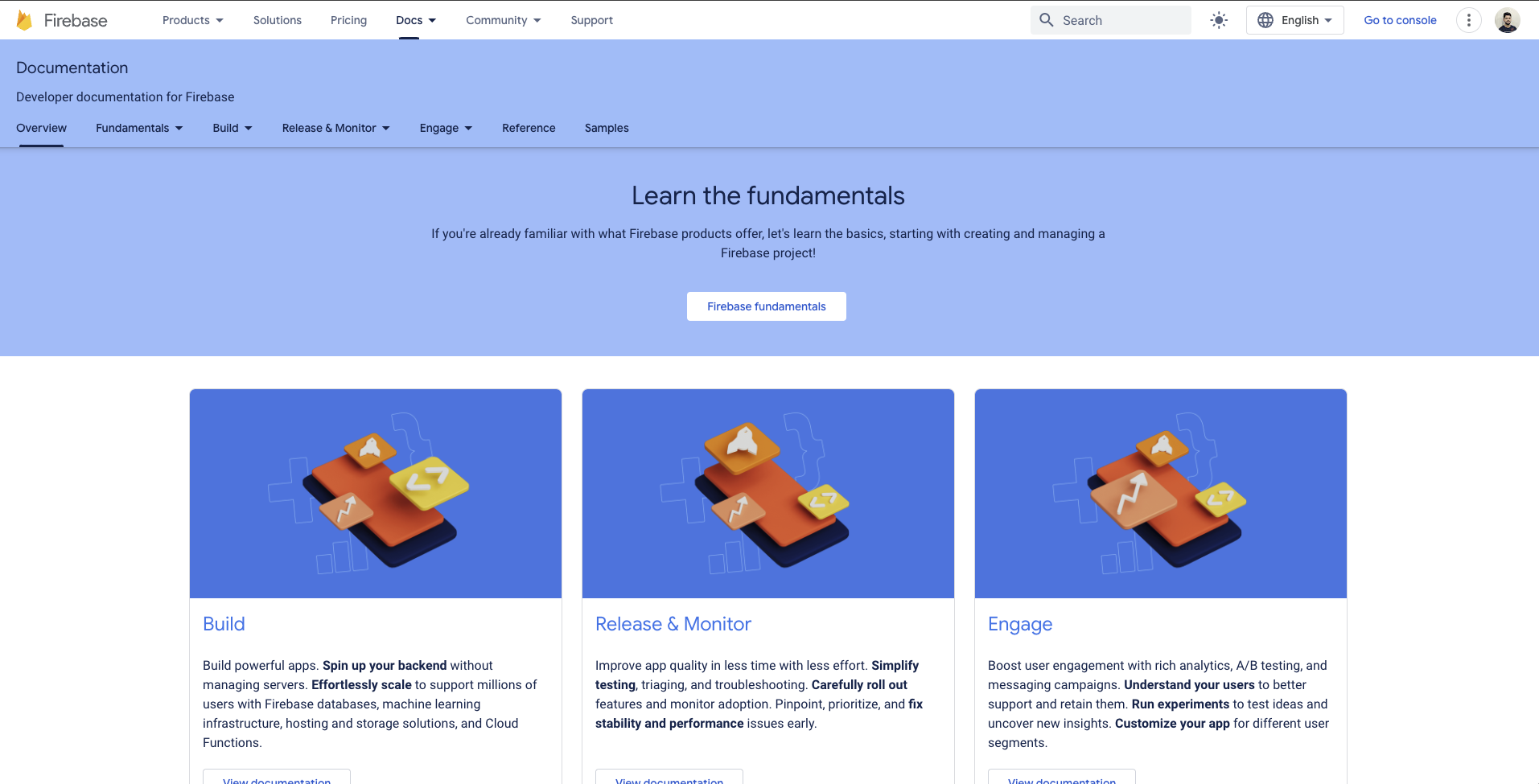










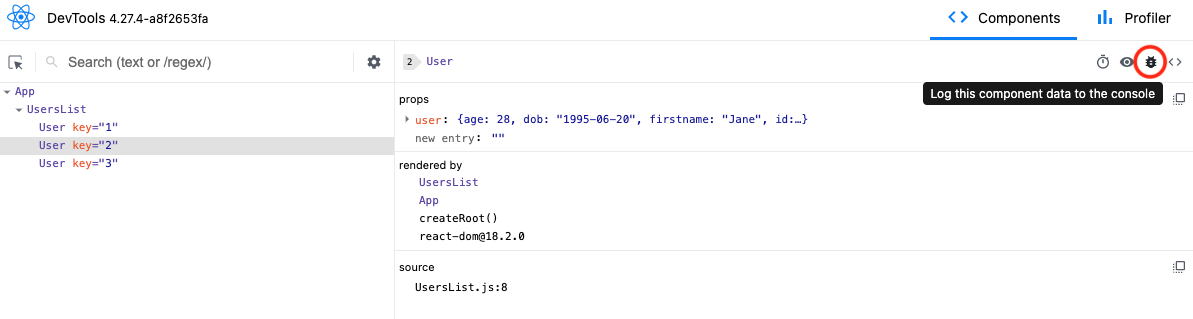
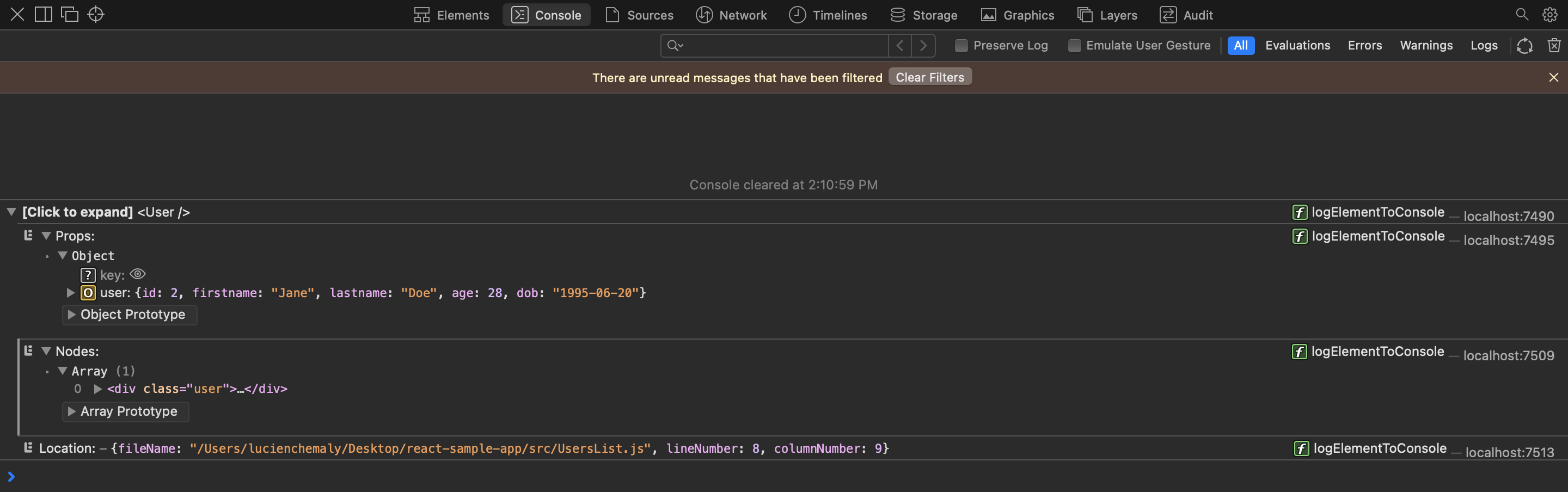






























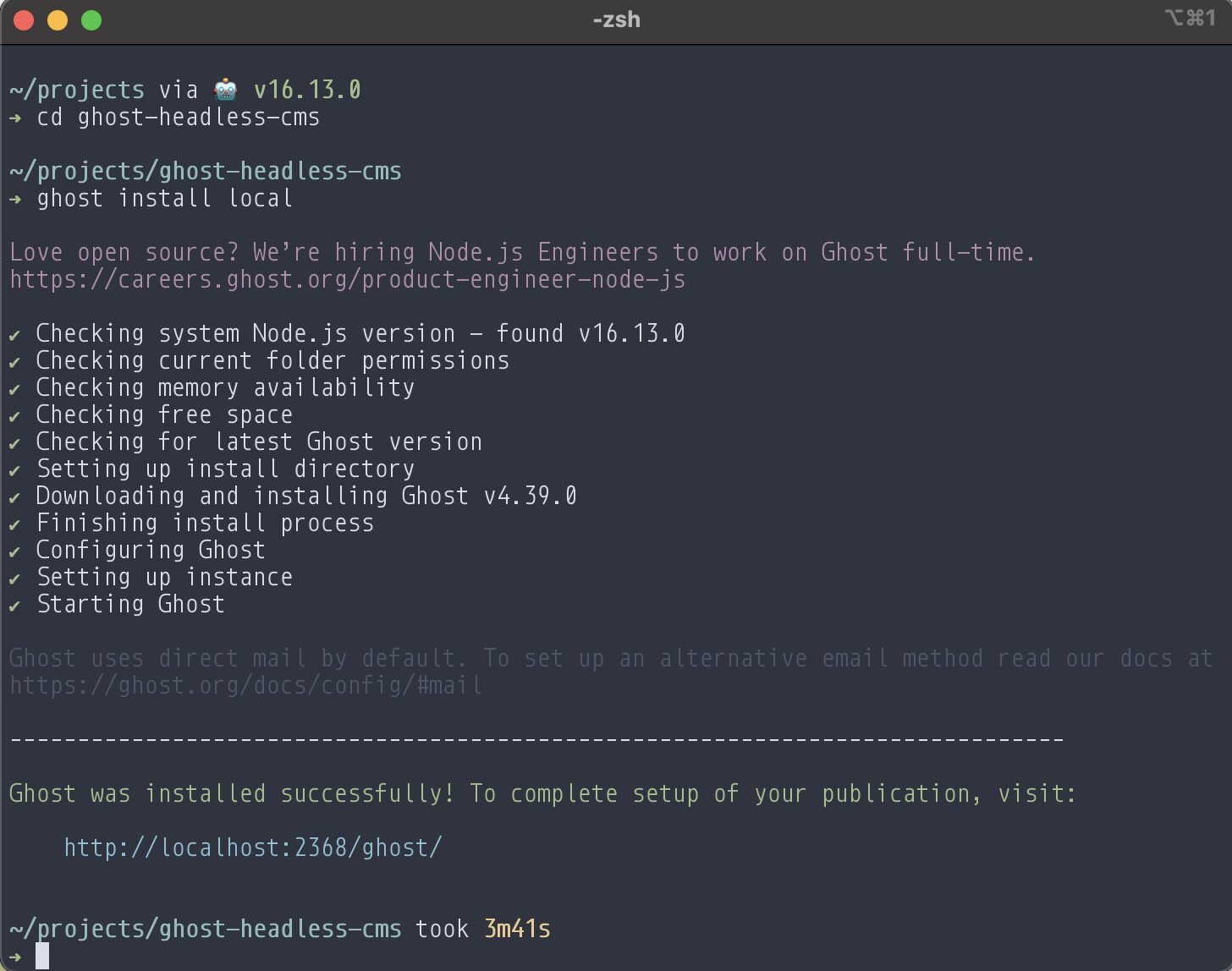

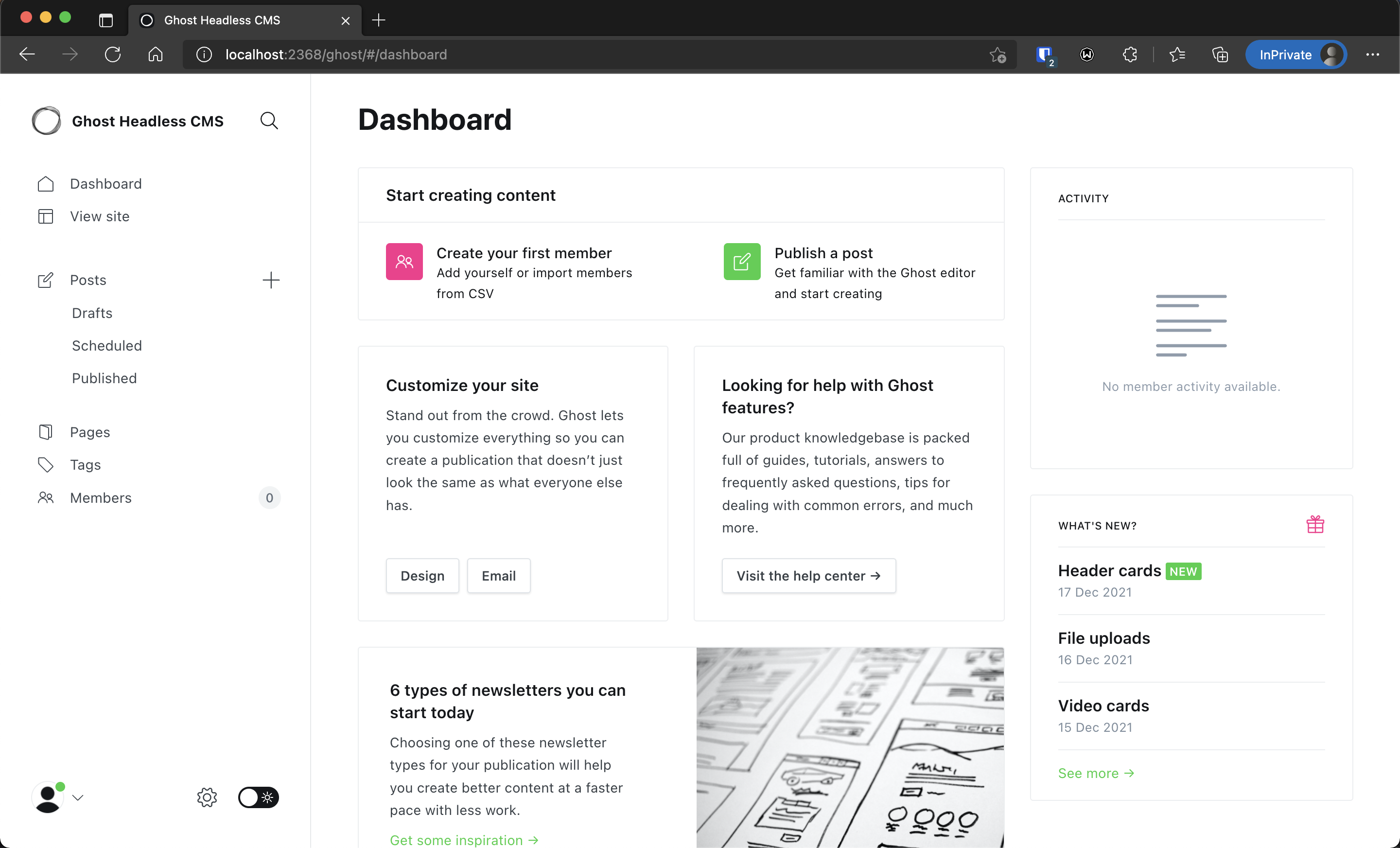












































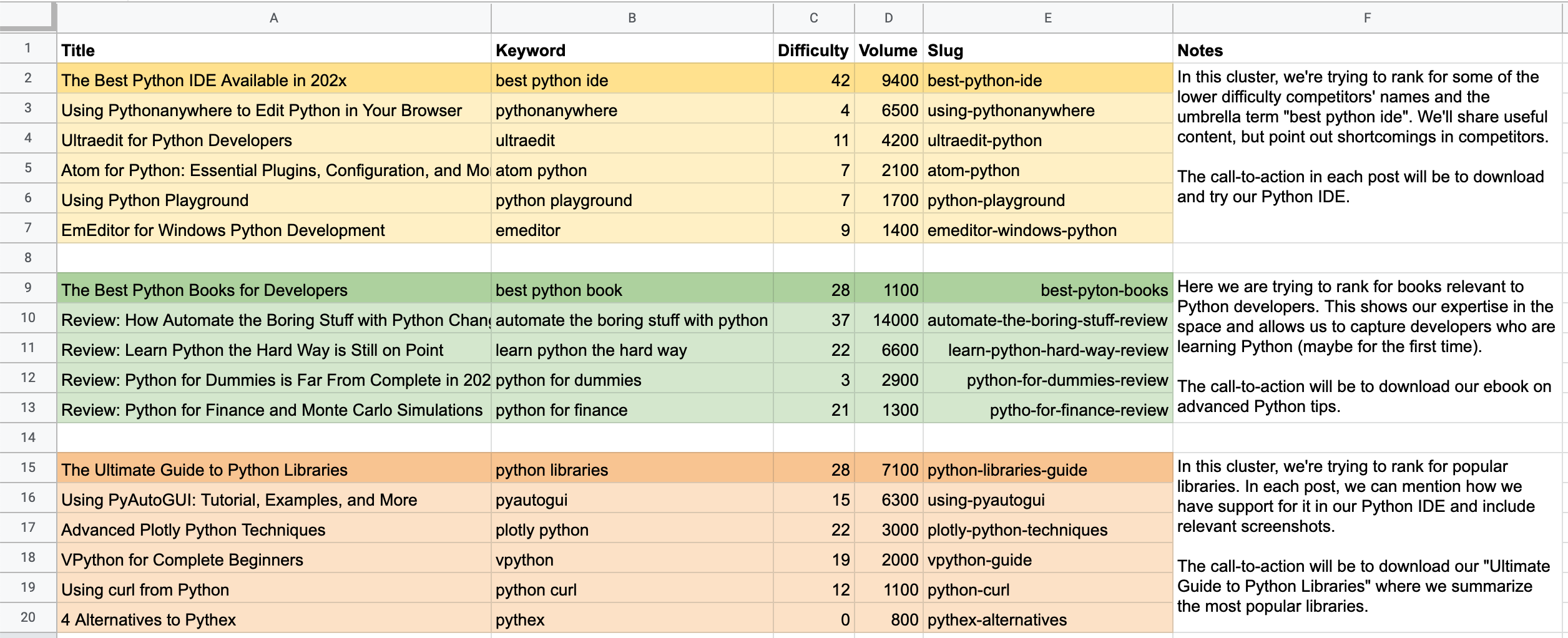


 For a developer, the learning curve is an important aspect to consider when selecting a tool; this will help you define how much time you will need to deliver value to your user.